
Cozy Late-Night Bedroom Selfie
A photorealistic late-night bedroom selfie prompt featuring realistic lighting from computer monitors and a detailed, lived-in background.
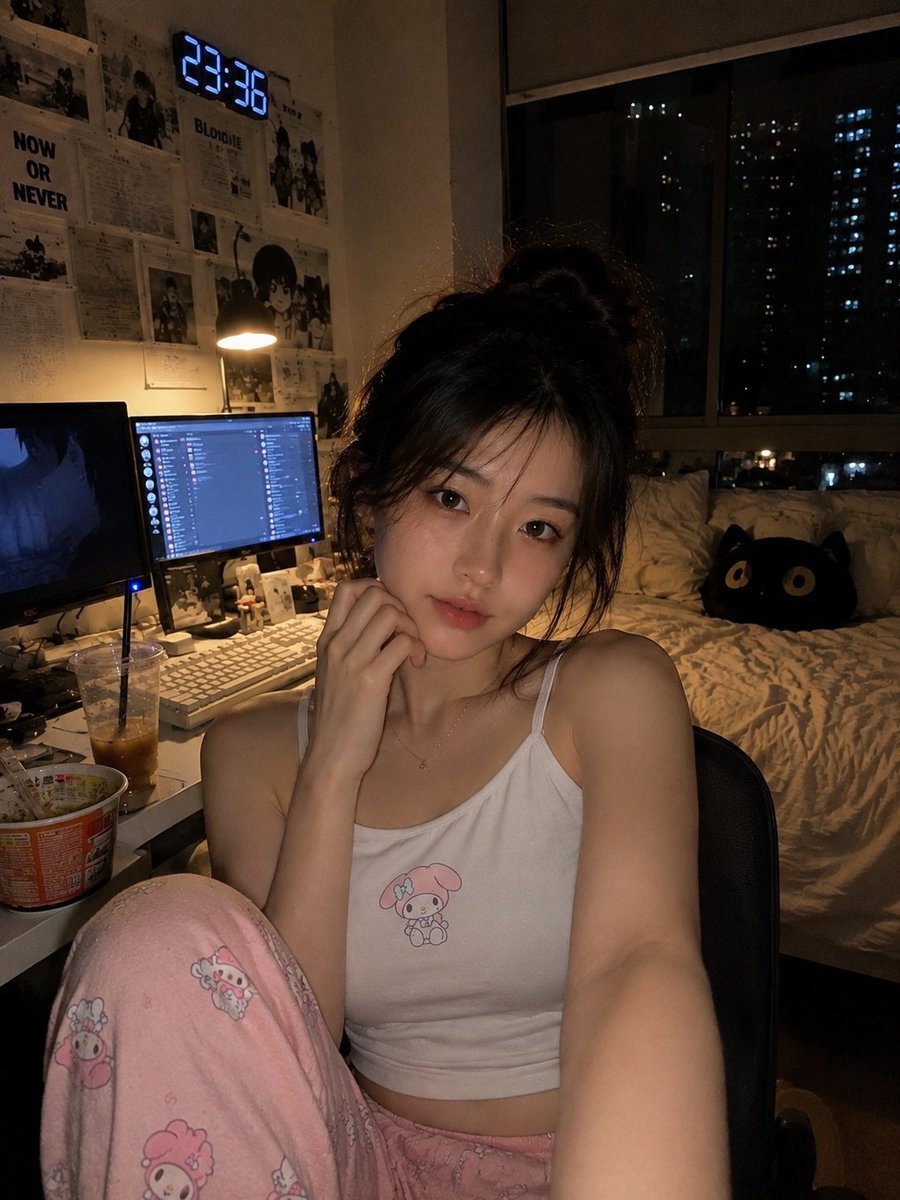
- Prompt included
- Model and format preset
- Free template
The prompt behind this image
Copy the exact prompt behind Cozy Late-Night Bedroom Selfie, or open it in the studio and make it yours.
Ultra-realistic {argument name="shot type" default="cozy late-night bedroom selfie"} of a young East Asian woman sitting casually in a desk chair beside her gaming and study setup. She has soft fair skin, delicate natural features, large expressive dark eyes, subtle makeup, and dark brown hair tied loosely into a messy high bun with wispy strands framing her face. She looks directly at the camera with a calm, slightly sleepy expression. She is wearing a {argument name="outfit" default="fitted white camisole and soft pink pajama pants"}. One leg is casually raised toward the camera while she sits relaxed in the chair. The room has a warm, dim nighttime atmosphere, illuminated mainly by {argument name="lighting source" default="desk lamp and monitor glow"}. Behind her is a cozy bed with neutral bedding and a dark plush cat pillow, a large window showing a nighttime cityscape with scattered apartment lights, and walls decorated with numerous monochrome anime and manga posters, drawings, and typography prints. A digital clock on the wall displays a late-night time. On the desk are dual computer monitors, one displaying a dark anime-style image and the other showing a computer interface, along with a keyboard, mouse, iced coffee, instant noodles, and small personal items. Warm shadows, low-light smartphone photography, subtle grain, realistic monitor reflections, natural skin texture, authentic lived-in bedroom details, slightly soft focus, handheld camera aesthetic, cinematic cozy mood, photorealistic, high detail, vertical composition, realistic proportions, 4K.
How to use Cozy Late-Night Bedroom Selfie in 3 steps
- 1
Open
The prompt is already in the box next to the preview, with the template's model and format selected.
- 2…a portrait of your subject in softgolden-hour light, 85mm…
Personalize
Edit the subject and creative details for your destination.
- 3Generate
Generate
Press Generate — your image is created in PicX Studio, so you can compare it with the original and refine one variable at a time.
More like this
Templates with the same subject, style or setup. Open one to see its prompt.
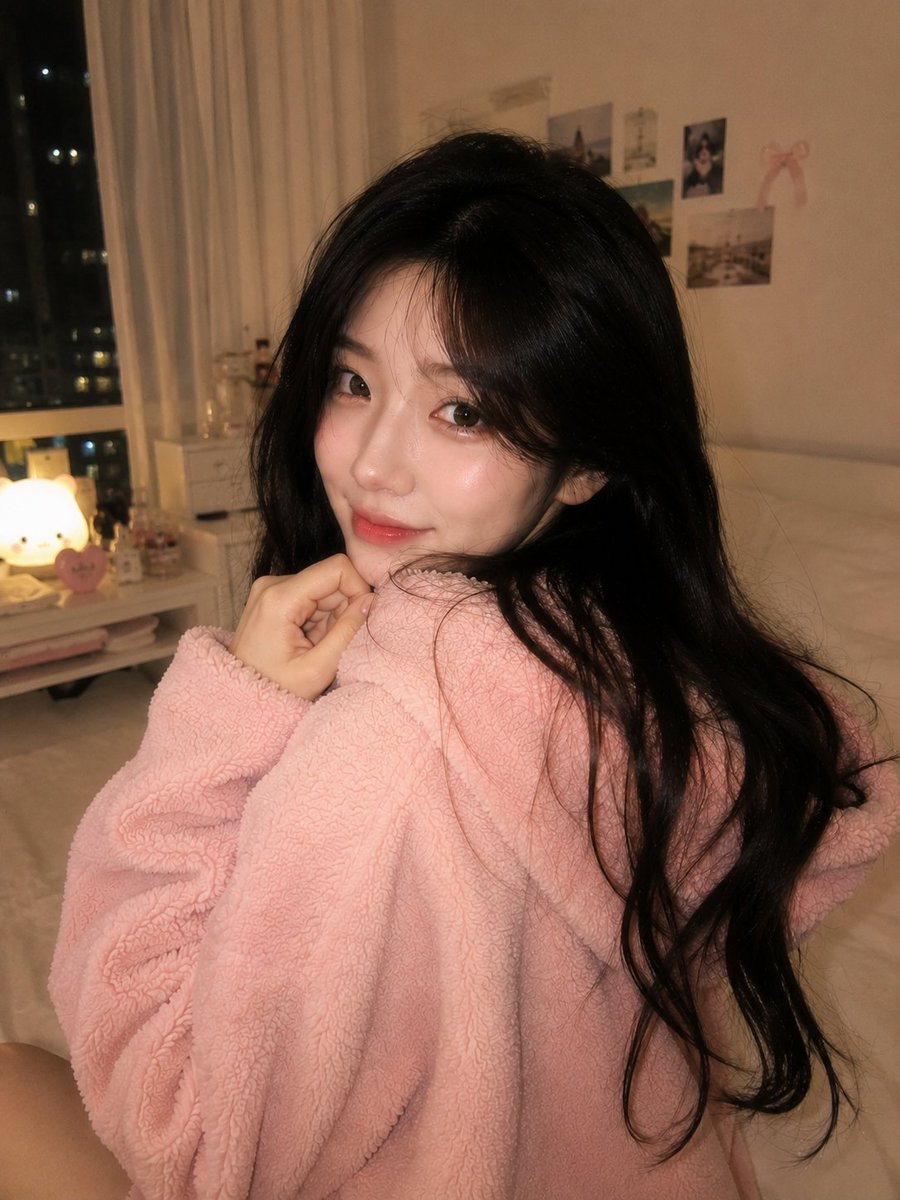
Cozy Late-Night Korean Bedroom
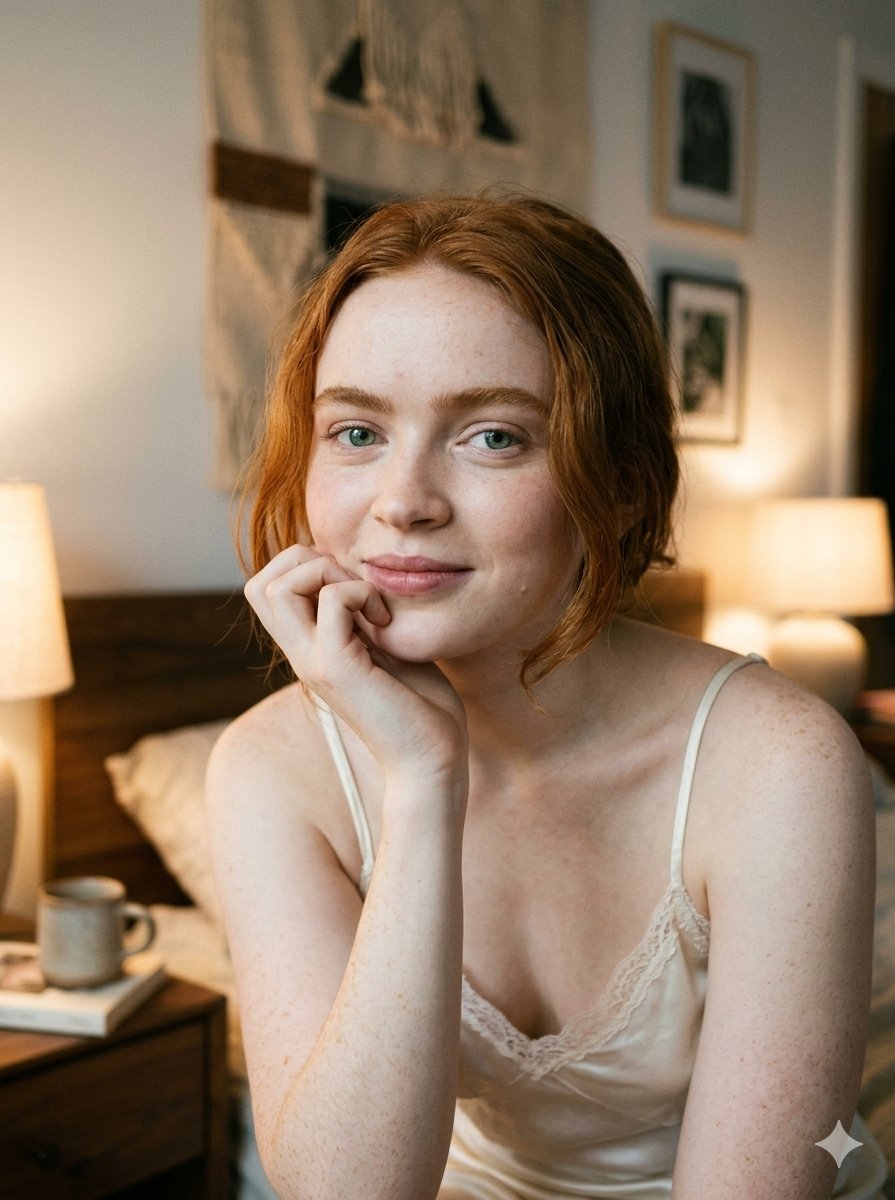
Google Nano Banana 2 — Cozy Bedroom Editorial

Nano Banana - Peace Sign Bedroom Selfie

Nano Banana - Cozy Cafe Night
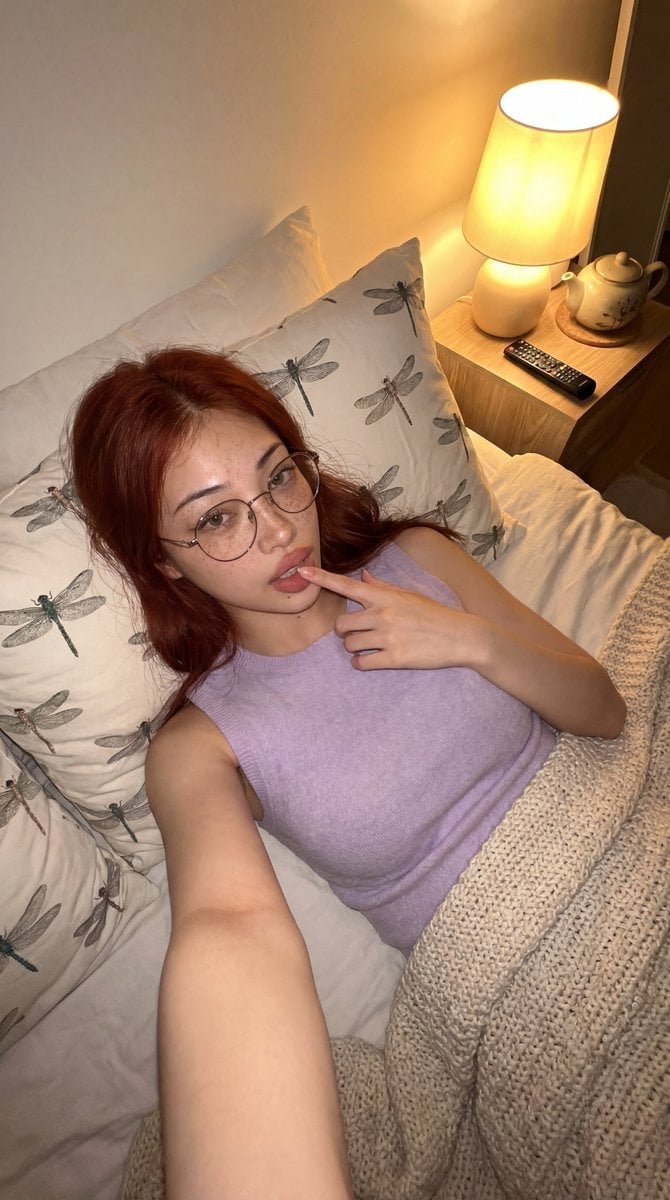
Cozy Bedroom Lifestyle Selfie
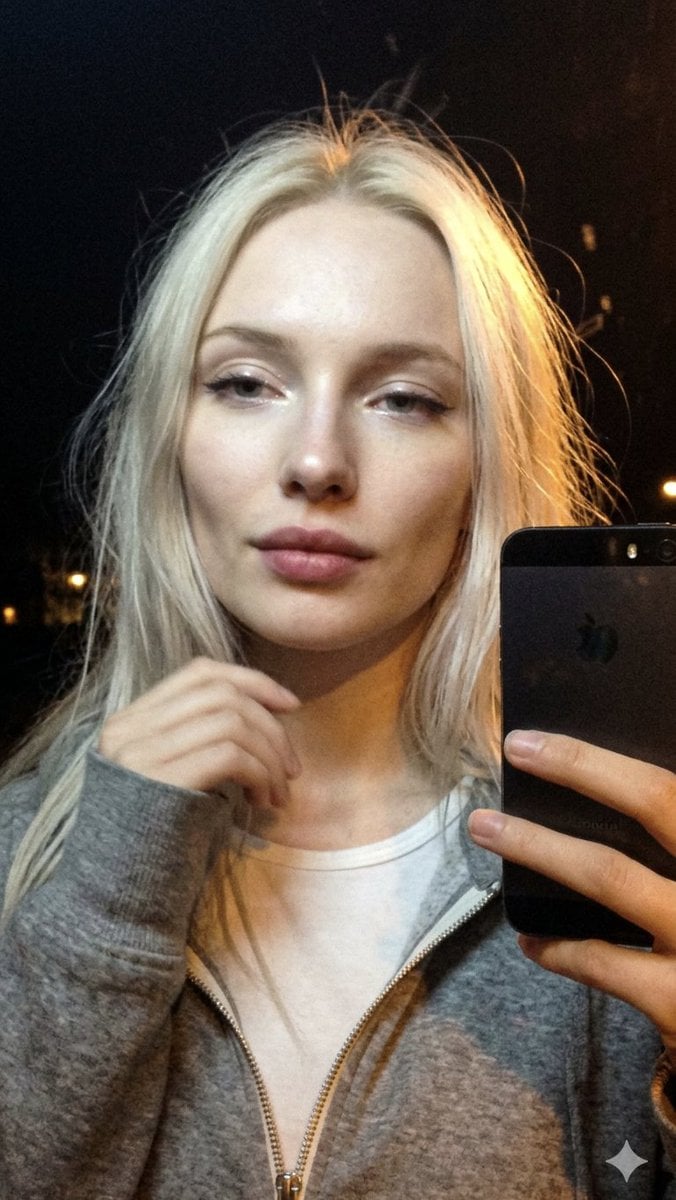
Cinematic Late Night City Selfie
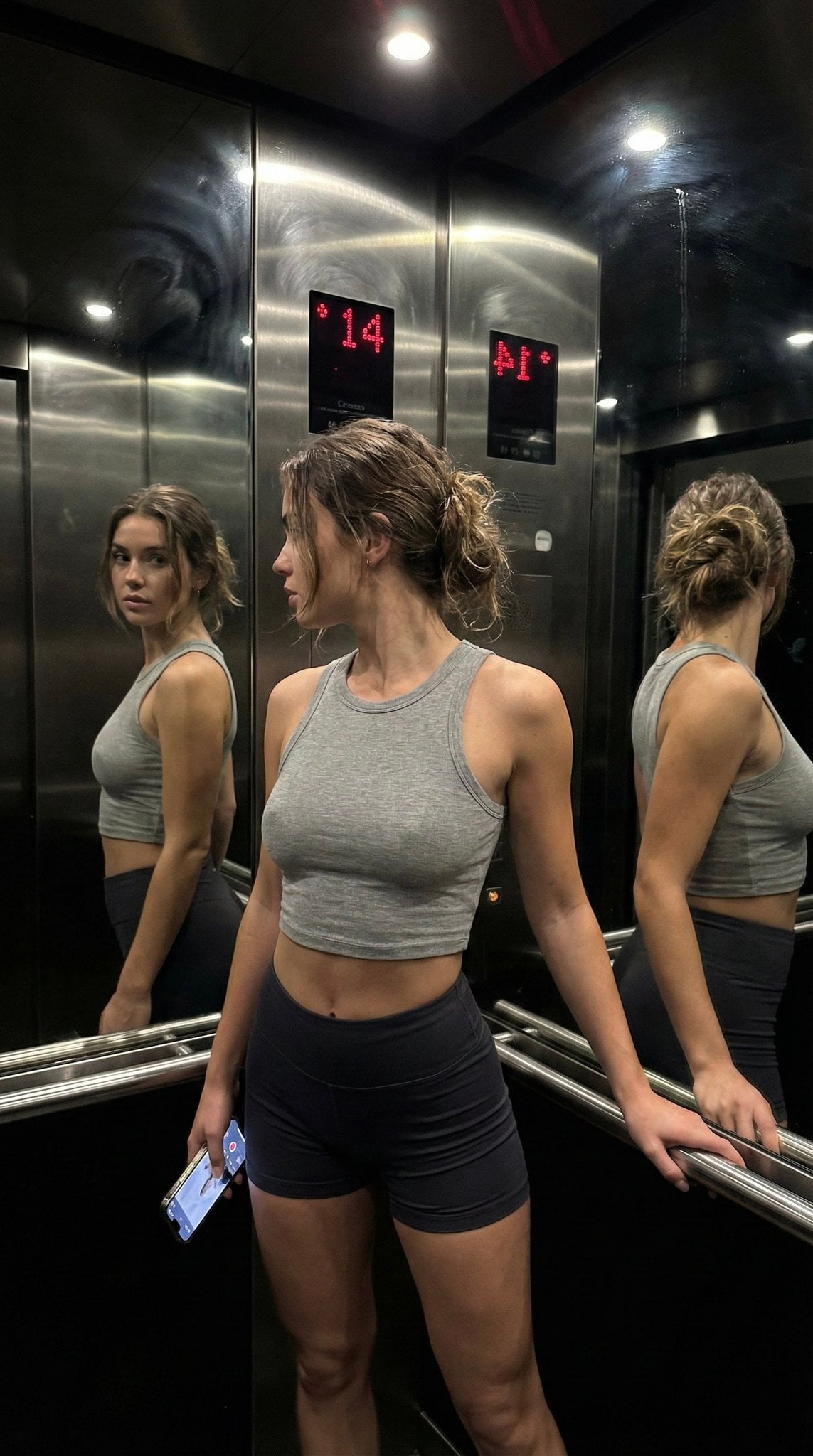
Late Night Elevator Multi Mirror Selfie
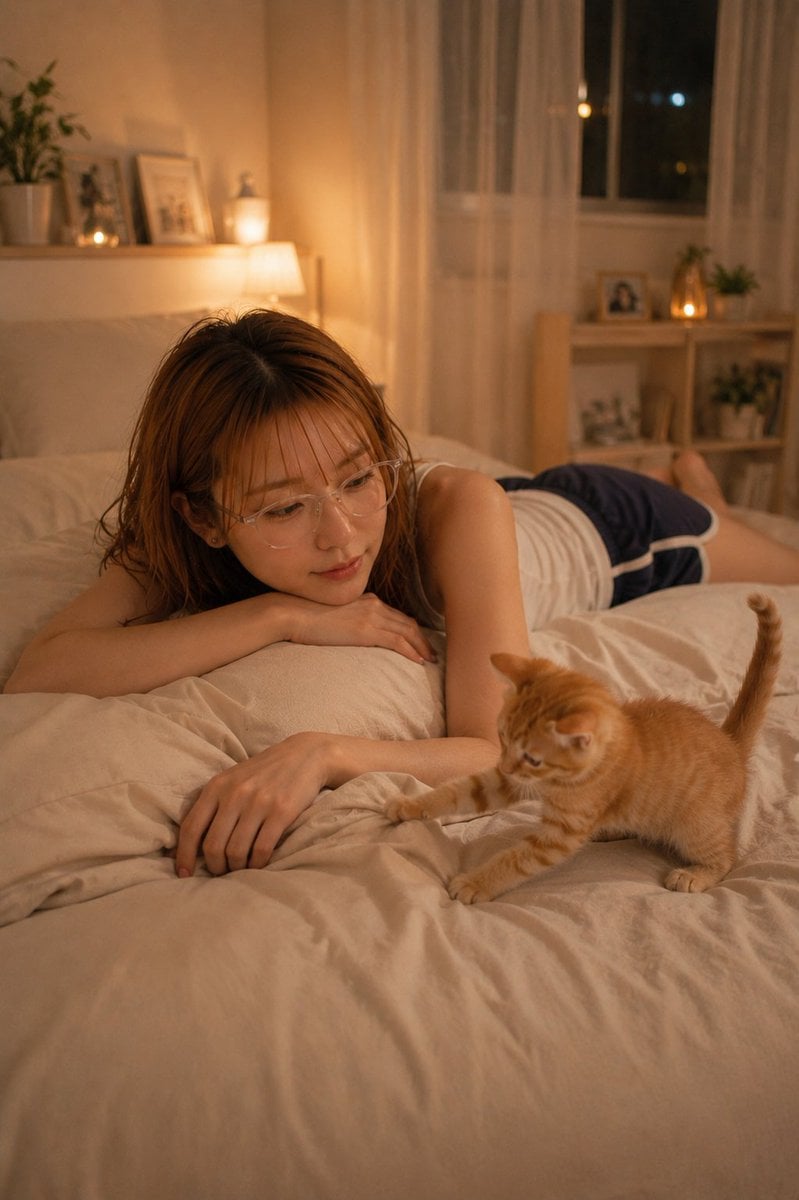
Cozy Night Bedroom With Kitten
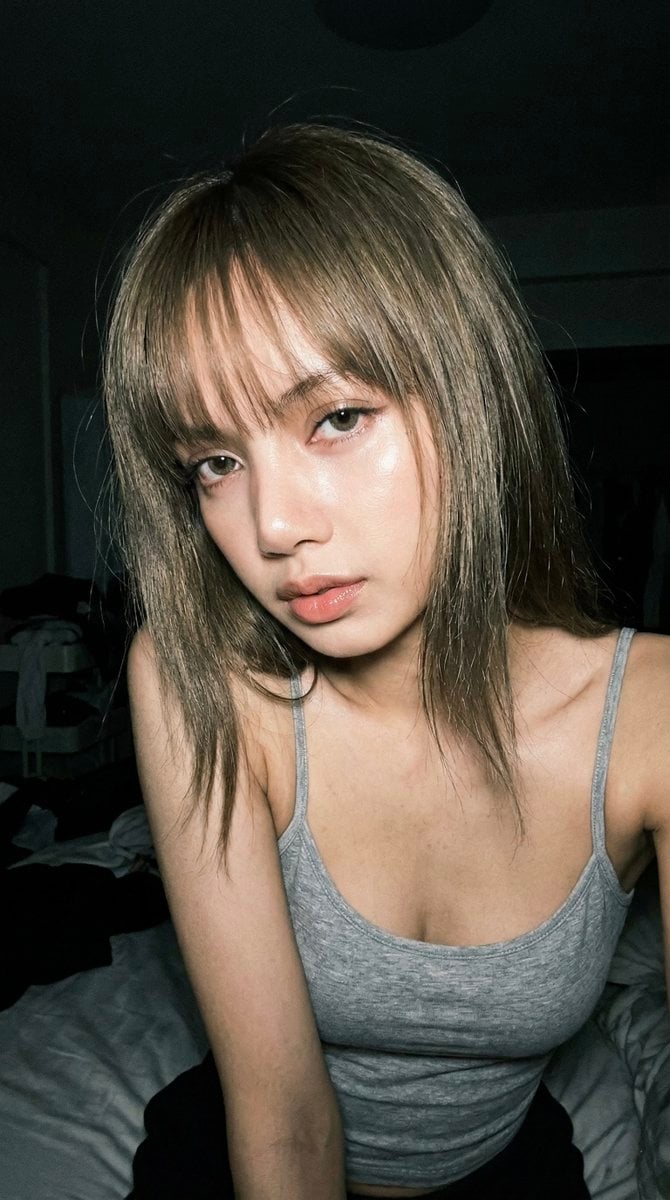
Late Night Raw iPhone Flash Selfie
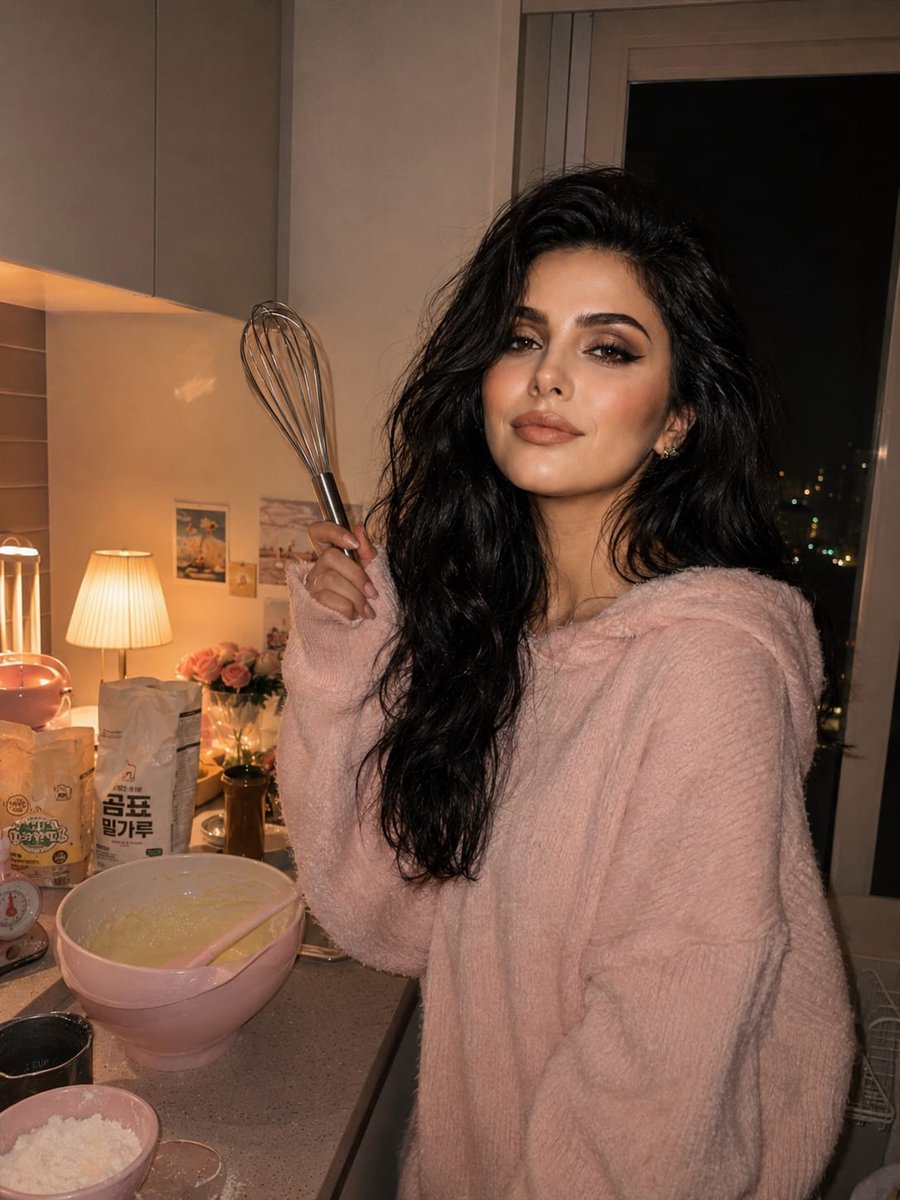
Cozy Kitchen Late Night Baking Portrait
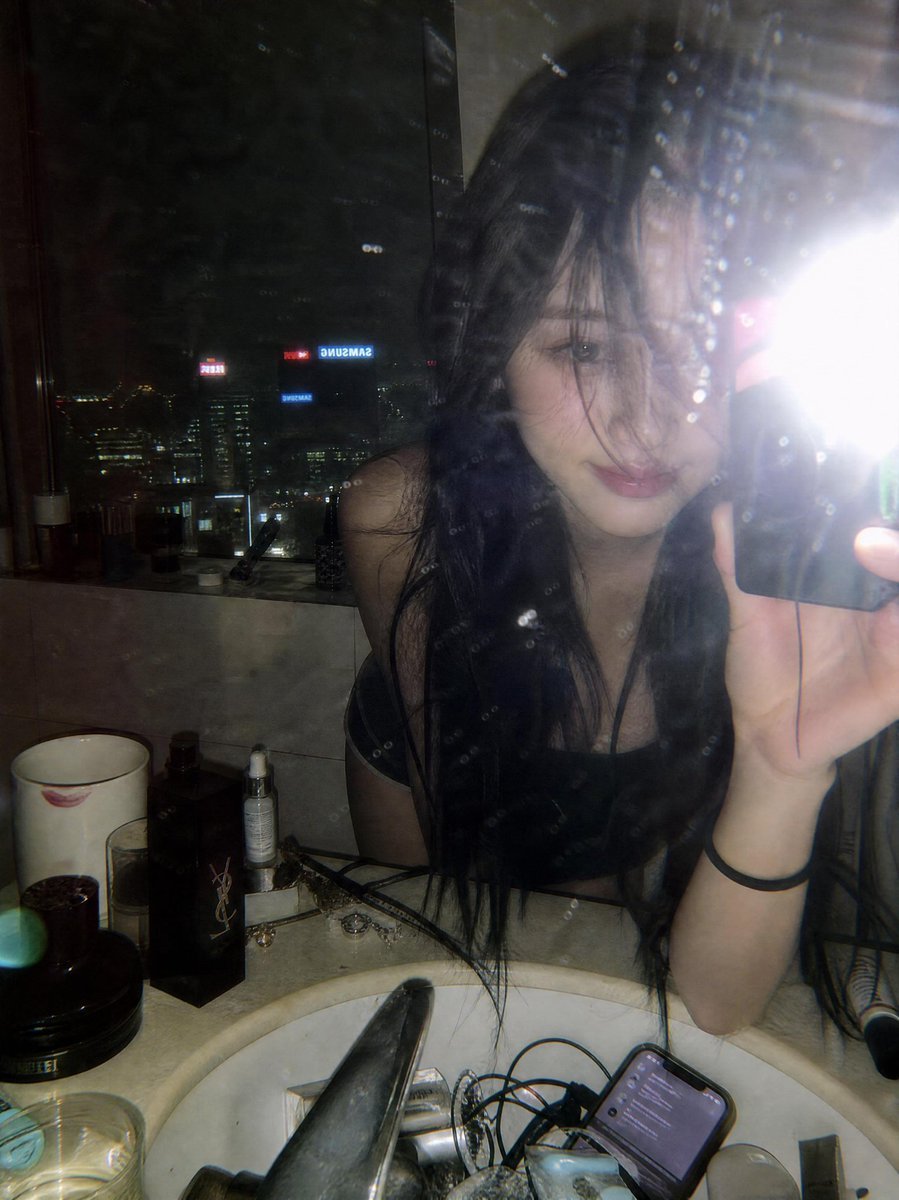
Late Night Luxury Mirror Selfie
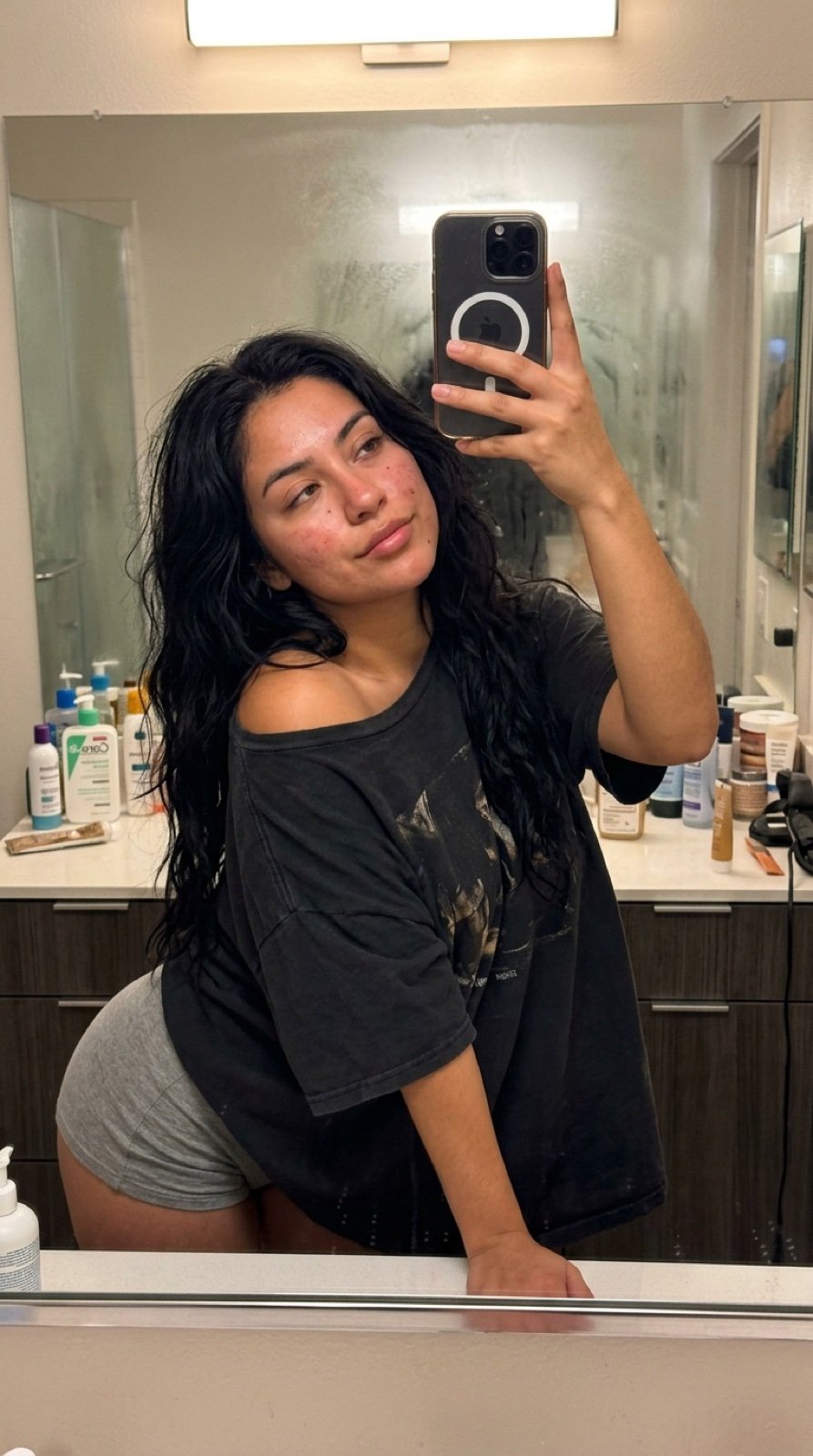
Intimate Late Night Bathroom Selfie
Make it yours
Cozy Late-Night Bedroom Selfie works as-is. These are the safest ways to change it without losing the look.
Change one field
Copy a single group, rewrite it, and generate again so you can see what that field is doing.
Keep the frame, change the subject
Hold the composition and light of Cozy Late-Night Bedroom Selfie, then swap wardrobe, props or the person for a new take.
| If the result… | Why | Fix |
|---|---|---|
| The result drifts from the preview | Too many fields changed at once. | Reuse Cozy Late-Night Bedroom Selfie as-is first, then change one group — subject, light, or setting. |
| The model over-stylizes the scene | The prose prompt leaves finish and camera underspecified. | Add one camera or lighting sentence and stay on GPT Image 2. |
More GPT Image 2 templates
Other prompts made for GPT Image 2.

Six VTuber Japanese Logo Sheet

Realistic Portrait of Woman and Deer

The Vista Modular Condo Poster

AI Model Routing Comparison Infographic

2.5D Anime Art Board

Isometric Productivity Desk Scene

New York Double Exposure Poster

Four-Panel AI Landscape Comparison

Japanese Tatami Lifestyle Magazine Cover

NESCAFÉ Coffee Map Poster
More image prompts
Fresh picks from across the catalog.
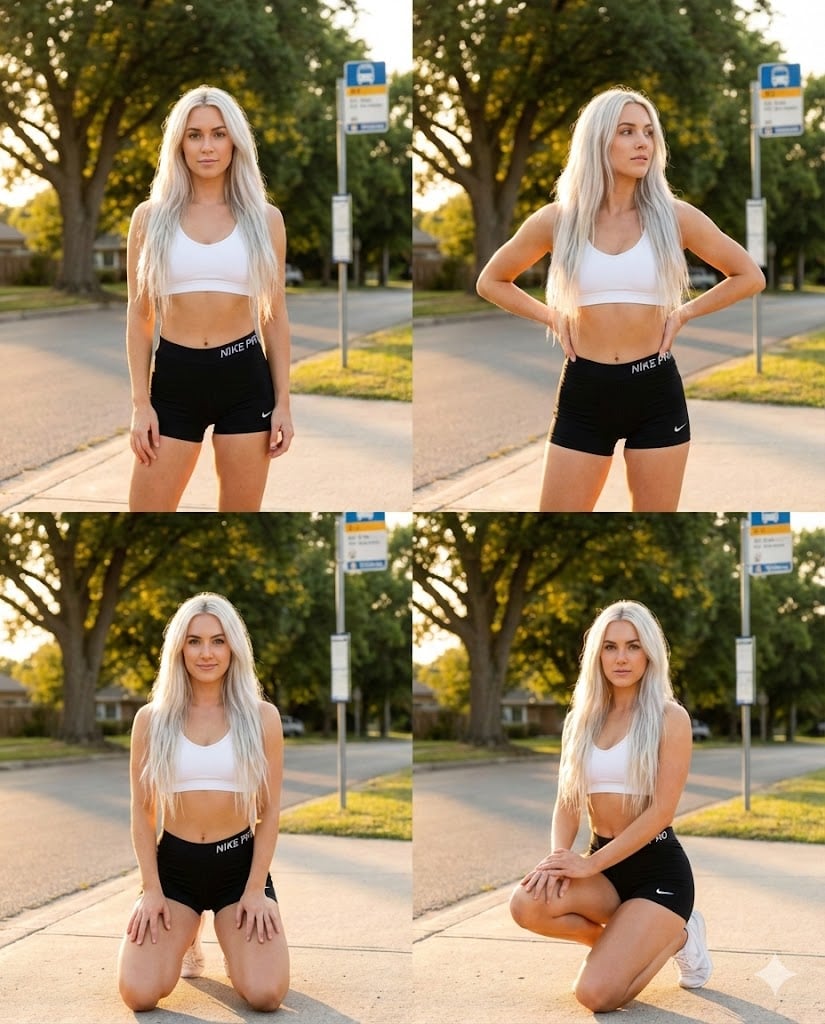
Dua Lipa Style Photo Set Generation Prompt
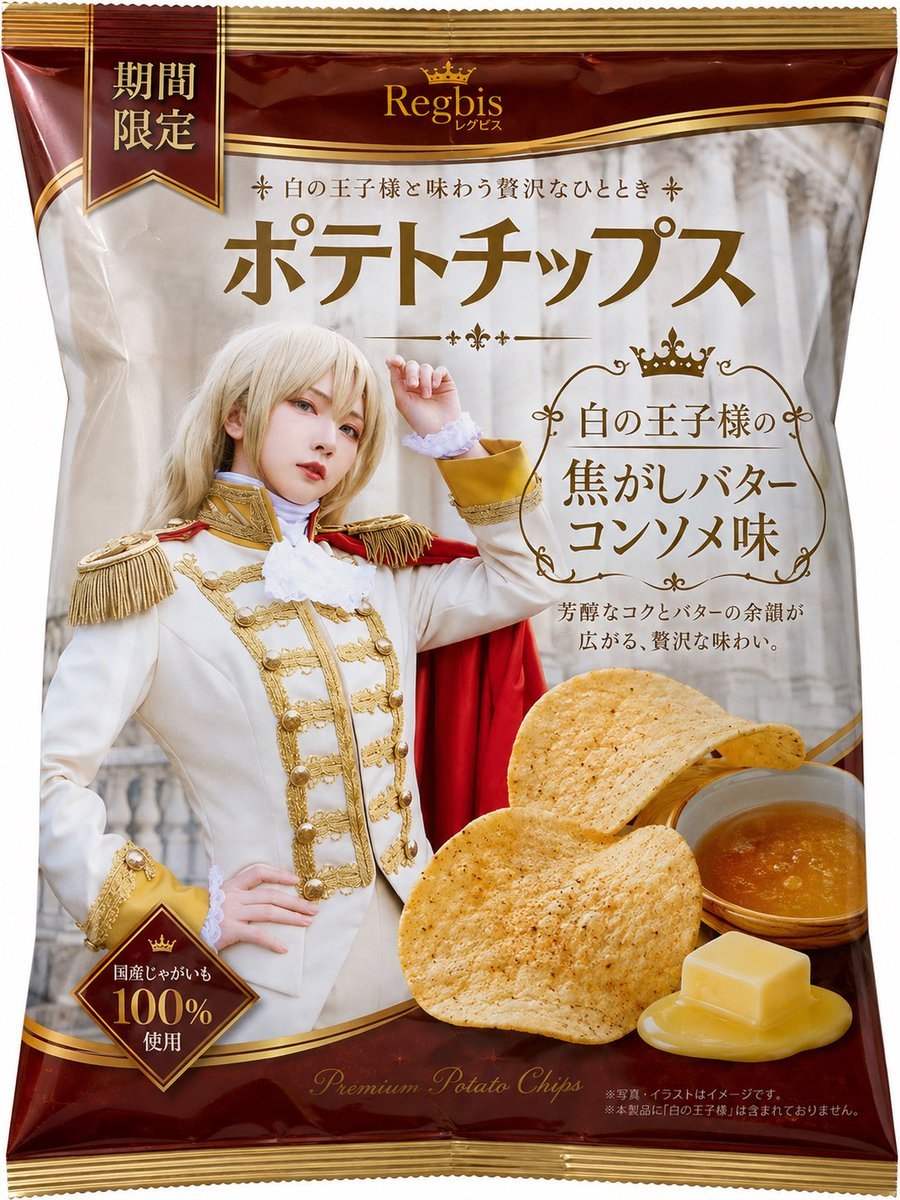
Royal Prince Potato Chips Package
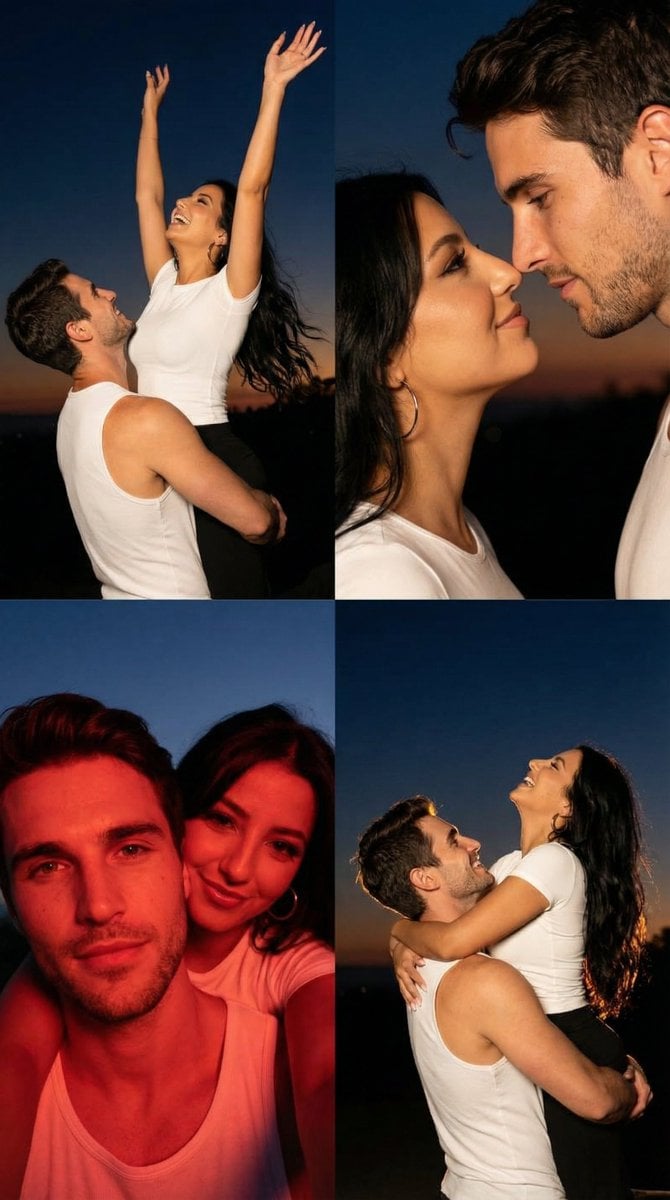
2x2 Grid Cinematic Night Couple Portrait with Identity Lock
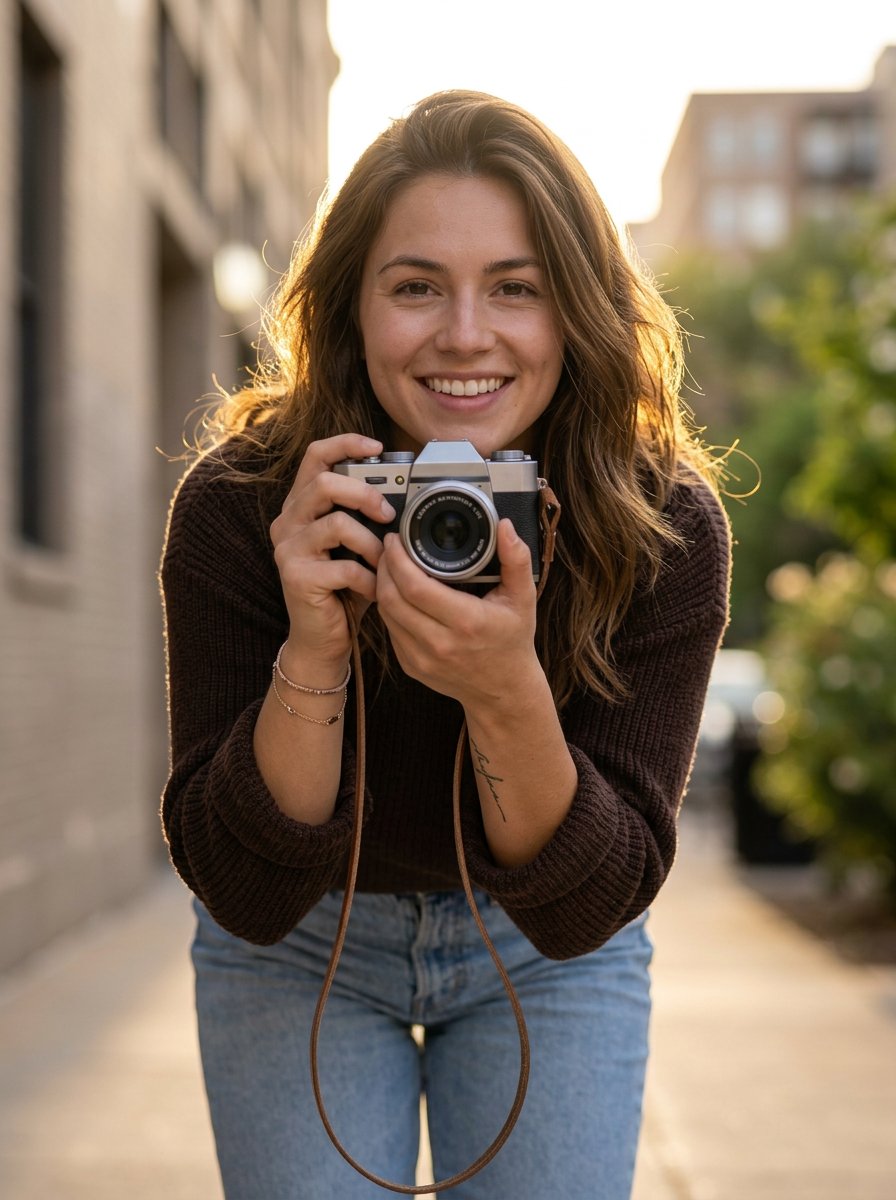
photoshoot
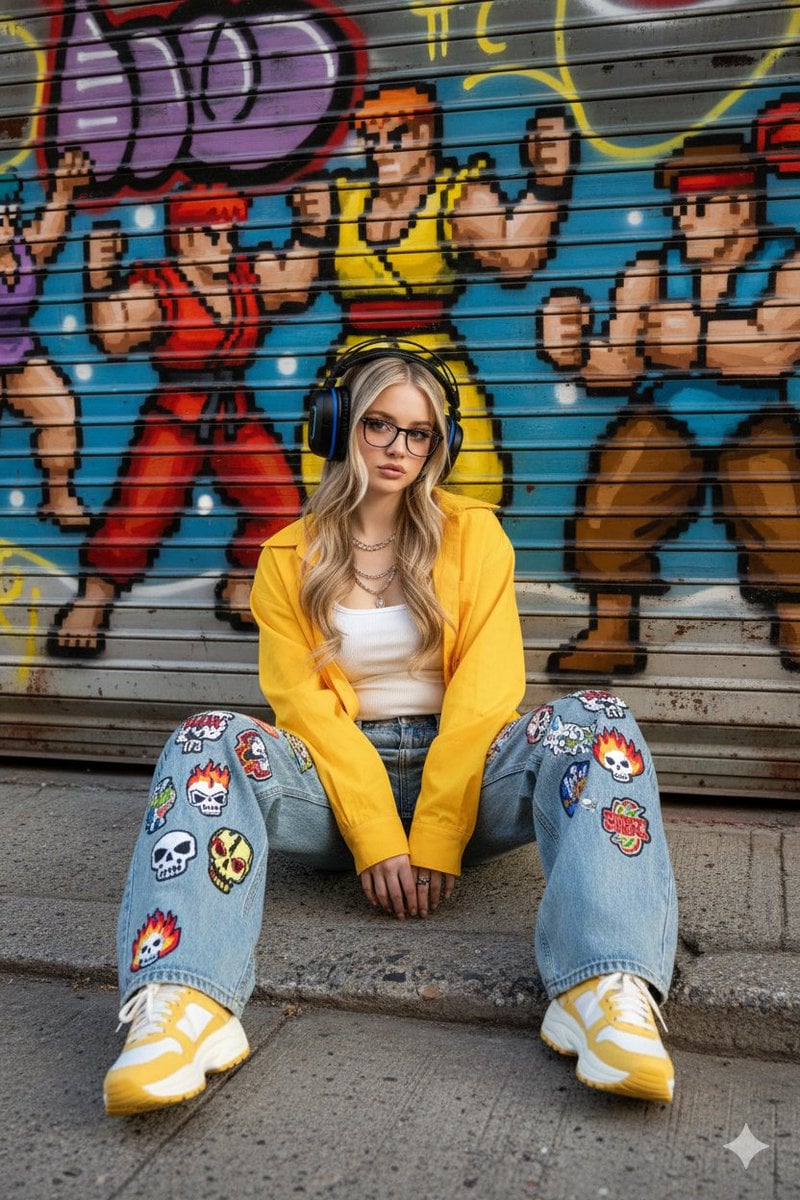
Urban Streetwear Portrait Prompt
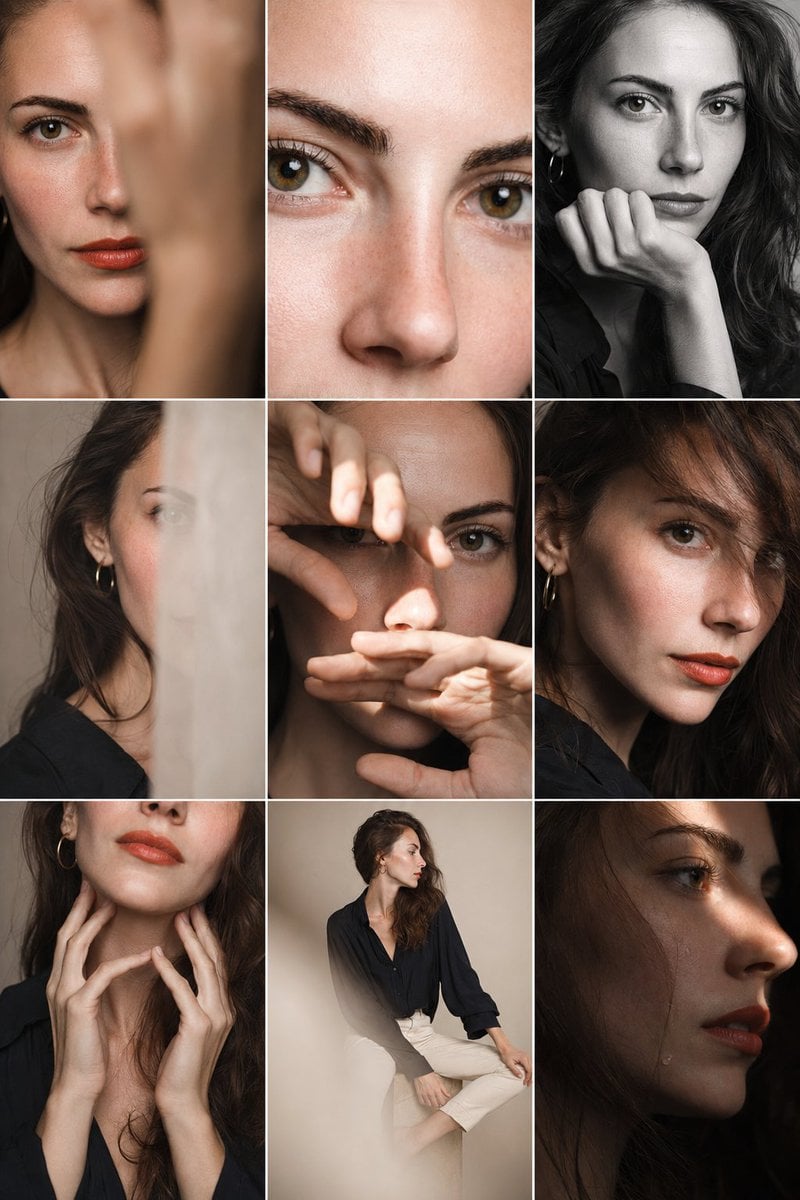
Editorial Portrait Photo Grid
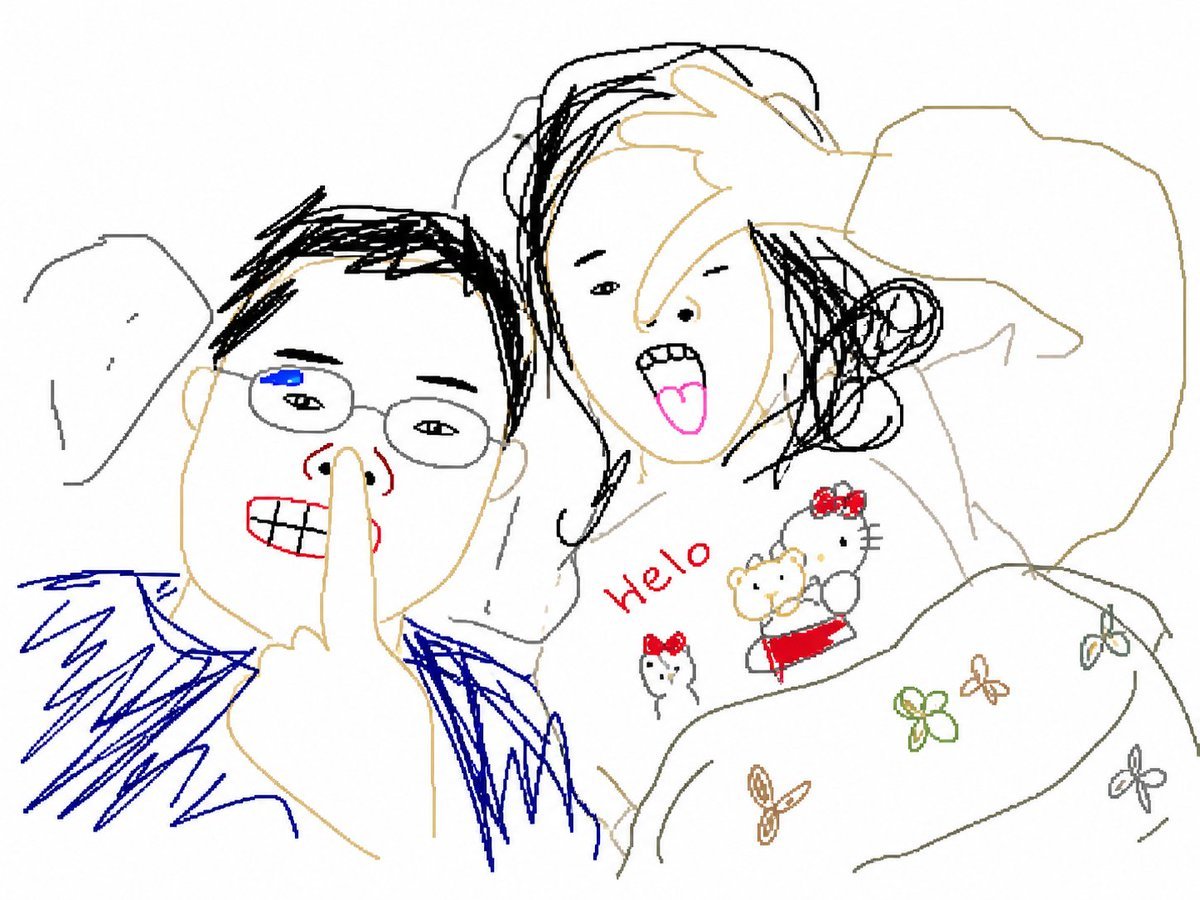
Clumsy MS Paint Redraw Style
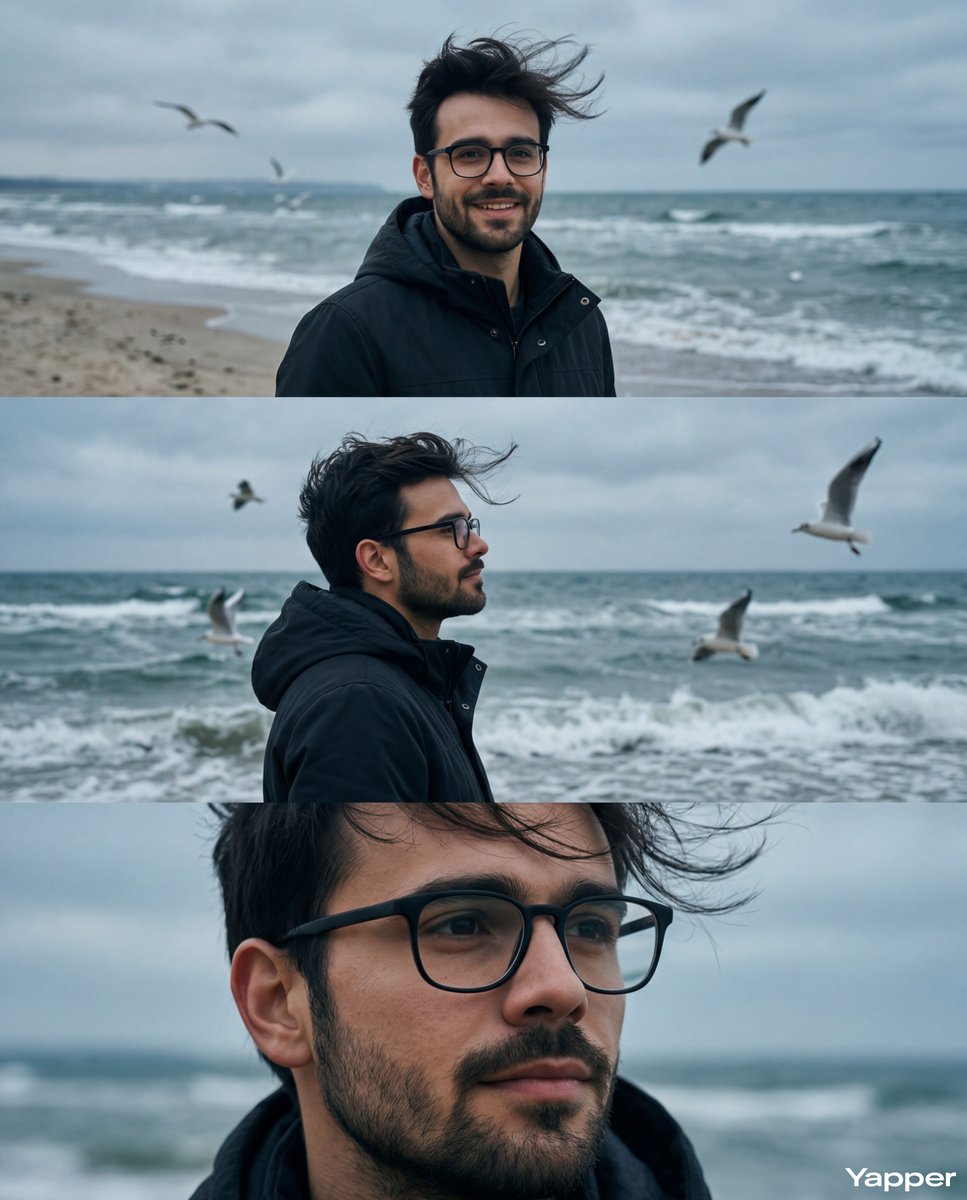
Cinematic Seaside Triptych Portrait Prompt

Monika Anime Banner Illustration
Nano Banana Pro prompt for a photorealistic image of a woman with a futuristic helmet
Browse template categories
Cozy Late-Night Bedroom Selfie questions
How do I use the Cozy Late-Night Bedroom Selfie template?
Add your photo if the template asks for one, edit the prompt if you like — the template's model and format are already selected — and press Generate. Your version opens in PicX Studio.
Can I customize the Cozy Late-Night Bedroom Selfie template?
Yes. You can change the subject, setting, lighting, mood, format, and available model controls before creating your image.
Is the Cozy Late-Night Bedroom Selfie template free?
Opening and editing this template is free. Generating uses credits, shown on the Generate button when you are signed in.
Which AI model should I use?
Start with GPT Image 2, which is the model associated with this template. You can compare another compatible model for a different finish.
Looking for something else? Browse all templates.

Your photo, any look
Thousands of ready templates for every top image and video model, from one credit balance.