How do I use the Exploded Burger Infographic and Product Shot template?
Choose the primary action to open PicX Studio with the available template settings. Review the model and format, personalize the creative direction, and generate when ready.
A dual-image prompt for generating a high-quality product photograph of a zinger burger and a hyper-realistic exploded vertical infographic composition of a gourmet burger. Change the subject, setting, or lighting one variable at a time.
Motion Prompt: The burger begins a slow, smooth rotation while its layers gently separate one by one, maintaining perfect alignment, spacing, and scale. Each ingredient floats apart with precise, controlled motion. The movement is clean and fluid, with no extra effects or distractions. Image 1 :- A high-quality, professional product photograph of a crispy zinger burger with a golden, crunchy fried chicken fillet, fresh lettuce, and soft sesame bun. The burger looks juicy and well-stacked with visible texture and crunch. Minimalist style, shot against a pure solid white background with soft, natural shadows. 8K resolution, sharp focus, clean and modern aesthetic. Image 2 :- Create a hyper-realistic exploded vertical infographic composition of a gourmet burger. At the top, a soft glossy sesame bun crown with visible sesame seeds and light texture. Below it, fresh crisp lettuce leaves floating naturally, followed by ripe tomato slices with juicy pulp and seeds. Beneath that, melted cheese slices stretching slightly over a thick, perfectly grilled beef or crispy chicken patty with visible char or crunch texture and moisture. Under the patty, thinly layered onions and pickles suspended mid-air. At the bottom, a soft bun base aligned perfectly. Pure solid white background, soft studio lighting, subtle realistic shadows beneath each floating layer, ultra-sharp focus, DSLR macro photography look. Clean, minimalist infographic text labels with thin pointer lines for each layer. Premium fast-food lifestyle aesthetic, photorealistic.
Choose the primary action to open PicX Studio with the available template settings. Review the model and format, personalize the creative direction, and generate when ready.
Yes. You can change the subject, setting, lighting, mood, format, and available model controls before creating your image.
This template is free to open and customize. Generation usage is shown in PicX Studio before you create.
Start with Nano Banana 2, which is the model associated with this template. You can compare another compatible model for a different finish.
© 2026 PicX Studio. All rights reserved.

Follow a topic to a crawlable collection of related PicX Studio templates.
43,474 public templates available. Verified via the PicX Studio public templates API; refreshed hourly.


![High-end product advertising, white seamless background, exploded view — [PRODUCT], high-end product advertising, white seamless background, exploded view with](https://images.meigen.ai/tweets/2010665188731785382/0.jpg)
![Hyper-realistic exploded vertical infographic composition — Create a hyper-realistic exploded vertical infographic composition of [FOOD].
At the top, characteri](https://images.meigen.ai/tweets/2028451530198642753/0.jpg)
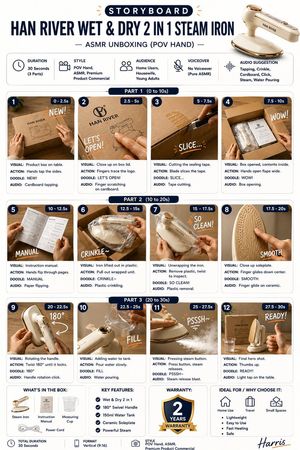
![Exploded Mechanics Product Macro Campaign — Create an exploded product with inner mechanics [product], high-end product advertising, white seamless background,](/_next/image?url=https%3A%2F%2Fcdn.picxstudio.com%2Fuploads%2Fmeigen_b78883f3cfcc_6422efa5-5e5b-4a13-aa00-aa65996e48a8.jpg&w=828&q=100)
![High-end product advertising, white seamless background, exploded view — [product], high-end product advertising, white seamless background, exploded view with](https://images.meigen.ai/tweets/2041516871133122581/0.jpg)
![Hyper-realistic exploded vertical infographic composition — Create a hyper-realistic exploded vertical infographic composition of [FOOD].
At the top, characteri](https://images.meigen.ai/tweets/2010305720764551520/0.jpg)


![Japan Travel Brochure Poster — Create a vertical vintage travel-brochure infographic poster titled “[COUNTRY/DESTINATION]: [TAGLINE]”, using a warm parchment-pa](/_next/image?url=https%3A%2F%2Fcdn.picxstudio.com%2Fuploads%2Fp0_982bf820-bb34-4c43-8a6d-42d799d7282b.jpg&w=828&q=100)
![Exploded products with inner mechanics, high-end product advertising — Create an exploded products with inner mechanics [product], high-end product advertising,](https://images.meigen.ai/tweets/2010350005870276897/0.jpg)
![Technical Product Infographic with Blueprint Overlay — Premium technical infographic of {argument name="product name" default="[product name ]"}.
Use the refere](https://cms-assets.youmind.com/media/1783932926598_1un1z6_HNCWxb9a8AA2XSz-300x300.jpg)


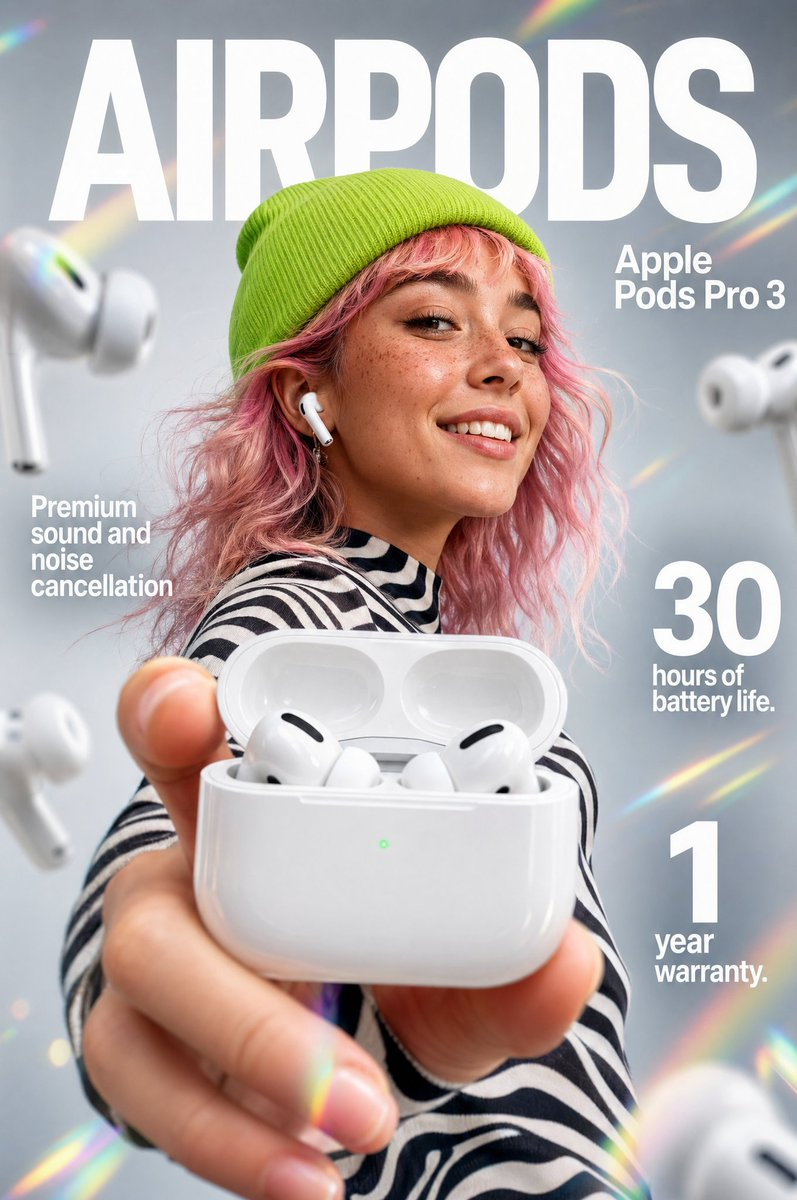
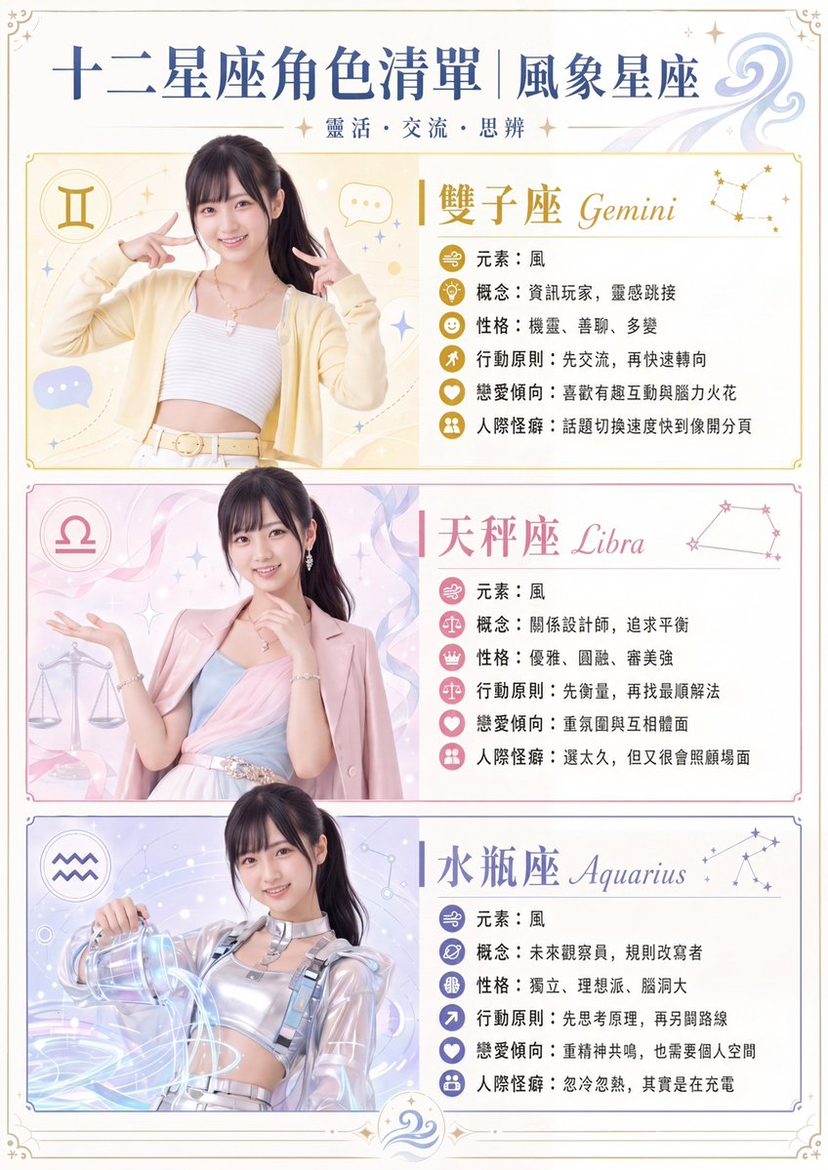
![Naive doodle-style subject illustration — A doodle-style {argument name="subject" default="[subject]"}, naive lines, humorous shape exaggeration](https://pbs.twimg.com/media/G6Wl2YxbsAARB2b.jpg)














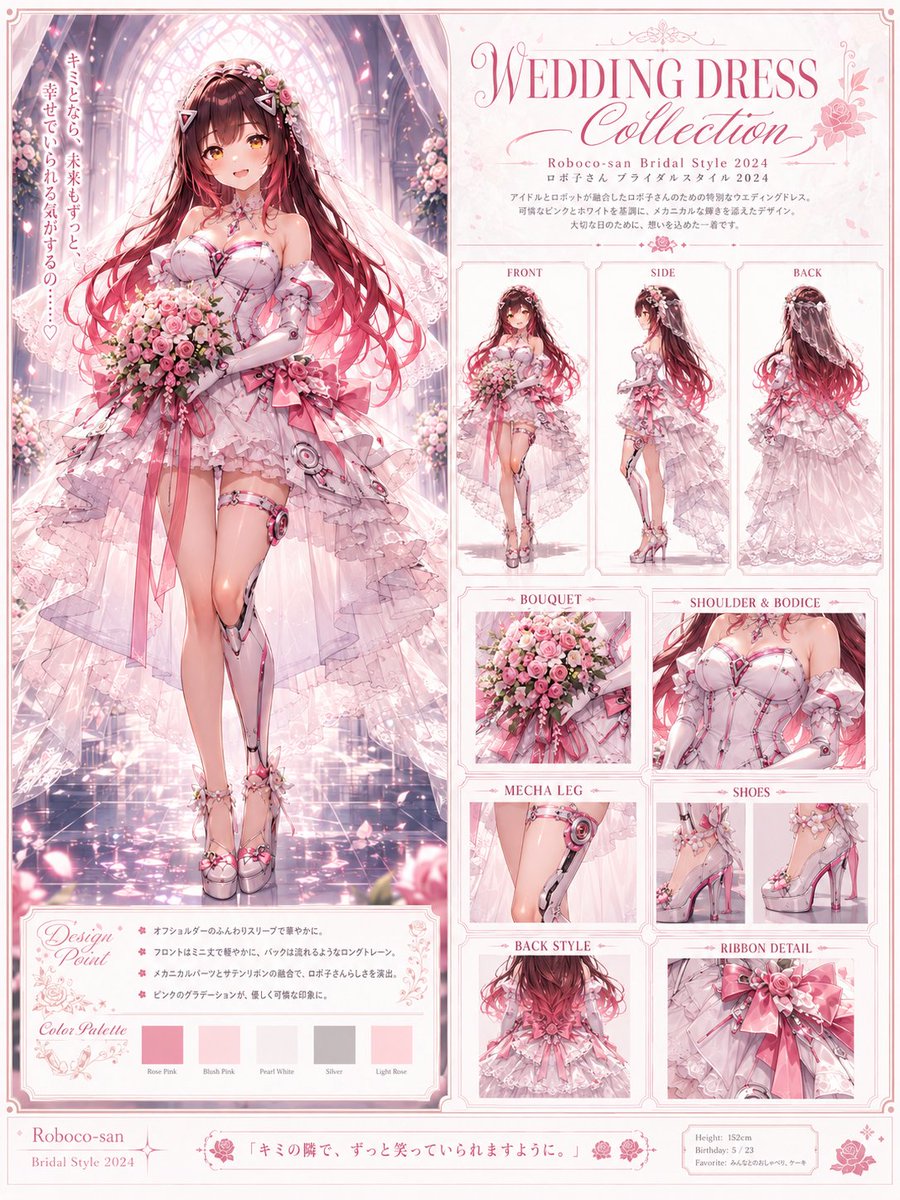




![Space Mission Technical Artifacts — 16:9, do this for 4 famous space missions: void main() { string[] subjects = {"{argument name="subject one" default="[SUB_1]](https://cms-assets.youmind.com/media/1779096592895_53y1uu_HIfXbkRW4AAaI4v.jpg)