Motivational Yoga Selfie with Pastel Aesthetic
"intent": "A dynamic, motivational close-up selfie of a young woman during a yoga session, capturing a trendy fitness influencer vibe with fresh energy and casual style."
},
"frame": {
"aspect_ratio": "9:16",
"creative_style": "Social media influencer gym selfie, vibrant and empowering vibe with soft pastel tones and active whimsy.",
"composition": "Close-up from above, subject lying on a mat looking directly up at the camera with arms extended in a selfie pose.",
"style_mode": "raw_photoreal"
},
"subject": {
"identity": "A young Caucasian woman in her early 20s, embodying the 'Fitness Influencer' archetype with a motivated, approachable look.",
"face": {
"skin": "Fair skin with natural texture, visible pores, and a subtle glow from exertion, full lips in a soft smile.",
"expression": "Happy smile with engaging eye contact.",
"eyes": "Blue eyes with natural lashes, direct gaze conveying confidence."
},
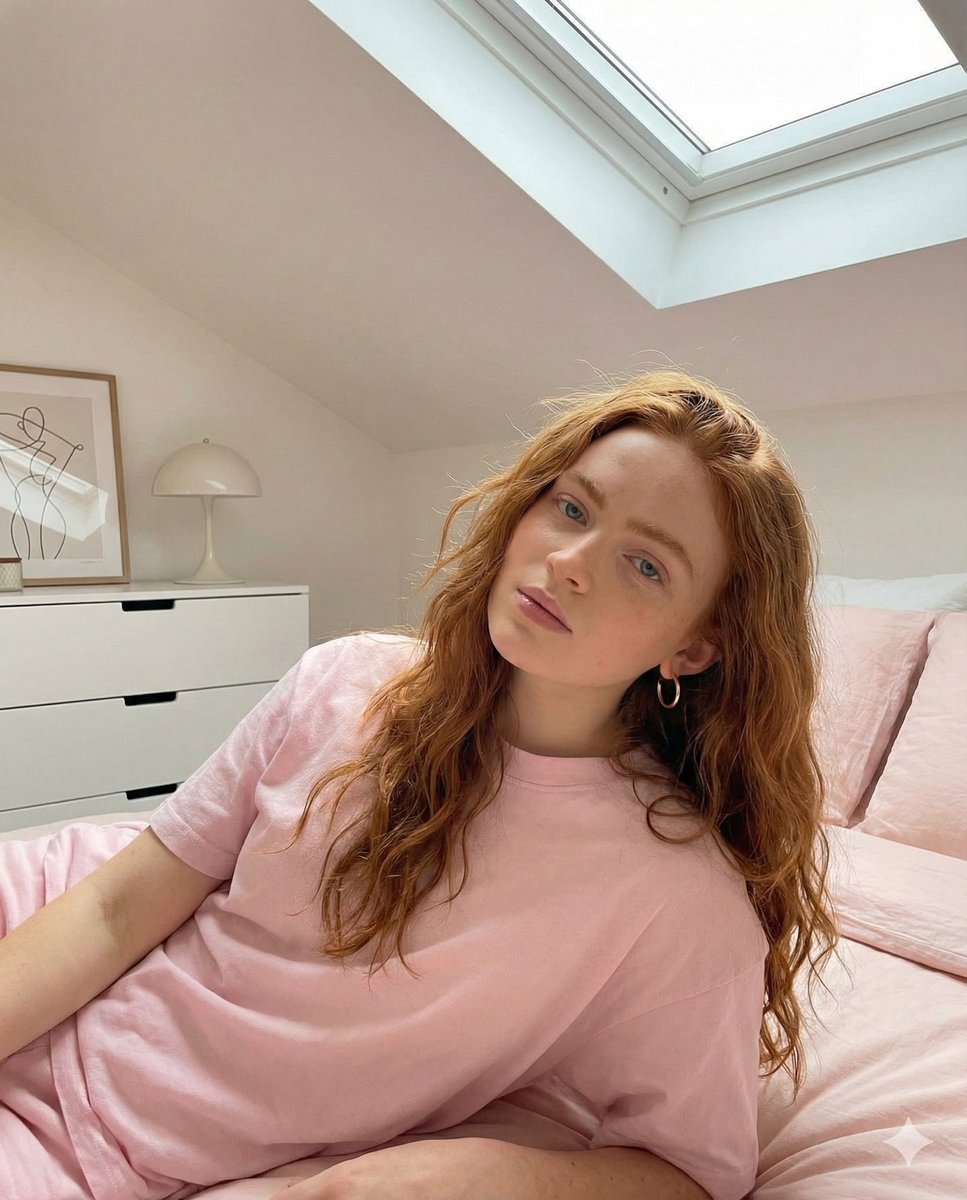
"hair": "Long, straight blonde hair pulled into a high ponytail, slightly tousled, held by a white headband.",
"wardrobe": {
"top": "{argument name="top color" default="Light pink"} long-sleeve crop top with white halter neck detail, fitted compression fabric with subtle sheen.",
"bottom": "",
"footwear": "",
"accessories": "Pearl earrings with subtle shine, delicate gold chain necklace, white over-ear headphones resting around the neck."
},
"pose": "Lying on back on a yoga mat, head slightly tilted, arms outstretched as if holding the phone for a selfie, open and relaxed posture."
},
"environment": {
"location": "Indoor home gym with rubber flooring and minimal equipment in the background.",
"weather": "Indoor, neutral conditions.",
"ground": "Kawaii-style yoga mat with pastel pink base, cute cartoon patterns like smiling fruits and hearts, soft padded texture with subtle wear.",
"props": "No additional props, focus on subject."
},
"lighting": {
"type": "Soft, diffused overhead natural light from windows.",
"highlights": "Gentle catch light in eyes, subtle rim light on hair and shoulders.",
"reflections": "Minimal reflections on accessories and fabric.",
"color_grading": "Soft pastel palette enhancing pinks and neutrals for a fresh, energetic mood, warm temperature."
},
"camera": {
"sensor": "Smartphone sensor simulation like iPhone camera.",
"lens": "Wide-angle lens equivalent to 24mm f/1.8.",
"focus": "Sharp on face and upper body, shallow depth of field blurring the background slightly.",
"angle": "High angle from above, selfie-style for an intimate, personal feel."
},
"post_processing": {
"sharpness": "Moderate sharpening on details like hair texture, fabric folds, and accessories.",
"filters": "Soft pastel profile enhancing skin tones and colors.",
"artifacts": "Avoid digital noise, overexposure, or banding."
},
"negative_constraints": [
"plastic skin",
"distorted hands",
"obscured face",
"cluttered background",
"closed posture",
"dull colors",
"extra limbs",
"waxy texture",
"blown highlights"
]
}




















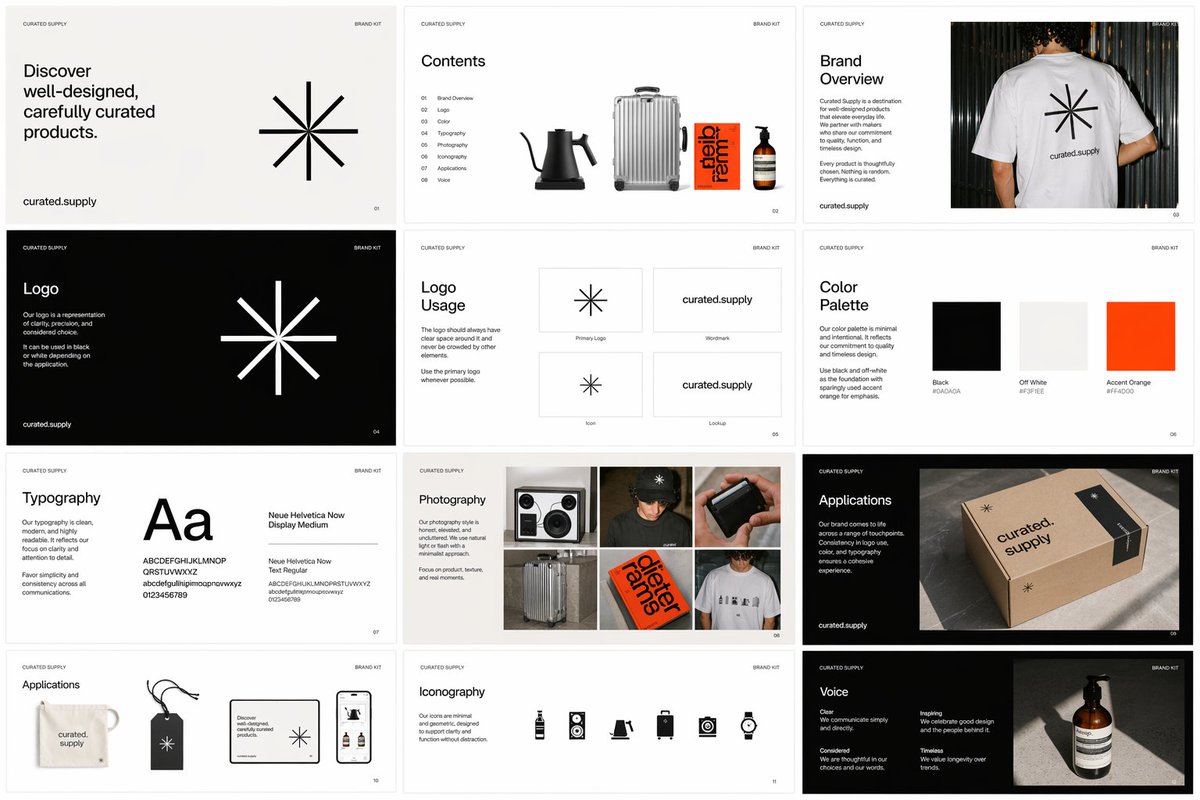
![Naive doodle-style subject illustration — A doodle-style {argument name="subject" default="[subject]"}, naive lines, humorous shape exaggeration](https://pbs.twimg.com/media/G6Wl2YxbsAARB2b.jpg)












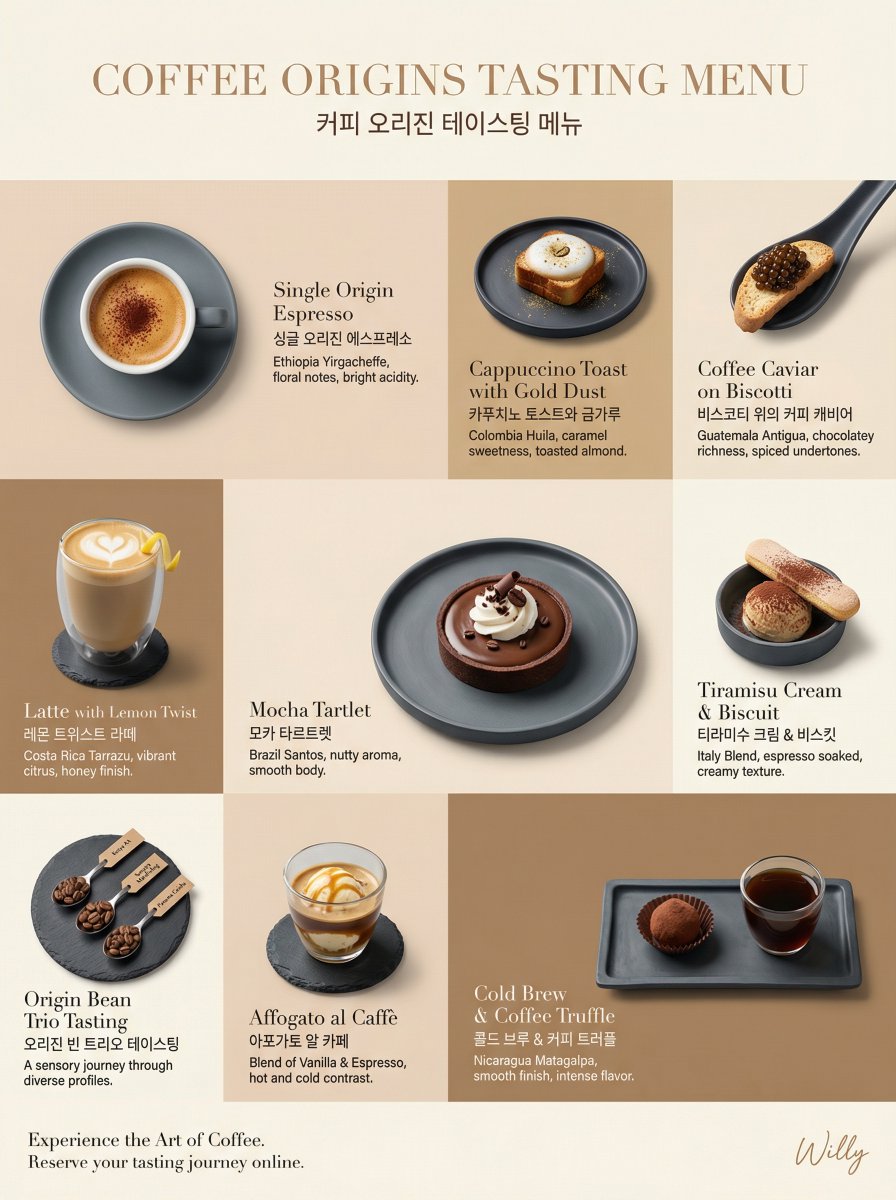
![Museum-Quality Animal Portrait with Integrated Luxury Brand Pattern — MUSEUM-QUALITY ultra-detailed {argument name="动物名称" default="[动物名称]"} portrait, pure {argu](https://pbs.twimg.com/media/G8HUjarasAAc7Yo.jpg)


![Laser-Cut Paper City Sculpture — <papercraft_paradox> ^ / \ <-- [ AI_INFER: The tallest skyscrapers of {argument name="city" default="[CITY_NAME]"} folded fro](https://cms-assets.youmind.com/media/1780391969662_34mnti_HJiYLGZXYAEW_m-.jpg)