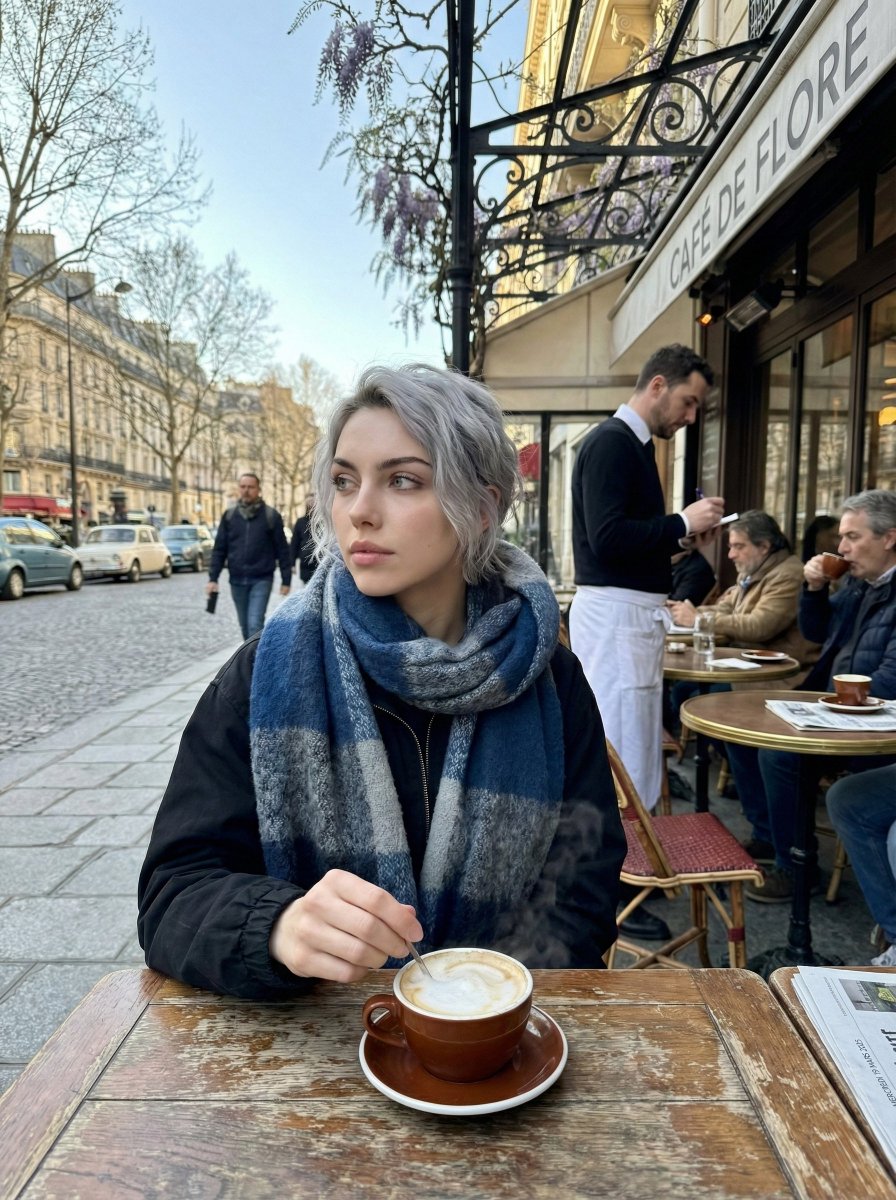
How do I use the Cinematic Portrait in Cold Fog template?
Choose the primary action to open PicX Studio with the available template settings. Review the model and format, personalize the creative direction, and generate when ready.
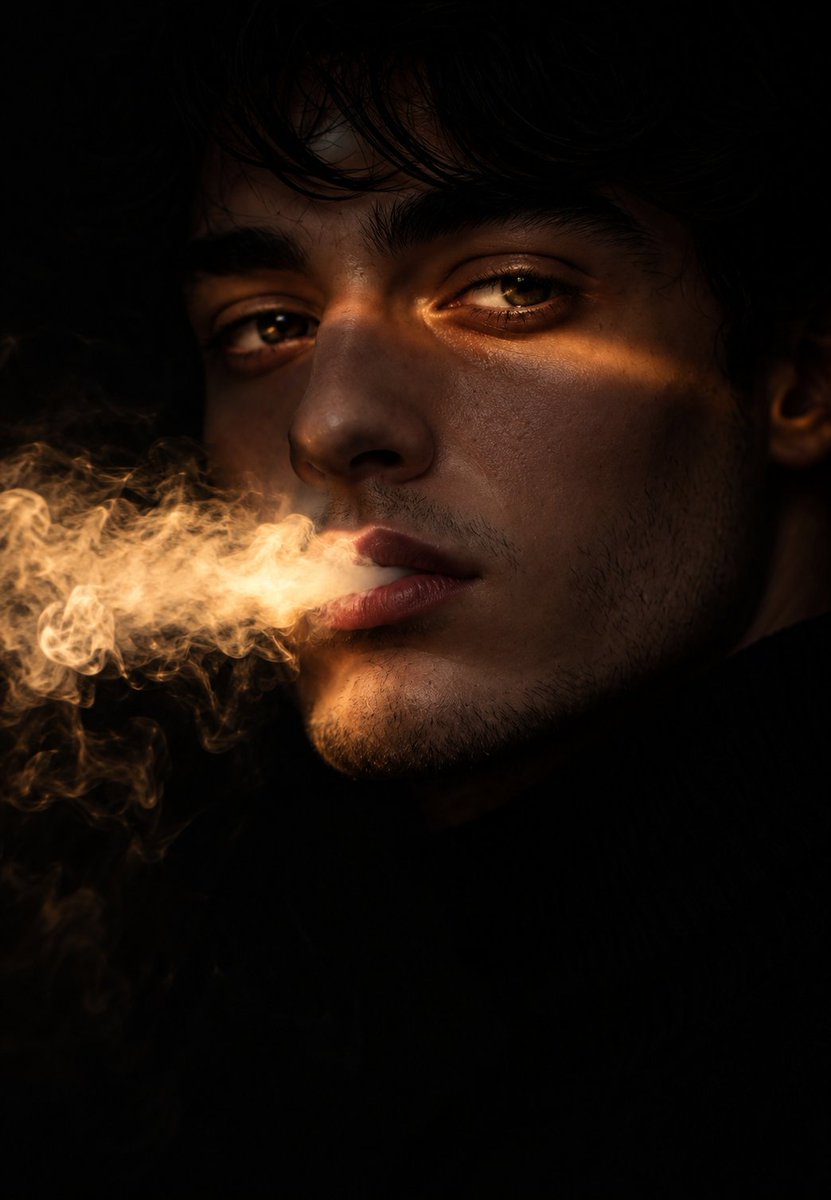
A prompt for generating an ultra-realistic cinematic portrait of a solitary figure in a cold, fog-filled environment at dawn. The key instruction is to use a reference image only for the facial structure and features, while changing the pose, clothing (long wool coat), and background (empty foggy field with bare trees) to create a moody, dramatic, and introspective atmosphere. (free to use) — Free AI image template on PicX Studio.
Ultra-realistic cinematic portrait inspired by the facial structure and features of the reference image only. A solitary figure standing in a chilly, fog-filled environment at dawn. Thick mist rolling through the air, cold blue and grey tones, visible breath vapor. New pose, subject looking slightly upward, calm and introspective expression. Different clothing, long wool coat layered over a high-neck sweater, gloves on hands. Background completely different, empty foggy field with faint silhouettes of bare trees and distant lights softly glowing. Moody lighting, soft rim light around the face, shallow depth of field, 85mm lens look, cinematic color grading, cold atmosphere, dramatic realism, high detail skin texture, no resemblance in pose, outfit, or setting beyond facial features.
Use Cinematic Portrait in Cold Fog to plan an AI image around nano-banana-2 generation. Match the preview's composition first, then personalize the subject, setting, and mood for your own project.
Use the primary action to load the template settings in PicX Studio.
Adjust the subject and creative details for your destination.
Create the image, compare the result with the preview, and refine one variable at a time.
A continuous mix — similar concepts first, woven with same-model prompts and fresh picks from the catalog.
Choose the primary action to open PicX Studio with the available template settings. Review the model and format, personalize the creative direction, and generate when ready.
Yes. You can change the subject, setting, lighting, mood, format, and available model controls before creating your image.
This template is free to open and customize. Generation usage is shown in PicX Studio before you create.
Start with nano-banana-2, which is the model associated with this template. You can compare another compatible model for a different finish.
Follow a topic to a crawlable collection of related PicX Studio templates.
39,157 public templates available. Verified via the PicX Studio public templates API; refreshed hourly.
A continuous mix — similar concepts first, woven with same-model prompts and fresh picks from the catalog.