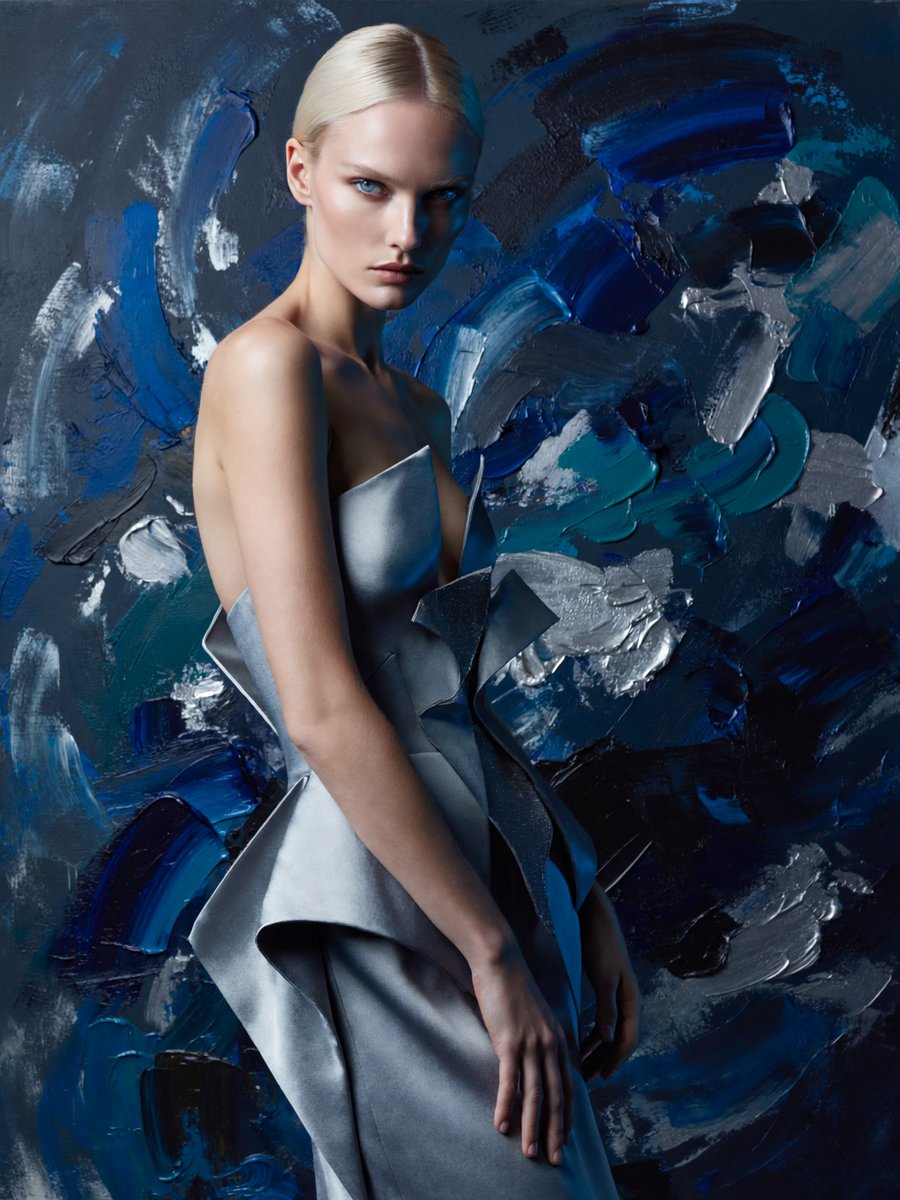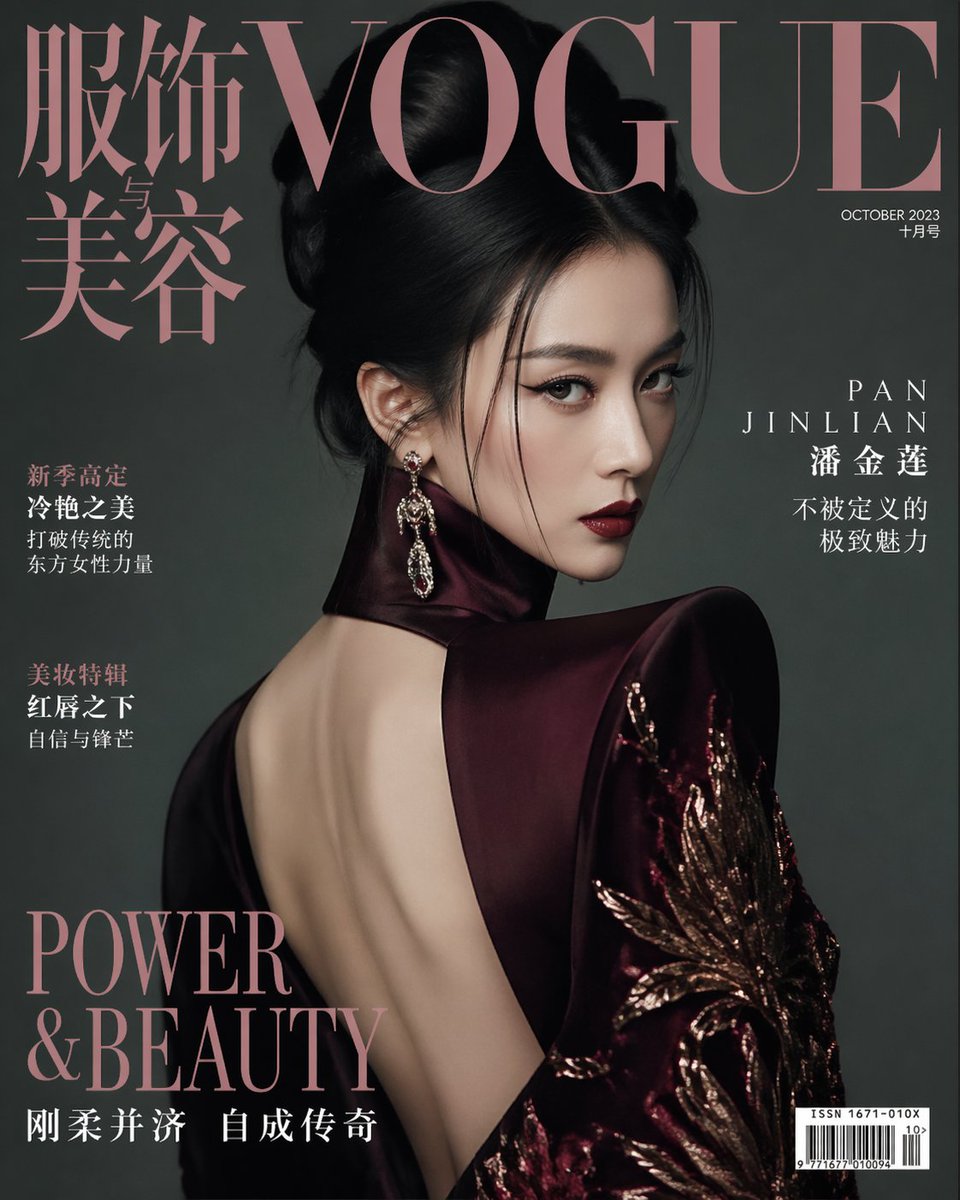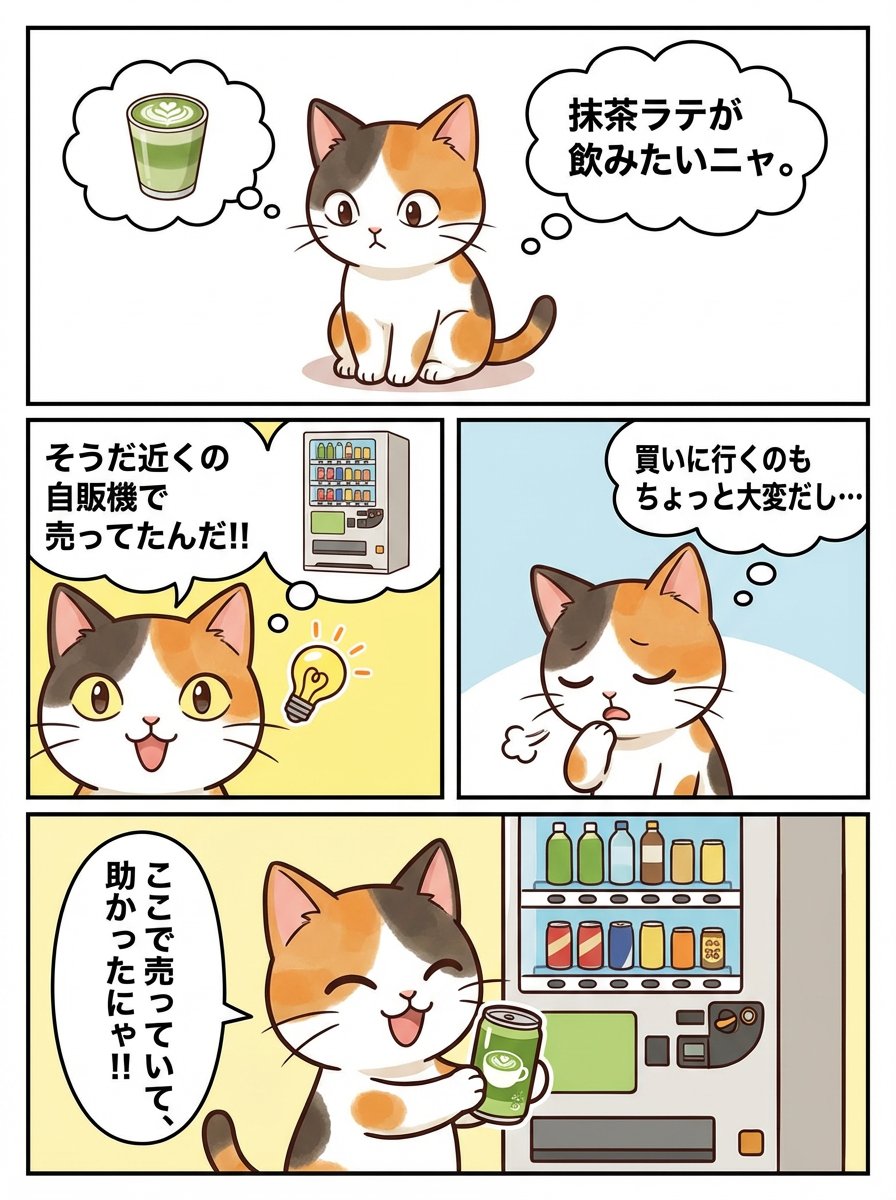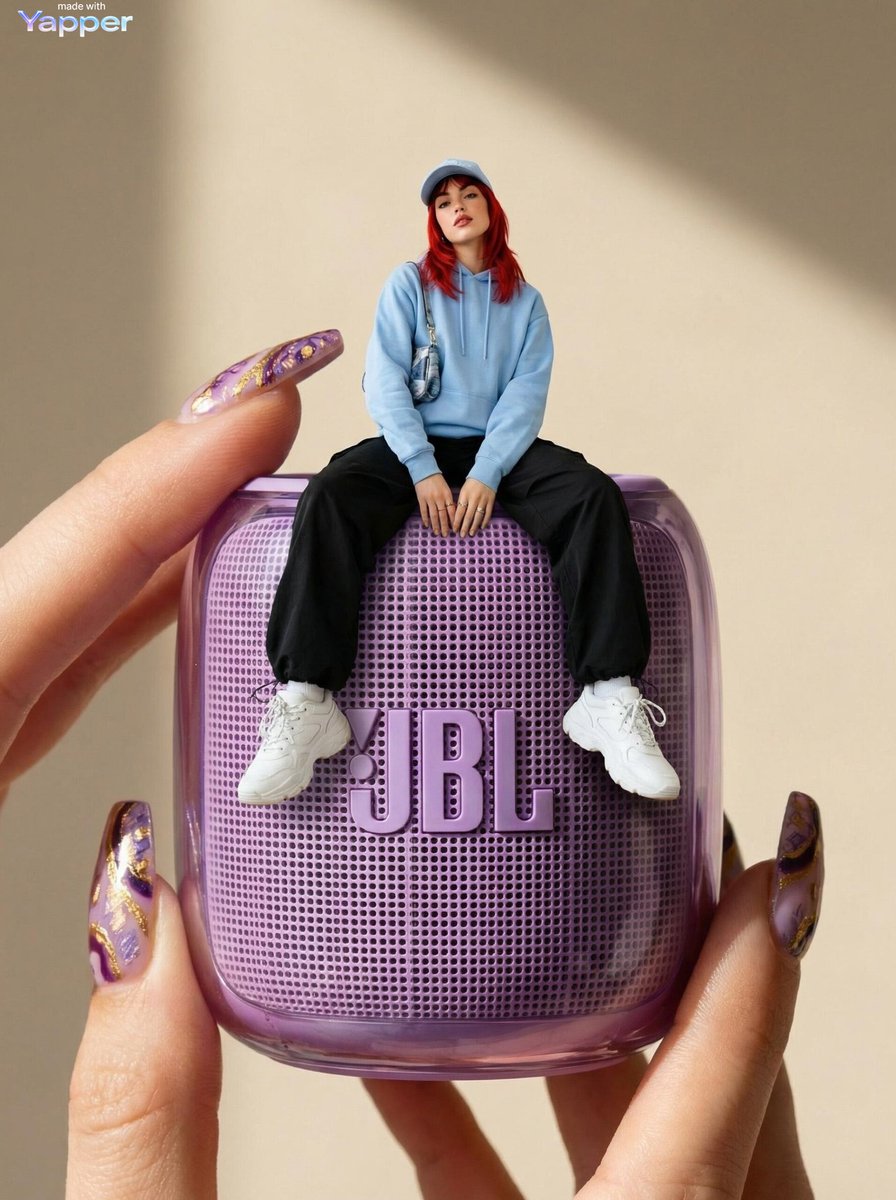
How do I use the Summer Beverage Lifestyle Photoshoot template?
Choose the primary action to open PicX Studio with the available template settings. Review the model and format, personalize the creative direction, and generate when ready.
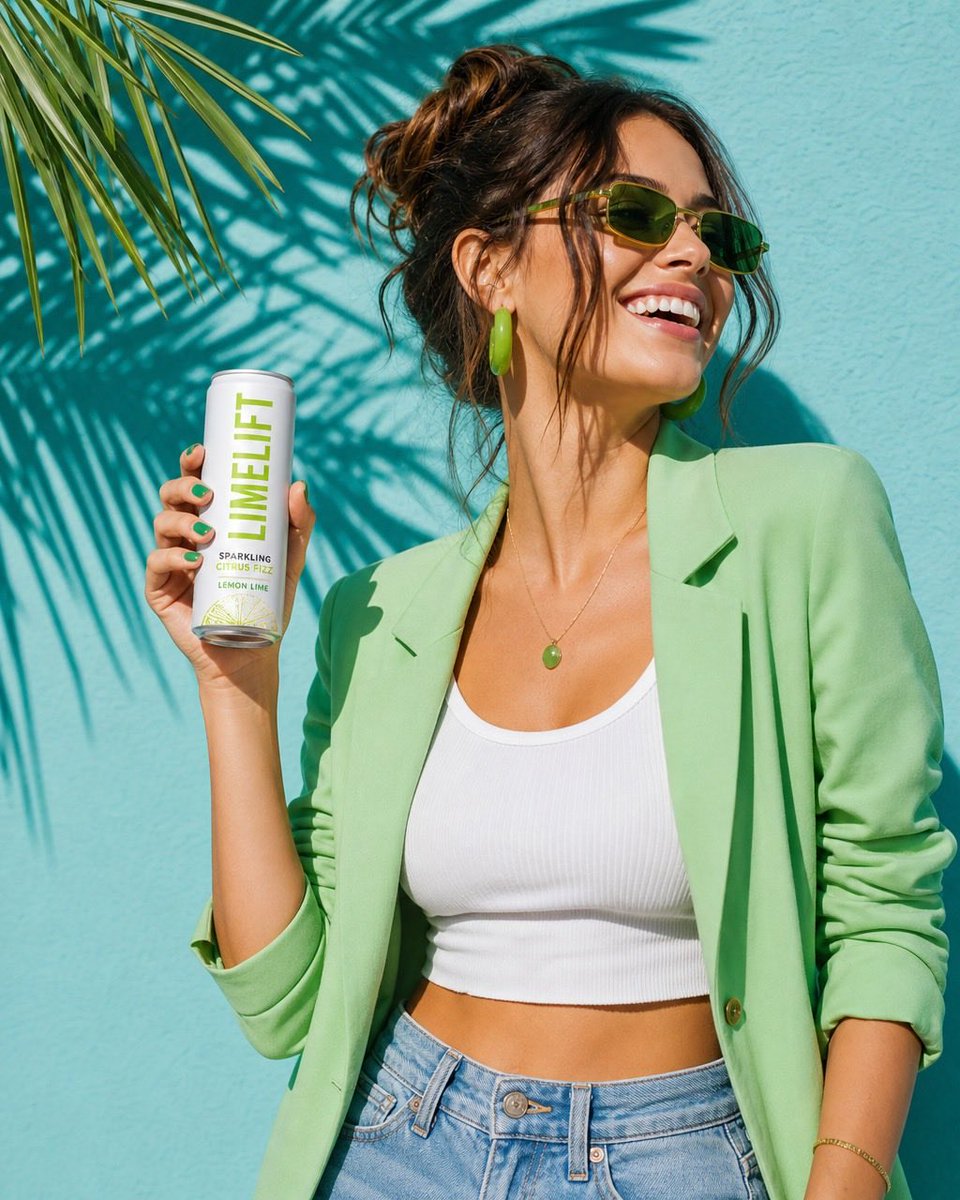
A vibrant and ultra-realistic prompt for a summer lifestyle beverage advertisement featuring a stylish model against a tropical backdrop. (free to use) — Free AI image template on PicX Studio.
A vibrant summer lifestyle photoshoot of a {argument name="subject" default="stylish young woman"} holding a slim beverage can labeled “{argument name="brand name" default="LIMELIFT – Sparkling Citrus Fizz Lemon Lime"}.” She wears a {argument name="clothing" default="light green blazer, white crop top, and denim jeans"}, accessorized with green sunglasses and matching earrings. Her hair is in a messy bun. She smiles while looking sideways, standing against a turquoise wall with tropical palm leaf shadows cast across it. Bright natural sunlight, sharp shadows, fresh citrus color palette, ultra-realistic, high detail, commercial advertising style, 85mm lens, shallow depth of field.
Use Summer Beverage Lifestyle Photoshoot to plan an AI image around gpt-image-2 generation, themes such as en and gpt-image-2. Match the preview's composition first, then personalize the subject, setting, and mood for your own project.
Use the primary action to load the template settings in PicX Studio.
Adjust the subject and creative details for your destination.
Create the image, compare the result with the preview, and refine one variable at a time.
A continuous mix — similar concepts first, woven with same-model prompts and fresh picks from the catalog.
Choose the primary action to open PicX Studio with the available template settings. Review the model and format, personalize the creative direction, and generate when ready.
Yes. You can change the subject, setting, lighting, mood, format, and available model controls before creating your image.
This template is free to open and customize. Generation usage is shown in PicX Studio before you create.
Start with gpt-image-2, which is the model associated with this template. You can compare another compatible model for a different finish.
Follow a topic to a crawlable collection of related PicX Studio templates.
39,157 public templates available. Verified via the PicX Studio public templates API; refreshed hourly.
A continuous mix — similar concepts first, woven with same-model prompts and fresh picks from the catalog.