
Camera Exploded View Infographic
Generates a highly detailed, multi-step technical infographic featuring an exploded view diagram of a complex device.
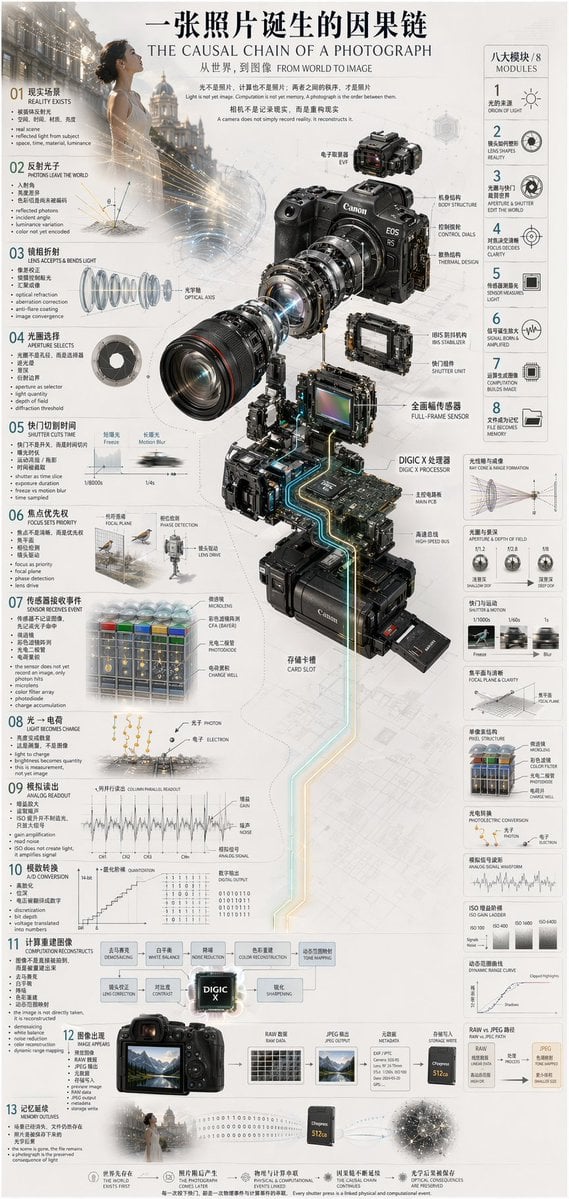
- Prompt included
- Model and format preset
- Free template
The prompt behind this image
Copy the exact prompt behind Camera Exploded View Infographic, or open it in the studio and make it yours.
- Type
- technical infographic
- Subject
- {argument name="subject matter" default="digital photography process"}
- Header › Title
- {argument name="main title" default="一张照片诞生的因果链 THE CAUSAL CHAIN OF A PHOTOGRAPH"}
- Header › Subtitle
- 从世界,到图像 FROM WORLD TO IMAGE
- Centerpiece › Description
- Exploded isometric view of a modern mirrorless camera
- Centerpiece › Model
- {argument name="camera model" default="Canon EOS R5"}
- Centerpiece › Labeled Parts Count
- 12
- Centerpiece › Labeled Parts
- EVF, Body Structure, Control Dials, Thermal Design, Optical Axis, IBIS Stabilizer, Shutter Unit, Full-Frame Sensor, {argument name="processor name" default="DIGIC X Processor"}, Main PCB, High-Speed Bus, Card Slot
- Layout › Left Column › Description
- Chronological causal chain
- Layout › Left Column › Count
- 13
- Layout › Left Column › Steps
- 01 REALITY EXISTS, 02 PHOTONS LEAVE THE WORLD, 03 LENS ACCEPTS & BENDS LIGHT, 04 APERTURE SELECTS, 05 SHUTTER CUTS TIME, 06 FOCUS SETS PRIORITY, 07 SENSOR RECEIVES EVENT, 08 LIGHT BECOMES CHARGE, 09 ANALOG READOUT, 10 A/D CONVERSION, 11 COMPUTATION RECONSTRUCTS, 12 IMAGE APPEARS, 13 MEMORY OUTLIVES
- Layout › Right Column › Title
- 八大模块 / 8 MODULES
- Layout › Right Column › Count
- 8
- Layout › Right Column › Modules
- 1 ORIGIN OF LIGHT, 2 LENS SHAPES REALITY, 3 APERTURE & SHUTTER EDIT THE WORLD, 4 FOCUS DECIDES CLARITY, 5 SENSOR MEASURES LIGHT, 6 SIGNAL BORN & AMPLIFIED, 7 COMPUTATION BUILDS IMAGE, 8 FILE BECOMES MEMORY
- Layout › Side Diagrams › Count
- 7
- Layout › Side Diagrams › Descriptions
- Ray cone & image formation, Aperture & depth of field, Shutter & motion, Focal plane & clarity, Pixel structure, Photoelectric conversion, Analog signal waveform
- Layout › Footer › Count
- 5
- Layout › Footer › Description
- Philosophical summary points
- Style
- technical, precise, wireframe elements, glowing data lines, photorealistic camera components, clean typography, dual-language
Raw JSON
{
  "type": "technical infographic",
  "subject": "{argument name=\"subject matter\" default=\"digital photography process\"}",
  "header": {
    "title": "{argument name=\"main title\" default=\"一张照片诞生的因果链 THE CAUSAL CHAIN OF A PHOTOGRAPH\"}",
    "subtitle": "从世界,到图像 FROM WORLD TO IMAGE"
  },
  "centerpiece": {
    "description": "Exploded isometric view of a modern mirrorless camera",
    "model": "{argument name=\"camera model\" default=\"Canon EOS R5\"}",
    "labeled_parts_count": 12,
    "labeled_parts": [
      "EVF",
      "Body Structure",
      "Control Dials",
      "Thermal Design",
      "Optical Axis",
      "IBIS Stabilizer",
      "Shutter Unit",
      "Full-Frame Sensor",
      "{argument name=\"processor name\" default=\"DIGIC X Processor\"}",
      "Main PCB",
      "High-Speed Bus",
      "Card Slot"
    ]
  },
  "layout": {
    "left_column": {
      "description": "Chronological causal chain",
      "count": 13,
      "steps": [
        "01 REALITY EXISTS",
        "02 PHOTONS LEAVE THE WORLD",
        "03 LENS ACCEPTS & BENDS LIGHT",
        "04 APERTURE SELECTS",
        "05 SHUTTER CUTS TIME",
        "06 FOCUS SETS PRIORITY",
        "07 SENSOR RECEIVES EVENT",
        "08 LIGHT BECOMES CHARGE",
        "09 ANALOG READOUT",
        "10 A/D CONVERSION",
        "11 COMPUTATION RECONSTRUCTS",
        "12 IMAGE APPEARS",
        "13 MEMORY OUTLIVES"
      ]
    },
    "right_column": {
      "title": "八大模块 / 8 MODULES",
      "count": 8,
      "modules": [
        "1 ORIGIN OF LIGHT",
        "2 LENS SHAPES REALITY",
        "3 APERTURE & SHUTTER EDIT THE WORLD",
        "4 FOCUS DECIDES CLARITY",
        "5 SENSOR MEASURES LIGHT",
        "6 SIGNAL BORN & AMPLIFIED",
        "7 COMPUTATION BUILDS IMAGE",
        "8 FILE BECOMES MEMORY"
      ]
    },
    "side_diagrams": {
      "count": 7,
      "descriptions": [
        "Ray cone & image formation",
        "Aperture & depth of field",
        "Shutter & motion",
        "Focal plane & clarity",
        "Pixel structure",
        "Photoelectric conversion",
        "Analog signal waveform"
      ]
    },
    "footer": {
      "count": 5,
      "description": "Philosophical summary points"
    }
  },
  "style": "technical, precise, wireframe elements, glowing data lines, photorealistic camera components, clean typography, dual-language"
}How to use Camera Exploded View Infographic in 3 steps
- 1Upload ImagePNG, JPG or paste
Add your photo
Upload the photo the template builds on. The prompt, model and format are already set.
- 2…a portrait of your subject in softgolden-hour light, 85mm…
Personalize
Edit the subject and creative details for your destination.
- 3Generate
Generate
Press Generate — your image is created in PicX Studio, so you can compare it with the original and refine one variable at a time.
More like this
Templates with the same subject, style or setup. Open one to see its prompt.
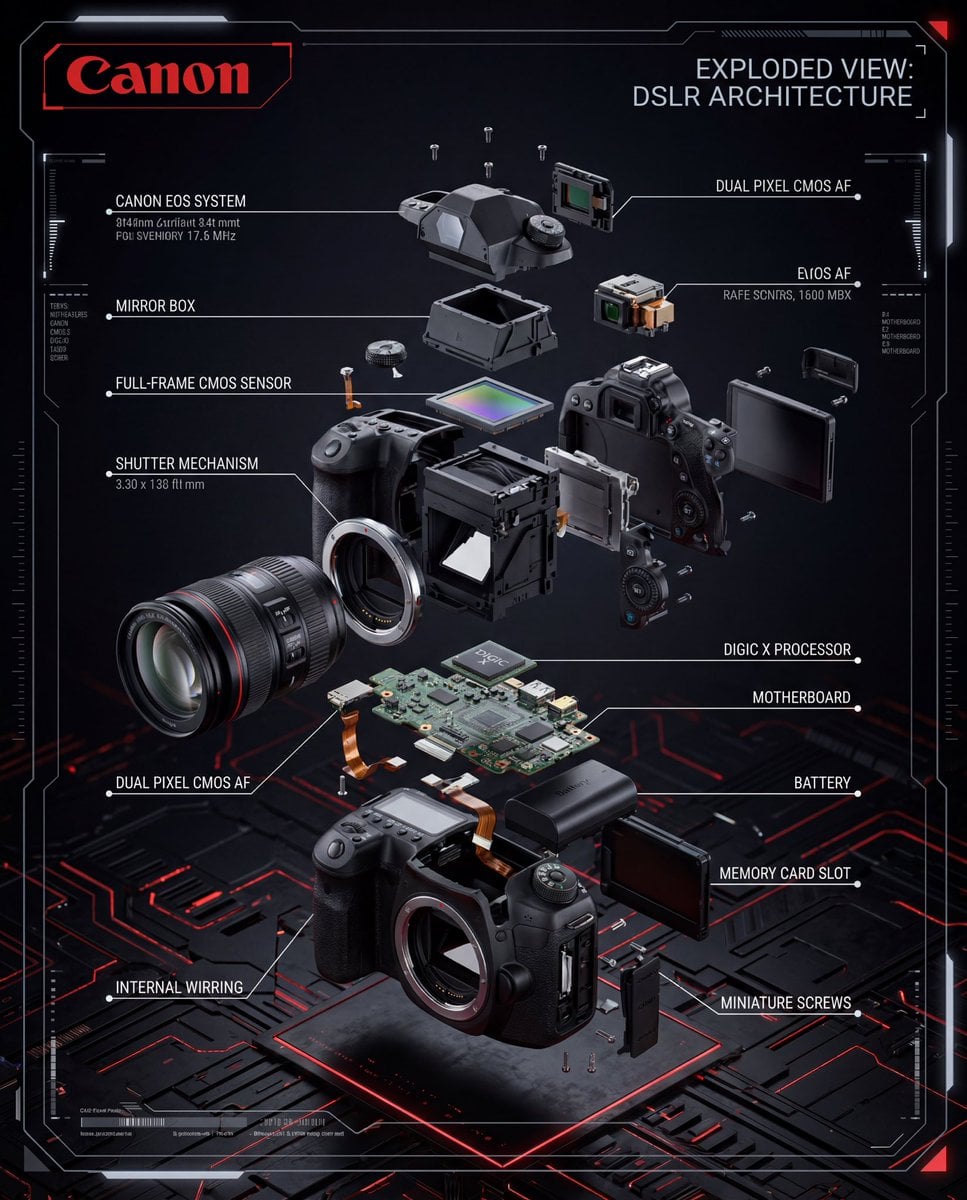
Exploded View DSLR Infographic
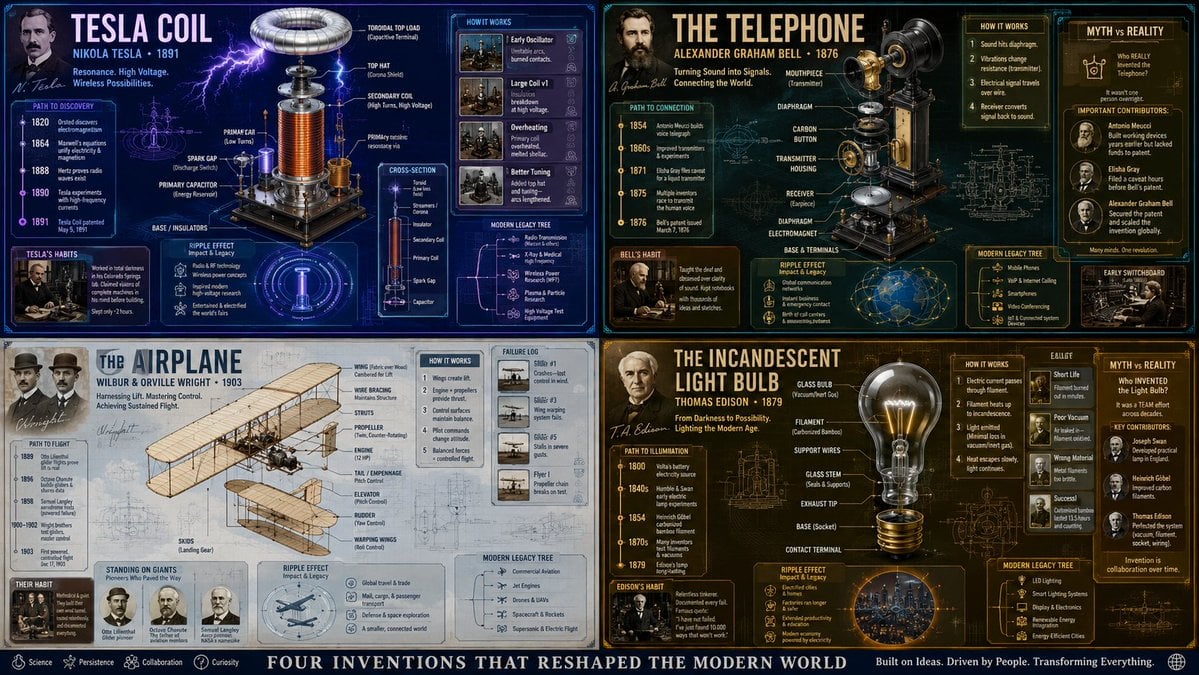
Exploded View Invention Infographic
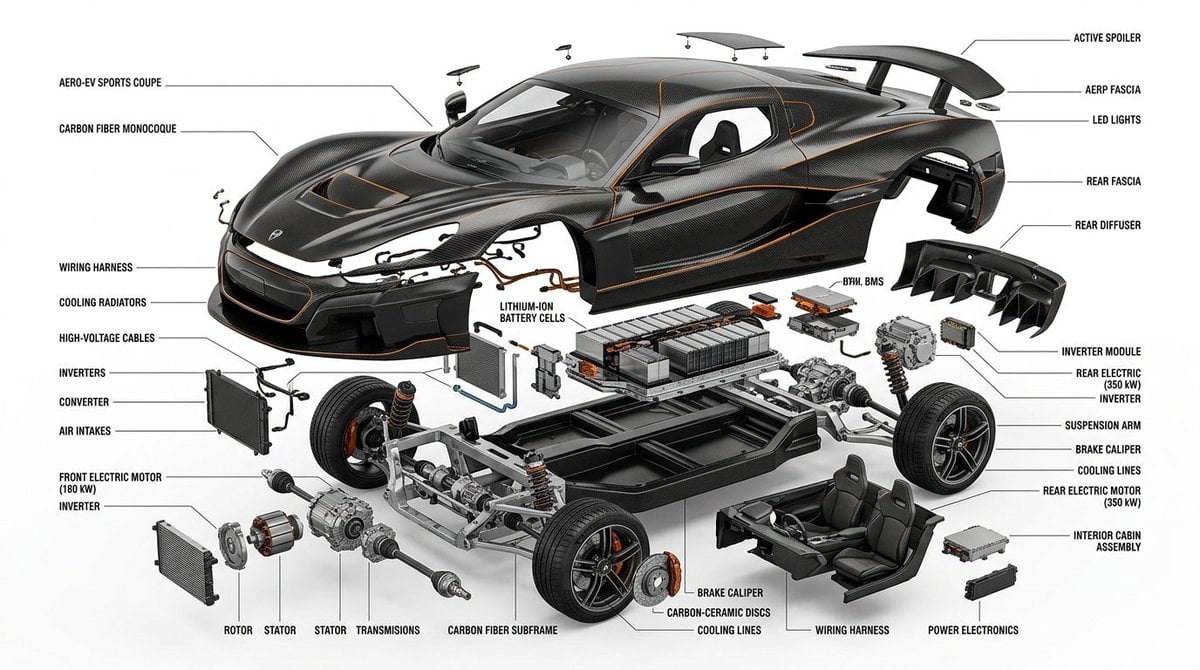
Exploded View Infographic Diagram Prompt
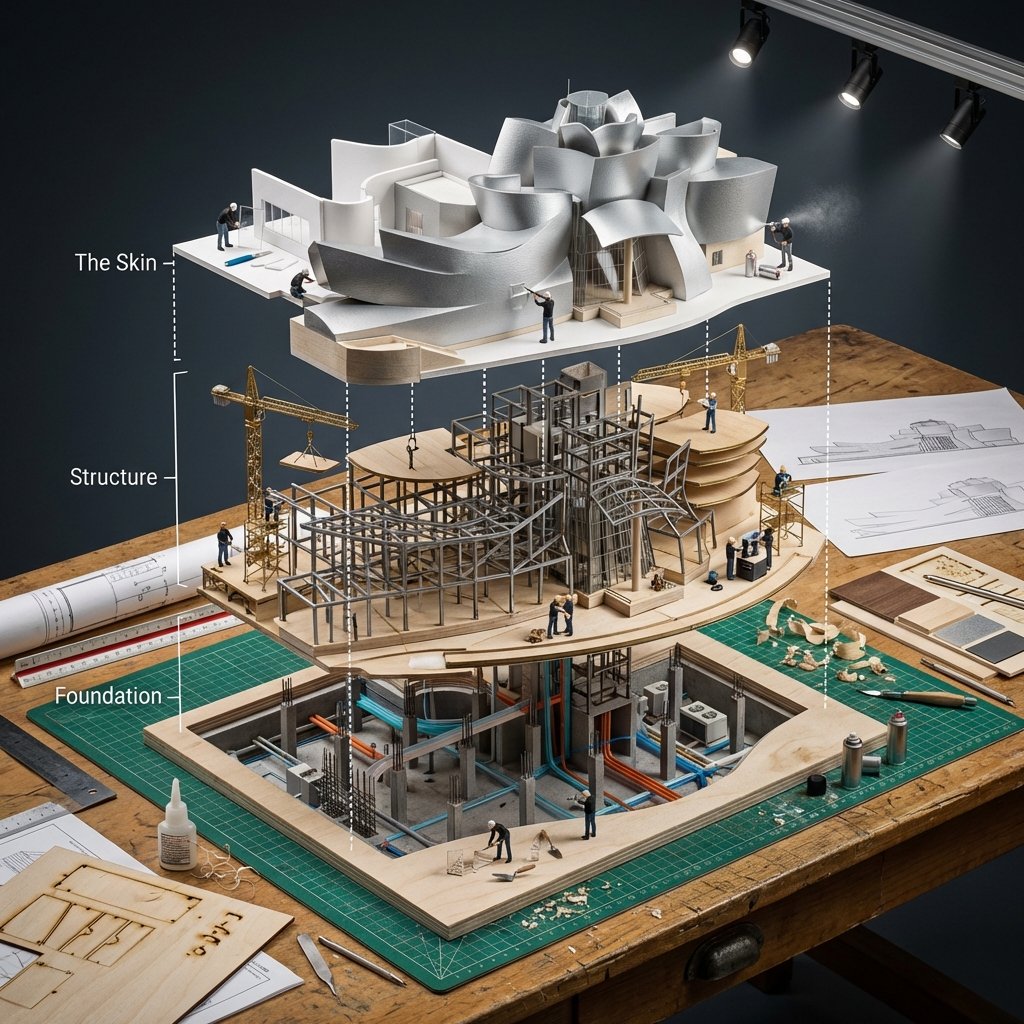
Building Exploded View Architectural Diorama

Japan Travel Brochure Poster
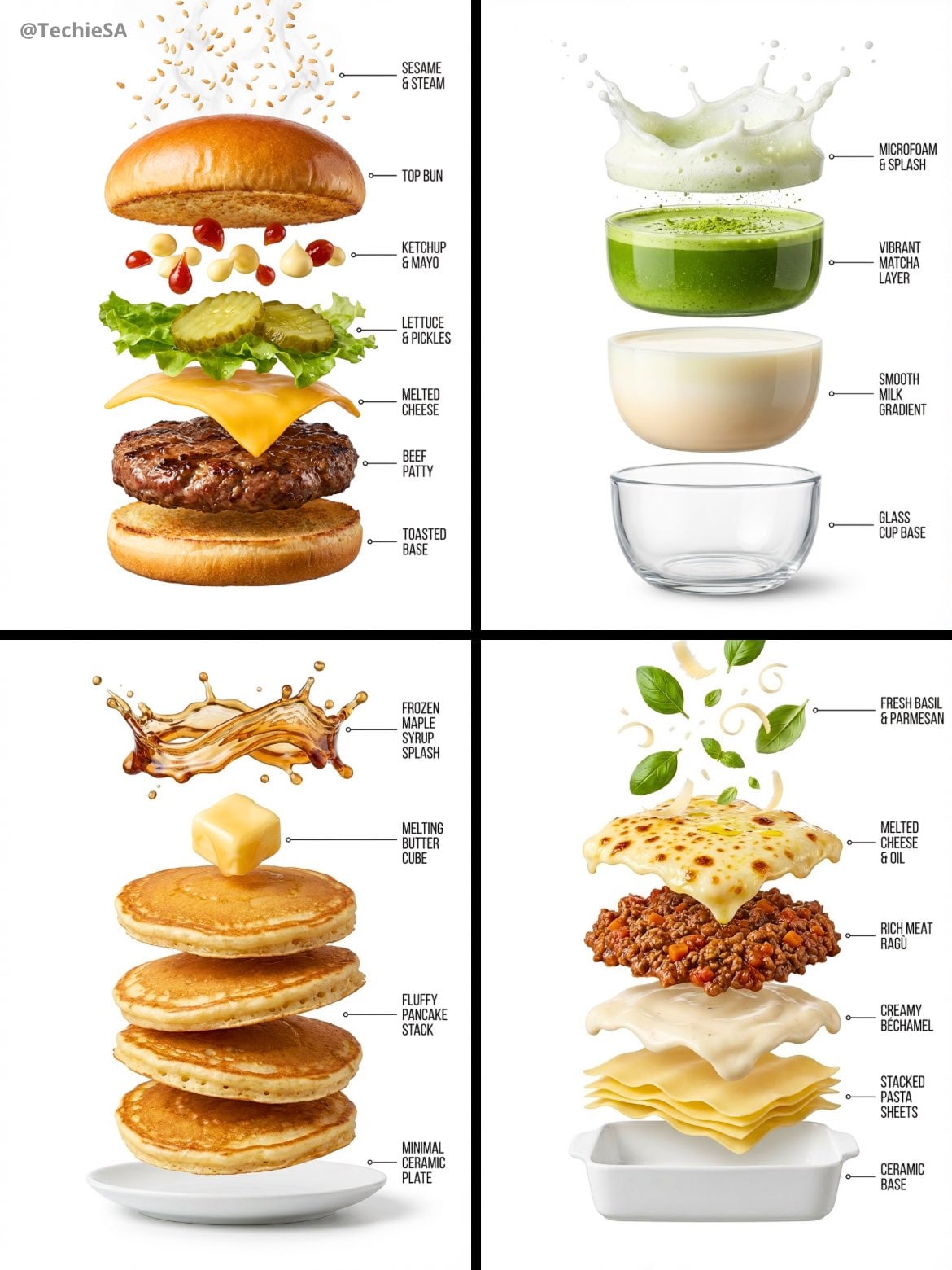
Hyper-realistic exploded vertical infographic composition

Cinematic Street Fashion Photographer Portrait

Isometric Process Educational Diorama

Isometric Vehicle Teardown Infographic Template
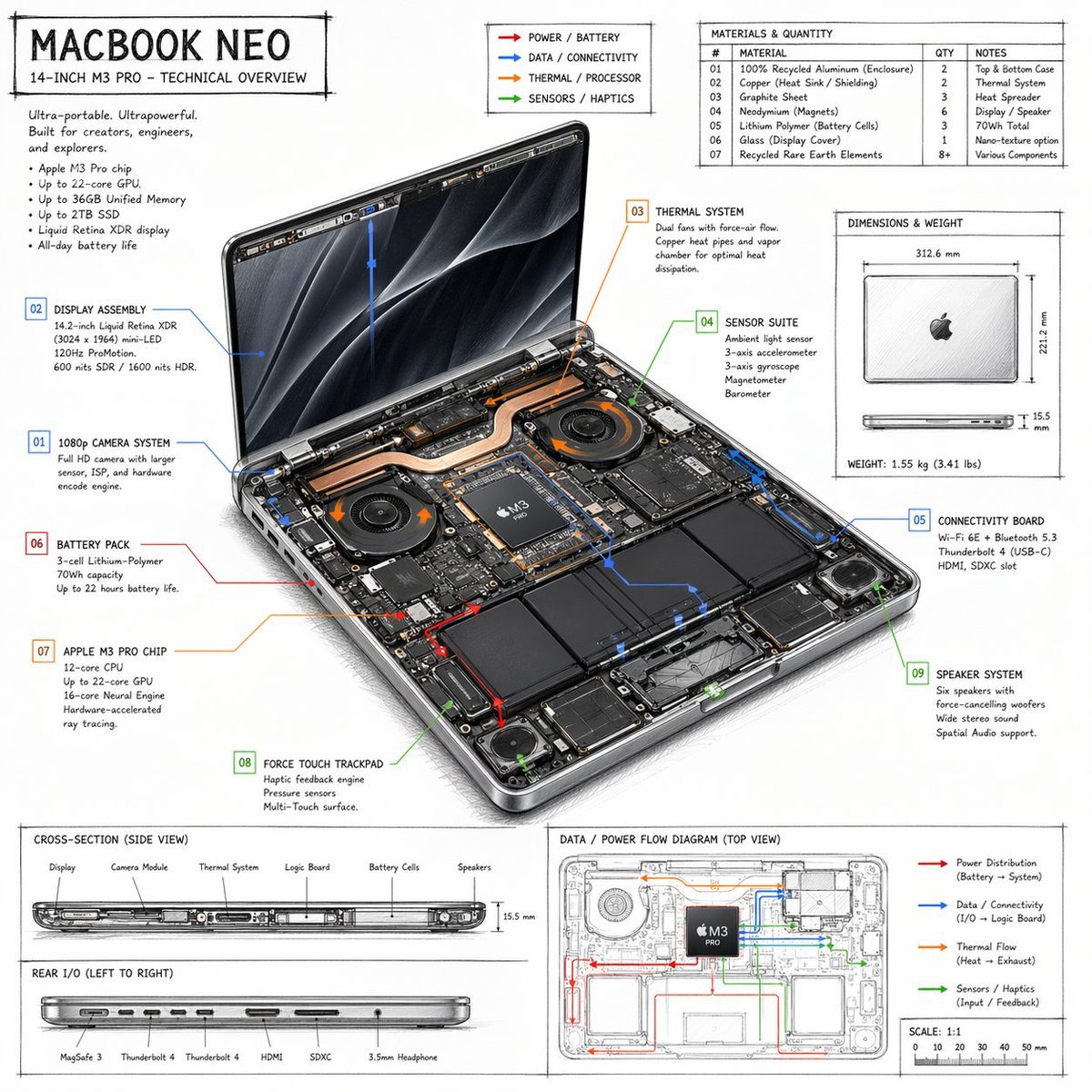
Laptop Technical Overview Infographic
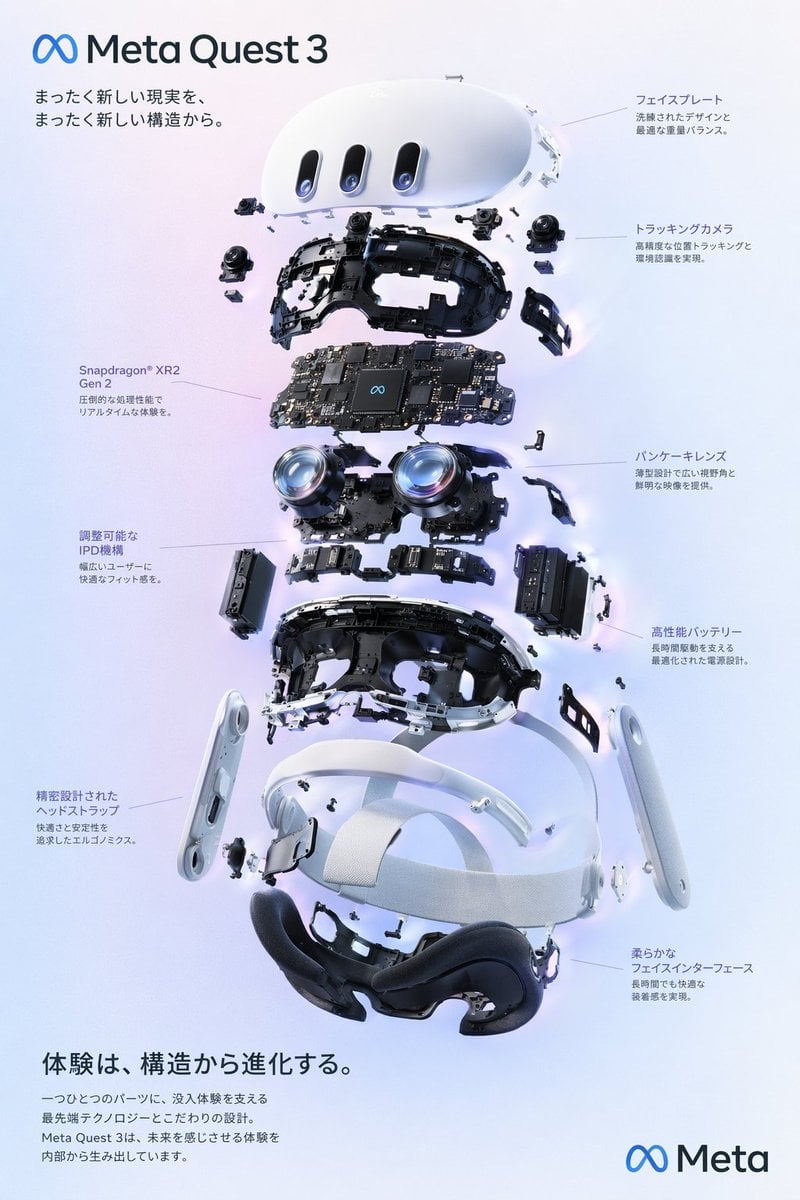
VR Headset Exploded View Poster
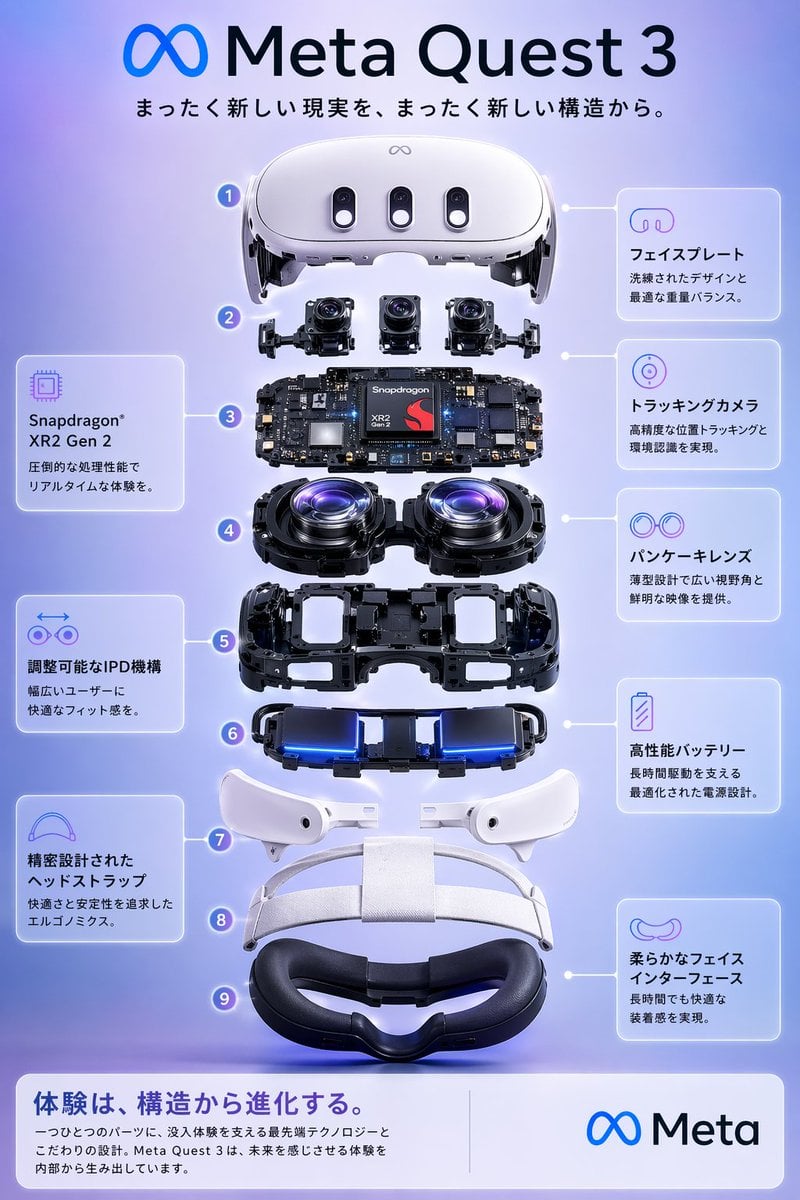
Meta Quest 3 Exploded View Poster
Make it yours
Camera Exploded View Infographic works as-is. These are the safest ways to change it without losing the look.
Change one field
Copy a single group, rewrite it, and generate again so you can see what that field is doing.
Keep the frame, change the subject
Hold the composition and light of Camera Exploded View Infographic, then swap wardrobe, props or the person for a new take.
| If the result… | Why | Fix |
|---|---|---|
| The result drifts from the preview | Too many fields changed at once. | Reuse Camera Exploded View Infographic as-is first, then change one group — subject, light, or setting. |
| GPT Image 2 ignores part of the JSON | Some models flatten or skip nested keys. | Keep the same values and paste them as a short paragraph instead. |
More GPT Image 2 templates
Other prompts made for GPT Image 2.

Six VTuber Japanese Logo Sheet

Realistic Portrait of Woman and Deer

The Vista Modular Condo Poster

AI Model Routing Comparison Infographic

2.5D Anime Art Board

Isometric Productivity Desk Scene

New York Double Exposure Poster

Four-Panel AI Landscape Comparison

Japanese Tatami Lifestyle Magazine Cover

NESCAFÉ Coffee Map Poster
More image prompts
Fresh picks from across the catalog.

Luxury Red Lipstick Ad Poster

Prompt for Exploding or Static Food Photography

Photorealistic Portrait with Kandinsky Wall and Cat Prompt

Four-panel anime manga with panda-girl character

Minimalist Studio Fashion Photo of Young Man
Cinematic rooftop portrait from reference photos

Luxury Editorial Fashion Poster Template
Censored Family Snapshot

Bubble Fox Friends Meet in Niseko
Ancient Egyptian Ritual with Alien Entity Prompt
Browse template categories
Camera Exploded View Infographic questions
How do I use the Camera Exploded View Infographic template?
Add your photo if the template asks for one, edit the prompt if you like — the template's model and format are already selected — and press Generate. Your version opens in PicX Studio.
Can I customize the Camera Exploded View Infographic template?
Yes. You can change the subject, setting, lighting, mood, format, and available model controls before creating your image.
Is the Camera Exploded View Infographic template free?
Opening and editing this template is free. Generating uses credits, shown on the Generate button when you are signed in.
Which AI model should I use?
Start with GPT Image 2, which is the model associated with this template. You can compare another compatible model for a different finish.
Looking for something else? Browse all templates.

Your photo, any look
Thousands of ready templates for every top image and video model, from one credit balance.