How do I use the Urban Fashion Editorial in Underground Parking template?
Choose the primary action to open PicX Studio with the available template settings. Review the model and format, personalize the creative direction, and generate when ready.
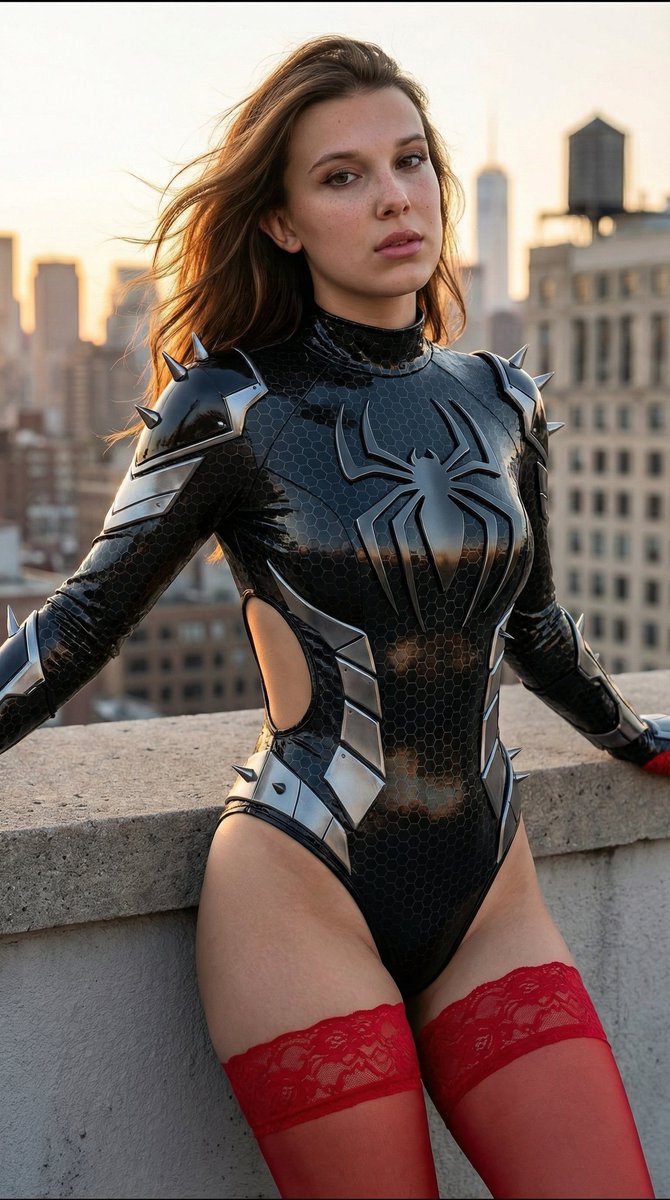
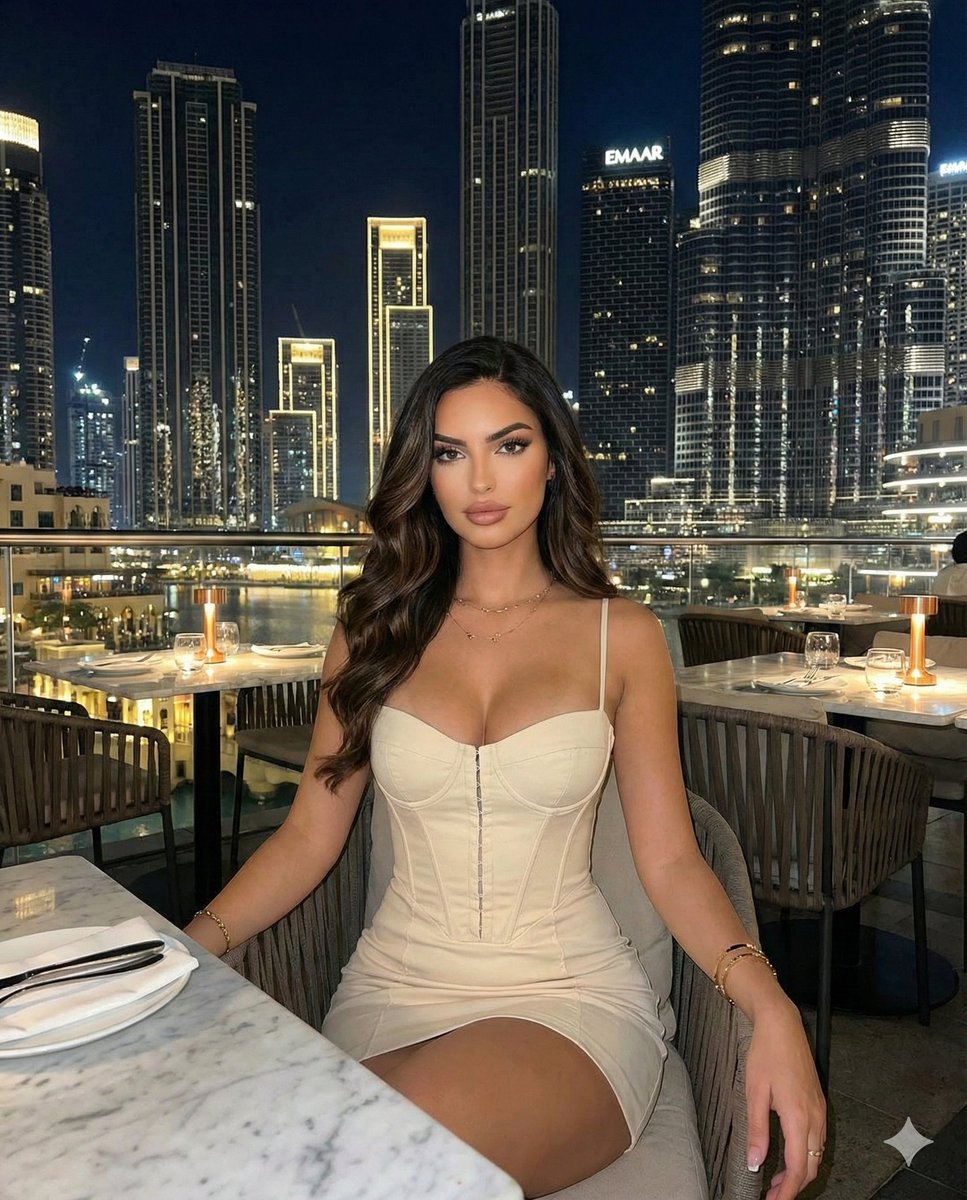
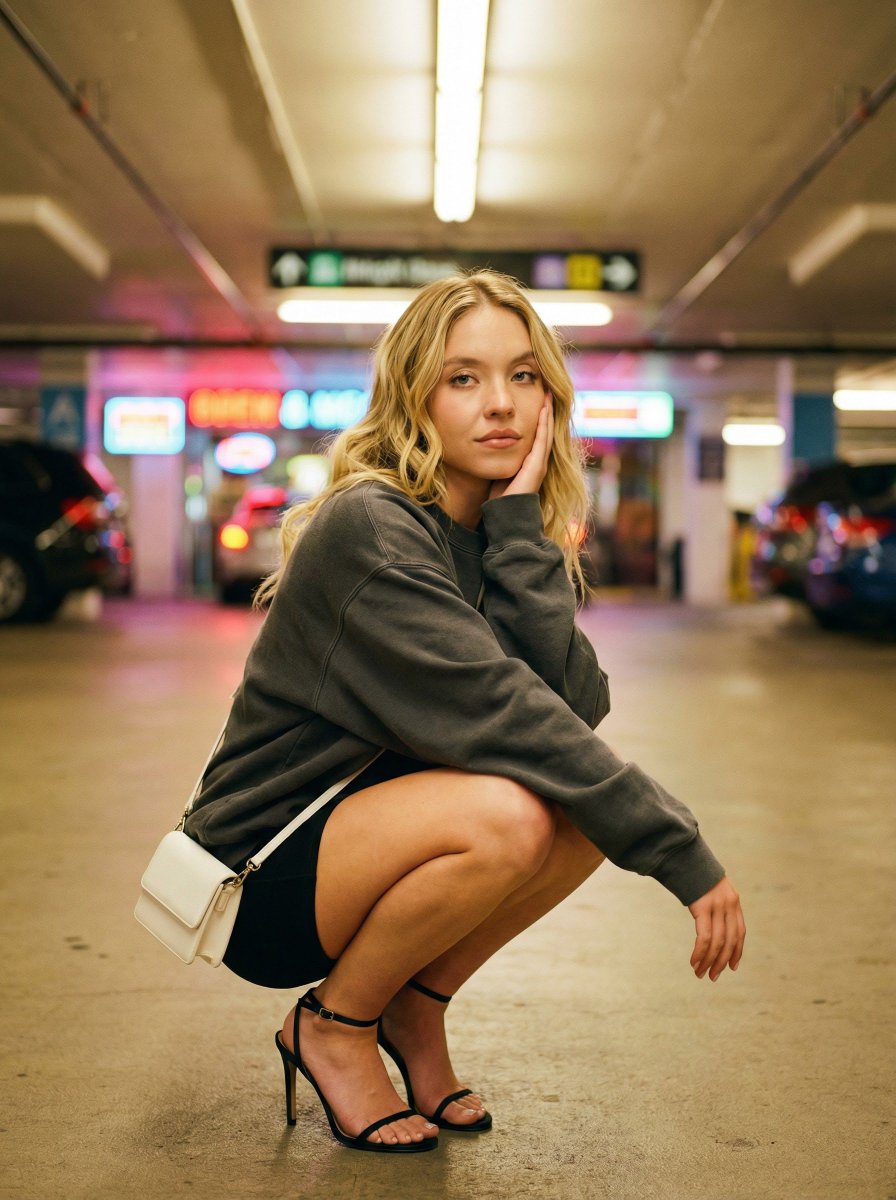
A detailed JSON prompt for generating an urban fashion editorial image featuring Sydney Sweeney. Change the subject, setting, or lighting one variable at a time.

{ "subject": { "name": "{argument name="subject name" default="Sydney Sweeney"}", "gender": "female", "age": "young adult", "skin": "fair", "expression": "calm, confident" }, "pose": { "body_position": "crouching low on the ground", "legs": "knees fully bent, heels on the ground", "arms": "one elbow resting on knee", "hands": "chin gently supported by hand", "camera_angle": "low angle", "framing": "full body visible" }, "clothing": { "top": "oversized pastel pink sweatshirt, long sleeves", "bottom": "short beige skirt or shorts", "fit": "relaxed, oversized" }, "shoes": { "type": "high-heeled sandals", "color": "metallic gold", "details": "thin straps, open toe" }, "accessories": { "bag": "small pastel pink shoulder bag, crossbody", "style": "minimal, fashion editorial" }, "hair": { "color": "blonde", "style": "long, wavy", "texture": "natural" }, "gaze": { "direction": "looking at camera", "eye_expression": "soft, relaxed" }, "environment": { "location": "underground parking area", "atmosphere": "vibrant, lively", "lighting": "warm lights with neon accents", "background_style": "colorful reflections, slightly blurred" }, "photography": { "style": "urban fashion editorial", "realism": "photorealistic", "quality": "high detail", "lens": "35mm", "depth_of_field": "shallow", "shadows": "soft" }, "negative_prompt": [ "distorted body", "extra limbs", "unrealistic anatomy", "deformed face", "blurry", "low quality", "cartoon", "anime", "exaggerated proportions" ], "output": { "width": 1024, "height": 1280, "aspect_ratio": "4:5" } }
Choose the primary action to open PicX Studio with the available template settings. Review the model and format, personalize the creative direction, and generate when ready.
Yes. You can change the subject, setting, lighting, mood, format, and available model controls before creating your image.
This template is free to open and customize. Generation usage is shown in PicX Studio before you create.
Start with Nano Banana 2, which is the model associated with this template. You can compare another compatible model for a different finish.
Follow a topic to a crawlable collection of related PicX Studio templates.
43,474 public templates available. Verified via the PicX Studio public templates API; refreshed hourly.









![Naive doodle-style subject illustration — A doodle-style {argument name="subject" default="[subject]"}, naive lines, humorous shape exaggeration](https://pbs.twimg.com/media/G6Wl2YxbsAARB2b.jpg)












![Picnic Meadow Photo with 2D Illustration Overlay Prompt — A wide-angle shot of the [reference woman] sitting on a checkered picnic blanket in a lush green meado](https://pbs.twimg.com/media/G8tGO0XWoAA_0GP.jpg)