
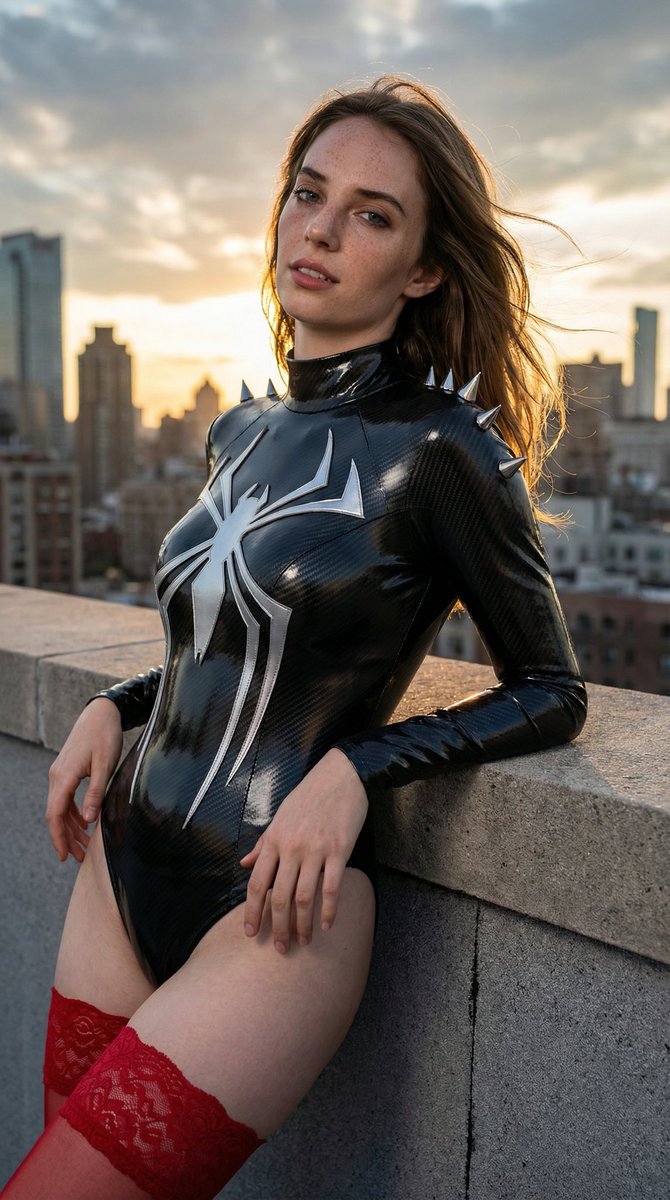
How do I use the Hyperrealistic Superheroine Portrait Prompt template?
Choose the primary action to open PicX Studio with the available template settings. Review the model and format, personalize the creative direction, and generate when ready.
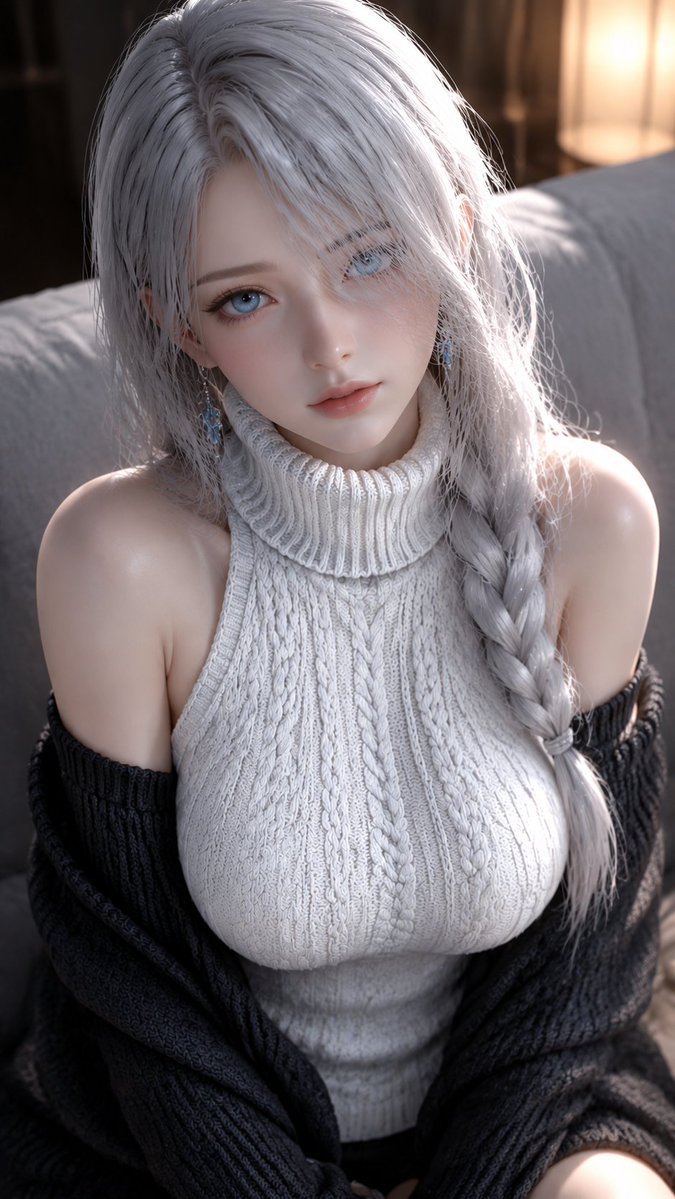
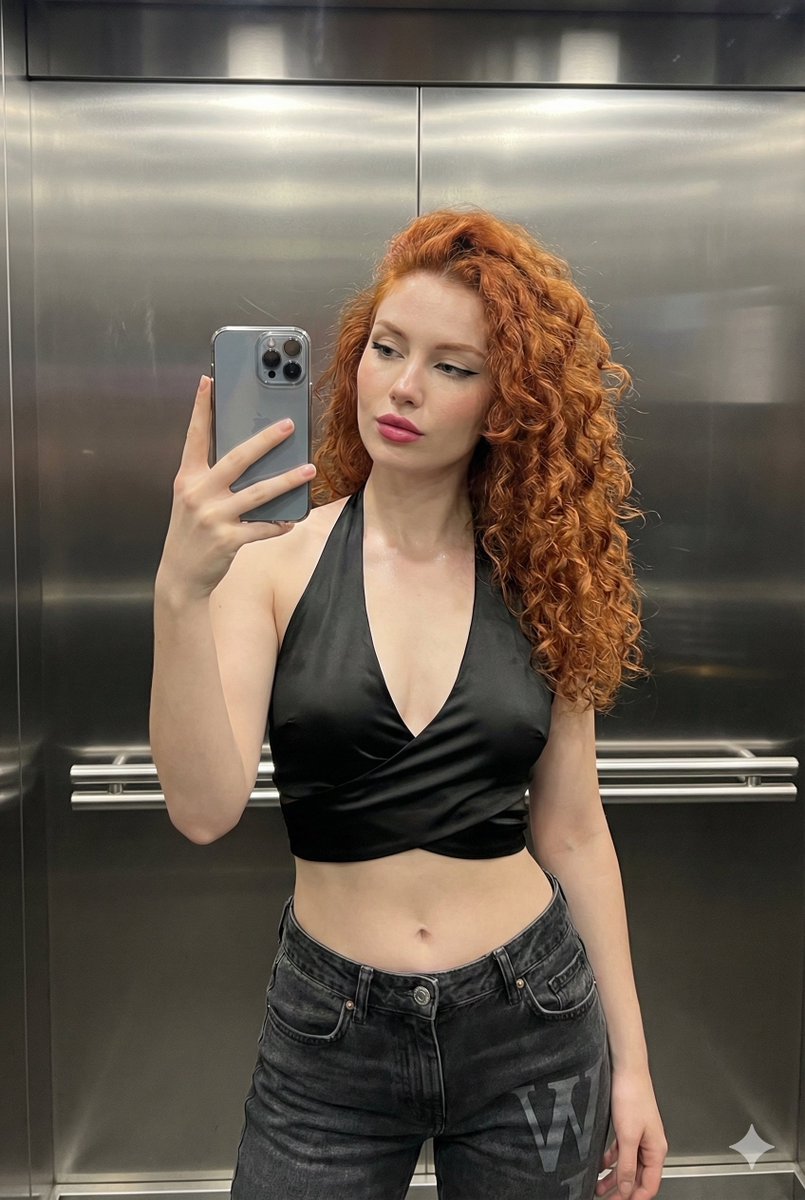
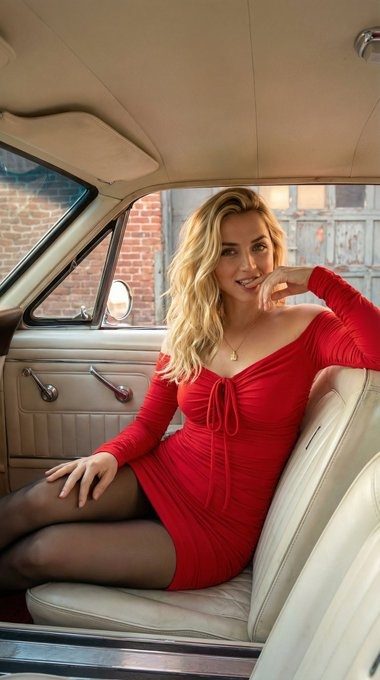
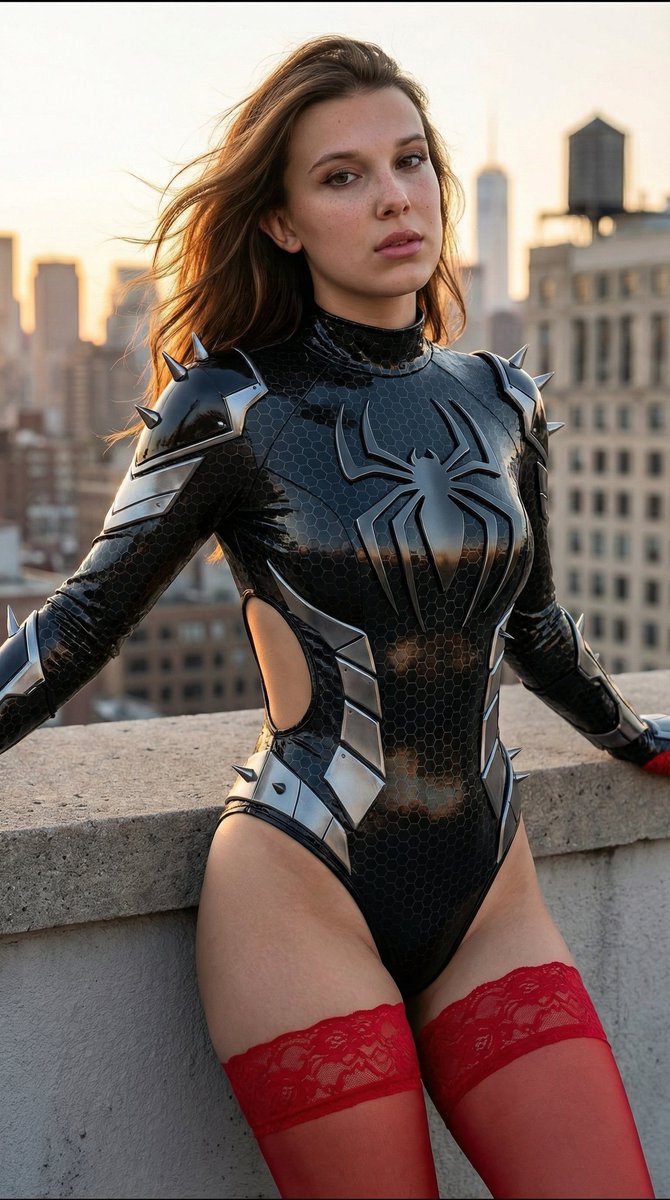
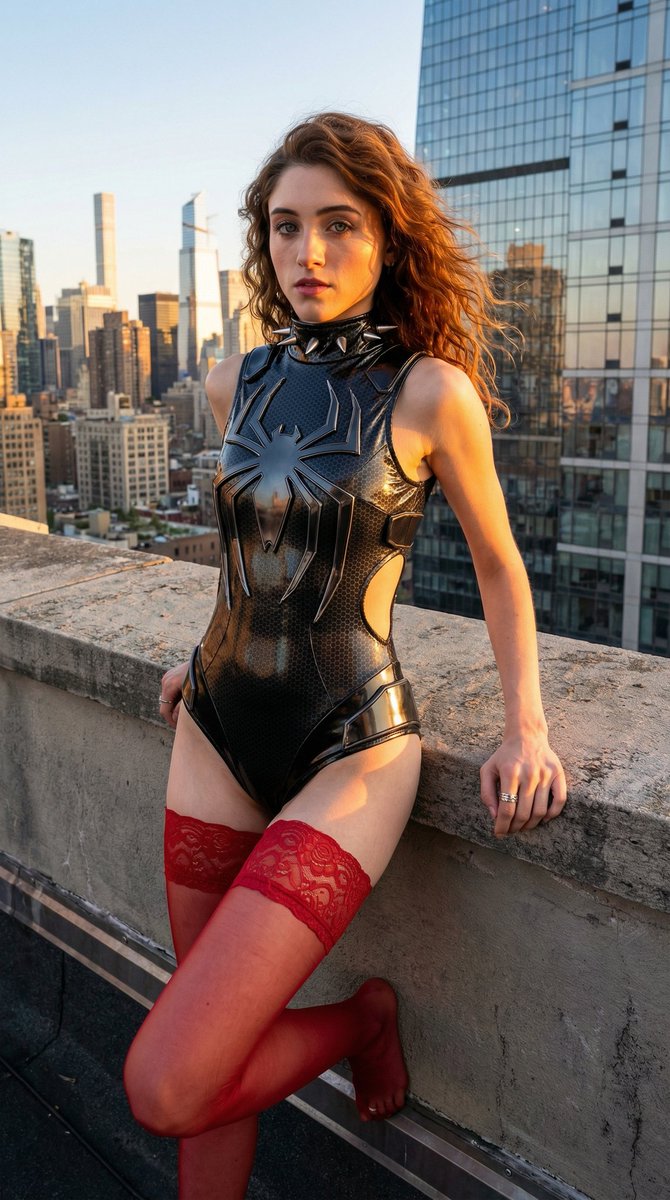
A detailed prompt for generating an ultra-detailed, photorealistic 8K portrait of a stunning woman with a blend of Spider-Man and Black Panther superhero aesthetics, set on an NYC rooftop during the golden hour. The prompt specifies intricate details about the character's appearance, costume, lighting, and photographic style. (free to use) — Free AI image template on PicX Studio.
{ "prompt": "Ultra-detailed photorealistic 8K portrait of stunning 20-22 year old woman with long vibrant fiery brown hair flowing in wind, fair porcelain skin with light freckles on nose/cheeks, large expressive blue-green eyes, sharp soft features, high cheekbones, full glossy lips, confident seductive direct gaze. Standing on NYC rooftop at golden hour sunset, dramatic blue sky with scattered clouds, expansive skyline of skyscrapers/glass towers with warm sunlight reflections. Leaning powerfully against concrete ledge, one hand on it, strong seductive pose emphasizing curves, cinematic composition, shallow DOF sharp on face/costume.\n\nWearing ultra-tight glossy black futuristic superhero bodysuit (Black Panther/Black Widow/Spider-Gwen blend), high-shine wet-look latex with intricate dark hexagonal carbon-fiber texture, large sharp metallic silver-black geometric spider emblem on chest, high dramatic collar with silver claw/spike protrusions, sleeveless halter with exposed shoulders, deep side cutouts showing toned waist/underboob, form-fitting to every contour with defined cleavage/visible abs, silver angular armor panels/spikes on shoulders/hips/thighs, high-cut thong bottom with silver blade edges, reflective metallic highlights.\n\nPaired with sheer translucent red floral lace thigh-high stockings with ornate bands, barefoot, silver ring on finger.\n\nMasterpiece, hyperrealistic photography, cinematic golden hour lighting with rim light/volumetric shadows, dramatic contrast, highly detailed skin pores/fabric textures/hair strands, sensual powerful superhero vibe", "negative_prompt": "blurry, low res, bad anatomy, deformed/mutated hands, extra/missing/fused fingers/limbs, poorly drawn face, bad proportions, disfigured, ugly, gross proportions, watermark/text/signature/logo/username, cartoon/anime/illustration/3d render/CGI, plastic/doll skin, low/worst quality, jpeg artifacts, over/underexposed, monochrome/greyscale", "metadata": { "aspect_ratio": "2:3 or 3:4 portrait", "style_influences": ["hyperrealistic photography", "cinematic hero portrait", "golden hour editorial", "futuristic cosplay", "Marvel/DC character design"], "lighting_keywords": ["golden hour", "rim lighting", "volumetric shadows", "side lighting", "cinematic contrast"], "character_traits": { "hair_color": "vibrant fiery brown", "eye_color": "blue-green/teal", "skin_tone": "fair porcelain with freckles", "body_type": "hourglass athletic-curvy, large bust, defined waist, full hips", "expression": "confident subtly seductive direct gaze" }, "costume_details": { "primary_color": "glossy black", "accents": "metallic silver sharp spikes", "texture": "hexagonal carbon fiber, wet-look shine", "cut_style": "high-cut " } }
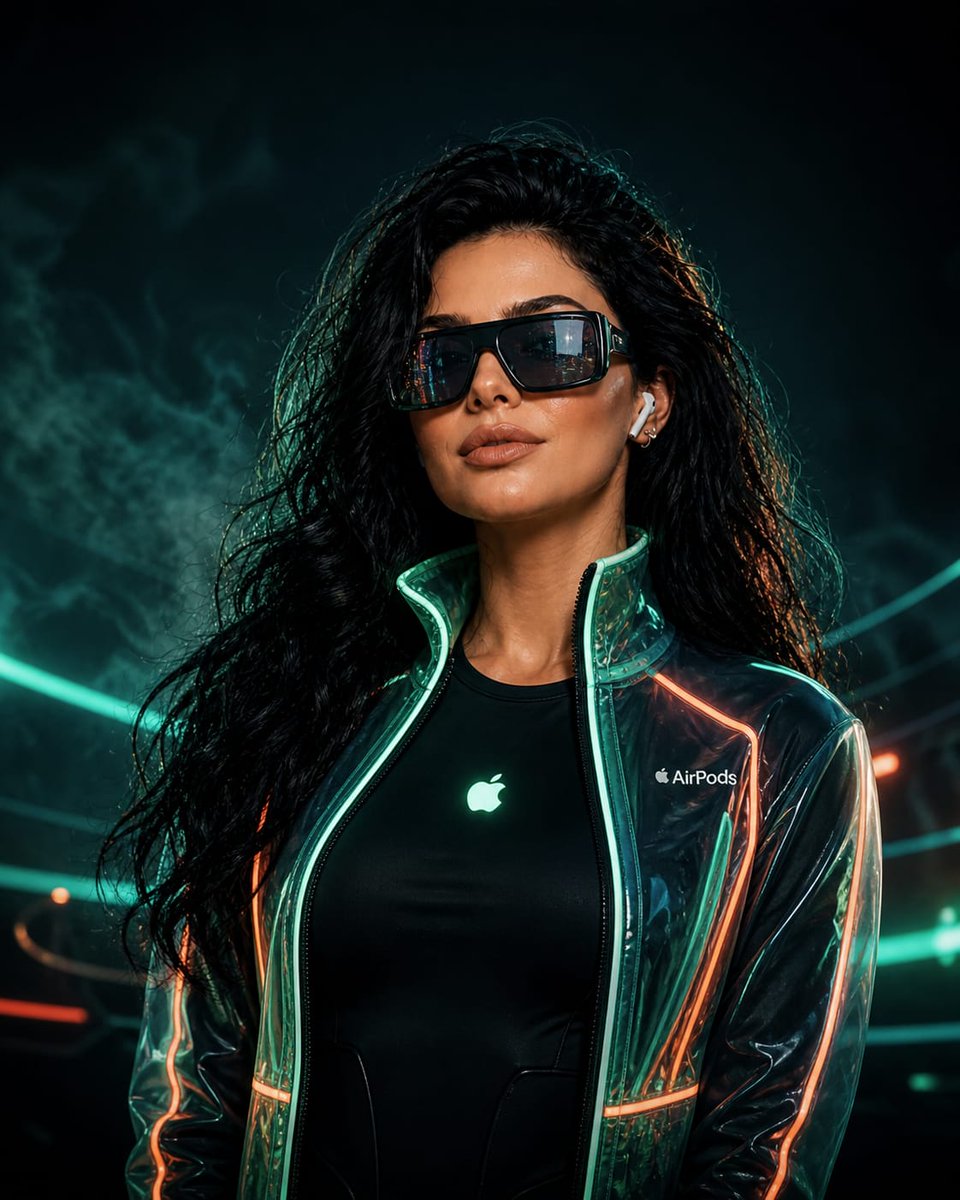
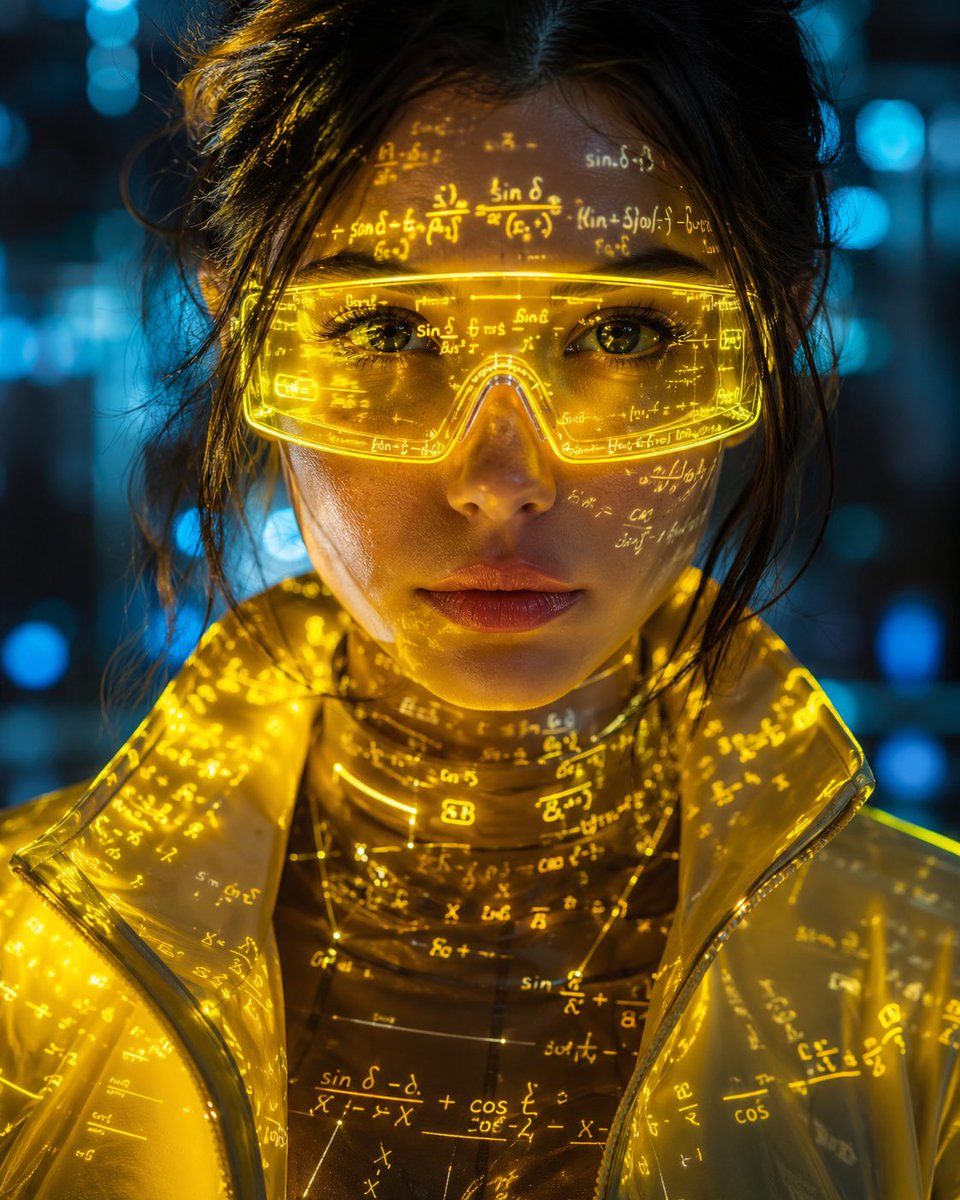
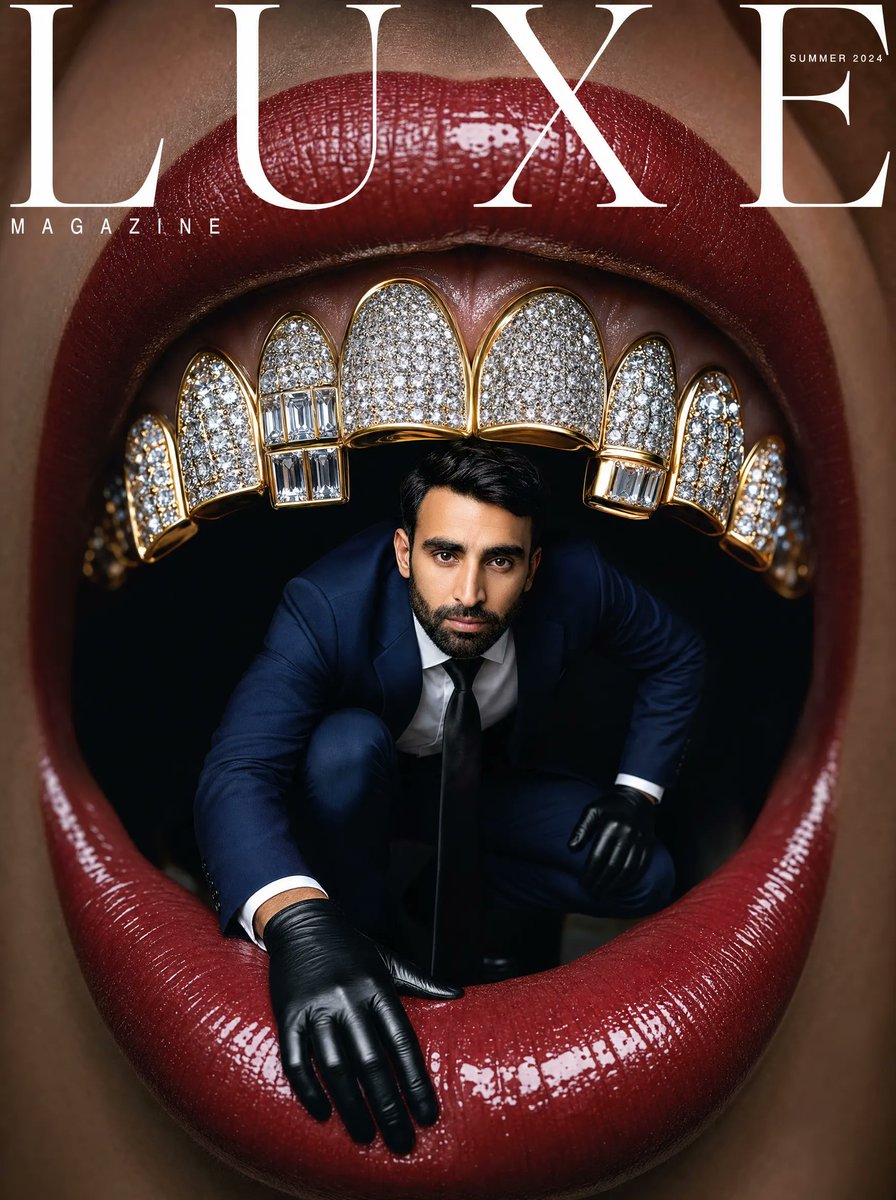
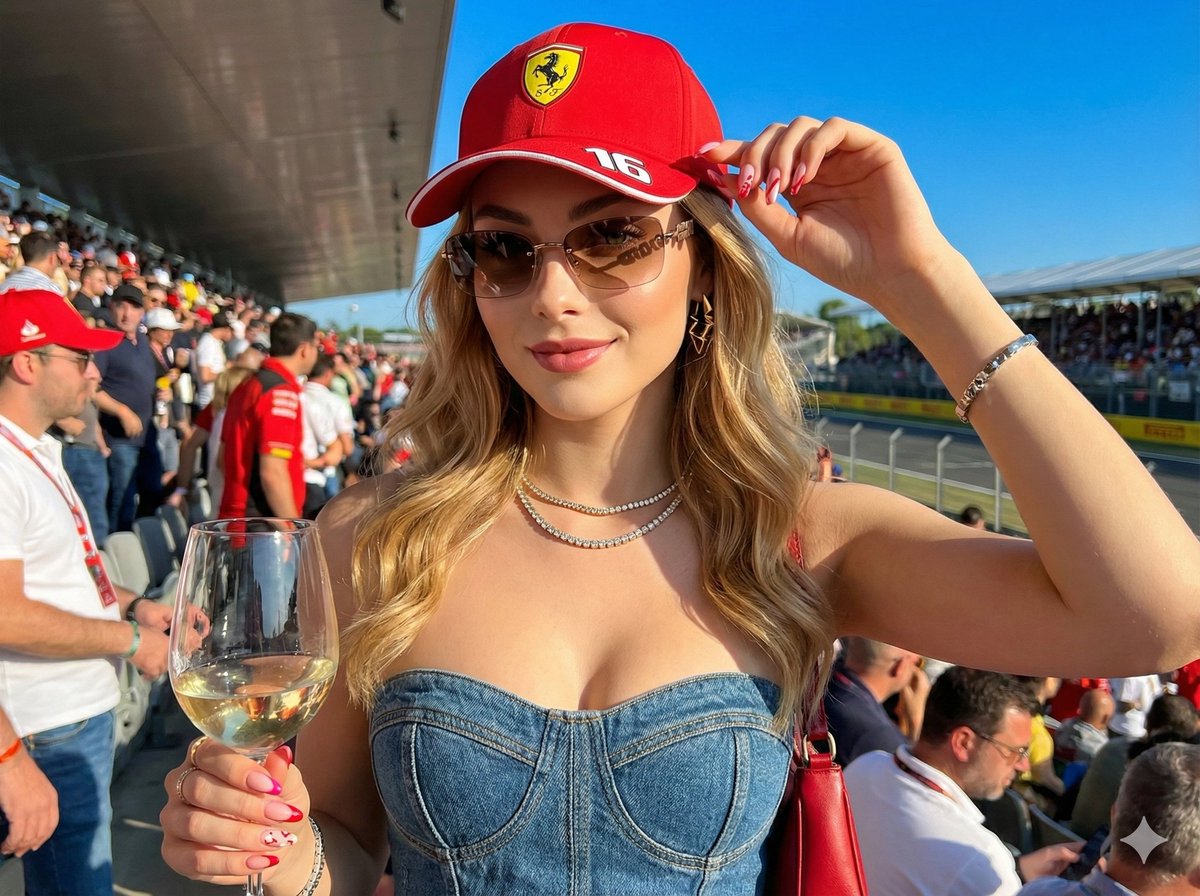
Use Hyperrealistic Superheroine Portrait Prompt to plan an AI image around nano-banana-2 generation. Match the preview's composition first, then personalize the subject, setting, and mood for your own project.
Use the primary action to load the template settings in PicX Studio.
Adjust the subject and creative details for your destination.
Create the image, compare the result with the preview, and refine one variable at a time.
A continuous mix — similar concepts first, woven with same-model prompts and fresh picks from the catalog.
Choose the primary action to open PicX Studio with the available template settings. Review the model and format, personalize the creative direction, and generate when ready.
Yes. You can change the subject, setting, lighting, mood, format, and available model controls before creating your image.
This template is free to open and customize. Generation usage is shown in PicX Studio before you create.
Start with nano-banana-2, which is the model associated with this template. You can compare another compatible model for a different finish.
Follow a topic to a crawlable collection of related PicX Studio templates.
39,155 public templates available. Verified via the PicX Studio public templates API; refreshed hourly.
A continuous mix — similar concepts first, woven with same-model prompts and fresh picks from the catalog.