
Photorealistic Close-Up Portrait (JSON)
A minimal JSON prompt structure for generating a photorealistic close-up portrait, specifying a 9:16 aspect ratio and 4K UHD resolution.
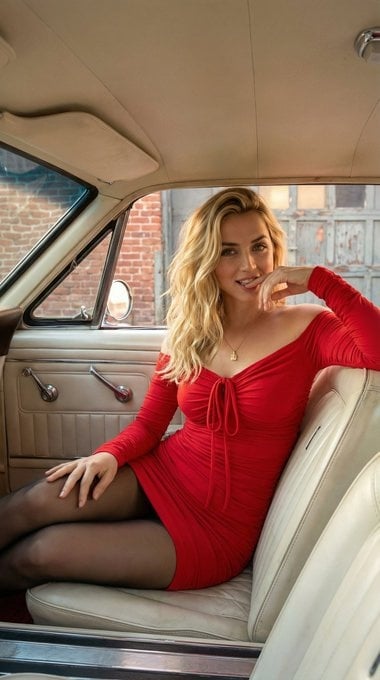
- Prompt included
- Model and format preset
- Free template
The prompt behind this image
Copy the exact prompt behind Photorealistic Close-Up Portrait (JSON), or open it in the studio and make it yours.
- Image Generation Specification › Meta › Type
- photorealistic close-up portrait
- Image Generation Specification › Meta › Aspect Ratio
- 9:16
- Image Generation Specification › Meta › Target Resolution
- 4K UHD
Raw JSON
{
  "image_generation_specification": {
    "meta": {
      "type": "photorealistic close-up portrait",
      "aspect_ratio": "9:16",
"target_resolution": "4K UHD"}}}How to use Photorealistic Close-Up Portrait (JSON) in 3 steps
- 1
Open
The prompt is already in the box next to the preview, with the template's model and format selected.
- 2…a portrait of your subject in softgolden-hour light, 85mm…
Personalize
Edit the subject and creative details for your destination.
- 3Generate
Generate
Press Generate — your image is created in PicX Studio, so you can compare it with the original and refine one variable at a time.
More like this
Templates with the same subject, style or setup. Open one to see its prompt.

Found Photograph: Us, 1970

80s Couple Studio Portrait

80s Bollywood Star

80s Golden Hour Cinema

Me in 1985

1985 Studio Portrait

Hyper-Realistic Minecraft POV Portrait

Rooftop Fisheye — Cat-Ear Balaclava at Golden Hour
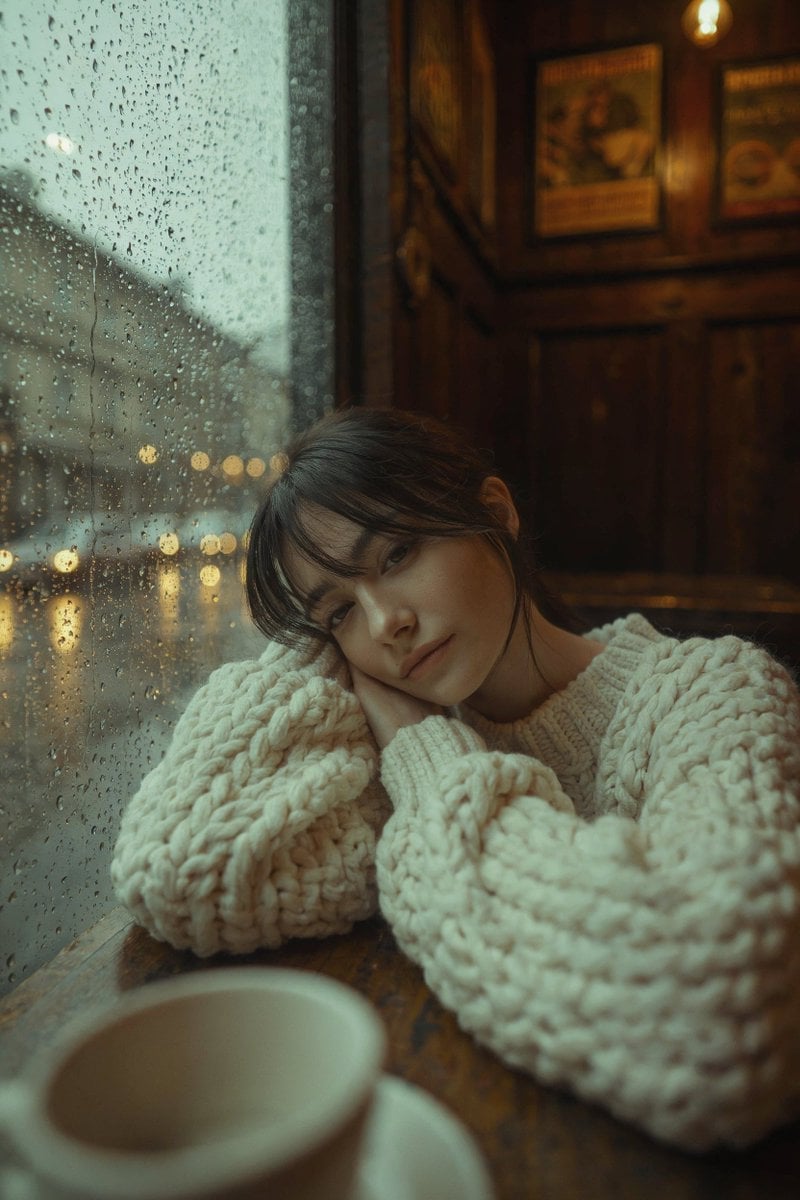
Rainy Café Window Moody Portrait
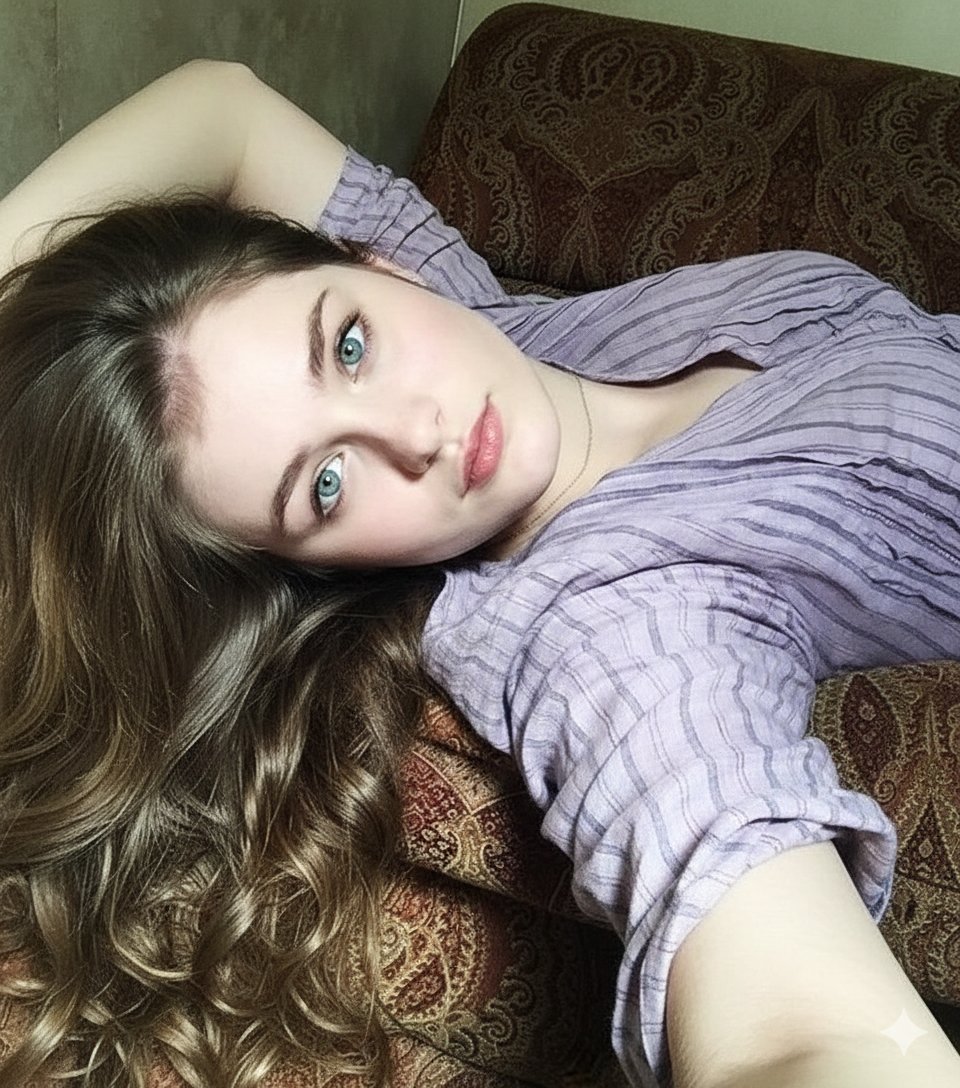
8K Photorealistic Close-Up Selfie Prompt on Ornate Couch
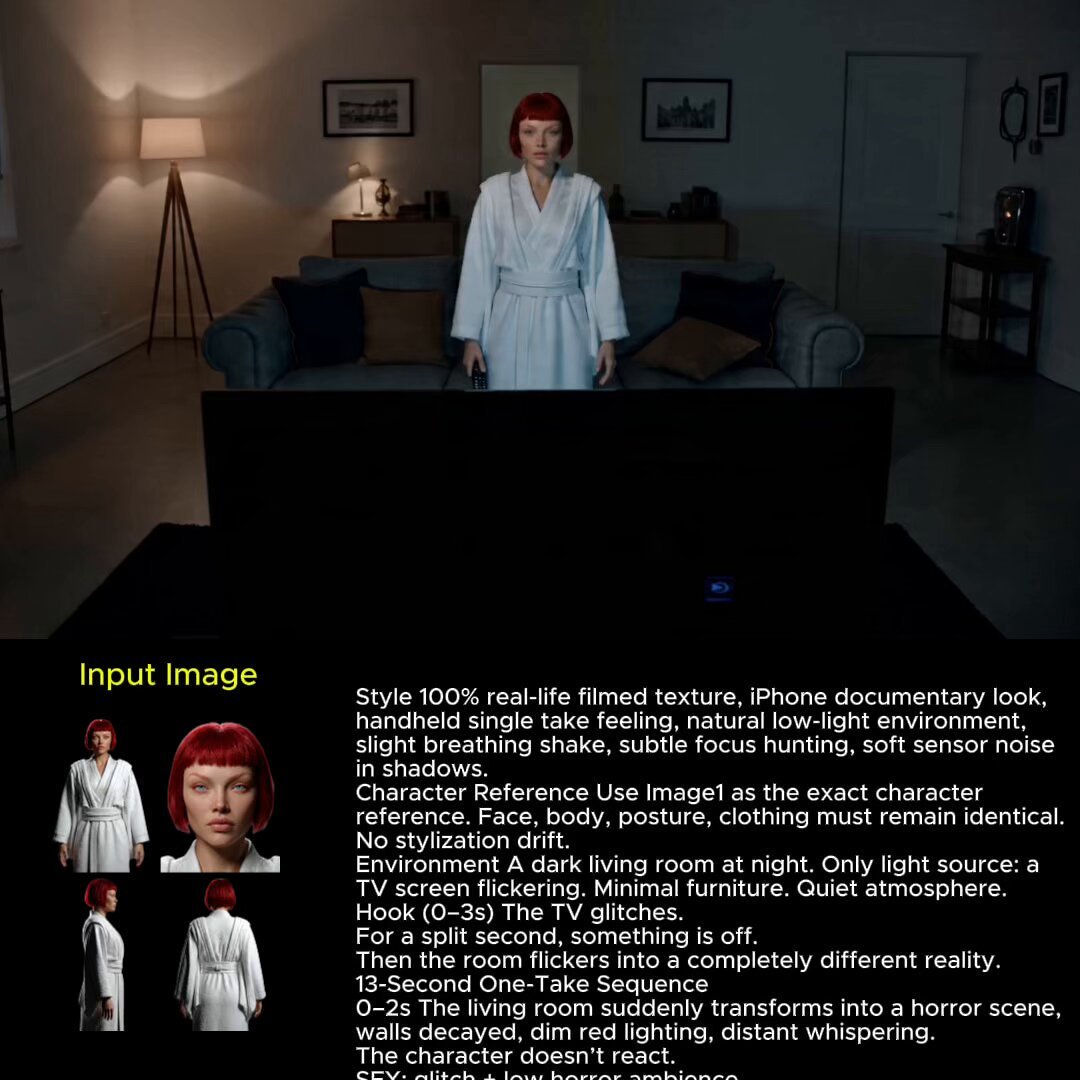
2025 Aesthetic Photography
Nano Banana Is So Addictive
Make it yours
Photorealistic Close-Up Portrait (JSON) works as-is. These are the safest ways to change it without losing the look.
Change one field
Copy a single group, rewrite it, and generate again so you can see what that field is doing.
Keep the frame, change the subject
Hold the composition and light of Photorealistic Close-Up Portrait (JSON), then swap wardrobe, props or the person for a new take.
| If the result… | Why | Fix |
|---|---|---|
| The result drifts from the preview | Too many fields changed at once. | Reuse Photorealistic Close-Up Portrait (JSON) as-is first, then change one group — subject, light, or setting. |
| Nano Banana 2 ignores part of the JSON | Some models flatten or skip nested keys. | Keep the same values and paste them as a short paragraph instead. |
More Nano Banana 2 templates
Other prompts made for Nano Banana 2.

Photorealistic Leaf Shaped Like a Dragon

K-Pop Idol Portrait Grid for Rapid Selection

Poetic Rain Forest Portrait During Golden Hour

Urban Street Portrait with Cartoon Inner Self Duo

Candid Nighttime Photo with Cat Prompt

High-Concept 3D Diorama Generation Prompt

Cinematic Futuristic Studio Portrait Template

Skincare Editorial Photography Collage Prompt

Hyper-Realistic Commercial Product Photography (Splash Effect)

Hyper-Realistic Nightclub Portrait Prompt
More image prompts
Fresh picks from across the catalog.
Anime Street-Dancer Character Grid
Christmas Vertigo: Surreal Avant-Garde Mrs. Claus
Liquid Chrome and Holographic Transformation
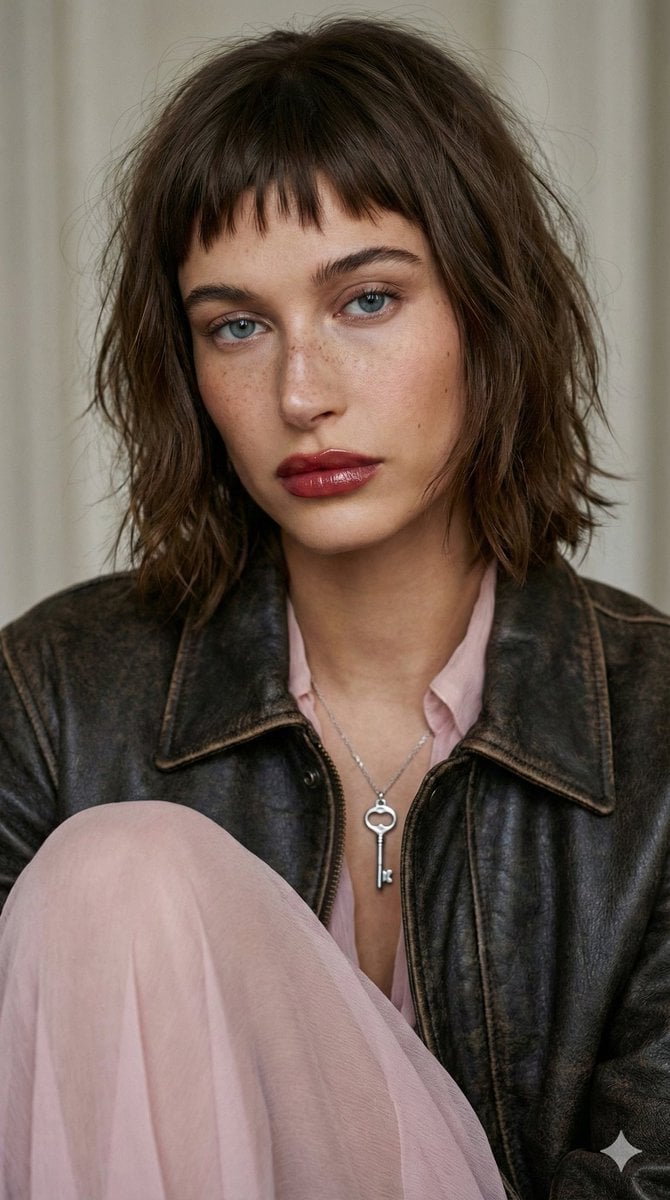
Editorial Fashion Portrait with Wolf-Cut Hairstyle Prompt
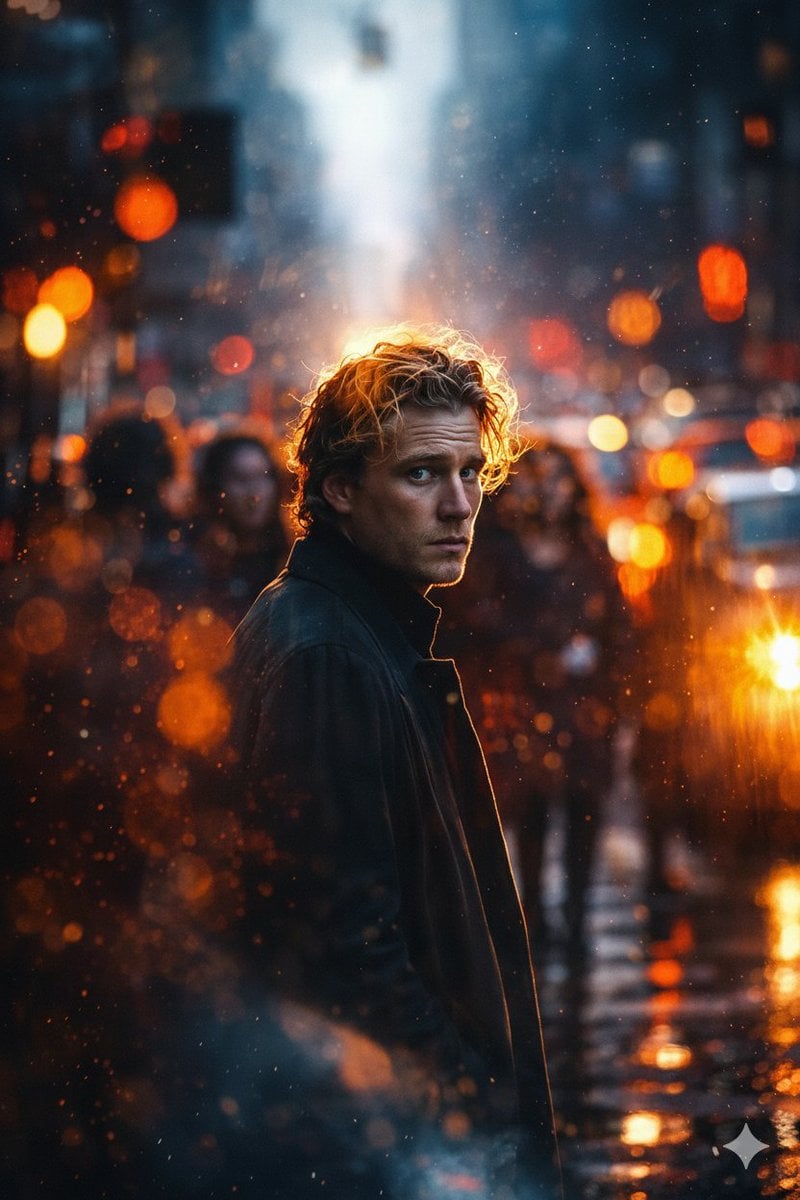
Cinematic Rainy City Portrait Prompt
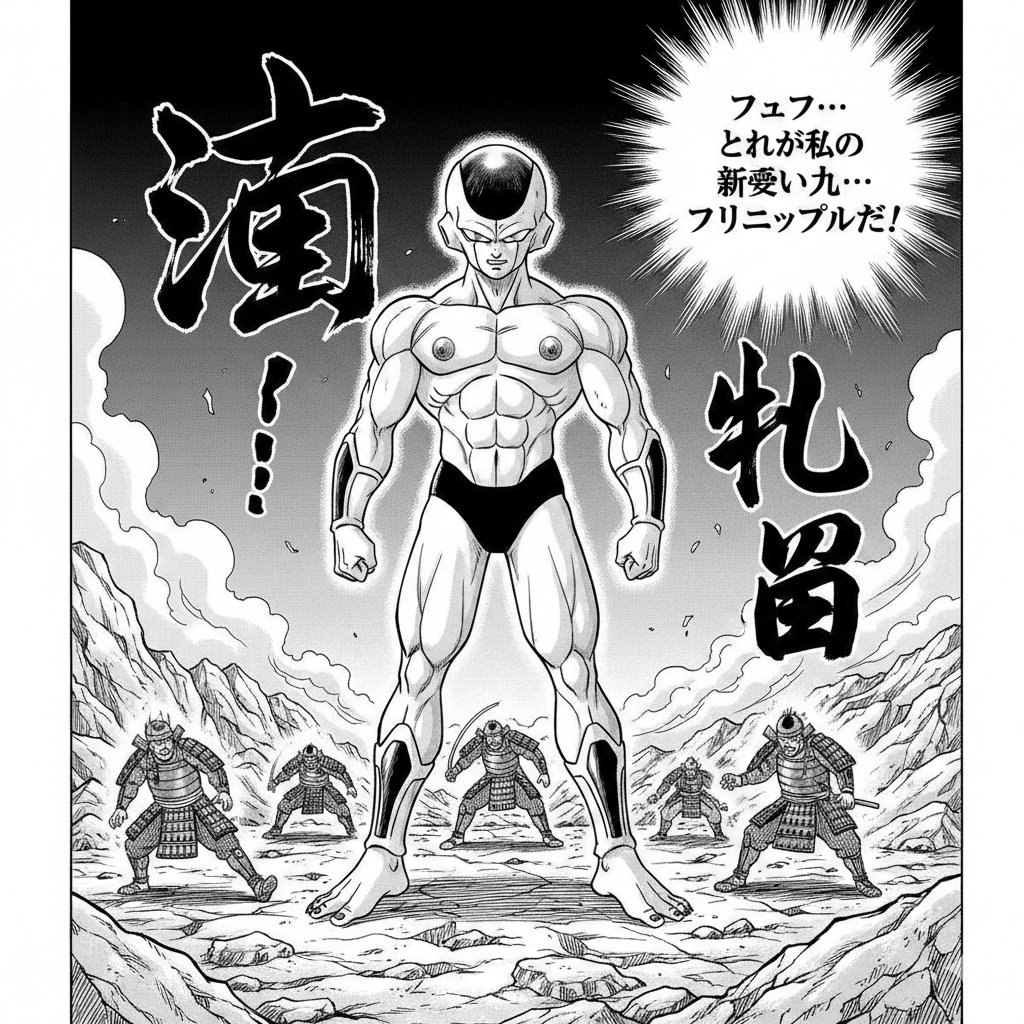
Illustration Generation: Free the Nipple Theme
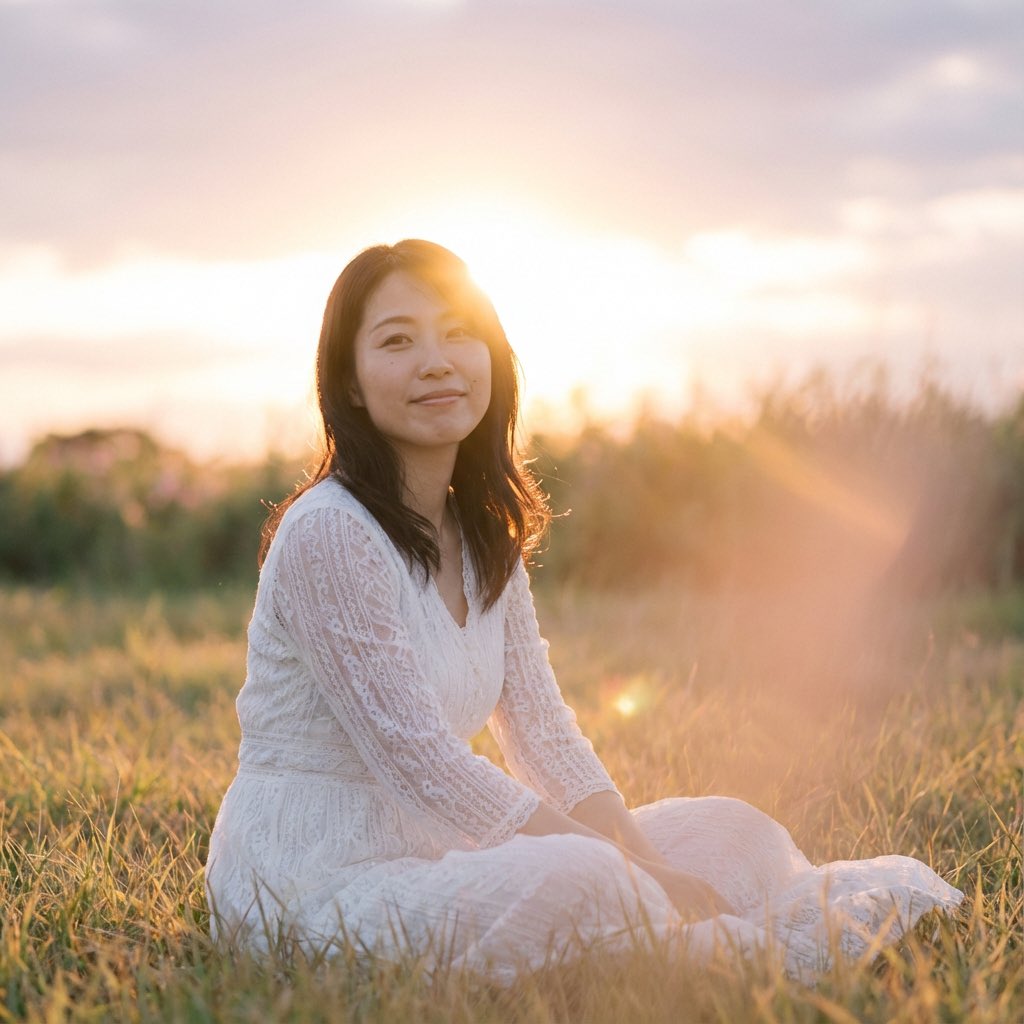
Nano Banana Pro 'Correct Words' for Subtle Smiling Expression

LLM Prompt for Website Generation
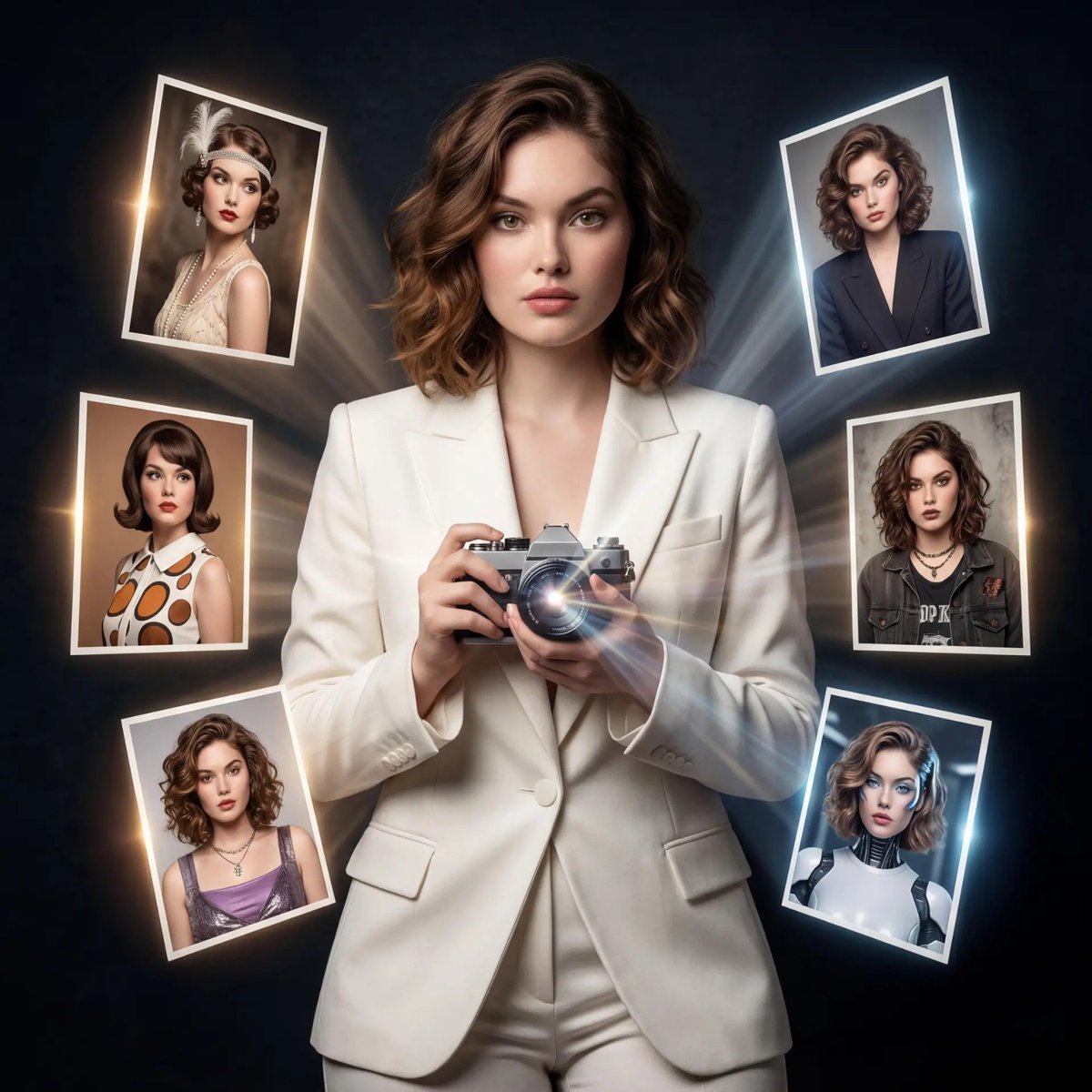
Vintage Camera Creativity Metaphor
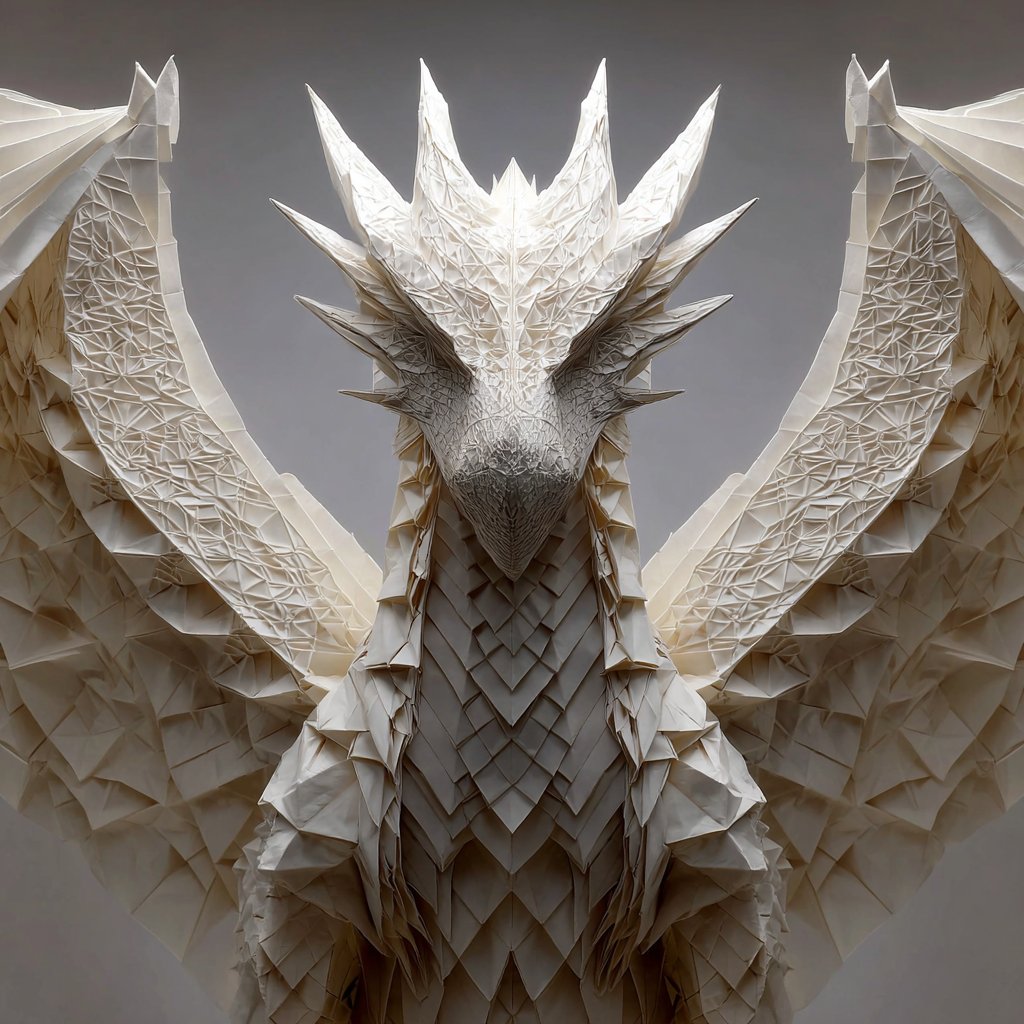
Origami-style step-by-step folding instructions
Browse template categories
Photorealistic Close-Up Portrait (JSON) questions
How do I use the Photorealistic Close-Up Portrait (JSON) template?
Add your photo if the template asks for one, edit the prompt if you like — the template's model and format are already selected — and press Generate. Your version opens in PicX Studio.
Can I customize the Photorealistic Close-Up Portrait (JSON) template?
Yes. You can change the subject, setting, lighting, mood, format, and available model controls before creating your image.
Is the Photorealistic Close-Up Portrait (JSON) template free?
Opening and editing this template is free. Generating uses credits, shown on the Generate button when you are signed in.
Which AI model should I use?
Start with Nano Banana 2, which is the model associated with this template. You can compare another compatible model for a different finish.
Looking for something else? Browse all templates.

Your photo, any look
Thousands of ready templates for every top image and video model, from one credit balance.