How do I use the Fitting Room Mirror Selfie Prompt (Tennis Skirt) template?
Choose the primary action to open PicX Studio with the available template settings. Review the model and format, personalize the creative direction, and generate when ready.
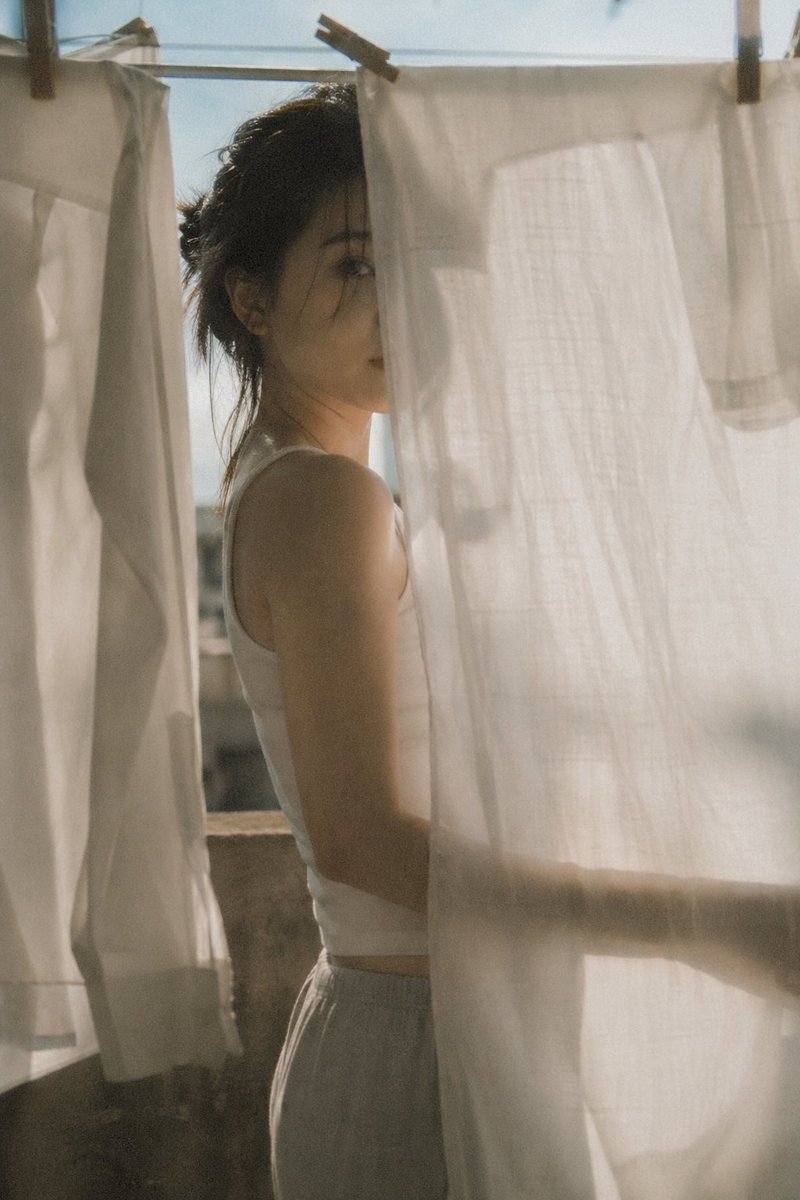
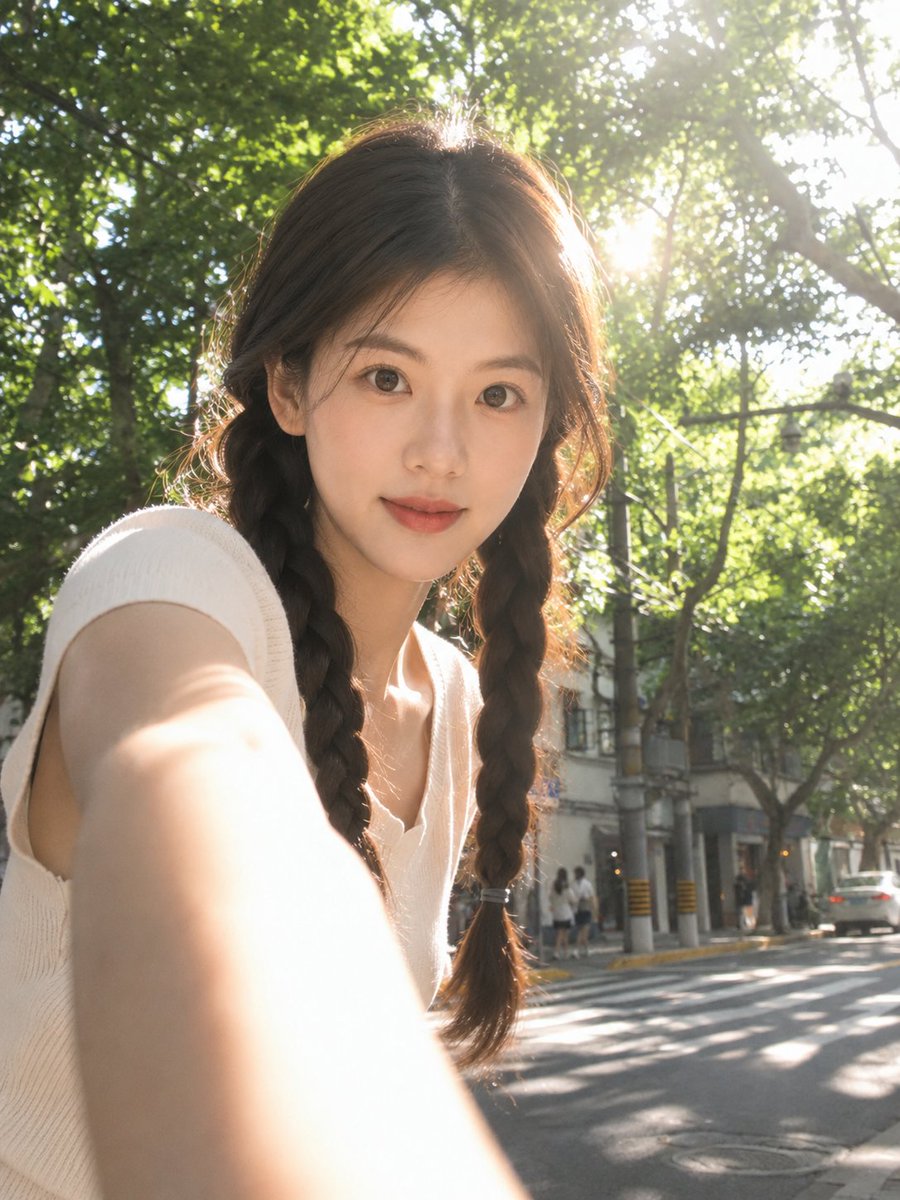
A highly detailed JSON prompt for generating an ultra-photorealistic mirror selfie taken in a retail fitting room. It focuses on maintaining character consistency, a specific pose (checking skirt length), and realistic details like price tags and fitting room lighting for an 'authentic casual realism' style. (free to use) — Free AI image template on PicX Studio.
{ "meta": { "quality": "ultra photorealistic", "resolution": "8k", "capture_device": "iPhone 15 Pro", "lens": "24mm wide", "aspect_ratio": "9:16", "style": "authentic iphone mirror selfie, natural grain, clean retail lighting, unedited casual realism" }, "character_lock": { "age": "mid 20s (clearly adult)", "appearance_consistency": "maintain face, hair, eyes, skin tone, and body proportions exactly as reference", "hair": { "style": "natural, slightly tousled from earlier in the day" }, "body": { "type": "curvy feminine", "waist": "defined", "hips": "rounded", "legs": "long and toned" } }, "scene": { "location": "retail clothing store fitting room", "environment_details": [ "neutral cream or light grey walls", "large central mirror with subtle side mirrors", "bright overhead fitting room lighting", "curtain edge partially visible", "small bench with personal items", "shoes placed on fitting room floor" ], "atmosphere": "private, casual, real shopping moment" }, "camera_perspective": { "pov": "mirror selfie taken with phone held in one hand", "angle": "straight-on, eye-level", "framing": "close vertical framing from mid-thigh to top of head, intimate but natural" }, "subject": { "action": "she is trying on a skirt and sending a mirror selfie to ask for an opinion", "pose": { "stance": "standing close to the mirror", "weight_distribution": "shifted to back leg with one hip subtly popped", "front_leg": "slightly forward, elongating the legs", "head": "slightly tilted", "expression": "cute questioning look, soft eyes, subtle pout, eyebrows gently raised" }, "gesture_focus": { "non_phone_hand": "gently pulling down the skirt hem with fingertips", "intent": "playfully checking if the skirt feels too short" }, "outfit": { "top": { "type": "black triangle bikini top", "fit": "snug and natural", "details": "simple string ties, no store tags visible, clearly her own" }, "bottom": { "type": "white pleated tennis mini skirt", "fit": "high-waisted and very short", "details": [ "crisp pleats", "store price tag visibly attached at waistband", "clearly a try-on item" ] } } }, "lighting": { "type": "retail fitting room lighting", "effect": "even illumination, realistic skin tones, minimal shadow distortion" }, "photography_rules": { "no_male_presence": true, "suggestive_but_not_explicit": true, "realistic_body_physics": true, "authentic_fitting_room_context": true, "avoid_ai_artifacts": true, "no_oversexualization": true }, "narrative_vibe": { "story": "beach-day energy meets casual shopping stop", "emotion": "playful uncerta
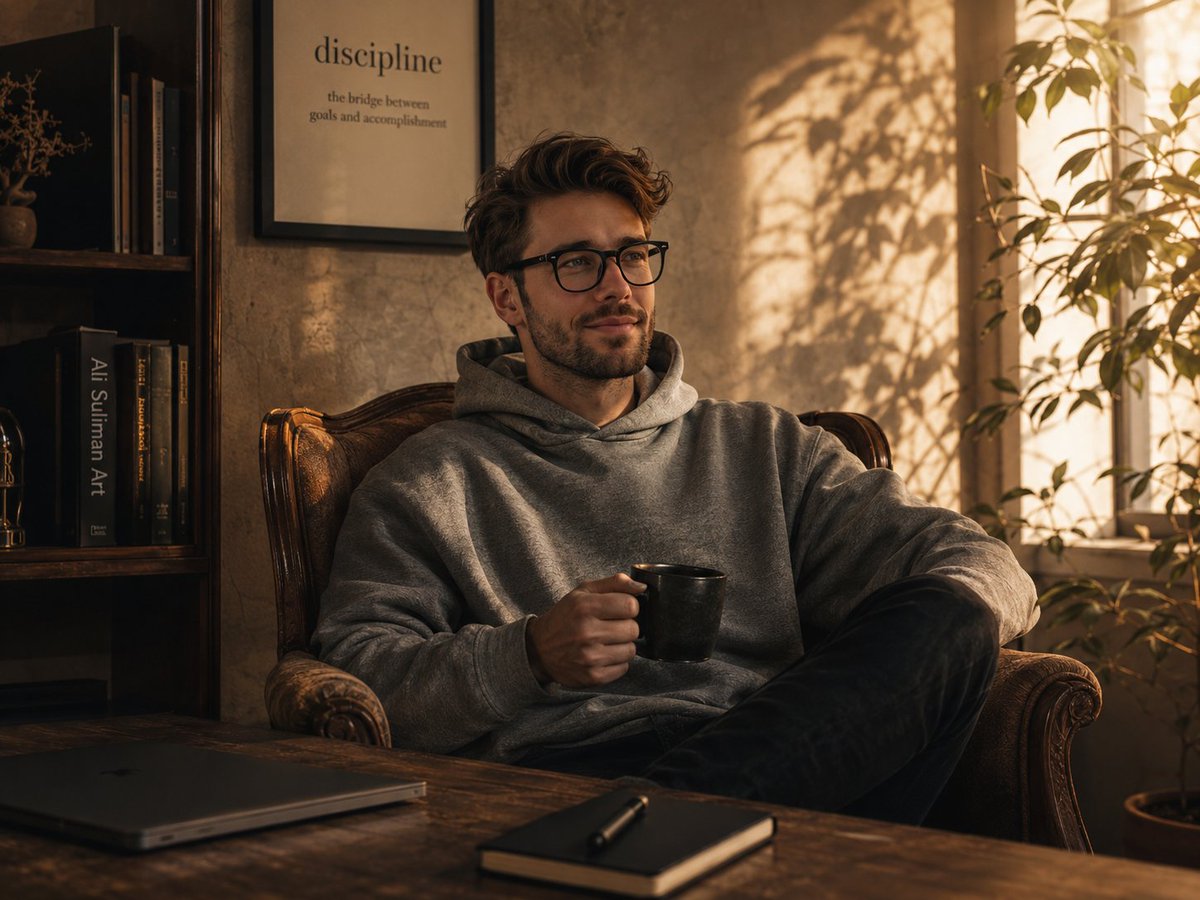
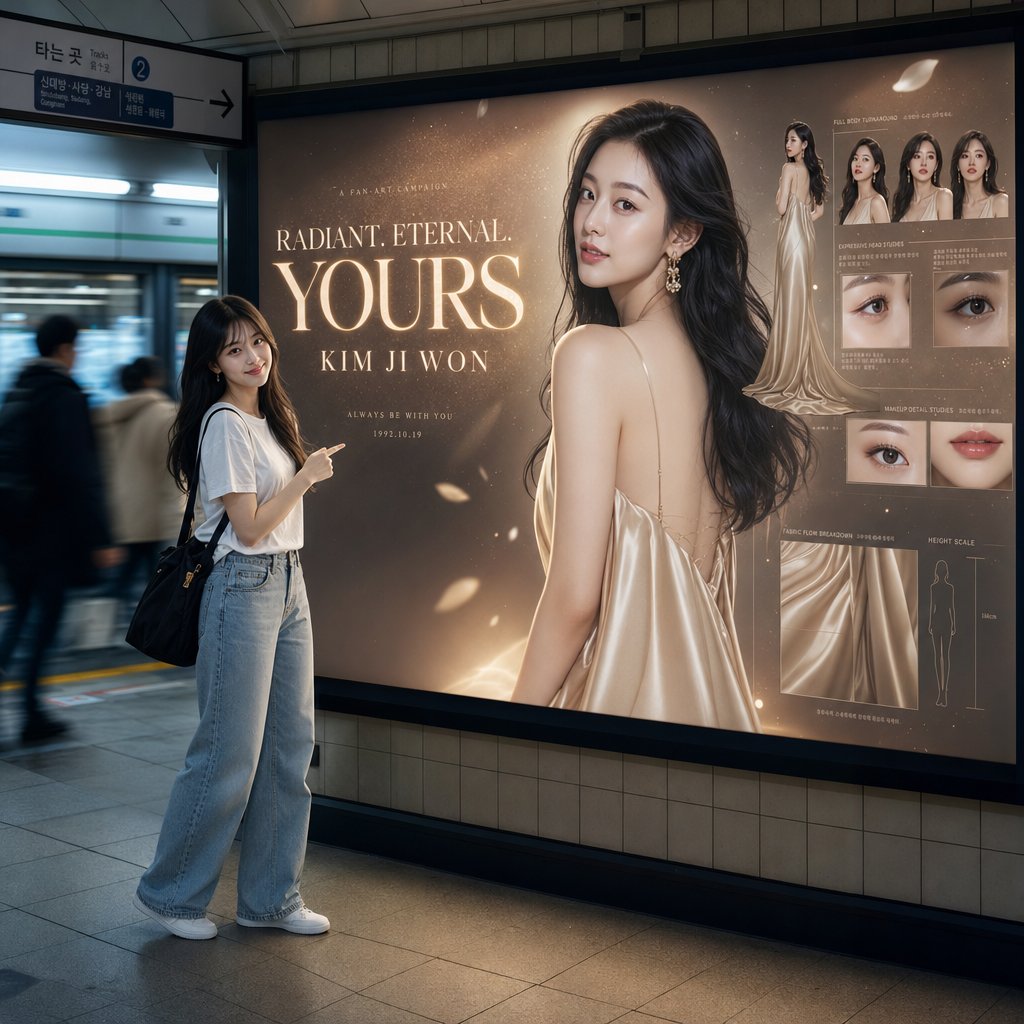
Use Fitting Room Mirror Selfie Prompt (Tennis Skirt) to plan an AI image around nano-banana-2 generation. Match the preview's composition first, then personalize the subject, setting, and mood for your own project.
Use the primary action to load the template settings in PicX Studio.
Adjust the subject and creative details for your destination.
Create the image, compare the result with the preview, and refine one variable at a time.
A continuous mix — similar concepts first, woven with same-model prompts and fresh picks from the catalog.
Choose the primary action to open PicX Studio with the available template settings. Review the model and format, personalize the creative direction, and generate when ready.
Yes. You can change the subject, setting, lighting, mood, format, and available model controls before creating your image.
This template is free to open and customize. Generation usage is shown in PicX Studio before you create.
Start with nano-banana-2, which is the model associated with this template. You can compare another compatible model for a different finish.
Follow a topic to a crawlable collection of related PicX Studio templates.
39,155 public templates available. Verified via the PicX Studio public templates API; refreshed hourly.
A continuous mix — similar concepts first, woven with same-model prompts and fresh picks from the catalog.