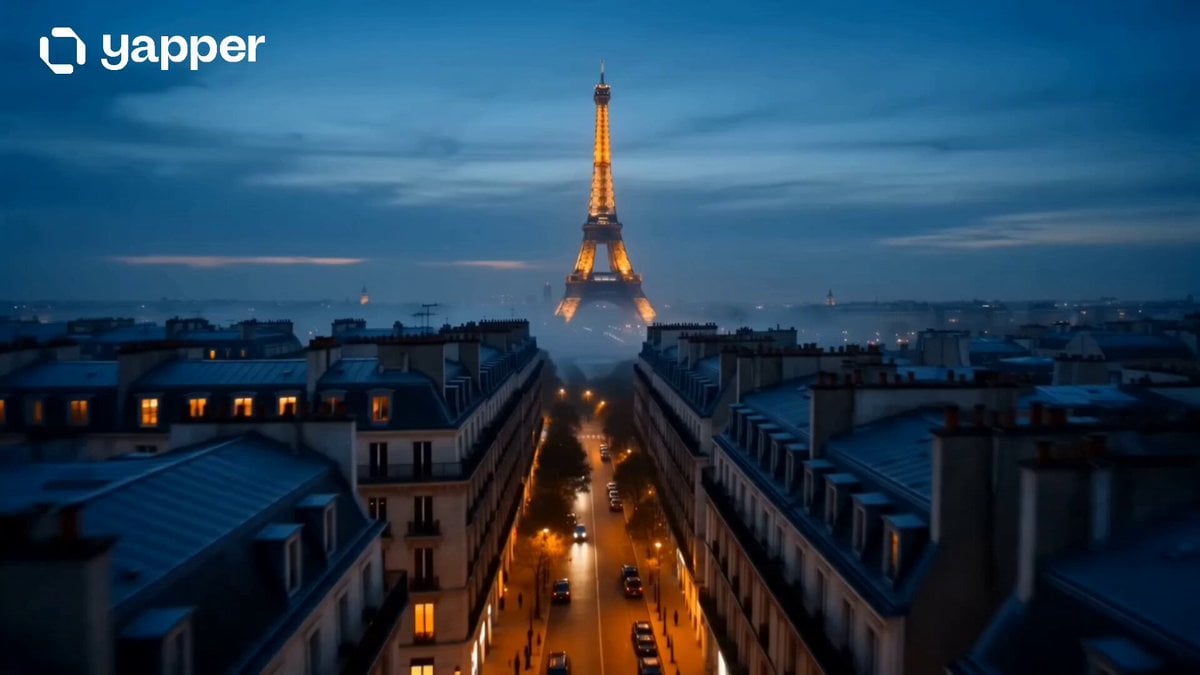
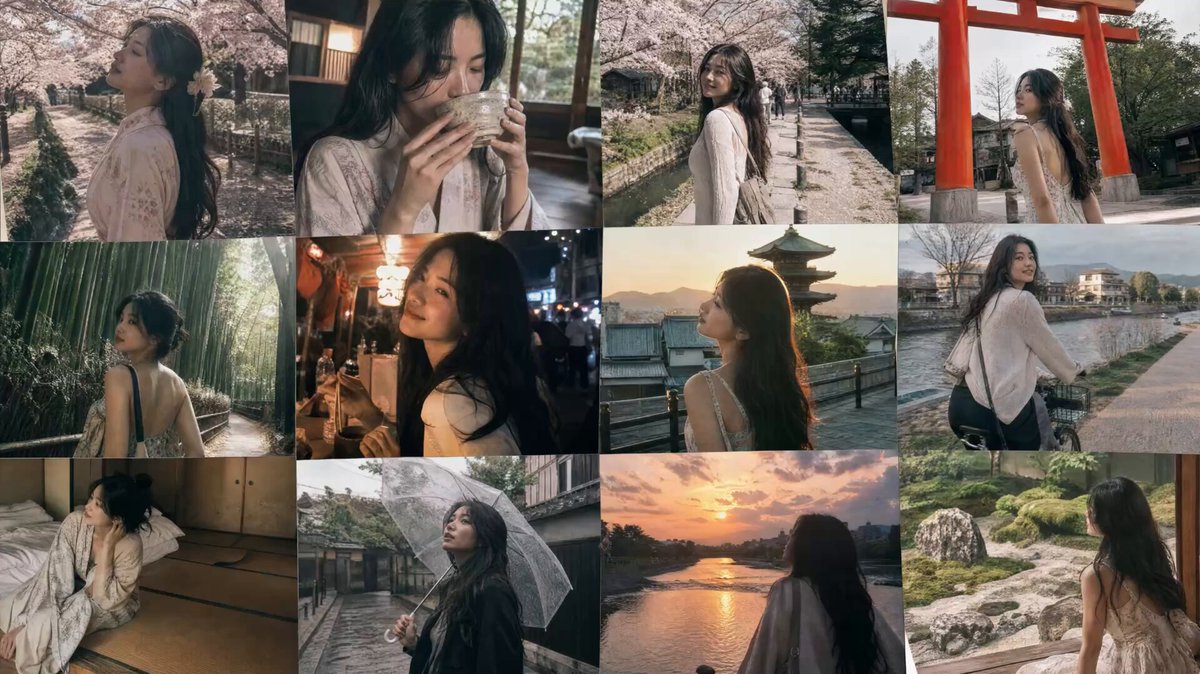
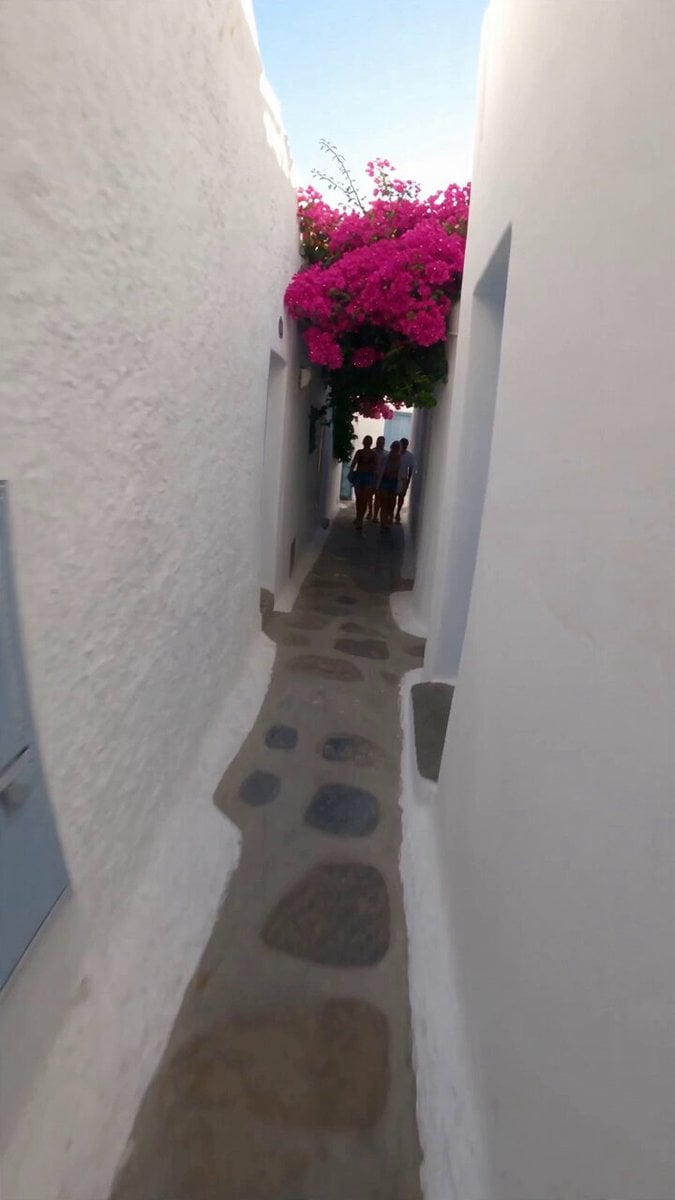
How do I use the 15-Shot Cinematic Travel Sequence template?
Edit the prompt in the box under the preview — the template's model and format are already selected — and press Generate. Your version appears right on this page.
A technical beat-synced travel prompt for Seedance 2.0, mapping 15 shots to a 145 BPM rhythm across multiple environments and mood arcs.
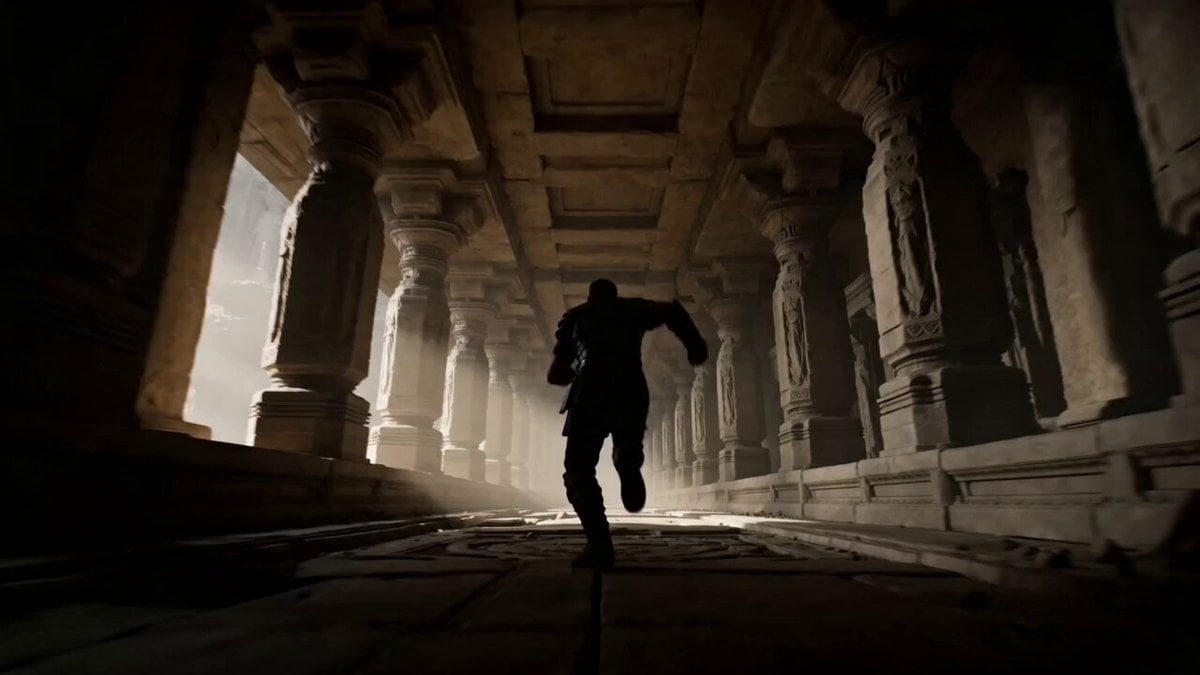
FORMAT: 15 seconds / 145 BPM / 15 beat-synced shots SUBJECT: @[image1] ENVIRONMENT: Apartment → bathroom → kitchen → taxi → airport terminal → security check → boarding gate → airplane cabin → hotel room night MOOD ARC: Late wake-up → high-pressure travel rush → relief → quiet exhaustion SHOT CHANGES (key differences): • Shot 11: exits apartment, jumps into fast-moving taxi (rain streaks on window) • Shot 12: runs through airport terminal with suitcase, departure board flashing • Shot 13: boarding pass scanned at gate • Shot 14: airplane window seat, city lights below • Shot 15: hotel bed collapse, suitcase still half-open
FORMAT: 15 seconds / 145 BPM / 15 beat-synced shots SUBJECT: @[image1] ENVIRONMENT: Apartment → bathroom → kitchen → taxi → airport terminal → security check → boarding gate → airplane cabin → hotel room night MOOD ARC: Late wake-up → high-pressure travel rush → relief → quiet exhaustion SHOT CHANGES (key differences): • Shot 11: exits apartment, jumps into fast-moving taxi (rain streaks on window) • Shot 12: runs through airport terminal with suitcase, departure board flashing • Shot 13: boarding pass scanned at gate • Shot 14: airplane window seat, city lights below • Shot 15: hotel bed collapse, suitcase still half-open
Edit the prompt in the box under the preview — the template's model and format are already selected — and press Generate. Your version appears right on this page.
Yes. You can change the subject, setting, lighting, mood, format, and available model controls before creating your video.
Opening and editing this template is free. Generating uses credits, shown on the Generate button when you are signed in.
Start with Seedance 2.0, which is the model associated with this template. You can compare another compatible model for a different finish.
Follow a topic to a crawlable collection of related PicX Studio templates.