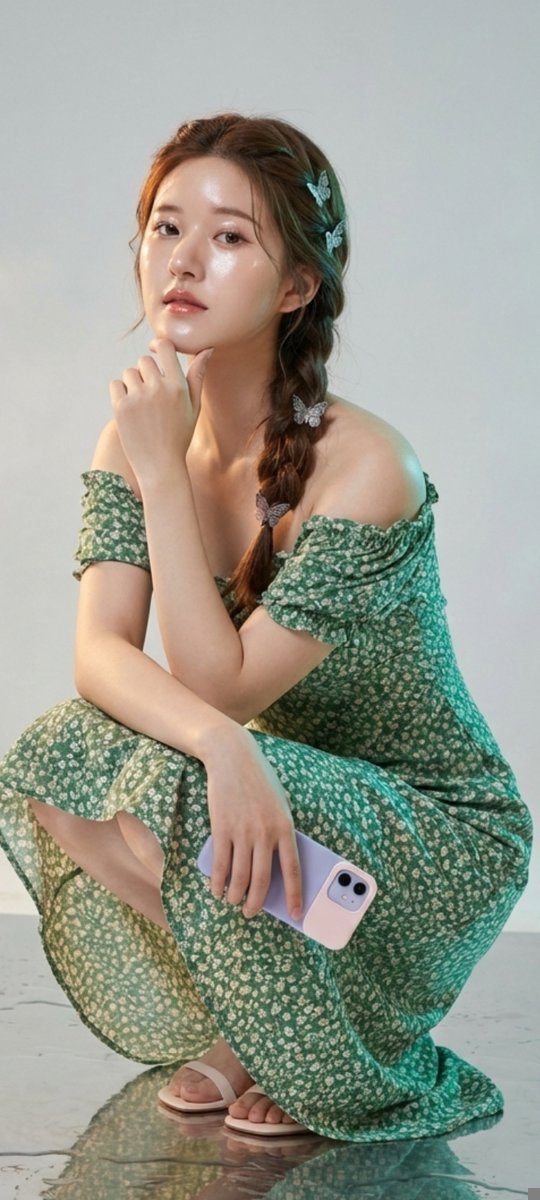
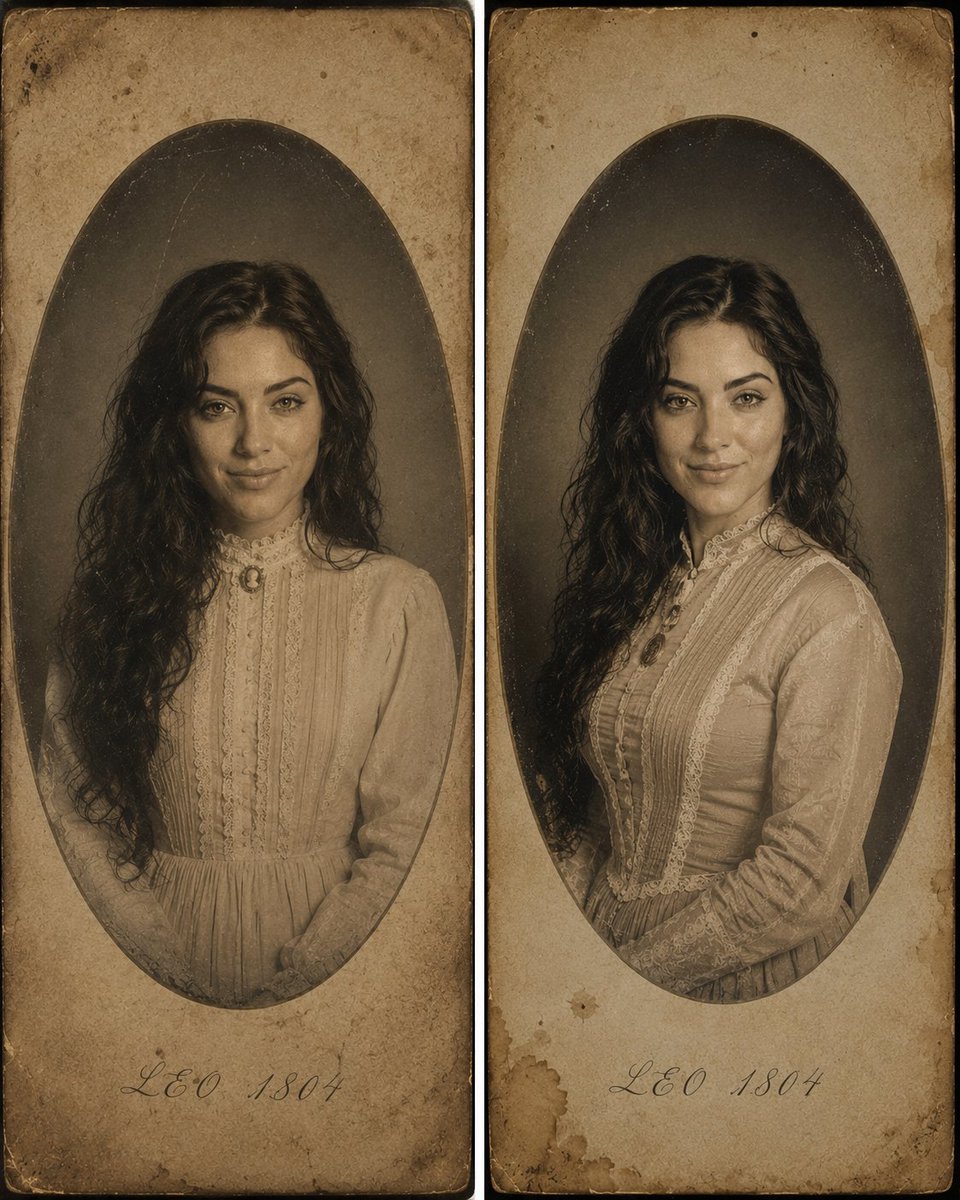
How do I use the Rooftop Hot Tub Portrait Prompt template?
Choose the primary action to open PicX Studio with the available template settings. Review the model and format, personalize the creative direction, and generate when ready.
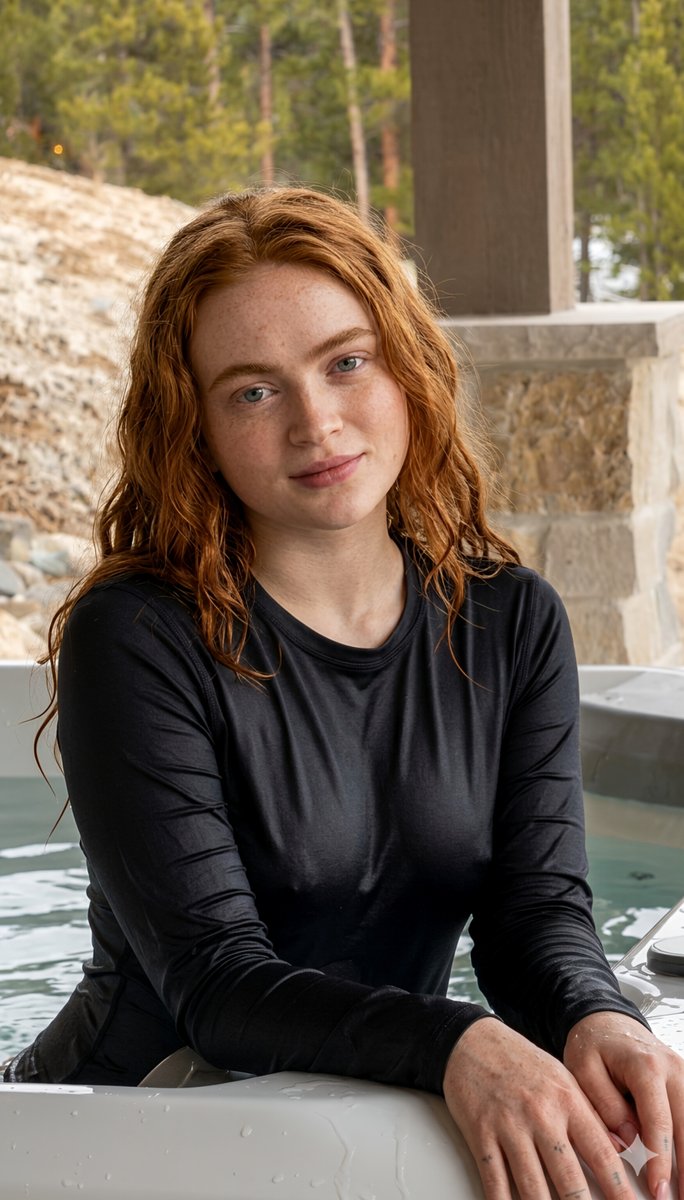
An editorial-style prompt for a portrait of a woman in a rooftop hot tub during golden hour, emphasizing twilight lighting and an upscale atmosphere. Change the subject, setting, or lighting one variable at a time.

Create an image using my photo a medium shot of a young woman with a striking gaze, looking back over her shoulder towards the camera. she is submerged up to her chest in the clear, turquoise water of a modern {argument name="water feature" default="white hot tub or pool"}. features: she has dark, chocolate brown straight hair tied into a messy loose bun. Few loose hair strands covering her face/framing her face.her skin has a dewy, "glass skin" finish, and she wears a {argument name="outfit color" default="Light red"} one piece halter beck, strap tied on the back of her neck. setting & atmosphere environment: an upscale {argument name="location" default="rooftop or outdoor terrace"} during "golden hour." in the background, there is a grey gazebo with a scalloped trim, soft outdoor string lights (bistro lights) hanging across the sky, and a glimpse of a cityscape under a dramatic, cloudy sunset. lighting: soft, natural twilight lighting. the sky is a mix of muted blue, grey, and warm orange hues from the setting sun, creating a moody yet sophisticated editorial vibe. color palette: a balance of cool tones (the water and grey architecture) and warm tones (the sunset and skin highlights). 2:3ar
Choose the primary action to open PicX Studio with the available template settings. Review the model and format, personalize the creative direction, and generate when ready.
Yes. You can change the subject, setting, lighting, mood, format, and available model controls before creating your image.
This template is free to open and customize. Generation usage is shown in PicX Studio before you create.
Start with Nano Banana 2, which is the model associated with this template. You can compare another compatible model for a different finish.
Follow a topic to a crawlable collection of related PicX Studio templates.
43,474 public templates available. Verified via the PicX Studio public templates API; refreshed hourly.

















![Naive doodle-style subject illustration — A doodle-style {argument name="subject" default="[subject]"}, naive lines, humorous shape exaggeration](https://pbs.twimg.com/media/G6Wl2YxbsAARB2b.jpg)