How do I use the Golden Hour Editorial Rooftop Photo template?
Edit the prompt in the box under the preview — the template's model and format are already selected — and press Generate. Your version appears right on this page.
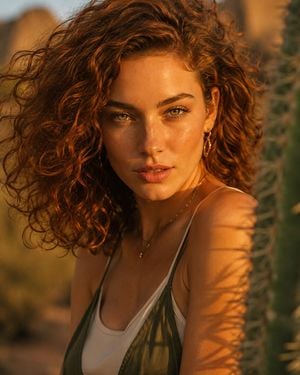
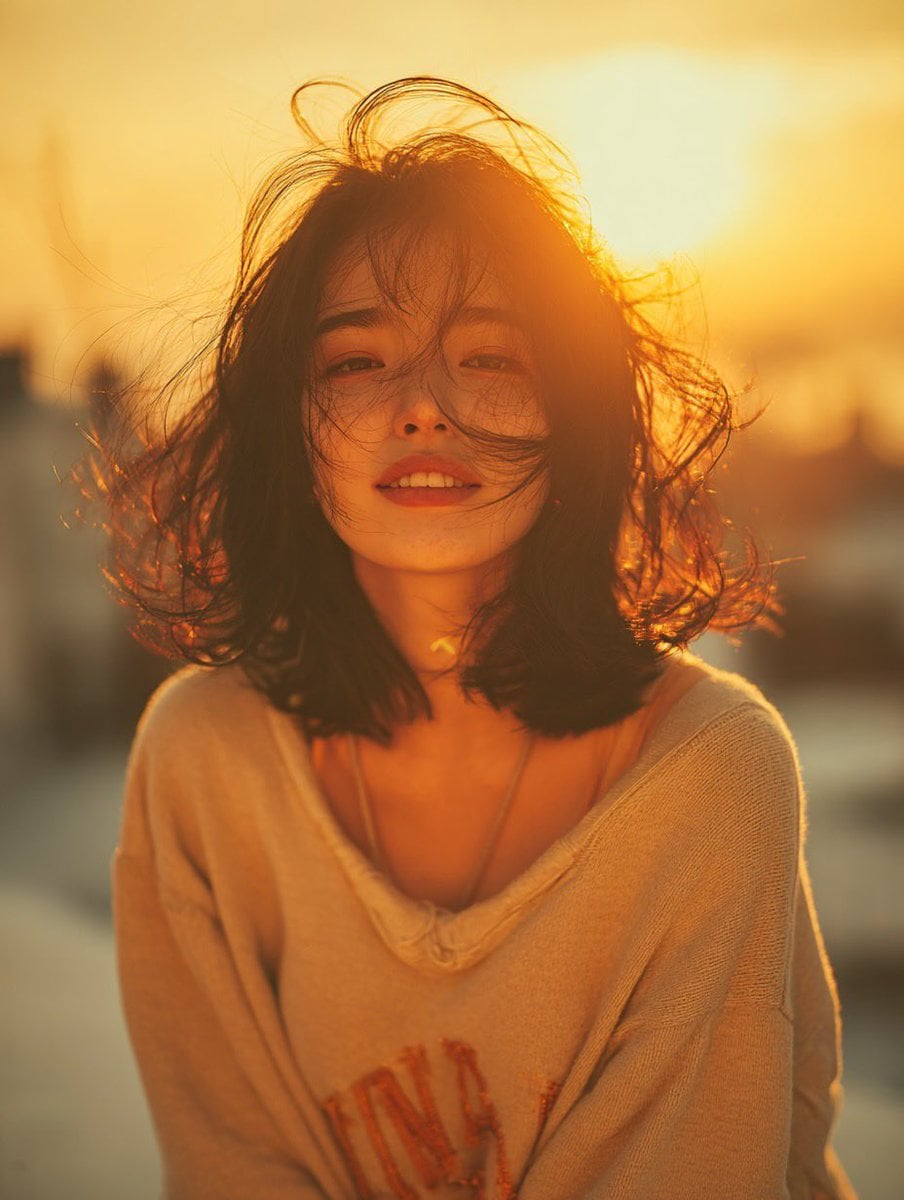
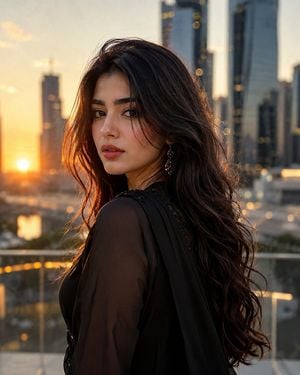
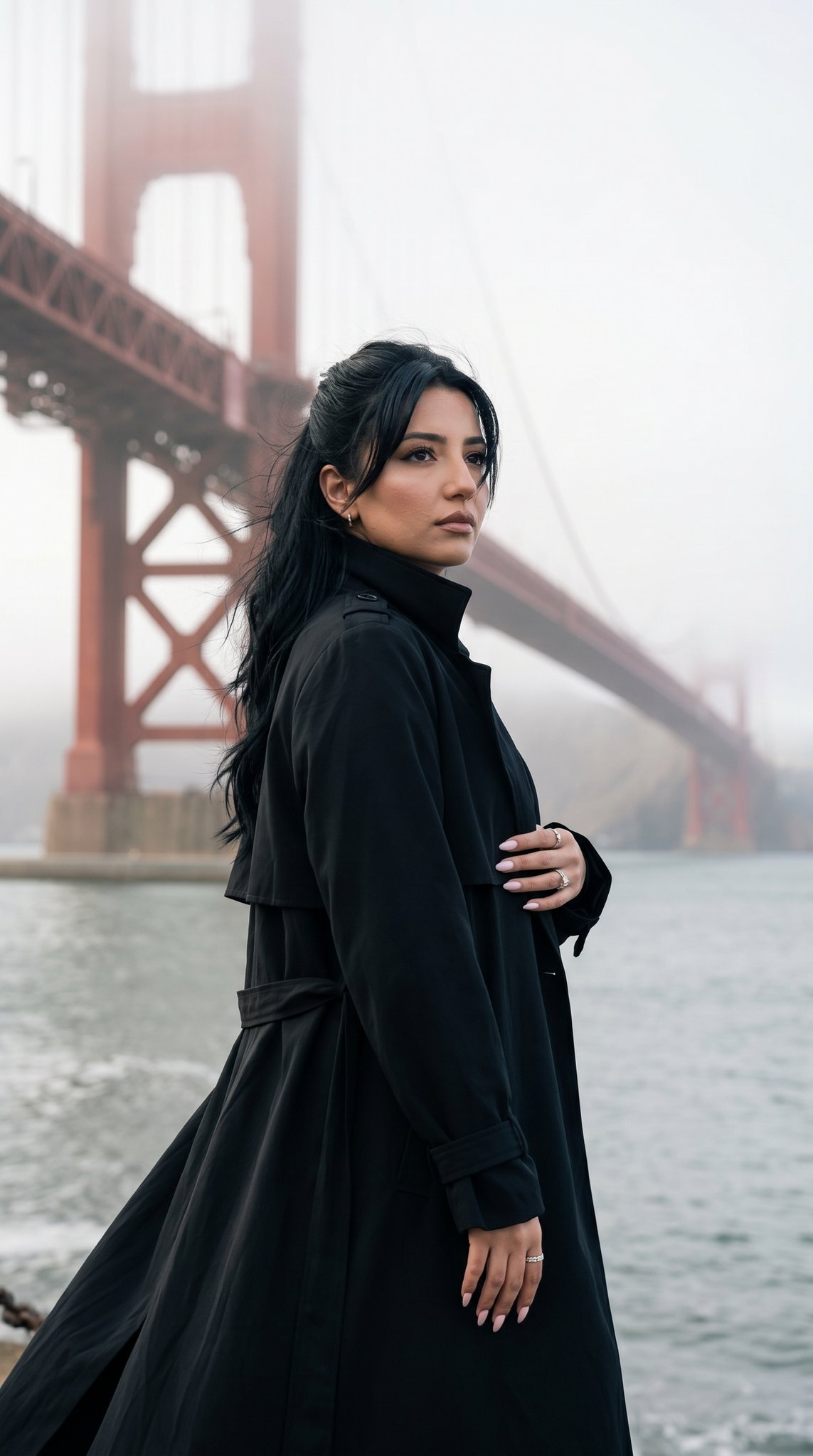
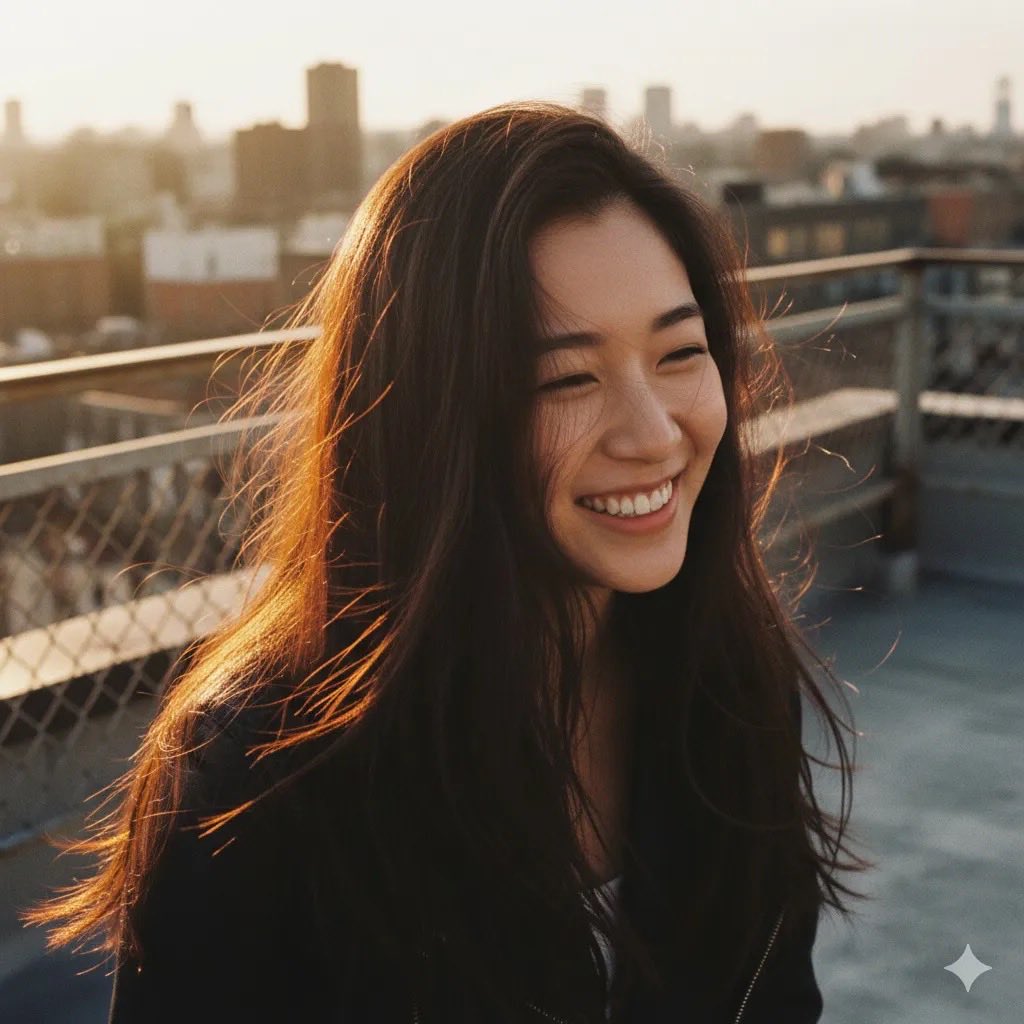
A high-fashion editorial prompt for a city rooftop photo shoot during golden hour, featuring a wind-swept look and strong color contrast.

Wide editorial shot, woman in {argument name="outfit" default="bold yellow-teal plaid turtleneck dress"} standing on {argument name="location" default="city rooftop"}, round vintage sunglasses, hand raised near face, hair caught mid-motion by wind, skyline and rooftop ledge visible below, clear blue sky with negative space upper left for caption text, strong color contrast, golden hour light, rule of thirds composition, high-fashion lifestyle photography --ar 4:5 --v 6
Wide editorial shot, woman in {argument name="outfit" default="bold yellow-teal plaid turtleneck dress"} standing on {argument name="location" default="city rooftop"}, round vintage sunglasses, hand raised near face, hair caught mid-motion by wind, skyline and rooftop ledge visible below, clear blue sky with negative space upper left for caption text, strong color contrast, golden hour light, rule of thirds composition, high-fashion lifestyle photography --ar 4:5 --v 6
Edit the prompt in the box under the preview — the template's model and format are already selected — and press Generate. Your version appears right on this page.
Yes. You can change the subject, setting, lighting, mood, format, and available model controls before creating your image.
Opening and editing this template is free. Generating uses credits, shown on the Generate button when you are signed in.
Start with GPT Image 2, which is the model associated with this template. You can compare another compatible model for a different finish.
Follow a topic to a crawlable collection of related PicX Studio templates.