How do I use the Crimson Relic-War Transformation and Angel Fight template?
Edit the prompt in the box under the preview — the template's model and format are already selected — and press Generate. Your version appears right on this page.
An ultra-cinematic, 15-second live-action prompt requiring three reference images for character design.
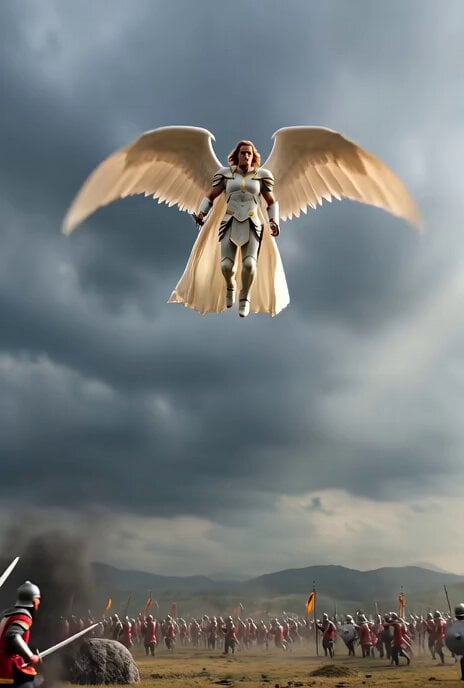
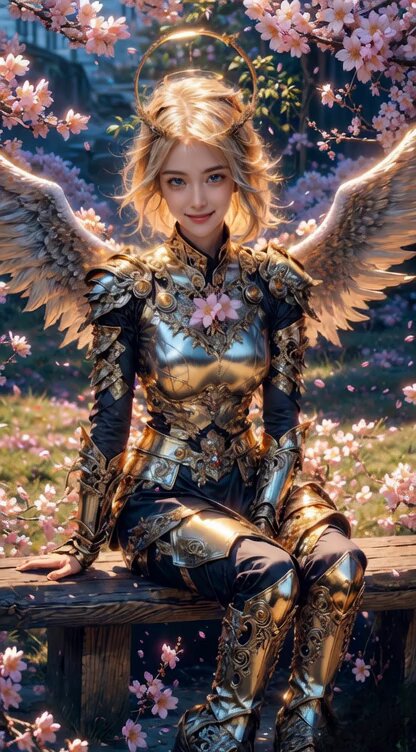
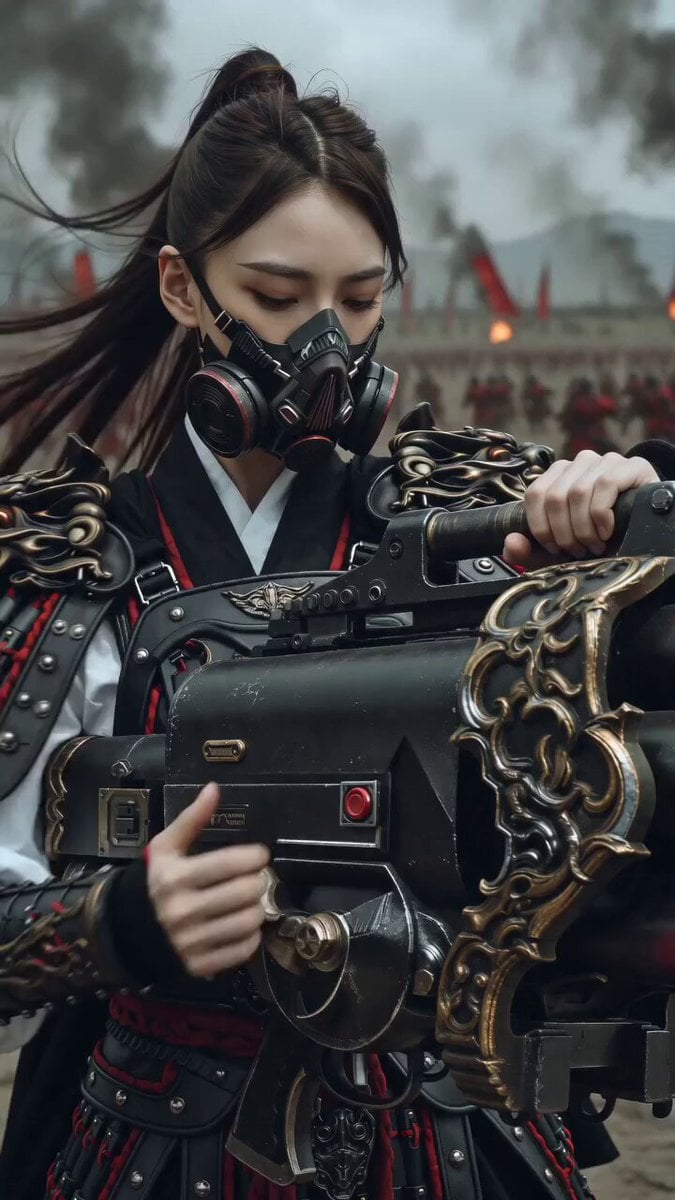
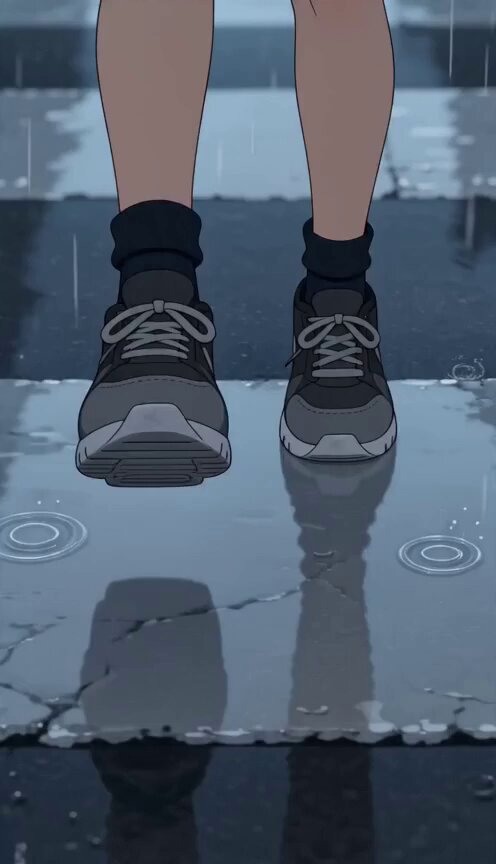
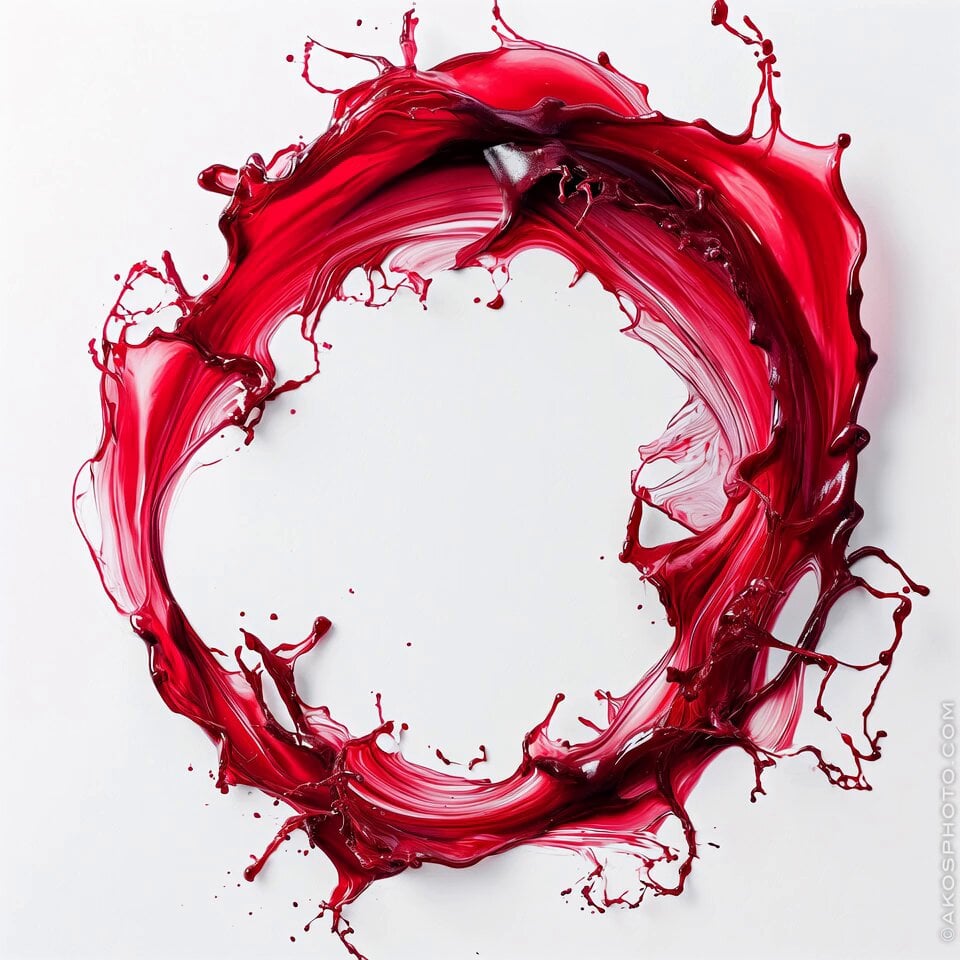
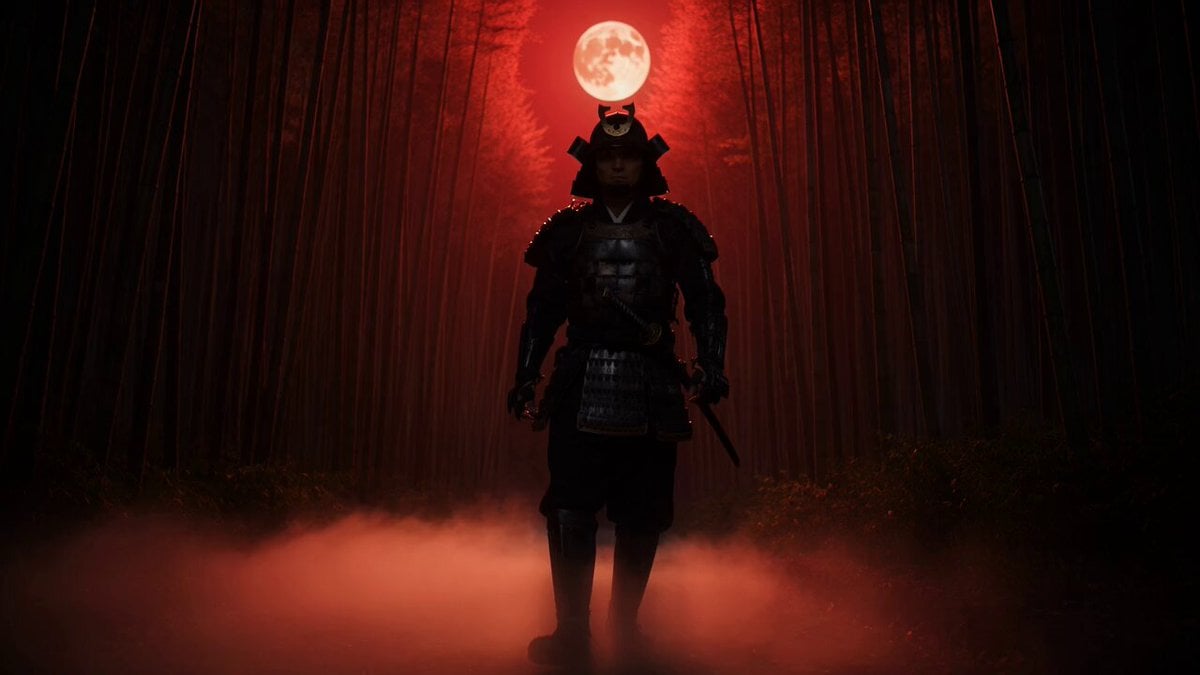
Use the provided images as exact references for the woman, her transformed crimson relic-war form, and the radiant angelic war-saint. 15-second ultra-cinematic live-action sequence in an abandoned financial district boulevard by day, overcast sky, cracked pavement, wrecked cars, broken glass, drifting dust, damaged towers, grounded realism. A woman walks alone down the center of the street holding a black crystalline relic shard. She stops and crushes it in her fist. Crimson-violet light bursts through her fingers and a shockwave throws dust and debris outward. In fast clean stages, black obsidian and pale ivory armor grows over her body, deep crimson fissures ignite, her face remains partly recognizable, and a crimson blade forms in her hand. Back arc-blades match the reference but stay rigid and attached-looking. Dust settles. A radiant angelic war-saint appears down the boulevard with white ceramic armor, gold seams, pale-gold eyes, rigid back fins, and a long execution spear. The angel attacks first with a fast spear rush. She blocks, reverses instantly, closes distance unnaturally fast, and slashes through the angel’s torso. White-gold armor fractures with blinding light. End on impact. No extra limbs, no duplicate parts, no logos, no text, no watermark.
Use the provided images as exact references for the woman, her transformed crimson relic-war form, and the radiant angelic war-saint. 15-second ultra-cinematic live-action sequence in an abandoned financial district boulevard by day, overcast sky, cracked pavement, wrecked cars, broken glass, drifting dust, damaged towers, grounded realism. A woman walks alone down the center of the street holding a black crystalline relic shard. She stops and crushes it in her fist. Crimson-violet light bursts through her fingers and a shockwave throws dust and debris outward. In fast clean stages, black obsidian and pale ivory armor grows over her body, deep crimson fissures ignite, her face remains partly recognizable, and a crimson blade forms in her hand. Back arc-blades match the reference but stay rigid and attached-looking. Dust settles. A radiant angelic war-saint appears down the boulevard with white ceramic armor, gold seams, pale-gold eyes, rigid back fins, and a long execution spear. The angel attacks first with a fast spear rush. She blocks, reverses instantly, closes distance unnaturally fast, and slashes through the angel’s torso. White-gold armor fractures with blinding light. End on impact. No extra limbs, no duplicate parts, no logos, no text, no watermark.
Edit the prompt in the box under the preview — the template's model and format are already selected — and press Generate. Your version appears right on this page.
Yes. You can change the subject, setting, lighting, mood, format, and available model controls before creating your video.
Opening and editing this template is free. Generating uses credits, shown on the Generate button when you are signed in.
Start with Seedance 2.0, which is the model associated with this template. You can compare another compatible model for a different finish.
Follow a topic to a crawlable collection of related PicX Studio templates.