How do I use the Realistic Smartphone Photo Prompt with Flash template?
Choose the primary action to open PicX Studio with the available template settings. Review the model and format, personalize the creative direction, and generate when ready.
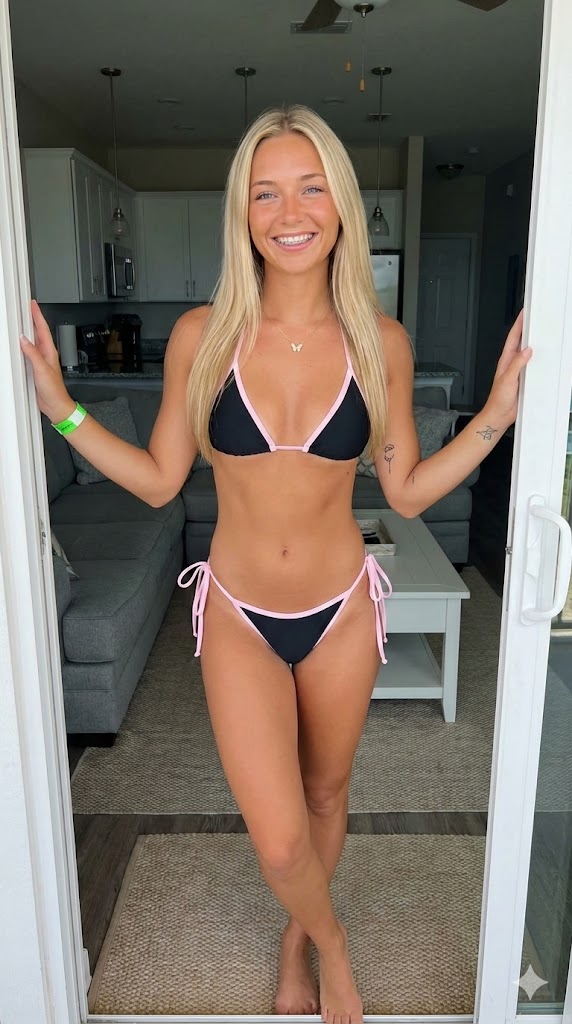
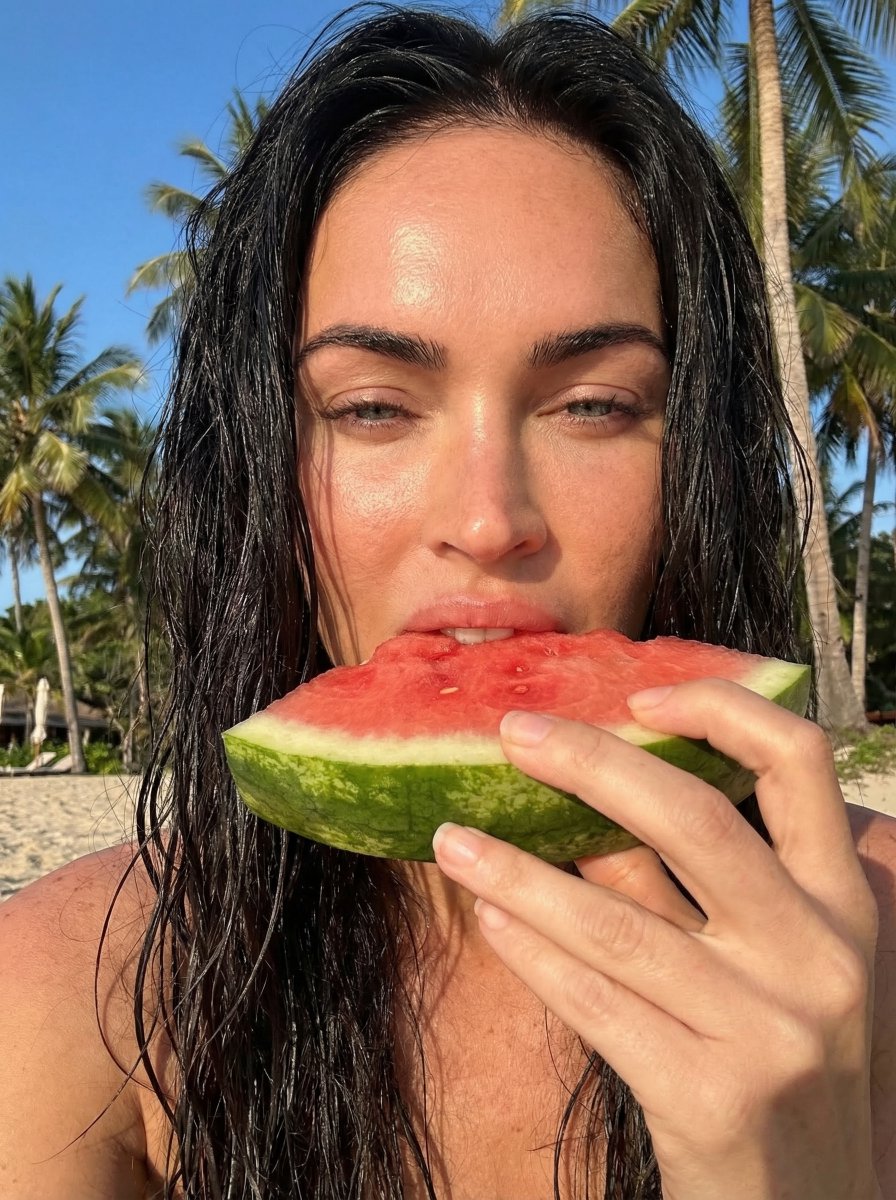
A highly structured JSON prompt designed to simulate a casual, raw smartphone photo taken with a direct flash, focusing on specific body proportions, hard shadows, and a realistic, unedited aesthetic. Change the subject, setting, or lighting one variable at a time.

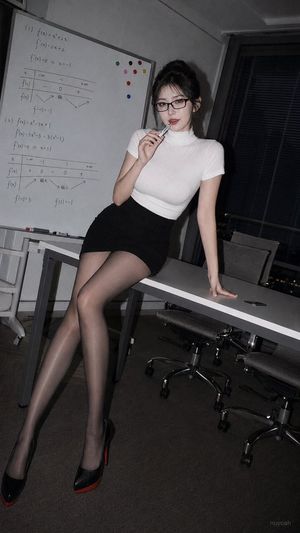
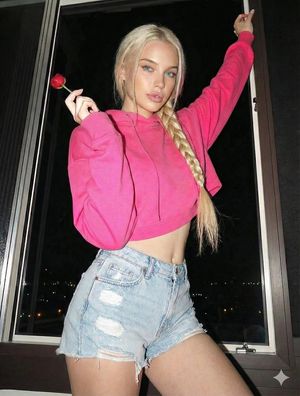
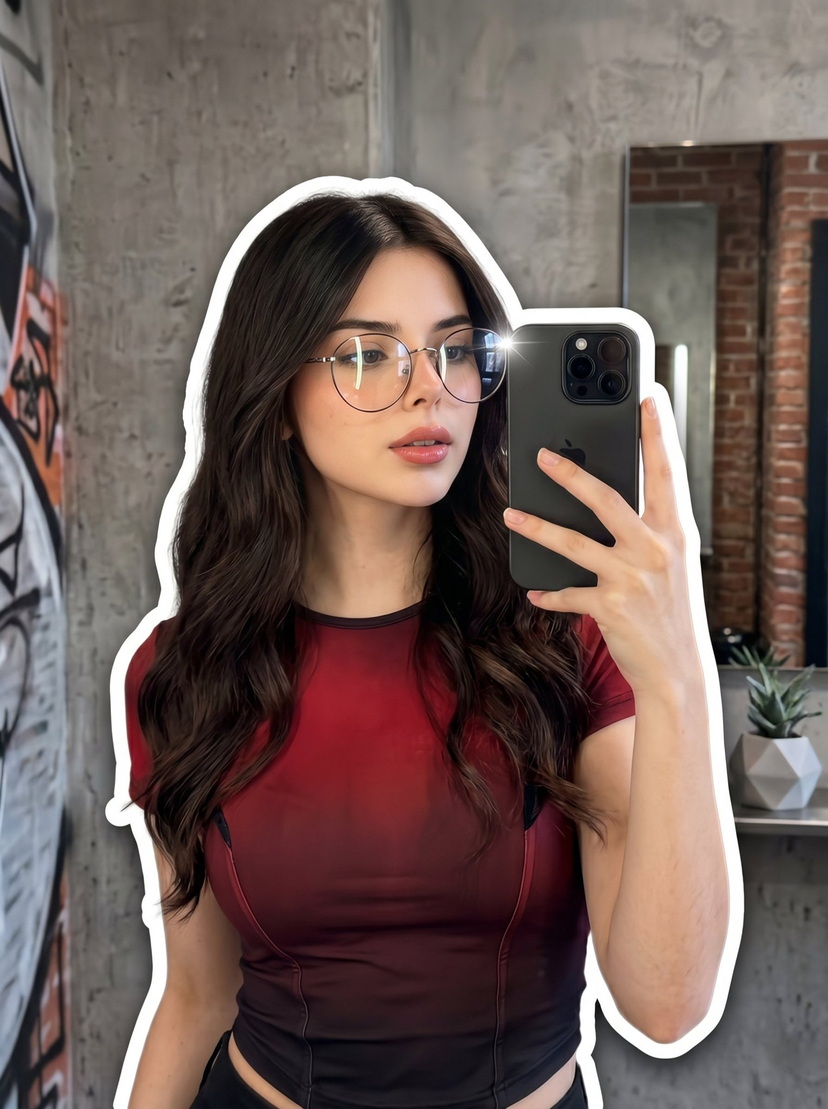
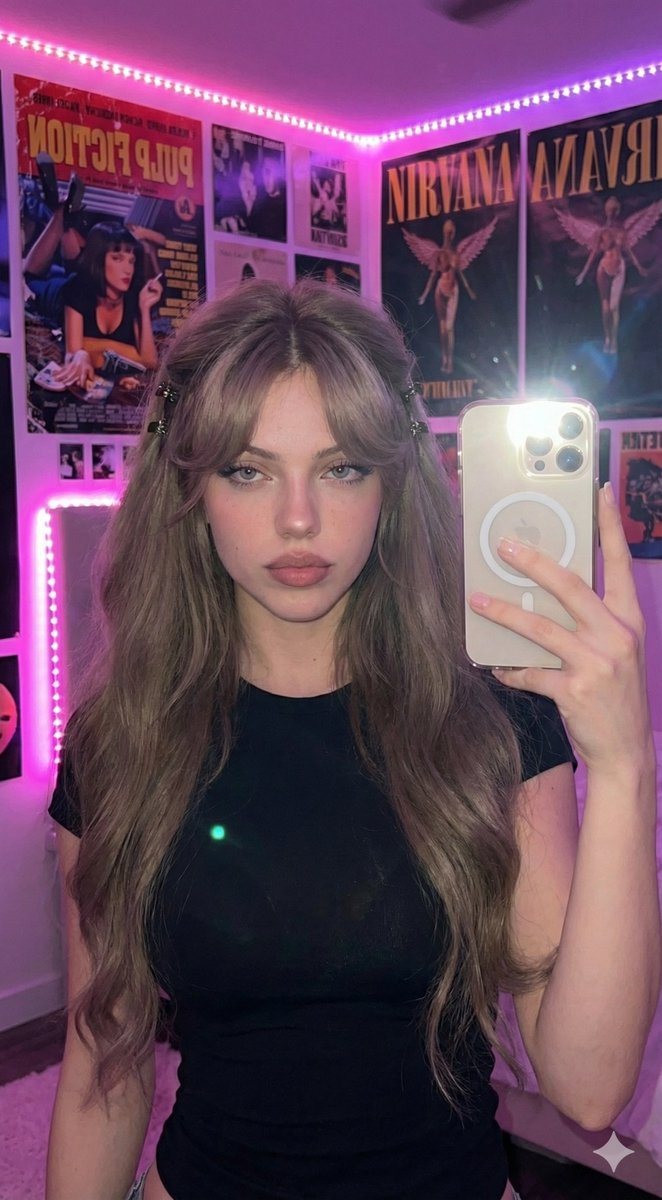
{ "aspect_ratio": "3:4", "photo_style": "casual everyday smartphone photo", "subject": "Young woman, dark messy updo, hoop earrings, black lace bralette.", "environment": "Indoor, plain wall, harsh shadow, curtain edge left.", "scene_structure": "Subject center-foreground, flat wall background.", "composition": "Medium-close up. Head centered high, torso filling lower frame.", "pose_structure": "Head tilted slightly down, direct gaze. Square shoulders.", "camera": { "device": "smartphone camera", "angle": "slightly low", "height": "chest level", "distance": "close up", "perspective": "slight wide-angle", "depth_of_field": "deep focus" }, "lighting": { "type": "smartphone flash", "source": "front-facing flash", "direction": "front-center", "shadow_softness": "hard edged shadows", "exposure": "balanced smartphone exposure" }, "color_science": { "style": "natural smartphone colors", "white_balance": "warm neutral", "contrast": "high", "saturation": "natural slightly vibrant" }, "body_proportions": "Voluptuous, very large bust visually dominant in foreground.", "facial_details": "Clear skin texture, brown eyes, full lips, natural look.", "materials_and_textures": "Sheer floral black lace, detailed skin pores.", "atmosphere": "Casual, raw snapshot.", "generation_prompt": "Smartphone photo 3:4. Young woman, messy dark updo, hoop earrings, black lace bralette. Voluptuous, very prominent bust. Direct camera flash, hard shadow on wall behind. Slightly low angle, deep focus. Warm skin tones, natural raw unedited look.", "negative_prompt": "wrong pose, altered proportions, reduced chest size, soft lighting, bokeh, over-smoothed skin, studio, cinematic." }
Choose the primary action to open PicX Studio with the available template settings. Review the model and format, personalize the creative direction, and generate when ready.
Yes. You can change the subject, setting, lighting, mood, format, and available model controls before creating your image.
This template is free to open and customize. Generation usage is shown in PicX Studio before you create.
Start with Nano Banana 2, which is the model associated with this template. You can compare another compatible model for a different finish.
Follow a topic to a crawlable collection of related PicX Studio templates.
43,474 public templates available. Verified via the PicX Studio public templates API; refreshed hourly.




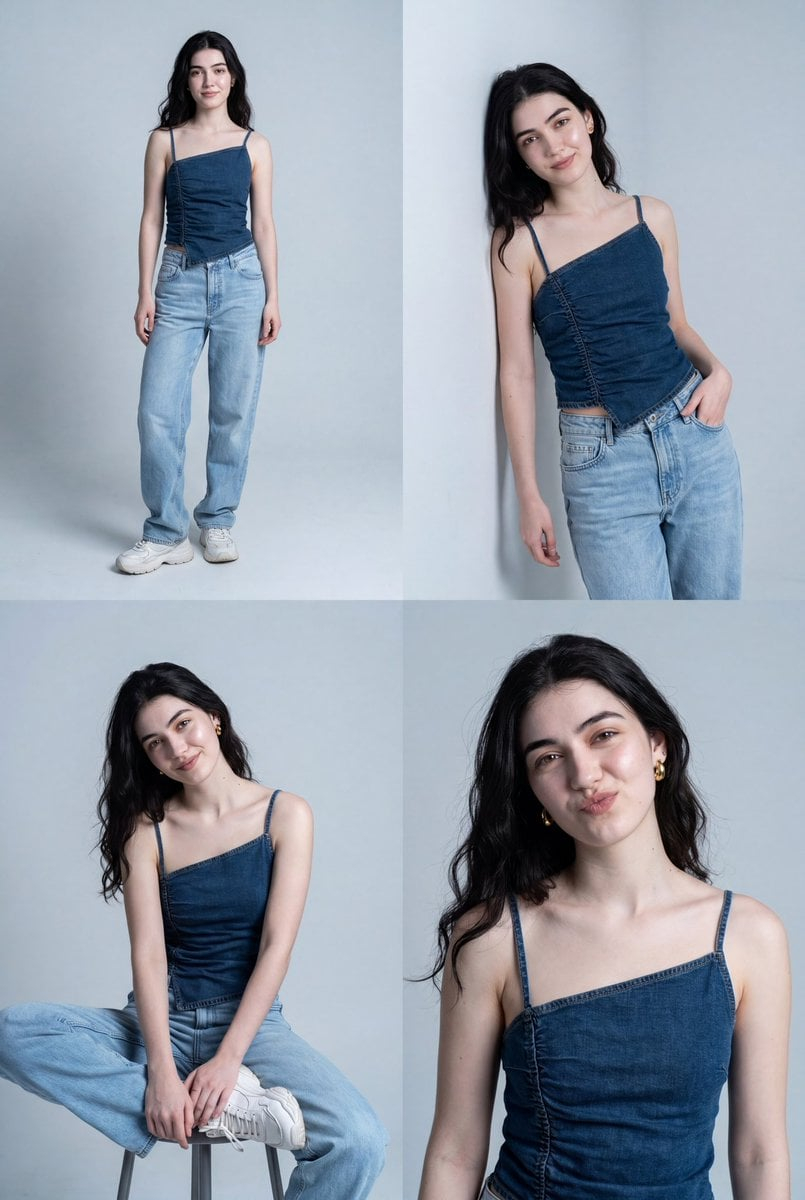
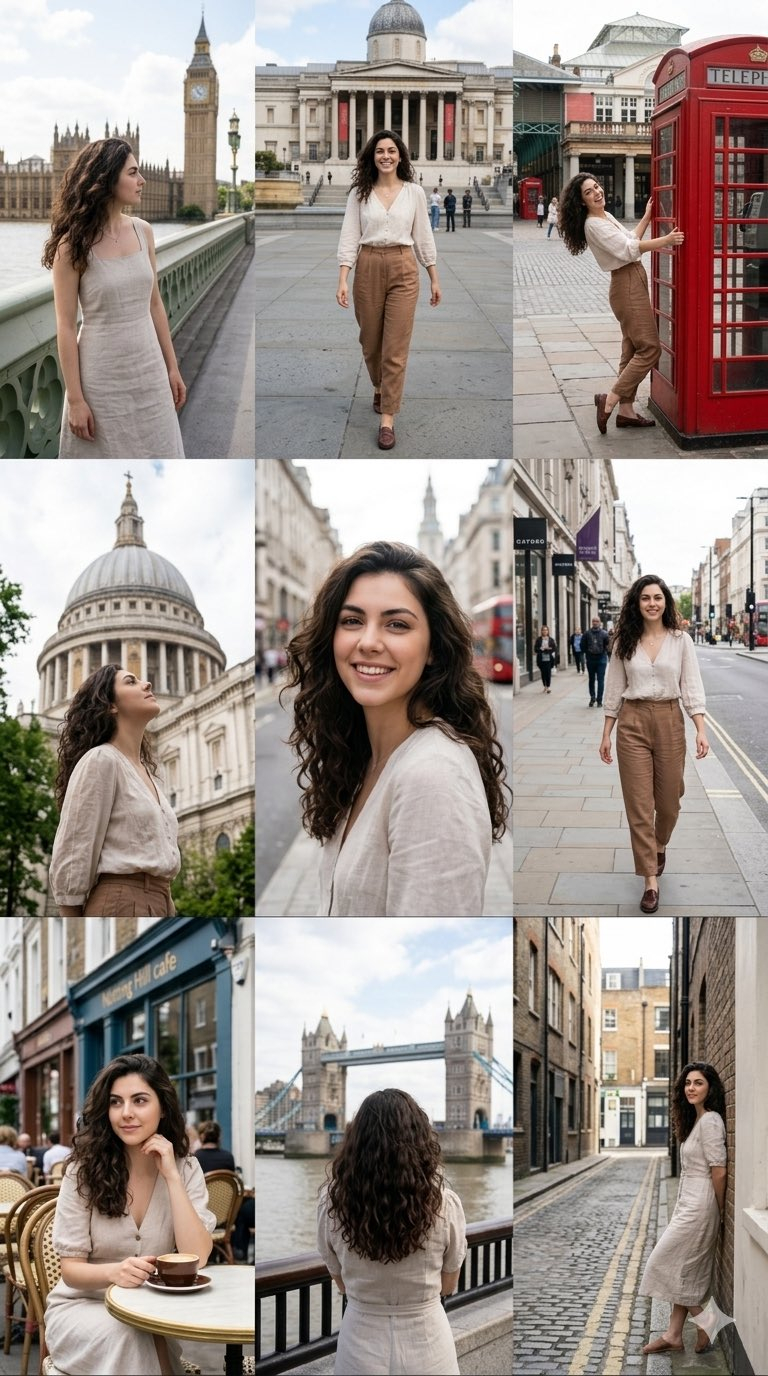
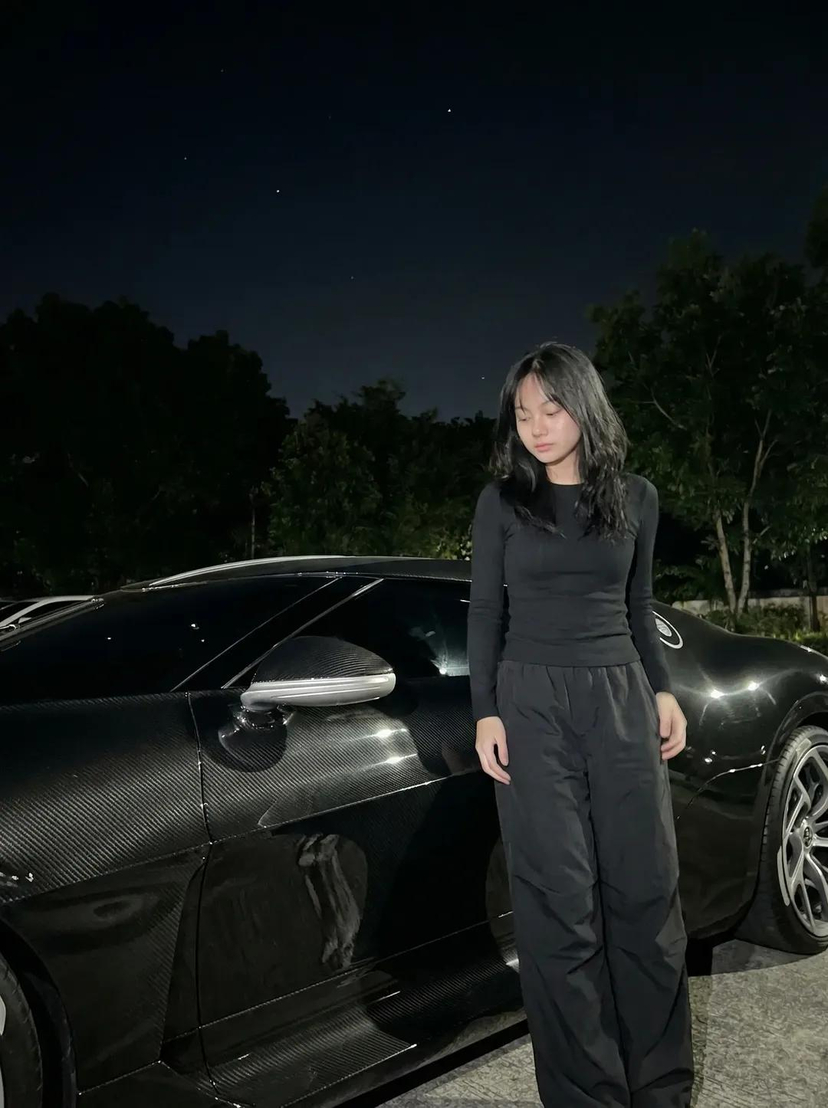



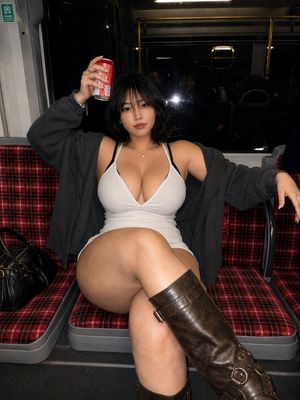
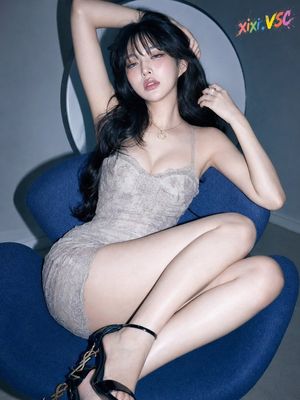
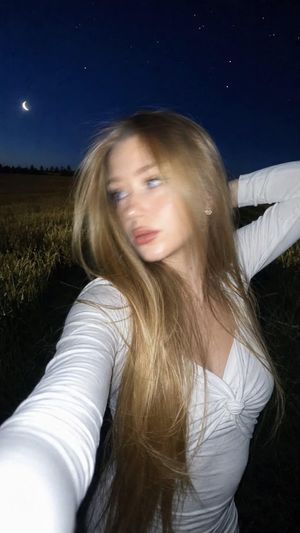

![Naive doodle-style subject illustration — A doodle-style {argument name="subject" default="[subject]"}, naive lines, humorous shape exaggeration](https://pbs.twimg.com/media/G6Wl2YxbsAARB2b.jpg)


















![Lego Set Design Prompt Template — Create a Lego set for [place, movie, image reference], [type of set, adventure, architecture] set, include box and instruction](https://pbs.twimg.com/media/HCabsmiXIAEklYr.jpg)