
Night Flash Portrait in Alleyway
A high-contrast prompt for generating a nighttime photo of a woman in a white camisole and denim shorts, captured with a sharp camera flash on a narrow staircase.
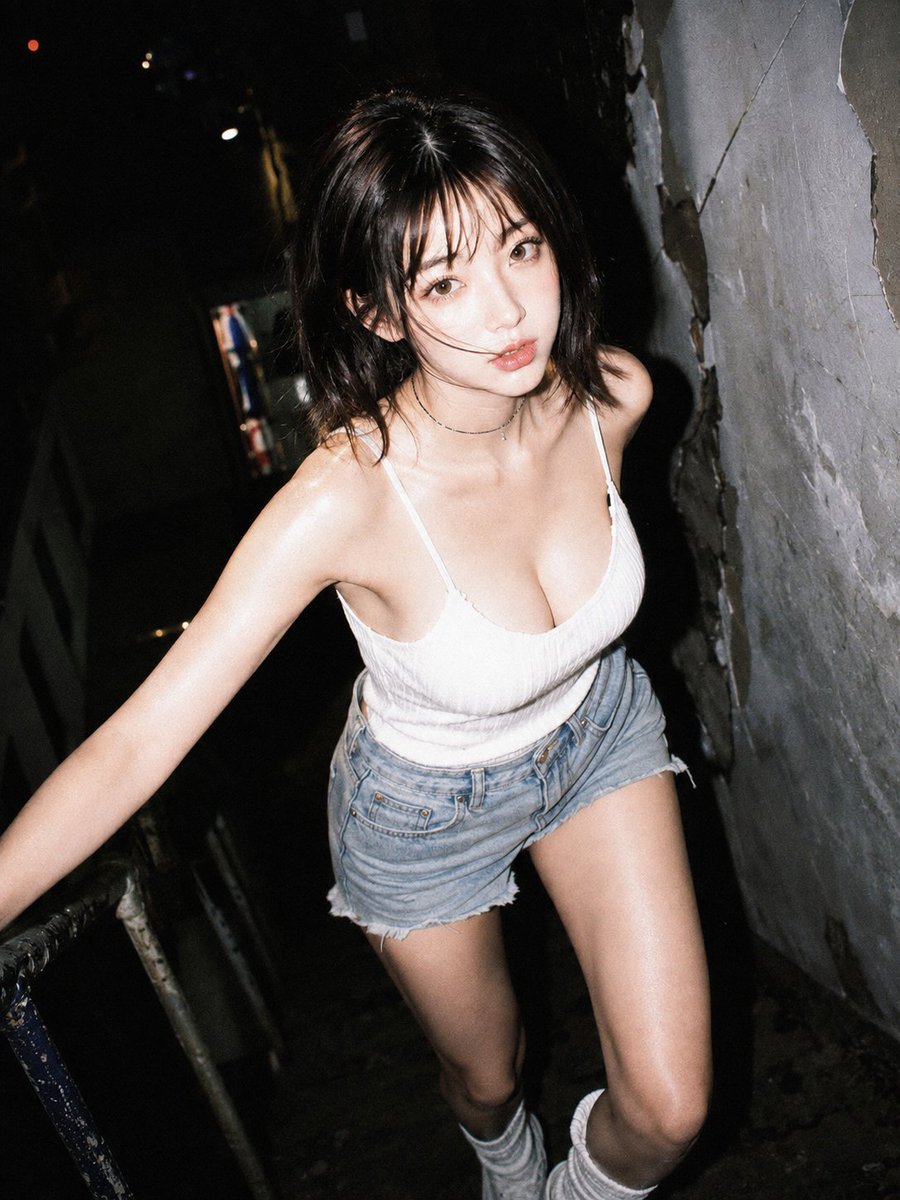
- Prompt included
- Model and format preset
- Free template
The prompt behind this image
Copy the exact prompt behind Night Flash Portrait in Alleyway, or open it in the studio and make it yours.
主題: {argument name="主題" default="暗路地の白キャミ"} 主体: 画面中央で暗い狭い通路の階段を上る女性を、至近距離のフラッシュで捉えた縦写真。白いキャミソールと色落ちしたデニムショートパンツが闇から浮かぶ。 人物・表情: 女性は少し前屈みで顔を上げ、カメラをまっすぐ見つめて唇を軽く開く。頬がなだらかな卵形で顎は小さく、横長の目と細い直線寄りの眉、細い鼻筋、艶のある厚めの下唇。黒に近い肩丈の髪は中央寄りに分かれ、束感のある前髪と頬へかかる乱れ髪がある。目元は細い黒ライン、頬は薄いピンク。 服装・ポーズ: 細い肩紐と低い丸首の白いリブキャミソールトップ、裾がほつれた淡いブルーのハイウエストデニムショーツ。片腕を画面左下へ伸ばして手すりを支え、両膝を曲げて段差を上る。白いルーズソックスが下端に入る。 背景・光: 左奥はほぼ黒く、小さな点光源と傷んだ金属手すりが見える。右側には剥離と亀裂のある灰色の壁が迫る。硬い正面フラッシュが肌を強く照らし、背景を深い影へ落とす。 構図・カメラ: 3:4の縦位置、腰より低いカメラ視点から見上げる近い全身寄りの構図。顔は上半分中央、右壁が斜めに迫り、左腕と脚の一部が画面外へ続く。人物にピントを合わせ、広角気味の近接感を出す。 質感・スタイル: 夜の実写写真らしい硬い直射フラッシュ、ざらついた暗部、控えめな彩度。肌と白い服のみ明るくシャープ。 ネガティブ: 俯瞰視点に変えない;過度なメイク
How to use Night Flash Portrait in Alleyway in 3 steps
- 1
Open
The prompt is already in the box next to the preview, with the template's model and format selected.
- 2…a portrait of your subject in softgolden-hour light, 85mm…
Personalize
Edit the subject and creative details for your destination.
- 3Generate
Generate
Press Generate — your image is created in PicX Studio, so you can compare it with the original and refine one variable at a time.
More like this
Templates with the same subject, style or setup. Open one to see its prompt.
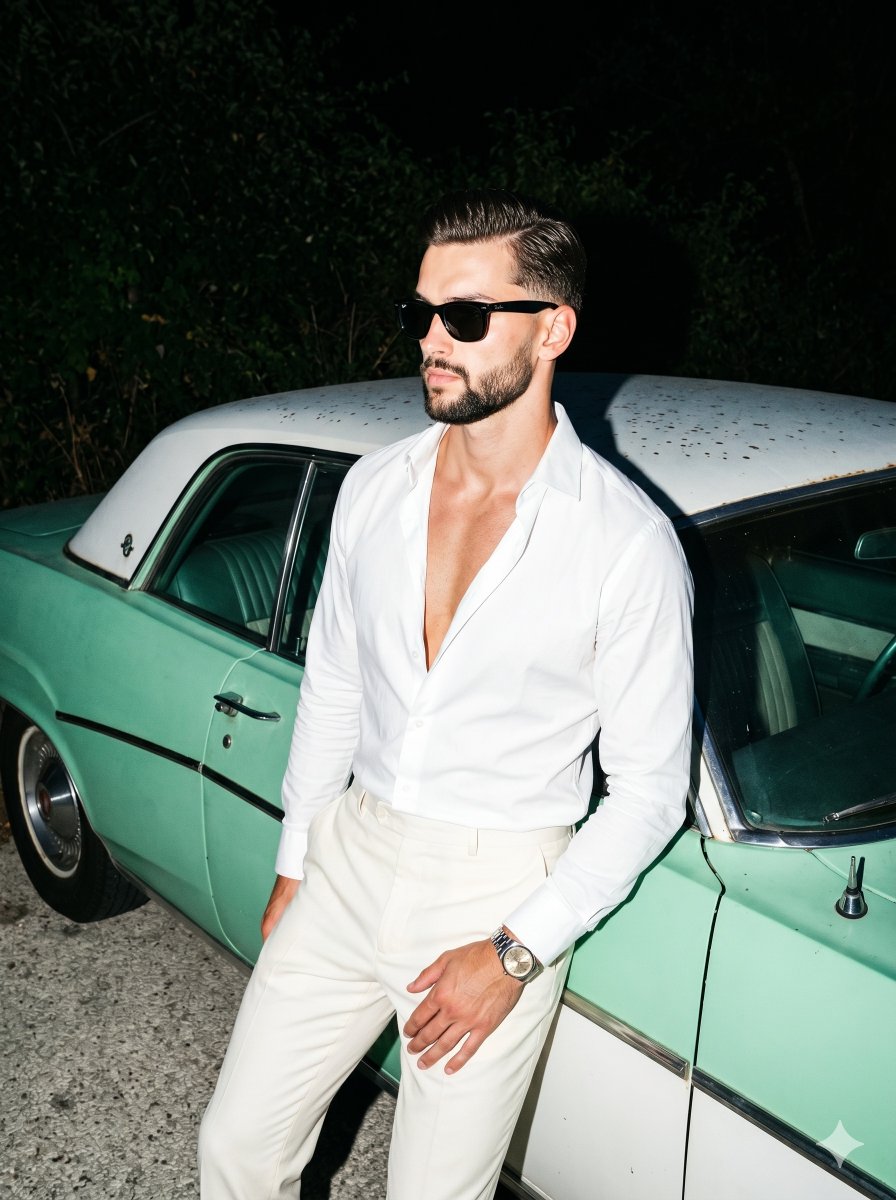
Retro Nightlife Flash Portrait
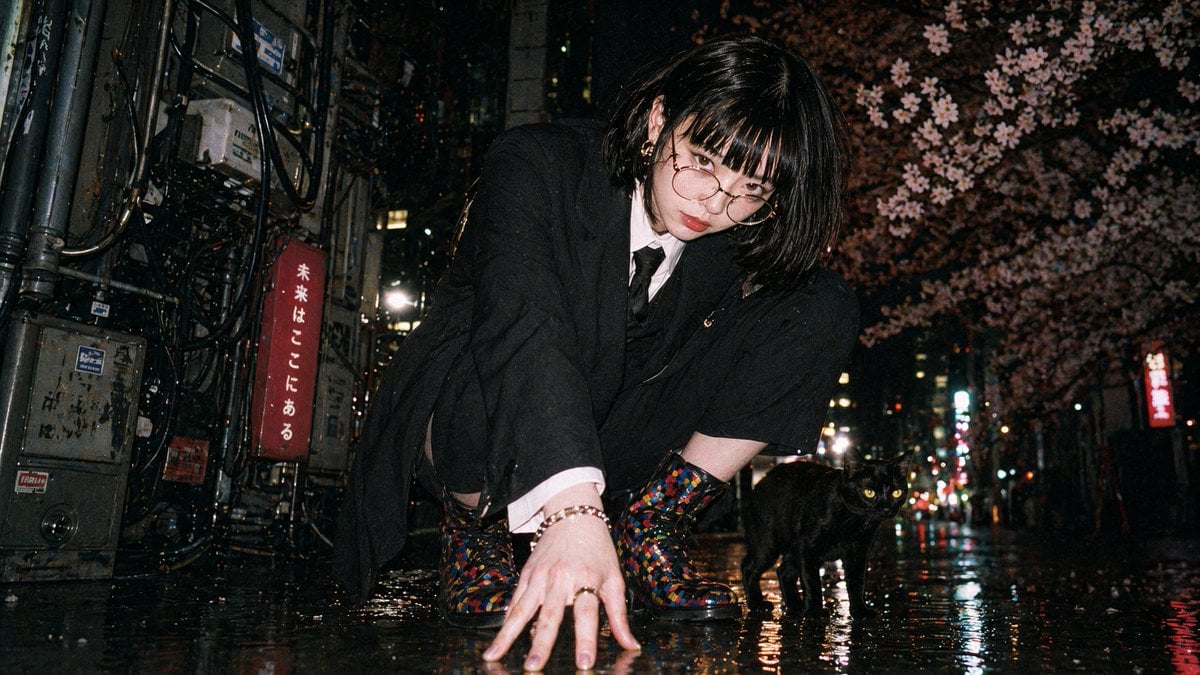
Disposable Flash Tokyo Night Portrait

Found Photograph: Us, 1970

80s Couple Studio Portrait

80s Bollywood Star

80s Golden Hour Cinema

Me in 1985

1985 Studio Portrait

Hyper-Realistic Minecraft POV Portrait
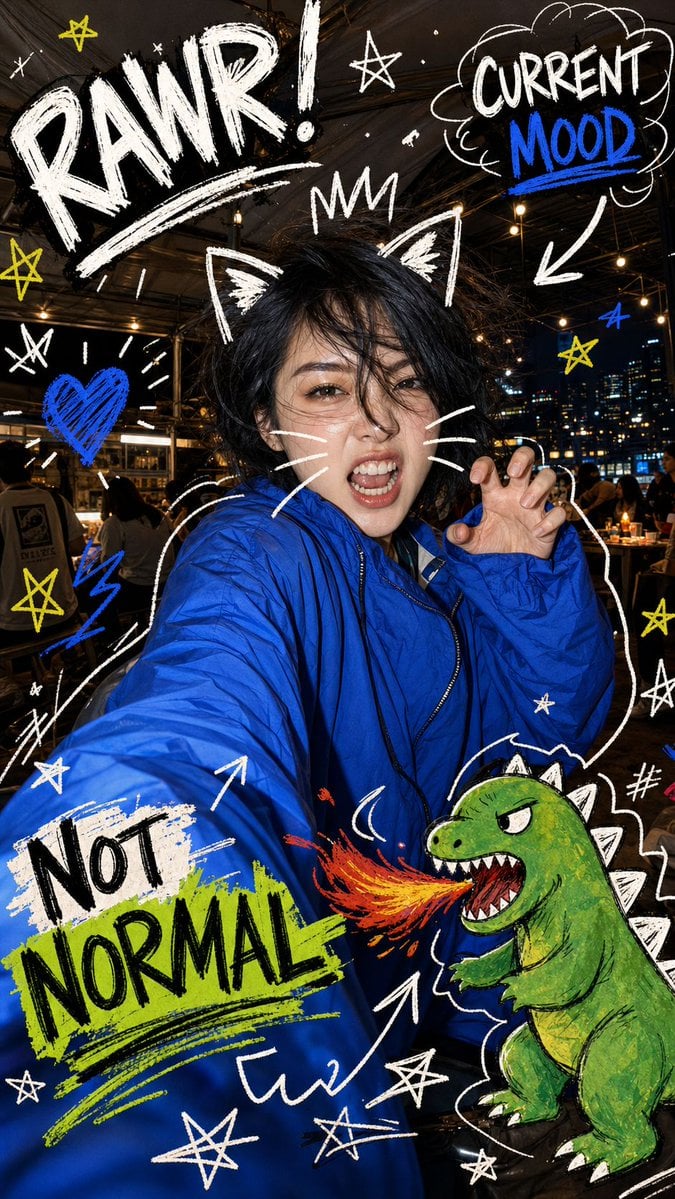
Nighttime Doodle Flash Selfie
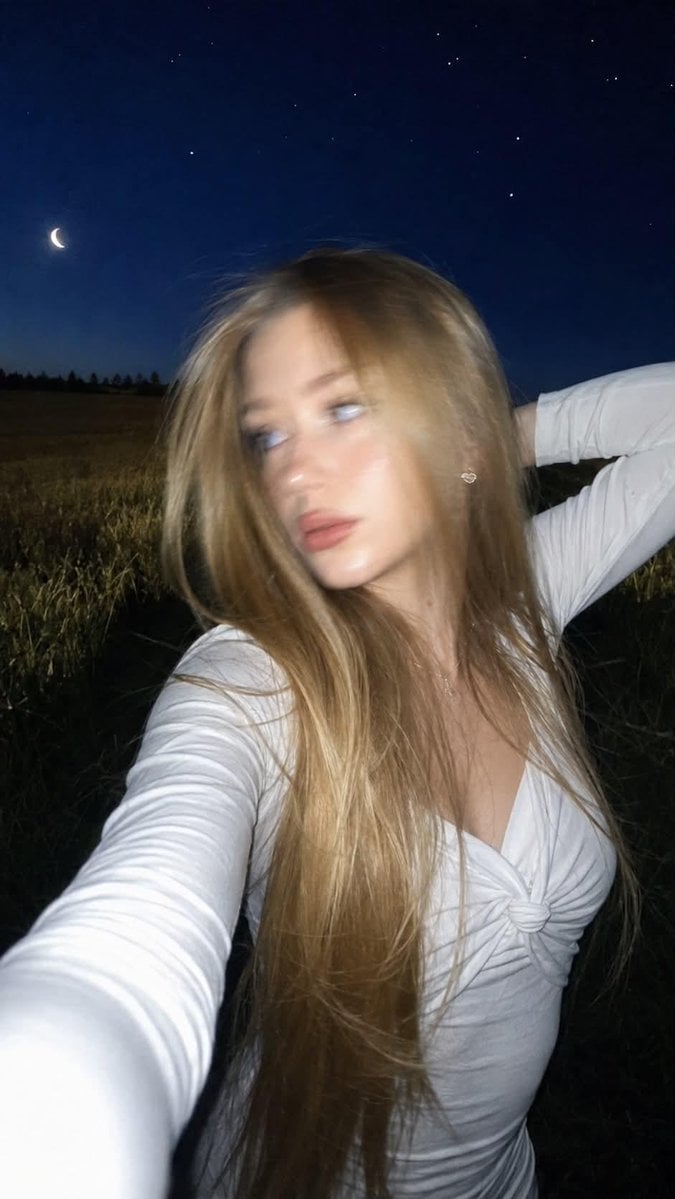
Night Flash iPhone Selfie with Motion Blur

Rooftop Fisheye — Cat-Ear Balaclava at Golden Hour
Make it yours
Night Flash Portrait in Alleyway works as-is. These are the safest ways to change it without losing the look.
Change one field
Copy a single group, rewrite it, and generate again so you can see what that field is doing.
Keep the frame, change the subject
Hold the composition and light of Night Flash Portrait in Alleyway, then swap wardrobe, props or the person for a new take.
| If the result… | Why | Fix |
|---|---|---|
| The result drifts from the preview | Too many fields changed at once. | Reuse Night Flash Portrait in Alleyway as-is first, then change one group — subject, light, or setting. |
| The model over-stylizes the scene | The prose prompt leaves finish and camera underspecified. | Add one camera or lighting sentence and stay on GPT Image 2. |
More GPT Image 2 templates
Other prompts made for GPT Image 2.

Six VTuber Japanese Logo Sheet

Realistic Portrait of Woman and Deer

The Vista Modular Condo Poster

AI Model Routing Comparison Infographic

2.5D Anime Art Board

Isometric Productivity Desk Scene

New York Double Exposure Poster

Four-Panel AI Landscape Comparison

Japanese Tatami Lifestyle Magazine Cover

NESCAFÉ Coffee Map Poster
More image prompts
Fresh picks from across the catalog.
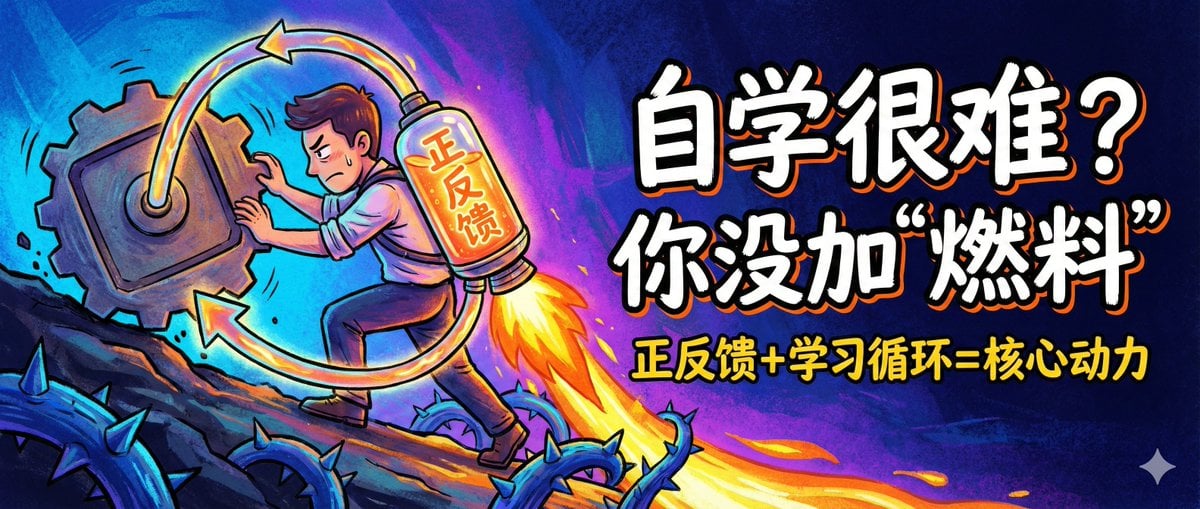
WeChat Official Account Cover Image Generator
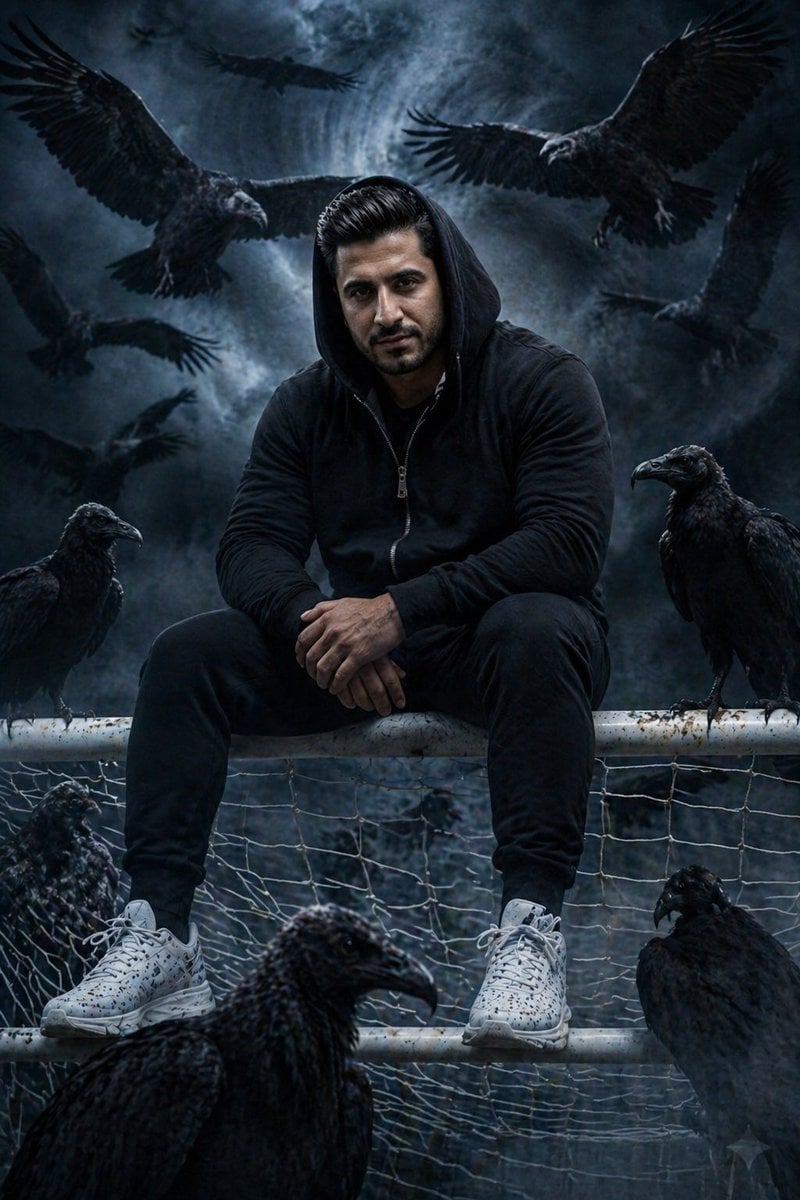
Cinematic South Asian Male Portrait with Vultures
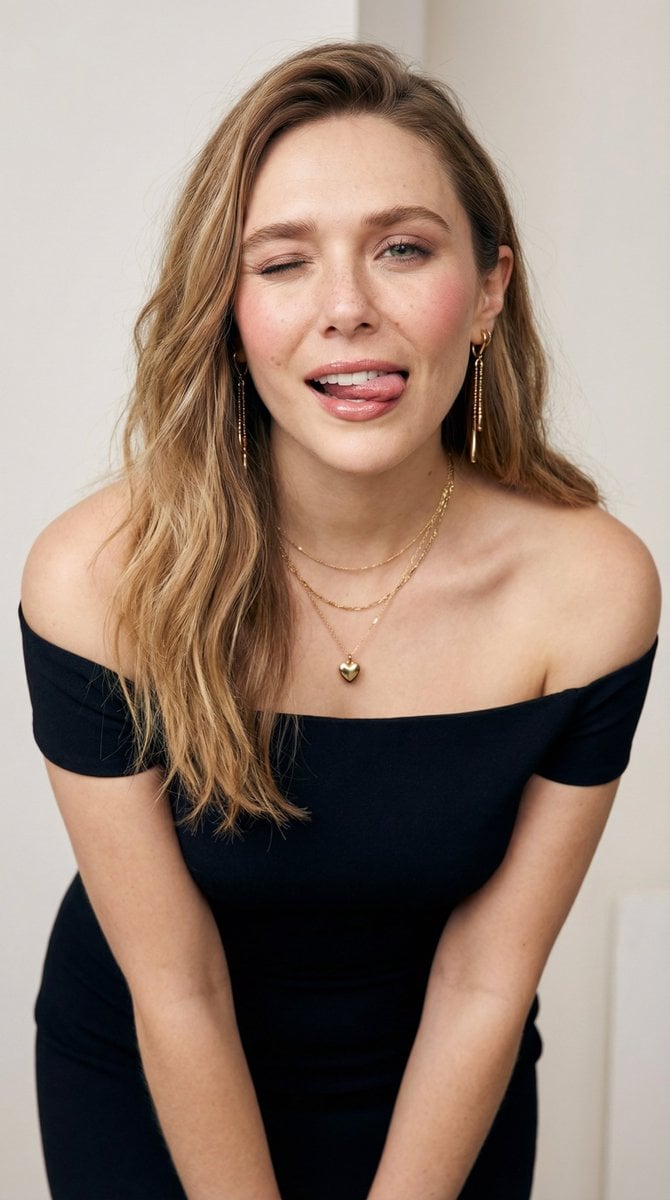
Flirty Studio Portrait with Wink and Tongue Out
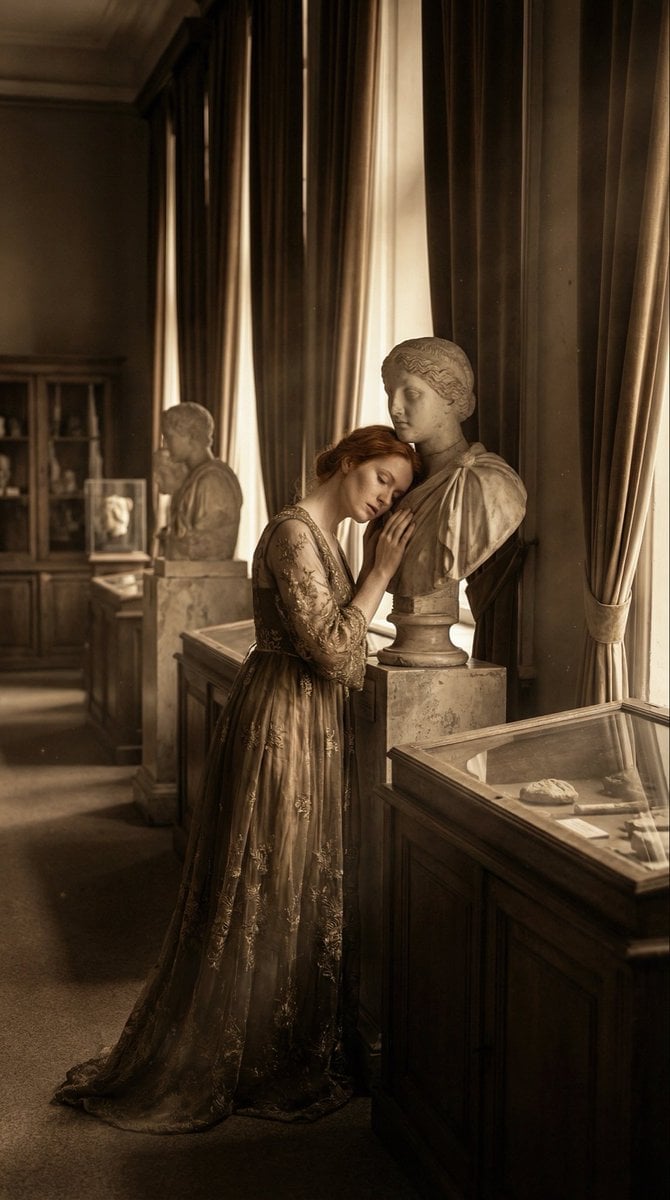
Melancholic Marble Bust Portrait
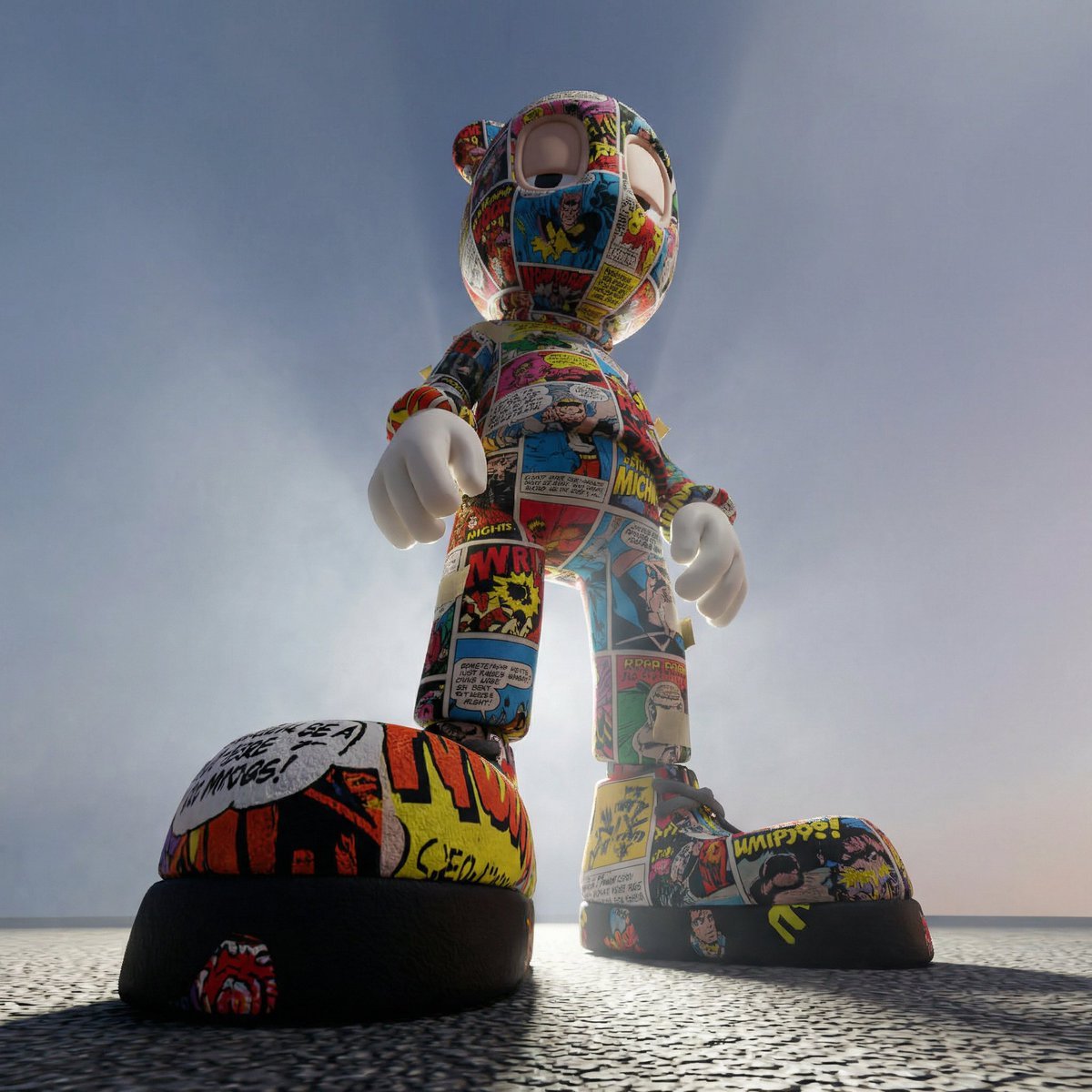
Worm's-Eye Perspective Character Shot (Likeness Preservation)
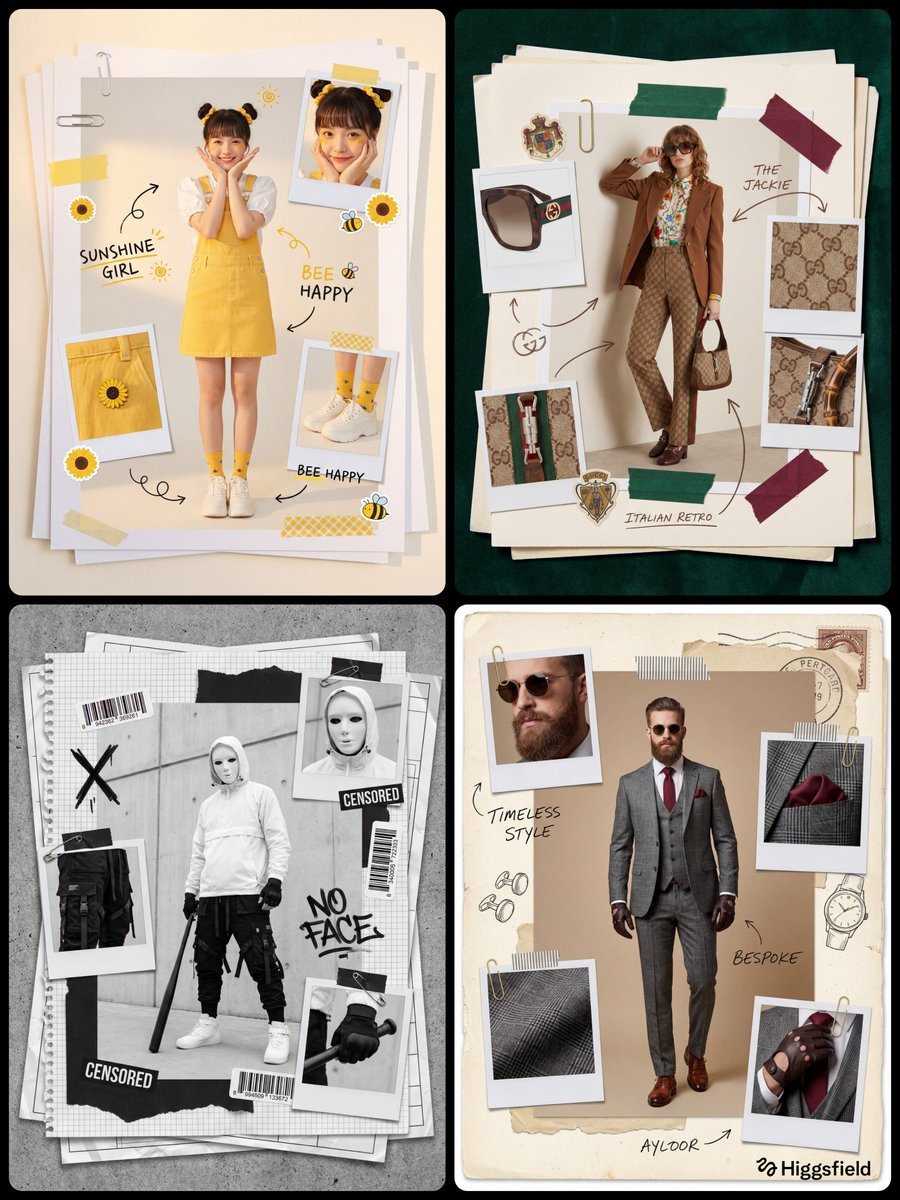
Fashion Scrapbook Page Layout Prompt Template
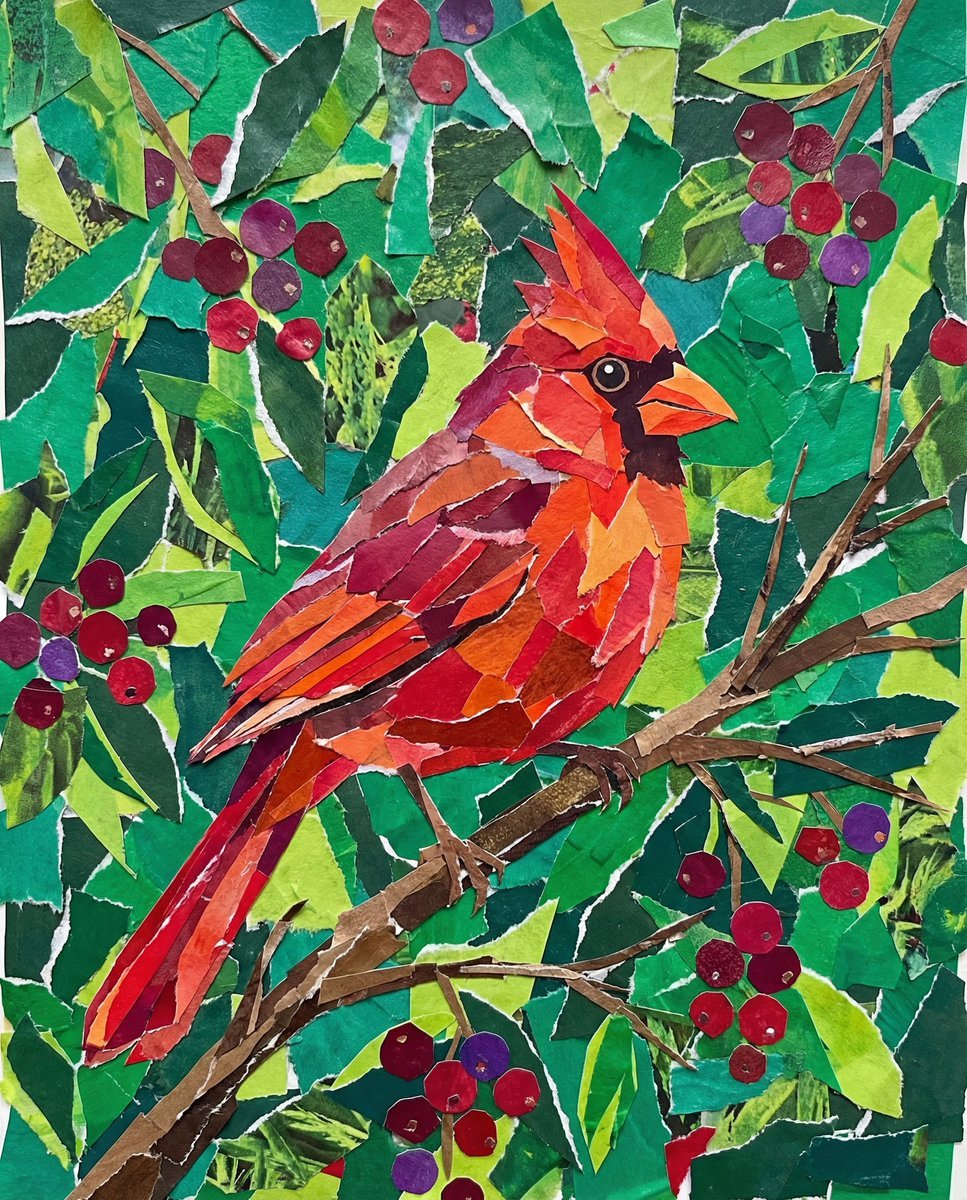
Vibrant Cardinal Collage Prompt
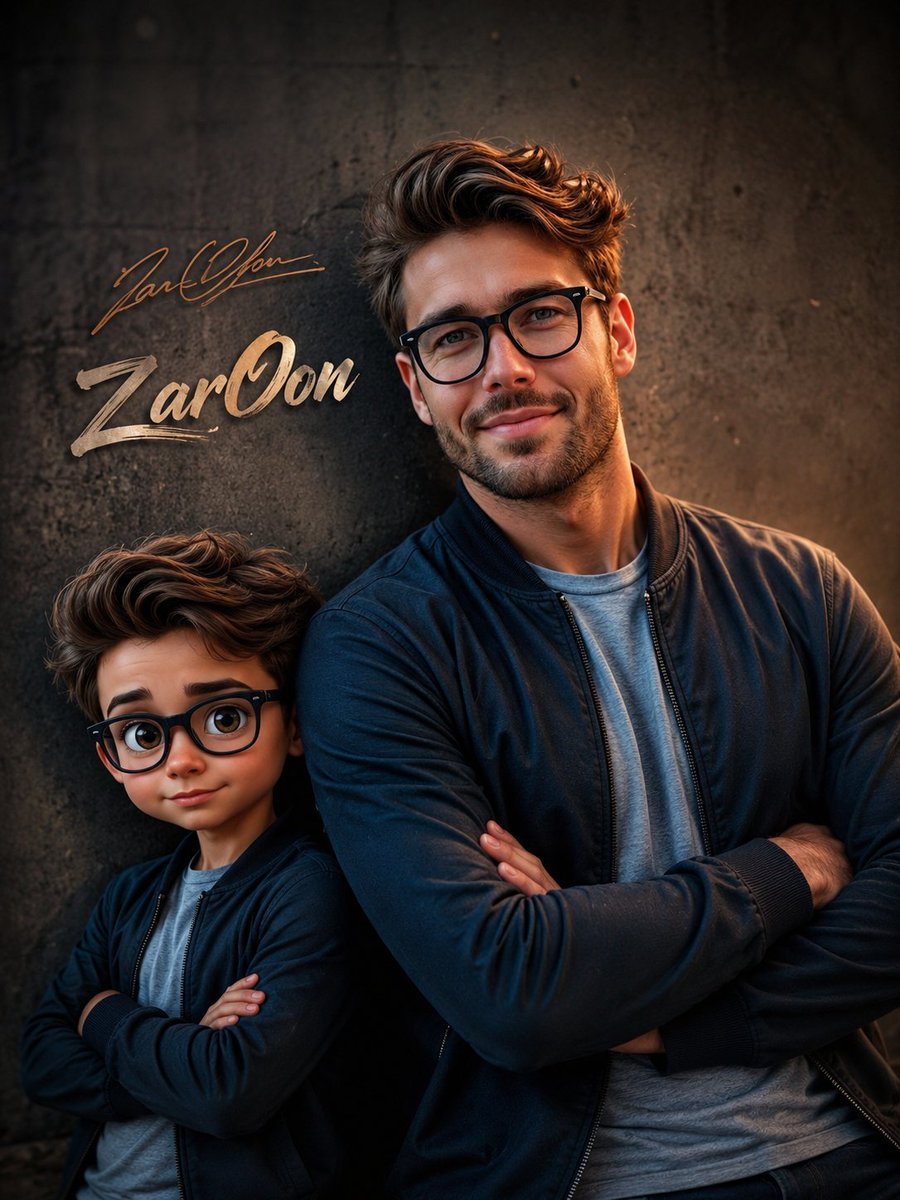
Cinematic Boy and Miniature Version
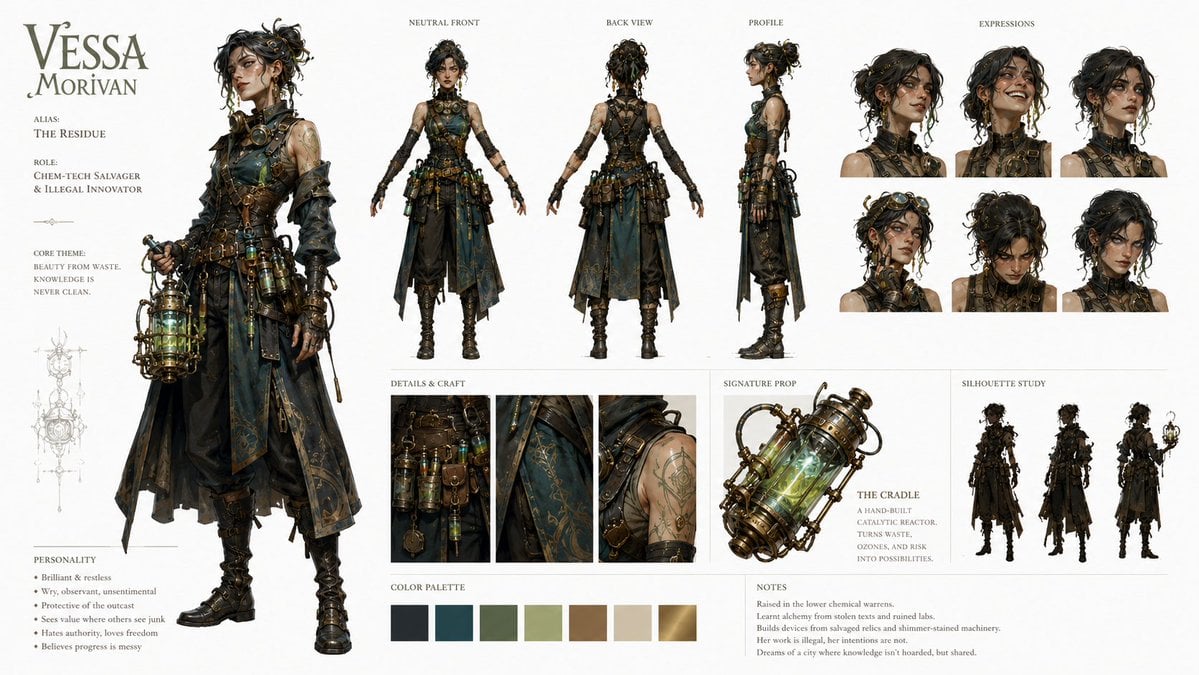
Character Identity Board Template
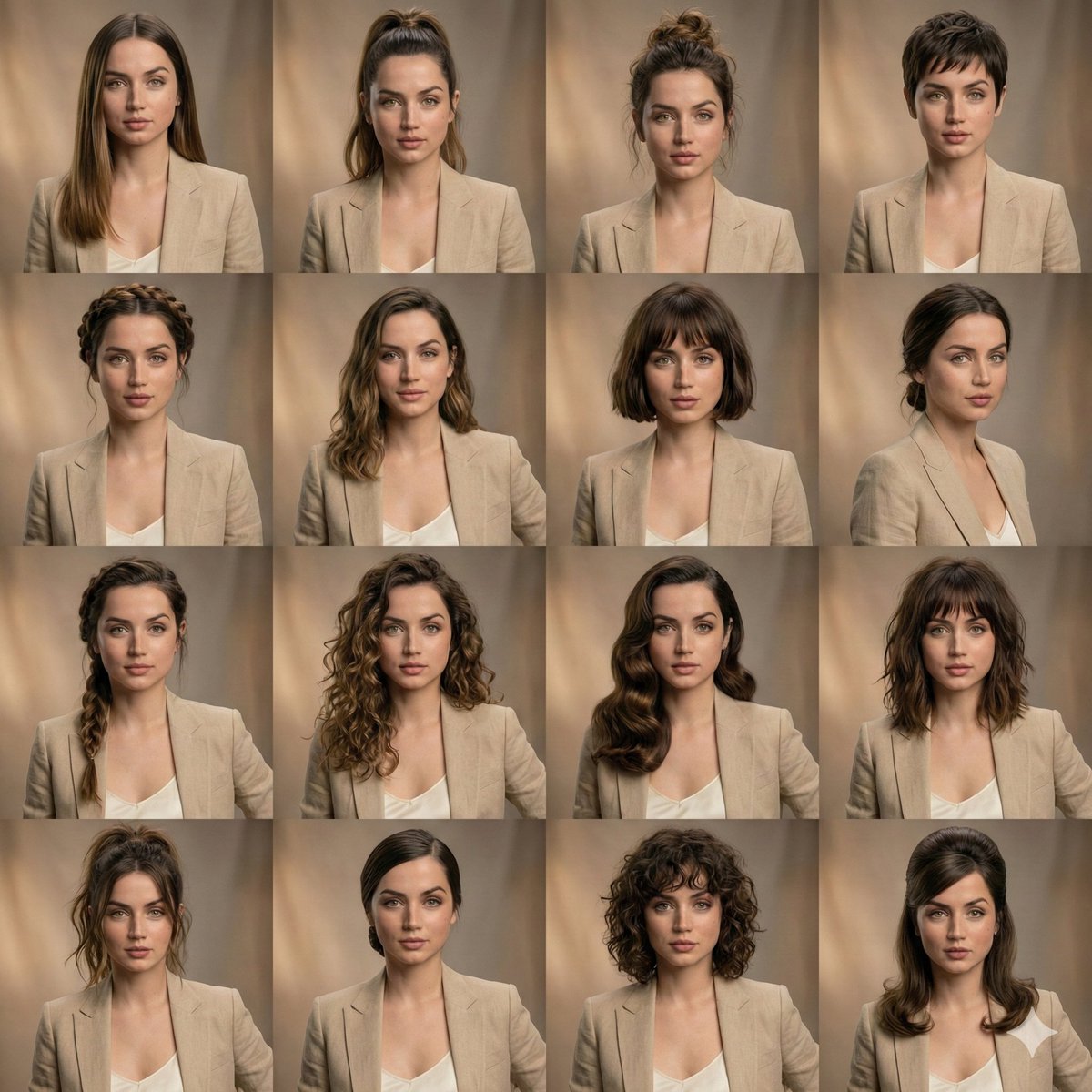
Editorial Beauty Collage for Hairstyle Variations
Browse template categories
Night Flash Portrait in Alleyway questions
How do I use the Night Flash Portrait in Alleyway template?
Add your photo if the template asks for one, edit the prompt if you like — the template's model and format are already selected — and press Generate. Your version opens in PicX Studio.
Can I customize the Night Flash Portrait in Alleyway template?
Yes. You can change the subject, setting, lighting, mood, format, and available model controls before creating your image.
Is the Night Flash Portrait in Alleyway template free?
Opening and editing this template is free. Generating uses credits, shown on the Generate button when you are signed in.
Which AI model should I use?
Start with GPT Image 2, which is the model associated with this template. You can compare another compatible model for a different finish.
Looking for something else? Browse all templates.

Your photo, any look
Thousands of ready templates for every top image and video model, from one credit balance.