
Hyper-Realistic Nighttime Transit Flash Portrait
A highly detailed prompt for generating realistic nighttime smartphone-style photos of a person on public transit, featuring direct flash lighting and a vintage aesthetic.
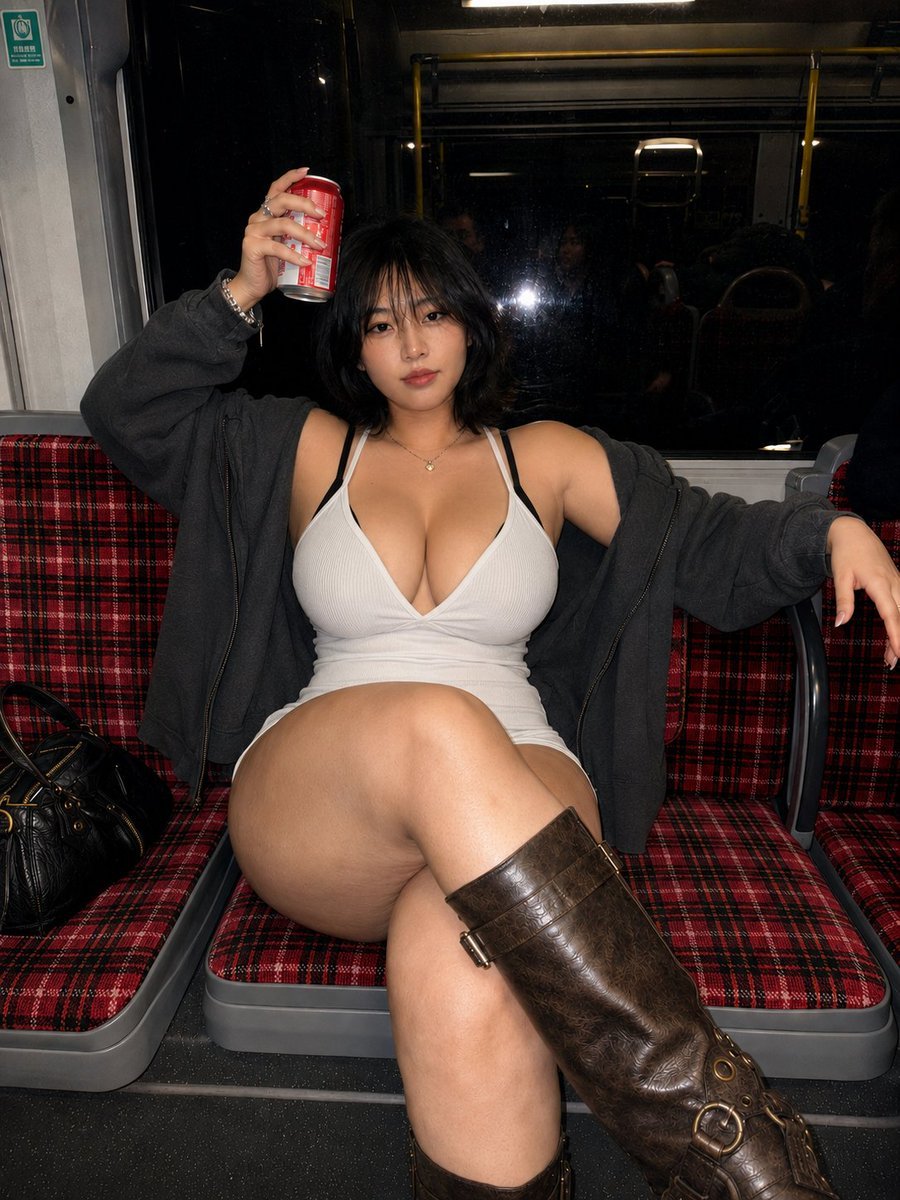
- Prompt included
- Model and format preset
- Free template
The prompt behind this image
Copy the exact prompt behind Hyper-Realistic Nighttime Transit Flash Portrait, or open it in the studio and make it yours.
Hyper-realistic nighttime public transit portrait, vertical 3:4 format, casual direct-flash smartphone photo. A {argument name="subject" default="young adult East Asian woman"} sits centered on {argument name="seating" default="vintage red-and-black plaid seats"}, photographed from the front at a slightly high angle with a natural 28–35mm phone-lens perspective. Full body visible from head to boots, realistic proportions and anatomy. She has a naturally curvy adult hourglass figure with a defined waist, wide hips, and full thighs, realistically compressed and shaped by the seated crossed-leg pose. One thigh crosses prominently through the foreground, creating strong natural depth. Short tousled black bob hair with wispy bangs, softly oval face, dark brown eyes, calm and slightly tired expression, pink lips, minimal makeup, realistic pores and natural flash highlights. She wears a {argument name="outfit" default="fitted white ribbed camisole with a neckline and black straps"}, a dark charcoal-gray oversized jacket slipped off both shoulders, narrow white shorts edges, and a delicate gold pendant necklace. Leaning lazily against the seatback, pelvis slightly forward, upper body subtly tilted. Left arm raised above her head holding a realistic red beverage can, bracelet and rings visible. Right arm relaxed across the adjacent armrest. Natural seated posture with anatomically correct legs and joints. Vintage distressed dark-brown knee-high leather boots with straps, square buckles, metal rings, eyelets and thick dark soles. Black leather handbag resting on the empty seat beside her. Large black nighttime window behind her with dust, water marks, subtle reflections of passengers and a visible camera-flash reflection. Yellow handrails, gray seat frames and dim carriage interior. Direct frontal smartphone flash combined with dim transit ceiling lights. Bright realistic highlights on the face, shoulders, camisole and foreground thigh, darker jacket and background, saturated plaid seats. Authentic early-2000s digital camera aesthetic, slight high-ISO grain, mild hard flash shadows, localized sharpening, limited dynamic range, realistic skin texture, no studio lighting, no cinematic color grading, no fisheye distortion, no excessive background blur.
How to use Hyper-Realistic Nighttime Transit Flash Portrait in 3 steps
- 1
Open
The prompt is already in the box next to the preview, with the template's model and format selected.
- 2…a portrait of your subject in softgolden-hour light, 85mm…
Personalize
Edit the subject and creative details for your destination.
- 3Generate
Generate
Press Generate — your image is created in PicX Studio, so you can compare it with the original and refine one variable at a time.
More like this
Templates with the same subject, style or setup. Open one to see its prompt.

Found Photograph: Us, 1970

80s Couple Studio Portrait

80s Bollywood Star

80s Golden Hour Cinema

Me in 1985

1985 Studio Portrait

Hyper-Realistic Minecraft POV Portrait
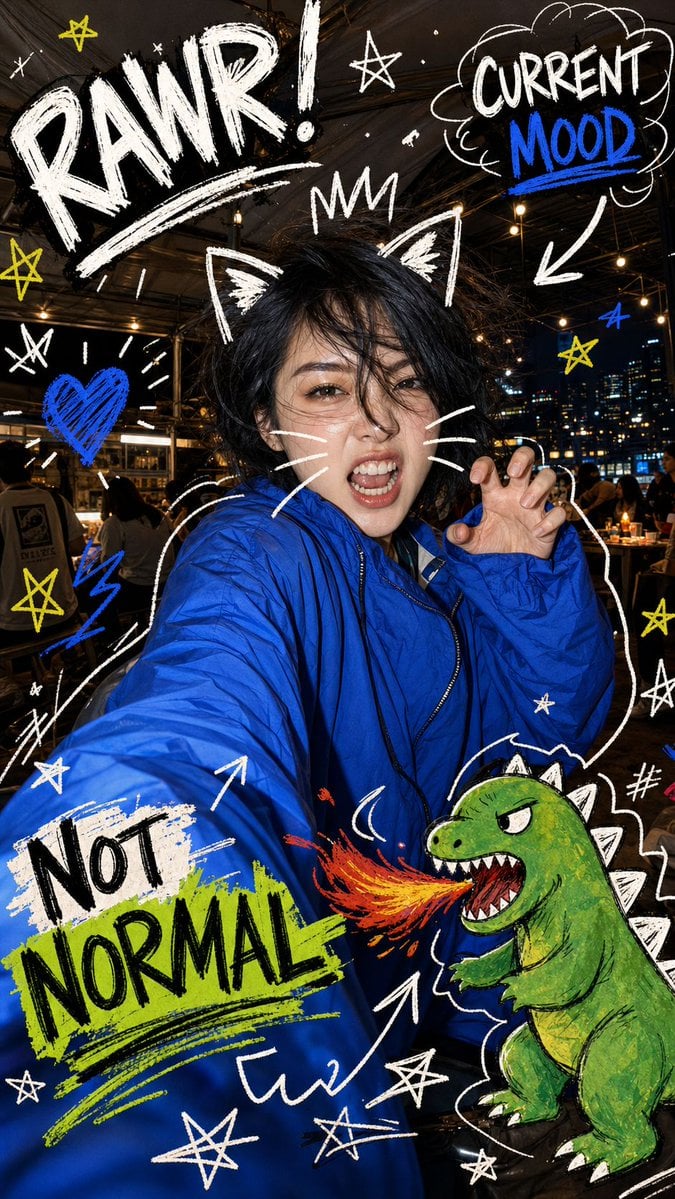
Nighttime Doodle Flash Selfie

Rooftop Fisheye — Cat-Ear Balaclava at Golden Hour

Rainy Café Window Moody Portrait
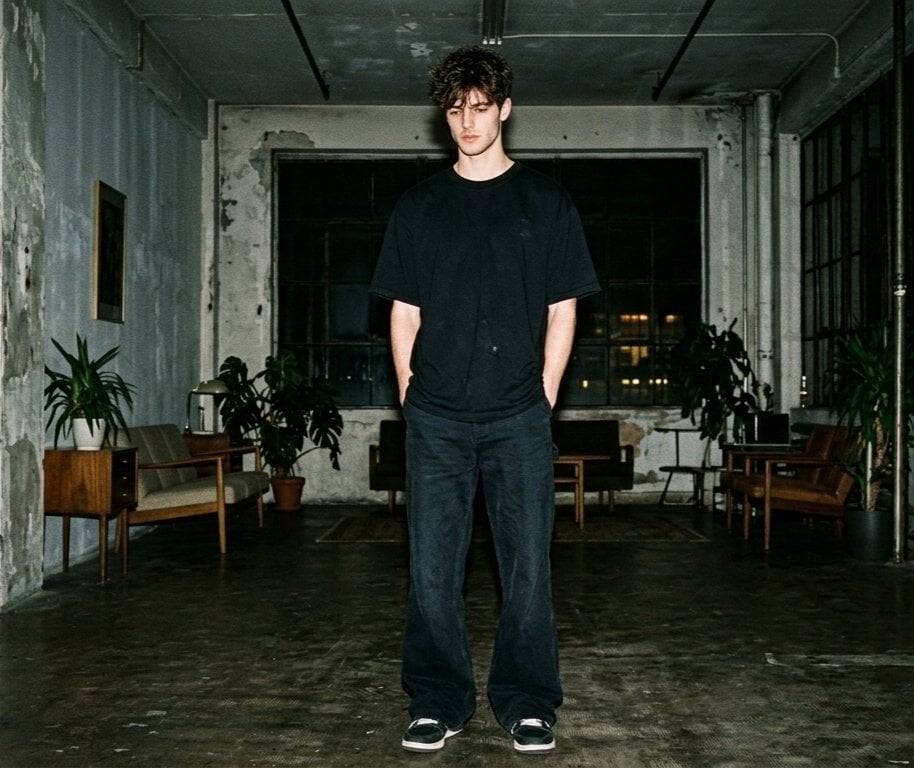
Hyper-realistic Nighttime Fashion Photograph with On-Camera Flash

untitled
Make it yours
Hyper-Realistic Nighttime Transit Flash Portrait works as-is. These are the safest ways to change it without losing the look.
Change one field
Copy a single group, rewrite it, and generate again so you can see what that field is doing.
Keep the frame, change the subject
Hold the composition and light of Hyper-Realistic Nighttime Transit Flash Portrait, then swap wardrobe, props or the person for a new take.
| If the result… | Why | Fix |
|---|---|---|
| The result drifts from the preview | Too many fields changed at once. | Reuse Hyper-Realistic Nighttime Transit Flash Portrait as-is first, then change one group — subject, light, or setting. |
| The model over-stylizes the scene | The prose prompt leaves finish and camera underspecified. | Add one camera or lighting sentence and stay on GPT Image 2. |
More GPT Image 2 templates
Other prompts made for GPT Image 2.

Six VTuber Japanese Logo Sheet

Realistic Portrait of Woman and Deer

The Vista Modular Condo Poster

AI Model Routing Comparison Infographic

2.5D Anime Art Board

Isometric Productivity Desk Scene

New York Double Exposure Poster

Four-Panel AI Landscape Comparison

Japanese Tatami Lifestyle Magazine Cover

NESCAFÉ Coffee Map Poster
More image prompts
Fresh picks from across the catalog.
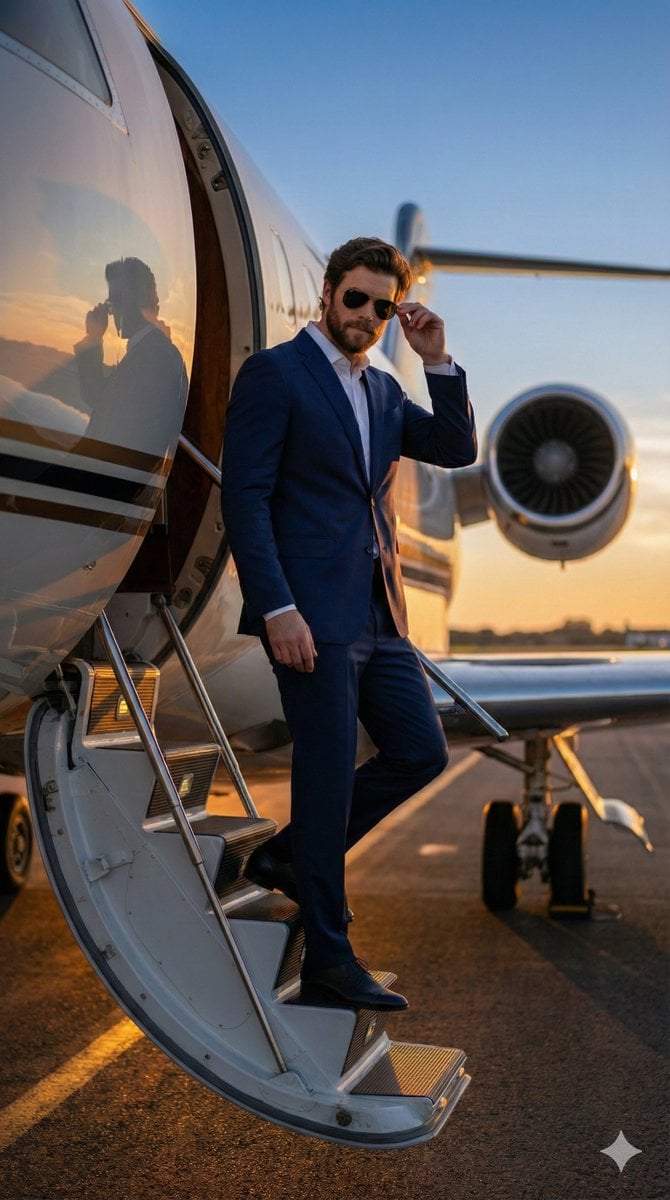
Hyper-realistic Cinematic Tarmac Photo
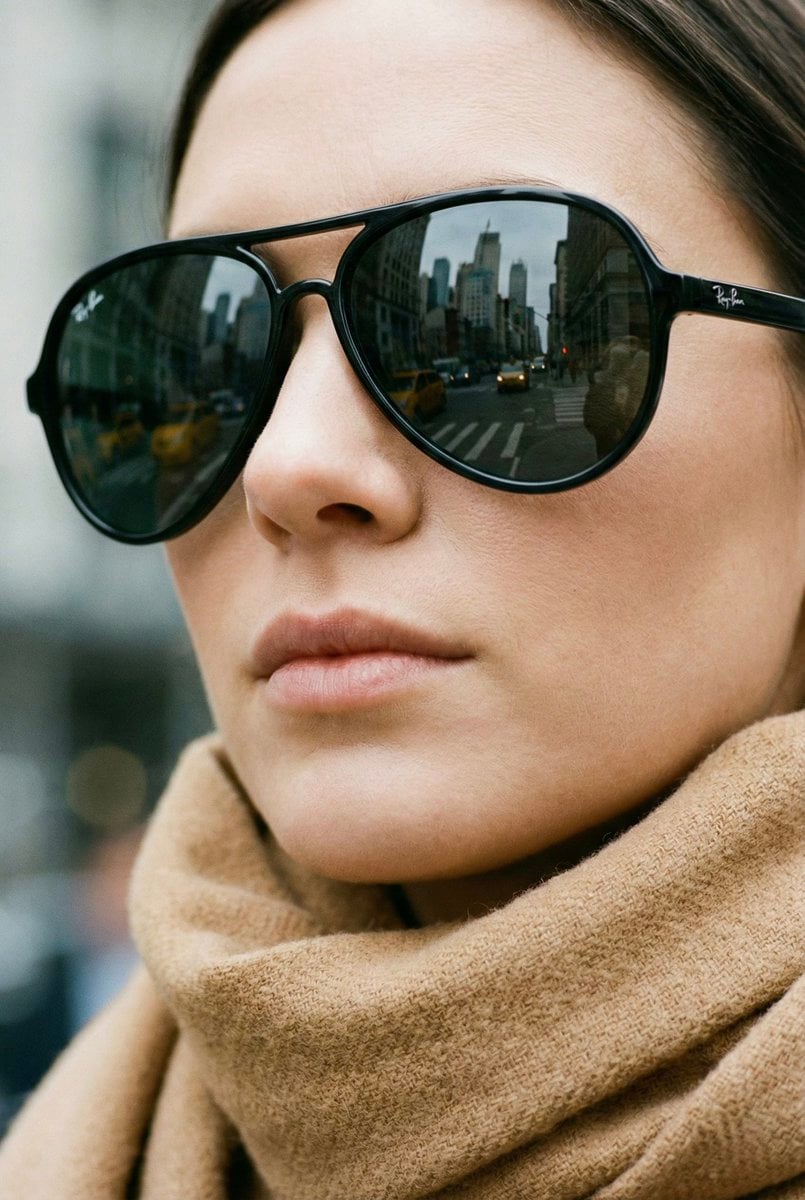
High-Fashion Aviator Sunglasses Portrait with NYC Reflection
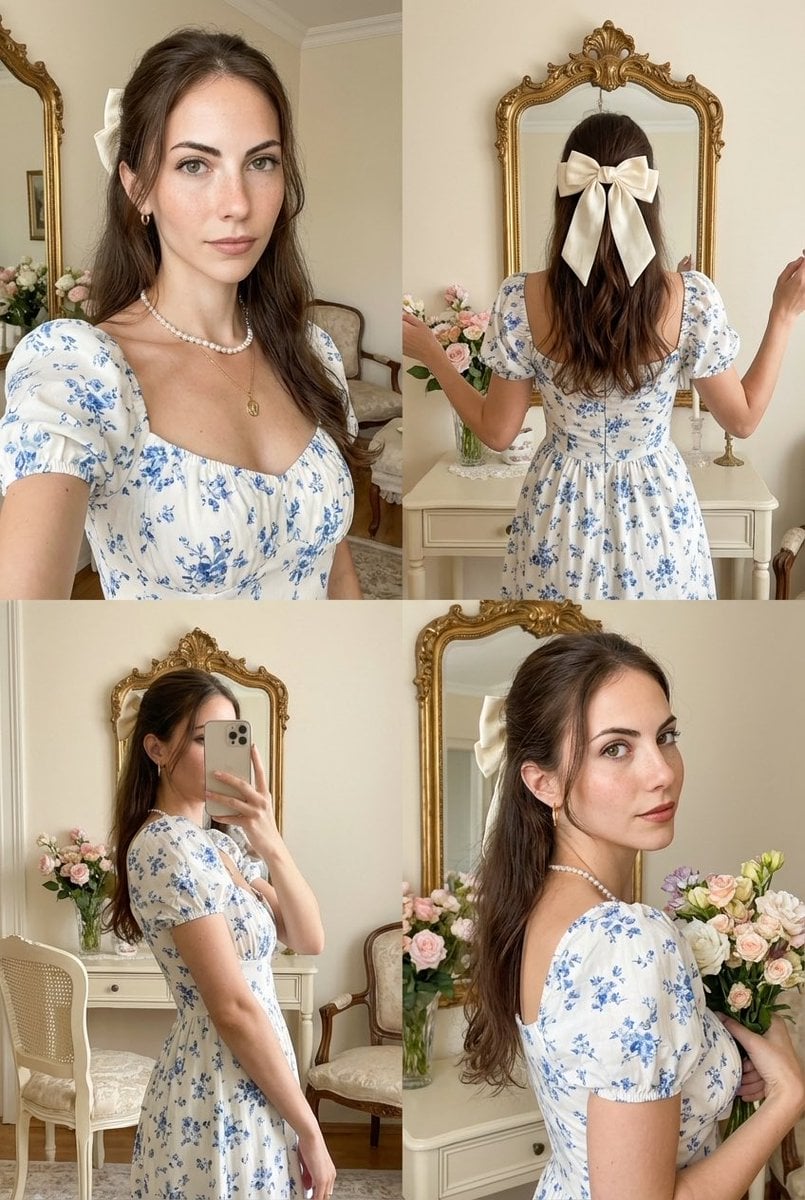
Four-Panel Collage with Strict Identity and Pose Matching
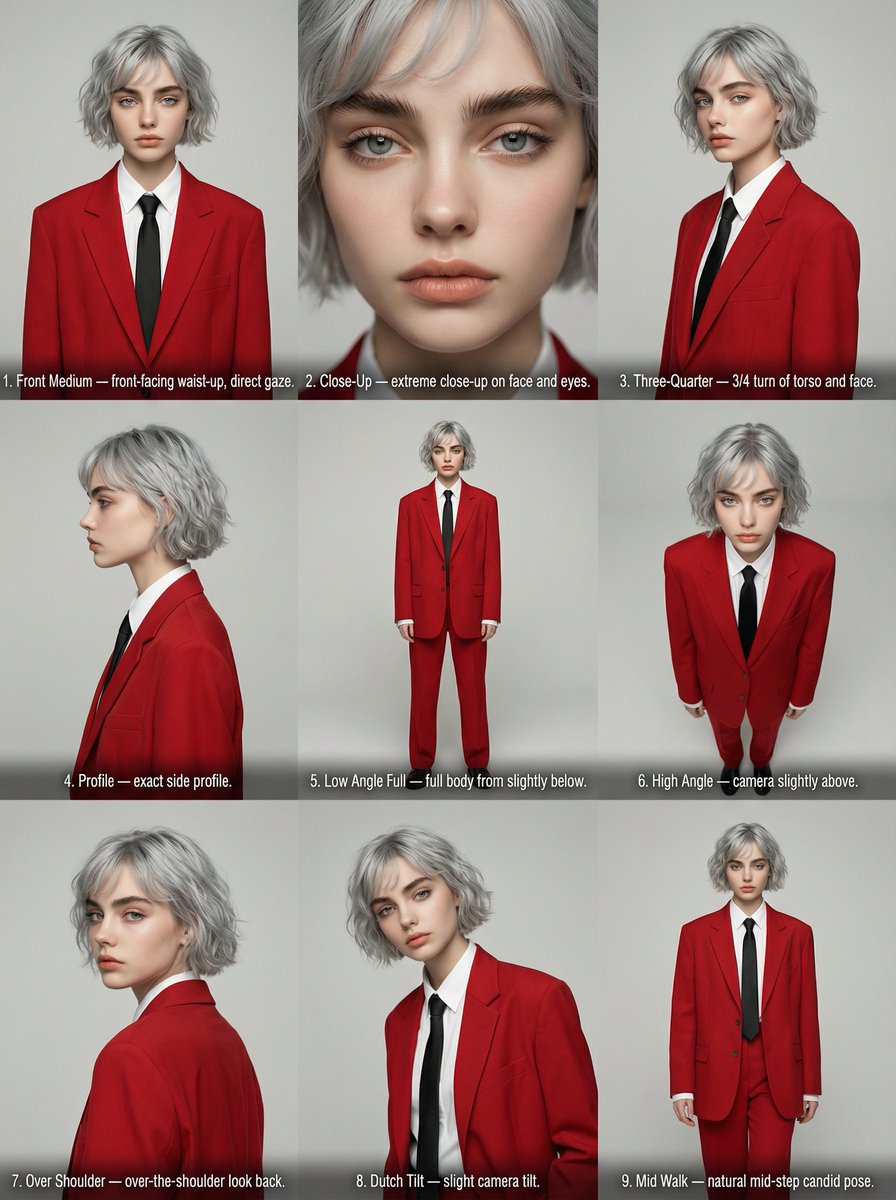
Editorial Angle Reference Sheet Grid
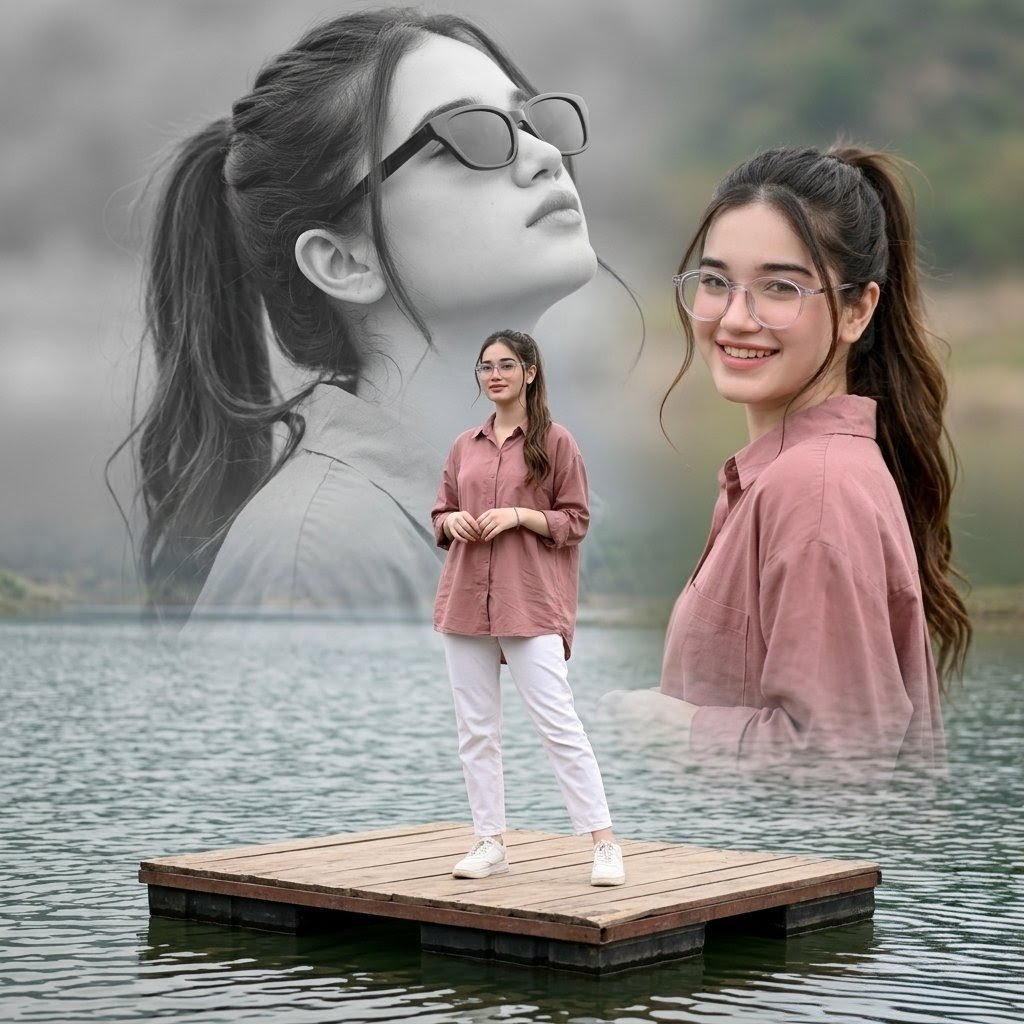
Dreamy Lake Triple Portrait
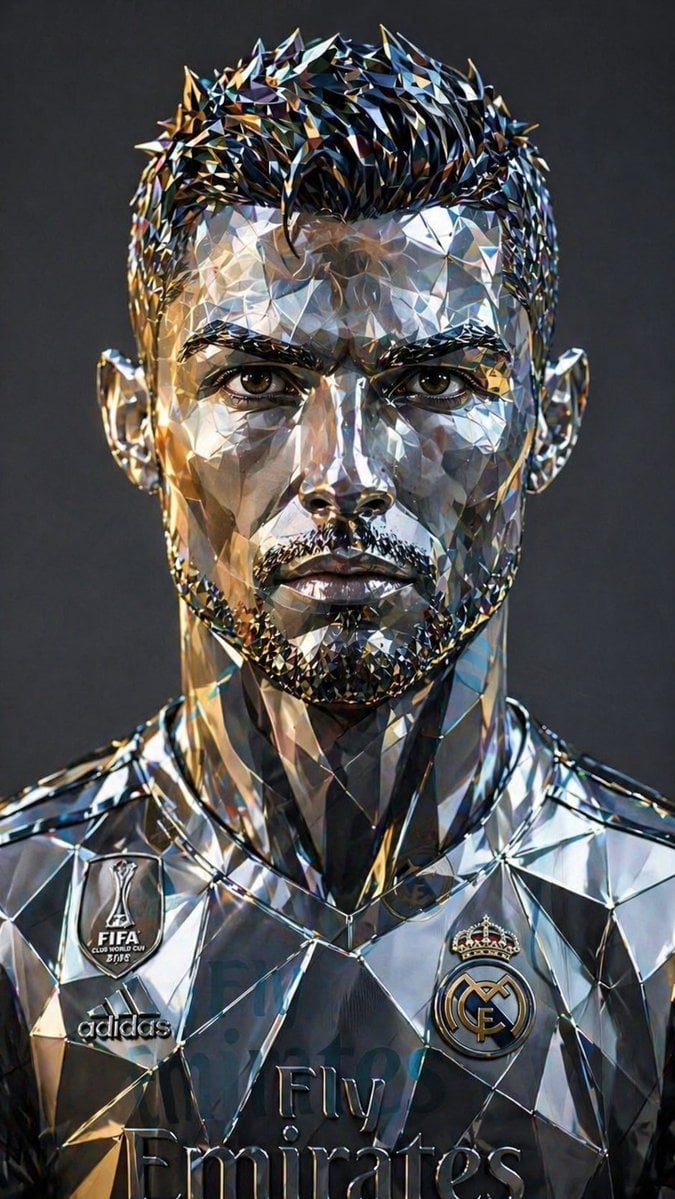
Futuristic Low-Poly Metallic Portrait
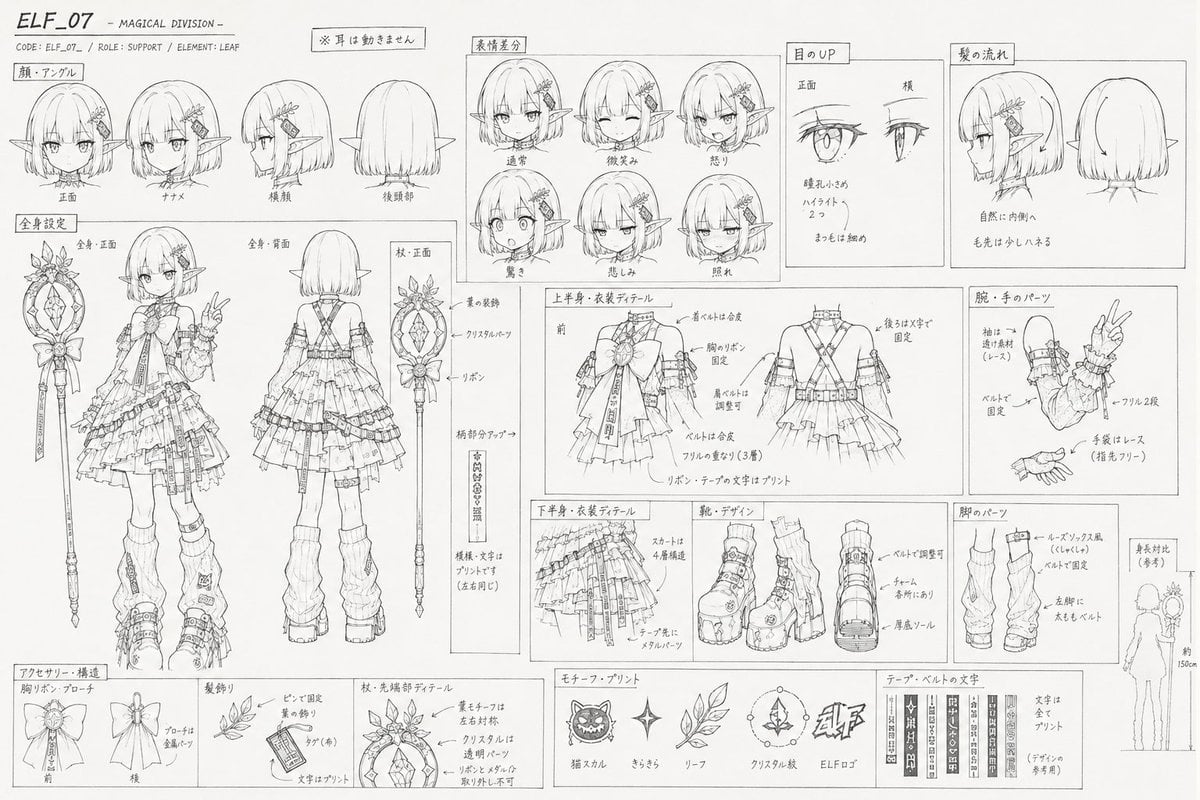
Professional Anime Character Line Art Sheet
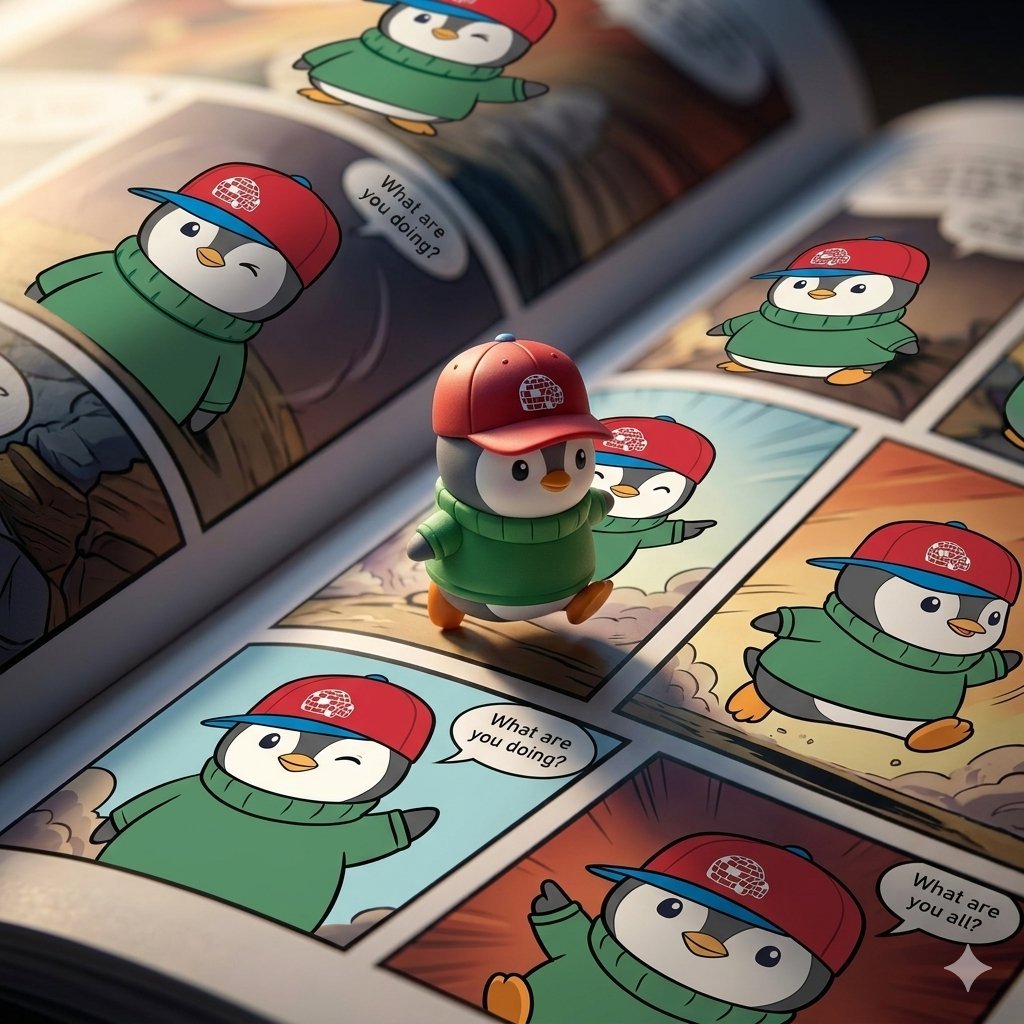
Image Replacement Prompt
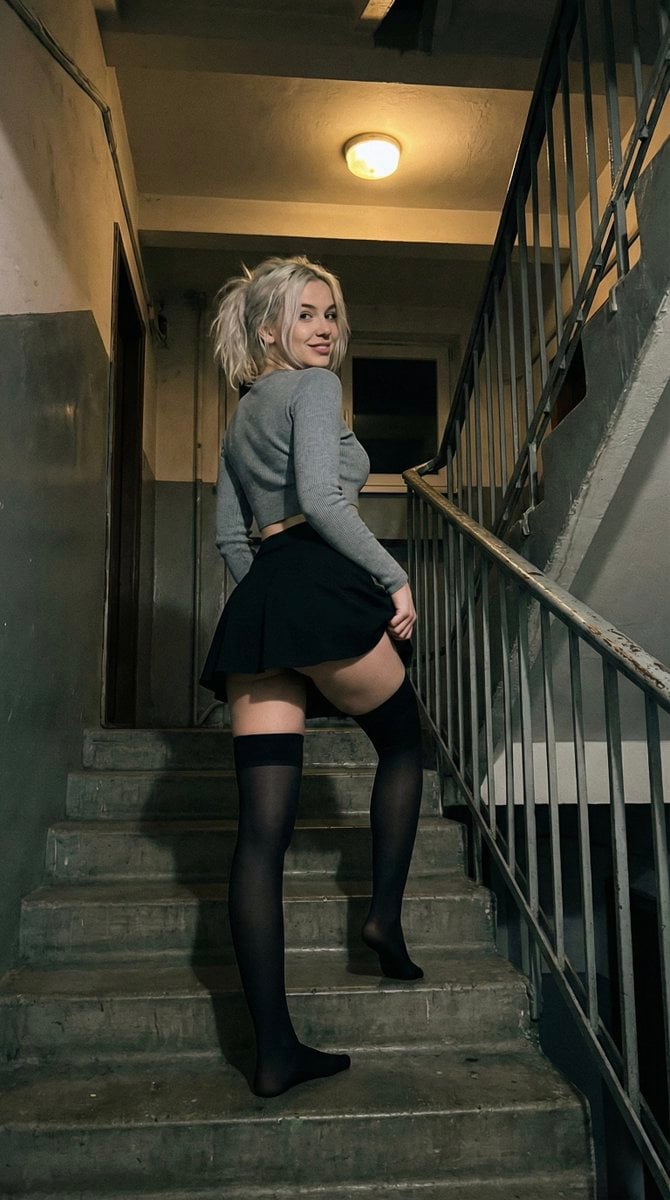
Suggestive Stairwell Candid Photo
Yin-yang koi ink illustration
Browse template categories
Hyper-Realistic Nighttime Transit Flash Portrait questions
How do I use the Hyper-Realistic Nighttime Transit Flash Portrait template?
Add your photo if the template asks for one, edit the prompt if you like — the template's model and format are already selected — and press Generate. Your version opens in PicX Studio.
Can I customize the Hyper-Realistic Nighttime Transit Flash Portrait template?
Yes. You can change the subject, setting, lighting, mood, format, and available model controls before creating your image.
Is the Hyper-Realistic Nighttime Transit Flash Portrait template free?
Opening and editing this template is free. Generating uses credits, shown on the Generate button when you are signed in.
Which AI model should I use?
Start with GPT Image 2, which is the model associated with this template. You can compare another compatible model for a different finish.
Looking for something else? Browse all templates.

Your photo, any look
Thousands of ready templates for every top image and video model, from one credit balance.