
Energy Drink Creative Visual
Energy Drink Creative Visual is a ready photo look.
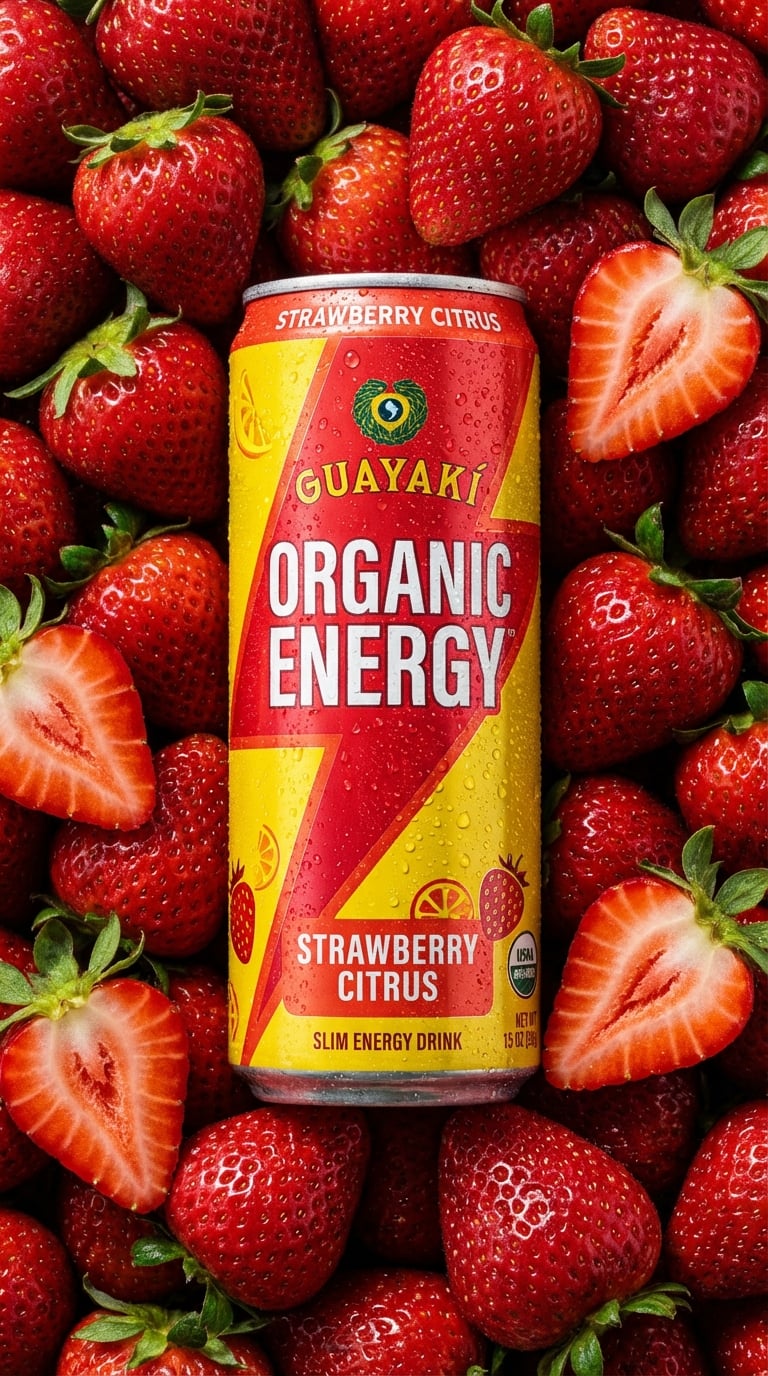
- Prompt included
- Model and format preset
- Free template
The prompt behind this image
Copy the exact prompt behind Energy Drink Creative Visual, or open it in the studio and make it yours.
Top-down macro product photography of a Guayakí Yerba Mate slim energy drink can placed perfectly centered, completely surrounded by fresh, glossy strawberries filling the entire frame edge-to-edge. The can label features bold red tones with strawberry and citrus flavor graphics, crisp white typography, and organic energy branding. Strawberries are richly textured with visible seeds and moisture highlights. Even, diffused lighting enhances saturation and detail without harsh shadows. Clean commercial beverage photography, vibrant color contrast, sharp focus throughout, high realism, food-grade freshness aesthetic, premium advertising style, ultra-high resolution. Image ratio 9:16
How to use Energy Drink Creative Visual in 3 steps
- 1
Open
The prompt is already in the box next to the preview, with the template's model and format selected.
- 2…a portrait of your subject in softgolden-hour light, 85mm…
Personalize
Edit the subject and creative details for your destination.
- 3Generate
Generate
Press Generate — your image is created in PicX Studio, so you can compare it with the original and refine one variable at a time.
More like this
Templates with the same subject, style or setup. Open one to see its prompt.
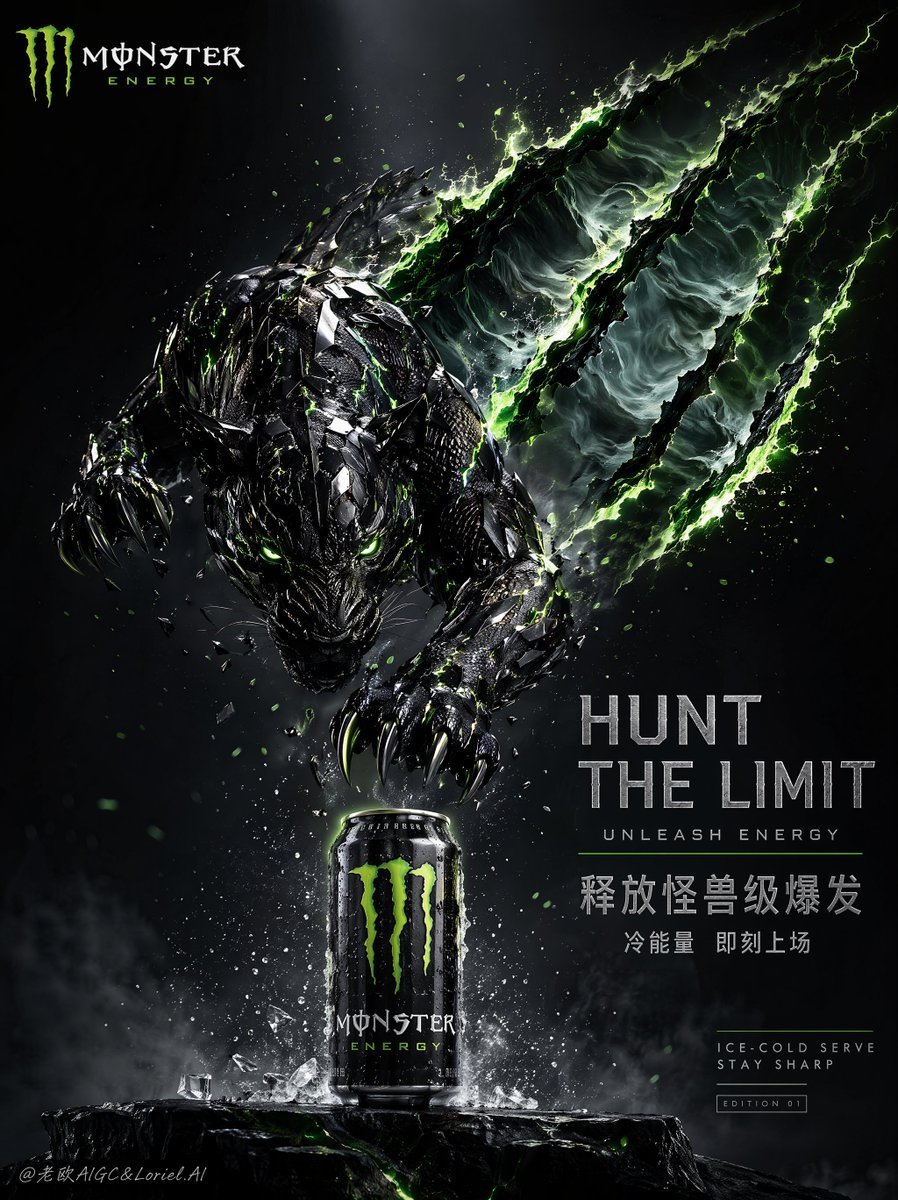
Cinematic Beast Energy Drink Poster
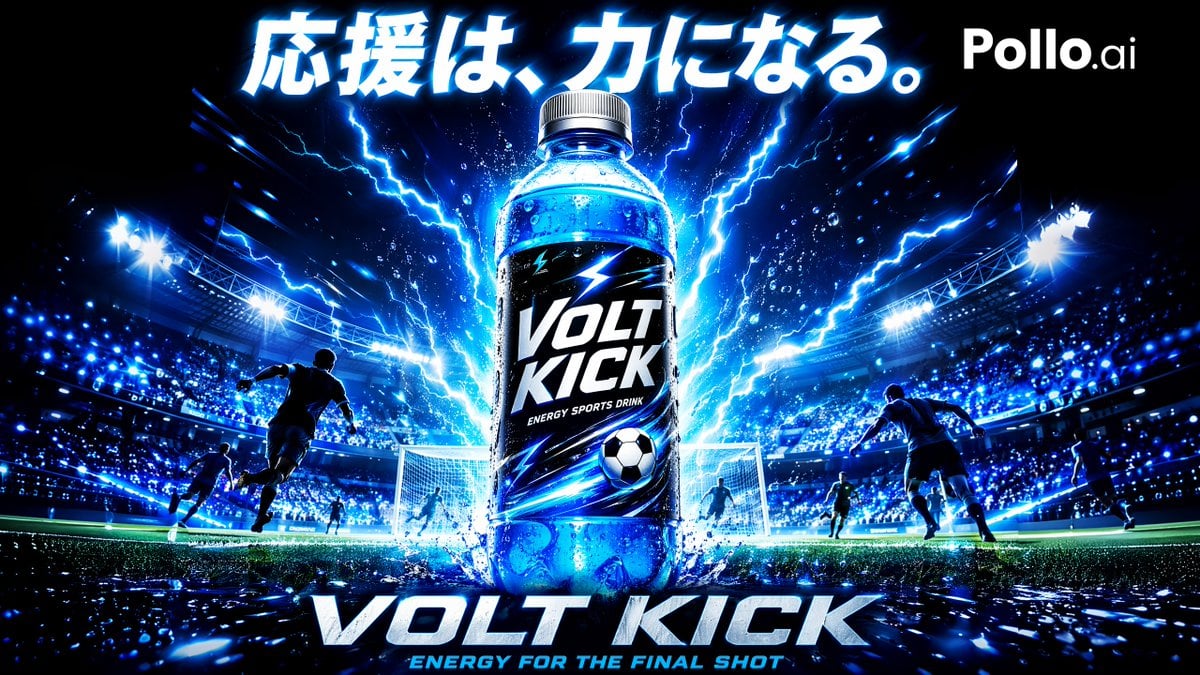
Volt Kick Soccer Energy Drink Poster

Trendy Cafe Drink Promo Poster
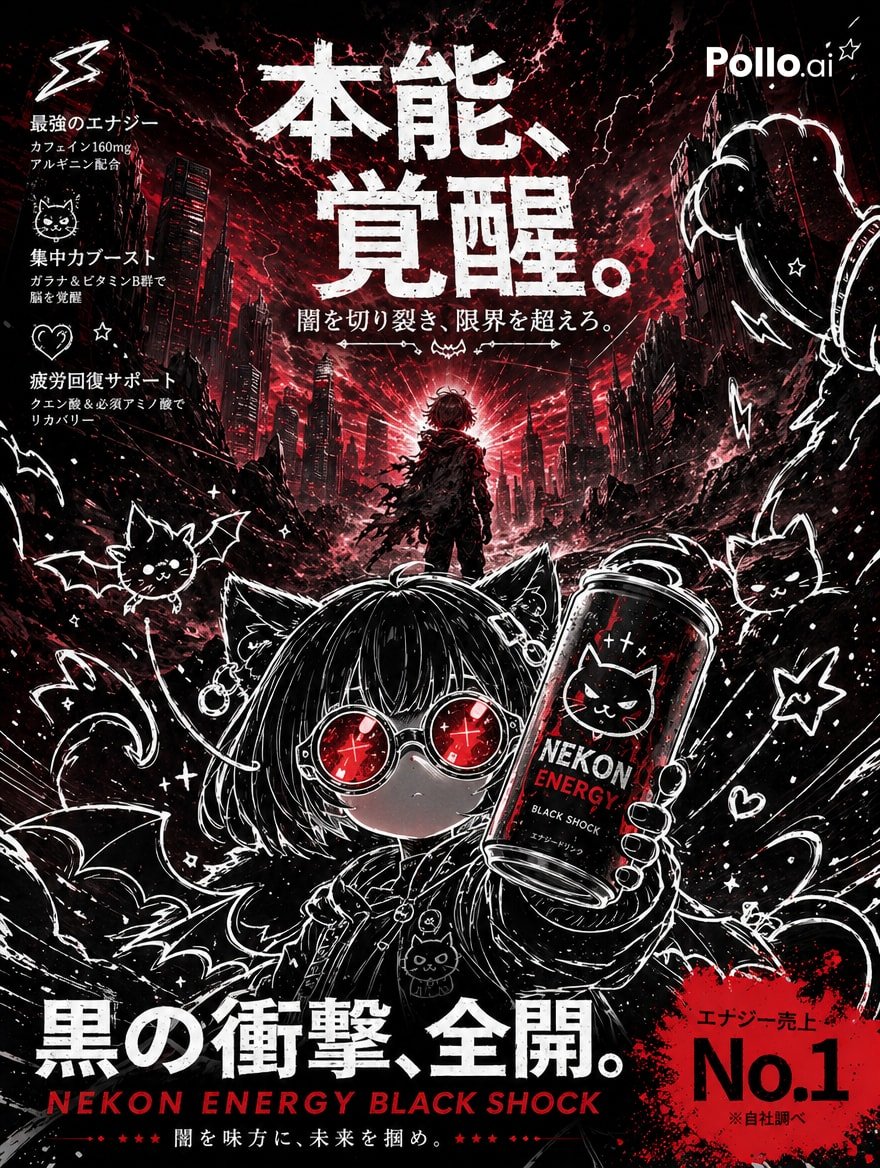
Dark Anime Energy Drink Poster
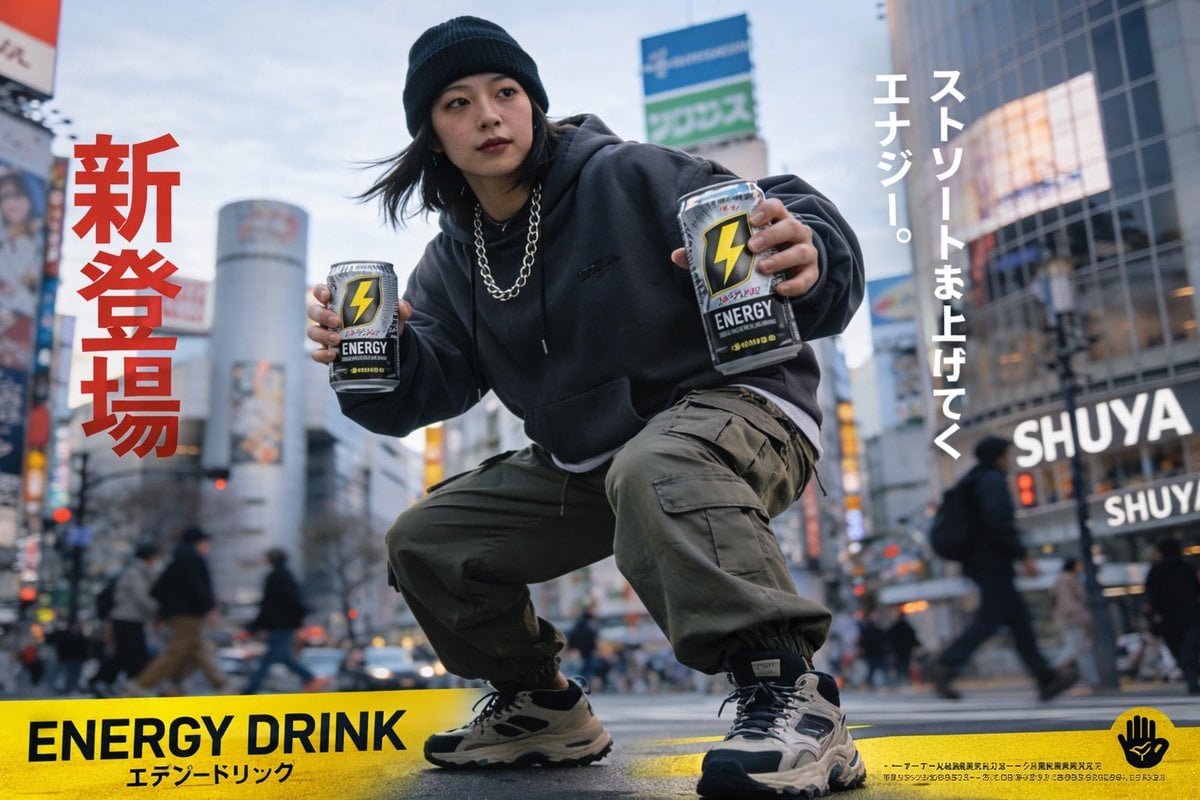
Urban Energy Drink Advertisement Poster
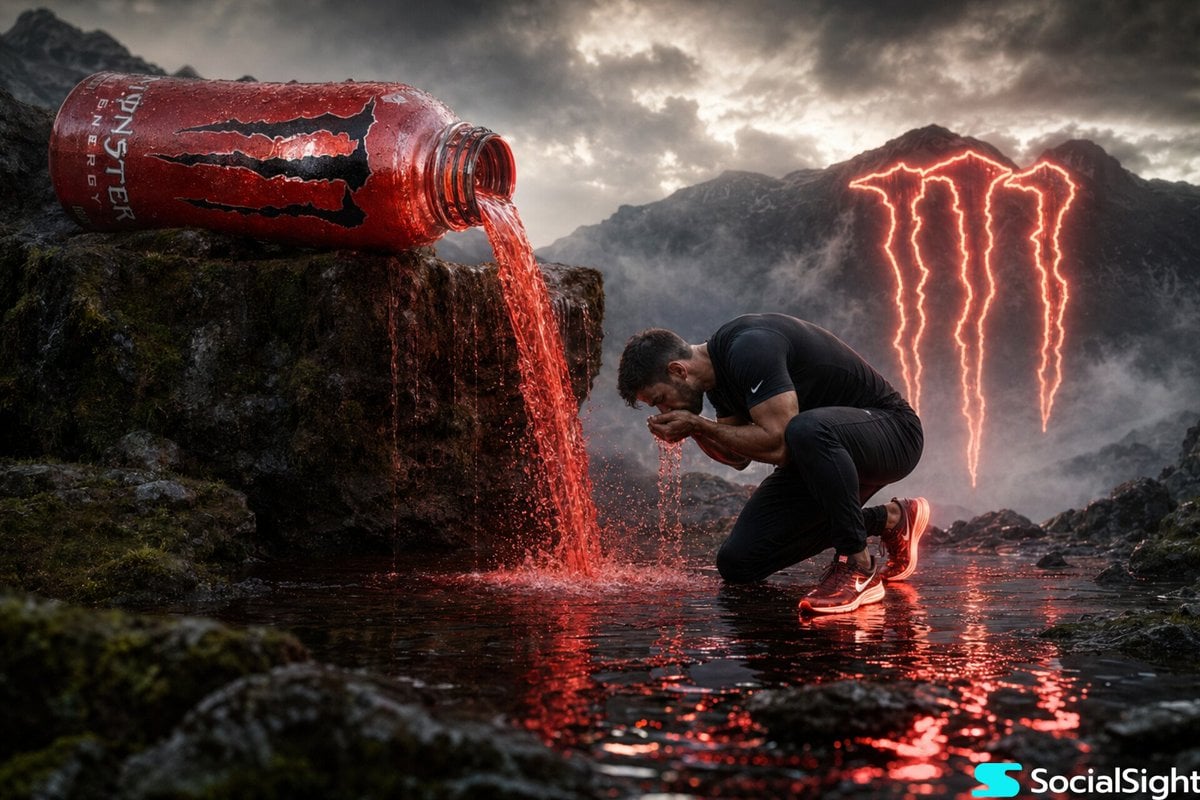
Cinematic Energy Drink Ad
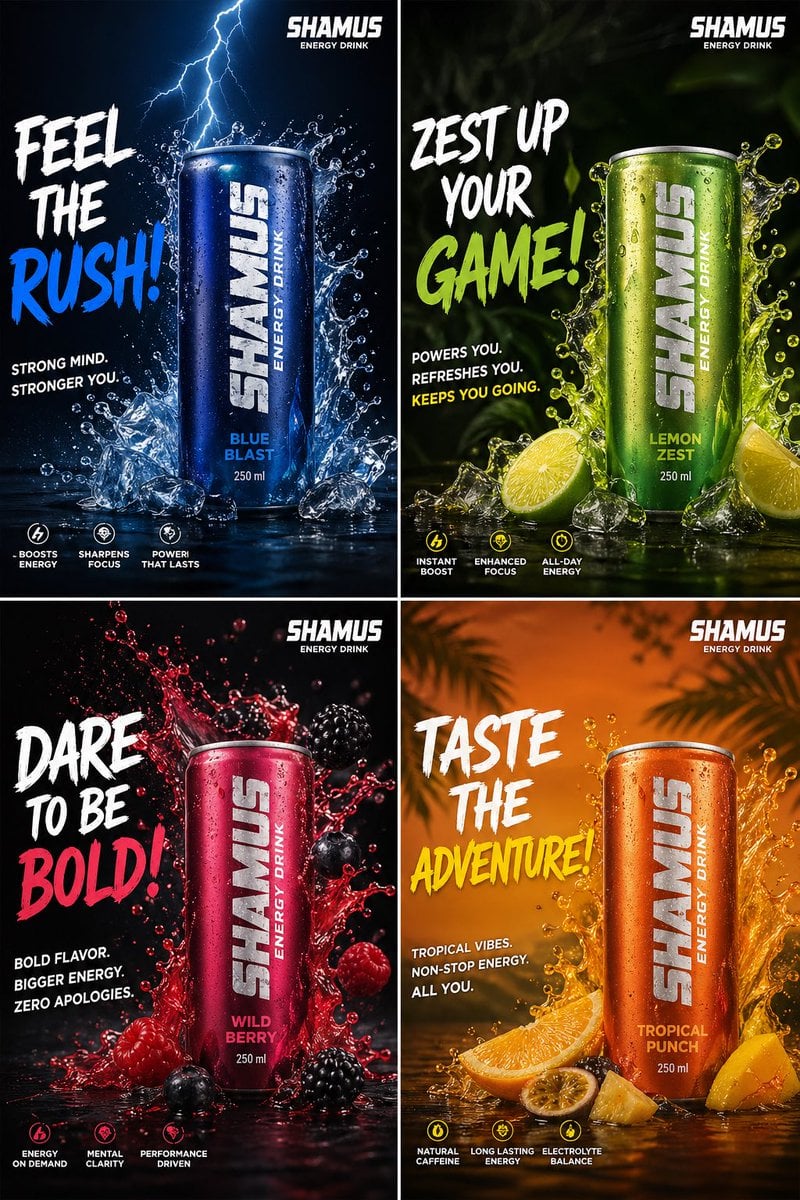
Energy Drink Brand Instagram Creatives
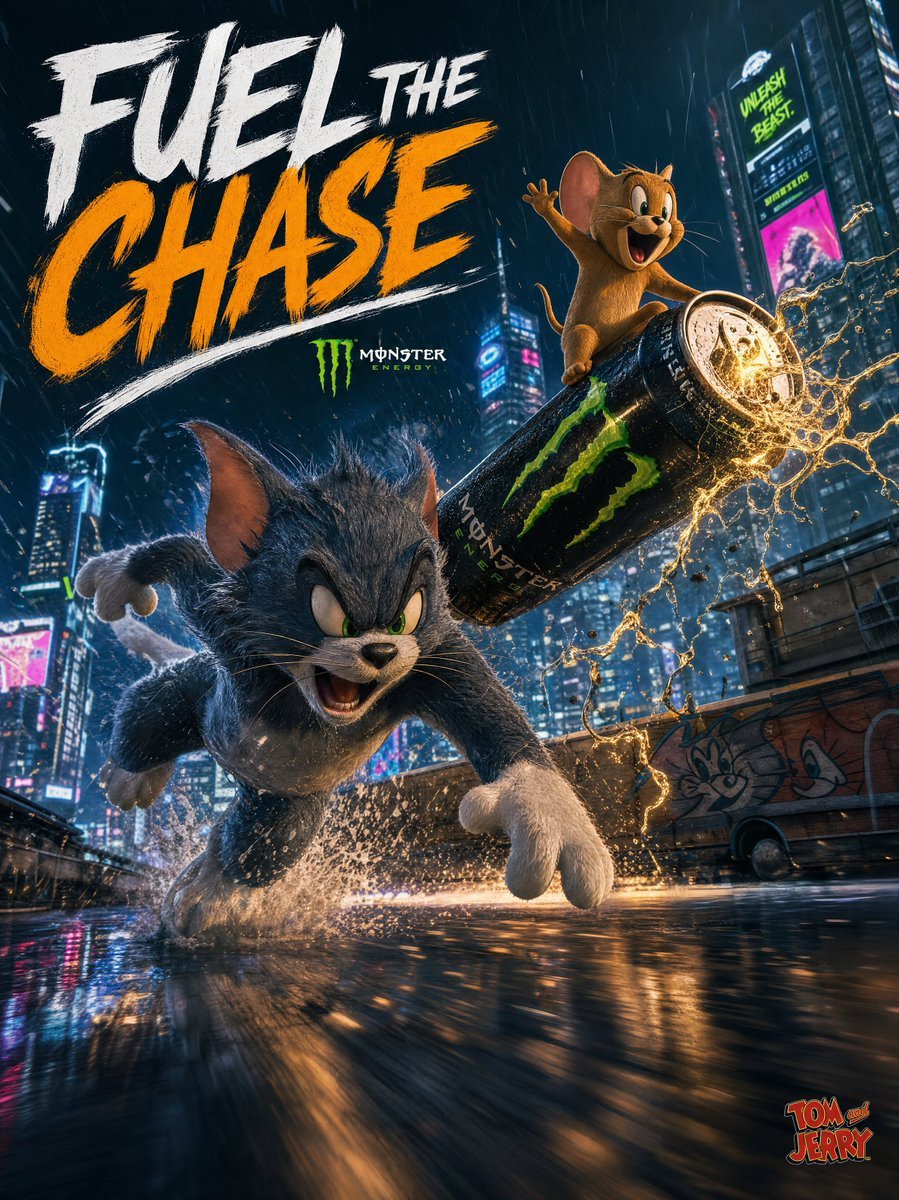
Tom and Jerry Energy Drink Ad
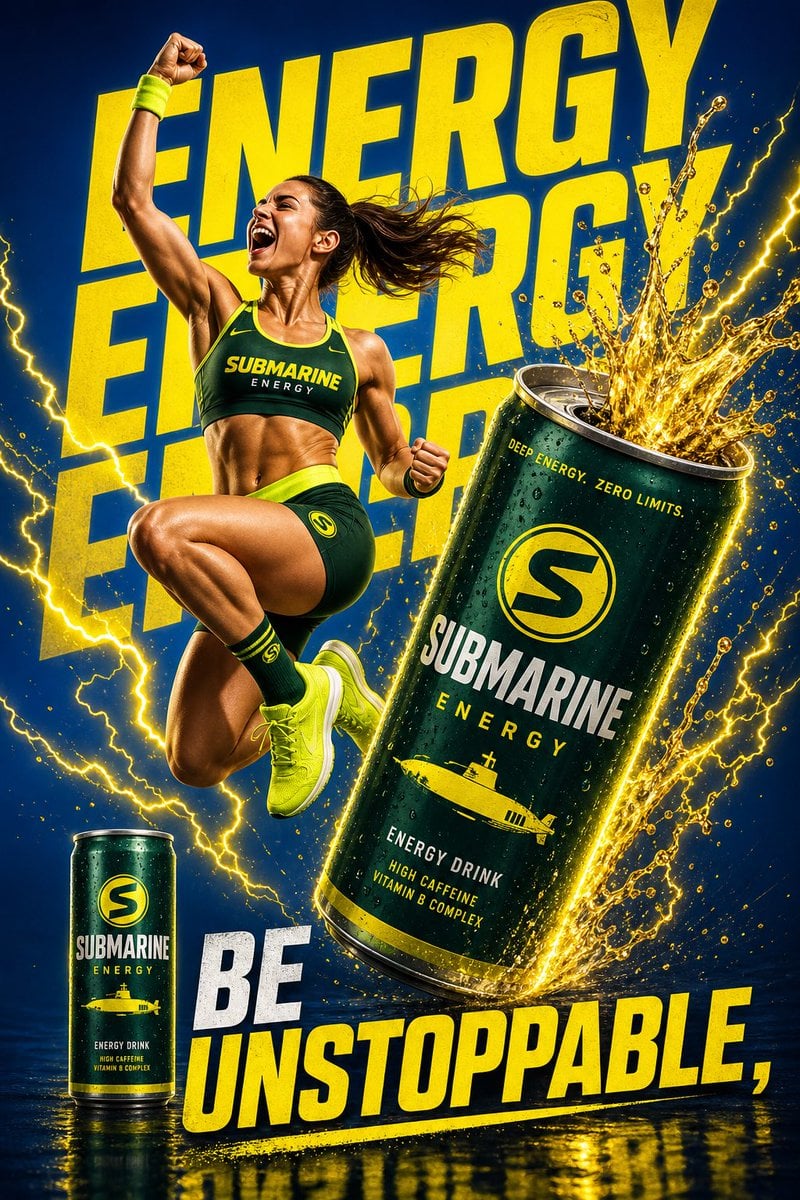
Dynamic Energy Drink Ad
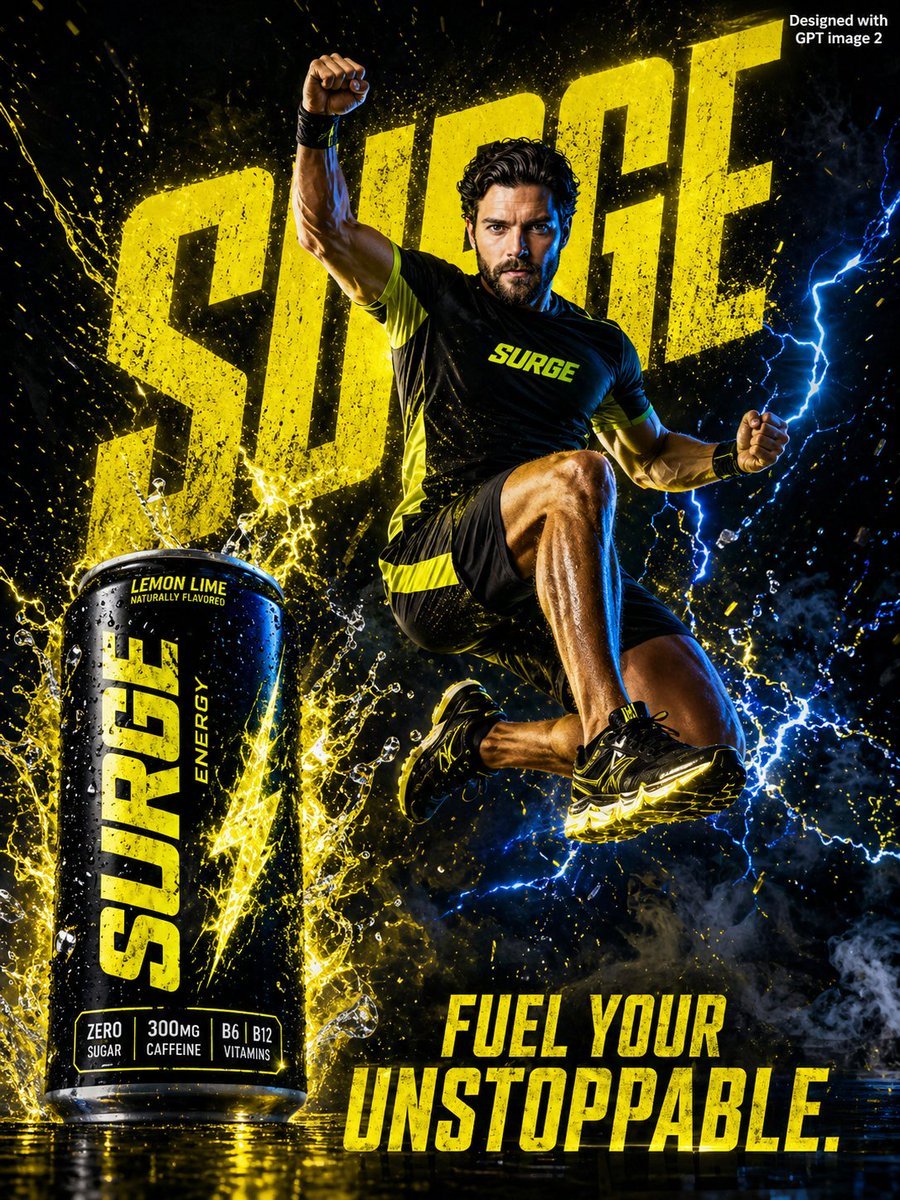
Energy Drink Advertising Poster
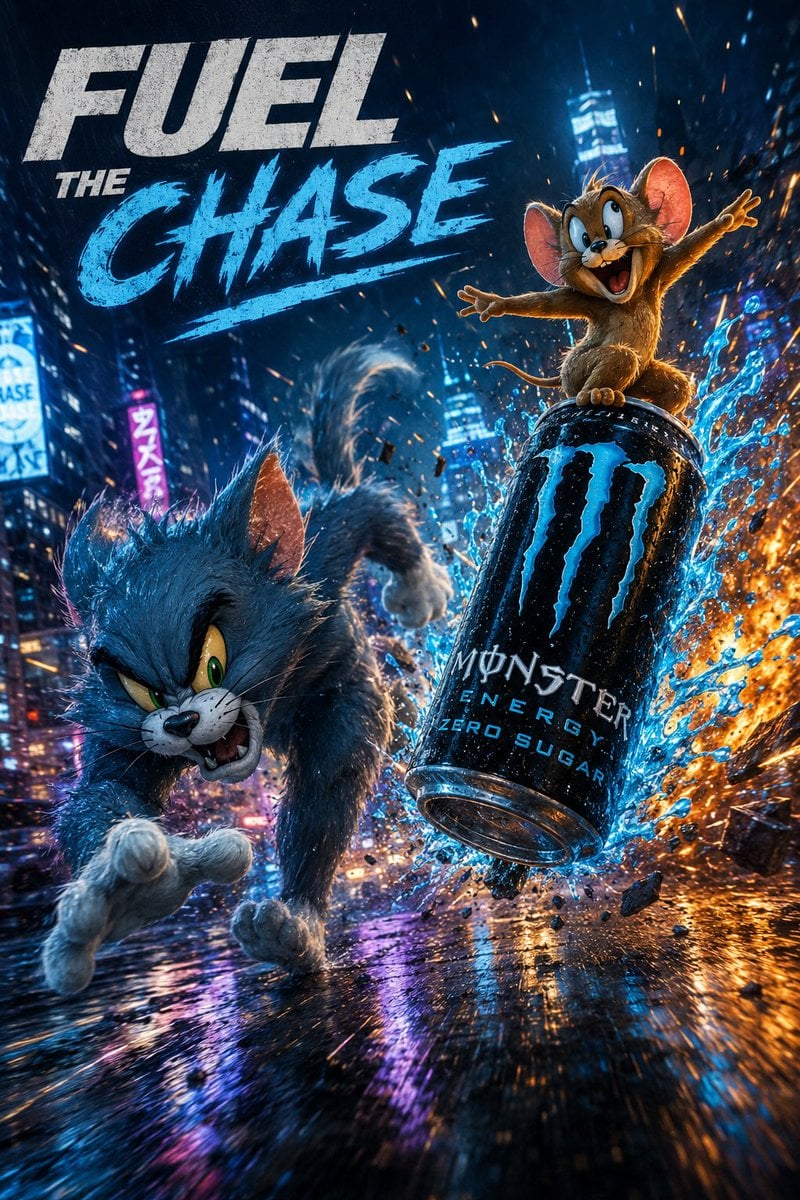
Futuristic Energy Drink Ad Poster
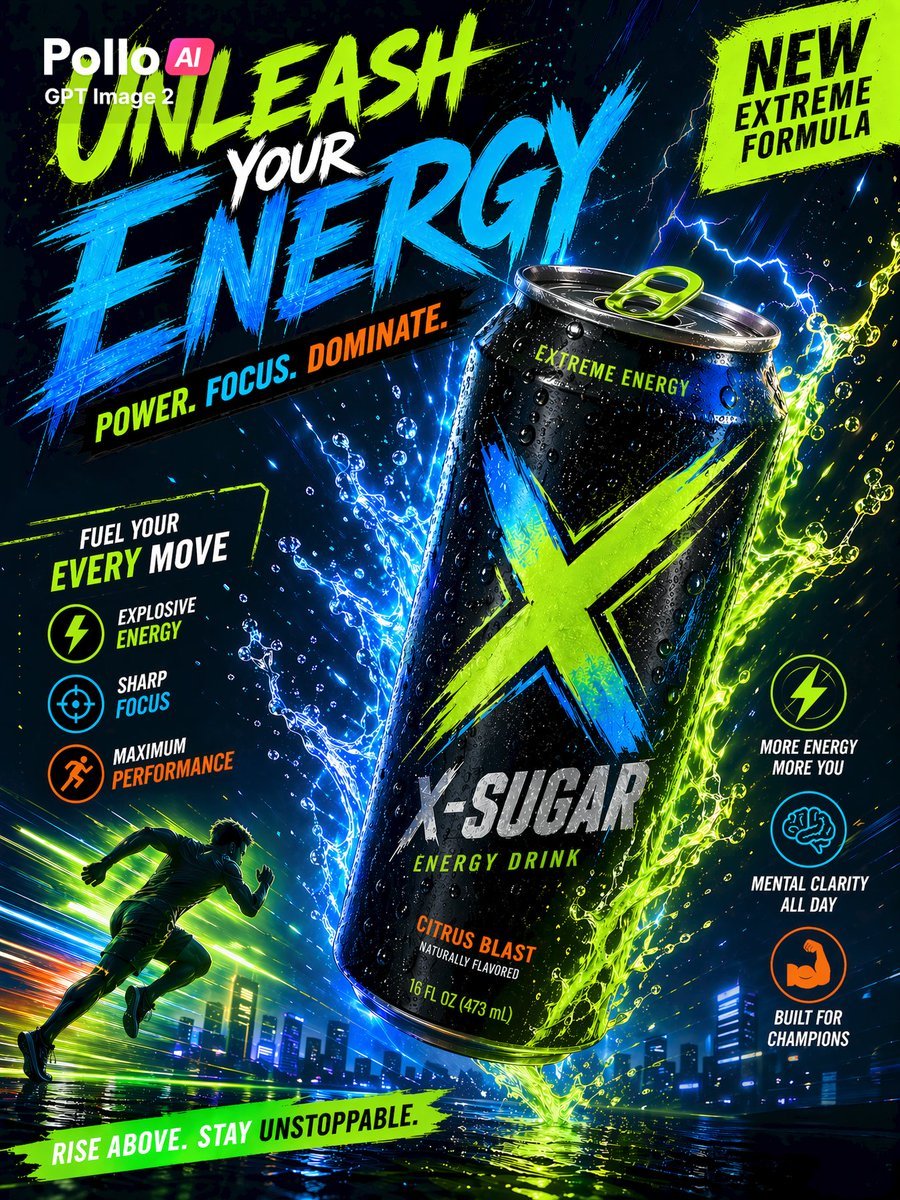
Neon Energy Drink Sports Poster
Make it yours
Energy Drink Creative Visual works as-is. These are the safest ways to change it without losing the look.
Change one field
Copy a single group, rewrite it, and generate again so you can see what that field is doing.
Keep the frame, change the subject
Hold the composition and light of Energy Drink Creative Visual, then swap wardrobe, props or the person for a new take.
| If the result… | Why | Fix |
|---|---|---|
| The result drifts from the preview | Too many fields changed at once. | Reuse Energy Drink Creative Visual as-is first, then change one group — subject, light, or setting. |
| The model over-stylizes the scene | The prose prompt leaves finish and camera underspecified. | Add one camera or lighting sentence and stay on PicX Studio. |
More image prompts
Fresh picks from across the catalog.
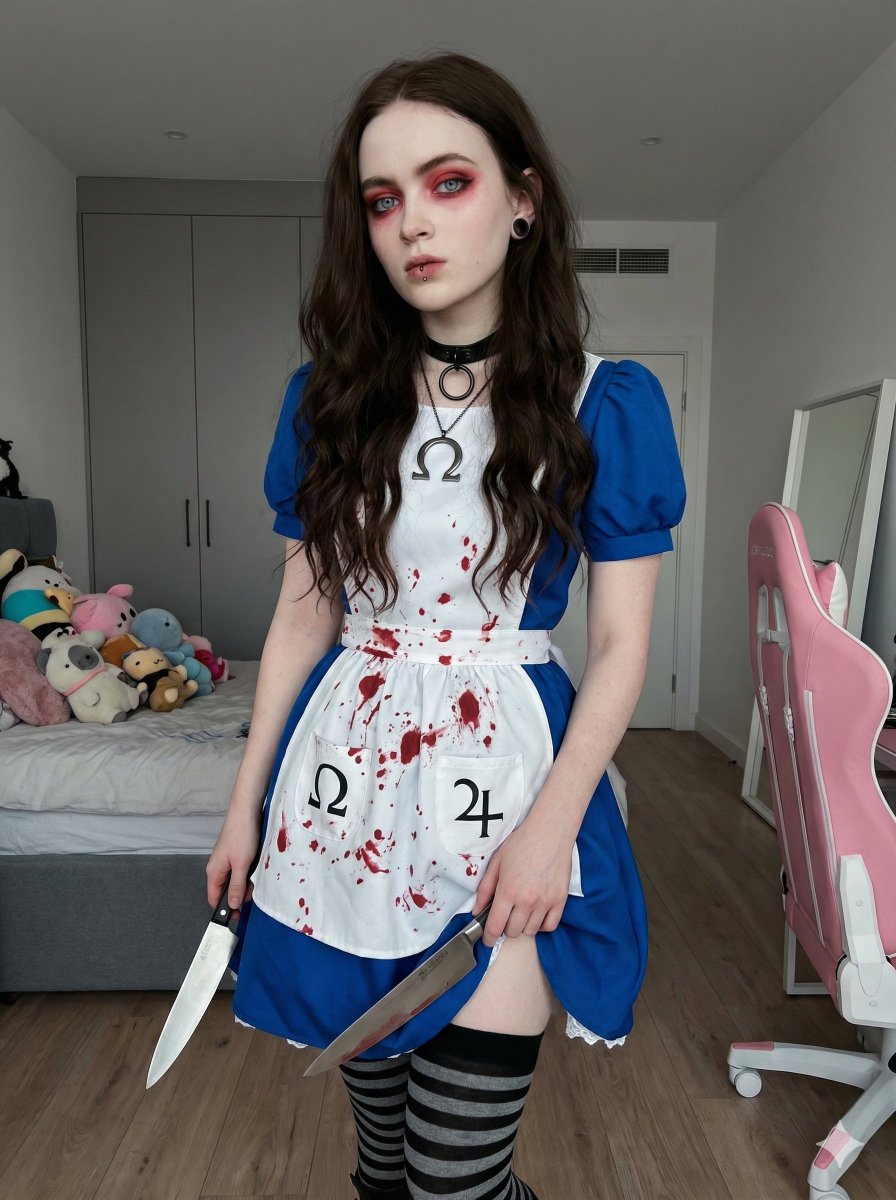
Photorealistic Cosplay of Alice: Madness Returns
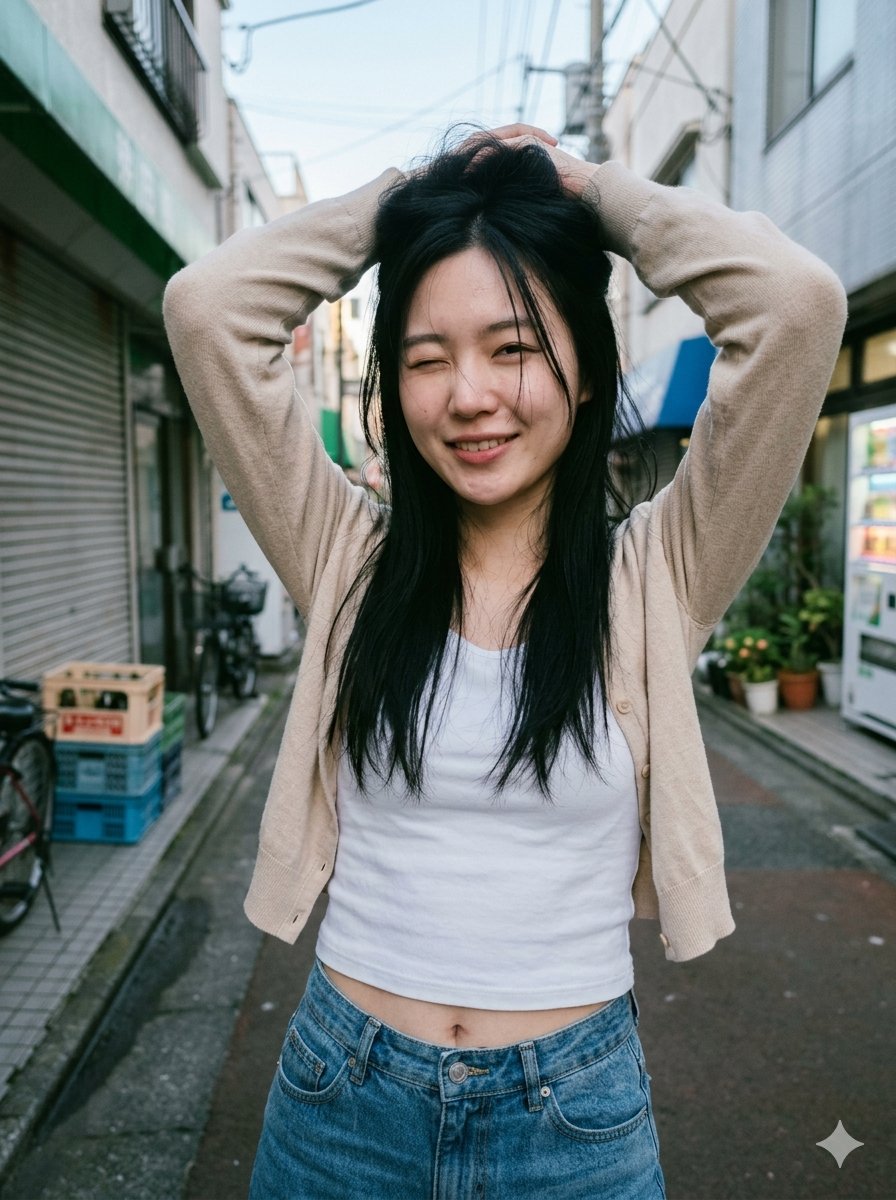
Blurred Face Japanese Alley Portrait
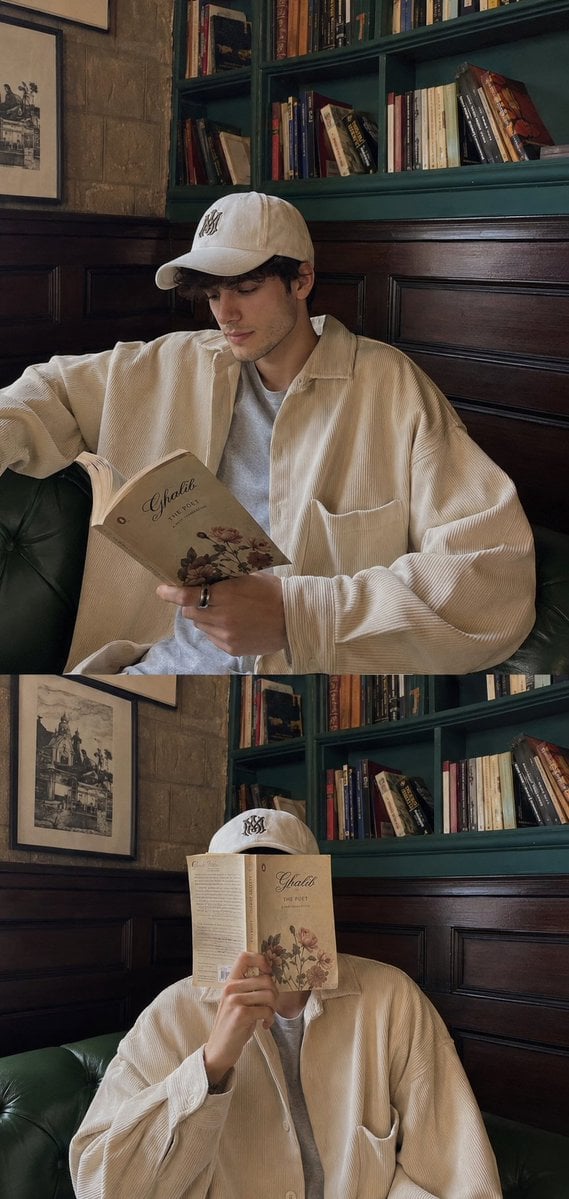
Aesthetic Cafe Library Lifestyle Collage
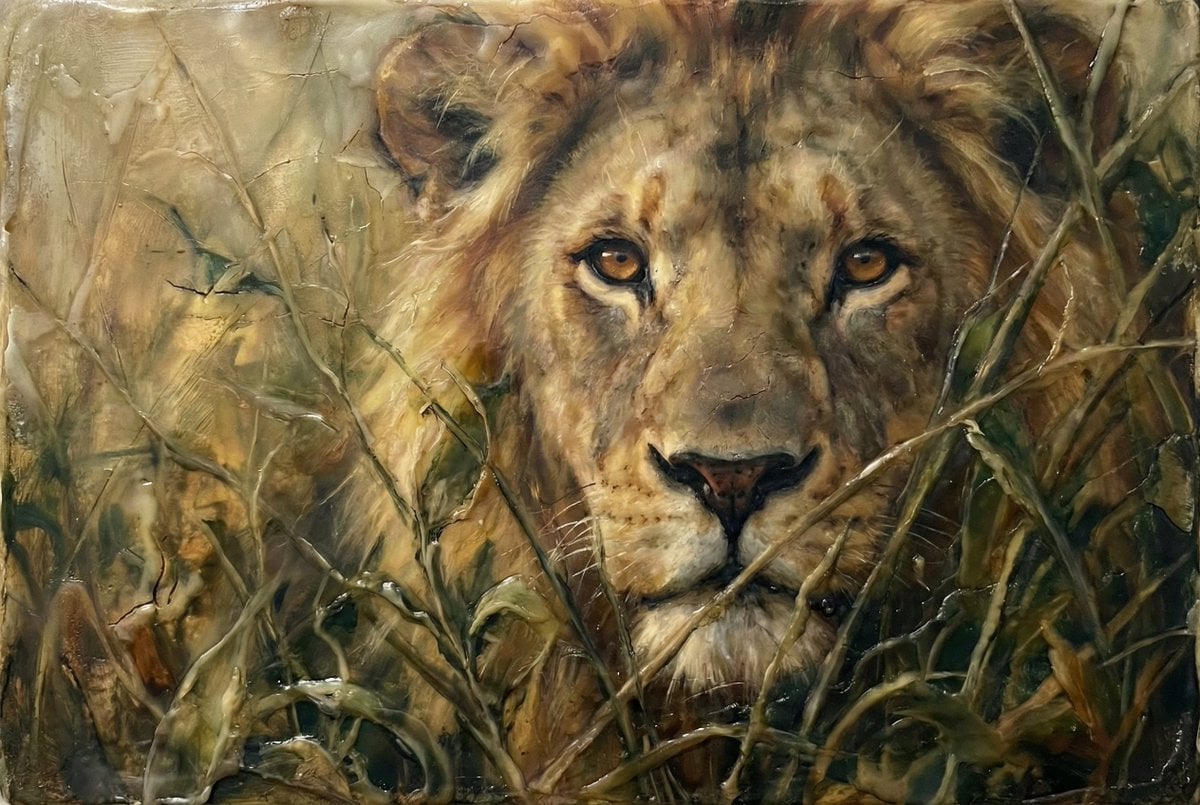
Heavily Detailed Oil Painting of a Lion in a Thicket
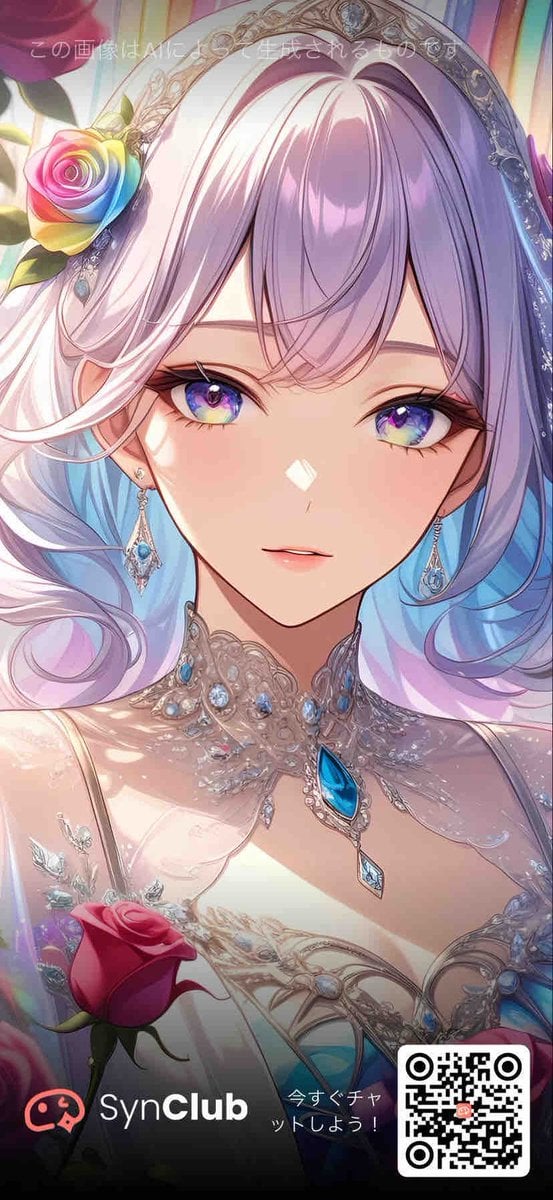
Rose Jewel Anime App Poster
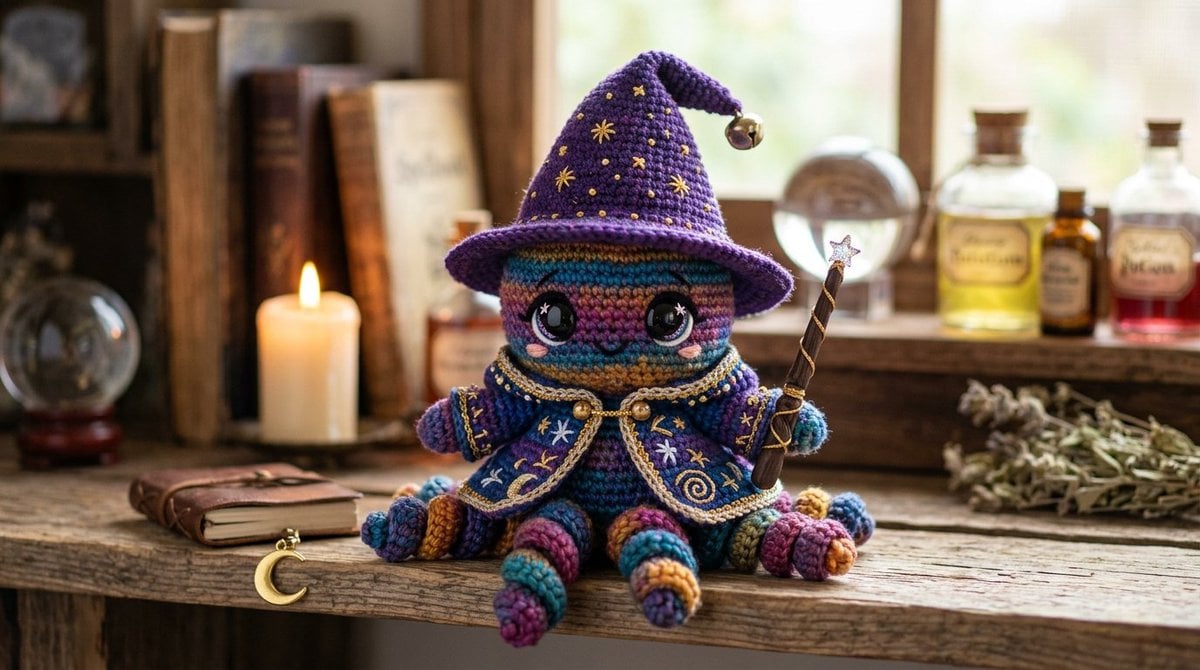
Cute Amigurumi Wizard Plush
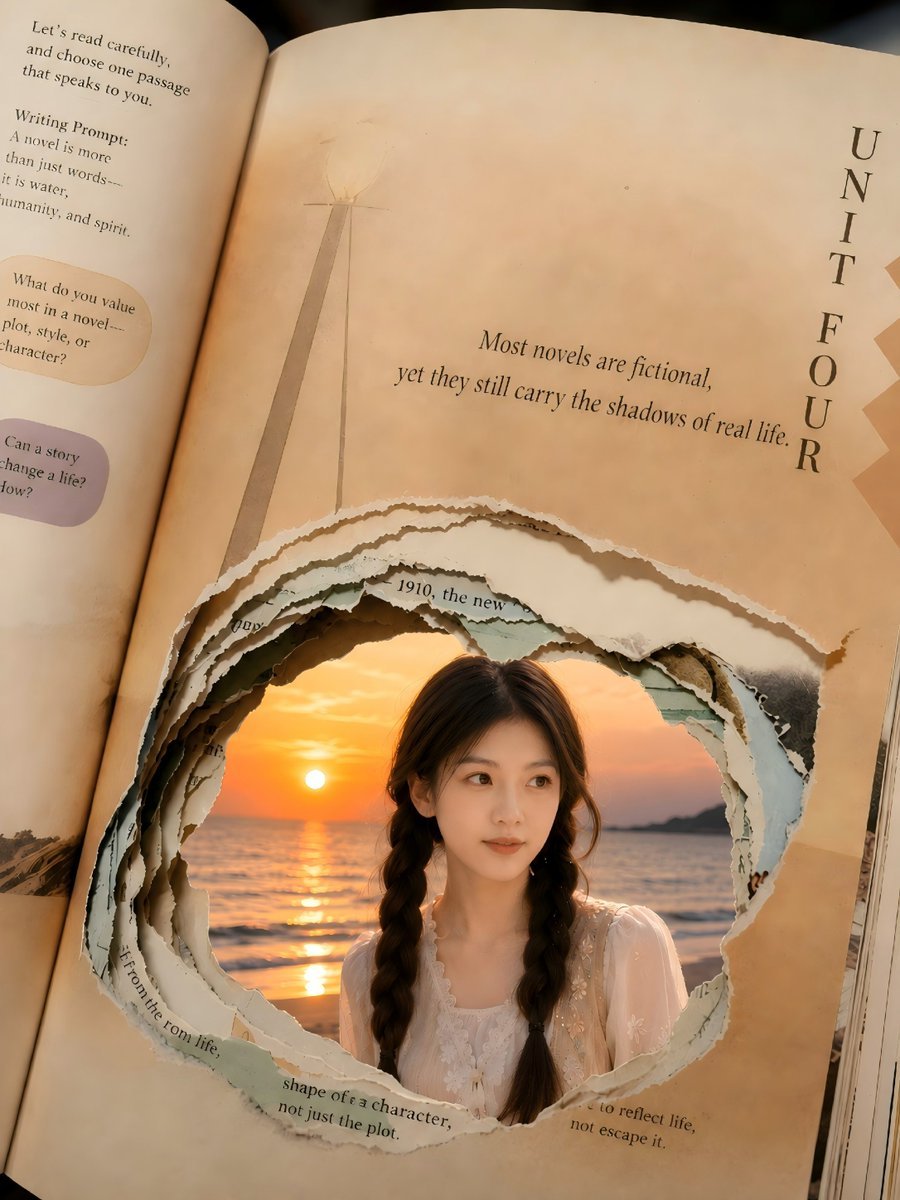
Torn Book Portal Portrait
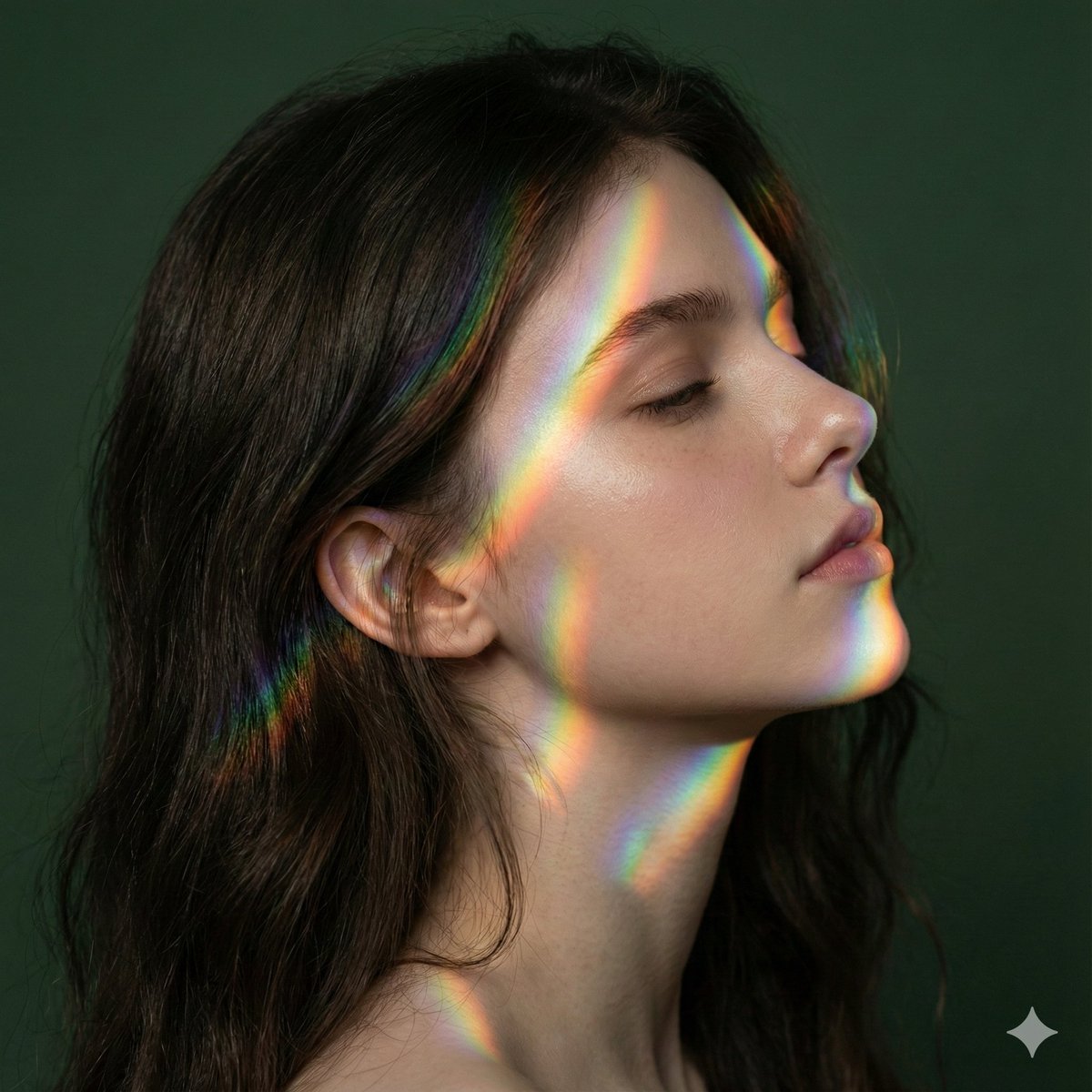
Cinematic Portrait with Identity Preservation and Prism Lighting
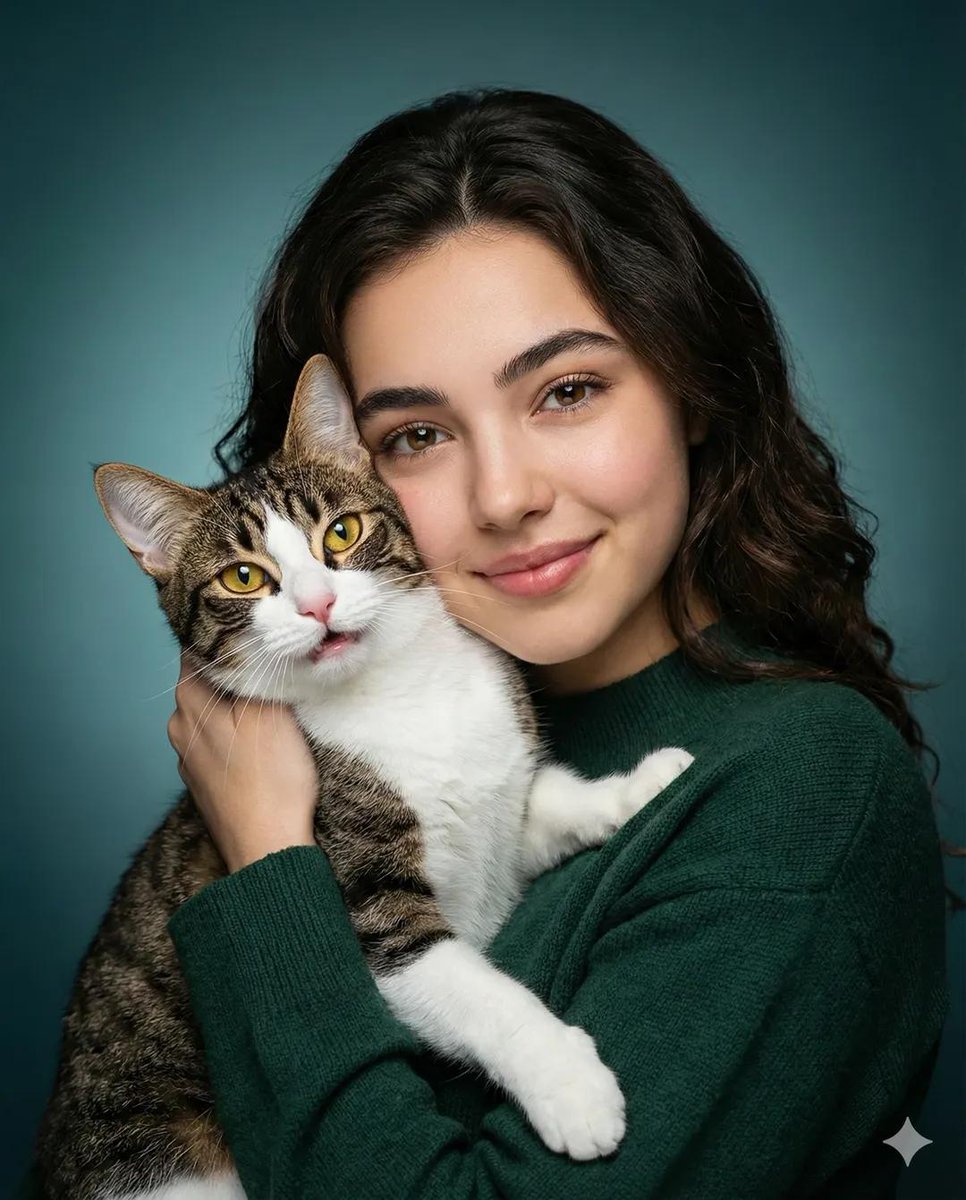
Heartwarming Woman and Cat Portrait
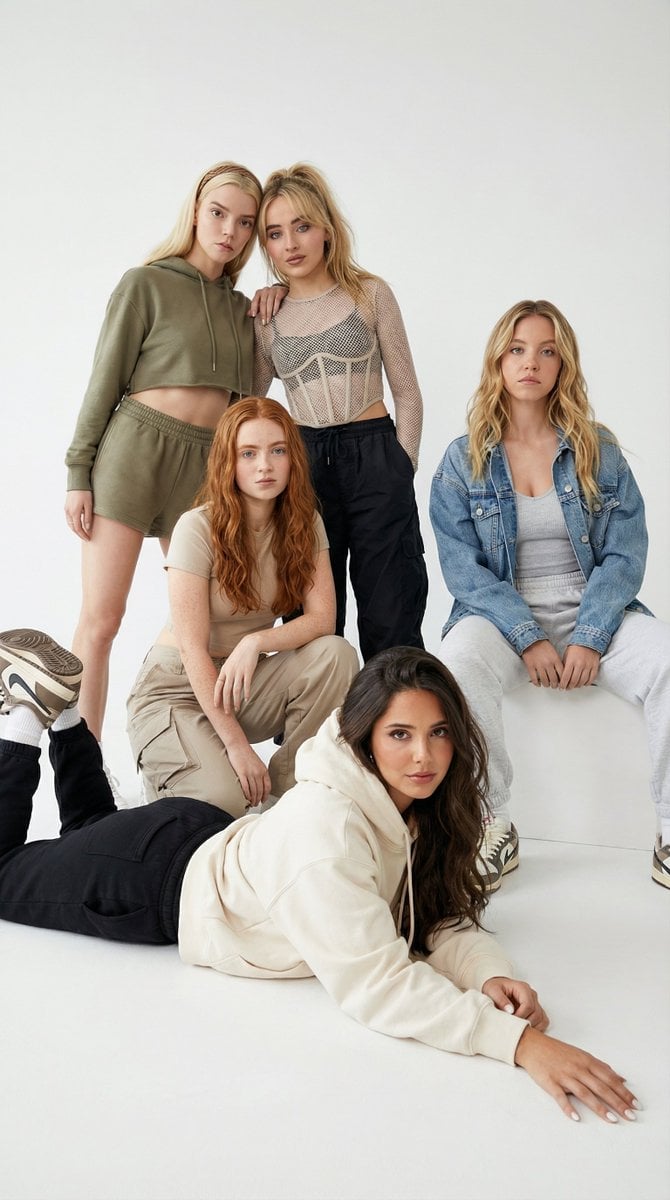
Group Portrait with Strict Identity Lock
Browse template categories
Energy Drink Creative Visual questions
How do I use the Energy Drink Creative Visual template?
Add your photo if the template asks for one, edit the prompt if you like — the template's model and format are already selected — and press Generate. Your version opens in PicX Studio.
Can I customize the Energy Drink Creative Visual template?
Yes. You can change the subject, setting, lighting, mood, format, and available model controls before creating your image.
Is the Energy Drink Creative Visual template free?
Opening and editing this template is free. Generating uses credits, shown on the Generate button when you are signed in.
Which AI model should I use?
Choose a compatible model in PicX Studio based on the style, speed, and output controls your project needs.
Looking for something else? Browse all templates.

Your photo, any look
Thousands of ready templates for every top image and video model, from one credit balance.