
Cinematic Girl Lifestyle Vlog
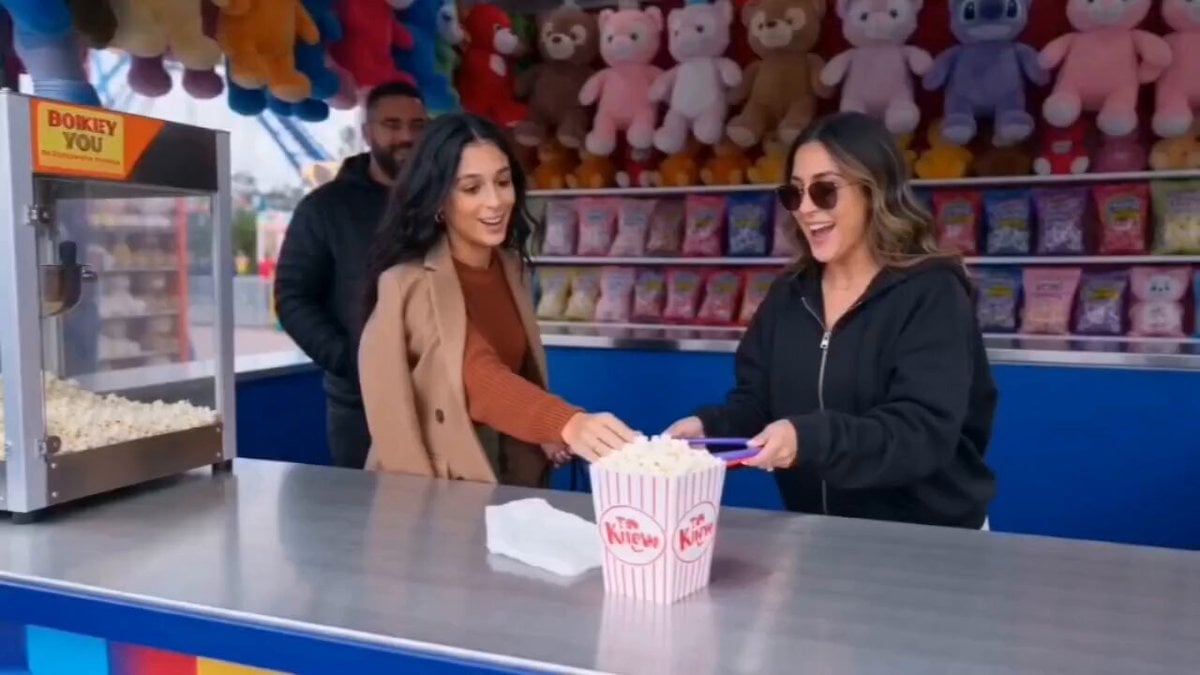
A comprehensive 10-scene prompt generating a full day-in-the-life vlog, from a sunlit morning routine to a nighttime amusement park finale.
- Prompt included
- Model and format preset
- Free template
The prompt behind this video
Copy the exact prompt behind Cinematic Girl Lifestyle Vlog, or open it in the studio and make it yours.
Scene 1 (0-4s) A young woman wakes up in a cozy sunlit bedroom, stretching under soft white blankets, golden morning light streaming through the window, cinematic lifestyle vlog, handheld camera, realistic, natural lighting. Scene 2 (4-8s) The girl prepares breakfast in a modern kitchen, pouring orange juice, arranging pancakes and fruit on a plate, warm morning atmosphere, aesthetic food shots, shallow depth of field. Scene 3 (8-12s) Close-up shots of the girl getting ready, applying makeup, styling her hair, choosing a fashionable outfit, bright mirror reflections, clean and elegant vlog aesthetic. Scene 4 (12-16s) The girl leaves home and walks toward an amusement park entrance, colorful gates, excited expression, sunny weather, cinematic tracking shot, energetic mood. Scene 5 (16-20s) She enters the amusement park surrounded by vibrant attractions, colorful balloons, music, families laughing, dynamic crowd movement, immersive first-person vlog style. Scene 6 (20-24s) The girl rides a giant roller coaster, dramatic climb followed by a thrilling drop, hair blowing in the wind, screaming with excitement, cinematic action shots, high energy. Scene 7 (24-28s) She enjoys classic amusement park treats, eating cotton candy and popcorn while walking through the park, colorful carnival stalls, cheerful atmosphere, slow-motion moments. Scene 8 (28-32s) The girl plays carnival games, throws rings, wins a stuffed toy, laughs with friends, bright lights, fun reactions, vibrant amusement park environment. Scene 9 (32-36s) She rides a Ferris wheel at sunset, breathtaking aerial views of the entire amusement park, golden sky, glowing lights beginning to appear, dreamy cinematic visuals. Scene 10 (36-40s) Nighttime amusement park finale, sparkling lights everywhere, the girl smiling while looking over the illuminated park, magical atmosphere, cinematic ending shot, high detail, realistic vlog style.
How to use Cinematic Girl Lifestyle Vlog in 3 steps
- 1
Open
The prompt is already in the box next to the preview, with the template's model and format selected.
- 2…a portrait of your subject in softgolden-hour light, 85mm…
Personalize
Edit the subject and creative details for your destination.
- 3Generate
Generate
Press Generate — your video is created in PicX Studio, so you can compare it with the original and refine one variable at a time.
More like this
Templates with the same subject, style or setup. Open one to see its prompt.

Realistic Morning Routine Lifestyle Vlog - Seedance 2.5

Mediterranean Morning Coffee Run Vlog (Seedance 2.5)

Kenting Lifestyle Travel Vlog

Luxury Lifestyle Day Vlog

Mediterranean Coffee Run Vlog - Seedance 2.5

Mysterious Home Exploration Vlog - Seedance 2.5

Handheld Tokyo Travel Vlog - Seedance 2.5

Nostalgic MiniDV Convenience Store Vlog - Seedance 2.5

Luxury Airport Travel Vlog

Kyoto Morning Selfie Vlog
Sunny Morning Laundry Vlog

Studio Ghibli Dumpling Kitchen Cooking Scene
Make it yours
Cinematic Girl Lifestyle Vlog works as-is. These are the safest ways to change it without losing the look.
Change one field
Copy a single group, rewrite it, and generate again so you can see what that field is doing.
Keep the frame, change the subject
Hold the composition and light of Cinematic Girl Lifestyle Vlog, then swap wardrobe, props or the person for a new take.
| If the result… | Why | Fix |
|---|---|---|
| The result drifts from the preview | Too many fields changed at once. | Reuse Cinematic Girl Lifestyle Vlog as-is first, then change one group — subject, light, or setting. |
| The model over-stylizes the scene | The prose prompt leaves finish and camera underspecified. | Add one camera or lighting sentence and stay on Seedance 2.0. |
More Seedance 2.0 templates
Other prompts made for Seedance 2.0.

Comical Martial Arts Punch Scene

Maglev Train Action Sequence

Martial Arts Fight Sequence

Wuxia Protection and Trust Script

Vintage Korean Arcade MiniDV Vlog

Mercedes 190 SL Luxury Ad

Rainy Night Supernatural Reverse Comedy Video Script

Amazon Civilization Discovery

Futuristic South Asian City Transformation

Cozy Luxury Cafe Commercial
More video prompts
Fresh picks from across the catalog.
Cinematic Wuxia Sword Duel
Epic fantasy dawn with elven archer

Desert Battle Wasteland Warriors Collision
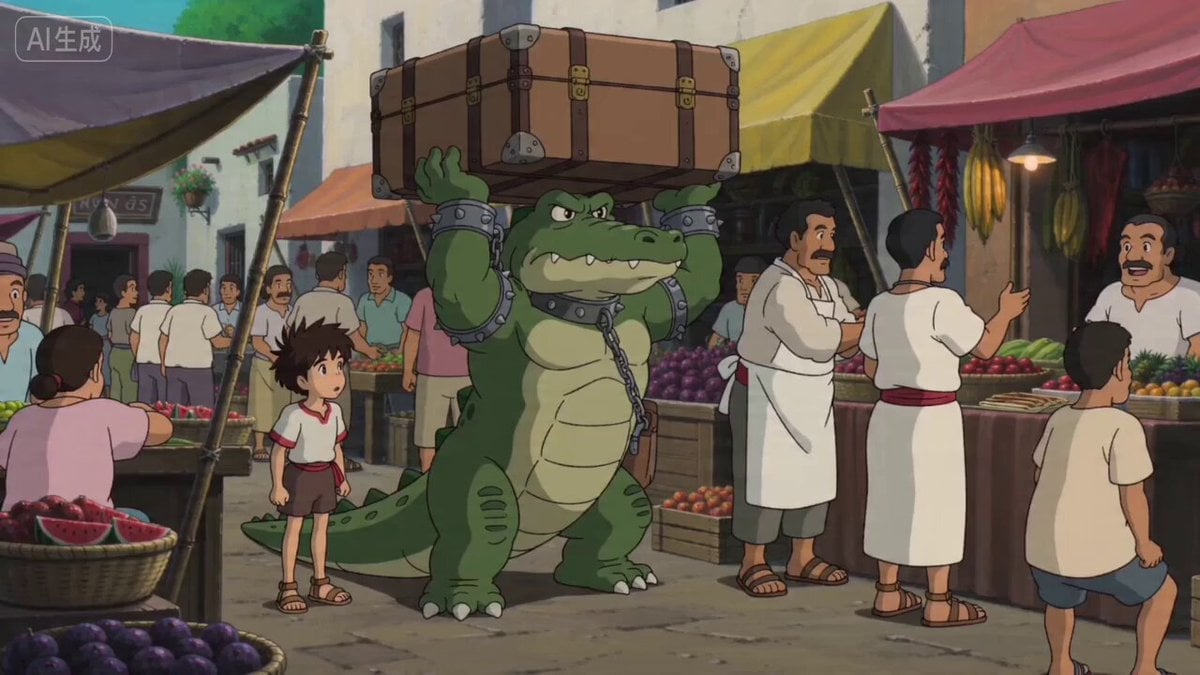
Ghibli Style Egyptian Market Scene with Crocodile Servant
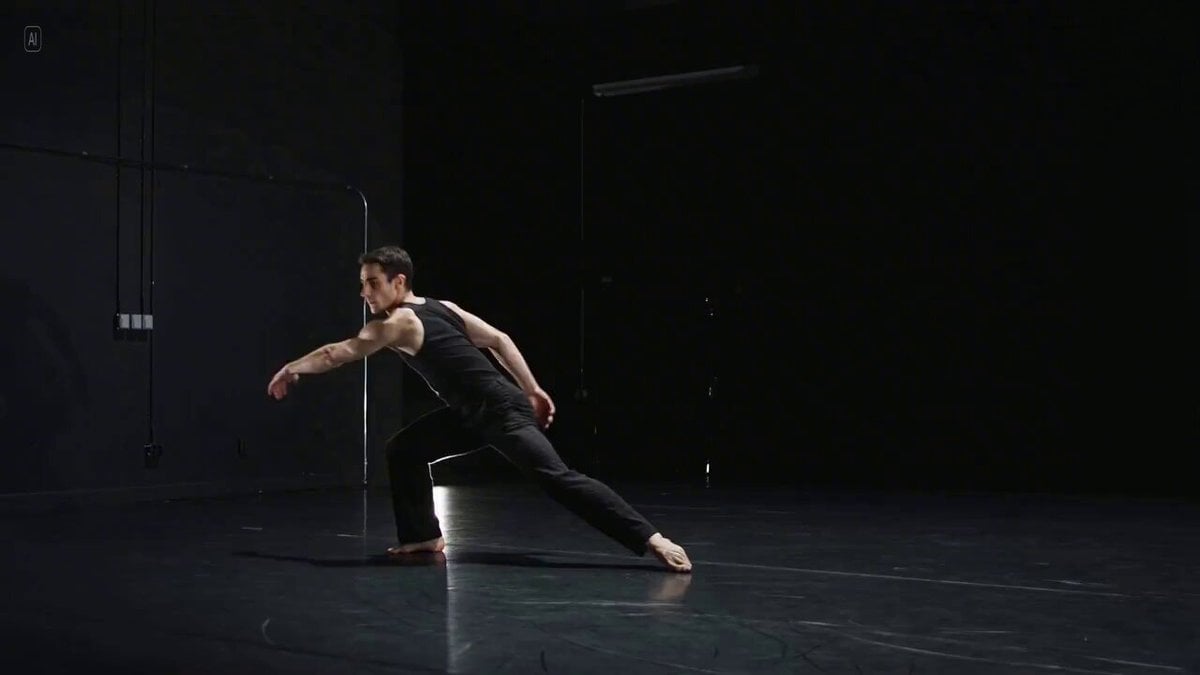
Long Exposure Video of Contemporary Dancer

Seedance 2.0 Test: Celestial Invasion
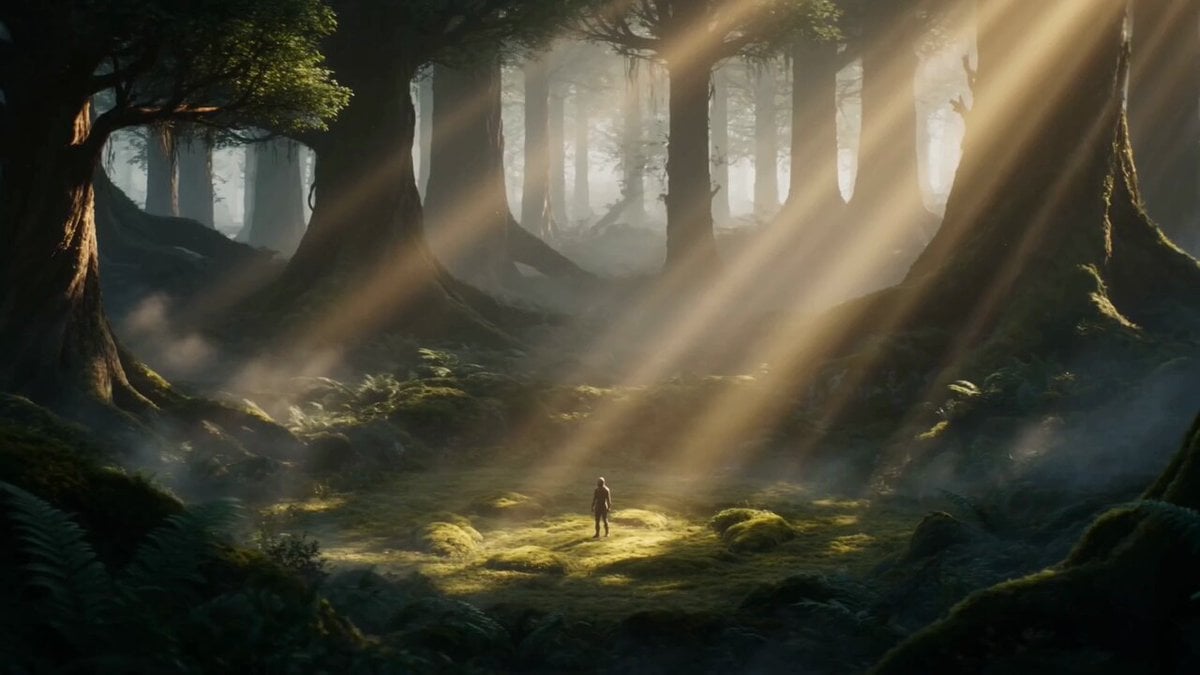
Ancient Tree Guardian Transformation

White Lion Mech Roar

Character Fall Sequence - Segment 1

Poetic Moonlight Tide Animation
Browse template categories
Cinematic Girl Lifestyle Vlog questions
How do I use the Cinematic Girl Lifestyle Vlog template?
Add your photo if the template asks for one, edit the prompt if you like — the template's model and format are already selected — and press Generate. Your version opens in PicX Studio.
Can I customize the Cinematic Girl Lifestyle Vlog template?
Yes. You can change the subject, setting, lighting, mood, format, and available model controls before creating your video.
Is the Cinematic Girl Lifestyle Vlog template free?
Opening and editing this template is free. Generating uses credits, shown on the Generate button when you are signed in.
Which AI model should I use?
Start with Seedance 2.0, which is the model associated with this template. You can compare another compatible model for a different finish.
Looking for something else? Browse all templates.

Your photo, any look
Thousands of ready templates for every top image and video model, from one credit balance.