
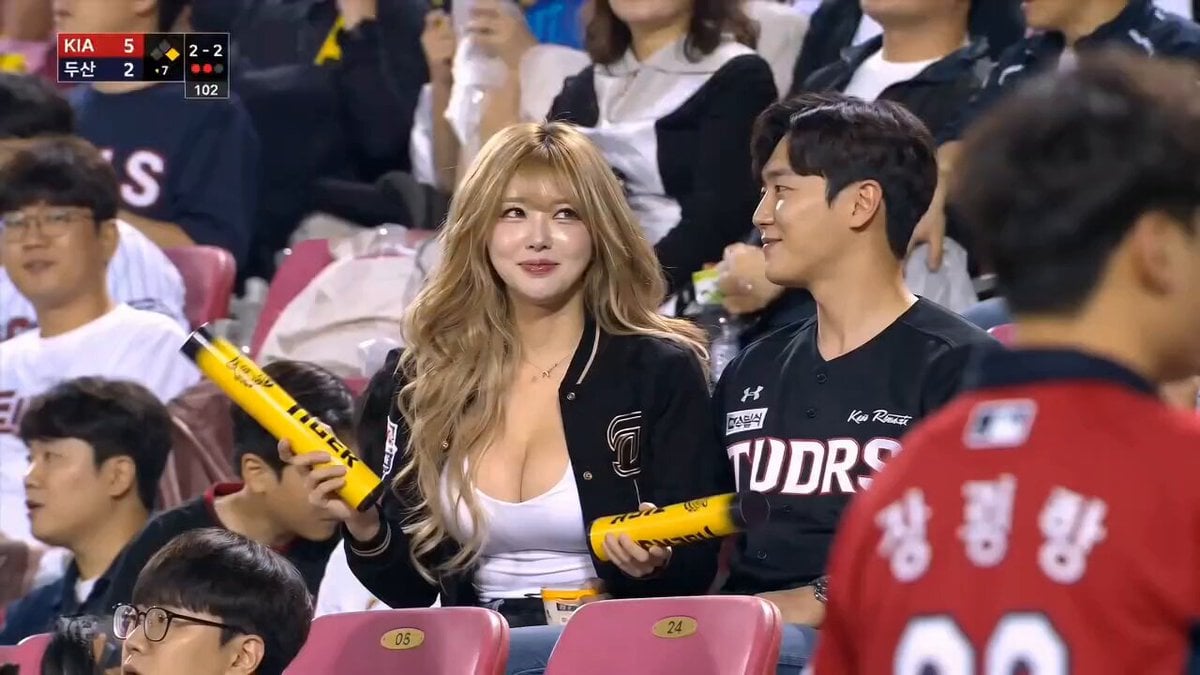
Japanese Woman at KBO Baseball Game
A realistic video prompt based on a reference image, depicting a Japanese woman enjoying a Korean baseball game with her boyfriend and reacting shyly to the stadium camera.
- Prompt included
- Model and format preset
- Free template
The prompt behind this video
Copy the exact prompt behind Japanese Woman at KBO Baseball Game, or open it in the studio and make it yours.
Use the uploaded reference image as the primary identity anchor. Preserve the exact adult Japanese woman’s face, pale smooth skin, large expressive eyes, glossy lips, delicate nose, and long curly blonde hair with soft bangs. Ultra-realistic AI-generated KBO baseball night-game broadcast scene. She sits beside her boyfriend in the crowd wearing casual baseball jerseys among cheering fans. Natural candid behavior only — smiling, laughing softly, watching the game, holding yellow cheering sticks and lightly tapping them together. The boyfriend briefly leans in and they share a subtle 1-second kiss. Immediately after, she notices the stadium camera focused on them on the giant screen. She becomes shy and slightly embarrassed, then gives a soft cute smile toward the camera while trying not to laugh. Style: authentic Korean baseball TV broadcast, telephoto sports lens, shallow depth of field, slight handheld motion, realistic stadium lighting, subtle motion blur, natural skin texture, imperfect framing, live sports atmosphere, 16:9 composition, genuine candid crowd energy.
How to use Japanese Woman at KBO Baseball Game in 3 steps
- 1Upload ImagePNG, JPG or paste
Add your photo
Upload the photo the template builds on. The prompt, model and format are already set.
- 2…a portrait of your subject in softgolden-hour light, 85mm…
Personalize
Edit the subject and creative details for your destination.
- 3Generate
Generate
Press Generate — your video is created in PicX Studio, so you can compare it with the original and refine one variable at a time.
More like this
Templates with the same subject, style or setup. Open one to see its prompt.
Arc Shot Frozen Woman Snow — Kling 3.0 v3 Pro
Arc Shot Frozen Woman Snow — Kling 3.0 v3 Pro

Japanese Pure Love Short Film

Kyoto Morning Selfie Vlog

Blonde Woman Driving Green 1960s Mustang Golden Hour
Aesthetic Japanese Woman Video Portrait
KBO Baseball Broadcast Narrative
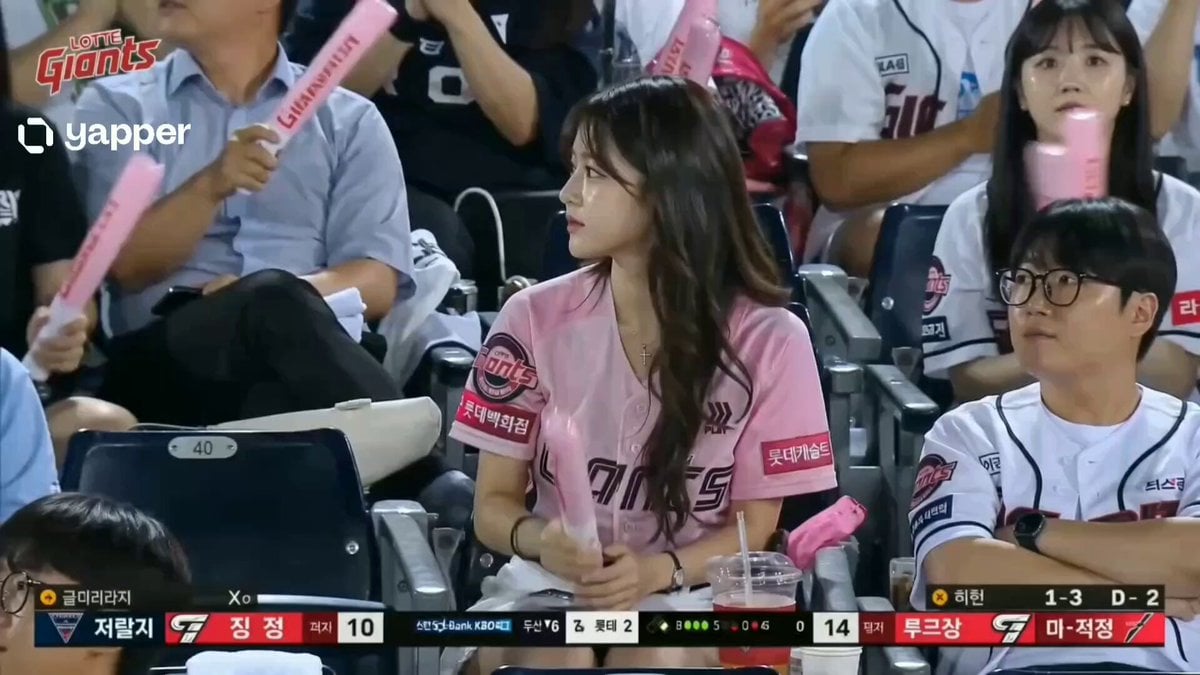
Korean Woman Baseball Fan Cam
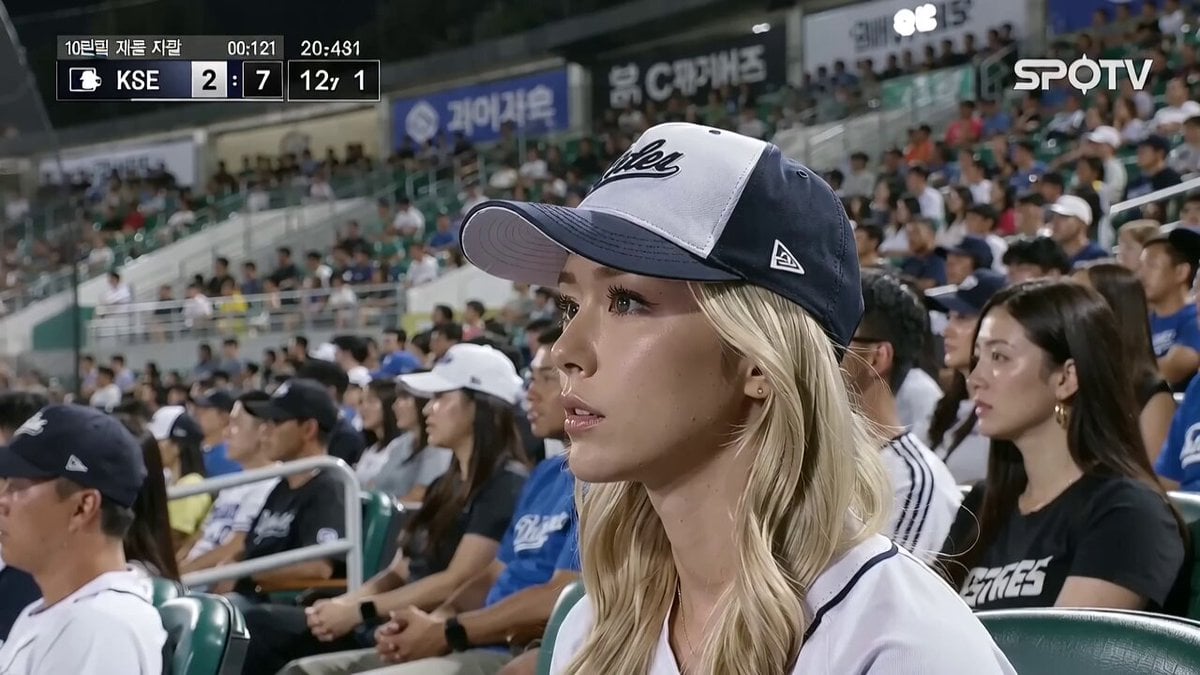
KBO Baseball Fan Surprise
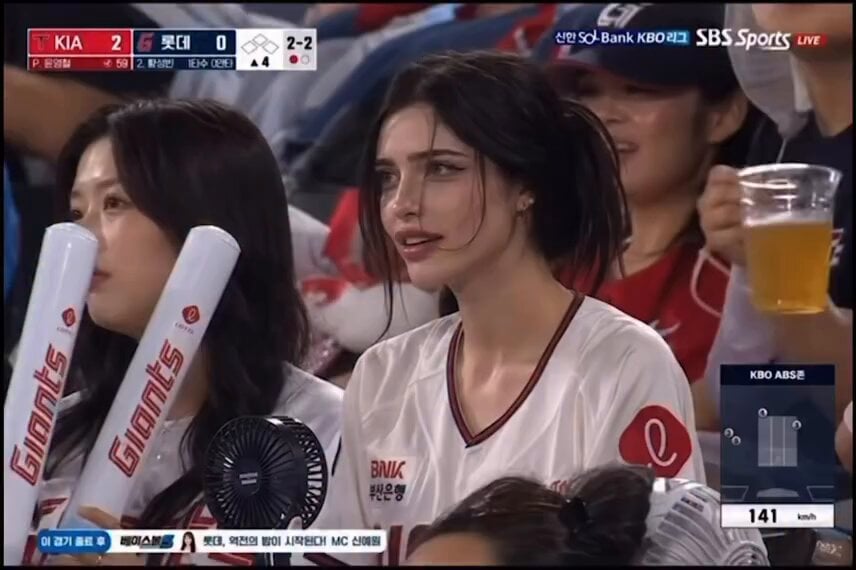
Pensive Fan at Baseball Game
Detailed Seedance 2.0 prompt for recreating a 90s Japanese dating sim game
Misa Time Freeze Japanese
Make it yours
Japanese Woman at KBO Baseball Game works as-is. These are the safest ways to change it without losing the look.
Change one field
Copy a single group, rewrite it, and generate again so you can see what that field is doing.
Keep the frame, change the subject
Hold the composition and light of Japanese Woman at KBO Baseball Game, then swap wardrobe, props or the person for a new take.
| If the result… | Why | Fix |
|---|---|---|
| The result drifts from the preview | Too many fields changed at once. | Reuse Japanese Woman at KBO Baseball Game as-is first, then change one group — subject, light, or setting. |
| The model over-stylizes the scene | The prose prompt leaves finish and camera underspecified. | Add one camera or lighting sentence and stay on Seedance 2.0. |
More Seedance 2.0 templates
Other prompts made for Seedance 2.0.

Comical Martial Arts Punch Scene

Maglev Train Action Sequence

Martial Arts Fight Sequence

Wuxia Protection and Trust Script

Vintage Korean Arcade MiniDV Vlog

Mercedes 190 SL Luxury Ad

Rainy Night Supernatural Reverse Comedy Video Script

Amazon Civilization Discovery

Futuristic South Asian City Transformation

Cozy Luxury Cafe Commercial
More video prompts
Fresh picks from across the catalog.
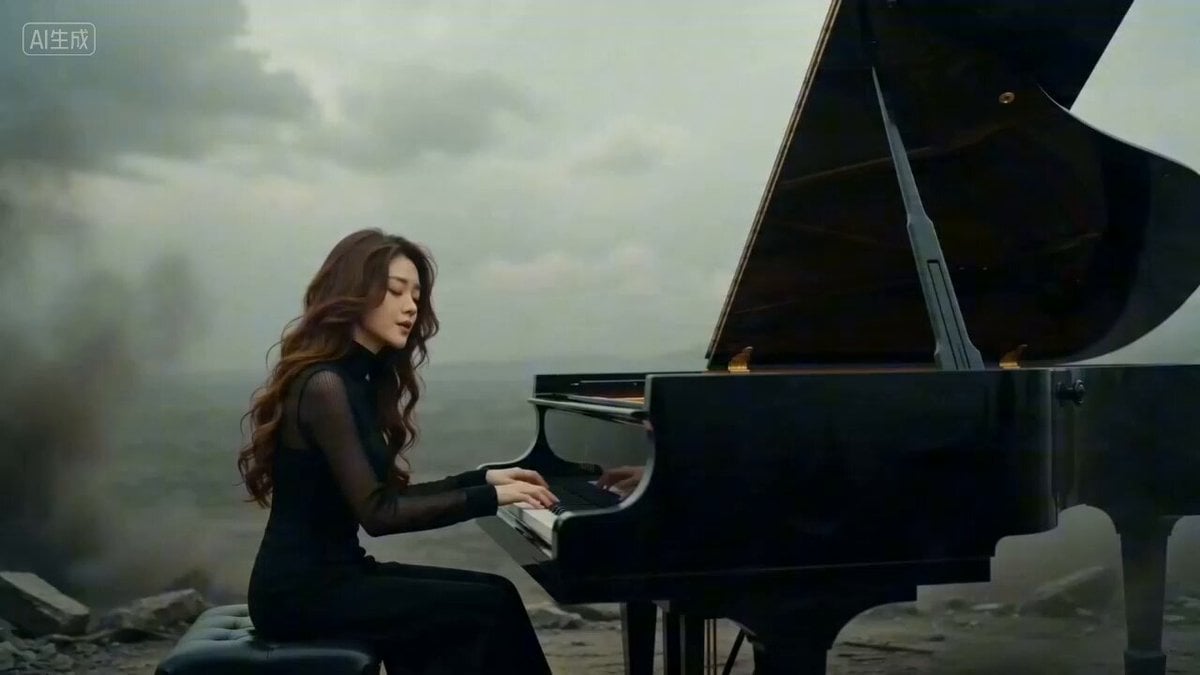
Seedance 2.0 Doomsday Elegy Music Video Prompt
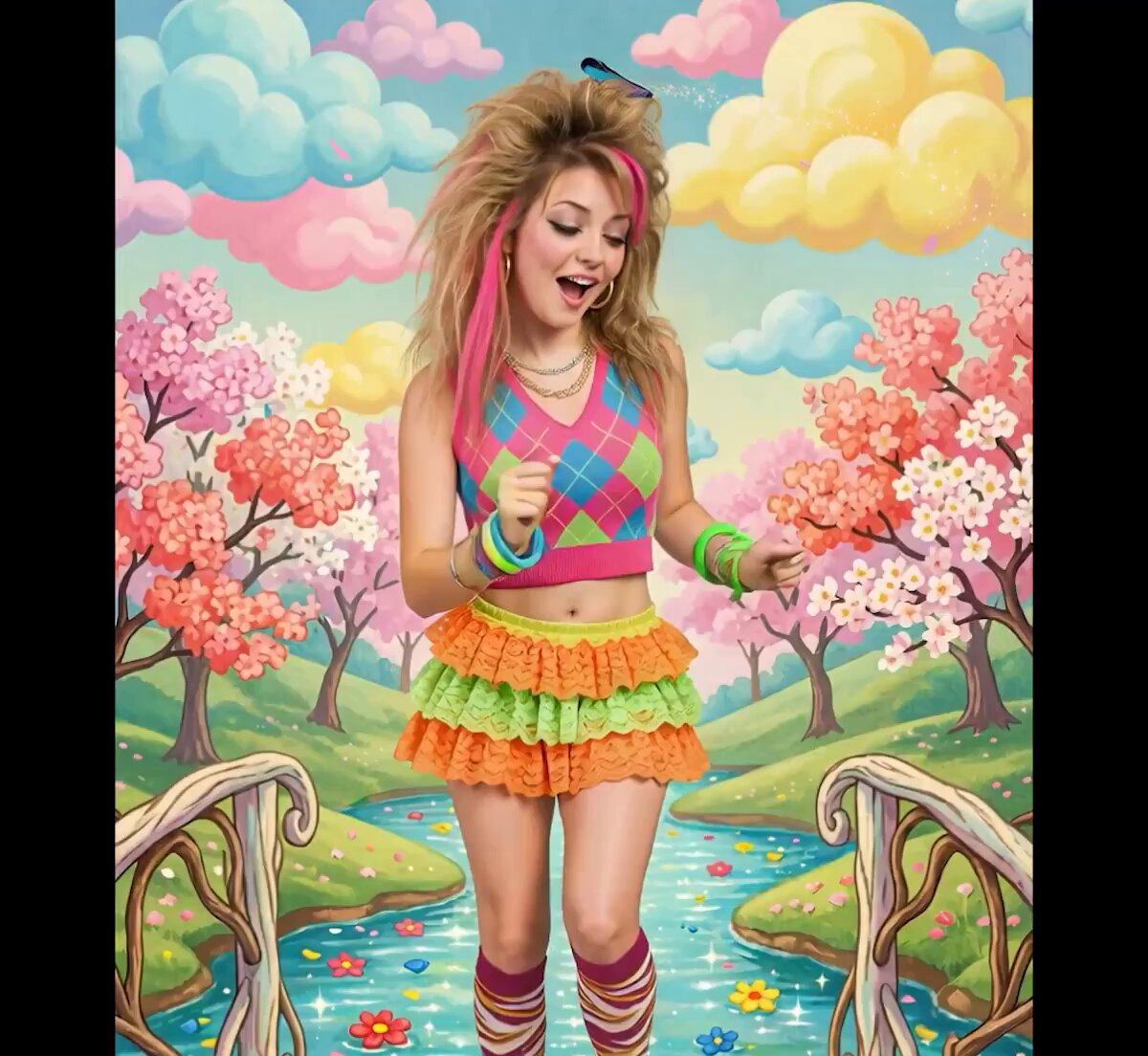
Butterfly Art and Easter Poem Video

Tesla Robotaxi Movie Ad
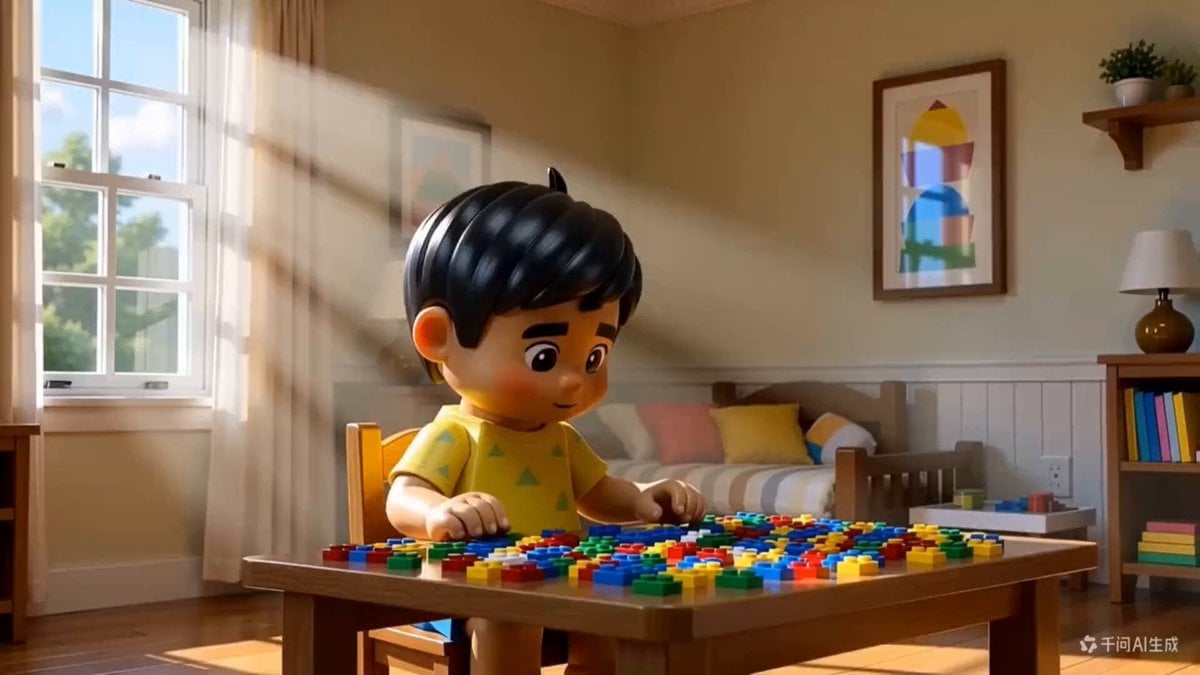
3D Animated Boy Building Lego
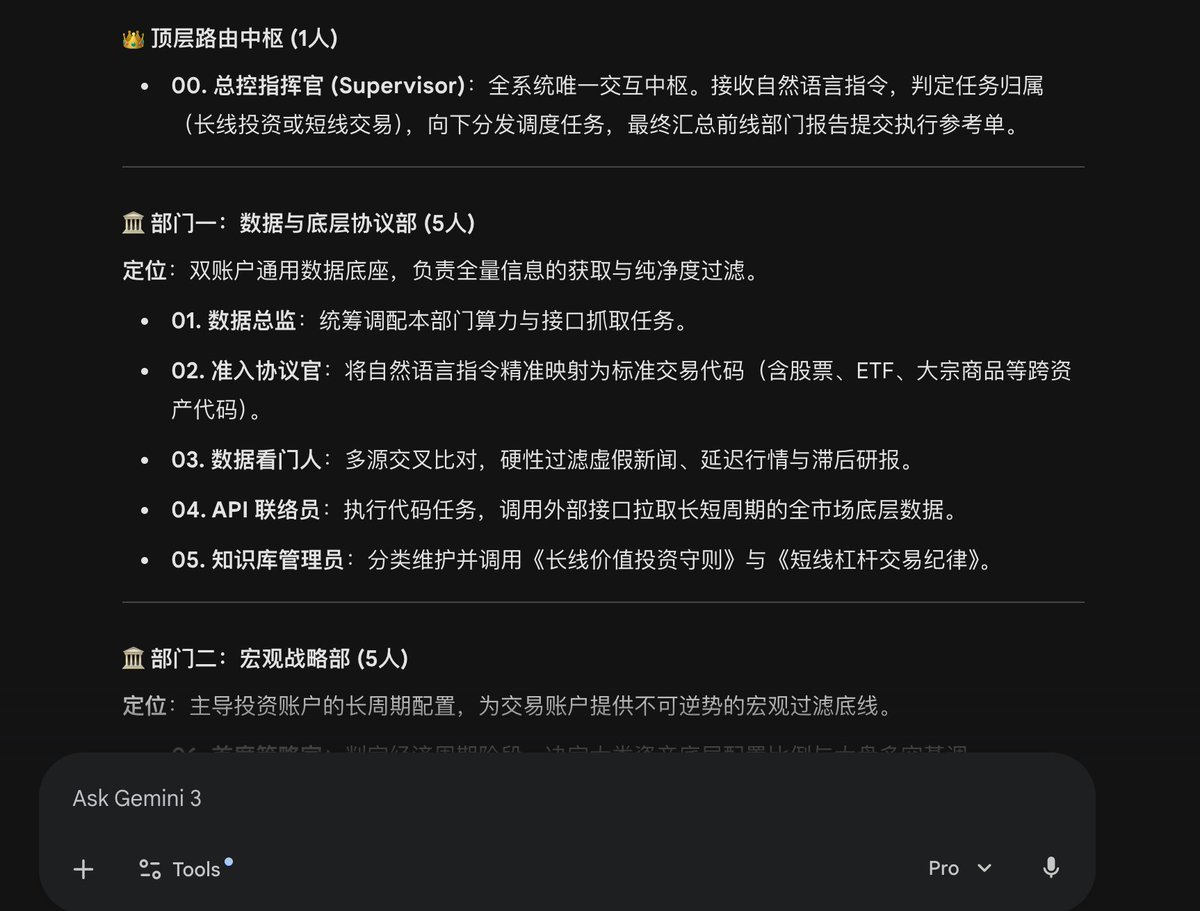
AI Agent Team Prompt for Top-Down Trading Strategy
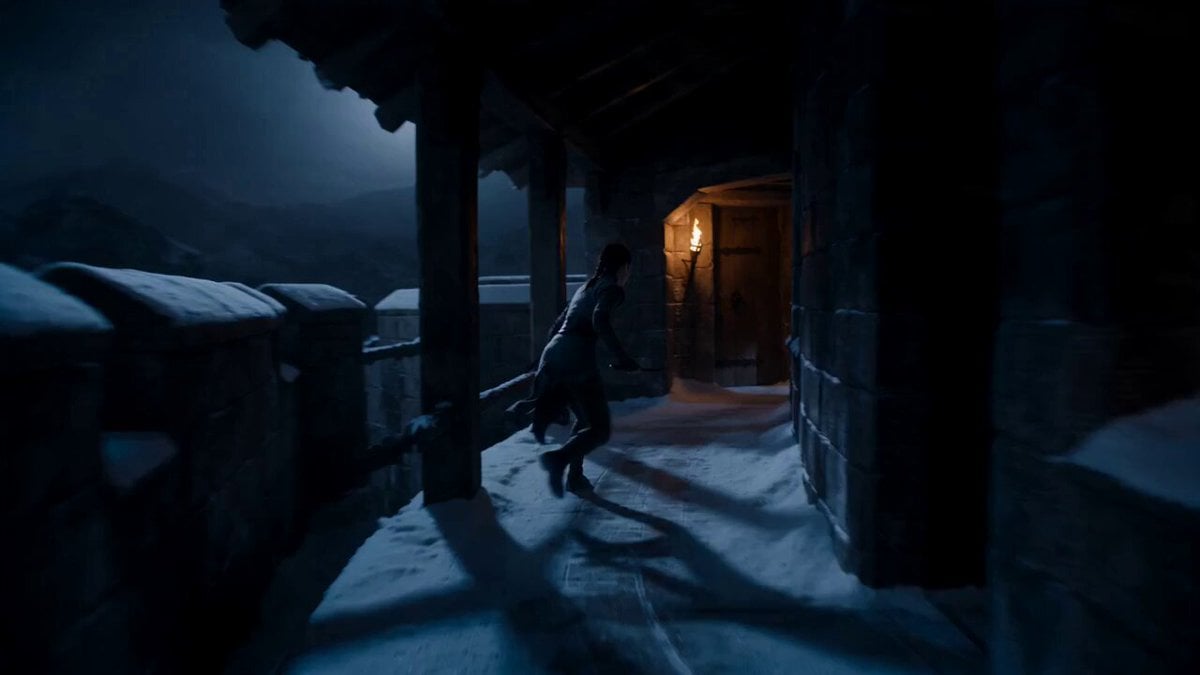
Supernatural Assassin Fortress Infiltration
Bullet Time Selfie — Modular Parameter Template (Seedance)
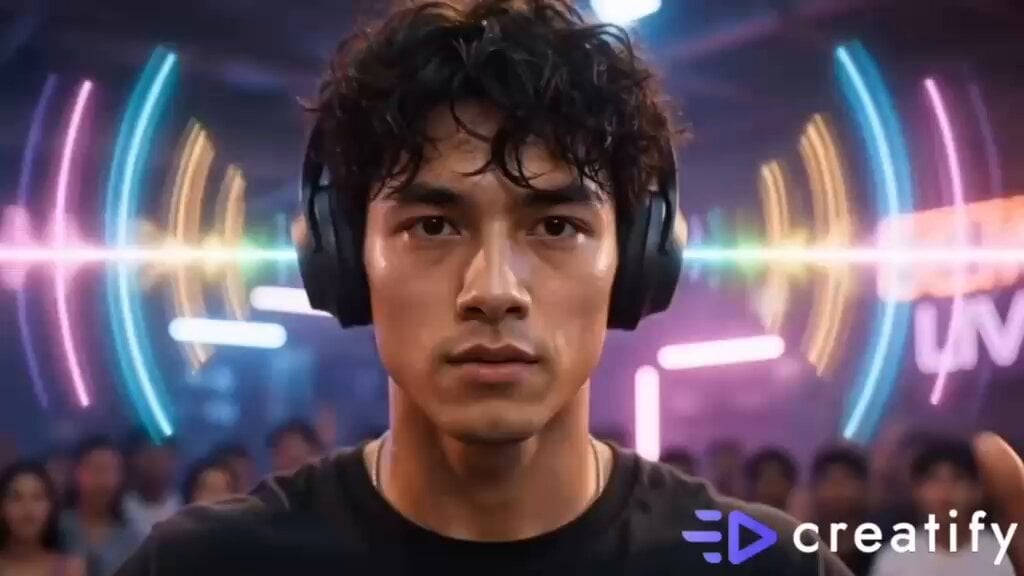
Street Dance Battle Sony Headphones

Floating Islands Timelapse Concept
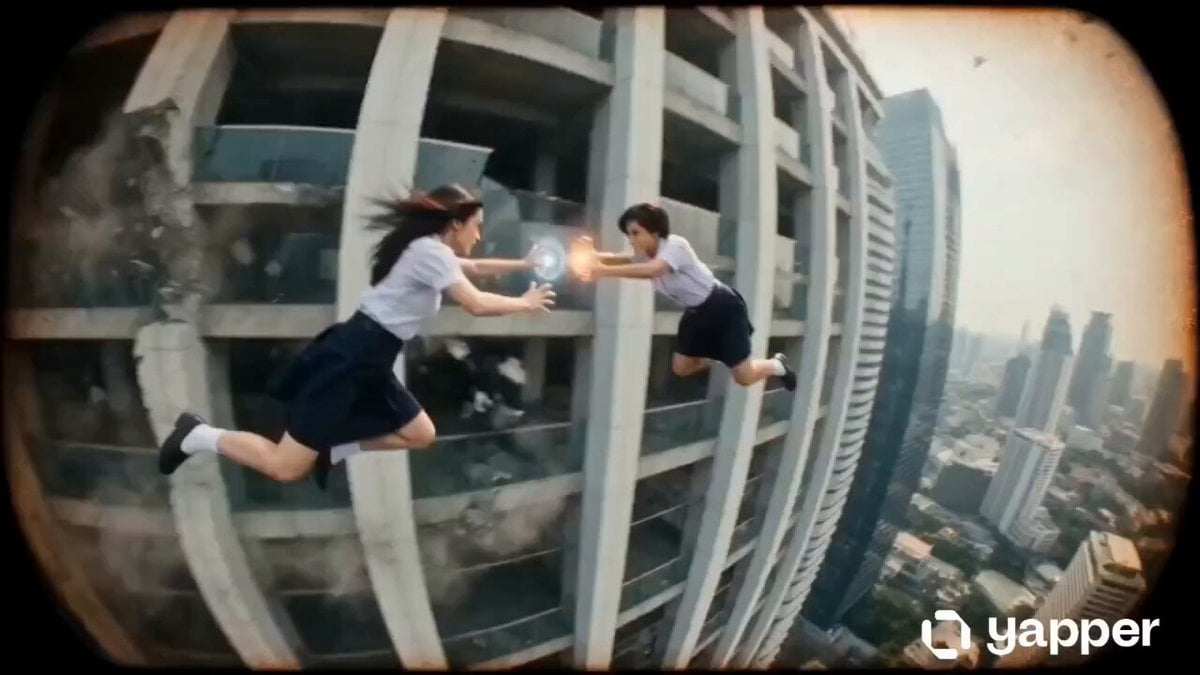
Thai School Duel Timeline Prompt
Browse template categories
Japanese Woman at KBO Baseball Game questions
How do I use the Japanese Woman at KBO Baseball Game template?
Add your photo if the template asks for one, edit the prompt if you like — the template's model and format are already selected — and press Generate. Your version opens in PicX Studio.
Can I customize the Japanese Woman at KBO Baseball Game template?
Yes. You can change the subject, setting, lighting, mood, format, and available model controls before creating your video.
Is the Japanese Woman at KBO Baseball Game template free?
Opening and editing this template is free. Generating uses credits, shown on the Generate button when you are signed in.
Which AI model should I use?
Start with Seedance 2.0, which is the model associated with this template. You can compare another compatible model for a different finish.
Looking for something else? Browse all templates.

Your photo, any look
Thousands of ready templates for every top image and video model, from one credit balance.