
Retro Makeup Vanity Mirror
Curated retro template in the classic / retro / money pack.
- Prompt included
- Model and format preset
- Free template
The prompt behind this image
Copy the exact prompt behind Retro Makeup Vanity Mirror, or open it in the studio and make it yours.
Vanity mirror with round bulbs, vintage perfume bottles, red lipstick, soft glam classic Hollywood dressing room, 4:5
How to use Retro Makeup Vanity Mirror in 3 steps
- 1
Open
The prompt is already in the box next to the preview, with the template's model and format selected.
- 2…a portrait of your subject in softgolden-hour light, 85mm…
Personalize
Edit the subject and creative details for your destination.
- 3Generate
Generate
Press Generate — your image is created in PicX Studio, so you can compare it with the original and refine one variable at a time.
More like this
Templates with the same subject, style or setup. Open one to see its prompt.
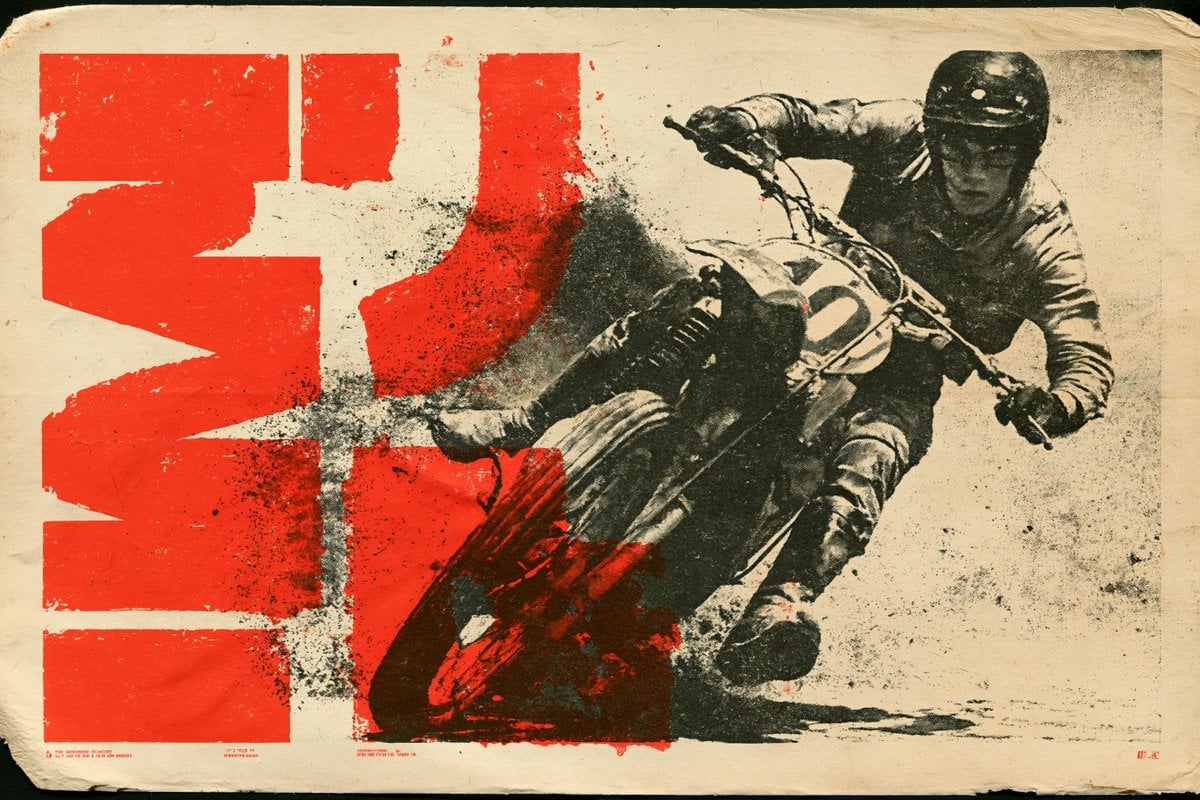
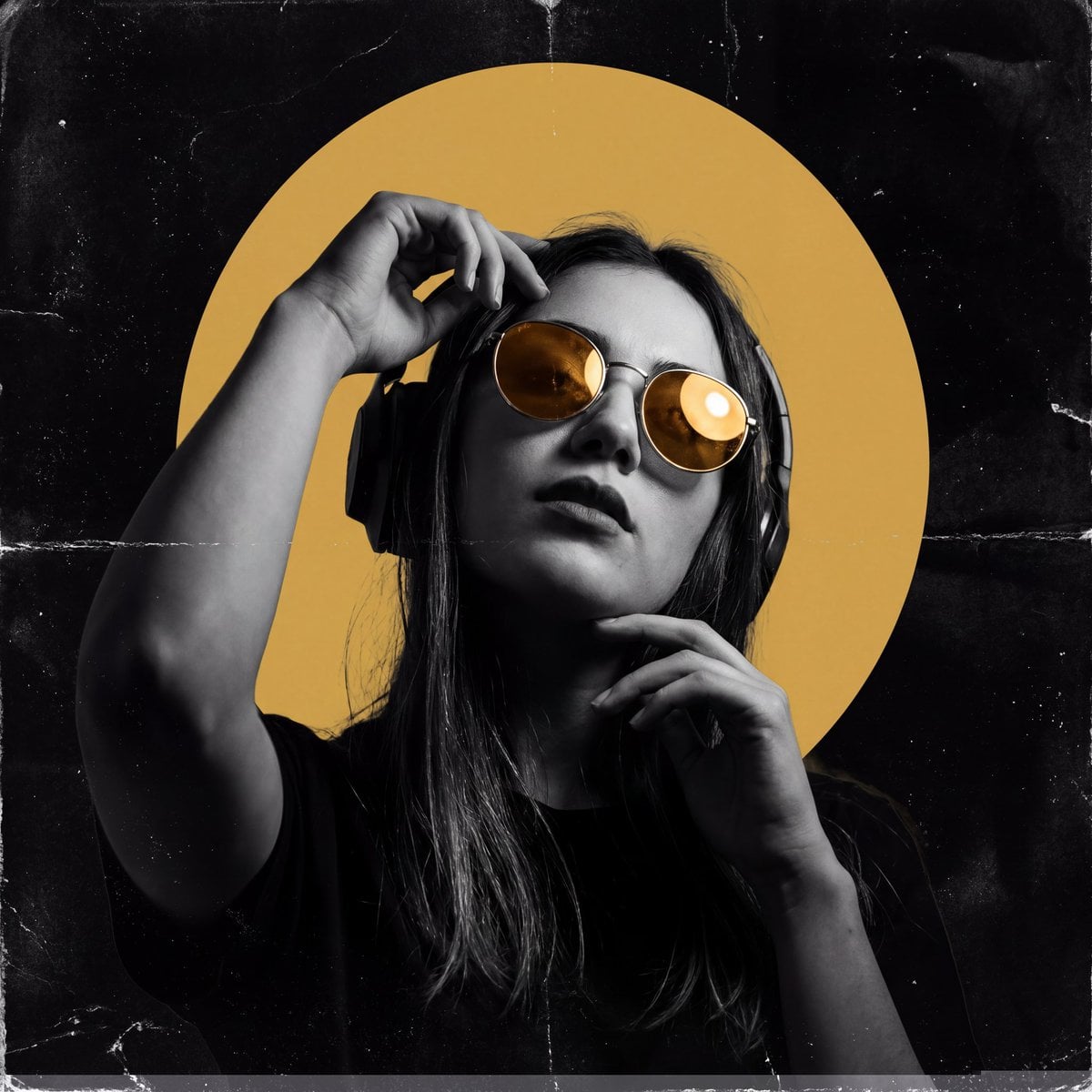
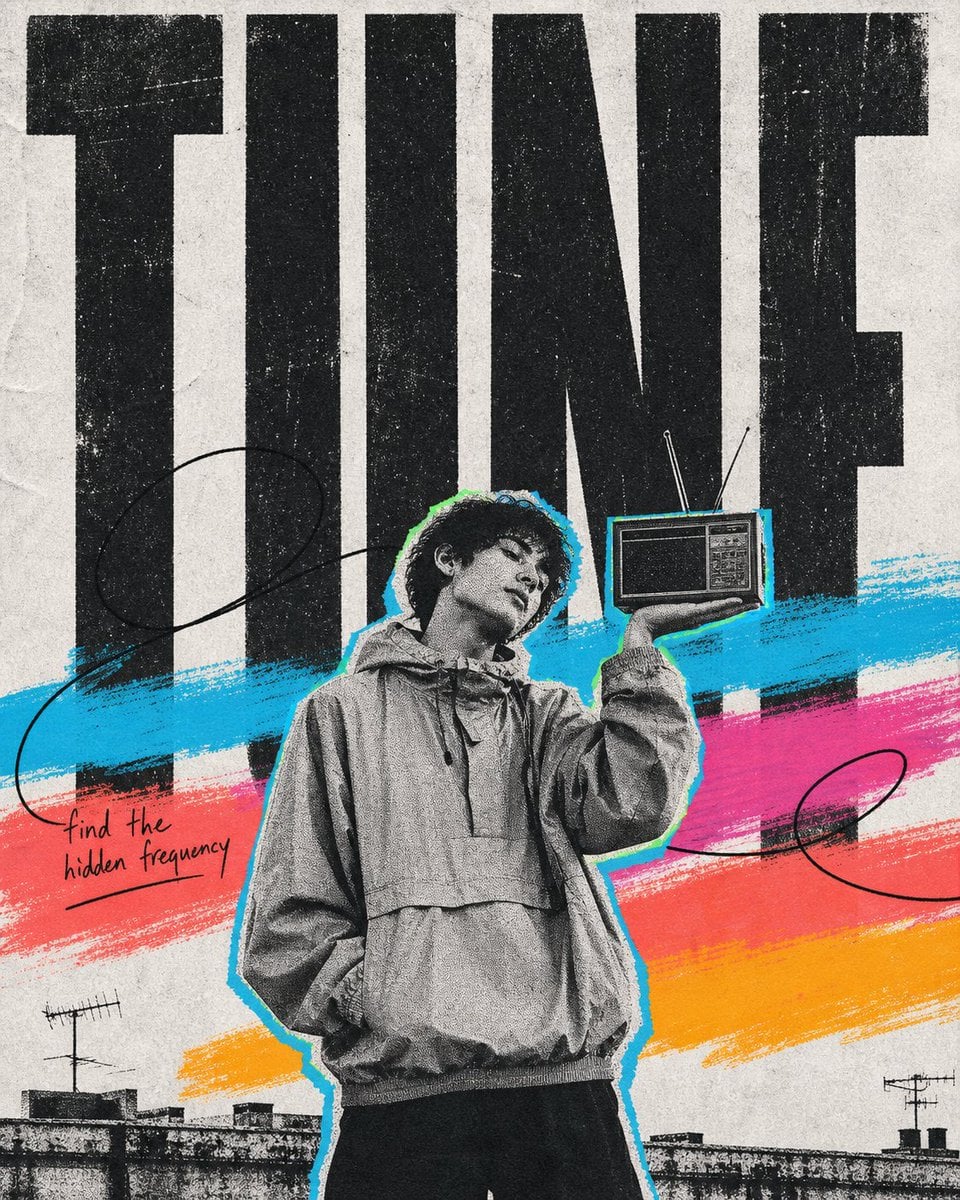
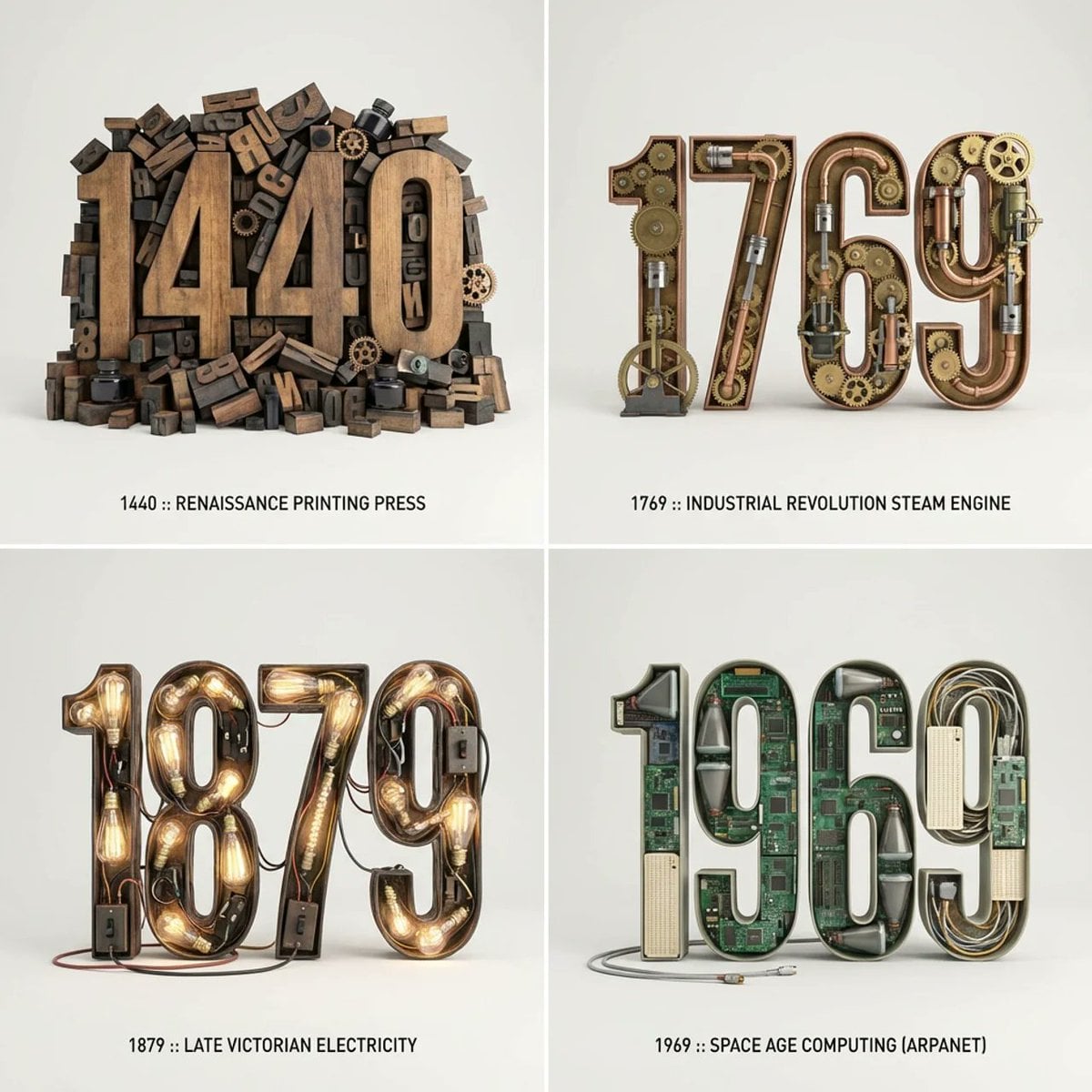
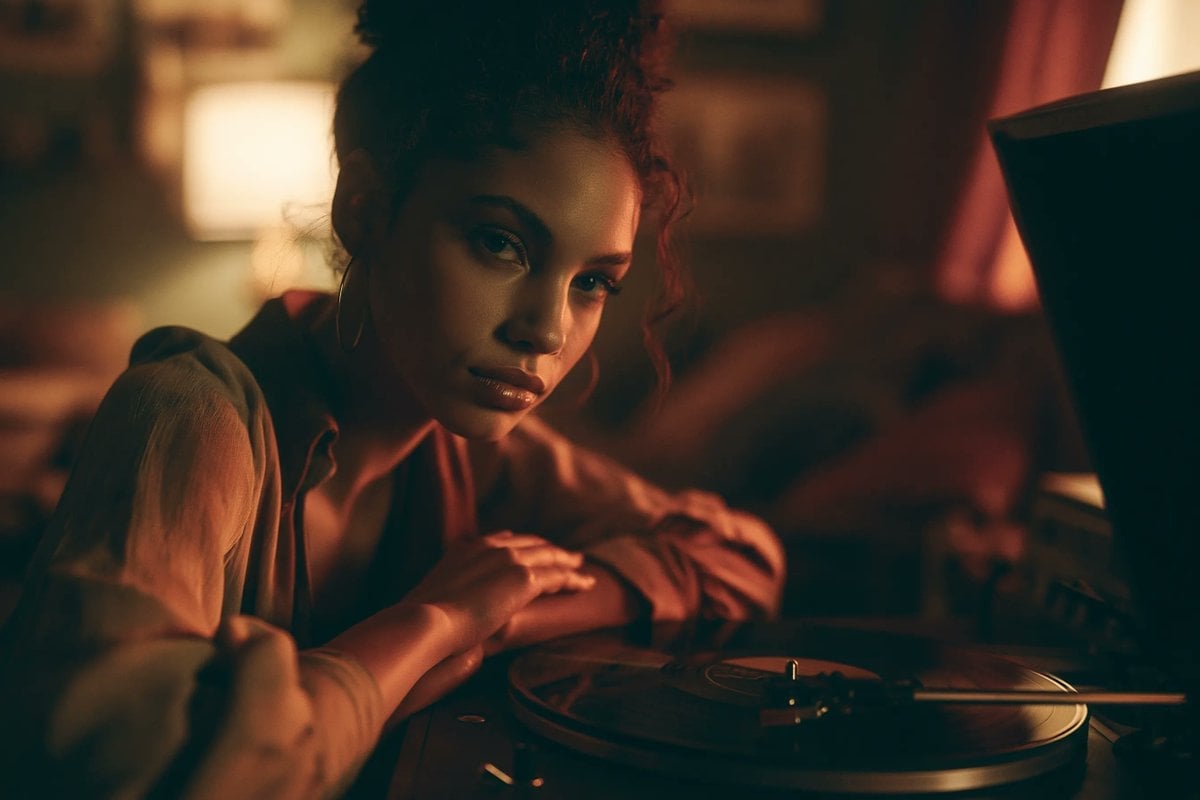
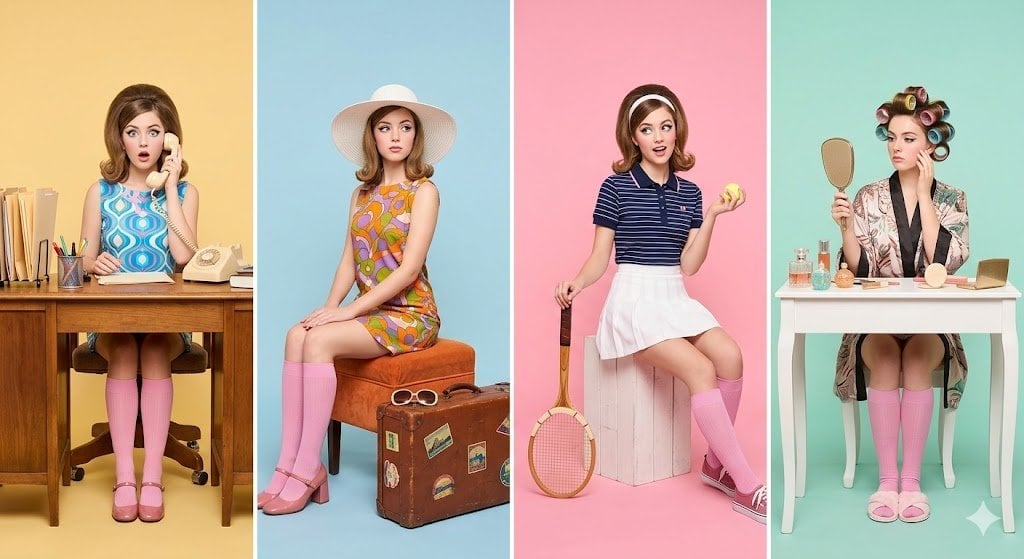
Make it yours
Retro Makeup Vanity Mirror works as-is. These are the safest ways to change it without losing the look.
Change one field
Copy a single group, rewrite it, and generate again so you can see what that field is doing.
Keep the frame, change the subject
Hold the composition and light of Retro Makeup Vanity Mirror, then swap wardrobe, props or the person for a new take.
| If the result… | Why | Fix |
|---|---|---|
| The result drifts from the preview | Too many fields changed at once. | Reuse Retro Makeup Vanity Mirror as-is first, then change one group — subject, light, or setting. |
| The model over-stylizes the scene | The prose prompt leaves finish and camera underspecified. | Add one camera or lighting sentence and stay on PicX Studio. |
More image prompts
Fresh picks from across the catalog.
Nano Banana 2
MS Paint Style Redraw
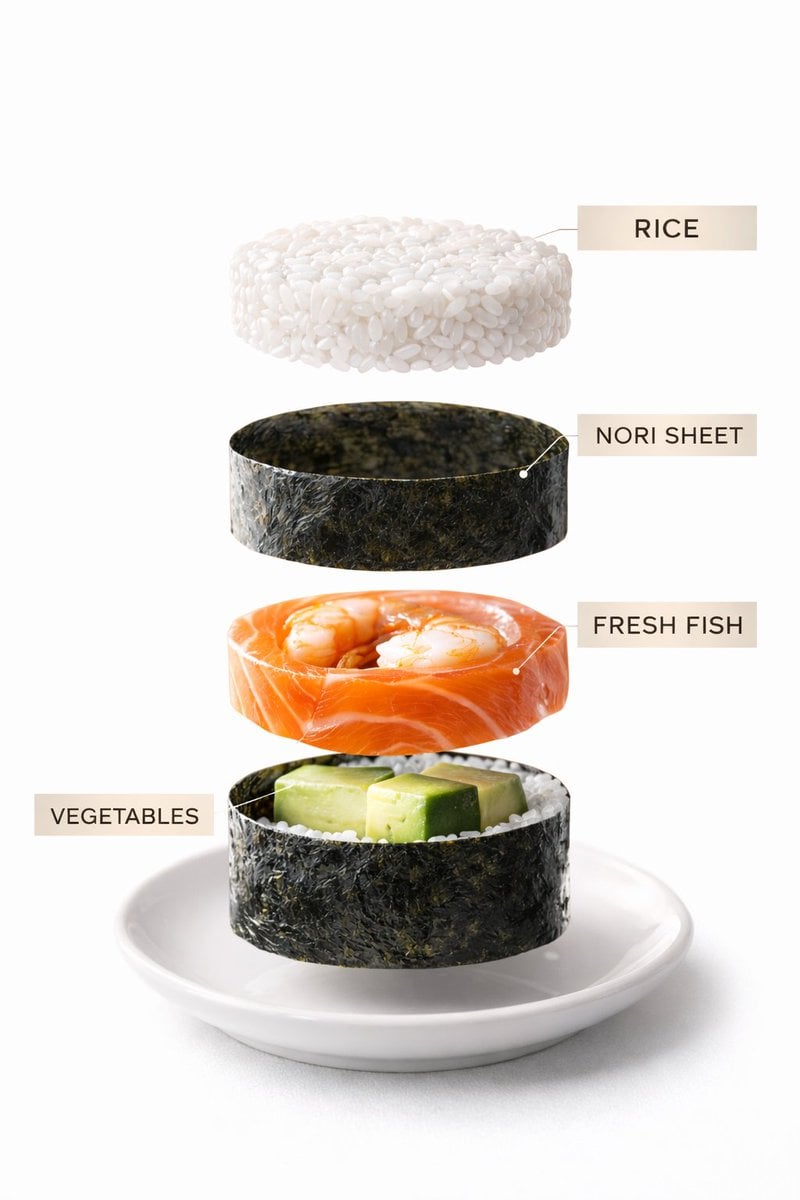
Sushi Commercial Photography and Exploded Diagram Prompt

Vintage Rubber Hose Cartoon Transformation
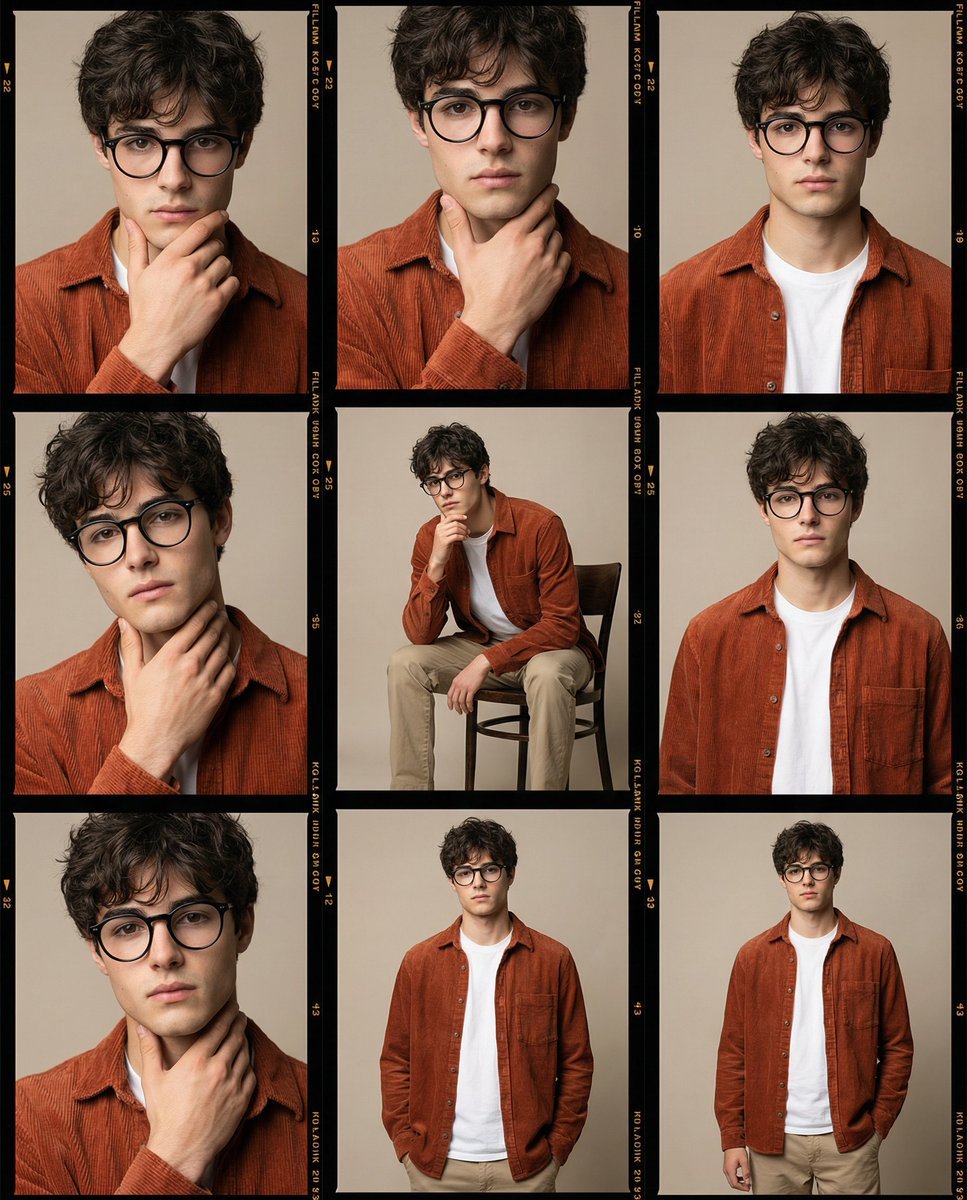
High-Fidelity Editorial Contact Sheet Portrait Session

Chiaroscuro Editorial Portrait of a Man
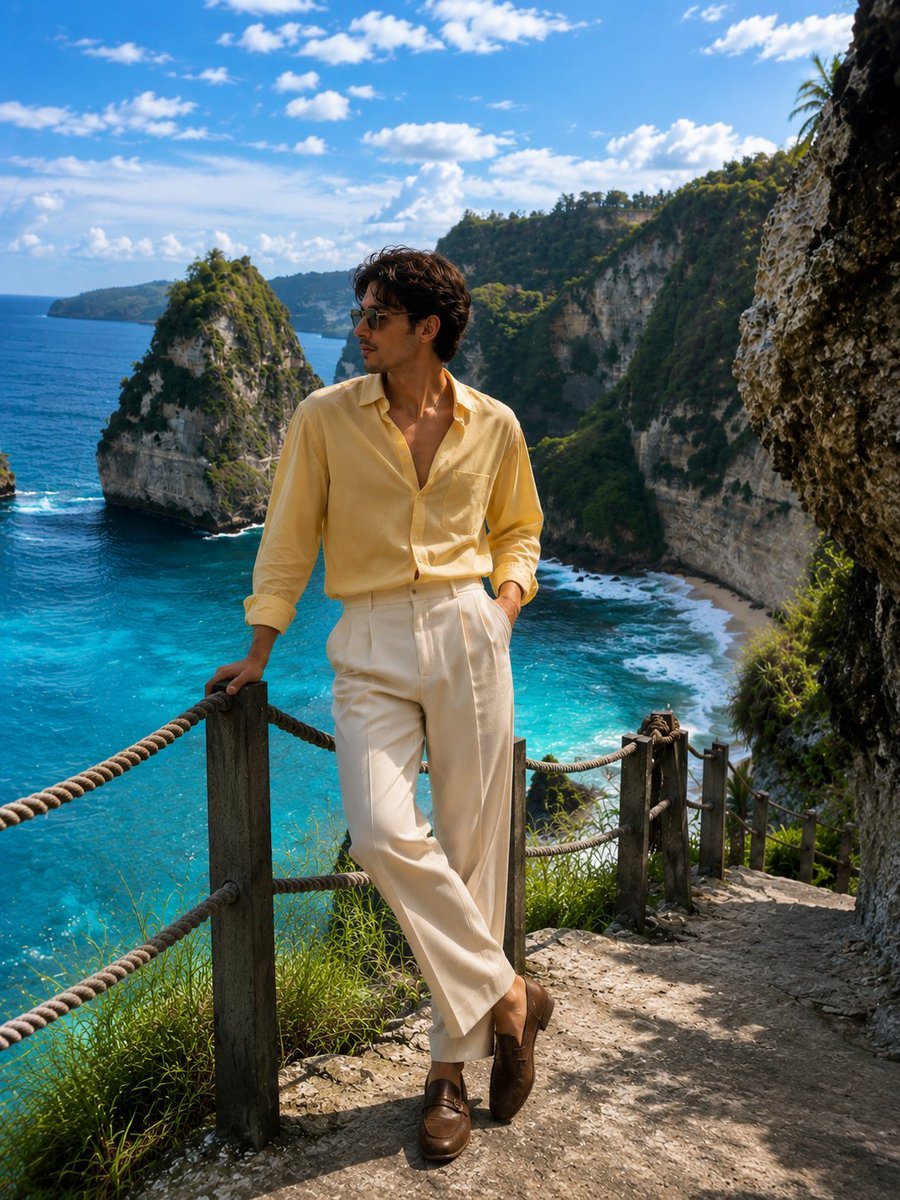
Luxury Travel Fashion Editorial
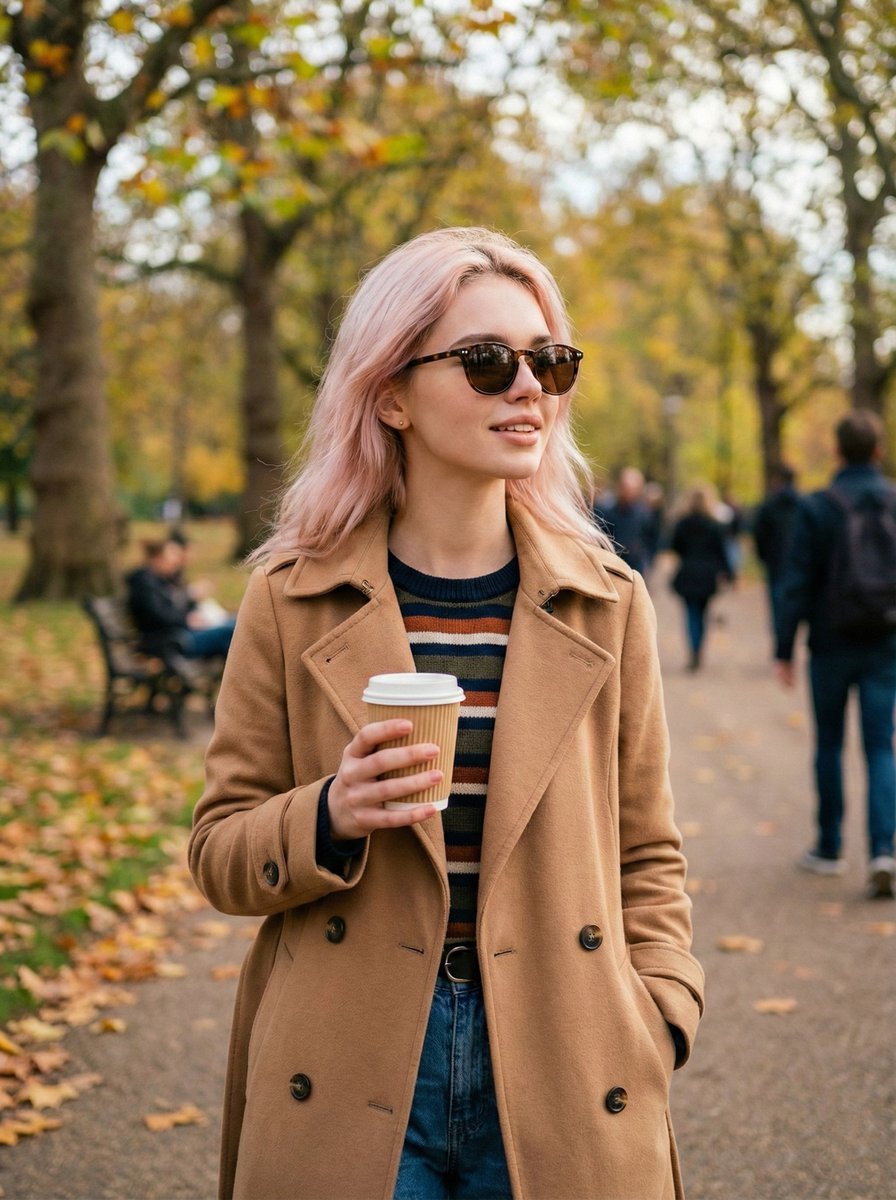
Cinematic Portrait on a Bustling City Street at Twilight
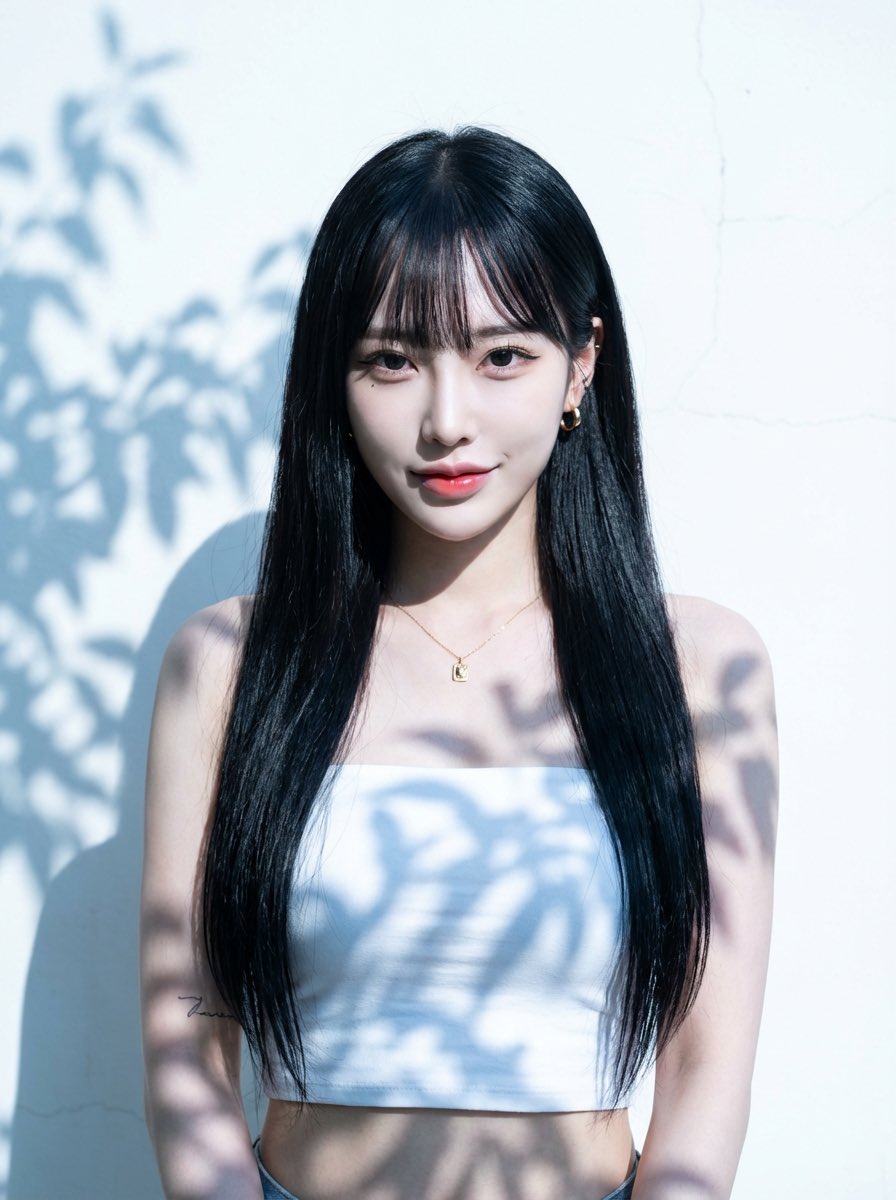
Character Generation Prompt (Step 1)
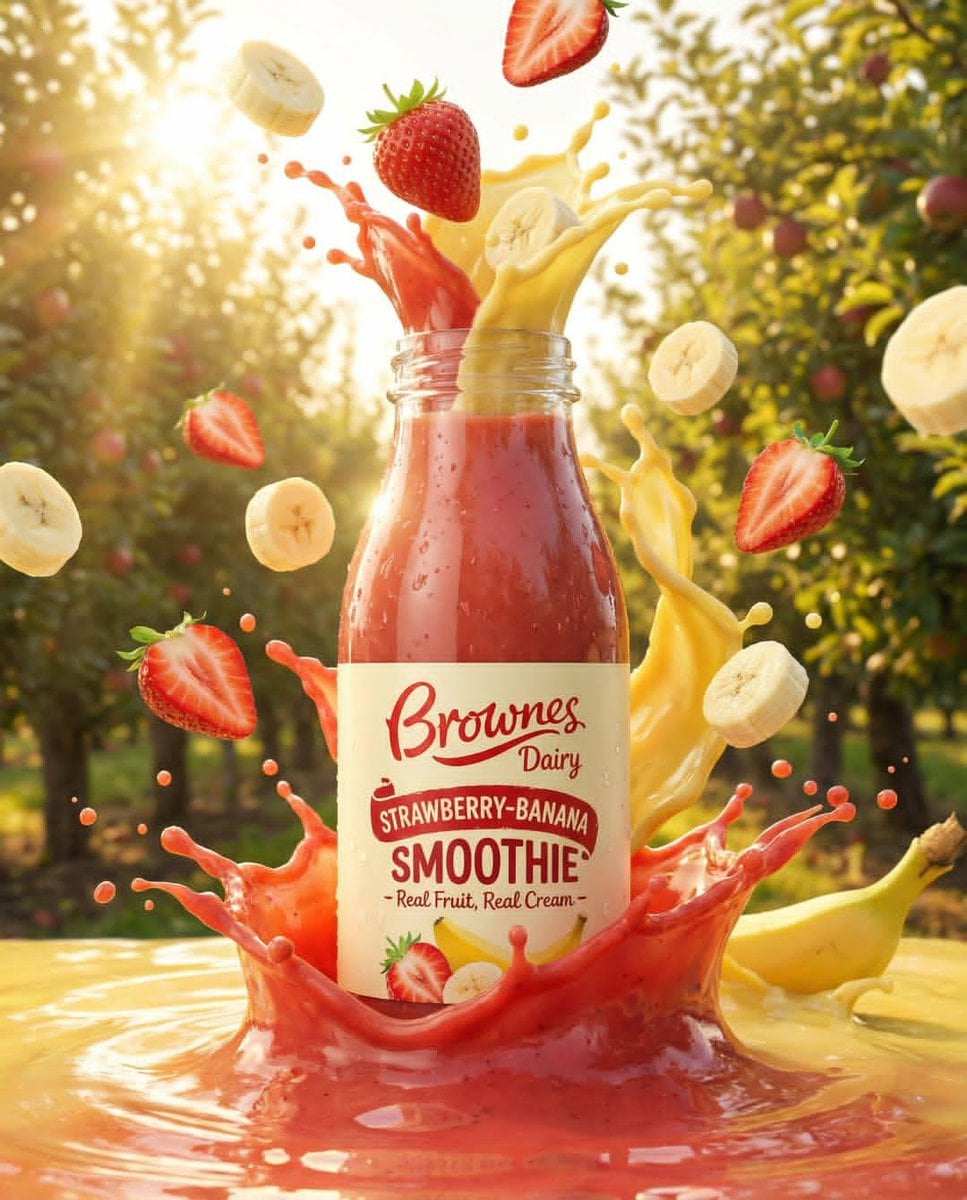
Dynamic Fruit Drink Product Ad
Browse template categories
Retro Makeup Vanity Mirror questions
How do I use the Retro Makeup Vanity Mirror template?
Add your photo if the template asks for one, edit the prompt if you like — the template's model and format are already selected — and press Generate. Your version opens in PicX Studio.
Can I customize the Retro Makeup Vanity Mirror template?
Yes. You can change the subject, setting, lighting, mood, format, and available model controls before creating your image.
Is the Retro Makeup Vanity Mirror template free?
Opening and editing this template is free. Generating uses credits, shown on the Generate button when you are signed in.
Which AI model should I use?
Choose a compatible model in PicX Studio based on the style, speed, and output controls your project needs.
Looking for something else? Browse all templates.

Your photo, any look
Thousands of ready templates for every top image and video model, from one credit balance.