
Anime OP Style Dance Animation
A detailed animation prompt for generating a fast-paced Japanese anime opening style dance, focusing on precise hand movements, cell-shaded aesthetics, and character consistency.
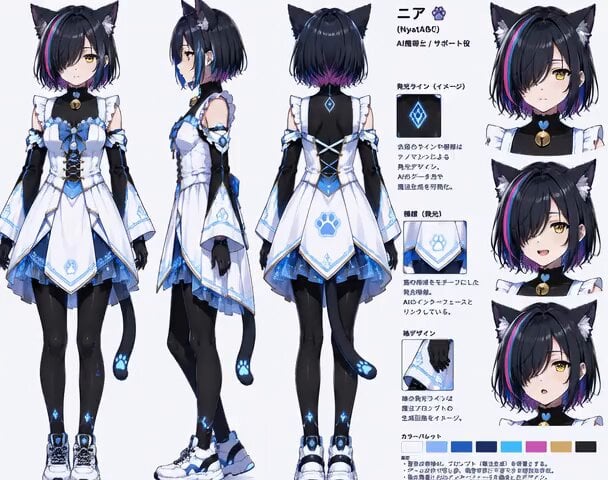
- Prompt included
- Model and format preset
- Free template
The prompt behind this video
Copy the exact prompt behind Anime OP Style Dance Animation, or open it in the studio and make it yours.
参照画像のキャラクター情報を最優先で解析し、顔立ち、髪型、髪色、目元、肌、服装、アクセサリー、体型、配色、雰囲気を抽出して維持する。単なる外見再現ではなく、抽出した色・質感・空気感を、文字、光、手の軌跡、背景、カメラワーク、ショックコマへ拡張する。 明るくテンポの速い日本のメタバースアニメOP風ダンス。キャラクターは正面を向き、軽快なリズムに合わせて、両手を顔の横へ上げる→片手を斜め上へ伸ばす→反対の手を腰へ当てる→左右へ小さくステップ→両腕を胸の前で素早く交差→両手を外側へ大きく開く→片足を軽く上げながら身体を斜めに傾ける→人差し指で左右を交互に指差す→両手を頬の横で小さく振る、という動きを短い間隔で次々と切り替える。両足は地面から離れない。 動きは大きすぎず、細かく速く、少しコミカルで可愛らしい。腕、手首、指先のポーズをはっきり見せる。腰を激しく振るダンスではなく、上半身と手の振付を中心にする。途中で一瞬だけ静止ポーズを入れ、その直後に別のポーズへ素早く切り替える。表情は元気で楽しそう。カメラは正面からの全身ショットを基本に。日本のフルカラーアニメ、テレビアニメ風、セルルック、平塗り、なめらかな線と塗り、アニメOPのような軽快な編集。
How to use Anime OP Style Dance Animation in 3 steps
- 1
Open
The prompt is already in the box next to the preview, with the template's model and format selected.
- 2…a portrait of your subject in softgolden-hour light, 85mm…
Personalize
Edit the subject and creative details for your destination.
- 3Generate
Generate
Press Generate — your video is created in PicX Studio, so you can compare it with the original and refine one variable at a time.
More like this
Templates with the same subject, style or setup. Open one to see its prompt.

Voice Controlled Water Animation

Mecha Runway Tap Dance Video Prompt
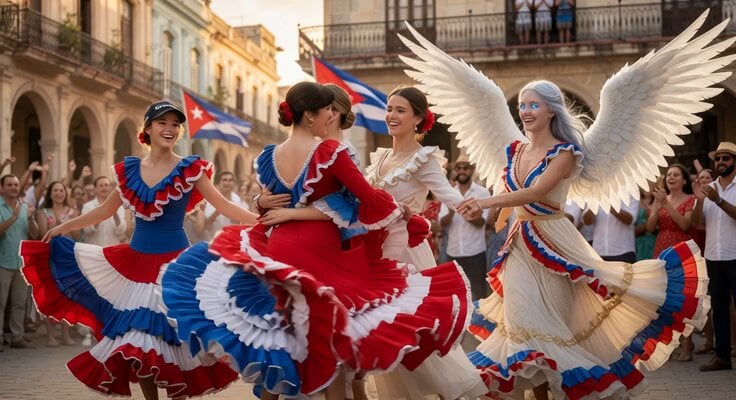
Cuban Plaza Dancers Extension
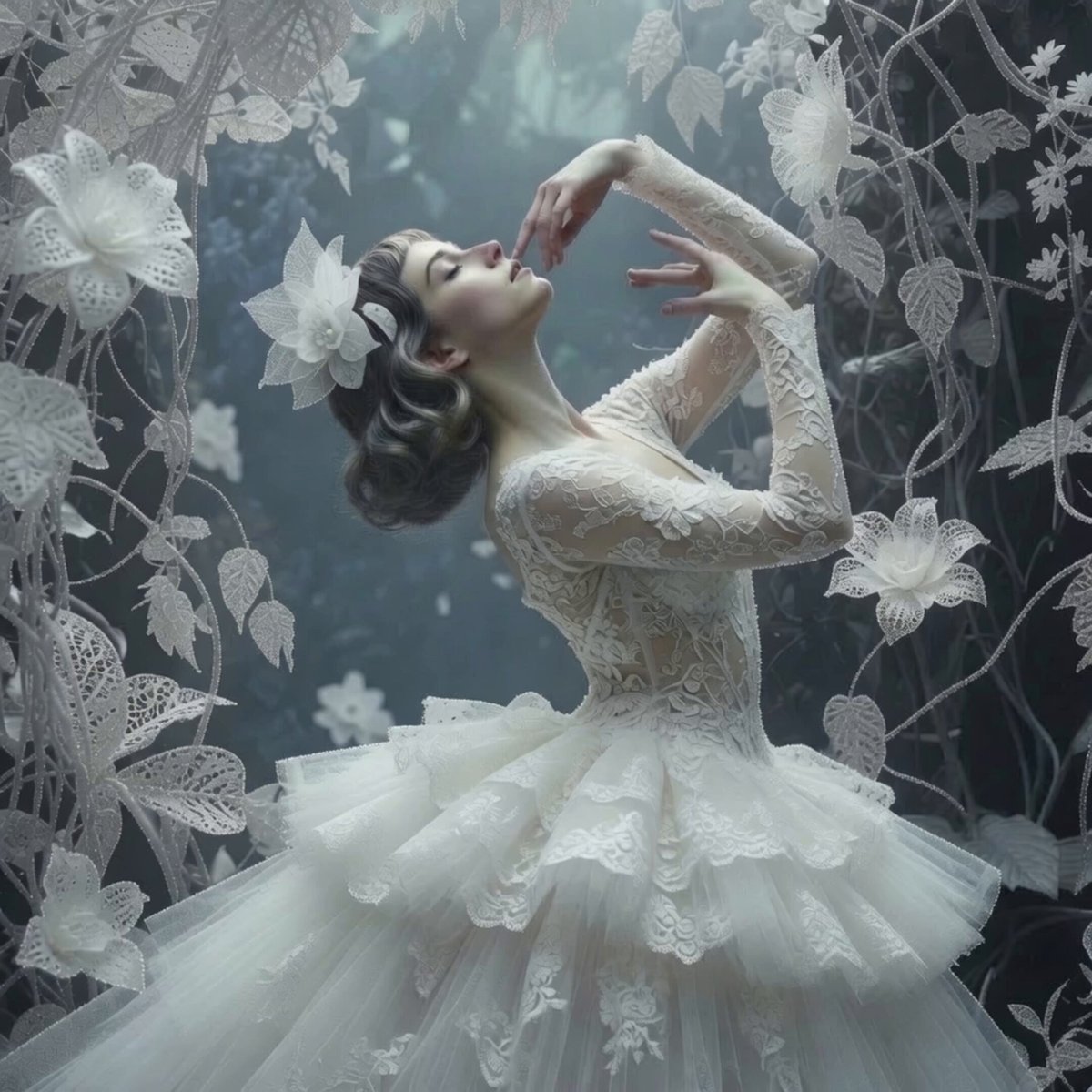
Ethereal Ballerina Garden Dance
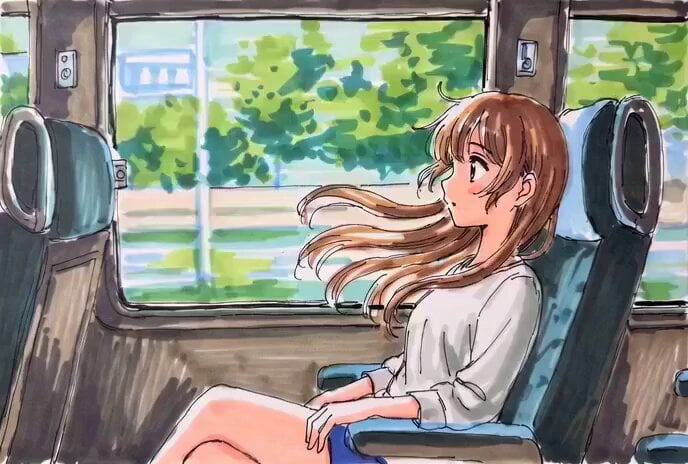
Hand-Drawn Anime Bus Scene Video Prompt
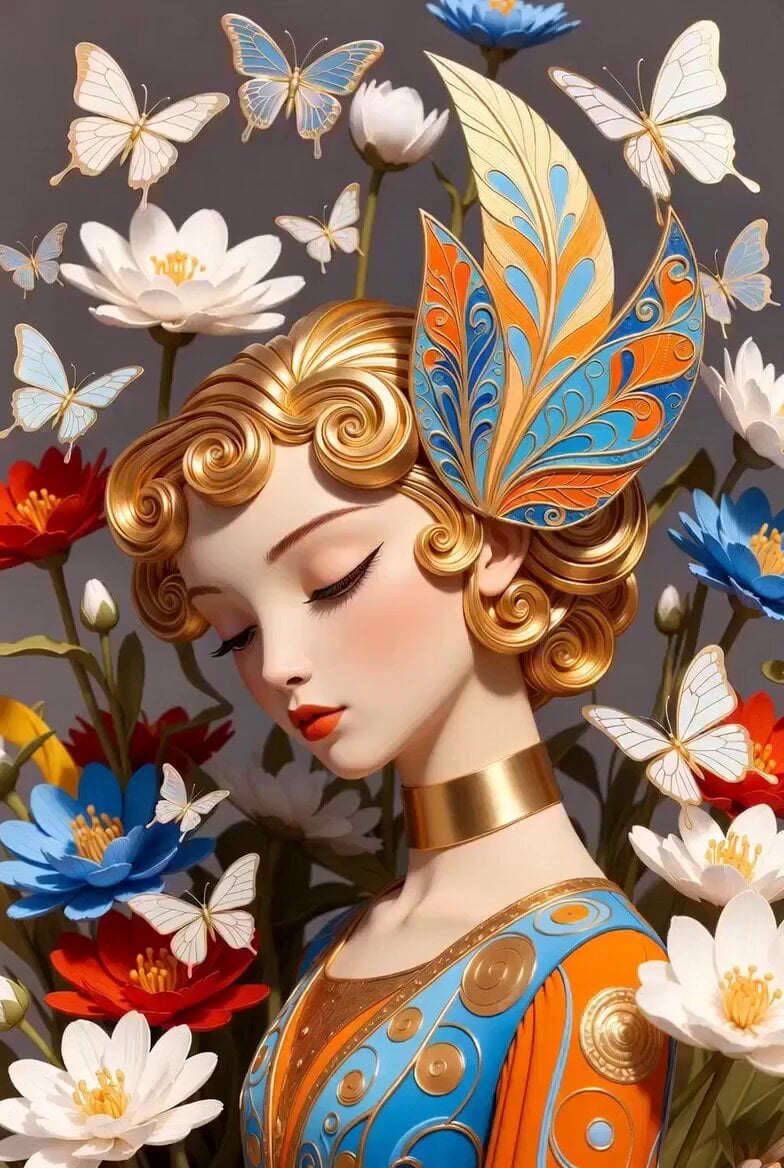
Golden Winged Muse Animation
Princess Castle Dance Transformation

Kaleidoscopic Cosmic Dolphin Video

Horror Daffy Duck Video Transition

America 250th Anniversary Celebration

Glowing Water Forest Night Prompt

Soft Pink Roses Dreamer Prompt
Make it yours
Anime OP Style Dance Animation works as-is. These are the safest ways to change it without losing the look.
Change one field
Copy a single group, rewrite it, and generate again so you can see what that field is doing.
Keep the frame, change the subject
Hold the composition and light of Anime OP Style Dance Animation, then swap wardrobe, props or the person for a new take.
| If the result… | Why | Fix |
|---|---|---|
| The result drifts from the preview | Too many fields changed at once. | Reuse Anime OP Style Dance Animation as-is first, then change one group — subject, light, or setting. |
| The model over-stylizes the scene | The prose prompt leaves finish and camera underspecified. | Add one camera or lighting sentence and stay on Grok Imagine. |
More Grok Imagine templates
Other prompts made for Grok Imagine.

Emotional Angry Couple Drama

Train Zooming in Star Field Video Prompt

Cyberpunk Guerrilla Girl Video Generation

Detailed multi-part video prompt

Interior View Video Generation Prompt
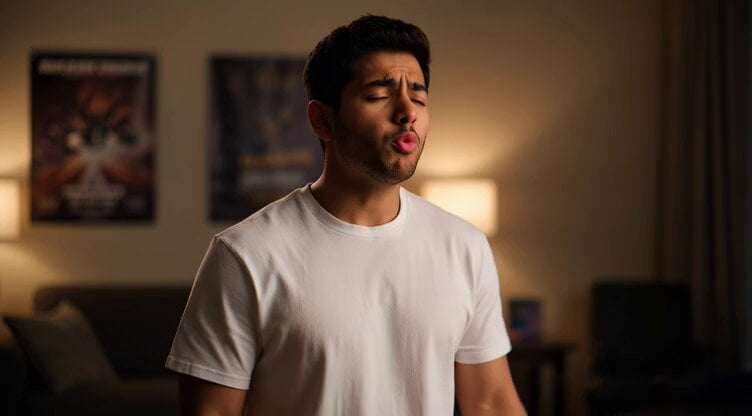
GTA 6 never came out in 1 million years

Bitcoin liferaft video prompt

Woman floating down, opening eyes and looking deeply into the viewer's eyes
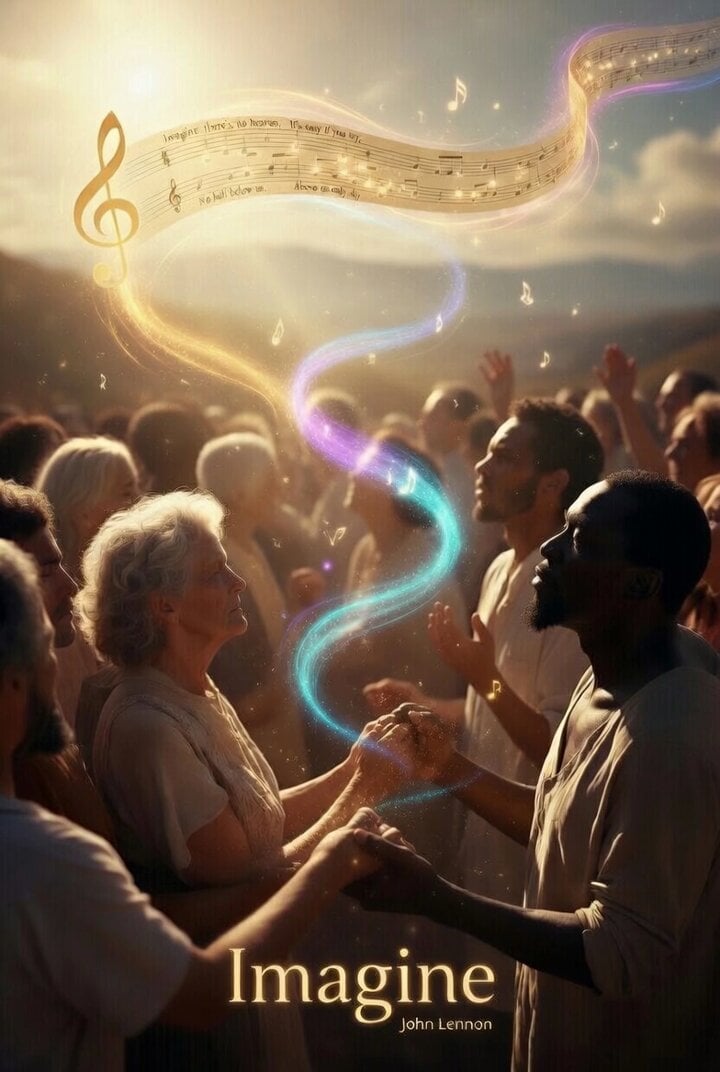
Utopian World of Harmony and Peace
Runner with BE 2060 i inscription passing through sequential doors video prompt
More video prompts
Fresh picks from across the catalog.
Premium Ice Cream Sundae Commercial
Futuristic Water Delivery Craft Video
Tree of Hearts and Crows
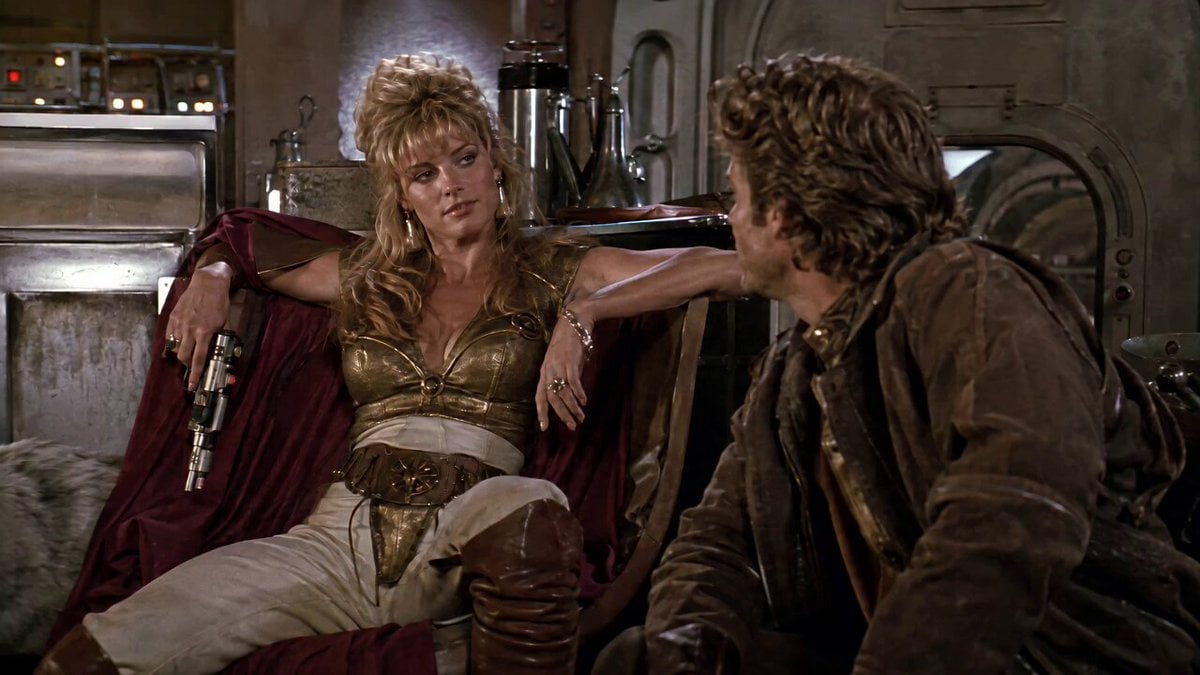
1980s Space Action Film Sequence
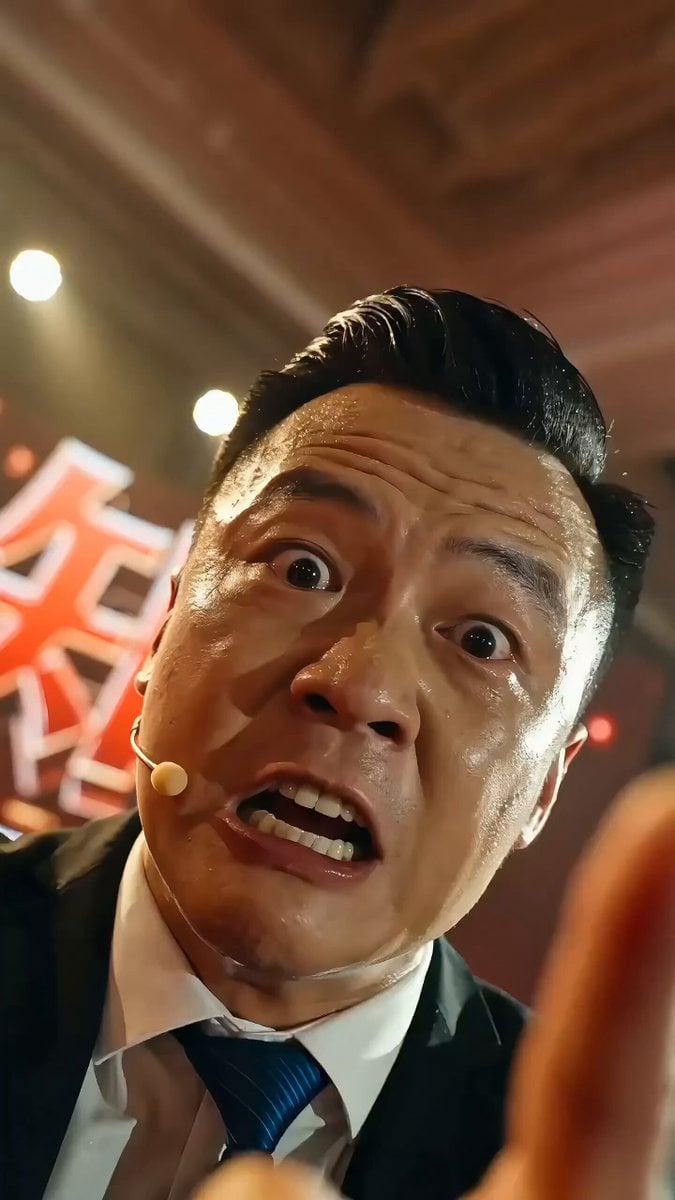
Chinese Success Seminar (Chicken Soup) Video Prompt
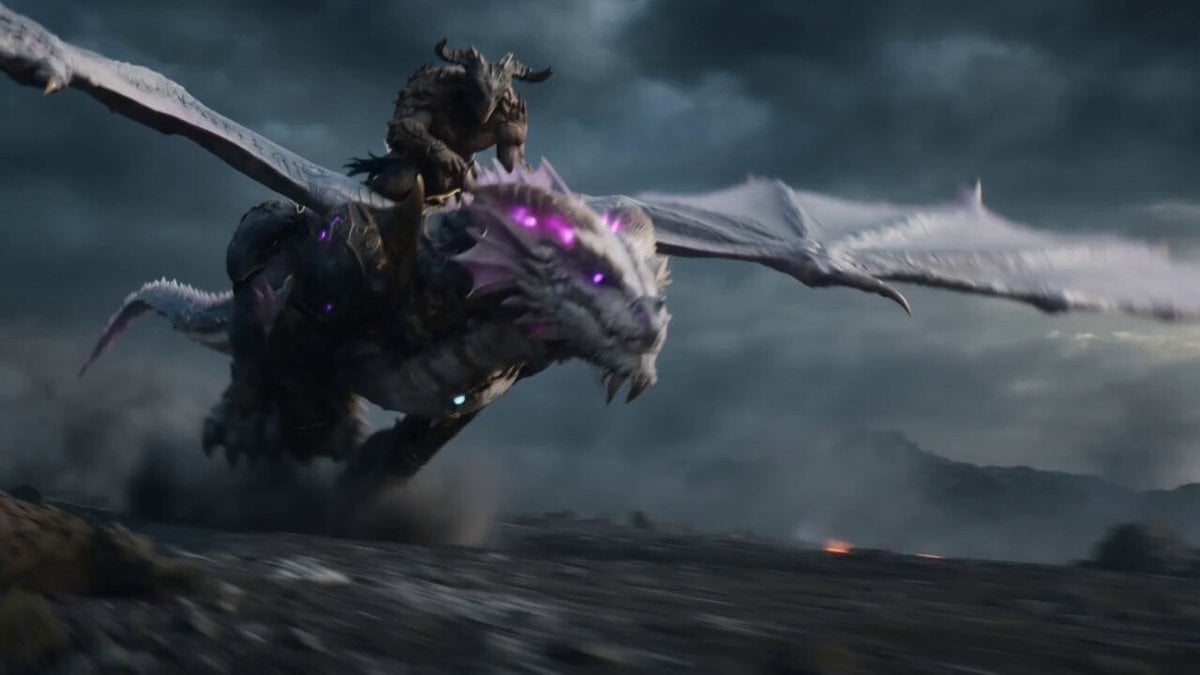
Beastman Dragon Rider Battle
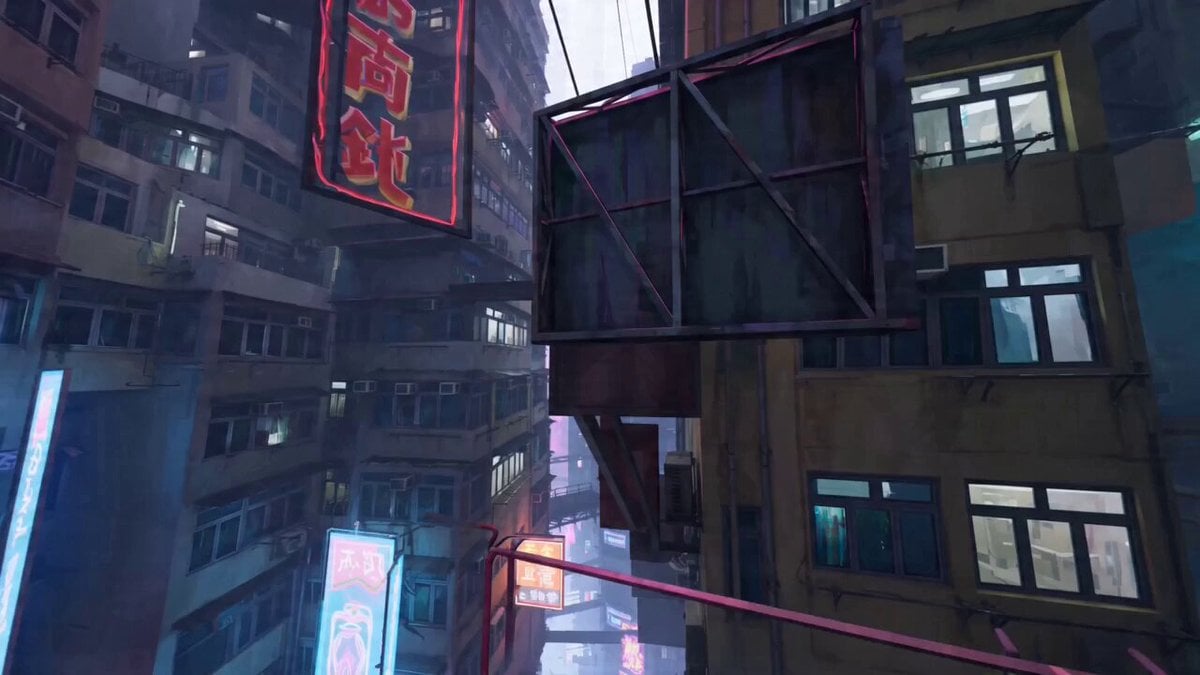
Parkour expert POV video
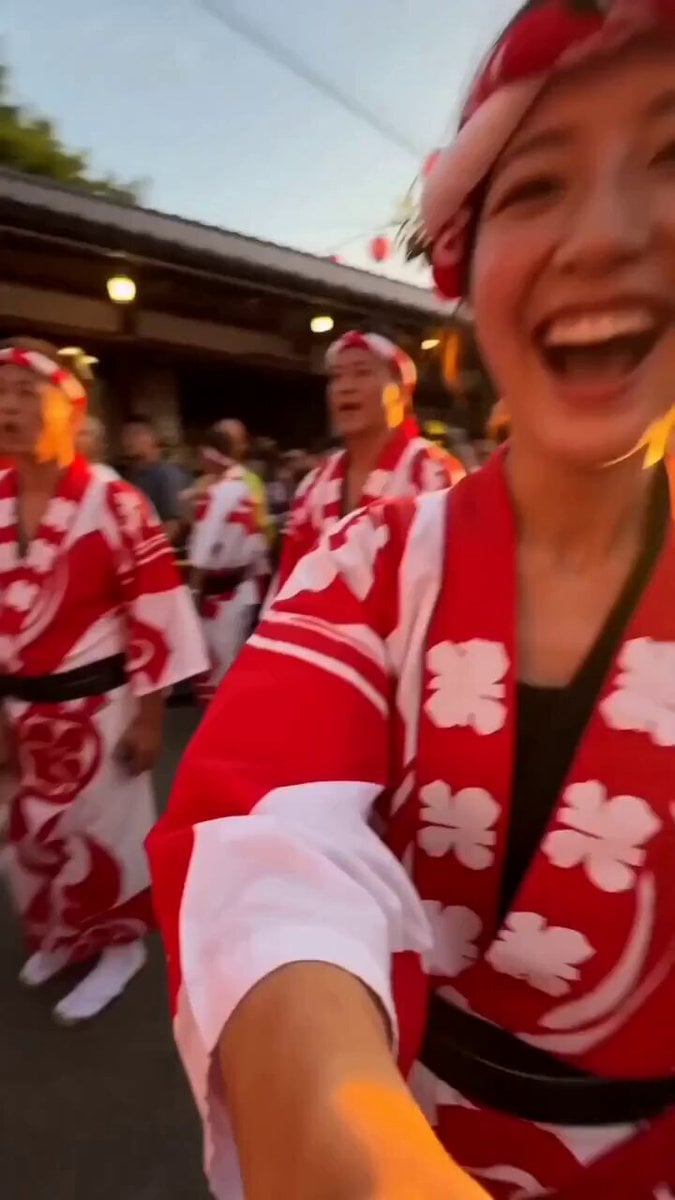
Japanese Summer Festival Selfie Vlog

Space Scout Exit Strategy
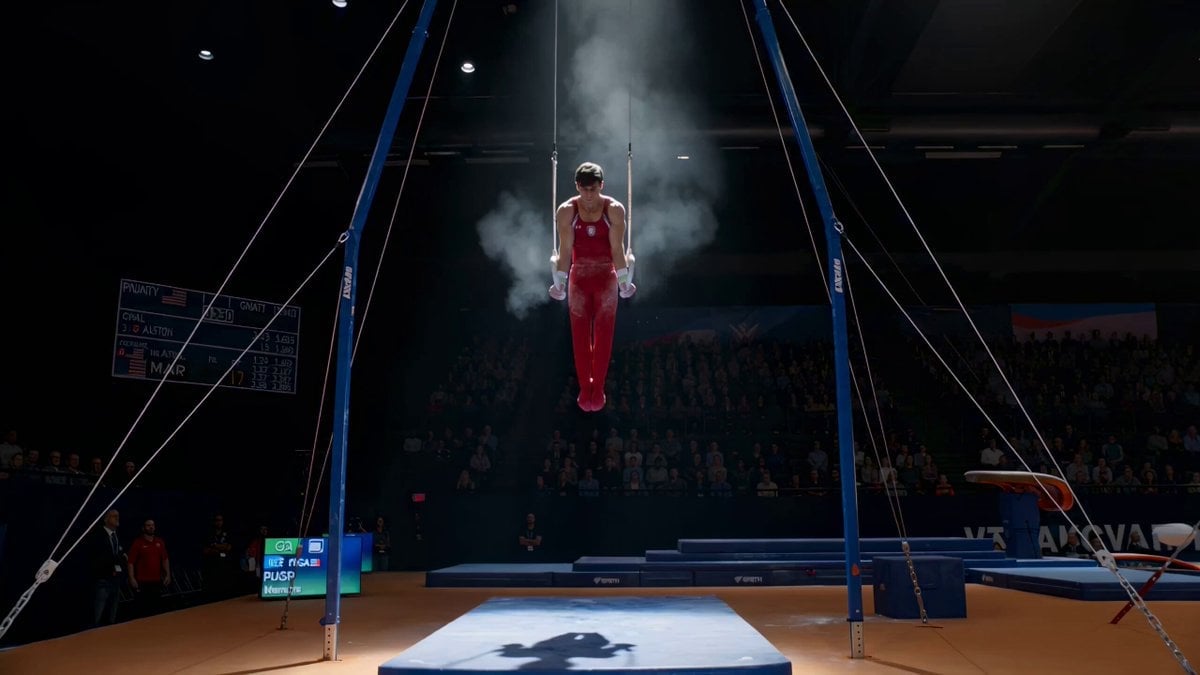
Still Rings Perfection - 6-Part Shot List
Browse template categories
Anime OP Style Dance Animation questions
How do I use the Anime OP Style Dance Animation template?
Add your photo if the template asks for one, edit the prompt if you like — the template's model and format are already selected — and press Generate. Your version opens in PicX Studio.
Can I customize the Anime OP Style Dance Animation template?
Yes. You can change the subject, setting, lighting, mood, format, and available model controls before creating your video.
Is the Anime OP Style Dance Animation template free?
Opening and editing this template is free. Generating uses credits, shown on the Generate button when you are signed in.
Which AI model should I use?
Start with Grok Imagine, which is the model associated with this template. You can compare another compatible model for a different finish.
Looking for something else? Browse all templates.

Your photo, any look
Thousands of ready templates for every top image and video model, from one credit balance.