
Samurai Electric Sword Drawing
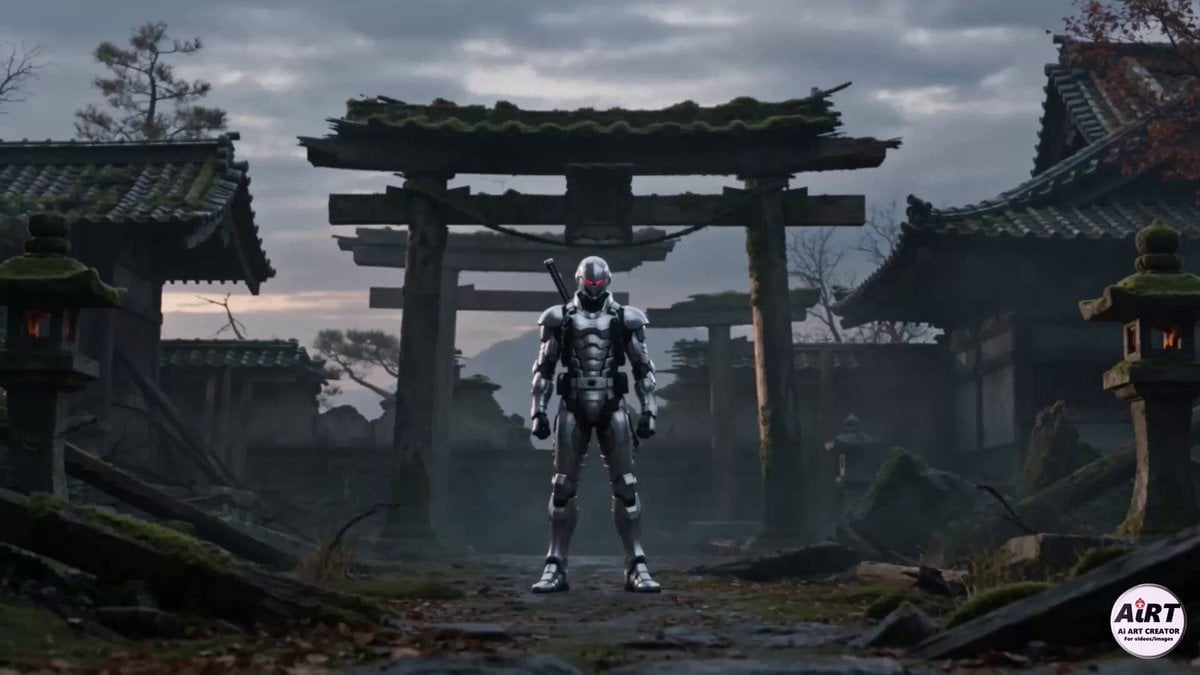
A prompt for a stylized action sequence where a character in a metal suit draws a katana and charges it with electricity at a desolate Japanese temple.
- Prompt included
- Model and format preset
- Premium template
The prompt behind this video
Copy the exact prompt behind Samurai Electric Sword Drawing, or open it in the studio and make it yours.
BGMなし、字幕なし。 背景は日本の寂れたお寺。 1)[添付画像]の戦闘スーツを着た人間が背中の日本刀を右手で抜く。 2)抜いた日本刀を横に構え、刀身の根元を左手の掌を上に置く。 3)そのまま手を刀身の先までスライドさせると、手が通り過ぎたところが電撃を帯びながら青白く光る。 4)刀身の先まで左手が移動した後、日本刀を両手で構える。
How to use Samurai Electric Sword Drawing in 3 steps
- 1
Open
The prompt is already in the box next to the preview, with the template's model and format selected.
- 2…a portrait of your subject in softgolden-hour light, 85mm…
Personalize
Edit the subject and creative details for your destination.
- 3Generate
Generate
Press Generate — your video is created in PicX Studio, so you can compare it with the original and refine one variable at a time.
More like this
Templates with the same subject, style or setup. Open one to see its prompt.
Samurai Sword Slash and Noto Ritual
Chibi Cave Adventure — He Doesn't Know What's Coming
Crayon Drawing Animated Chase
Handheld Phone Drawing Transition Video
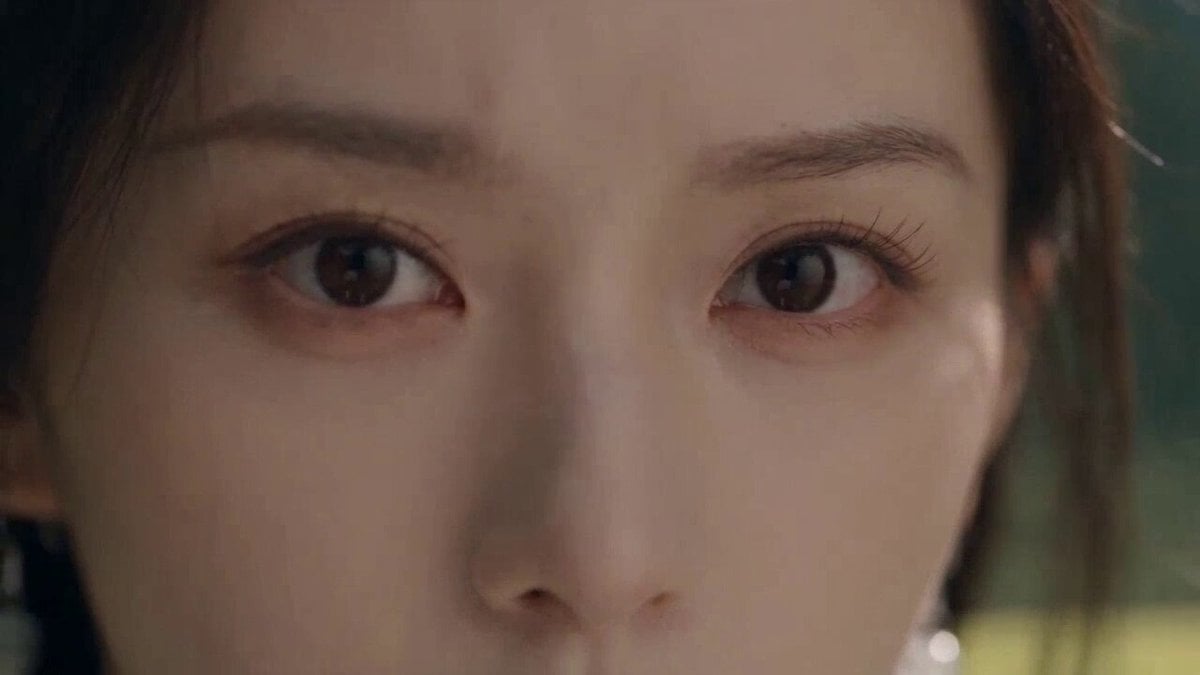
Cinematic Wuxia Flying Sword Scene
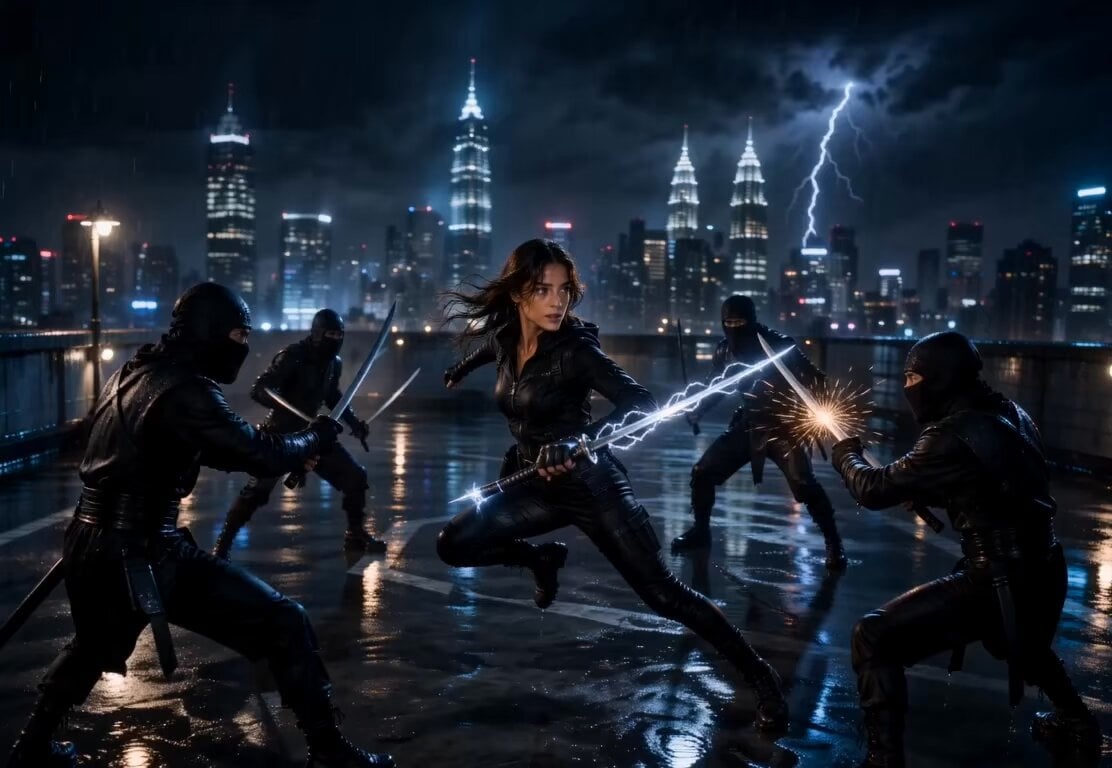
Lightning Sword Tactical Girl Animation
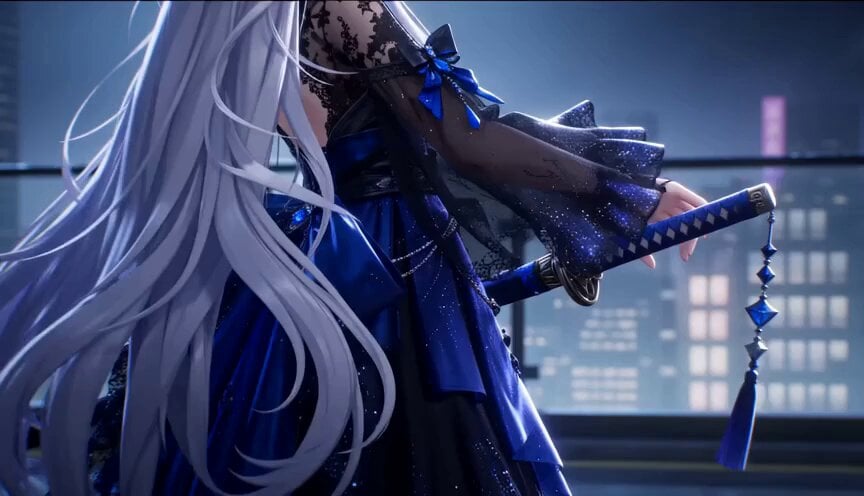
Gothic Anime Sword Slash
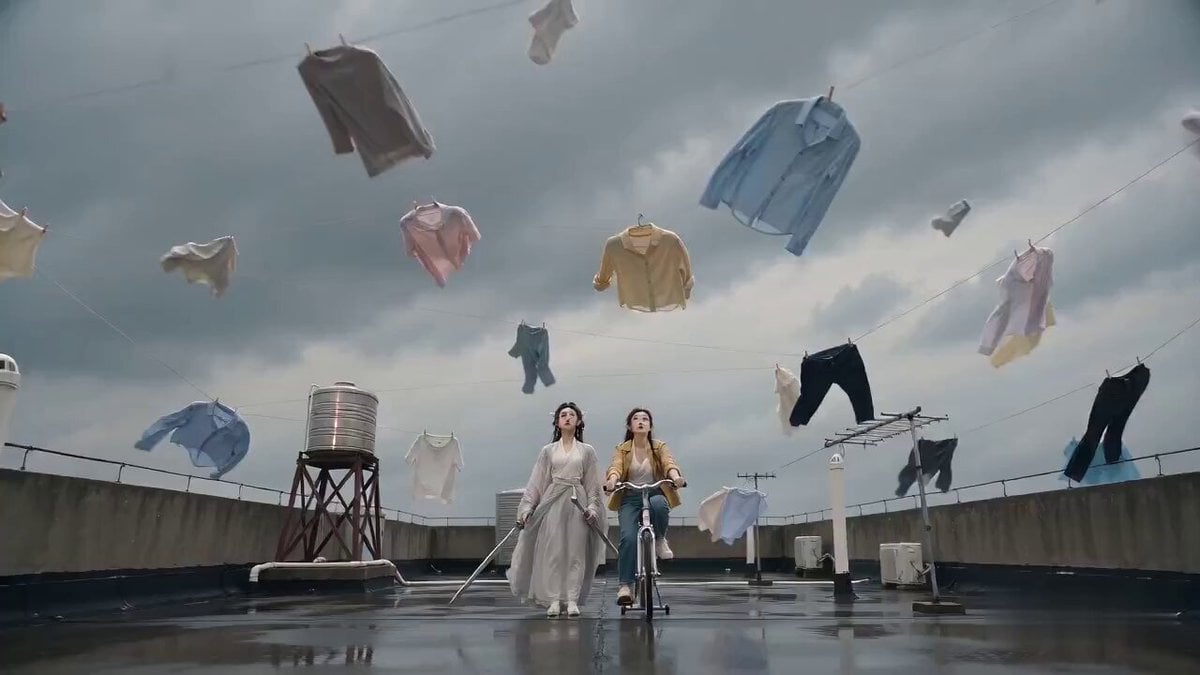
Seedance 2.0 Sword Formation Laundry Comedy Video Prompt
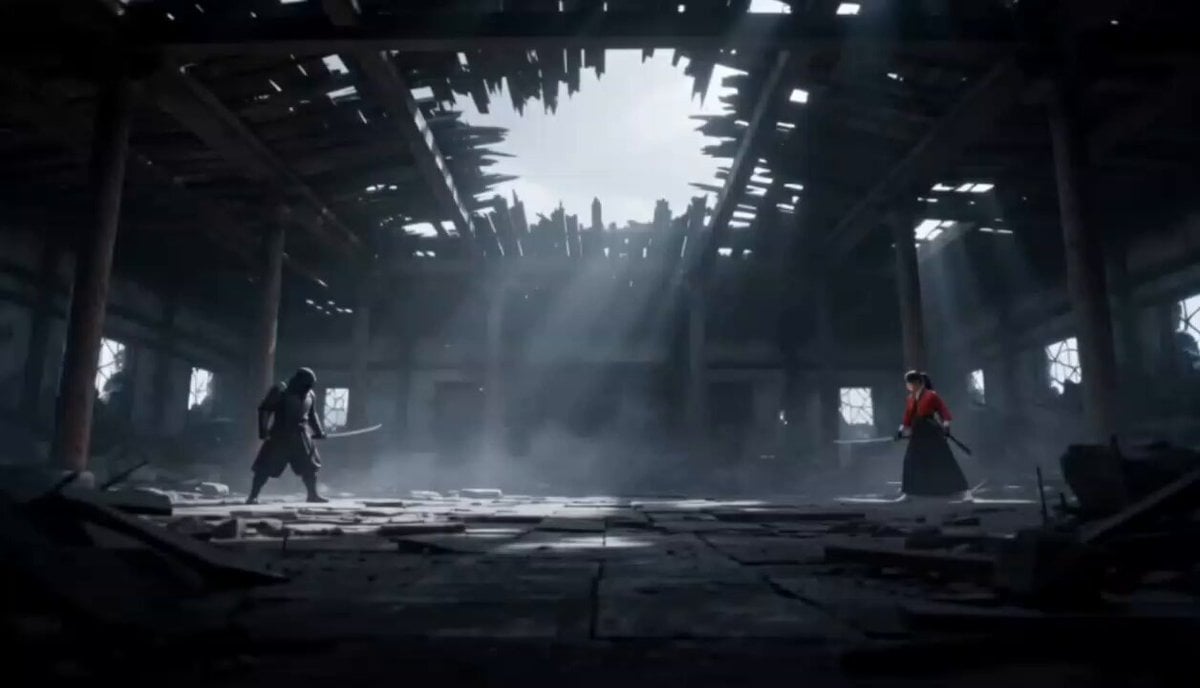
Cinematic Anime Samurai Duel
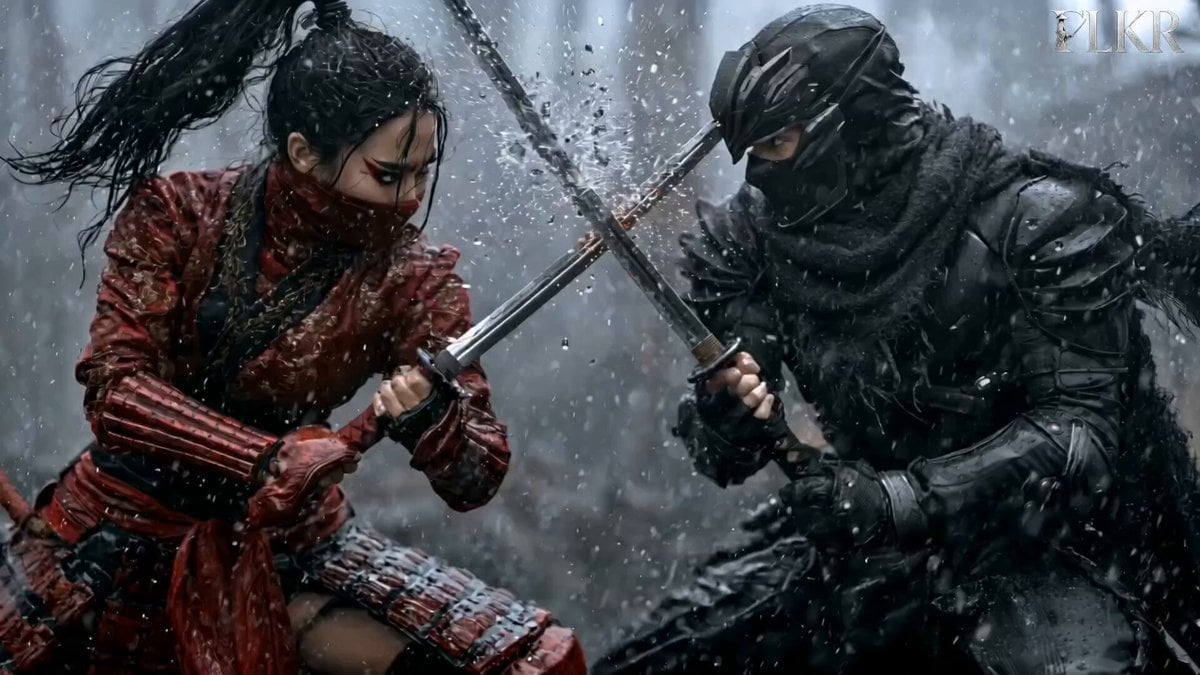
Samurai Duel in Stormy Rooftop
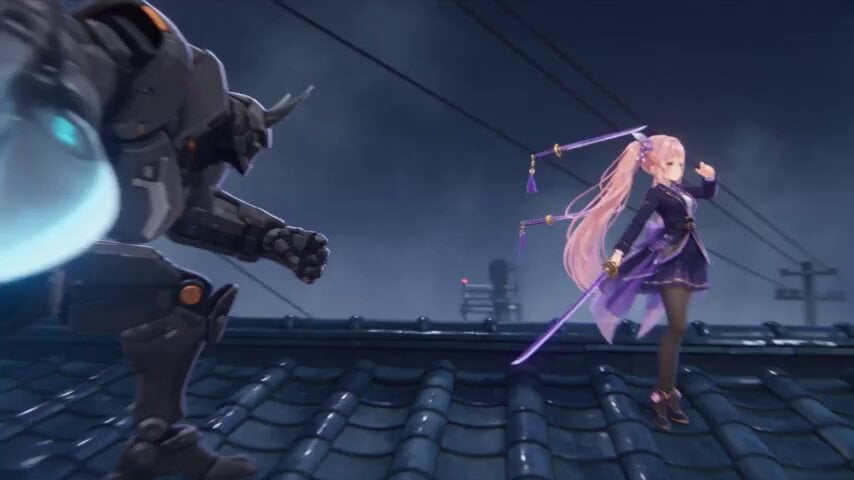
Cyber-Shrine Anime Sword Duel
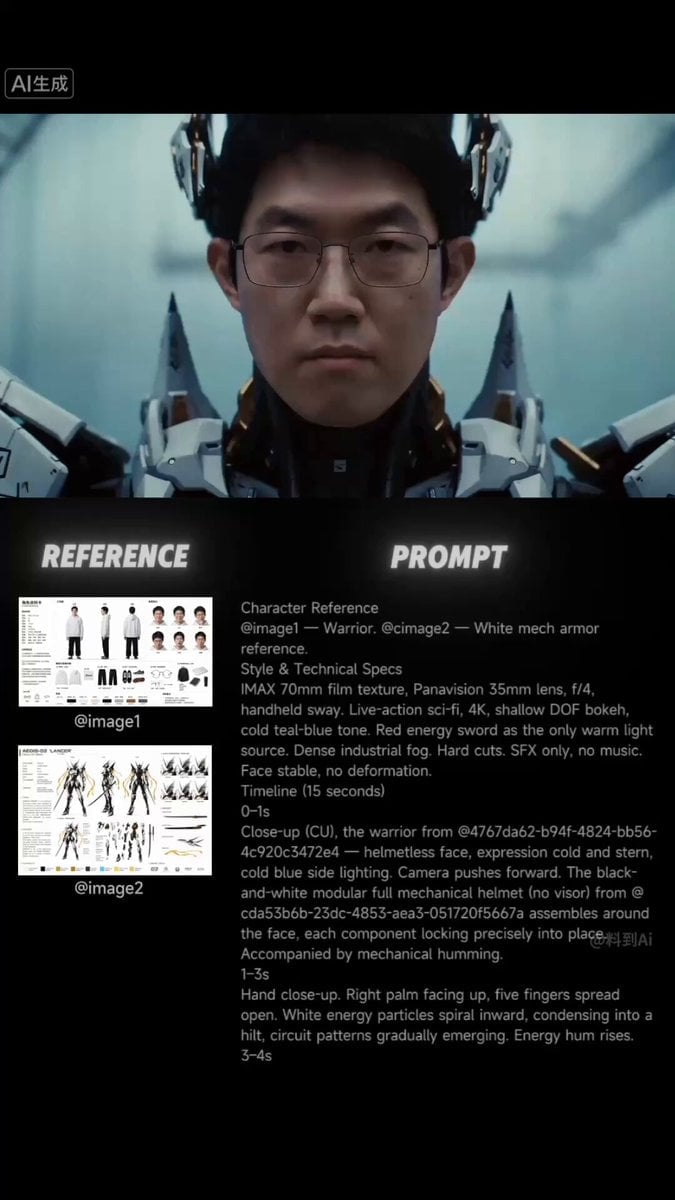
Futuristic Samurai Cinematic Action
Make it yours
Samurai Electric Sword Drawing works as-is. These are the safest ways to change it without losing the look.
Change one field
Copy a single group, rewrite it, and generate again so you can see what that field is doing.
Keep the frame, change the subject
Hold the composition and light of Samurai Electric Sword Drawing, then swap wardrobe, props or the person for a new take.
| If the result… | Why | Fix |
|---|---|---|
| The result drifts from the preview | Too many fields changed at once. | Reuse Samurai Electric Sword Drawing as-is first, then change one group — subject, light, or setting. |
| The model over-stylizes the scene | The prose prompt leaves finish and camera underspecified. | Add one camera or lighting sentence and stay on Seedance 2.0. |
More Seedance 2.0 templates
Other prompts made for Seedance 2.0.

Comical Martial Arts Punch Scene

Maglev Train Action Sequence

Martial Arts Fight Sequence

Wuxia Protection and Trust Script

Vintage Korean Arcade MiniDV Vlog

Mercedes 190 SL Luxury Ad

Rainy Night Supernatural Reverse Comedy Video Script

Amazon Civilization Discovery

Futuristic South Asian City Transformation

Cozy Luxury Cafe Commercial
More video prompts
Fresh picks from across the catalog.
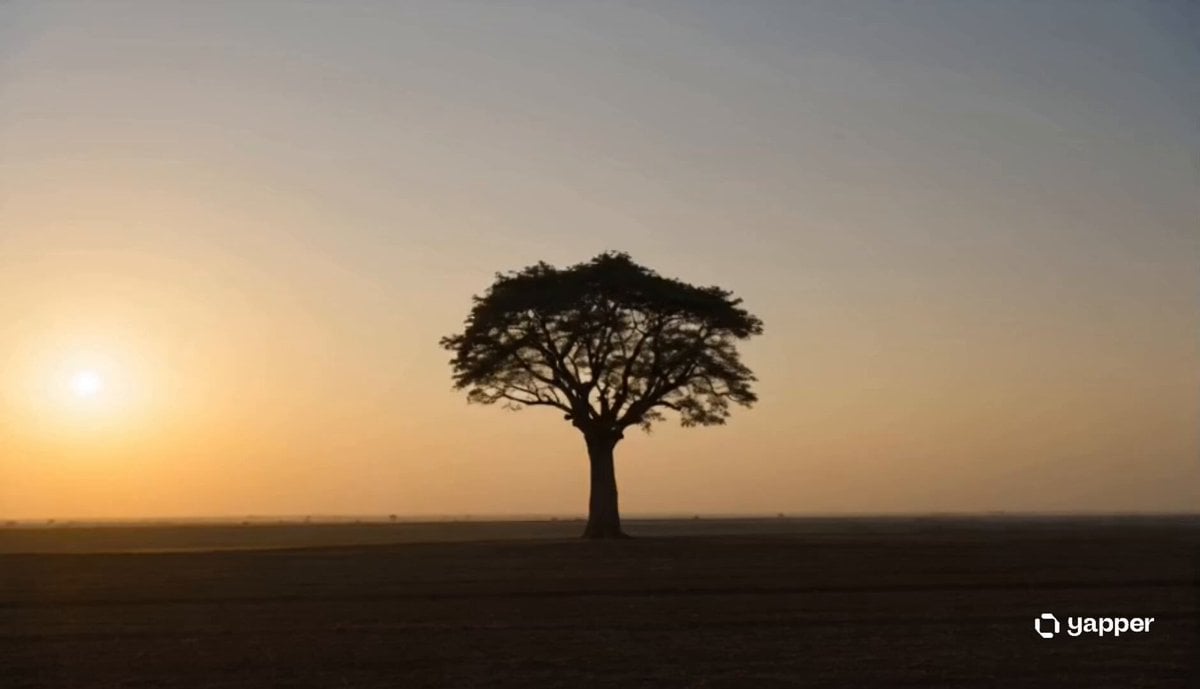
Ancient Tree Narrative Sequence
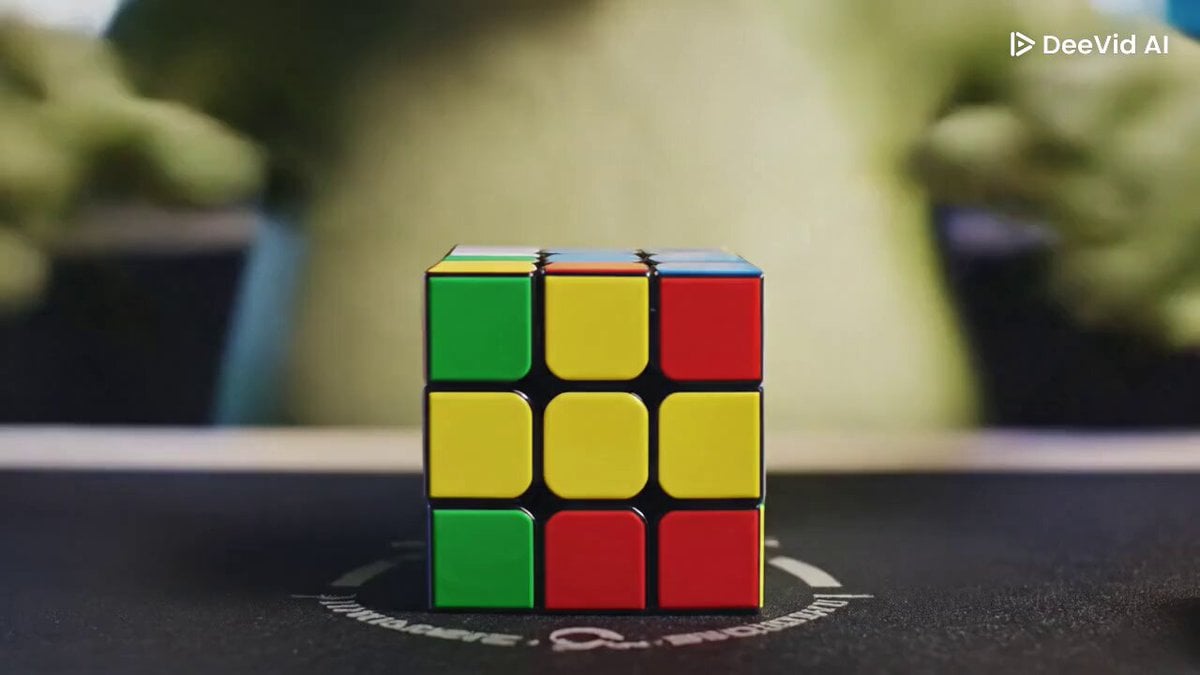
Pepe the Frog Speedcubing Animation Prompt
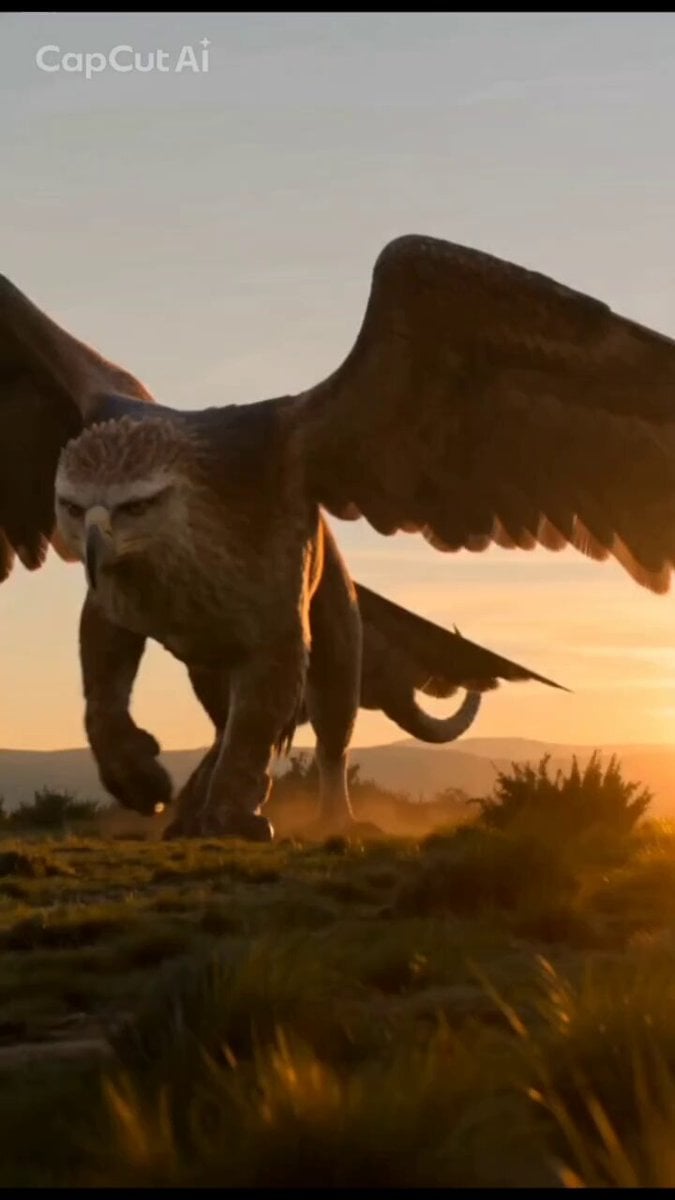
Mystical Griffin and Boy Encounter
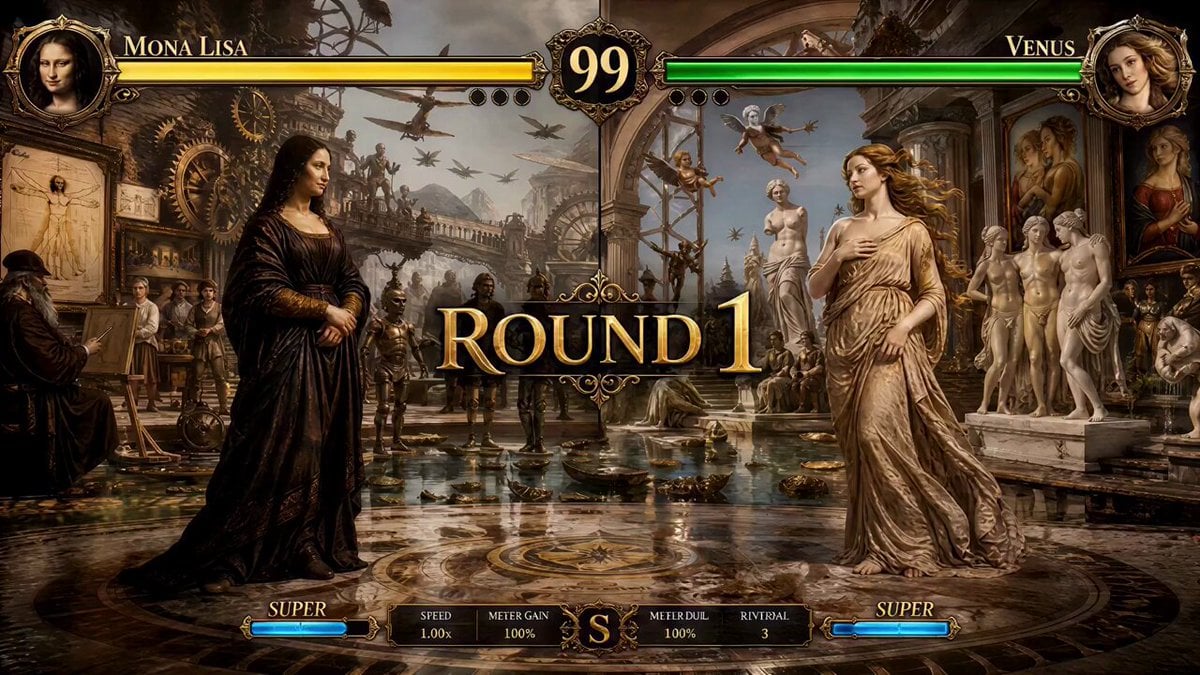
Mona Lisa vs Venus Fighting Game Style

Frog and Dragonfly Video Generation Prompt
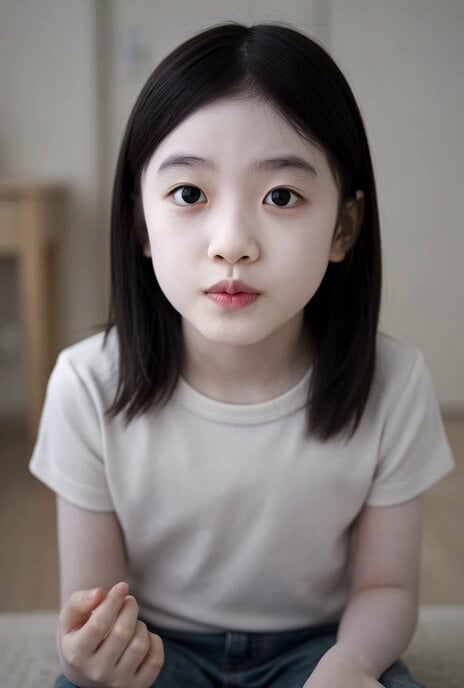
My Body Was Heavy as Lead
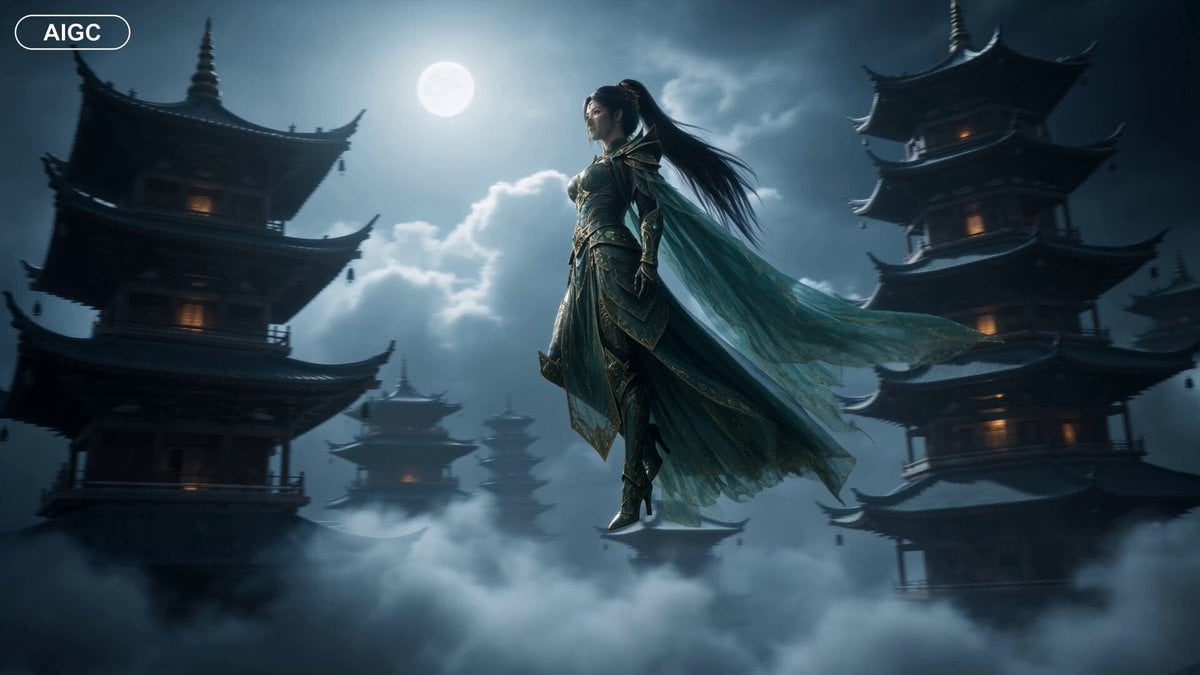
Fantasy Warrior Transformation Sequence
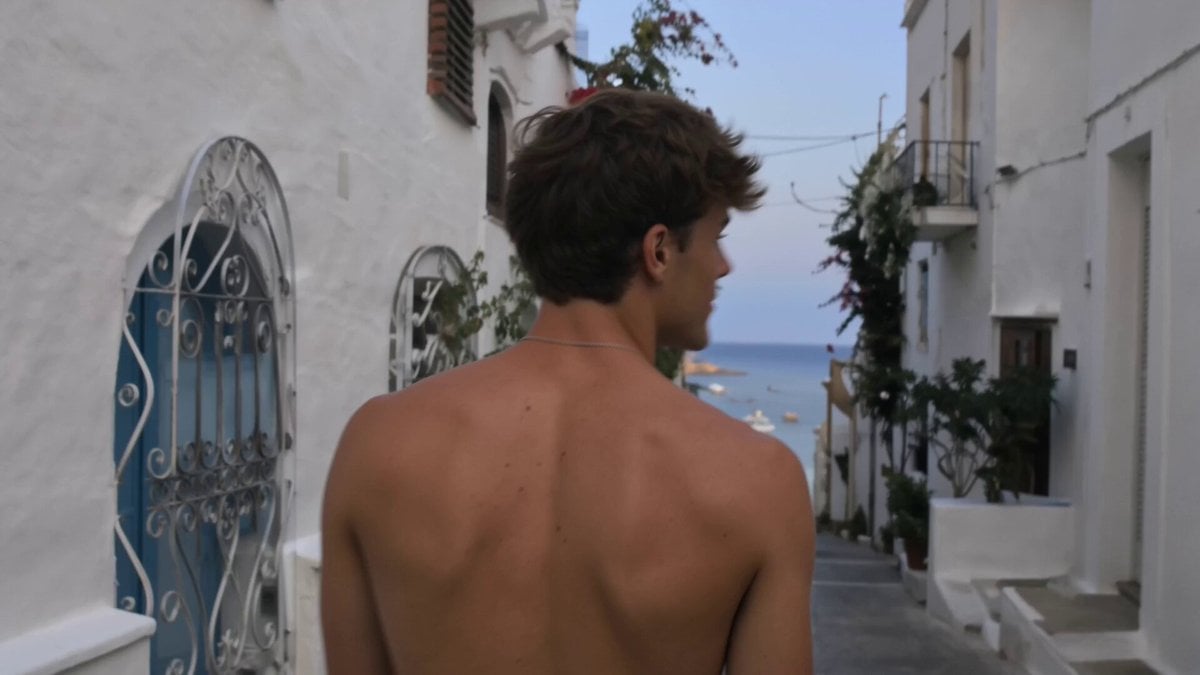
Nostalgic Indie-Pop iPhone Music Video
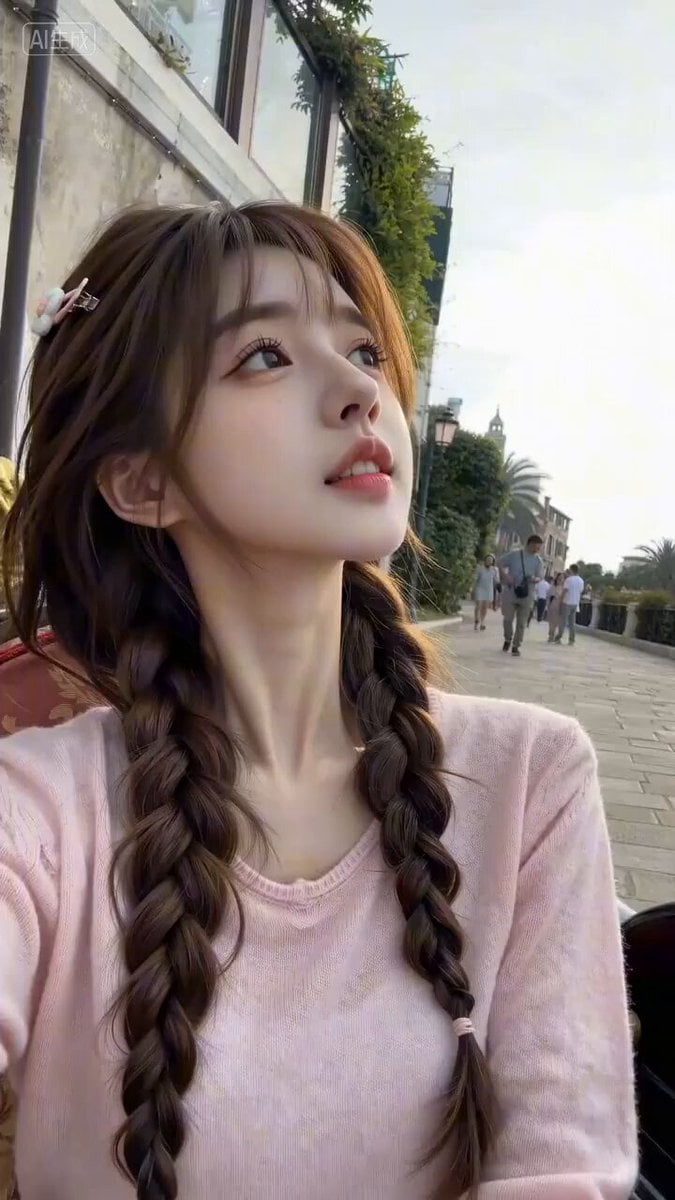
Seedance 2.0 Travel Vlog Prompt - Venice
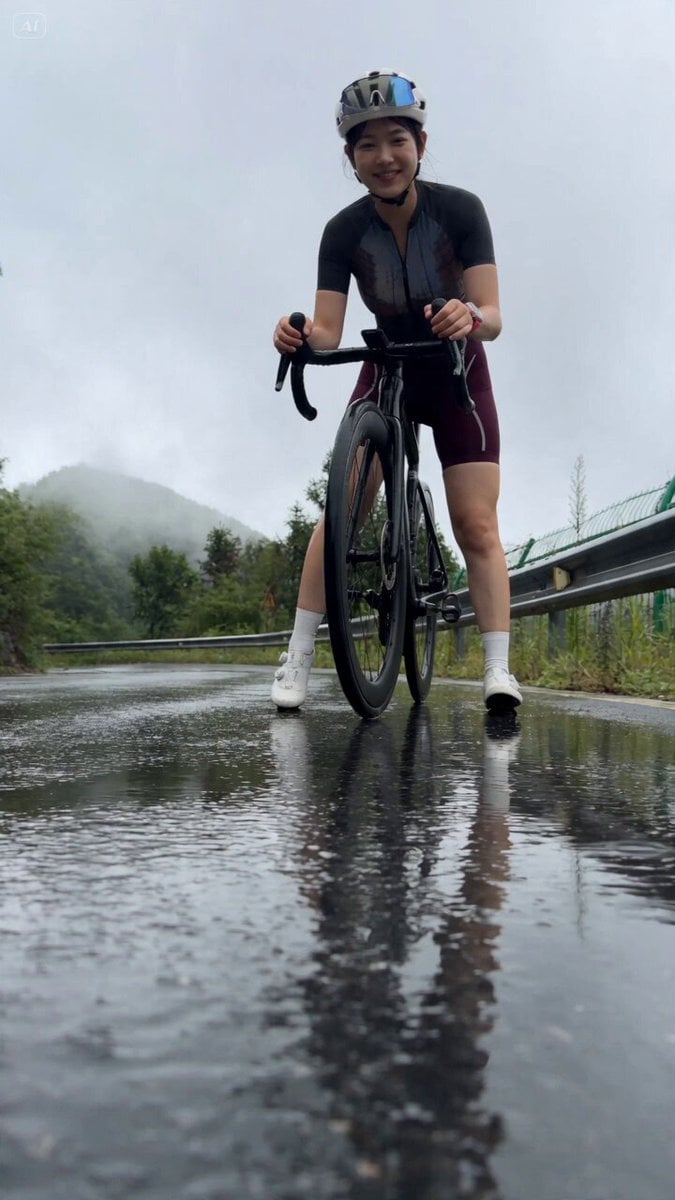
Authentic Mountain Cycling Vlog
Browse template categories
Samurai Electric Sword Drawing questions
How do I use the Samurai Electric Sword Drawing template?
Add your photo if the template asks for one, edit the prompt if you like — the template's model and format are already selected — and press Generate. Your version opens in PicX Studio.
Can I customize the Samurai Electric Sword Drawing template?
Yes. You can change the subject, setting, lighting, mood, format, and available model controls before creating your video.
Is the Samurai Electric Sword Drawing template free?
Opening and editing this template is free. Generating uses credits, shown on the Generate button when you are signed in.
Which AI model should I use?
Start with Seedance 2.0, which is the model associated with this template. You can compare another compatible model for a different finish.
Looking for something else? Browse all templates.

Your photo, any look
Thousands of ready templates for every top image and video model, from one credit balance.