Mixed Media Portrait with Pop Art Doodles
{
"image_request": {
"goal": "Create a stylized mixed-media portrait with hand-drawn elements",
"meta": {
"image_type": "Mixed Media Portrait",
"quality": "8K",
"color_mode": "Black and White Photo with Vibrant Color Overlay",
"style_mode": "mixed_media_doodle",
"aspect_ratio": "4:5",
"resolution": "1080x1350px"
},
"creative_style": "Mixed Media Art combining a classic black and white studio portrait with vibrant, playful, hand-drawn digital doodles and patterns. The style is whimsical, energetic, and pop-art inspired, blending realism with illustrative abstraction.",
"overall_theme": "playful artistic expression",
"mood_vibe": "cheerful creative charming",
"style_keywords": [
"mixed media",
"doodle art",
"black and white photography",
"vibrant colors",
"pop art",
"illustrative overlay",
"playful",
"patterned",
"energetic",
"portrait"
],
"subject": {
"count": "1",
"type": "male",
"identity": "handsome young man, resembling Matthew Perry in the 90s, charming smile",
"identity_preservation": {
"description": "Preserve the friendly, charming facial expression and classic hairstyle",
"notes": "90s sitcom star vibe"
},
"age_appearance": "late 20s",
"skin": "smooth, black and white tone",
"makeup": {
"lips": "natural",
"eyes": "natural",
"general": "none"
},
"facial_features": {
"expression": "warm charming smile",
"eyes": {
"gaze": "looking directly at viewer",
"intensity": "friendly"
},
"lips": {
"gesture": "gentle smile"
}
},
"hair": {
"length": "short",
"texture": "straight/styled",
"style": "spiky messy 90s style",
"lighting_interaction": {
"light": "studio lighting highlights",
"shadow_play": "soft facial modeling"
}
},
"clothing": {
"top": "button-down shirt",
"bottom": "not visible",
"full_description": "The shirt is the canvas for the art: a black shirt base completely covered in colorful hand-drawn abstract patterns, stripes, and shapes (yellow collar, blue/pink/orange abstract forms).",
"accessories": "none real, but drawn elements act as accessories"
},
"props": {
"bouquet": "none",
"wine_glass": "none",
"other": "drawn yellow crown floating above head"
}
},
"pose_action": {
"description": "Bust portrait, standing slightly angled, looking forward with a friendly smile.",
"overall_pose": "standing studio portrait",
"head_turn": "slight tilt",
"gaze": "direct",
"body_position": "upper body",
"hands": "not visible",
"movement": "static pose, dynamic art"
},
"multiple_frames_expressions": [],
"environment": {
"setting": "studio white background",
"location": "studio",
"weather": "n/a",
"time_of_day": "n/a",
"atmosphere": "fun and artistic"
},
"background": {
"color": "white with colorful doodles",
"effect": "plain background filled with abstract black dashes, colorful swirls (blue, pink, orange), and scribbles"
},
"lighting": {
"type": "studio strobe",
"position": "front",
"direction": "flat flattering light",
"intensity": "balanced",
"focus": "subject face",
"falloff": "none",
"light_source": "artific"
}
}






![Blueprint Split Reality Archetype Prompt — A [subject] split vertically down the center. Left half as a technical blueprint. Right half as a 3D render. The seam](/_next/image?url=https%3A%2F%2Fcdn.picxstudio.com%2Fuploads%2Fmeigen_24ef9cf28a0c_7844b725-4555-4a31-b247-59dcc1626cdd.jpg&w=828&q=100)
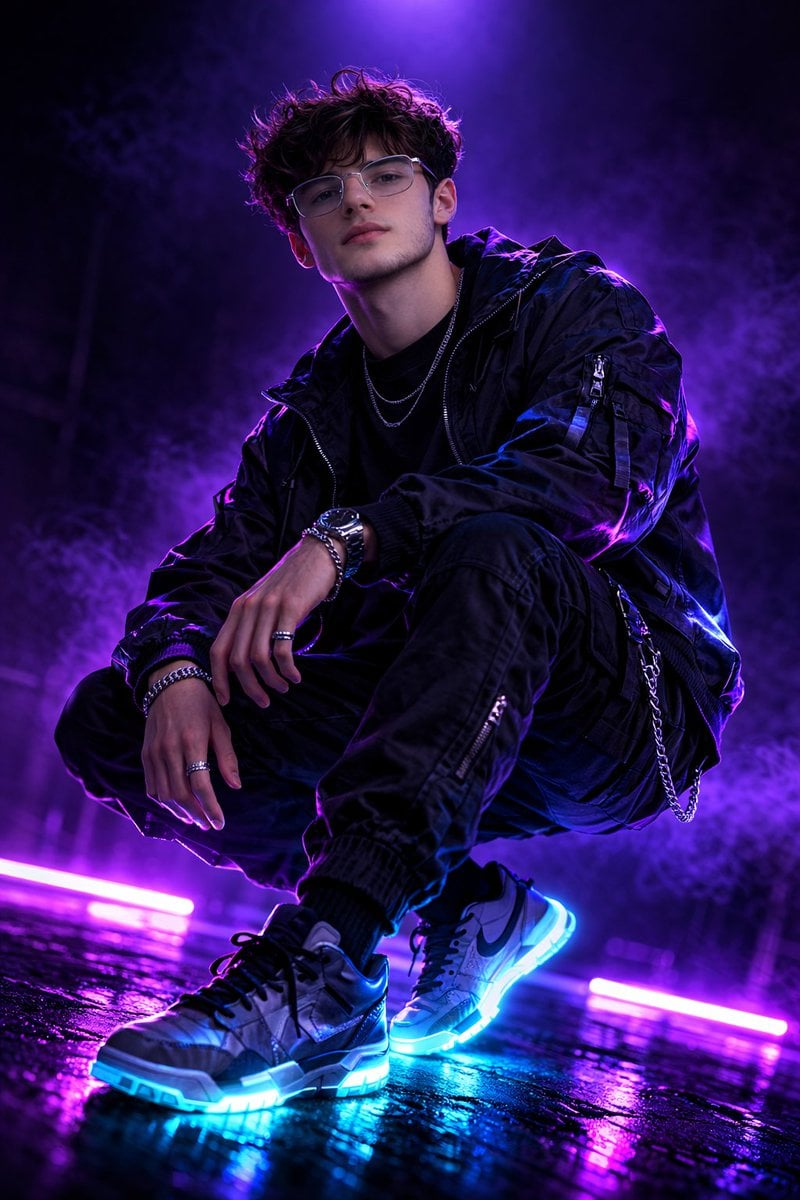
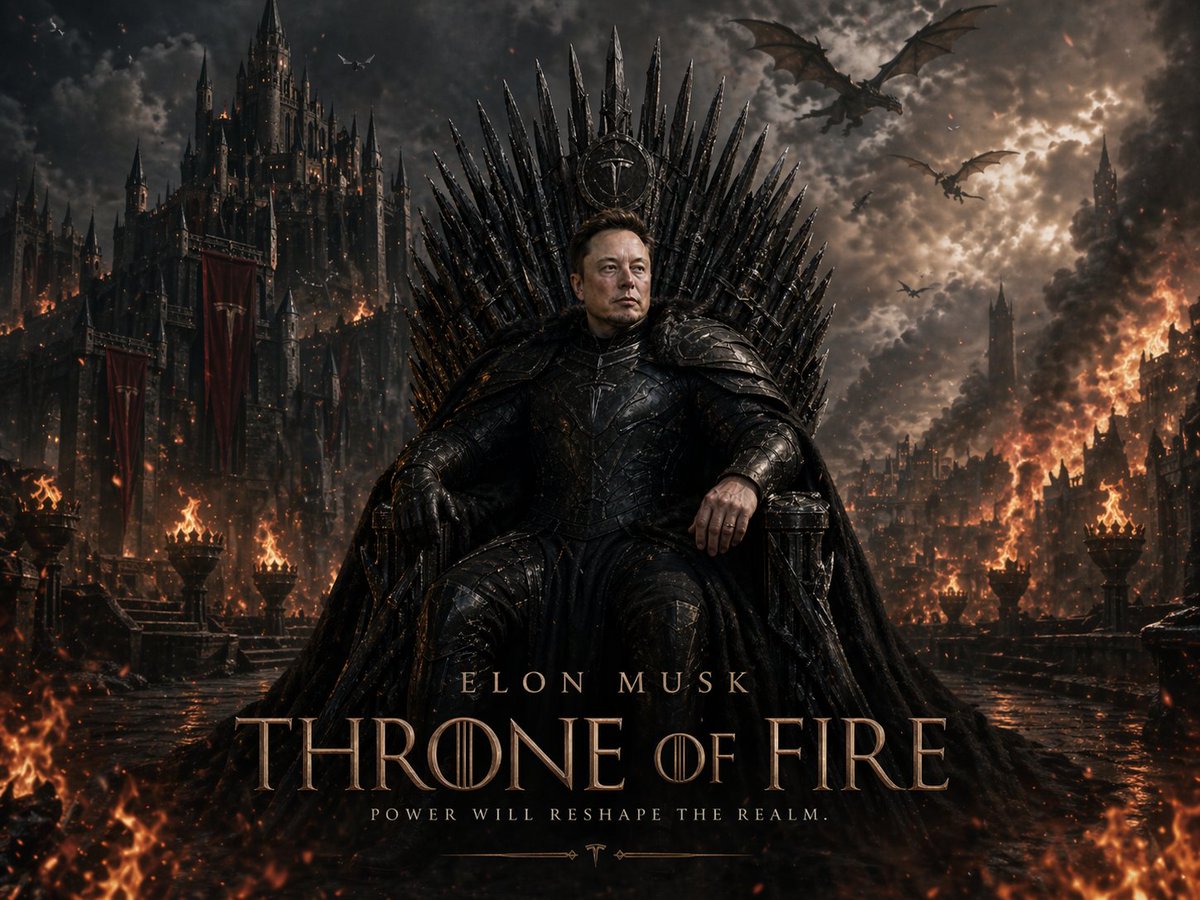

![Naive doodle-style subject illustration — A doodle-style {argument name="subject" default="[subject]"}, naive lines, humorous shape exaggeration](https://pbs.twimg.com/media/G6Wl2YxbsAARB2b.jpg)











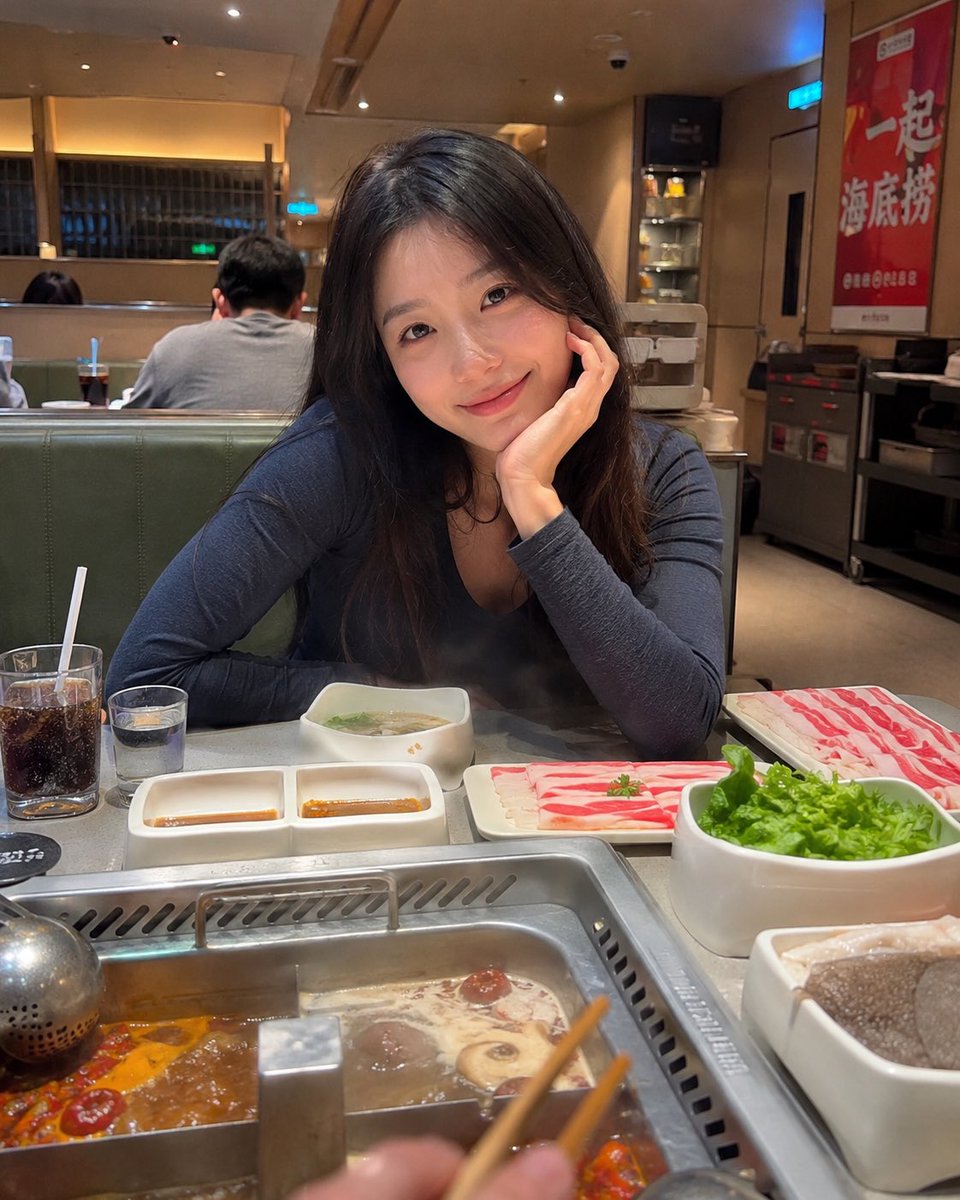
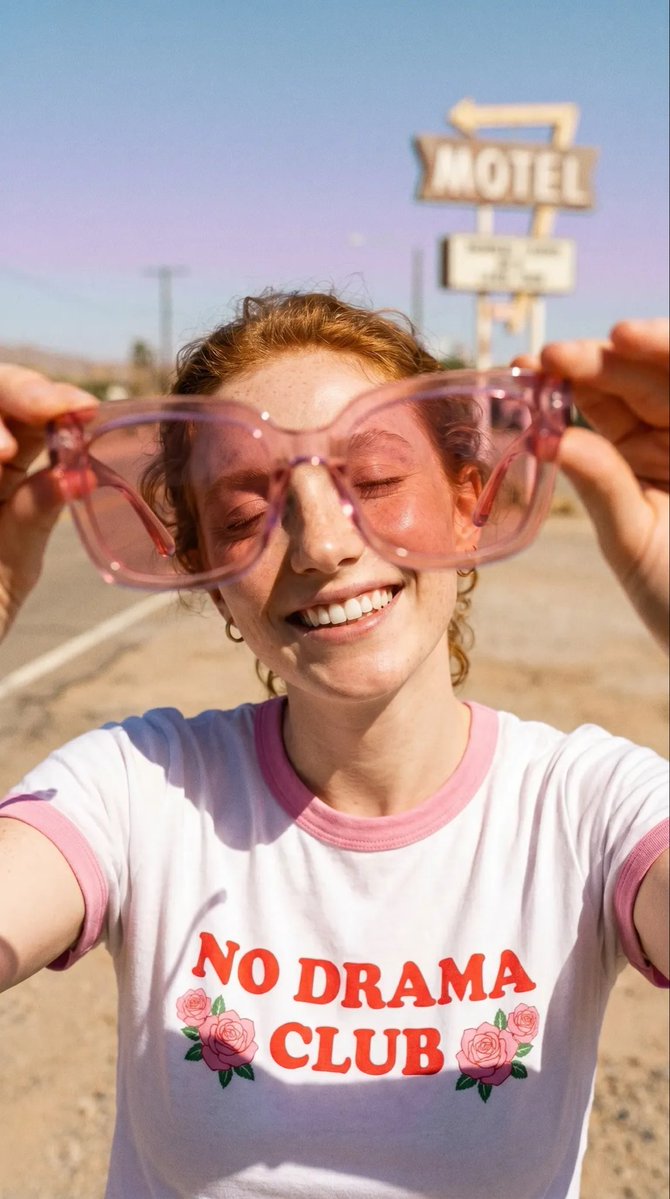







![Ghibli Nezha Character Turnaround — use the character turnaround format from [img1] to create 哪吒 in the same style](https://pbs.twimg.com/media/HEFSAOWbkAAK4k5.jpg)

