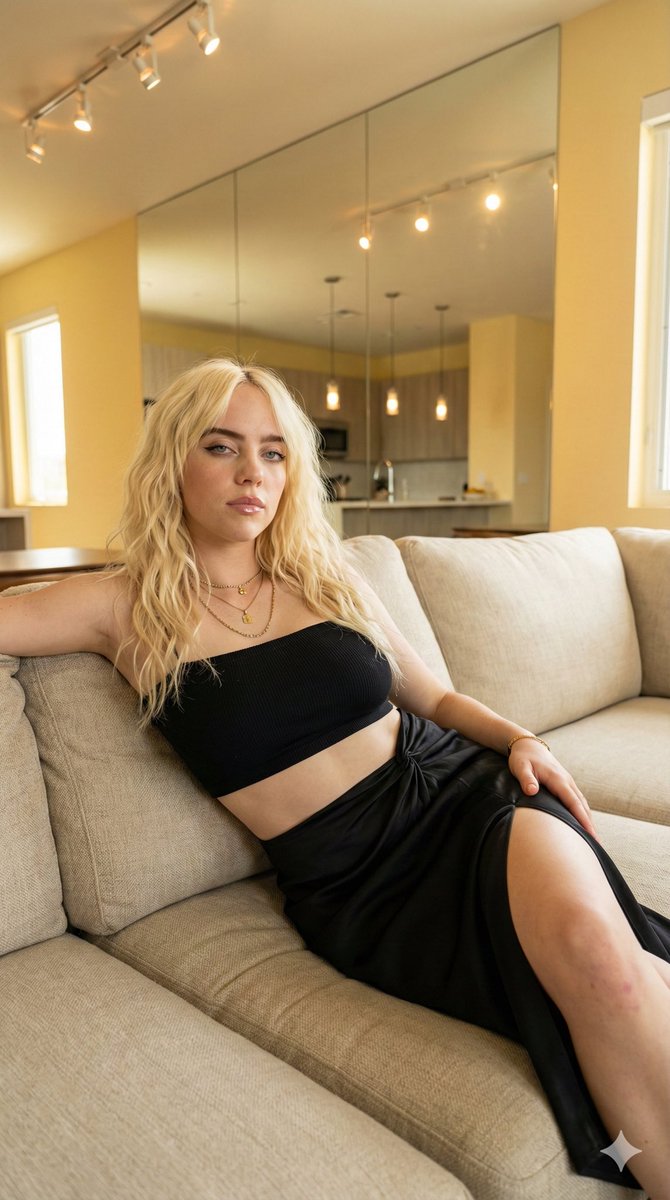
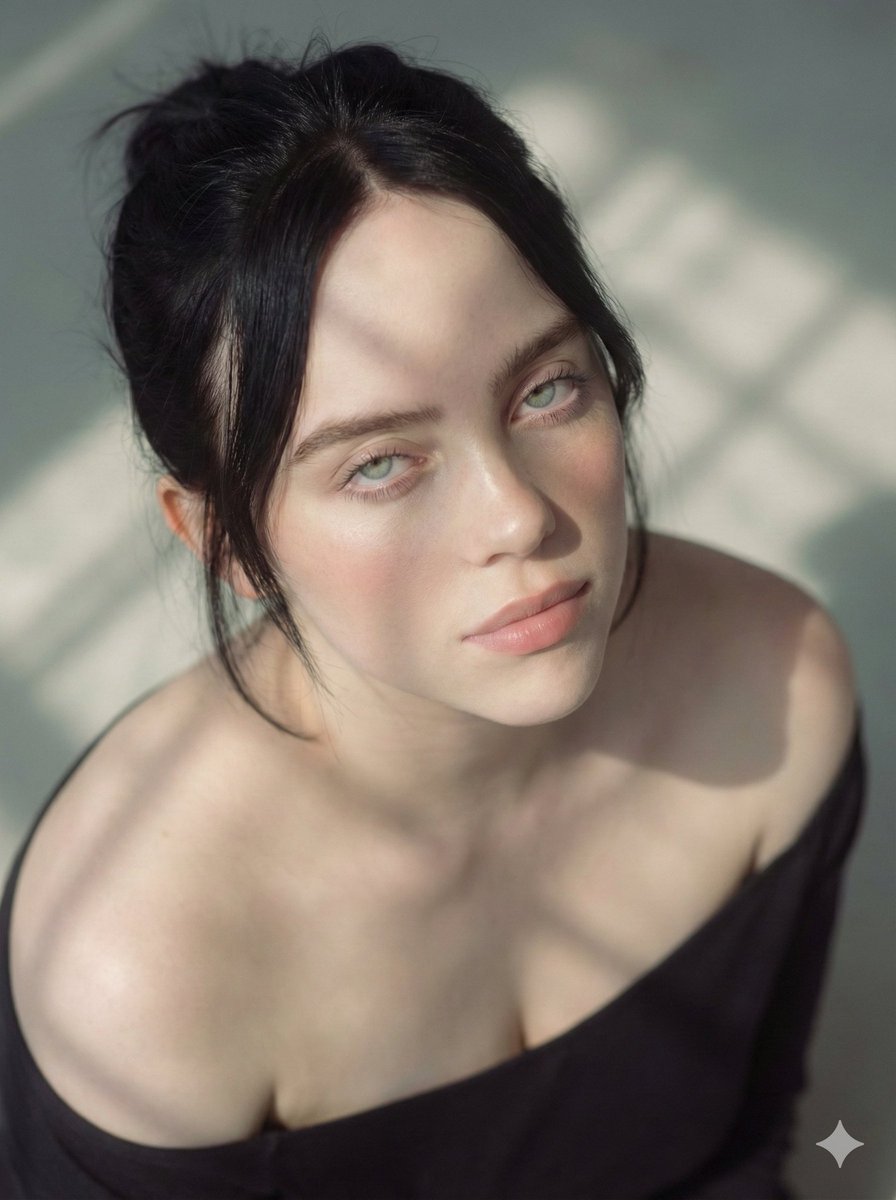
How do I use the Billie Eilish Logomania Streetwear Portrait template?
Choose the primary action to open PicX Studio with the available template settings. Review the model and format, personalize the creative direction, and generate when ready.
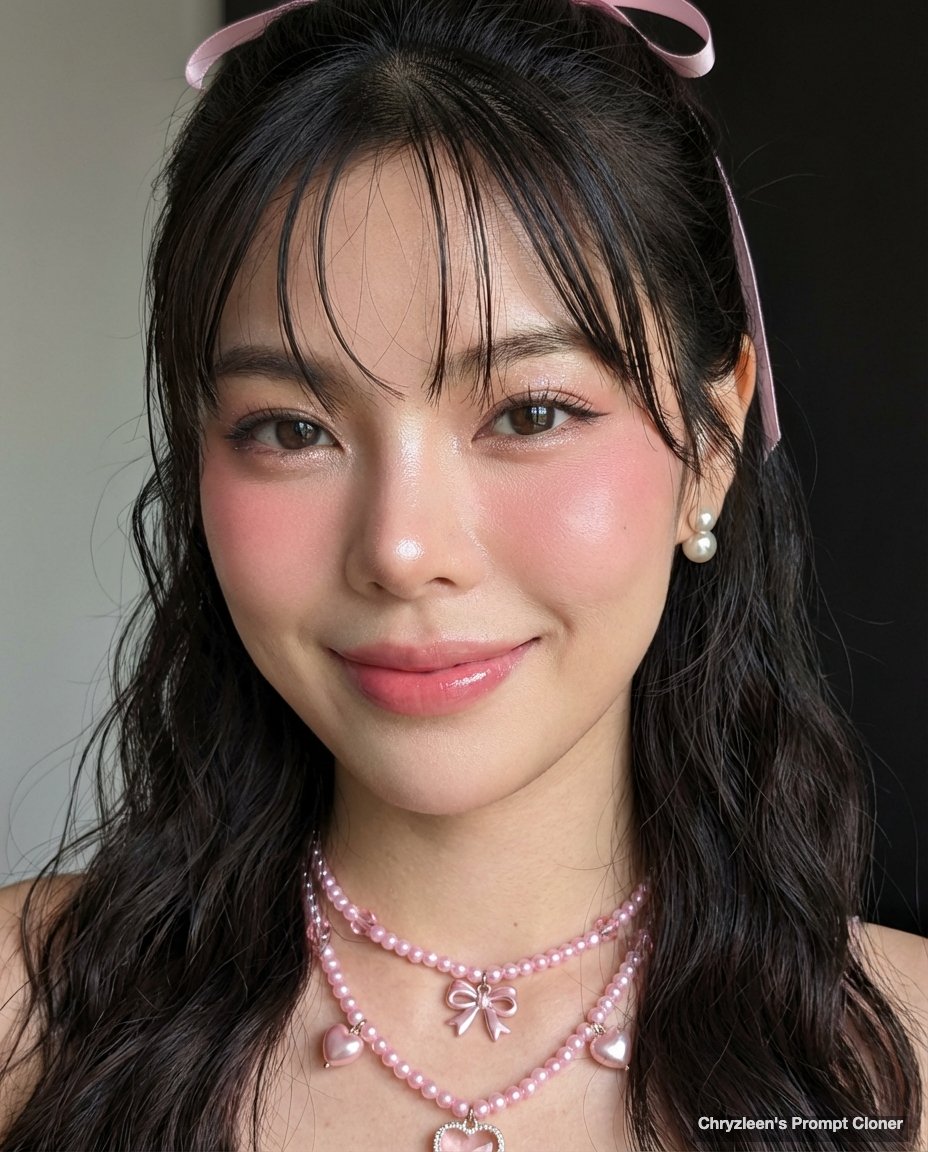
A JSON prompt detailing the appearance and attire of Billie Eilish in a modern streetwear-inspired high-fashion style, focusing on her silver-lavender hair, dewy makeup, and oversized vibrant butter-yellow mesh top layered over a black logomania base. Fields are grouped so you can swap scene, lighting, or camera without rewriting the rest.

Choose the primary action to open PicX Studio with the available template settings. Review the model and format, personalize the creative direction, and generate when ready.
Yes. You can change the subject, setting, lighting, mood, format, and available model controls before creating your image.
This template is free to open and customize. Generation usage is shown in PicX Studio before you create.
Start with Nano Banana 2, which is the model associated with this template. You can compare another compatible model for a different finish.
Follow a topic to a crawlable collection of related PicX Studio templates.
43,474 public templates available. Verified via the PicX Studio public templates API; refreshed hourly.










![Naive doodle-style subject illustration — A doodle-style {argument name="subject" default="[subject]"}, naive lines, humorous shape exaggeration](https://pbs.twimg.com/media/G6Wl2YxbsAARB2b.jpg)




















![nano-banana-seedance-cinematic-walk — Nano Banana Pro + Seedance 2.0 on Higgsfield
Prompt:
FORMAT: 15s / 135 BPM / 13 SHOTS
SUBJECT: @[image1]
WARDROBE: Stree](/_next/image?url=https%3A%2F%2Fcdn.picxstudio.com%2Fuploads%2Ftweet_img_new_6_079ba0a3-dc9a-4cf6-b5a9-1acee40e0b6b.jpg&w=828&q=100)