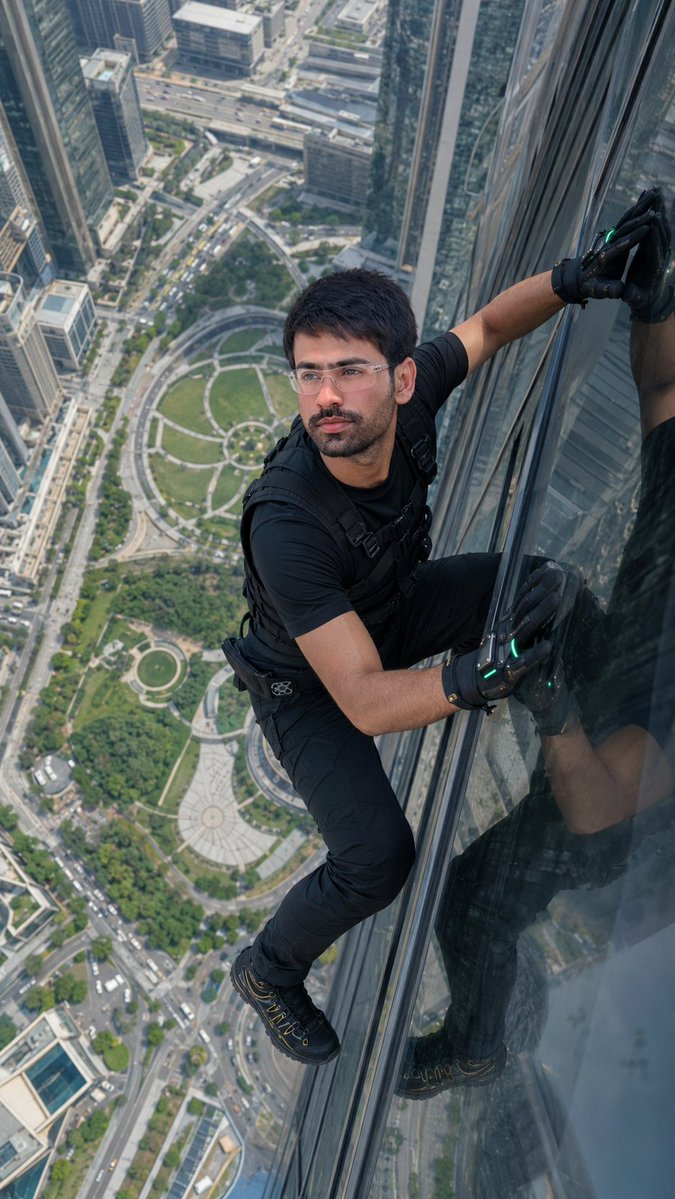
Skyscraper Climbing Action Shot
ultra-realistic IMAX-grade cinematic action shot, extreme high-angle perspective looking down from a massive height, 9:16 vertical aspect ratio, a {argument name="subject" default="man or woman"} matching the exact reference face and hairstyle climbing the side of a modern glass skyscraper, body stretched dynamically across the reflective facade, positioned on the right side of the frame, one leg raised gripping the glass while the other is bent for support, both palms pressed tightly against the glass surface creating tension and realism, wearing {argument name="glasses" default="futuristic clear-framed glasses"} with subtle reflections, outfit: {argument name="outfit" default="premium black fitted t-shirt, black tactical pants, futuristic black gloves"} with protective padding and bright green LED accents glowing softly, black tactical climbing boots with gold detailing and strong grip texture, a sleek black vest or harness securely fitted over the torso adding realism and safety gear detail, expression: determined and slightly tense with focused eyes and head slightly tilted forward, face lock: maintain exact facial structure, proportions, skin tone, hairstyle, and identity from reference with 100% accuracy, preserve micro-details and natural imperfections, no beautification, facial rendering: soft natural skin with visible pores, smooth tonal transitions, subtle subsurface scattering, no smoothing or artificial glow, environment: towering skyscraper with ultra-reflective glass panels showing the subject’s shadow, sky reflections, and a detailed cityscape far below including intricate walkways, a lush green circular park, and distant street traffic with tiny moving cars, strong sense of depth and scale, lighting: bright natural daylight casting sharp directional shadows, high contrast reflections on glass surface, crisp highlights with controlled roll-off, color science: ultra-clean cinematic color grading with high color separation, natural saturation, deep contrast, HDR dynamic range preserving both sky and ground detail, lens: full-frame Sony A7R, 24mm wide-angle lens to exaggerate height and perspective, sharp foreground subject with slight depth falloff into the city below, realism: extreme photorealistic detail, realistic reflections, natural perspective distortion, micro-contrast textures, no HDR overprocessing, no artificial sharpening
negative prompt: distorted face, changed identity, altered hairstyle, flat lighting, dull colors, unrealistic reflections, floating pose, weak grip, plastic skin, over-smooth face, beauty filter effect, low detail, noise artifacts, color banding, extra limbs, incorrect anatomy, blurry subject


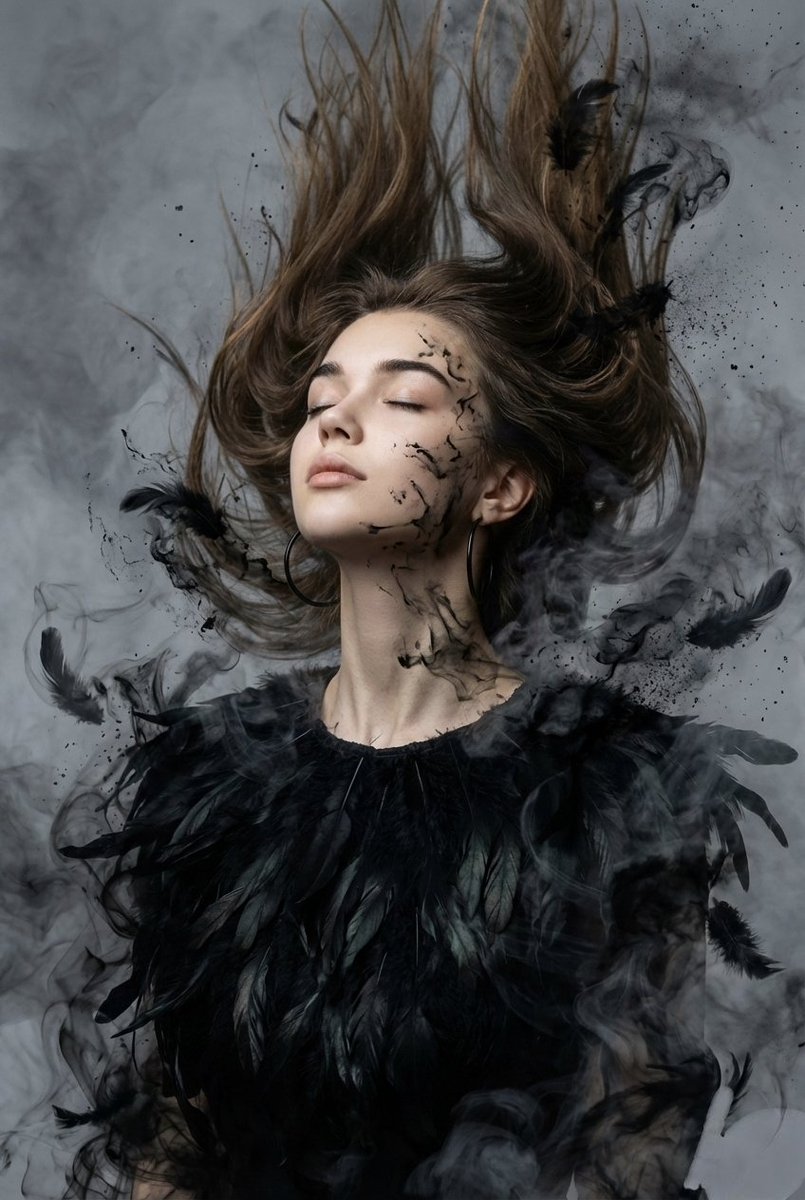




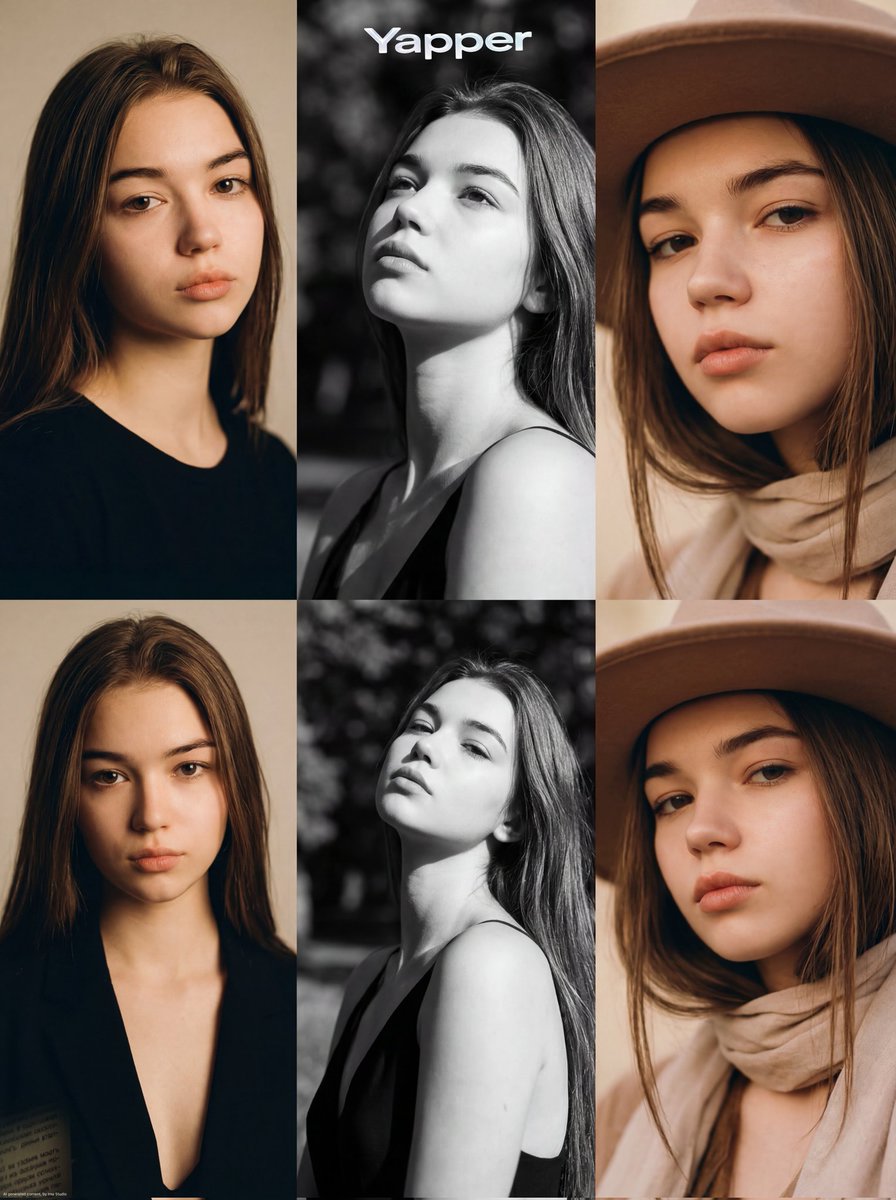

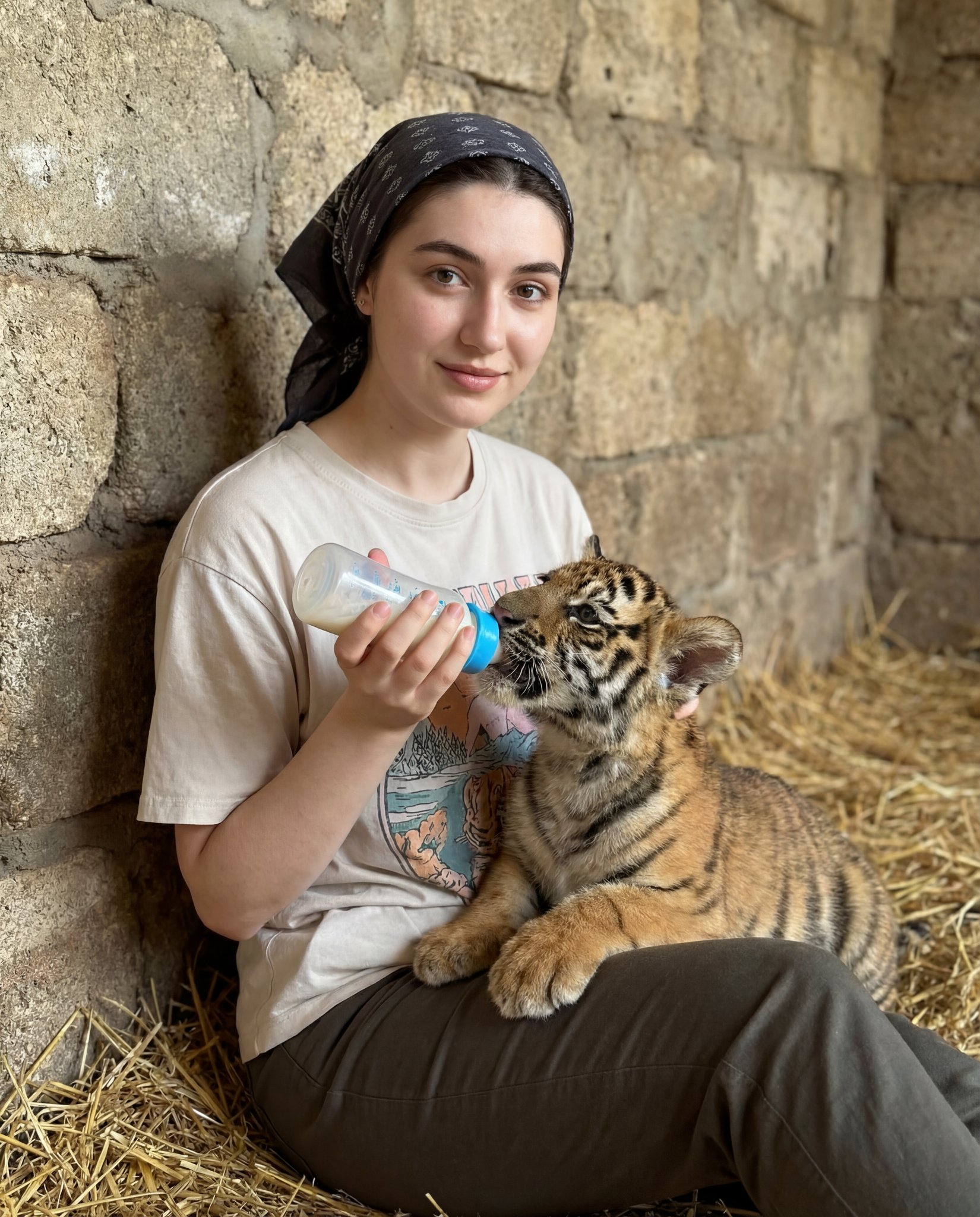





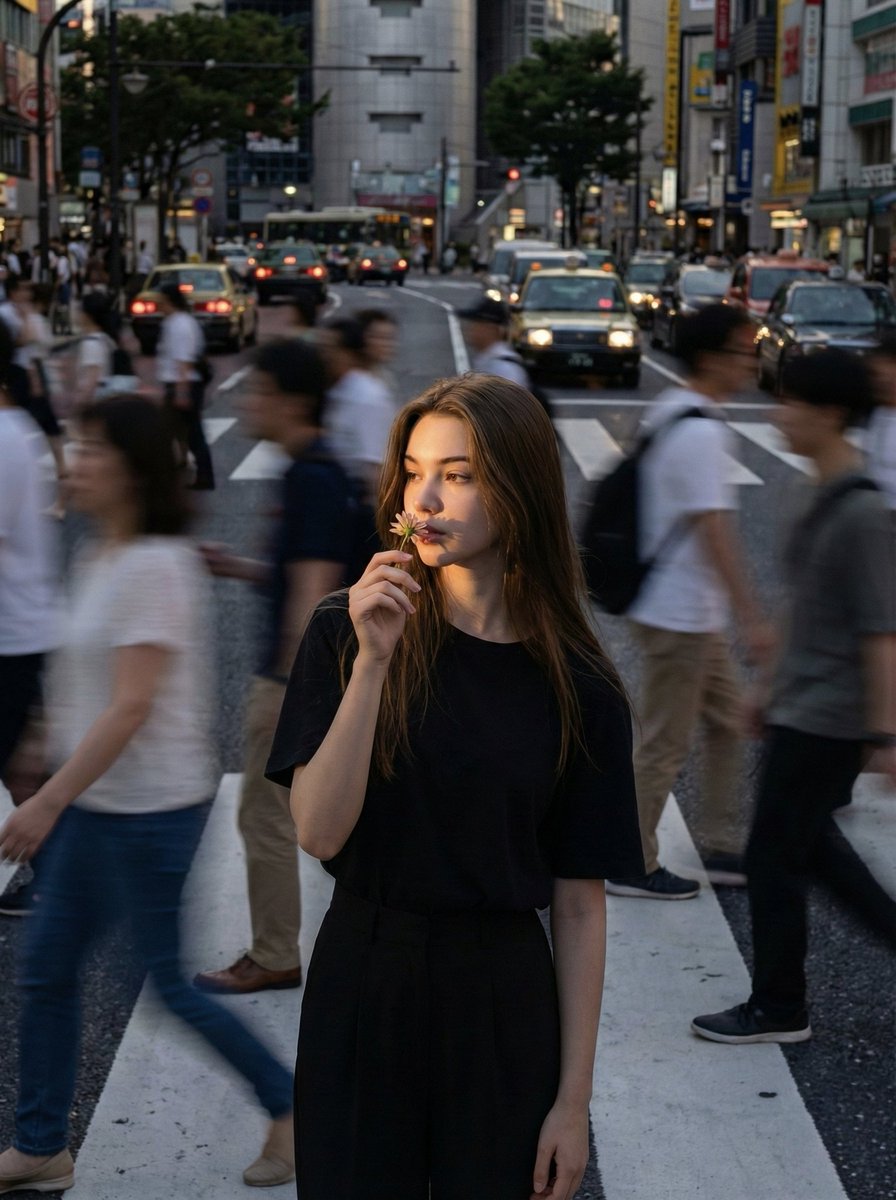
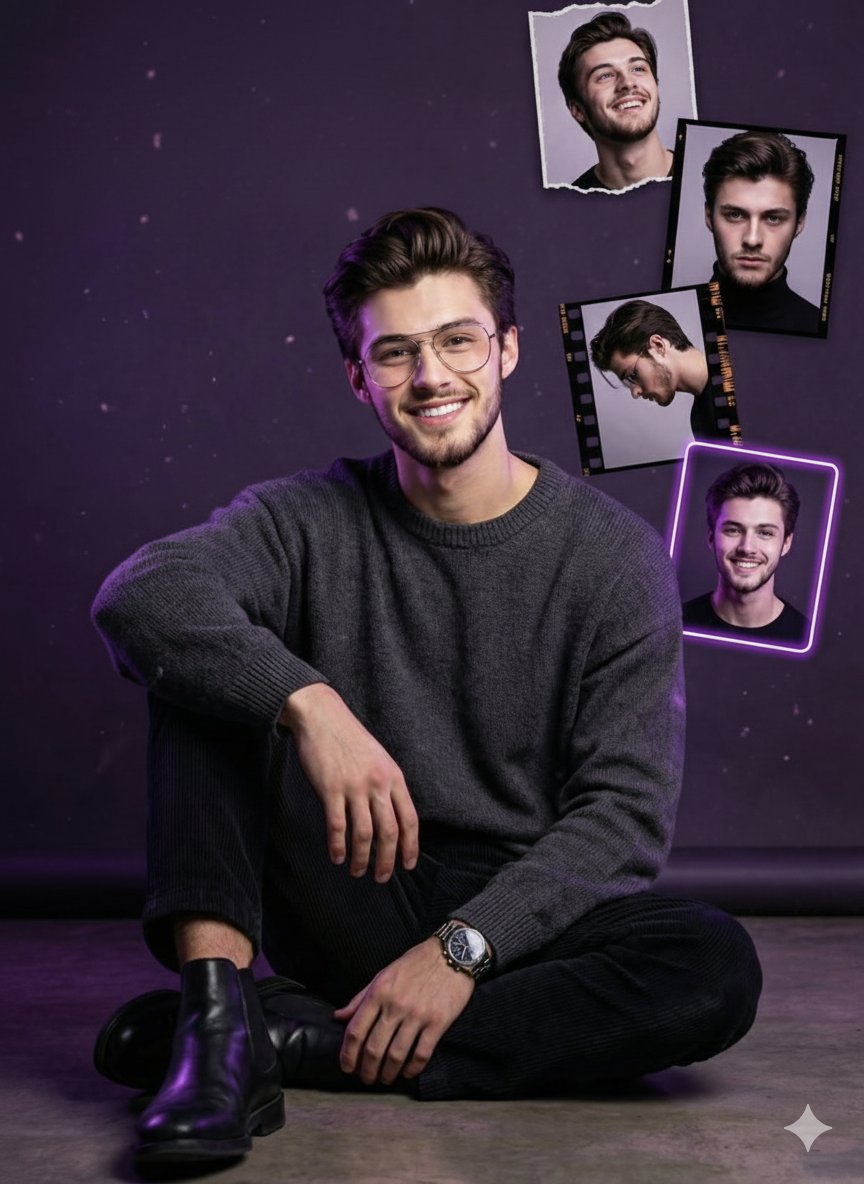
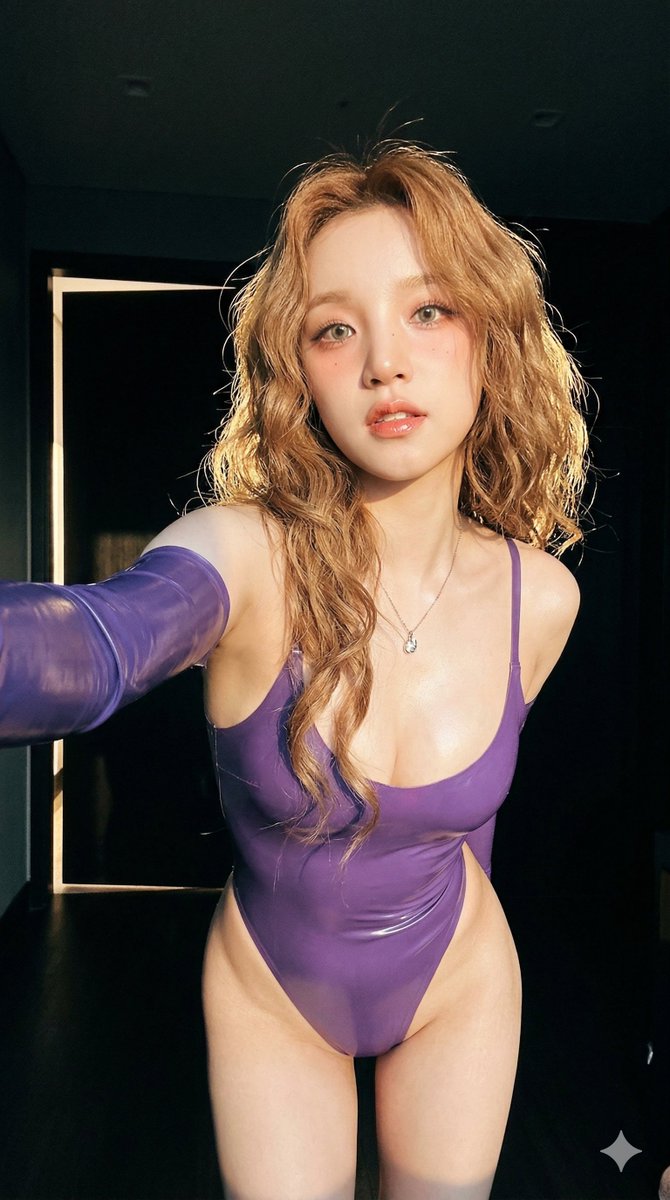




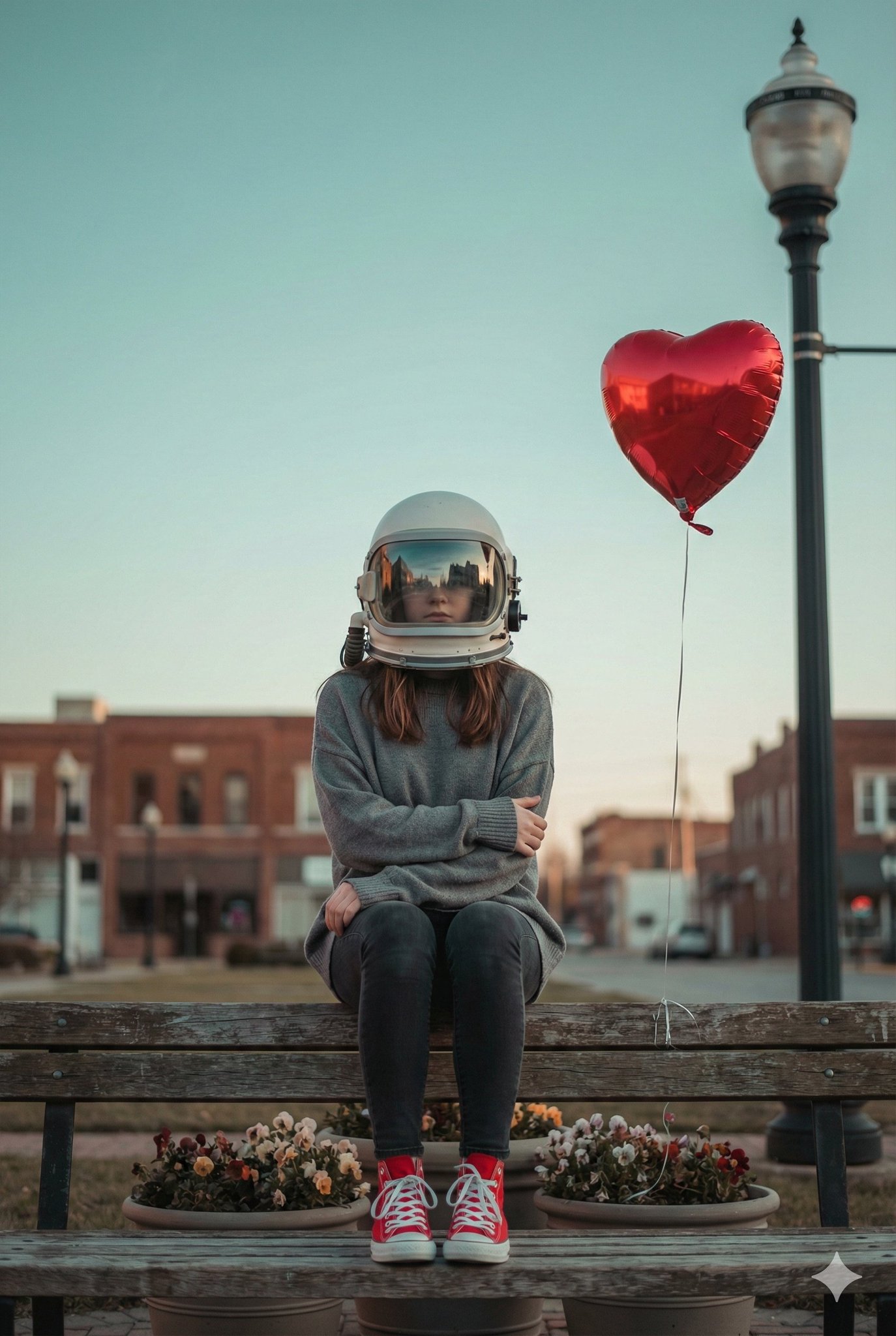
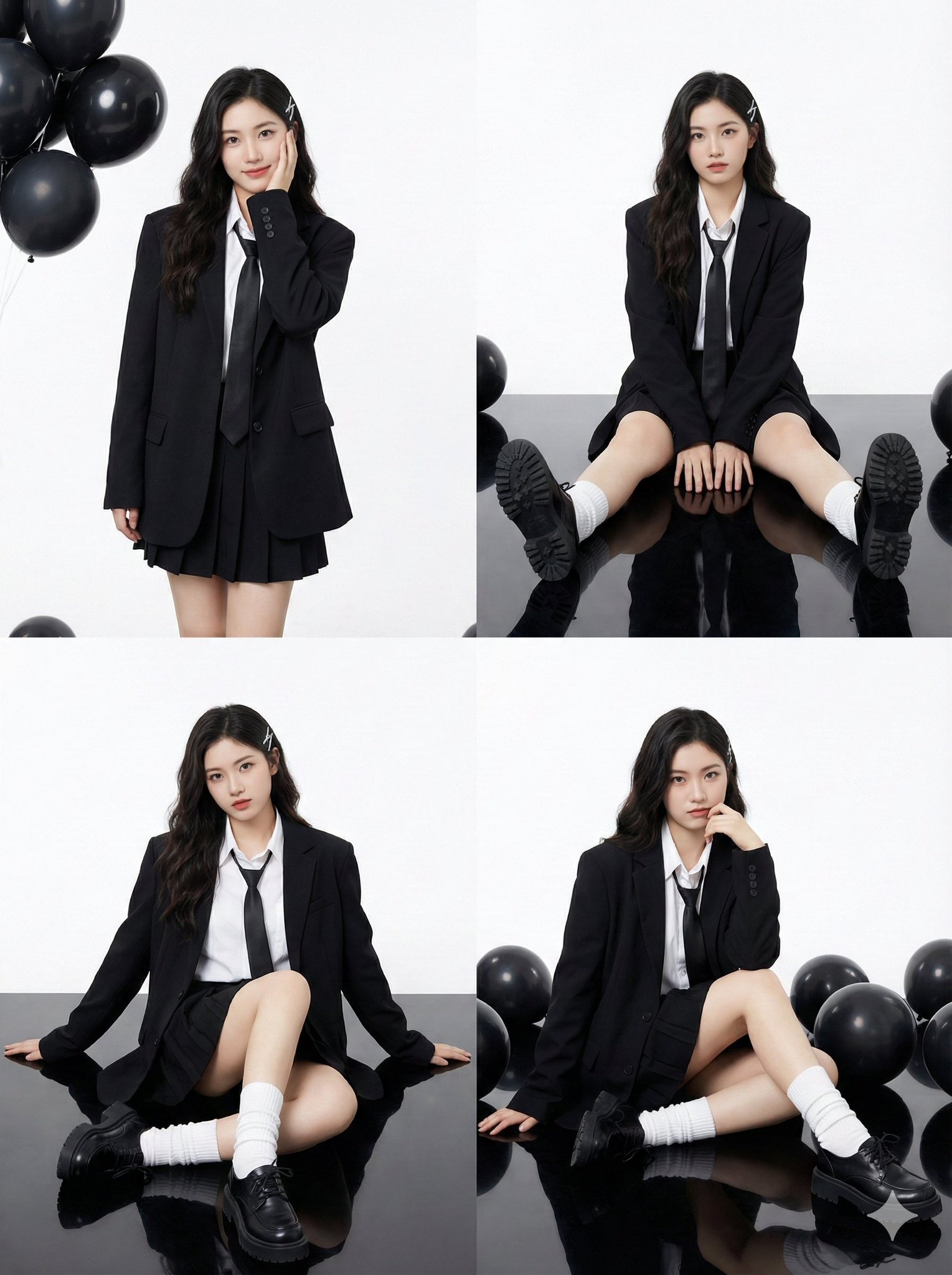
![This image into a 64K DSLR shot resolution of A stylish urban fashion — Transform this image [Upload Your Image] into a 64K DSLR shot resolution of A stylish ur](https://images.meigen.ai/tweets/2008470156146860416/0.jpg)
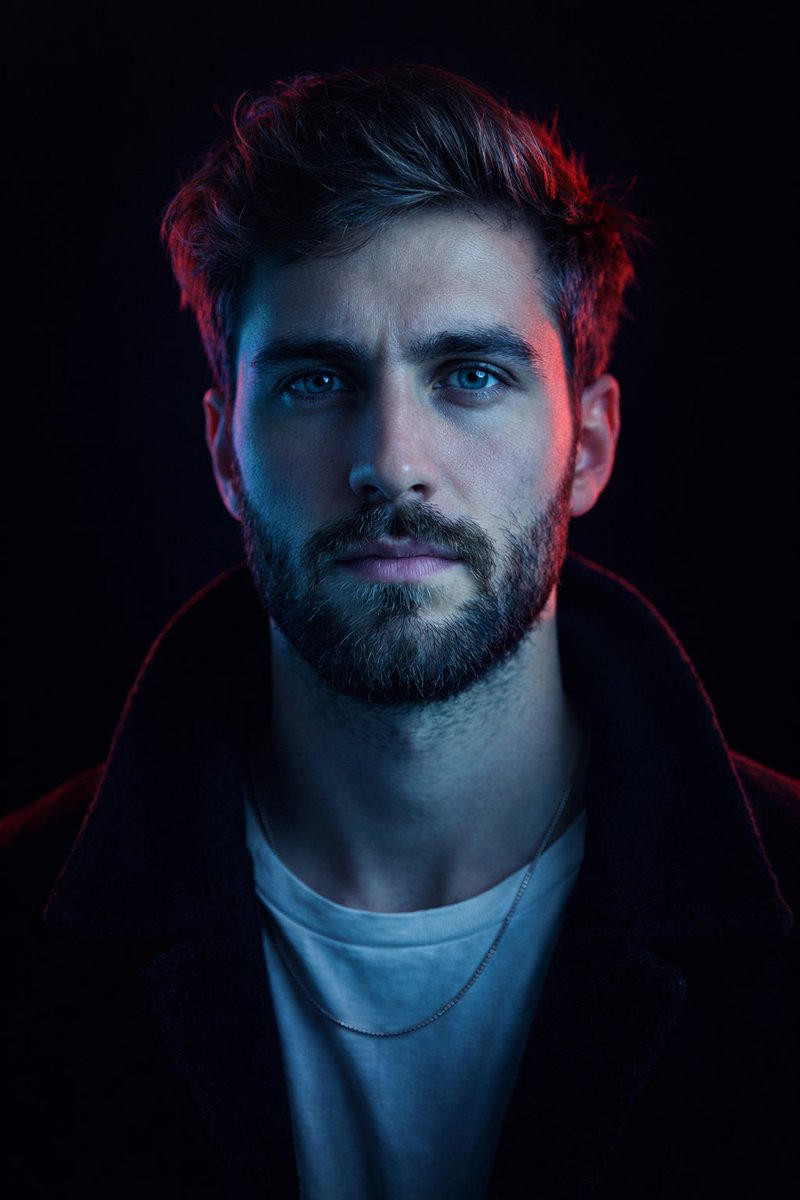
![Naive doodle-style subject illustration — A doodle-style {argument name="subject" default="[subject]"}, naive lines, humorous shape exaggeration](https://pbs.twimg.com/media/G6Wl2YxbsAARB2b.jpg)













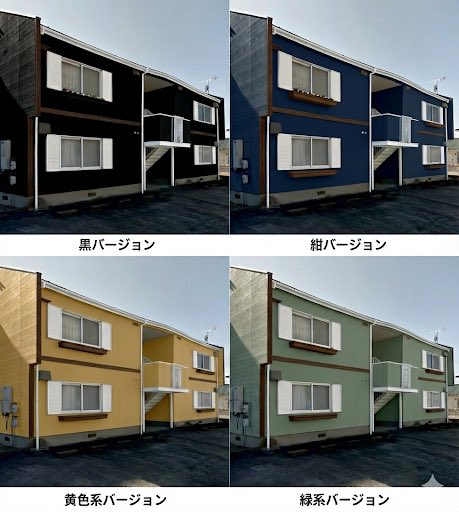
![Fashion Scrapbook Page Layout Generation — 傑作、最高品質、高解像度、(全身ショット:1.5)、ファッションスクラップブックページレイアウト、コラージュスタイル、[テーマ/美的キーワード]
[主題]:[キャラクター説明]のワイドショット全身ファッション写真。[ポーズとアクショ](https://pbs.twimg.com/media/HBCQ5yVa8AAhsS5.jpg)
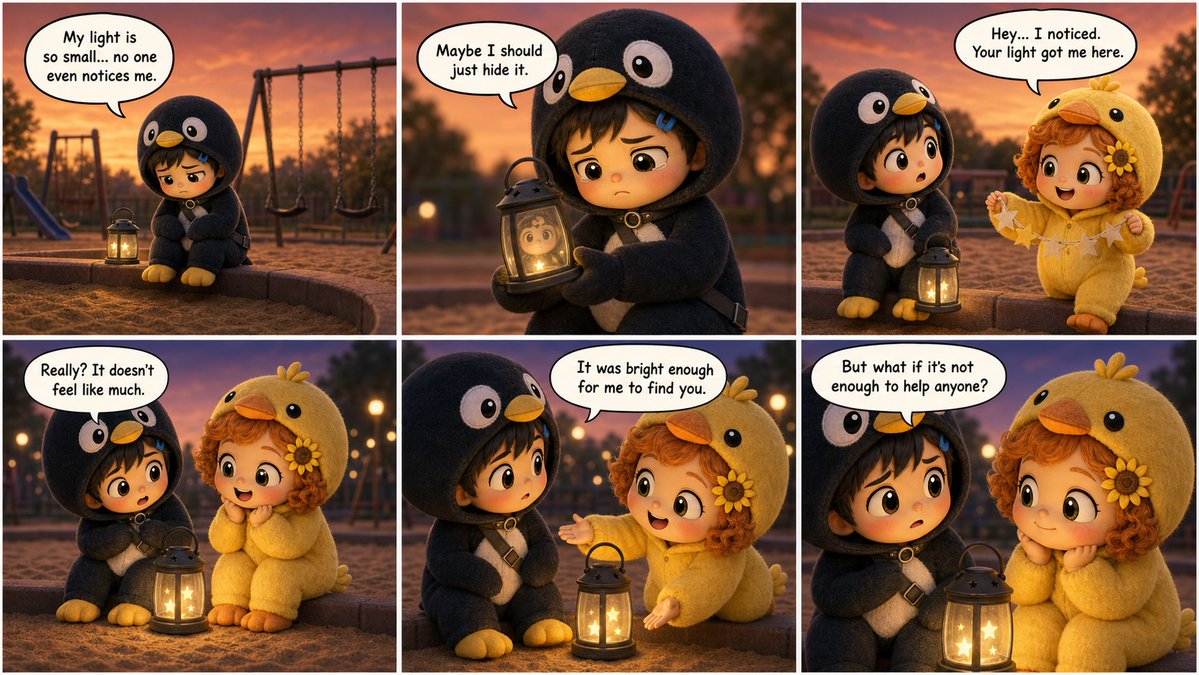











![Procedural Book Nook Diorama Generation Prompt — <instructions> Input Variable: [INSERT TOPIC HERE] (e.g., History of Space Exploration)
Syst…](https://pbs.twimg.com/media/G9mPO2WXgAAXUg8.jpg)





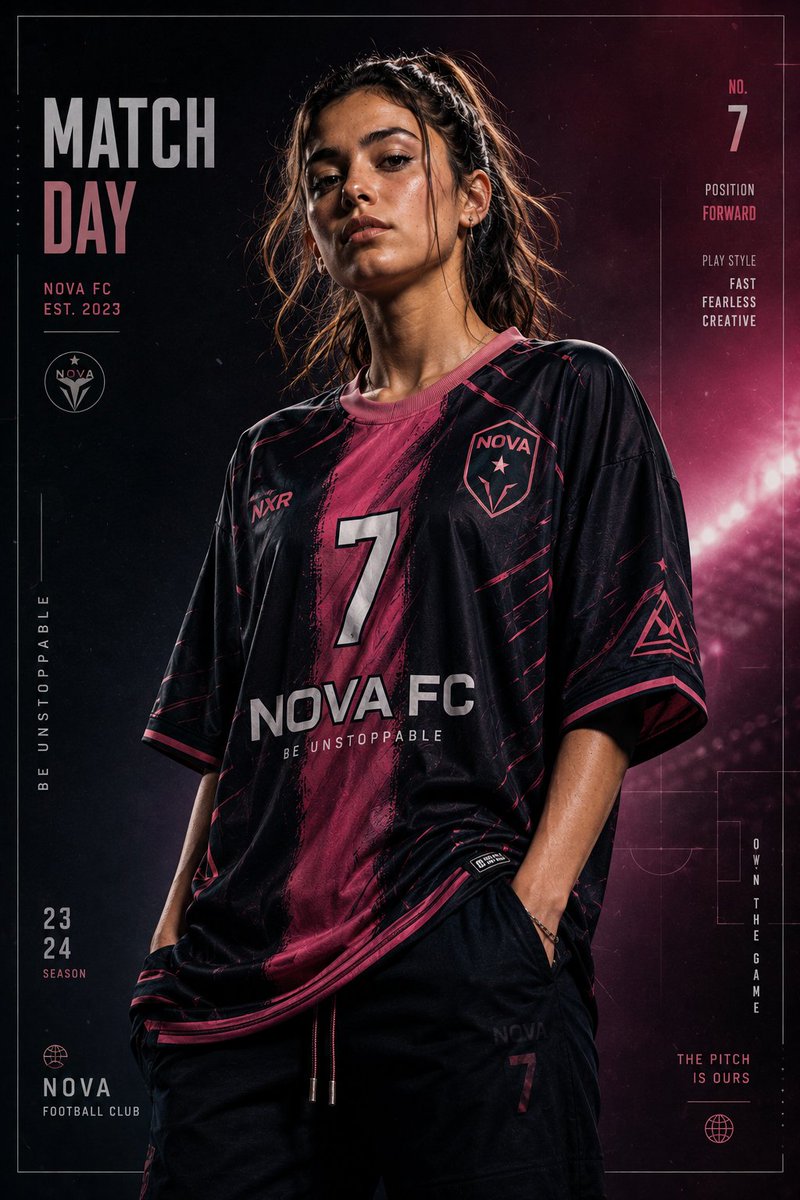
![Slow Motion Pour Food Photography Prompt for Nano Banana 2 — [DISH] at the precise moment of a dramatic [LIQUID] pour in ultra high-speed photography, liquid ca](https://pbs.twimg.com/media/HEbyM0QaUAAm4Pv.jpg)
