
Sitting on the floor, leaning torso back, supporting weight with both
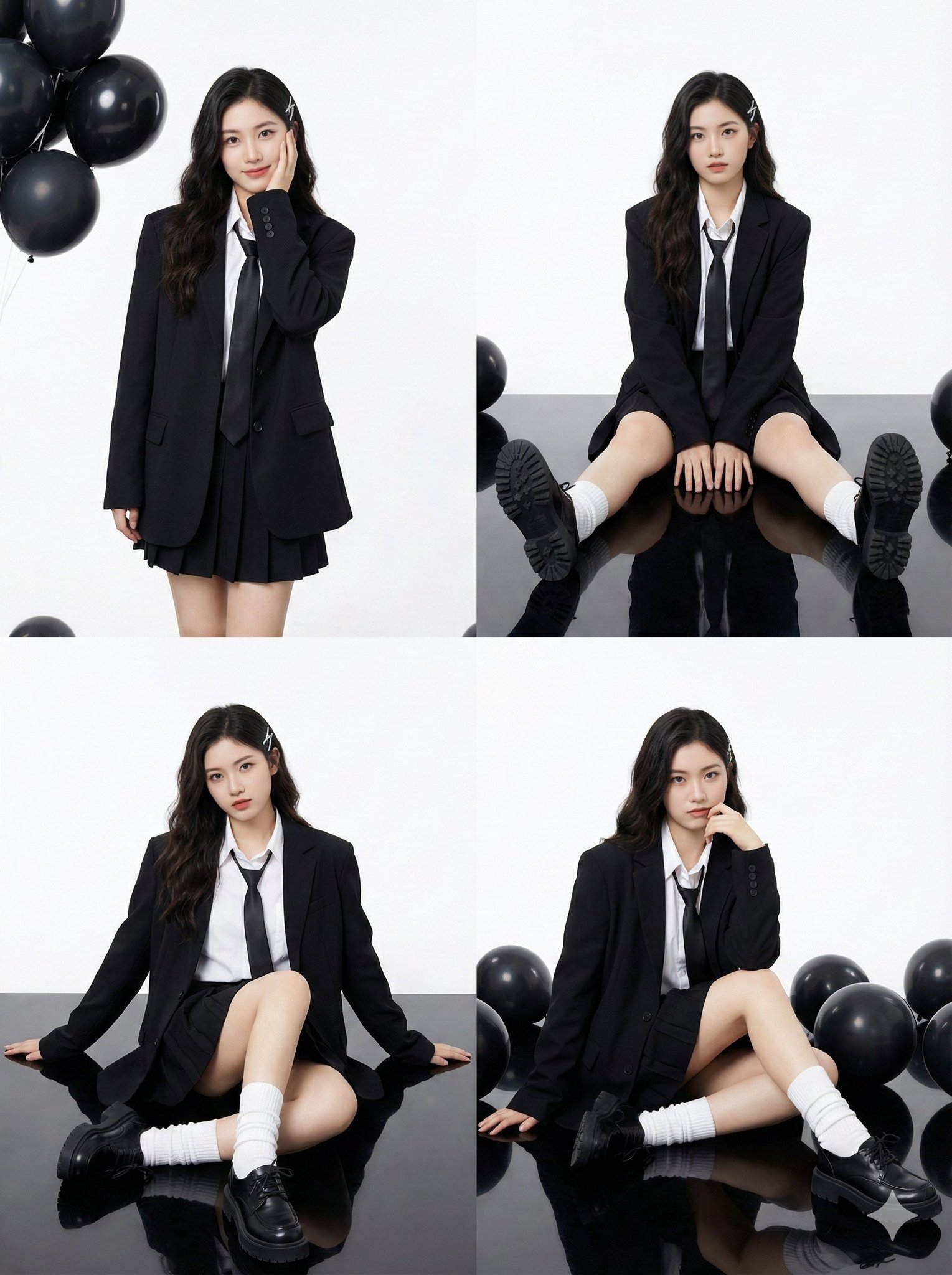
{ "Young Asian woman, pale porcelain skin, long dark wavy hair with side bangs.", "accessories": "A silver rectangular hair clip on the left side of the head.", "apparel": { "outerwear": "Oversized black structured…
- Prompt included
- Model and format preset
- Premium template
The prompt behind this image
Copy the exact prompt behind Sitting on the floor, leaning torso back, supporting weight with both, or open it in the studio and make it yours.
{ "Young Asian woman, pale porcelain skin, long dark wavy hair with side bangs.", "accessories": "A silver rectangular hair clip on the left side of the head.", "apparel": { "outerwear": "Oversized black structured blazer (suit jacket).", "inner": "White collared button-up shirt, loose black necktie.", "bottoms": "Black pleated mini skirt (mostly obscured by the oversized blazer).", "legwear": "White loose slouch socks (leg warmers style) scrunching at the ankles.", "footwear": "Black chunky leather platform derby shoes." }, "makeup": "K-pop/Douyin style: fair skin, soft gradient red lips, subtle blush, defined eyeliner." "2x2 Photo Collage (4-Panel Grid).", }, "environment_and_props": { "studio_setting": "High-key photography studio.", "background": "Seamless bright white backdrop.", "flooring": "Glossy black reflective floor (creating clear reflections of the shoes and legs).", "props": "Cluster of black helium balloons (matte and glossy finish) visible in the top-left and scattered on the floor in other panels." }, "panel_pose_breakdown": { "panel_1_top_left": { "framing": "Thigh-up shot.", "pose": "Standing straight. Left hand rests gently against the left cheek (palm facing jaw). Right arm hangs naturally by side. Head tilted slightly.", "gaze": "Looking directly at camera with a soft smile.", "prop_placement": "Black balloons floating in the top left corner." }, "panel_2_top_right": { "framing": "Full body, seated.", "pose": "Sitting on the floor with knees bent upwards and feet flat on the ground. Hands resting loosely on the floor between legs or on shins.", "gaze": "Direct eye contact, neutral expression.", "details": "Symmetrical composition." }, "panel_3_bottom_left": { "framing": "Full body, seated angle.", "pose": "Sitting on the floor, leaning torso back, supporting weight with both arms extended behind her. Legs bent, one knee angled higher than the other.", "gaze": "Looking slightly to the side with a cool attitude." }, "panel_4_bottom_right": { "framing": "Full body, seated.", "pose": "Sitting with legs bent to the side. Left hand is raised, touching the chin/neck area thoughtfully. Right arm extended back for support.", "gaze": "Direct eye contact, slight smirk." } }, "camera_technical_values": { "lens": "50mm to 85mm (Standard portrait lens).", "aperture": "f/8.0 (Deep depth of field, keeping the entire subject sharp against the white background).", "shutter_speed": "1/160s (Studio sync).", "iso": "ISO 100 (Clean, noise-free image).", "lighting_setup": "Softbox lighting. Large diffuse light source from the front to create shadowless, flattering illumination on the face ('Beauty Light').", "contrast": "High contrast between the black outfit and the stark white background."
How to use Sitting on the floor, leaning torso back, supporting weight with both in 3 steps
- 1
Open
The prompt is already in the box next to the preview, with the template's model and format selected.
- 2…a portrait of your subject in softgolden-hour light, 85mm…
Personalize
Edit the subject and creative details for your destination.
- 3Generate
Generate
Press Generate — your image is created in PicX Studio, so you can compare it with the original and refine one variable at a time.
More like this
Templates with the same subject, style or setup. Open one to see its prompt.

Using the reference picture, create A stylish man sitting on a luxurious
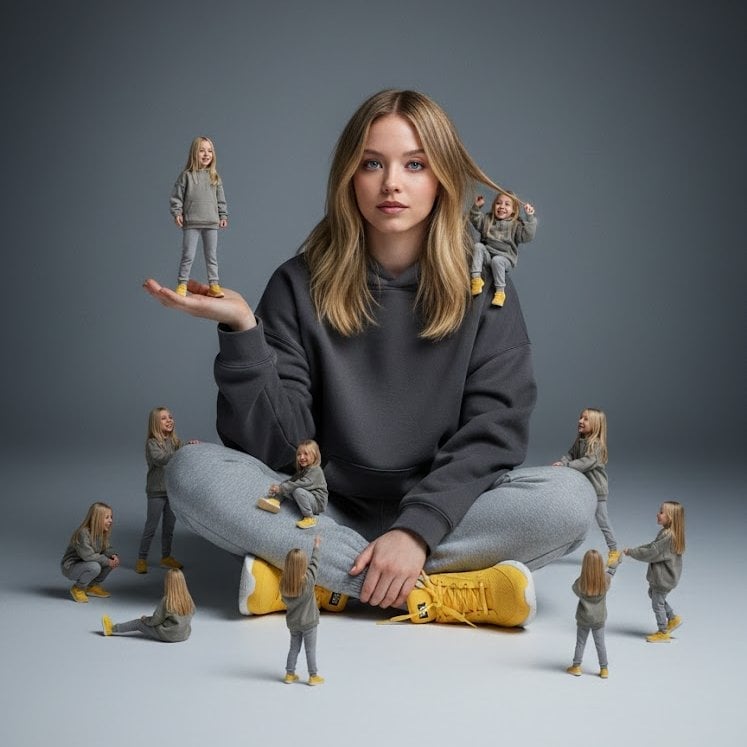
A creative surreal image of a woman sitting on the ground, wearing

Cinematic portrait of a confident football player sitting on a dark
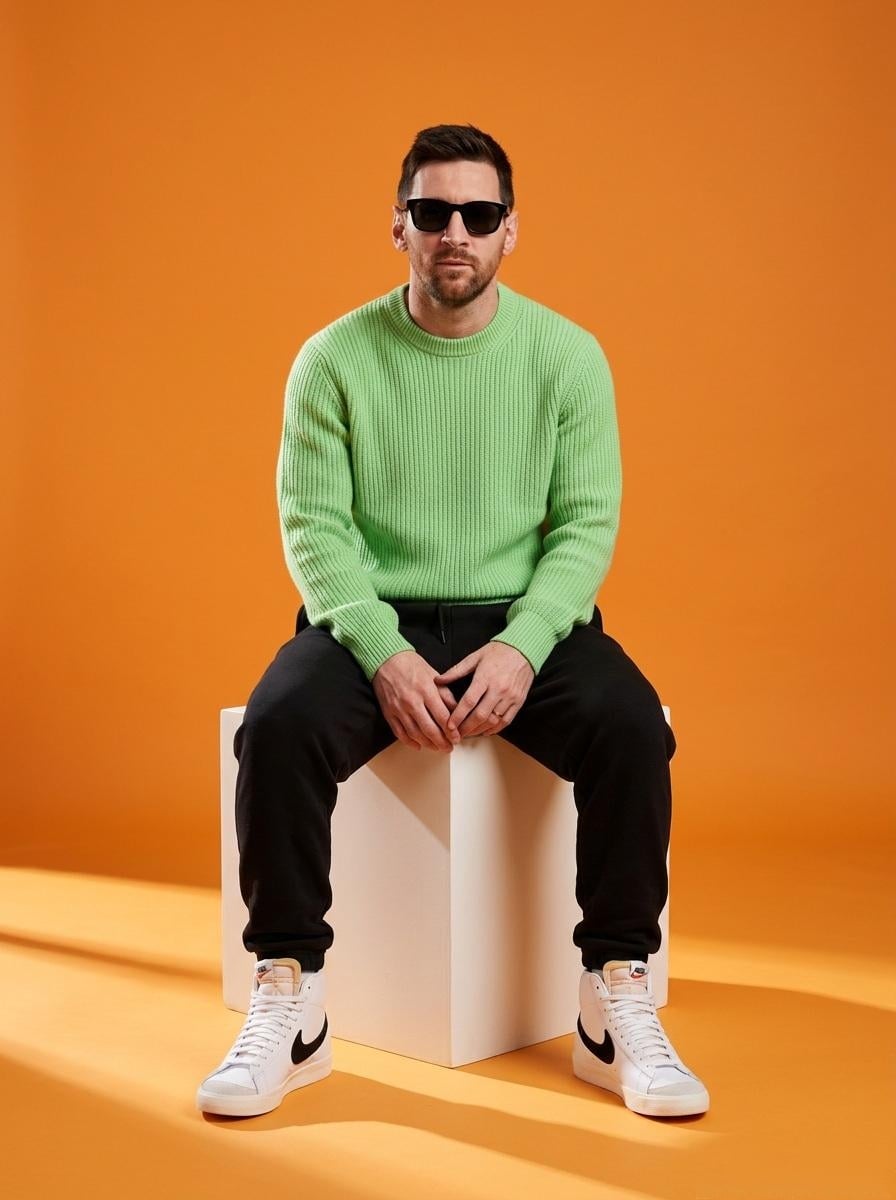
A stylish male model sitting on a white cube in a minimalist studio
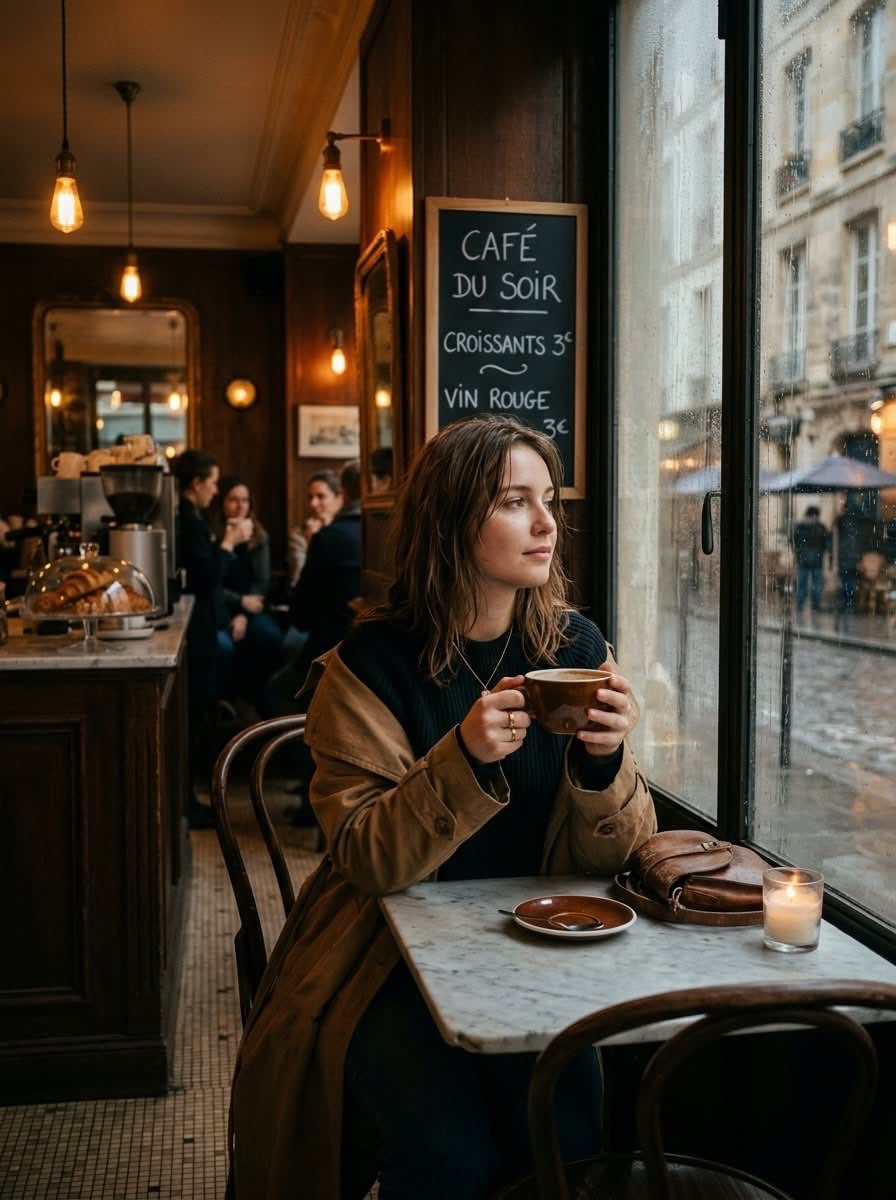
Cinematic photo of a young woman sitting alone in a cozy Parisian café
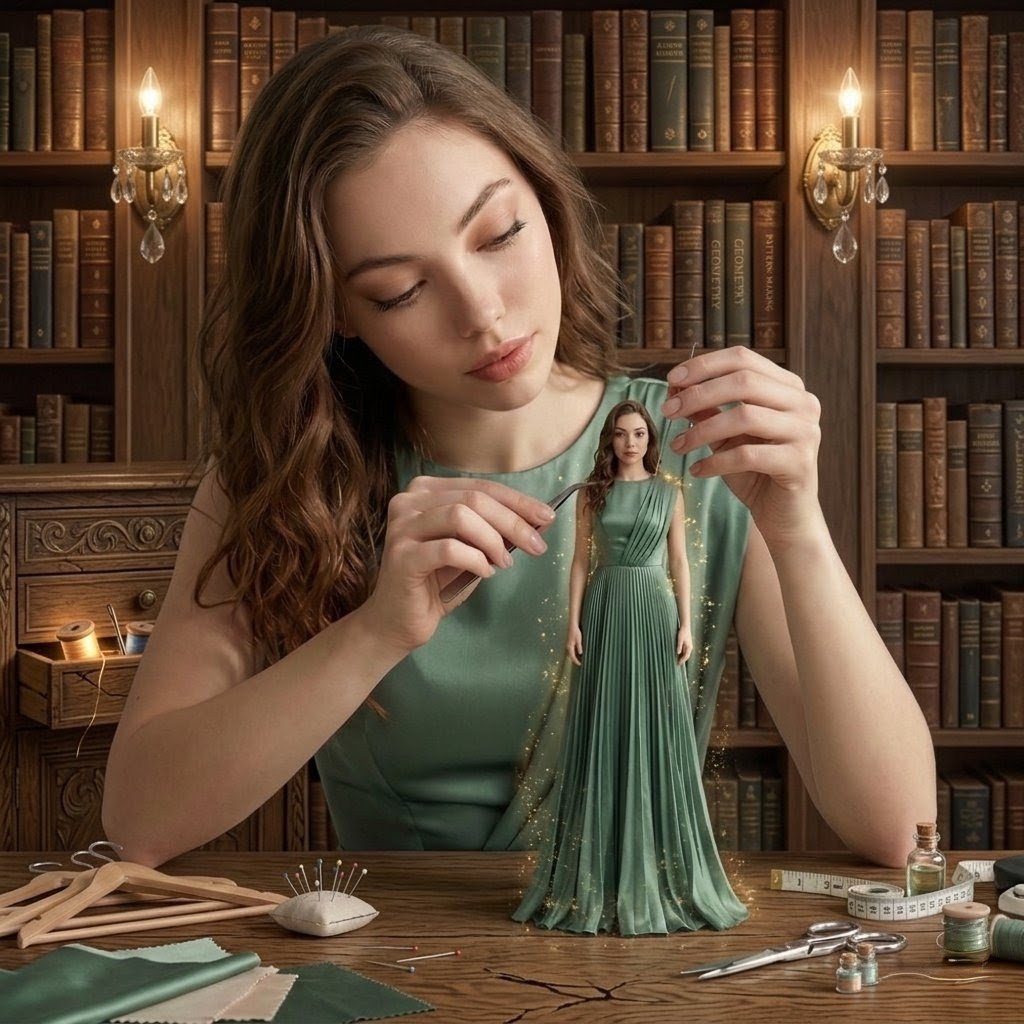
A hyper-realistic cinematic scene of a young woman sitting at a wooden
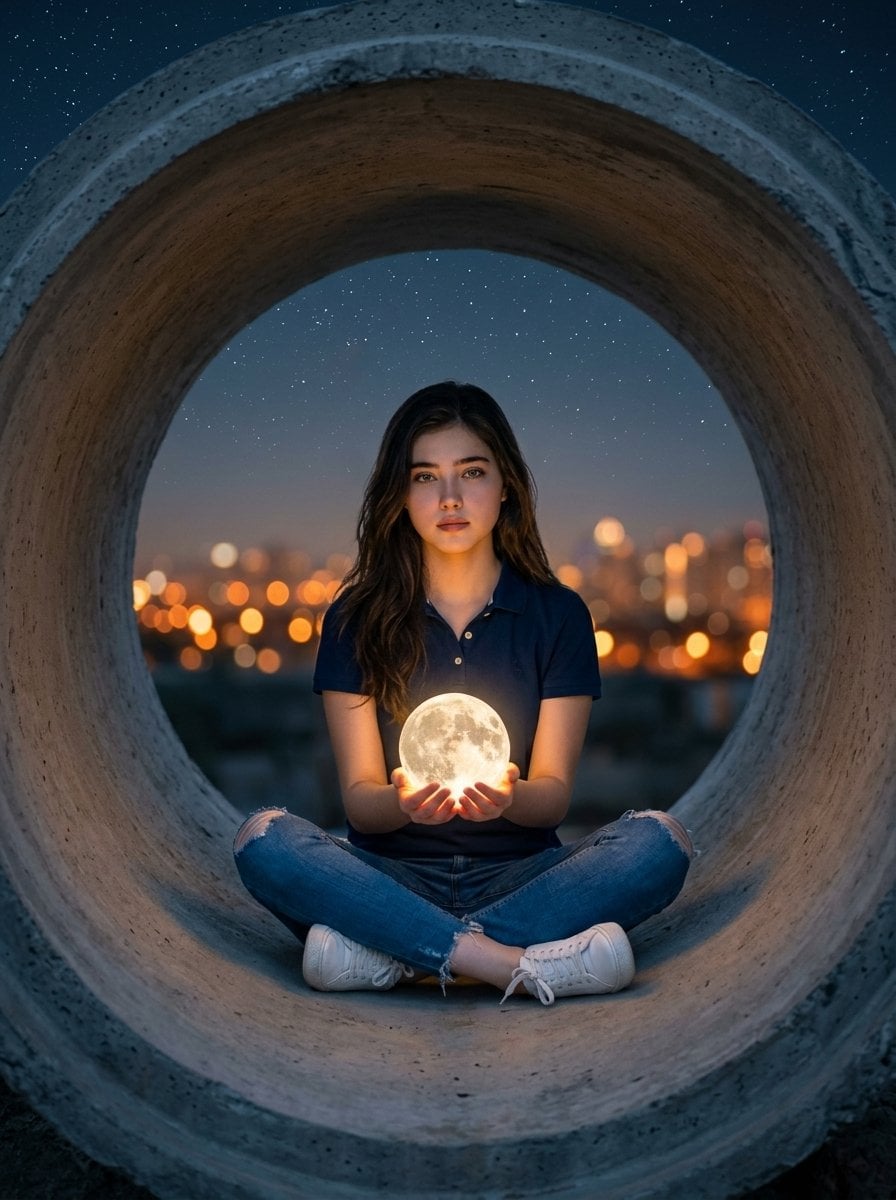
Hyper-realistic surreal photography of a woman sitting inside a massive

A high-definition cinematic portrait of a sophisticated woman sitting
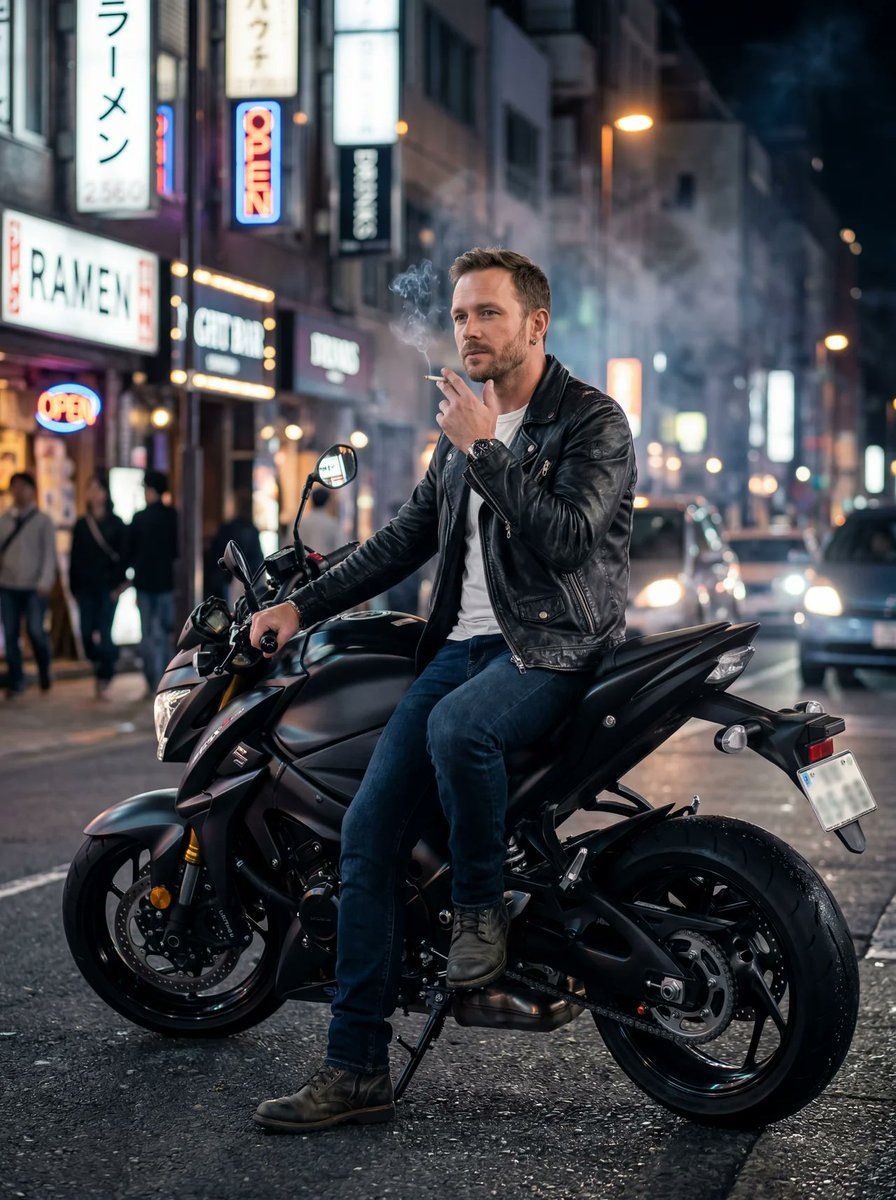
Sitting casually on the motorbike, one foot on the ground, holding
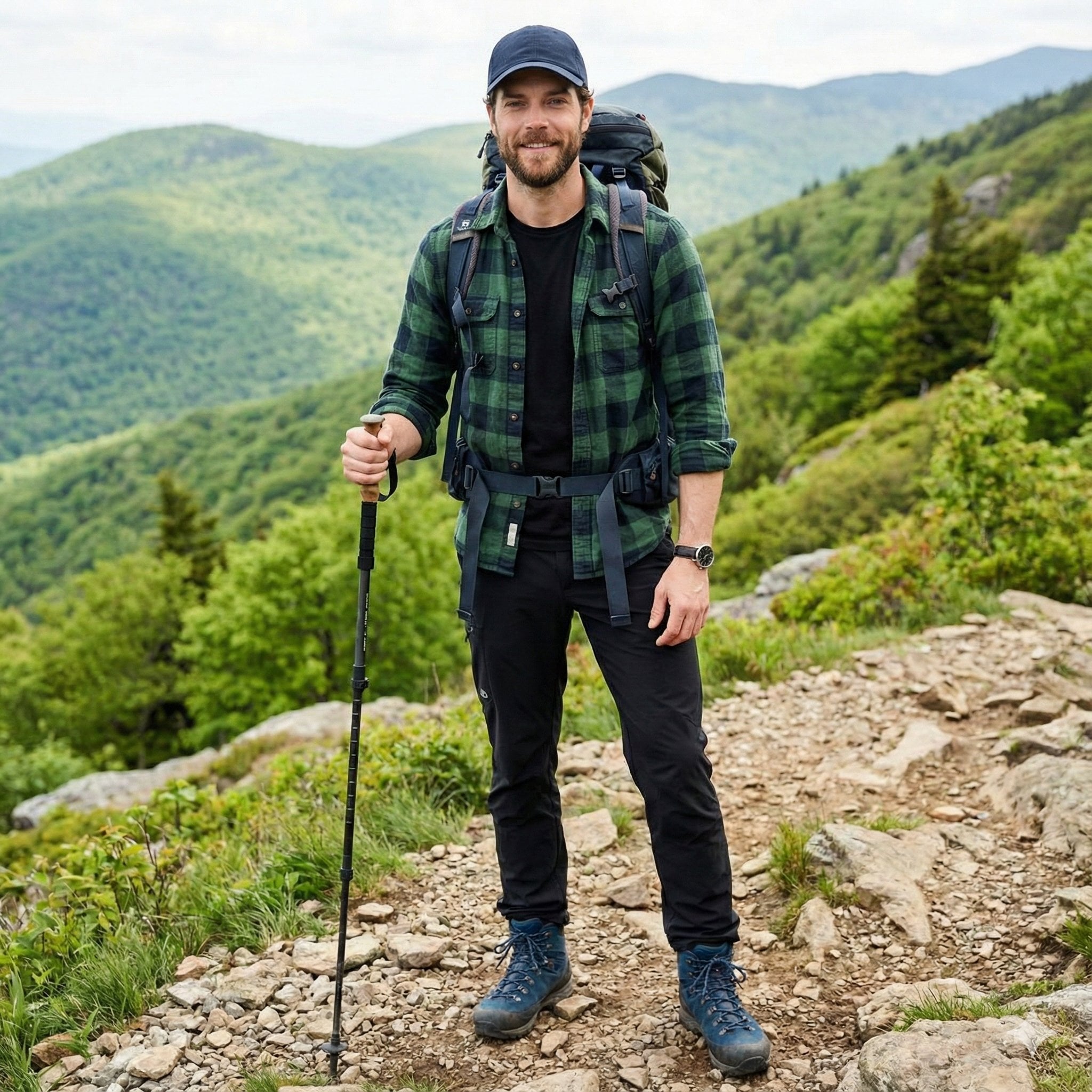
A handsome male trekker sitting comfortably at a mountain campsite, no
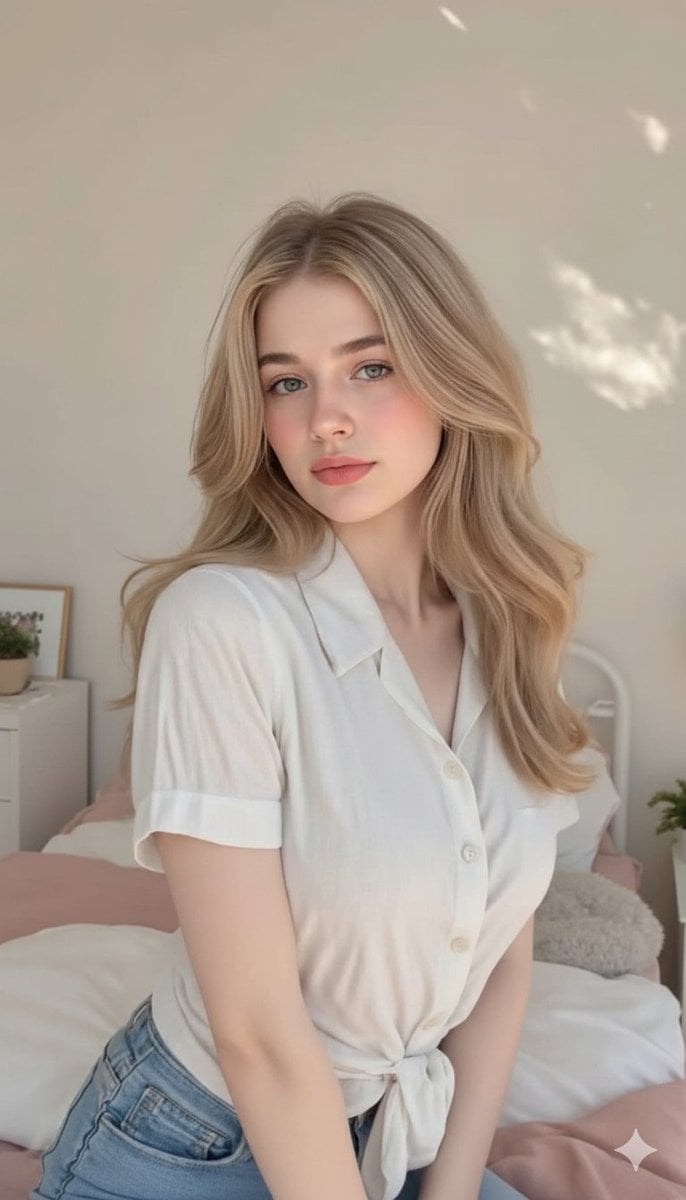
Cute, innocent young adult blonde woman sitting comfortably on a neatly
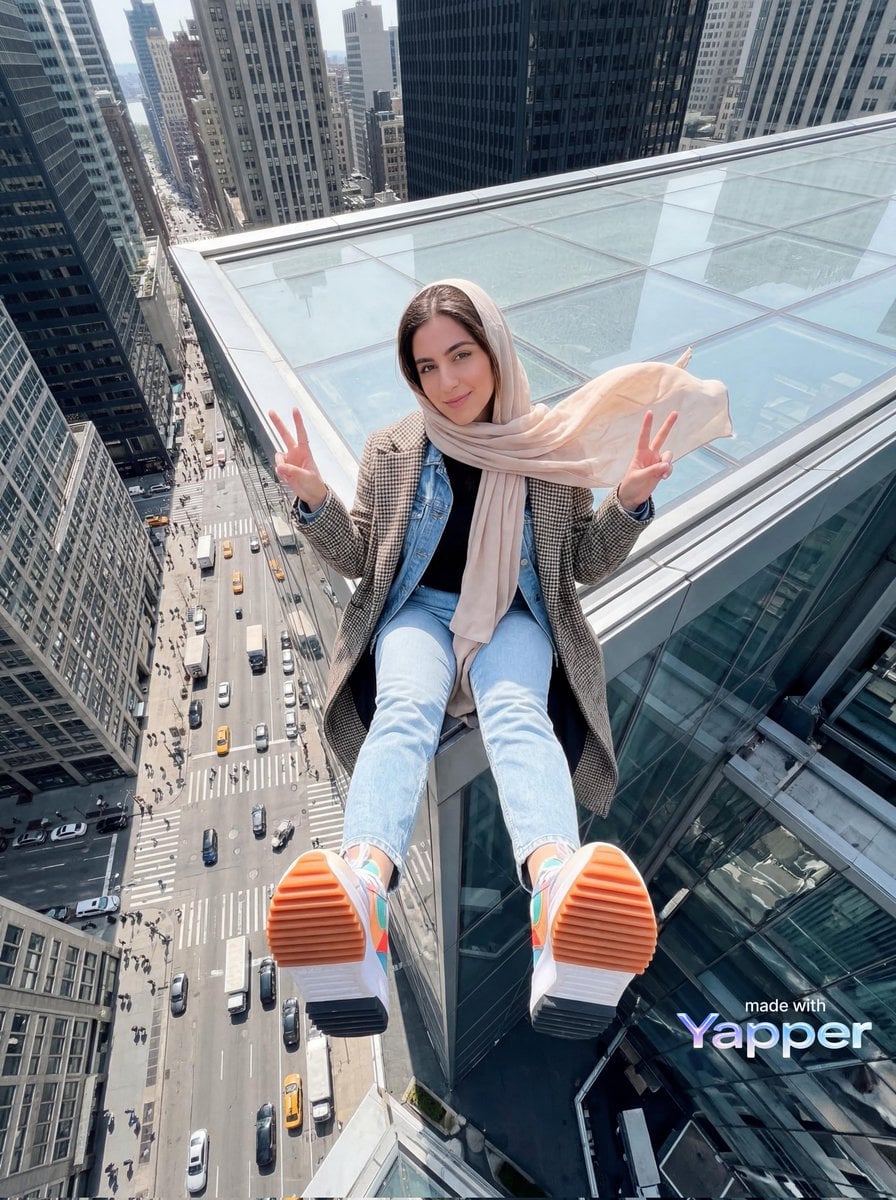
Young woman sitting at the edge of a skyscraper rooftop with a dramatic
Make it yours
Sitting on the floor, leaning torso back, supporting weight with both works as-is. These are the safest ways to change it without losing the look.
Change one field
Copy a single group, rewrite it, and generate again so you can see what that field is doing.
Keep the frame, change the subject
Hold the composition and light of Sitting on the floor, leaning torso back, supporting weight with both, then swap wardrobe, props or the person for a new take.
| If the result… | Why | Fix |
|---|---|---|
| The result drifts from the preview | Too many fields changed at once. | Reuse Sitting on the floor, leaning torso back, supporting weight with both as-is first, then change one group — subject, light, or setting. |
| The model over-stylizes the scene | The prose prompt leaves finish and camera underspecified. | Add one camera or lighting sentence and stay on Nano Banana 2. |
More Nano Banana 2 templates
Other prompts made for Nano Banana 2.

Photorealistic Leaf Shaped Like a Dragon

K-Pop Idol Portrait Grid for Rapid Selection

Poetic Rain Forest Portrait During Golden Hour

Urban Street Portrait with Cartoon Inner Self Duo

Candid Nighttime Photo with Cat Prompt

High-Concept 3D Diorama Generation Prompt

Cinematic Futuristic Studio Portrait Template

Skincare Editorial Photography Collage Prompt

Hyper-Realistic Commercial Product Photography (Splash Effect)

Hyper-Realistic Nightclub Portrait Prompt
More image prompts
Fresh picks from across the catalog.

Photoreal Tropical Waterfall Embrace
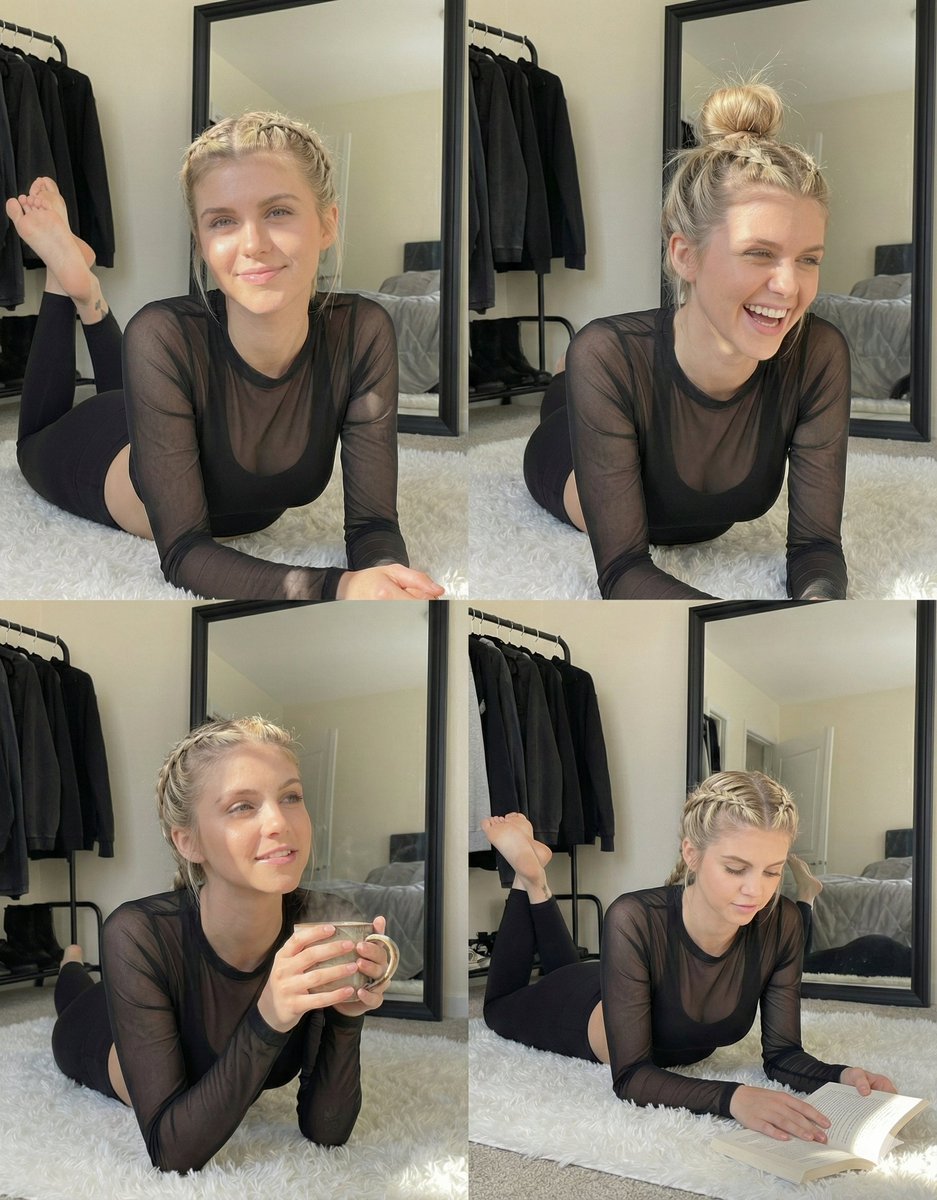
Detailed Indoor Portrait with Harsh Sunlight
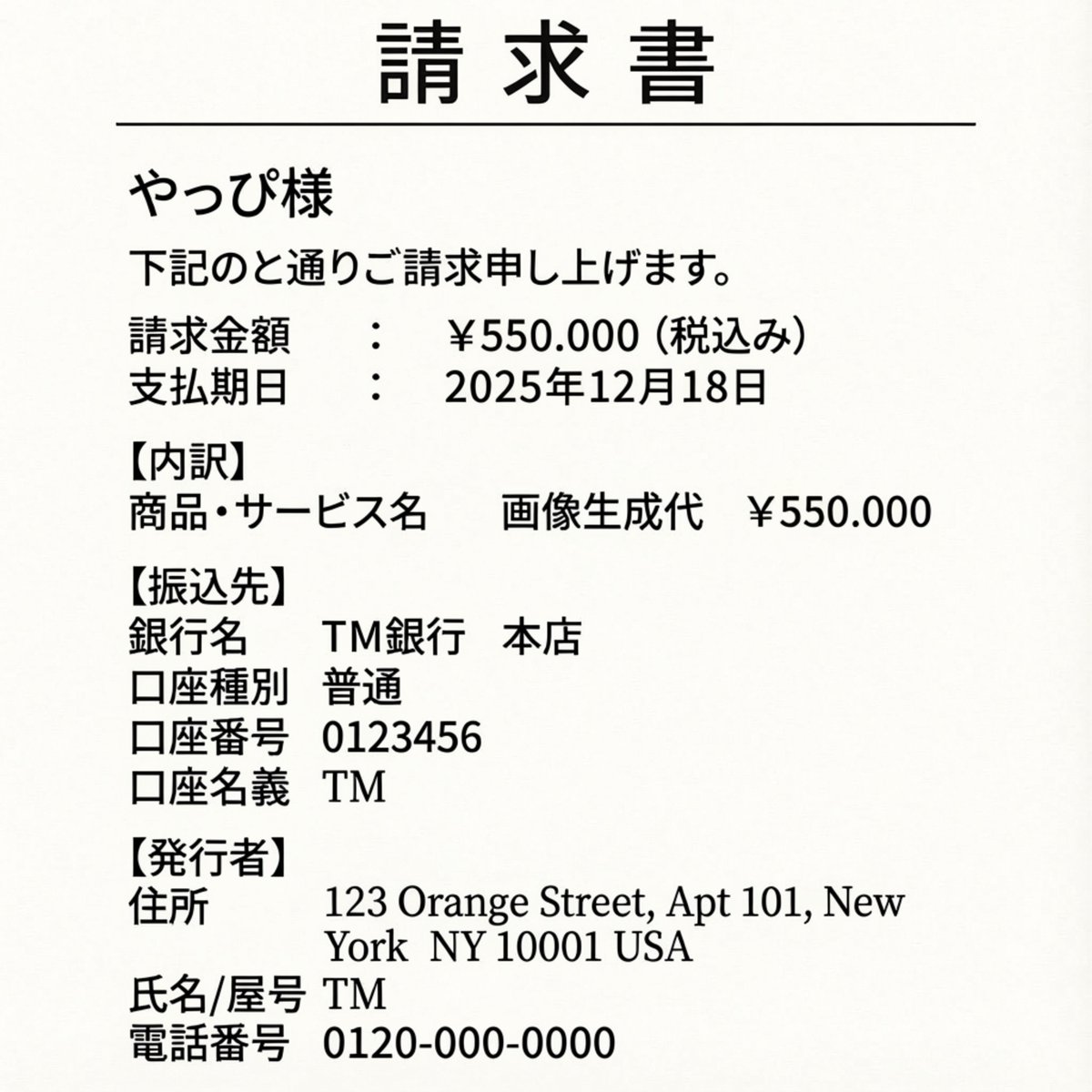
Editing an Invoice Image Amount
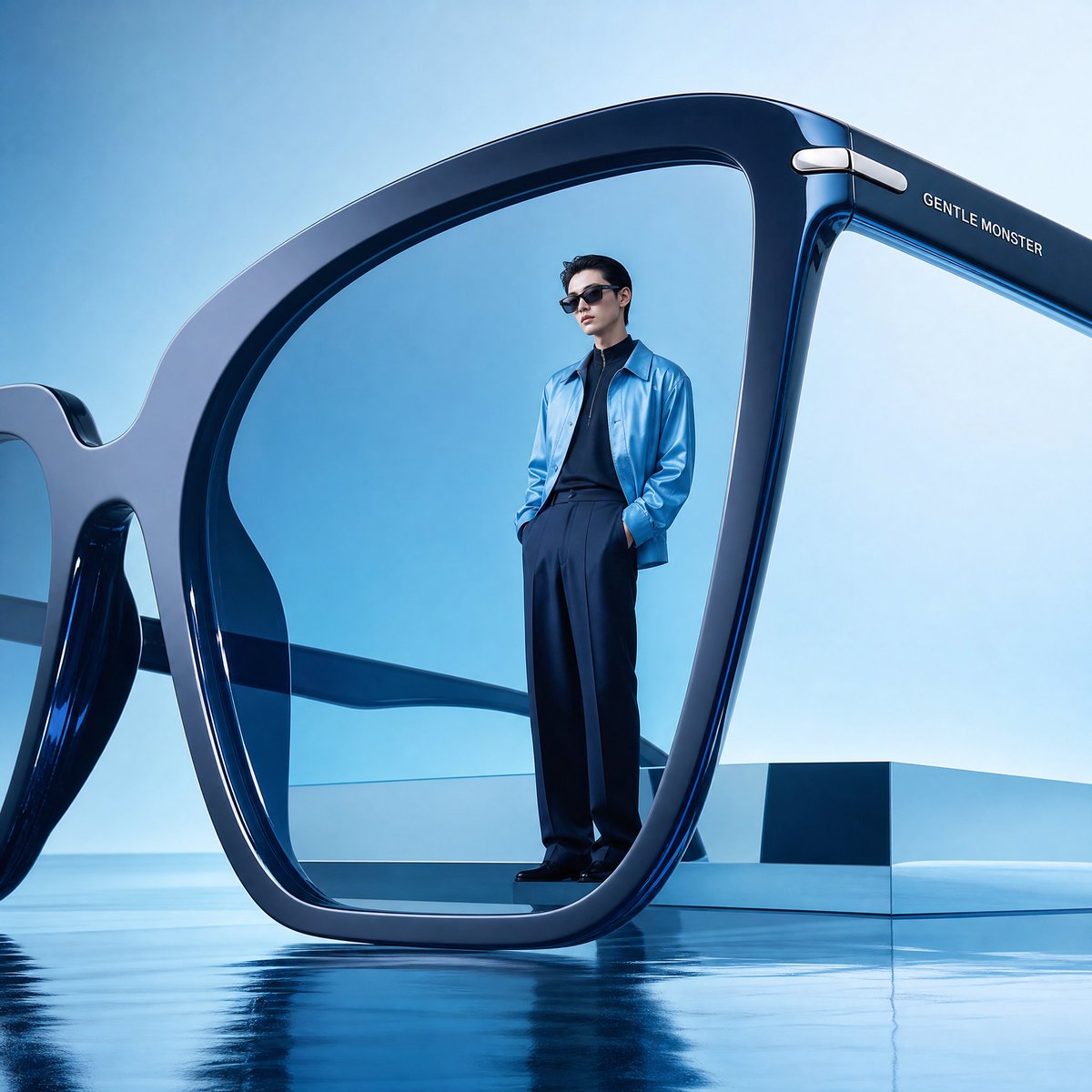
Futuristic Surreal Eyewear Advertisement
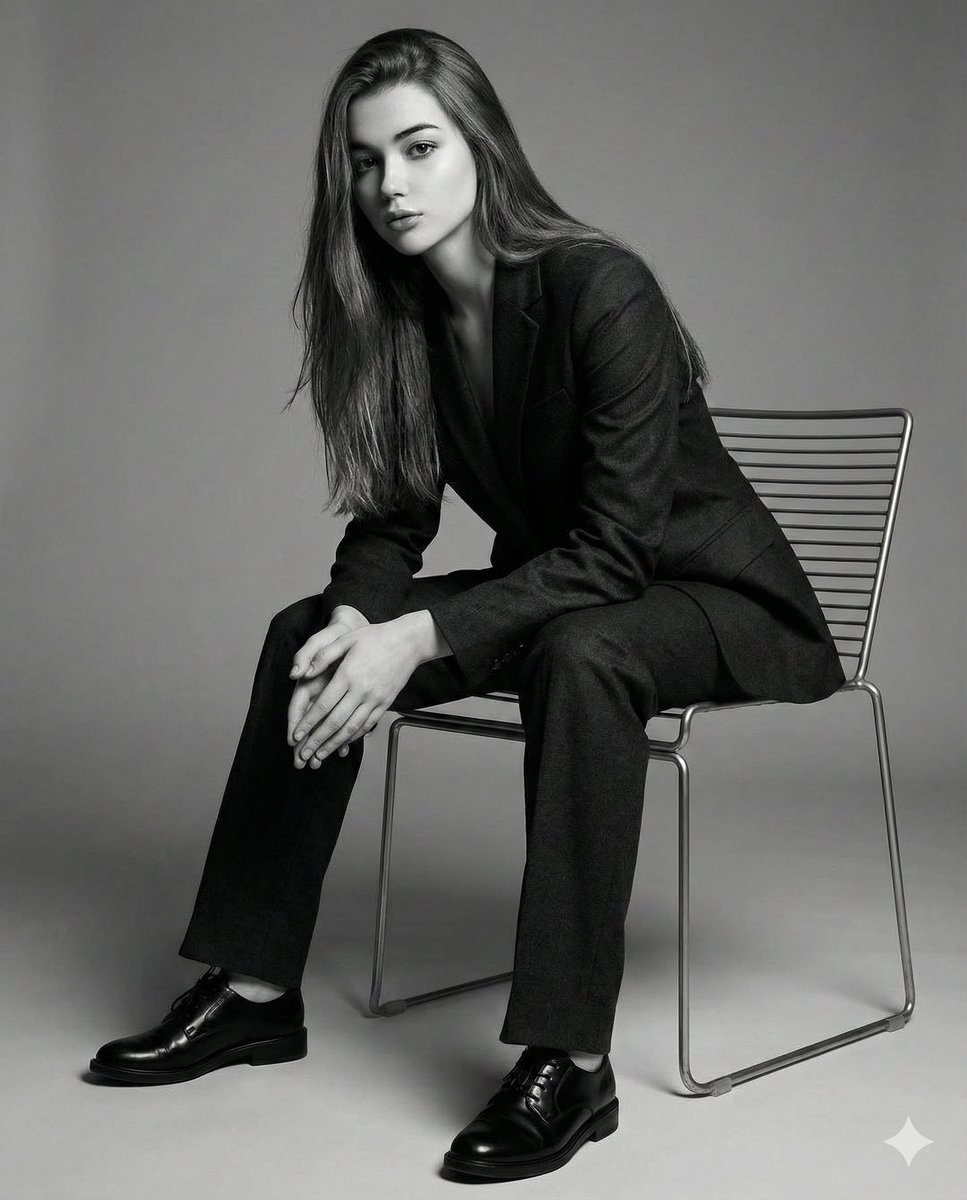
Black-and-White Cinematic Editorial Portrait
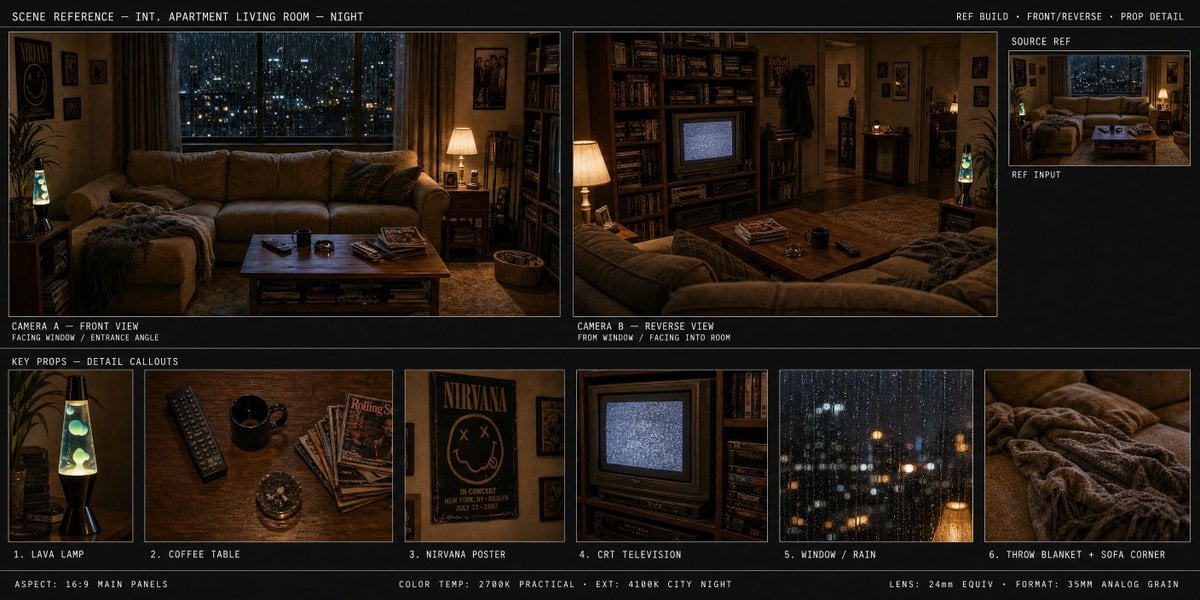
Spatial Art Director Storyboard
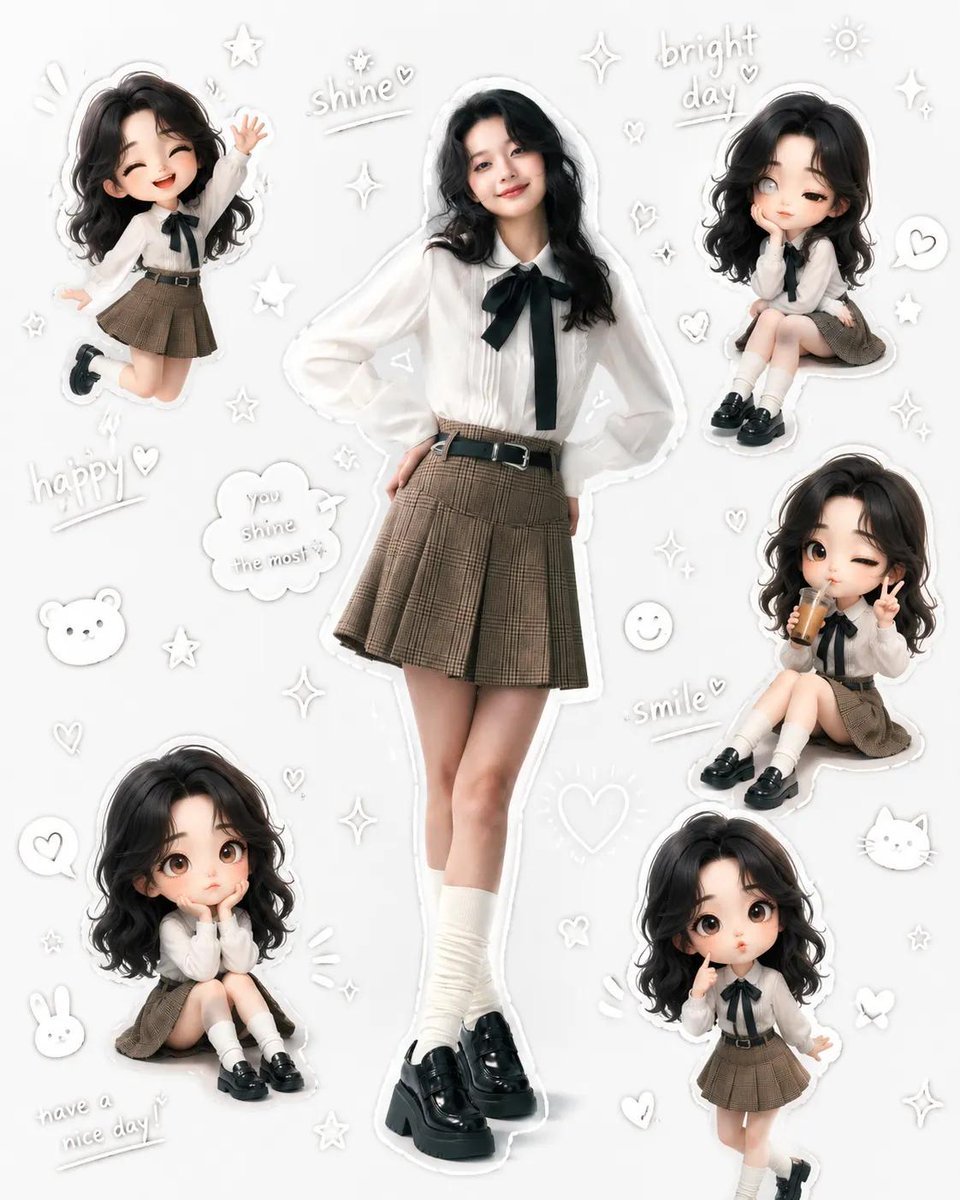
Kawaii School Girl Aesthetic Collage
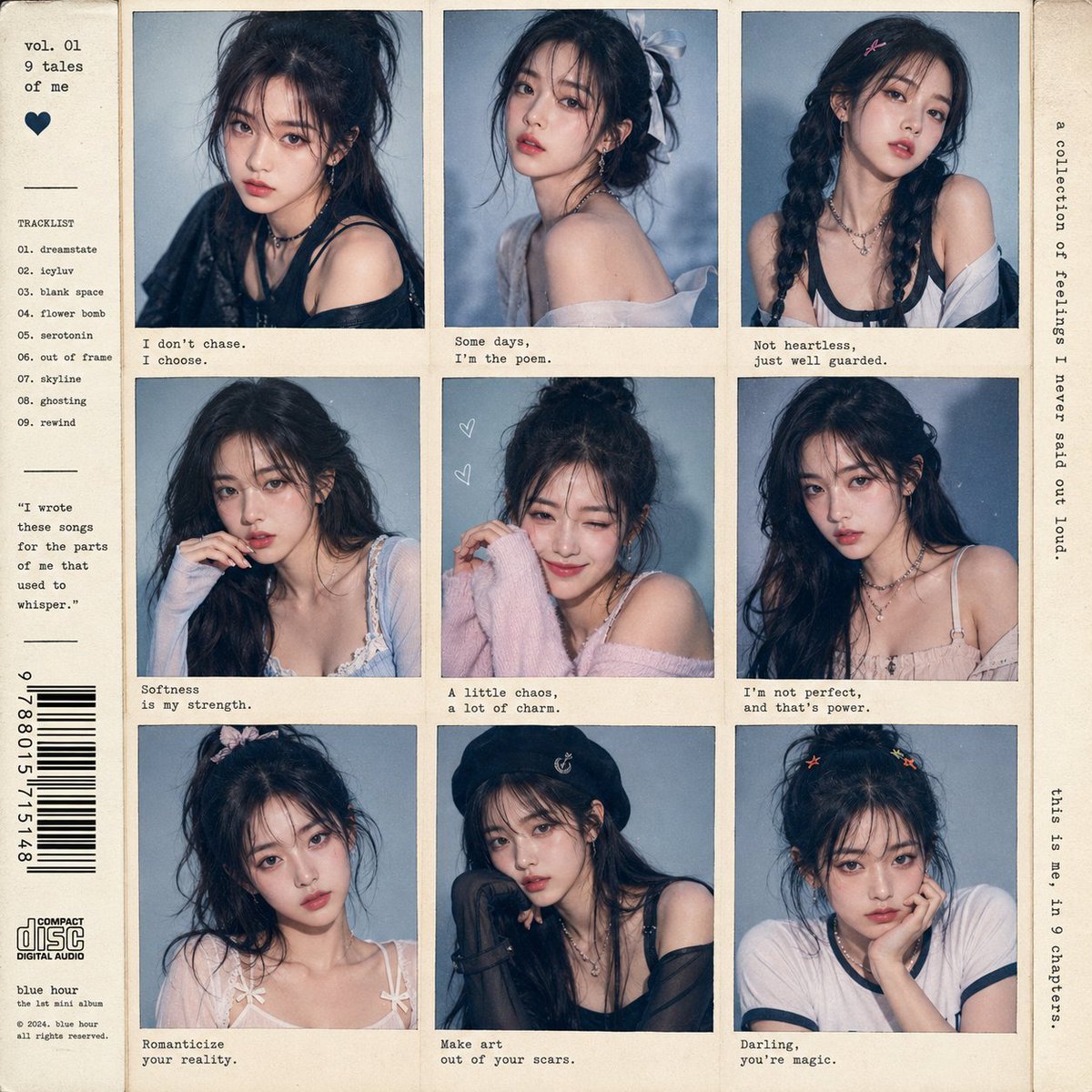
K-Pop Idol Style Grid Portrait Collage
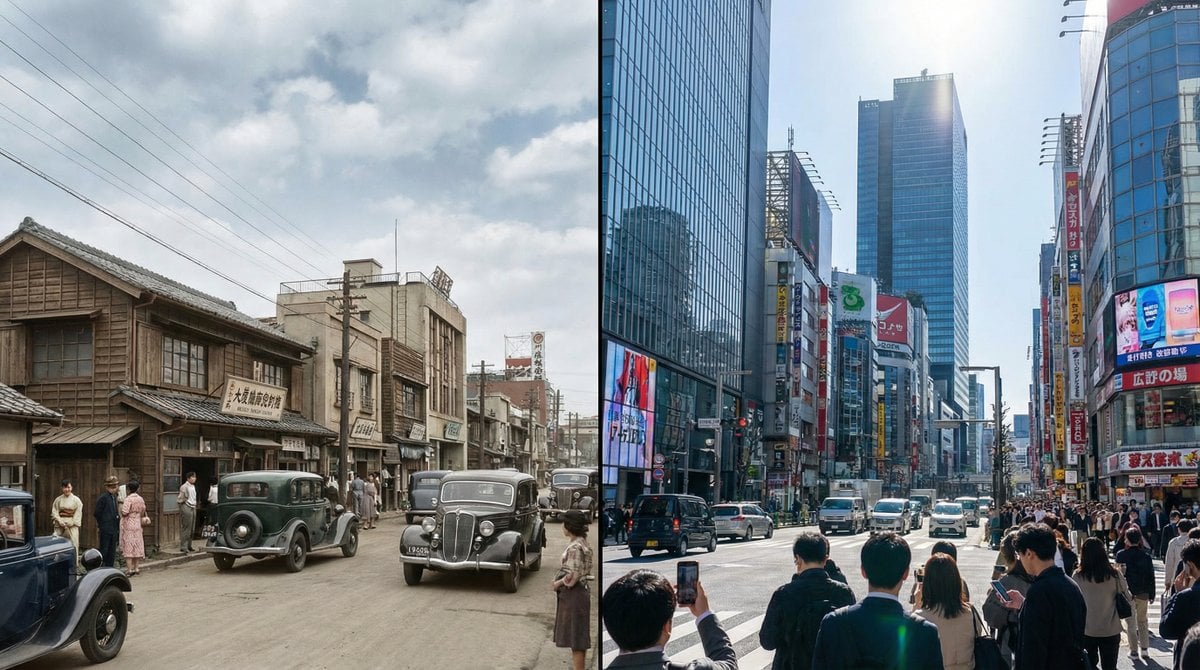
Split-screen time-lapse of same location by coordinates
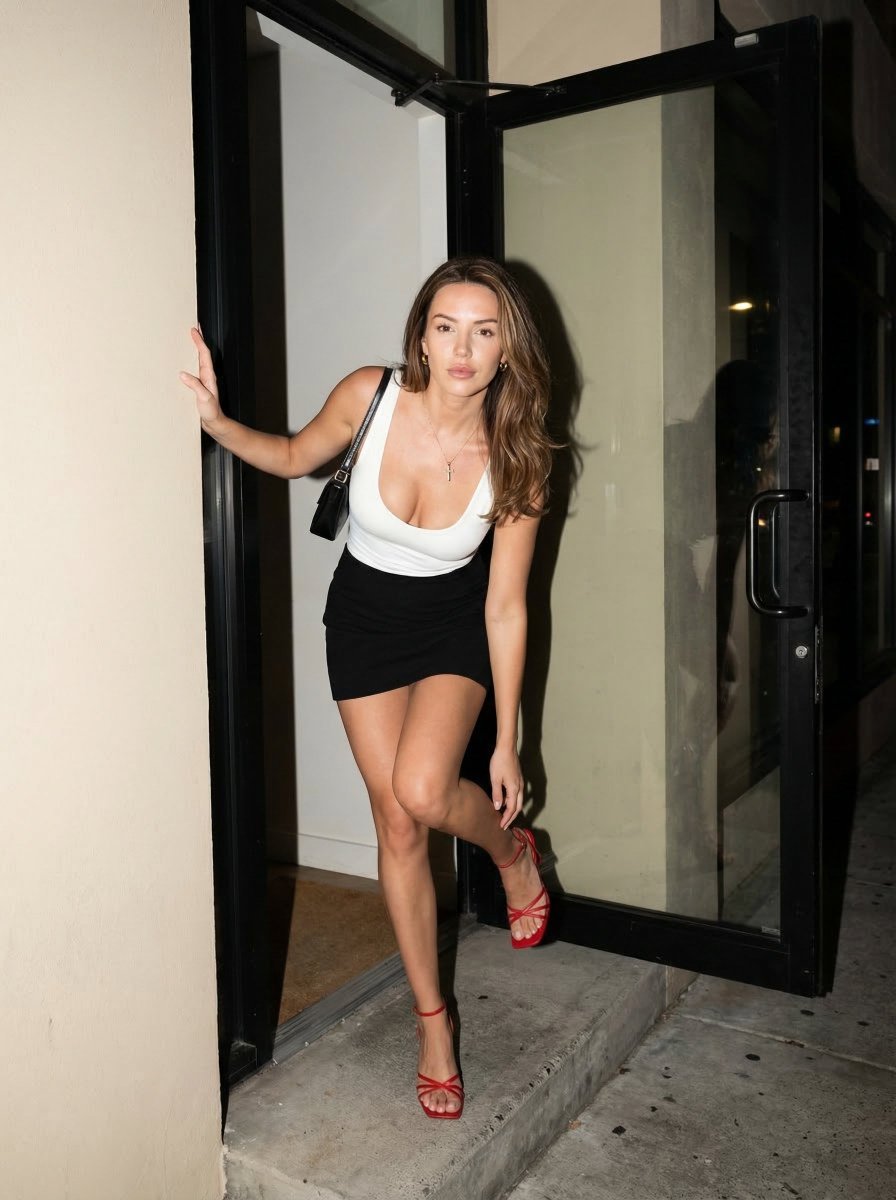
Nighttime Street Fashion Flash Portrait
Browse template categories
Sitting on the floor, leaning torso back, supporting weight with both questions
How do I use the Sitting on the floor, leaning torso back, supporting weight with both template?
Add your photo if the template asks for one, edit the prompt if you like — the template's model and format are already selected — and press Generate. Your version opens in PicX Studio.
Can I customize the Sitting on the floor, leaning torso back, supporting weight with both template?
Yes. You can change the subject, setting, lighting, mood, format, and available model controls before creating your image.
Is the Sitting on the floor, leaning torso back, supporting weight with both template free?
Opening and editing this template is free. Generating uses credits, shown on the Generate button when you are signed in.
Which AI model should I use?
Start with Nano Banana 2, which is the model associated with this template. You can compare another compatible model for a different finish.
Looking for something else? Browse all templates.

Your photo, any look
Thousands of ready templates for every top image and video model, from one credit balance.