
Editorial, album cover, cinematic poster, AI style reference
{ "image_type": "studio portrait", "composition": { "framing": "tight head-and-shoulders close-up", "camera_angle": "eye-level", "orientation": "vertical", "symmetry": "near-perfect central symmetry", "focus": "sharp…
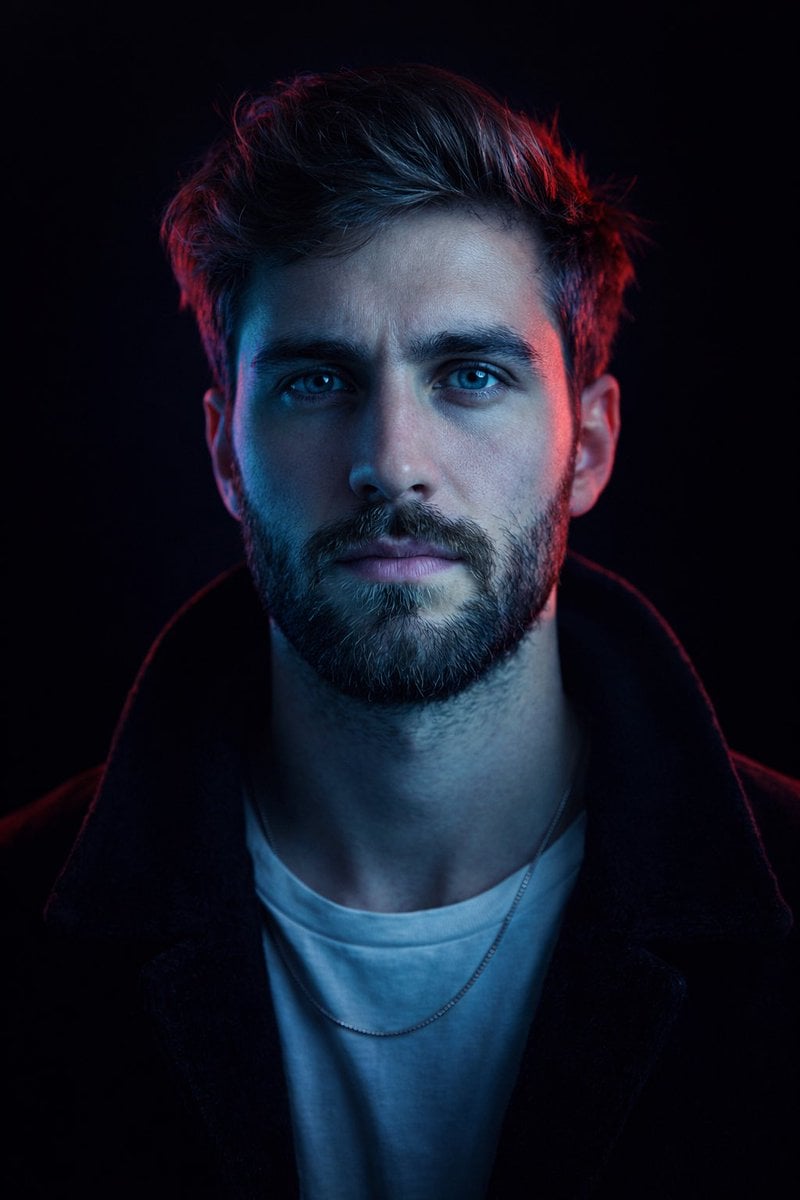
- Prompt included
- Model and format preset
- Premium template
The prompt behind this image
Copy the exact prompt behind Editorial, album cover, cinematic poster, AI style reference, or open it in the studio and make it yours.
- Image Type
- studio portrait
- Composition › Framing
- tight head-and-shoulders close-up
- Composition › Camera Angle
- eye-level
- Composition › Orientation
- vertical
- Composition › Symmetry
- near-perfect central symmetry
- Composition › Focus
- sharp focus on eyes and facial features
- Composition › Depth Of Field
- shallow, background fully blurred to black
- Subject › Description
- middle-aged male-presenting subject
- Subject › Pose
- frontal, facing camera directly
- Subject › Expression
- calm, confident, intense gaze
- Subject › Eye Direction
- looking straight into lens
- Subject › Facial Features › Facial Hair
- short salt-and-pepper stubble and trimmed goatee
- Subject › Facial Features › Skin Texture
- visible pores and fine lines, realistic skin detail
- Subject › Facial Features › Eyes
- light-colored eyes emphasized by catchlights
- Subject › Hair › Style
- medium-length, brushed back
- Subject › Hair › Texture
- natural, slightly tousled
- Subject › Hair › Color
- dark brown with subtle gray highlights
- Wardrobe › Top
- white crew-neck t-shirt
- Wardrobe › Outerwear
- dark jacket or coat with soft texture
- Wardrobe › Accessories
- thin chain necklace partially visible
- Lighting › Style
- cinematic, high-contrast neon lighting
- Lighting › Key Light › Position
- front-left
- Lighting › Key Light › Color
- cool cyan/blue
- Lighting › Key Light › Effect
- dominant illumination across face and torso
Raw JSON
{
"image_type": "studio portrait",
"composition": {
"framing": "tight head-and-shoulders close-up",
"camera_angle": "eye-level",
"orientation": "vertical",
"symmetry": "near-perfect central symmetry",
"focus": "sharp focus on eyes and facial features",
"depth_of_field": "shallow, background fully blurred to black"
},
"subject": {
"description": "middle-aged male-presenting subject",
"pose": "frontal, facing camera directly",
"expression": "calm, confident, intense gaze",
"eye_direction": "looking straight into lens",
"facial_features": {
"facial_hair": "short salt-and-pepper stubble and trimmed goatee",
"skin_texture": "visible pores and fine lines, realistic skin detail",
"eyes": "light-colored eyes emphasized by catchlights"
},
"hair": {
"style": "medium-length, brushed back",
"texture": "natural, slightly tousled",
"color": "dark brown with subtle gray highlights"
}
},
"wardrobe": {
"top": "white crew-neck t-shirt",
"outerwear": "dark jacket or coat with soft texture",
"accessories": "thin chain necklace partially visible"
},
"lighting": {
"style": "cinematic, high-contrast neon lighting",
"key_light": {
"position": "front-left",
"color": "cool cyan/blue",
"effect": "dominant illumination across face and torso"
},
"rim_light": {
"position": "rear-right",
"color": "saturated red/magenta",
"effect": "strong edge highlight on hair and face contour"
},
"fill_light": "minimal to none",
"contrast_level": "high",
"mood": "dramatic, futuristic, intense"
},
"color_palette": {
"dominant_colors": ["cyan blue", "deep red", "black"],
"color_temperature": "mixed cool and warm neon tones",
"saturation": "high saturation on lighting, neutral clothing tones",
"color_grading": "stylized cyberpunk-inspired grading"
},
"background": {
"environment": "studio",
"details": "pure black background with no visible texture or objects",
"separation": "strong subject-background separation via rim lighting"
},
"technical_details": {
"camera_style": "professional studio photography",
"lens_effect": "slight compression typical of portrait lens",
"estimated_focal_length": "85mm equivalent",
"image_sharpness": "high",
"noise": "minimal",
"dynamic_range": "controlled highlights with deep shadows"
},
"artistic_style": {
"genre": "cinematic portrait",
"influences": ["cyberpunk", "neo-noir", "editorial fashion"],
"visual_aesthetic": "bold, modern, high-impact",
"post_processing": {
"skin_retouching": "subtle, realistic",
"color_enhancement": "strong split-toning blue/red",
"clarity": "enhanced micro-contrast"
}
},
"overall_impression": {
"tone": "powerful and enigmatic",
"intended_use": "editorial, album cover, cinematic poster, AI style reference",
"style_recreation_keywords": [
"cinematic neon portrait",
"blue and red split lighting",
"black background",
"intense direct gaze",
"cyberpunk color grading",
"high-contrast studio lighting"
]
}
}How to use Editorial, album cover, cinematic poster, AI style reference in 3 steps
- 1
Open
The prompt is already in the box next to the preview, with the template's model and format selected.
- 2…a portrait of your subject in softgolden-hour light, 85mm…
Personalize
Edit the subject and creative details for your destination.
- 3Generate
Generate
Press Generate — your image is created in PicX Studio, so you can compare it with the original and refine one variable at a time.
More like this
Templates with the same subject, style or setup. Open one to see its prompt.

青蛇小青写真大片,绿色紧身蛇鳞裙,湿发红唇,妖娆妩媚

Portrait of a young woman in her early 20s walking calmly on a beautiful

LIGHTING each element still lit by its original source, windows casting
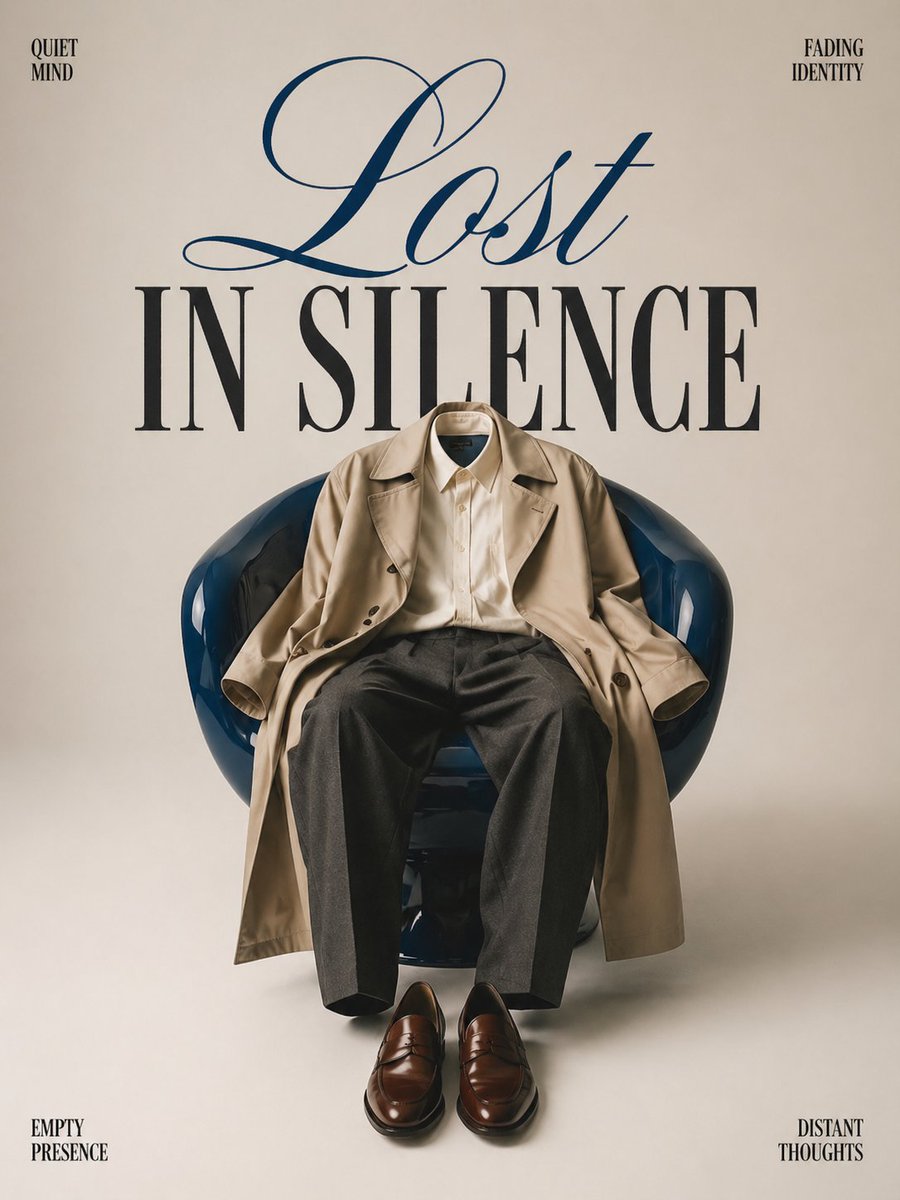
Minimalist conceptual fashion editorial poster, studio shot on a clean

A 3x3 grid storyboard contact sheet comprised of nine candid, cinematic

A high-definition cinematic portrait of a sophisticated woman sitting
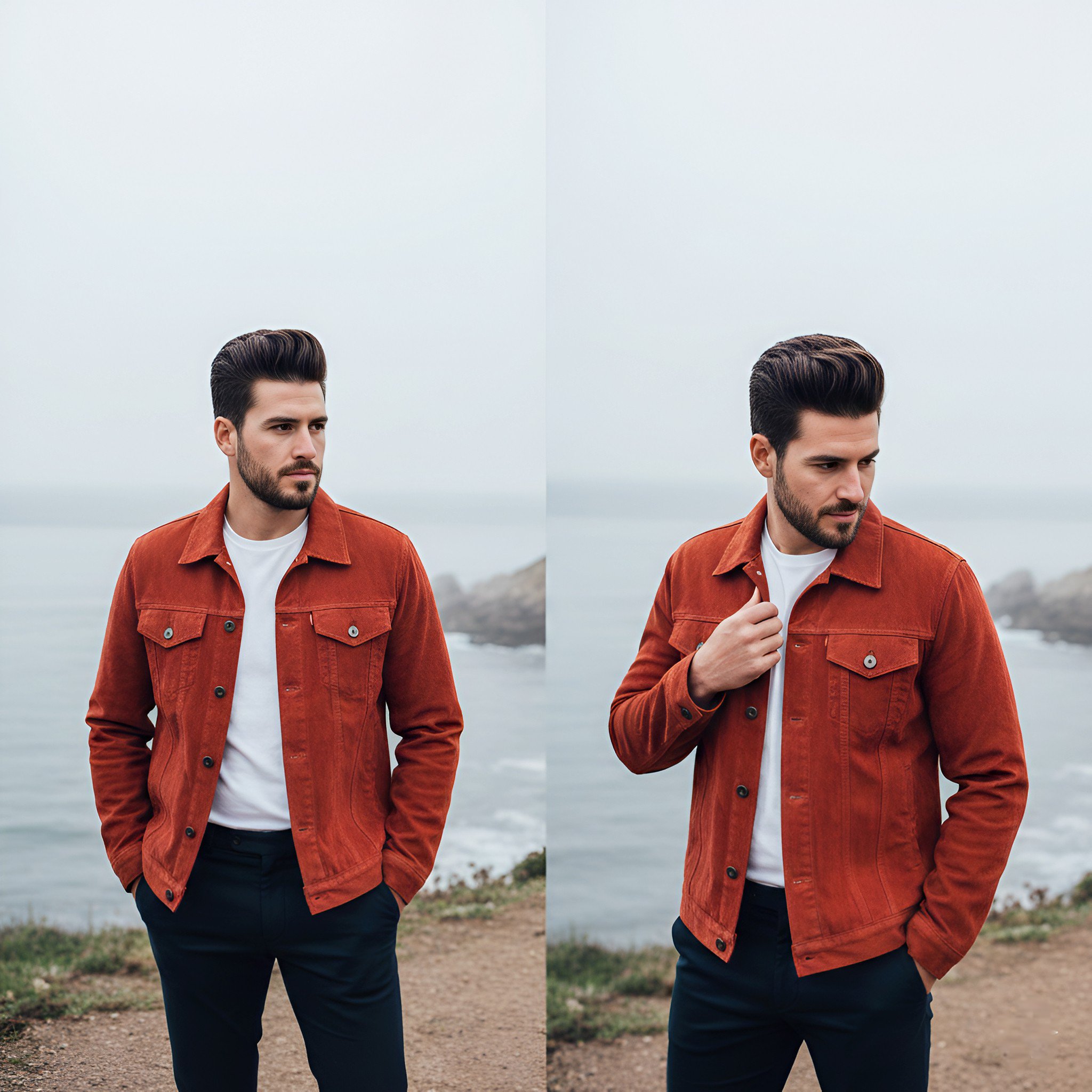
Lifestyle photography, cinematic color grading, shallow depth of field

Dramatic motion blur trails, long-exposure photography effect, dynamic

A luxury brand advertisement featuring three stylish arranged

Realistic portrait 100 identical face, no editing allowed
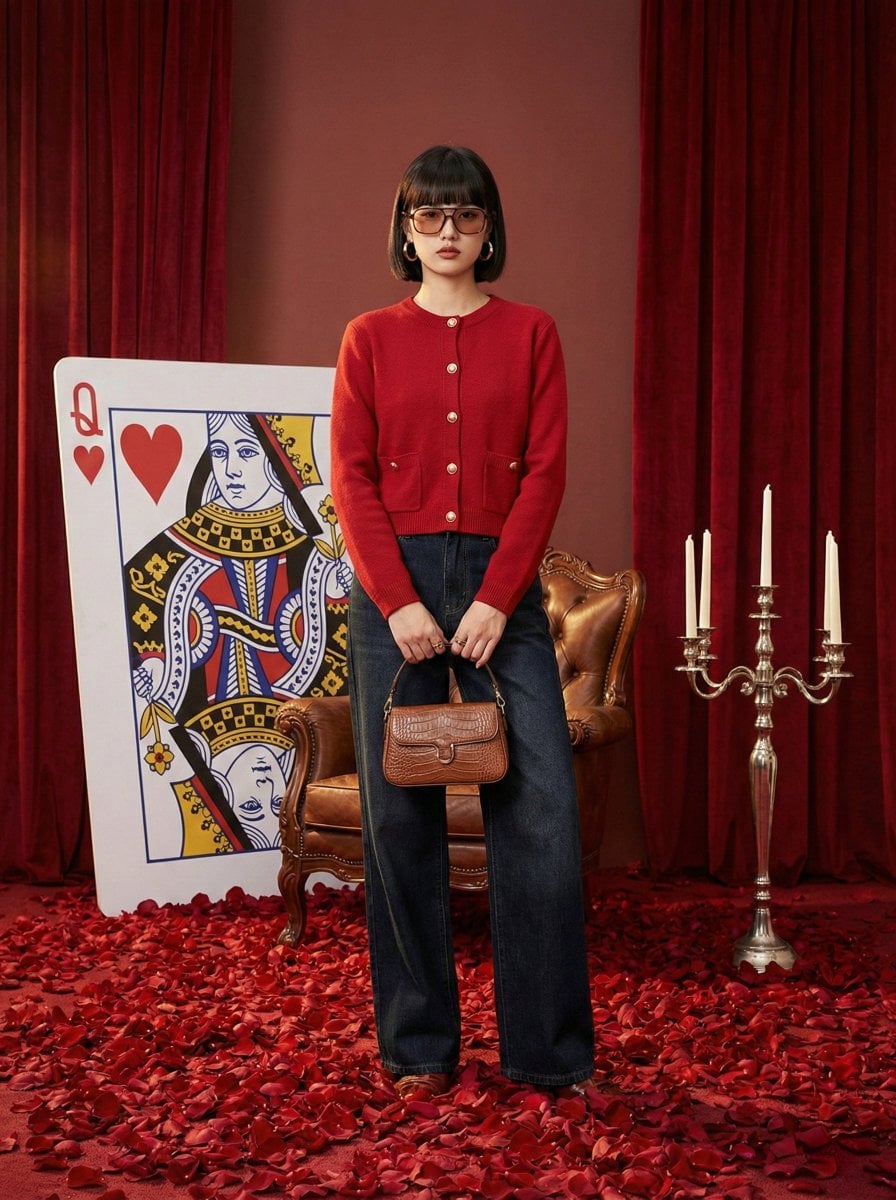
Photography Prompt #982
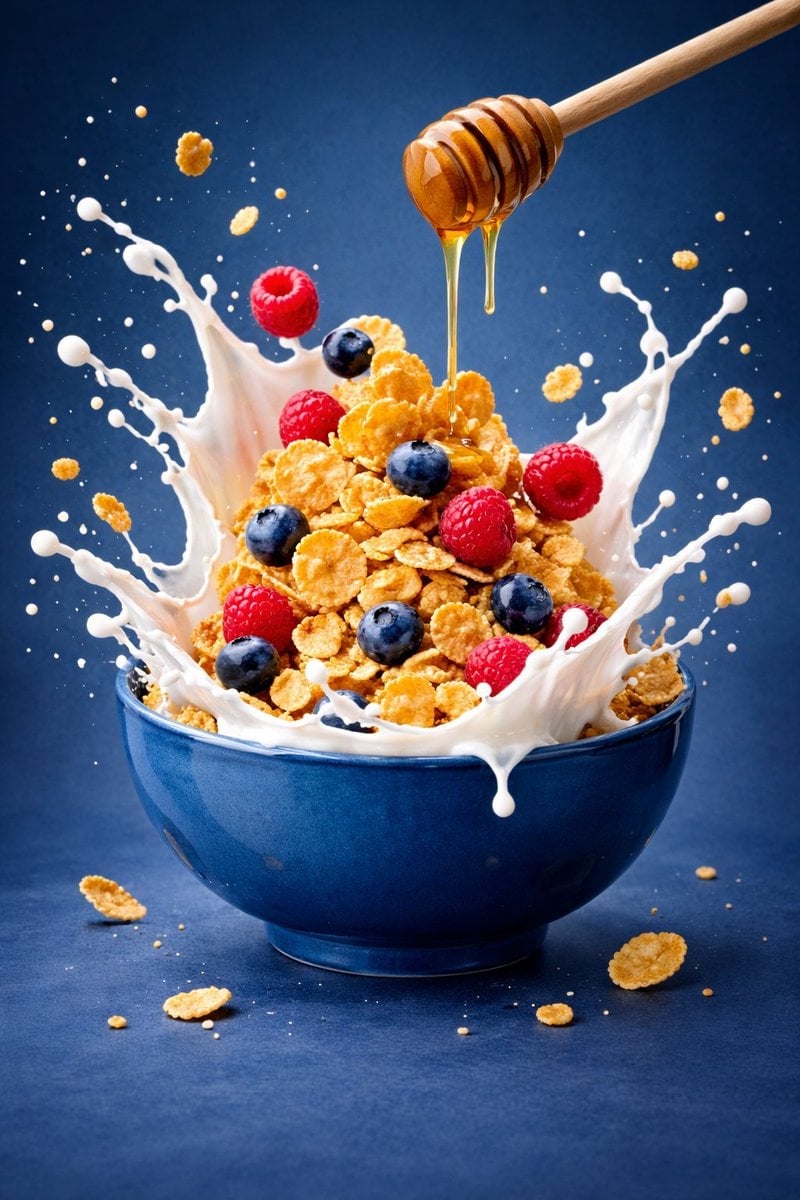
Ultra-premium cinematic food photography, 8K UHD, 3 4 aspect ratio
Make it yours
Editorial, album cover, cinematic poster, AI style reference works as-is. These are the safest ways to change it without losing the look.
Swap the setting
Keep the rest of the prompt and replace the location block. The current setting is “studio”.
Swap the light
One lighting change is enough to compare takes. Current light: “cinematic, high-contrast neon lighting”.
Change one field
Copy a single group, rewrite it, and generate again so you can see what that field is doing.
| If the result… | Why | Fix |
|---|---|---|
| The result drifts from the preview | Too many fields changed at once. | Reuse Editorial, album cover, cinematic poster, AI style reference as-is first, then change one group — subject, light, or setting. |
| GPT Image 2 ignores part of the JSON | Some models flatten or skip nested keys. | Keep the same values and paste them as a short paragraph instead. |
More GPT Image 2 templates
Other prompts made for GPT Image 2.

Six VTuber Japanese Logo Sheet

Realistic Portrait of Woman and Deer

The Vista Modular Condo Poster

AI Model Routing Comparison Infographic

2.5D Anime Art Board

Isometric Productivity Desk Scene

New York Double Exposure Poster

Four-Panel AI Landscape Comparison

Japanese Tatami Lifestyle Magazine Cover

NESCAFÉ Coffee Map Poster
More image prompts
Fresh picks from across the catalog.
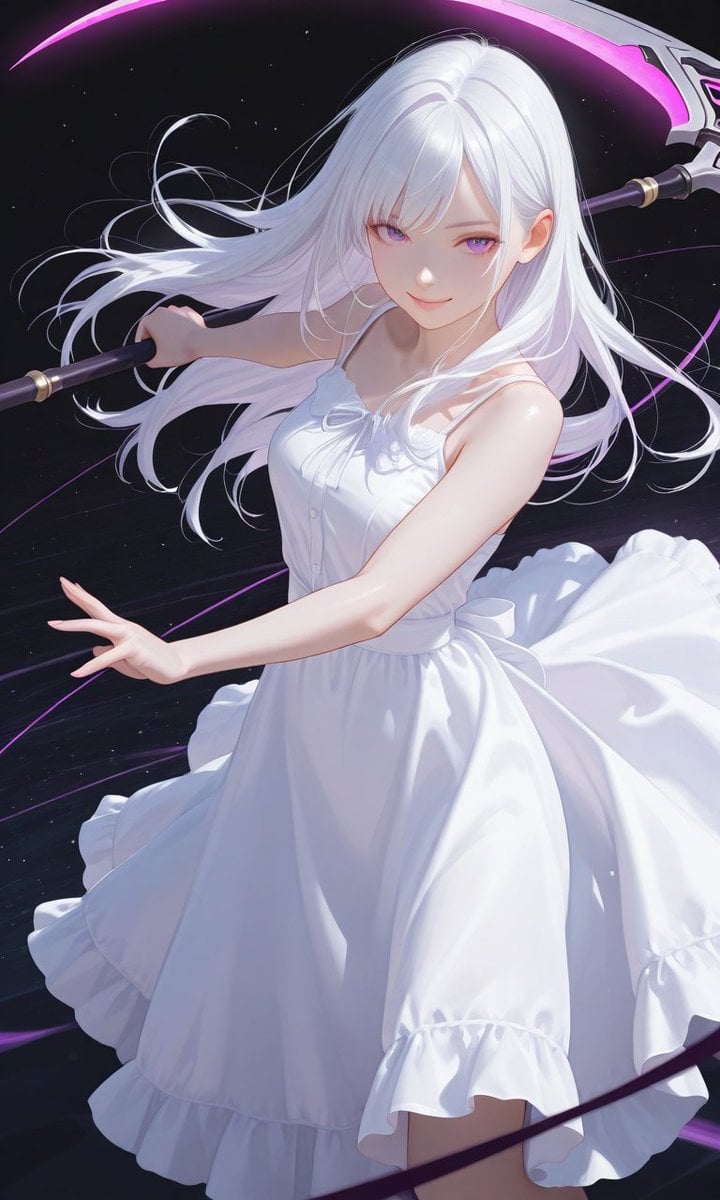
Boxed Figure to Anime Key Visual
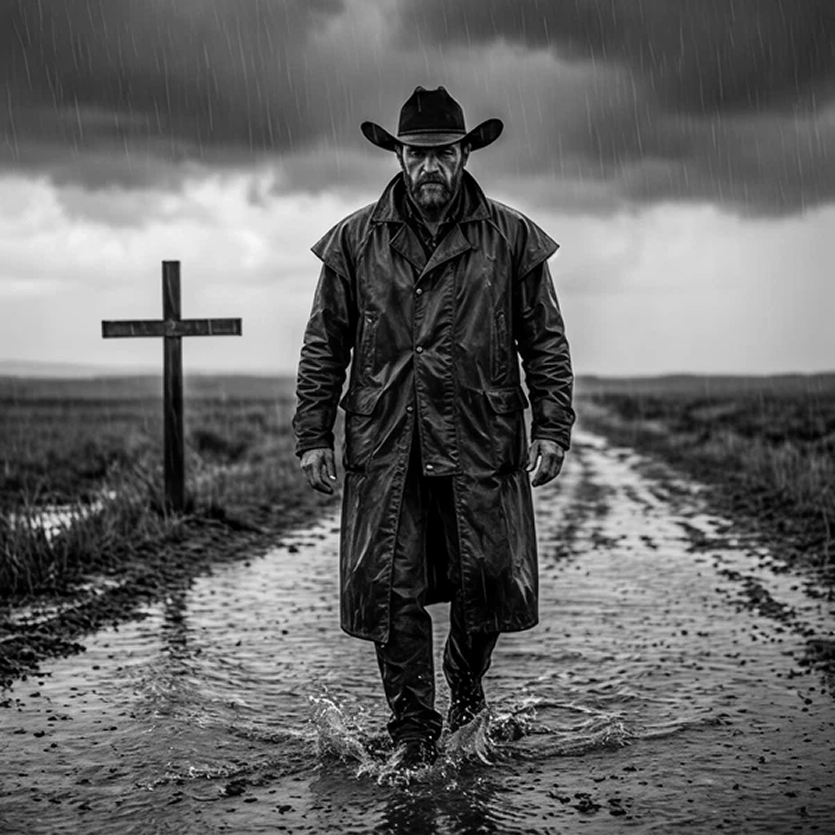
Rain-Soaked Anonymous Cowboy
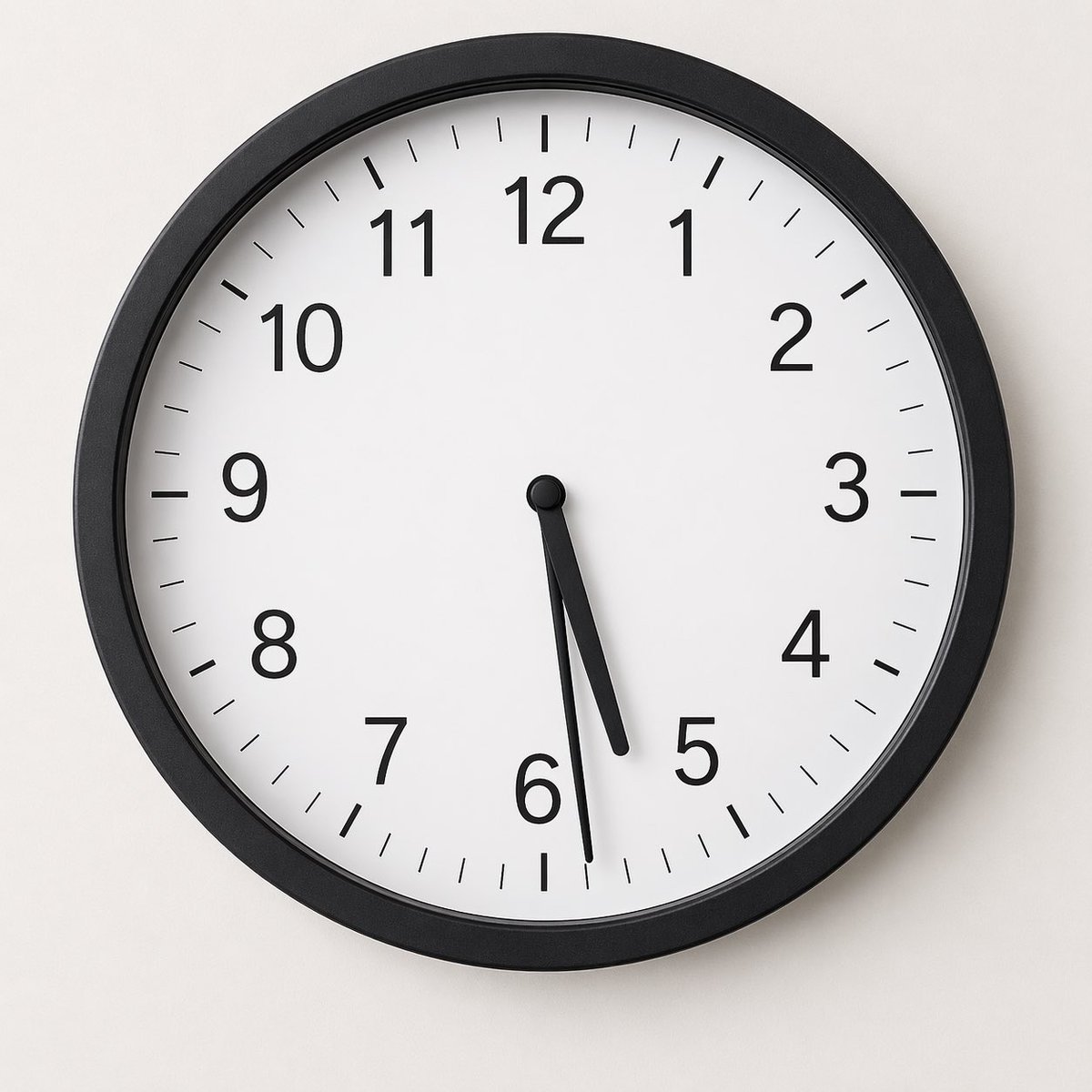
Minimal Analog Wall Clock at 05:29
Cute 4-Panel School Club Manga
Japanese Character Manual Poster
Ethereal Portrait with Playful Wink
Photorealistic Reclining Portrait with ControlNet Details

Two-Sided Watercolor Event Flyer Mockup
Scientific Theory Visualization Generator
Creative Birthday Portrait Image Prompt
Browse template categories
Editorial, album cover, cinematic poster, AI style reference questions
How do I use the Editorial, album cover, cinematic poster, AI style reference template?
Add your photo if the template asks for one, edit the prompt if you like — the template's model and format are already selected — and press Generate. Your version opens in PicX Studio.
Can I customize the Editorial, album cover, cinematic poster, AI style reference template?
Yes. You can change the subject, setting, lighting, mood, format, and available model controls before creating your image.
Is the Editorial, album cover, cinematic poster, AI style reference template free?
Opening and editing this template is free. Generating uses credits, shown on the Generate button when you are signed in.
Which AI model should I use?
Start with GPT Image 2, which is the model associated with this template. You can compare another compatible model for a different finish.
Looking for something else? Browse all templates.

Your photo, any look
Thousands of ready templates for every top image and video model, from one credit balance.