
Photorealistic Reclining Portrait with ControlNet Details
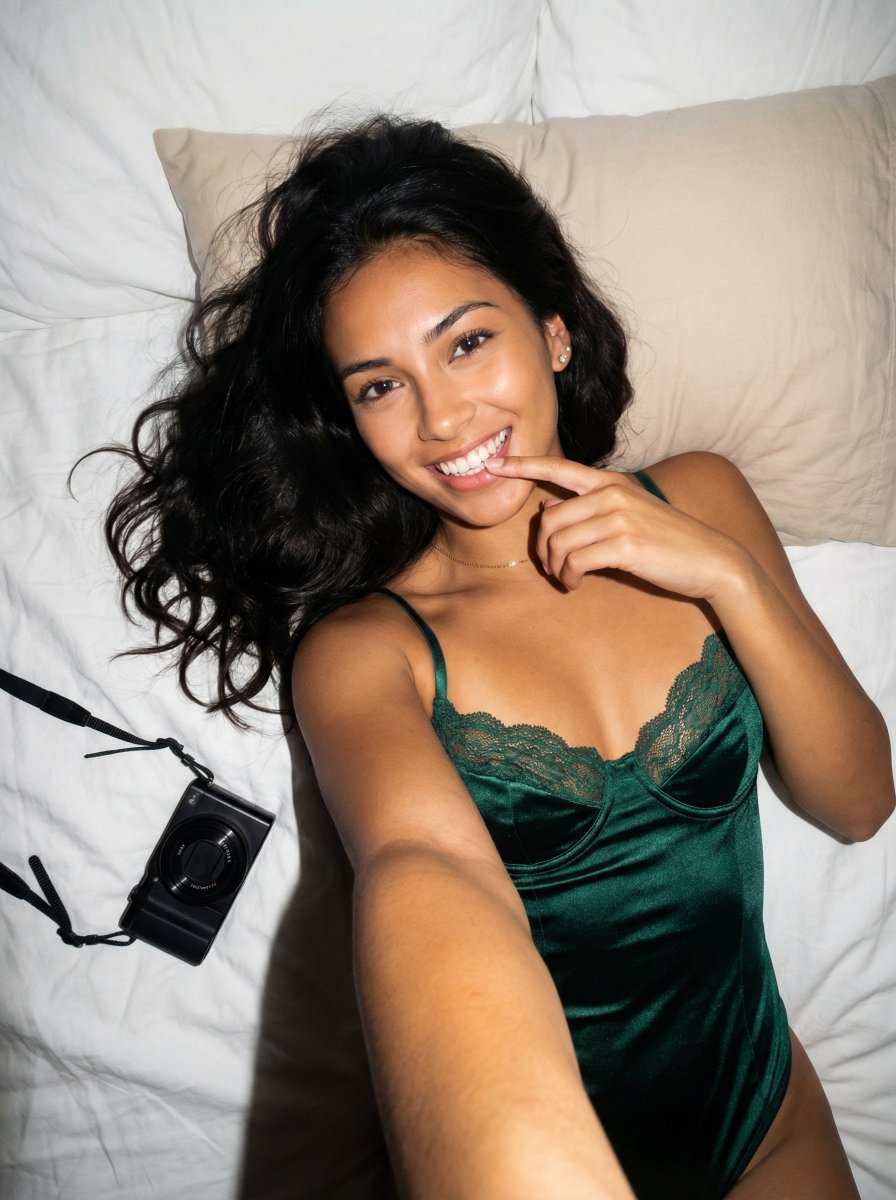
An extremely detailed photorealistic prompt for Nano Banana Pro, describing a young woman lying on white bed sheets in a satin bodysuit, emphasizing high contrast lighting (like a direct flash), specific anatomical…
- Prompt included
- Model and format preset
- Free template
The prompt behind this image
Copy the exact prompt behind Photorealistic Reclining Portrait with ControlNet Details, or open it in the studio and make it yours.
{ "subject": "A young woman with long, dark, wavy hair spread out behind her. She has a tan complexion, dark eyes, and is smiling widely, showing her teeth. She is wearing a dark emerald green satin bodysuit with delicate dark green lace trim along the bust cups and thin straps. She is wearing a thin gold necklace and small earrings.", "pose": "The subject is lying on her back, angled slightly towards the camera. Her right arm is bent with her index finger gently touching her lower teeth/lip. Her left arm extends downward out of the frame. Her head is tilted slightly. The pose exhibits natural gravity-induced soft tissue displacement and structural volume consistent with a reclining position.", "environment": "The subject is resting on wrinkled white bed sheets. A beige rectangular pillow is visible behind her head. To the left of her torso, a black compact digital camera with an attached black neck strap is resting flat on the white sheets.", "camera": "Captured from a high angle, looking down at the subject. The perspective exhibits characteristics of a wide-angle lens used at close proximity, with the foreground elements (torso and shoulders) appearing prominent relative to the background.", "lighting": "Direct, somewhat harsh lighting originating from near the camera position, akin to a direct flash or bright overhead room light. This creates sharp, hard-edged shadows cast onto the white sheets beneath her right arm, body, and the camera. High contrast with bright specular highlights on the skin, teeth, and satin fabric.", "mood_and_expression": "Playful, relaxed, and cheerful candid snapshot expression.", "style_and_realism": "Photorealistic, resembling an unedited casual selfie or snapshot photograph taken with a digital camera or smartphone.", "colors_and_tone": "Warm color palette dominated by the tan skin tones and deep emerald green, contrasting sharply against the bright white background of the sheets. Deep blacks in the hair and camera.", "quality_and_technical_details": "Sharp focus on the subject's face, hands, and upper torso. Visible texture in the lace, satin, and bed sheets. High-contrast exposure.", "aspect_ratio_and_output": "3:4", "controlnet": { "pose_control": { "model_type": "openpose_full", "purpose": "Strictly lock skeletal alignment, anatomical proportions, torso orientation, and prevent structural or volumetric alteration", "constraints": "No limb length adjustment, no torso compression, no chest volume reduction, no posture change, no symmetry correction, no ribcage narrowing", "recommended_weight": 1.2 }, "depth_control": { "model_type": "depth_midas", "purpose": "Enforce exact volumetric projection, silhouette area equivalence, curvature depth integrity, and spatial layering", "constraints": "No depth flattening, no volumetric shrinkage, no perspective reinterpretation, no shadow softening, no foreground-background collapse, no artificial depth of field", "recommended_weight": 1.2 }
How to use Photorealistic Reclining Portrait with ControlNet Details in 3 steps
- 1Upload ImagePNG, JPG or paste
Add your photo
Upload the photo the template builds on. The prompt, model and format are already set.
- 2…a portrait of your subject in softgolden-hour light, 85mm…
Personalize
Edit the subject and creative details for your destination.
- 3Generate
Generate
Press Generate — your image is created in PicX Studio, so you can compare it with the original and refine one variable at a time.
More like this
Templates with the same subject, style or setup. Open one to see its prompt.

Christmas Ornament Portrait Glossy Glass Resin Finish with Hand Painted Details Holiday Lighting
Photorealistic Reclining Portrait

Found Photograph: Us, 1970

80s Couple Studio Portrait

80s Bollywood Star

80s Golden Hour Cinema

Me in 1985

1985 Studio Portrait

Hyper-Realistic Minecraft POV Portrait

Rooftop Fisheye — Cat-Ear Balaclava at Golden Hour

Rainy Café Window Moody Portrait
Photorealistic Surreal Scene of a Man Reclining on a Floating Cloud
Make it yours
Photorealistic Reclining Portrait with ControlNet Details works as-is. These are the safest ways to change it without losing the look.
Change one field
Copy a single group, rewrite it, and generate again so you can see what that field is doing.
Keep the frame, change the subject
Hold the composition and light of Photorealistic Reclining Portrait with ControlNet Details, then swap wardrobe, props or the person for a new take.
| If the result… | Why | Fix |
|---|---|---|
| The result drifts from the preview | Too many fields changed at once. | Reuse Photorealistic Reclining Portrait with ControlNet Details as-is first, then change one group — subject, light, or setting. |
| The model over-stylizes the scene | The prose prompt leaves finish and camera underspecified. | Add one camera or lighting sentence and stay on Nano Banana 2. |
More Nano Banana 2 templates
Other prompts made for Nano Banana 2.

Photorealistic Leaf Shaped Like a Dragon

K-Pop Idol Portrait Grid for Rapid Selection

Poetic Rain Forest Portrait During Golden Hour

Urban Street Portrait with Cartoon Inner Self Duo

Candid Nighttime Photo with Cat Prompt

High-Concept 3D Diorama Generation Prompt

Cinematic Futuristic Studio Portrait Template

Skincare Editorial Photography Collage Prompt

Hyper-Realistic Commercial Product Photography (Splash Effect)

Hyper-Realistic Nightclub Portrait Prompt
More image prompts
Fresh picks from across the catalog.

Cinematic Camera Instructions for Nano Banana Pro
RPG Map to Anime Event Scene
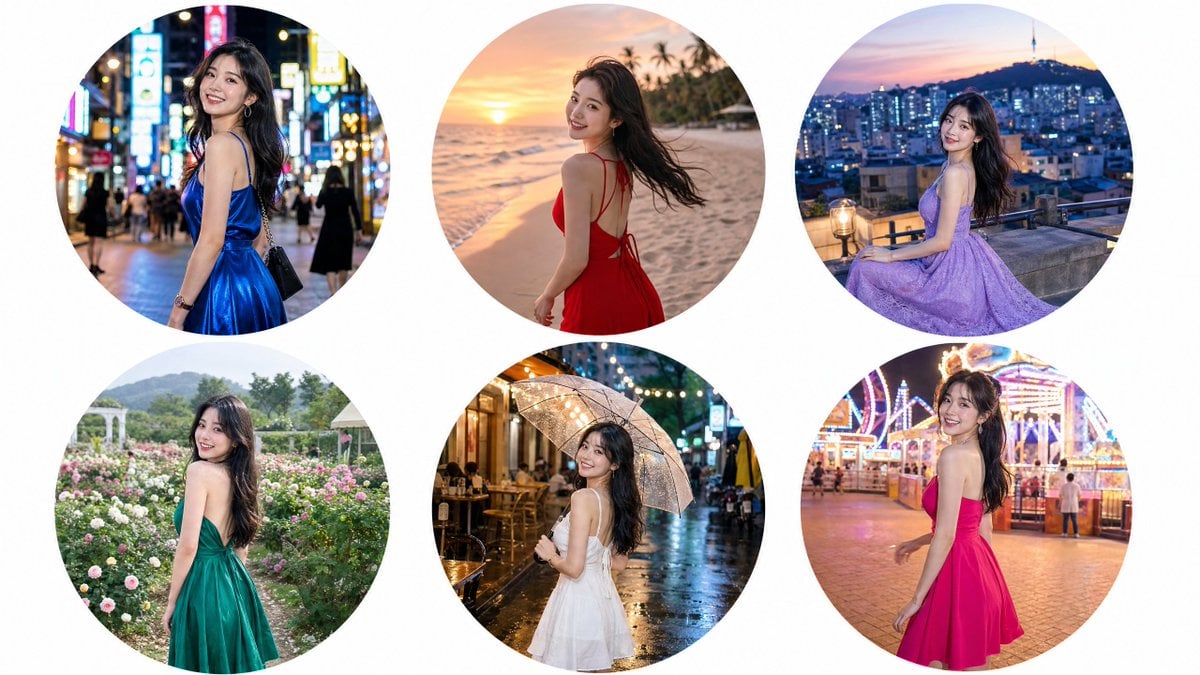
Luxury Editorial Circle Frame Portrait
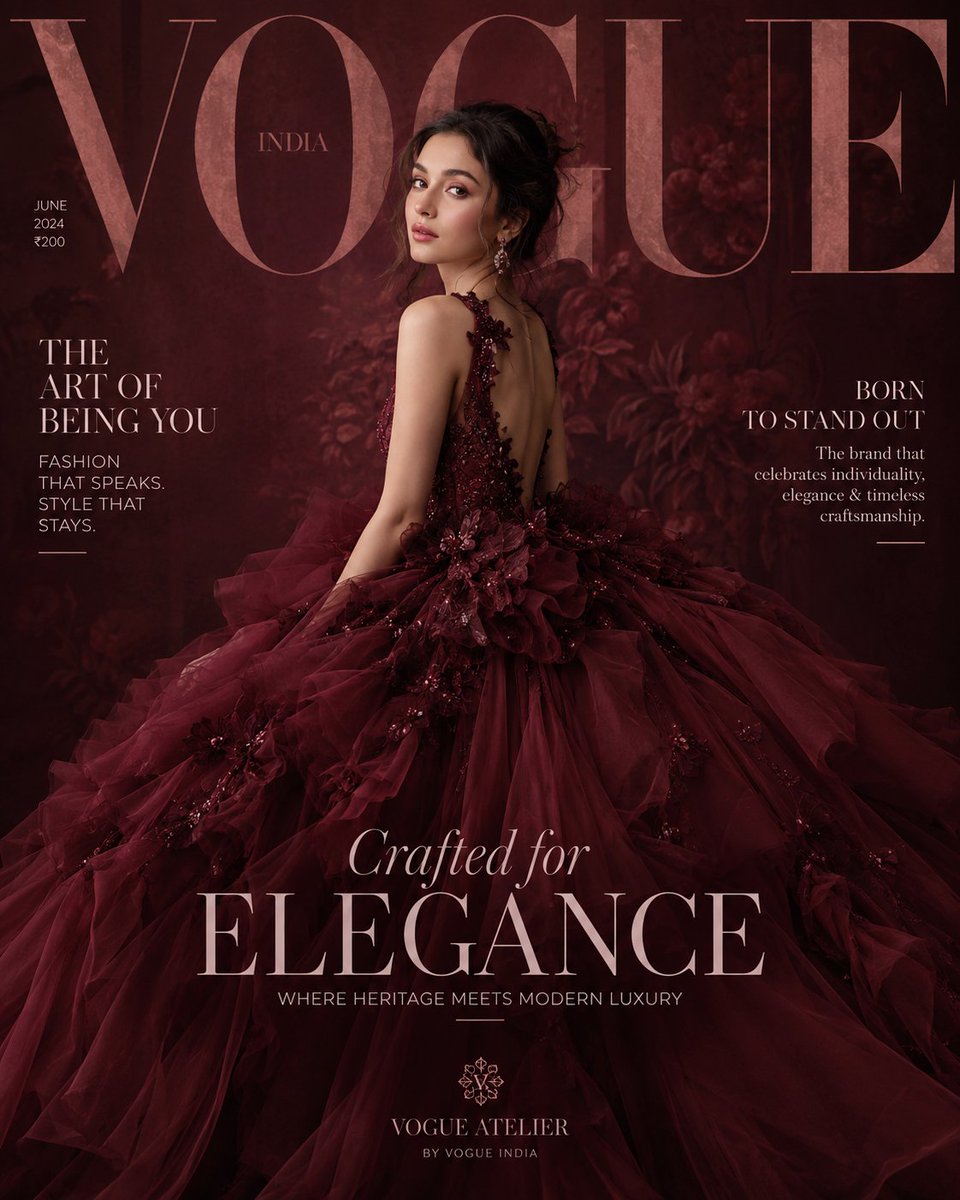
Maroon Dress Fashion Magazine Cover
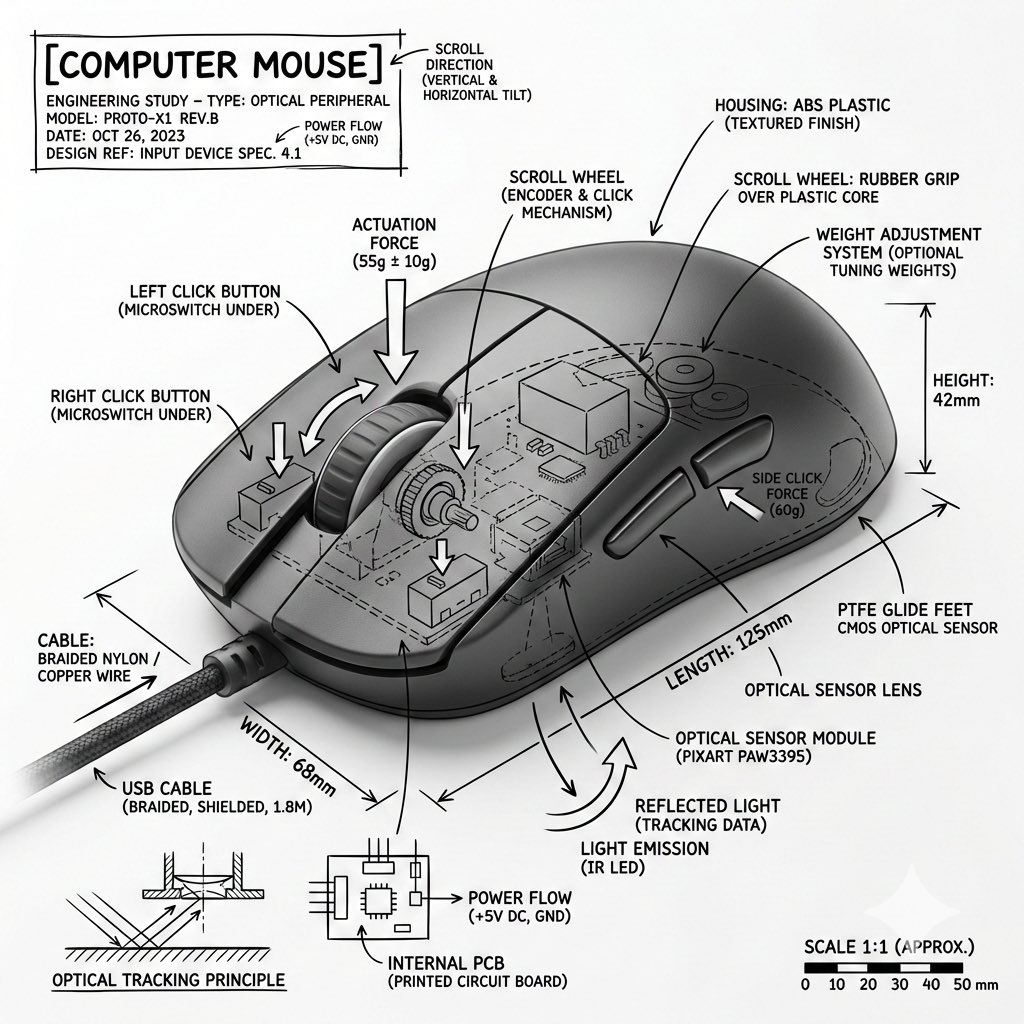
Technical Infographic Overlay for Object Annotation
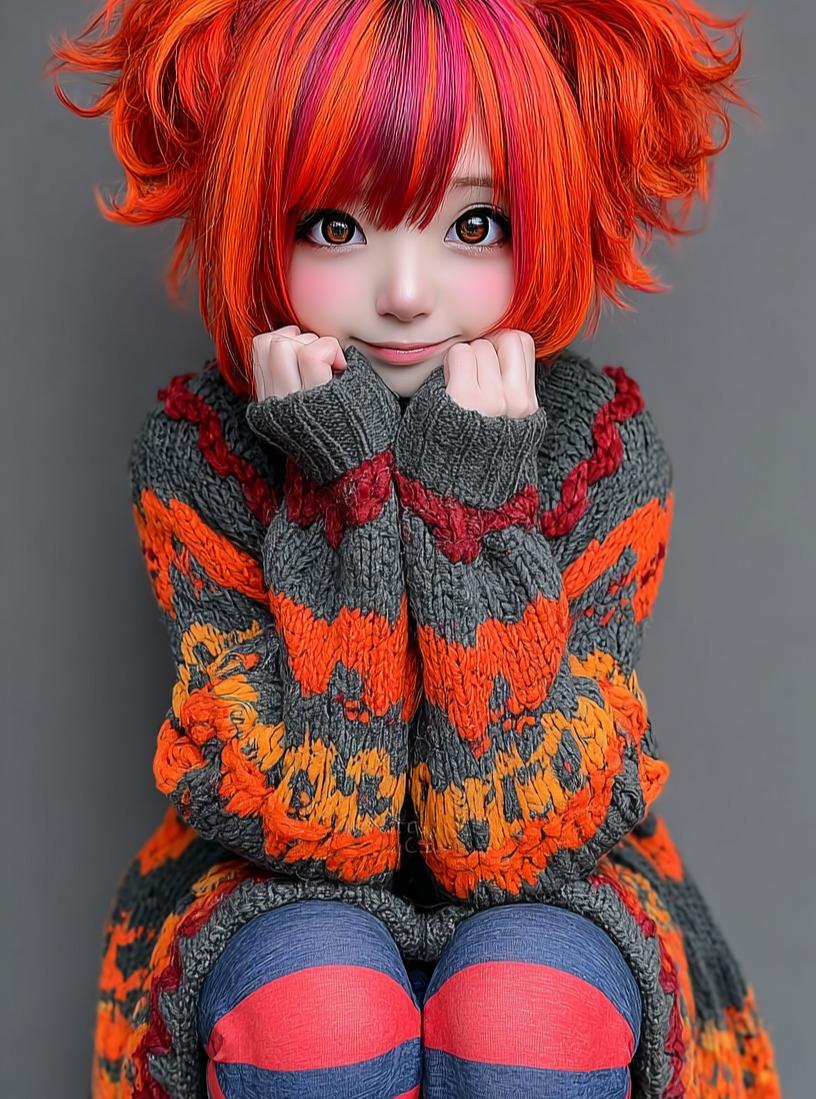
Kawaii Doll Magical Realism Character Portrait Prompt
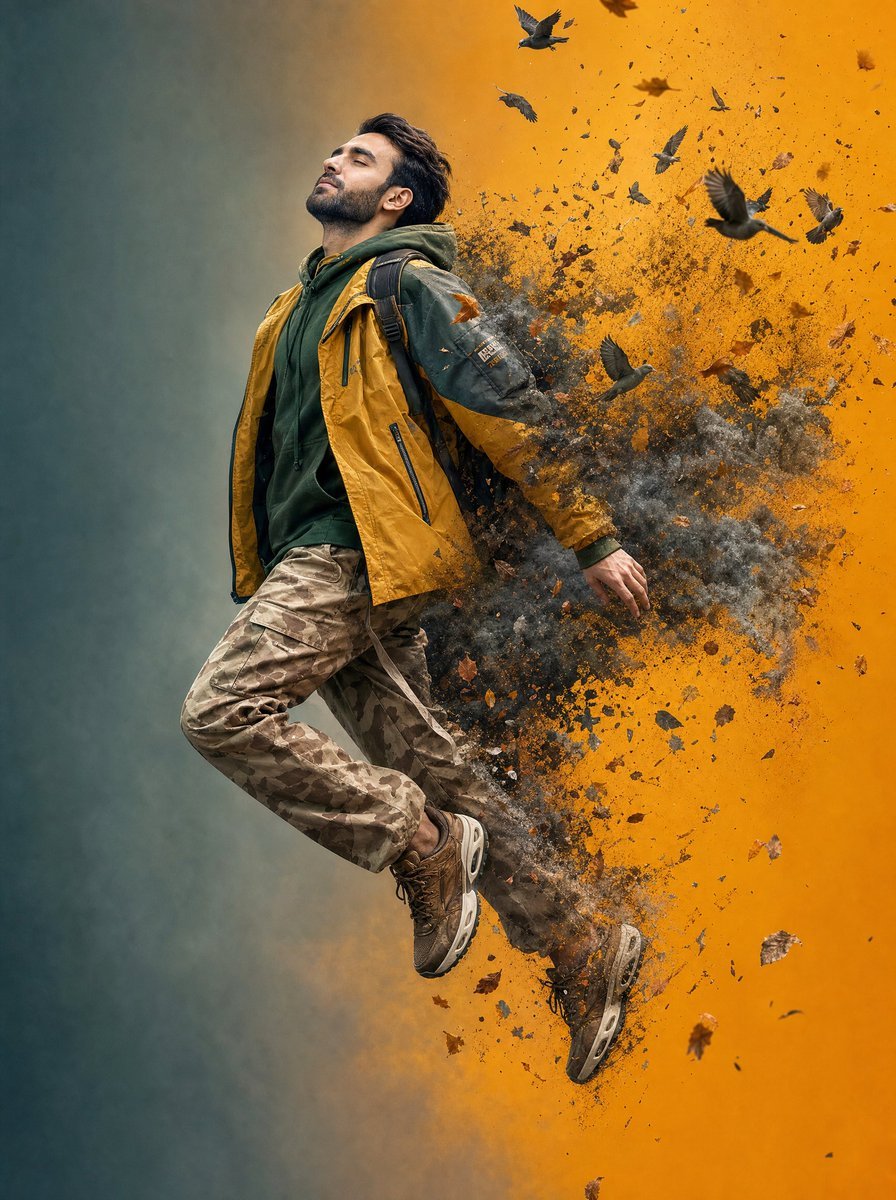
Surreal Floating Man Dissolving Into Ash

Mango Coconut Dessert Poster
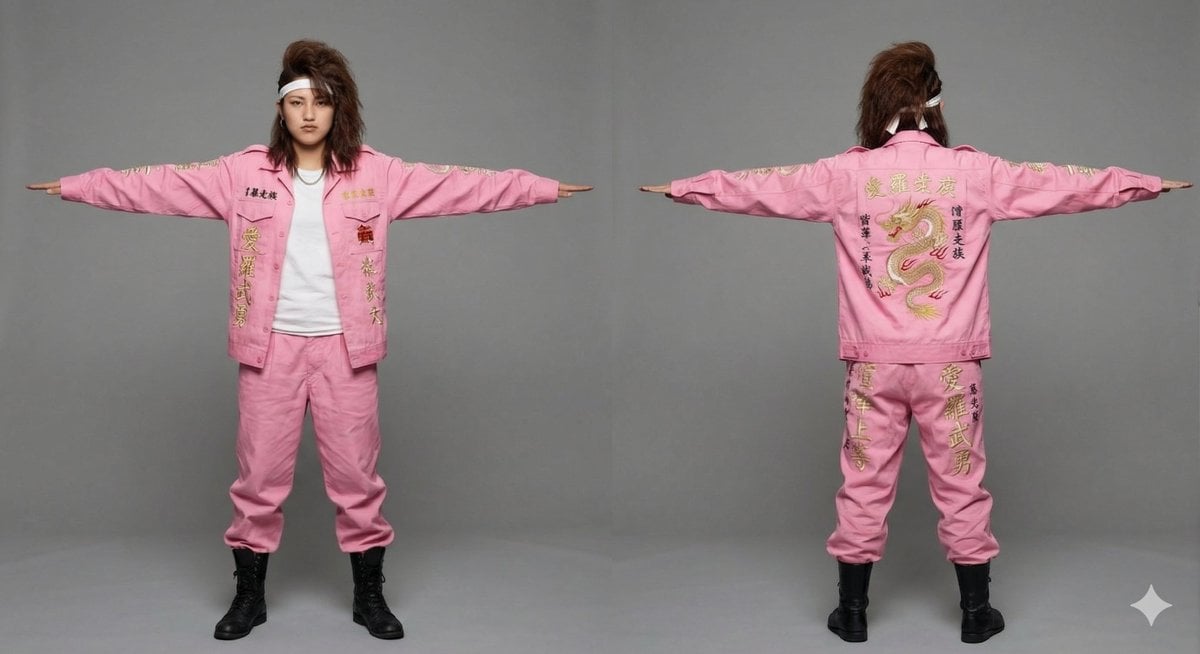
3D Model Asset Style: Classic Japanese Bosozoku (Female)
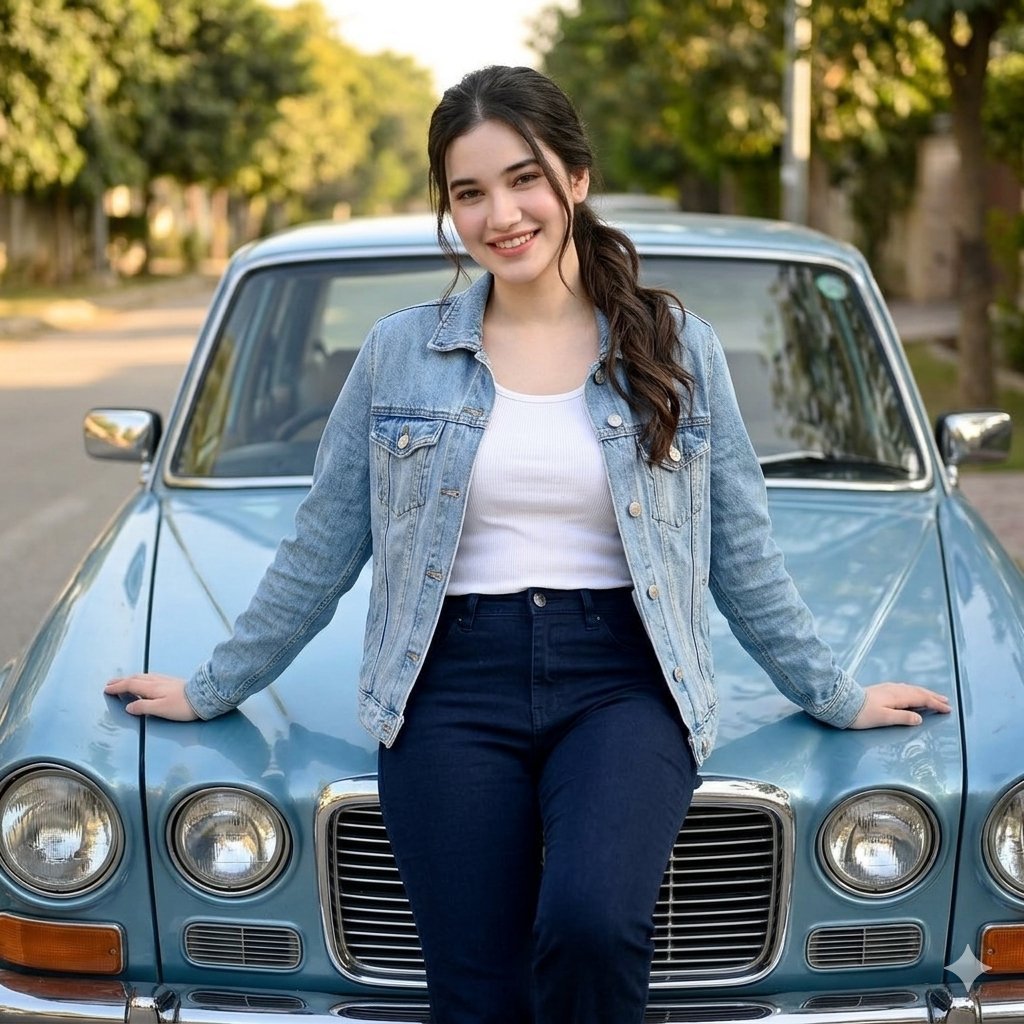
Woman Leaning on Vintage Blue Car
Browse template categories
Photorealistic Reclining Portrait with ControlNet Details questions
How do I use the Photorealistic Reclining Portrait with ControlNet Details template?
Add your photo if the template asks for one, edit the prompt if you like — the template's model and format are already selected — and press Generate. Your version opens in PicX Studio.
Can I customize the Photorealistic Reclining Portrait with ControlNet Details template?
Yes. You can change the subject, setting, lighting, mood, format, and available model controls before creating your image.
Is the Photorealistic Reclining Portrait with ControlNet Details template free?
Opening and editing this template is free. Generating uses credits, shown on the Generate button when you are signed in.
Which AI model should I use?
Start with Nano Banana 2, which is the model associated with this template. You can compare another compatible model for a different finish.
Looking for something else? Browse all templates.

Your photo, any look
Thousands of ready templates for every top image and video model, from one credit balance.