How do I use the Cinematic Golden Hour Portrait on a Luxury Yacht template?
Choose the primary action to open PicX Studio with the available template settings. Review the model and format, personalize the creative direction, and generate when ready.
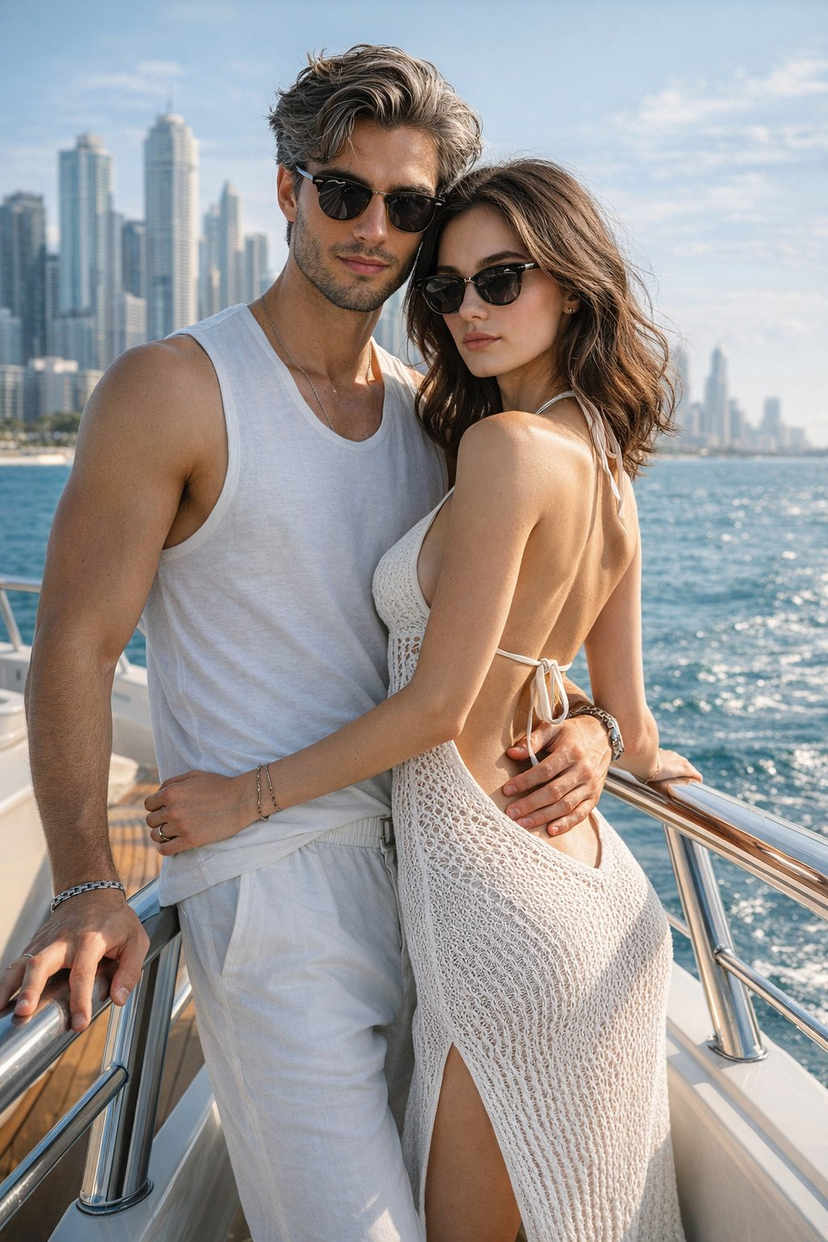
A detailed JSON prompt for generating a hyper-realistic, cinematic medium shot of a handsome man on a luxury yacht during golden hour. Change the subject, setting, or lighting one variable at a time.

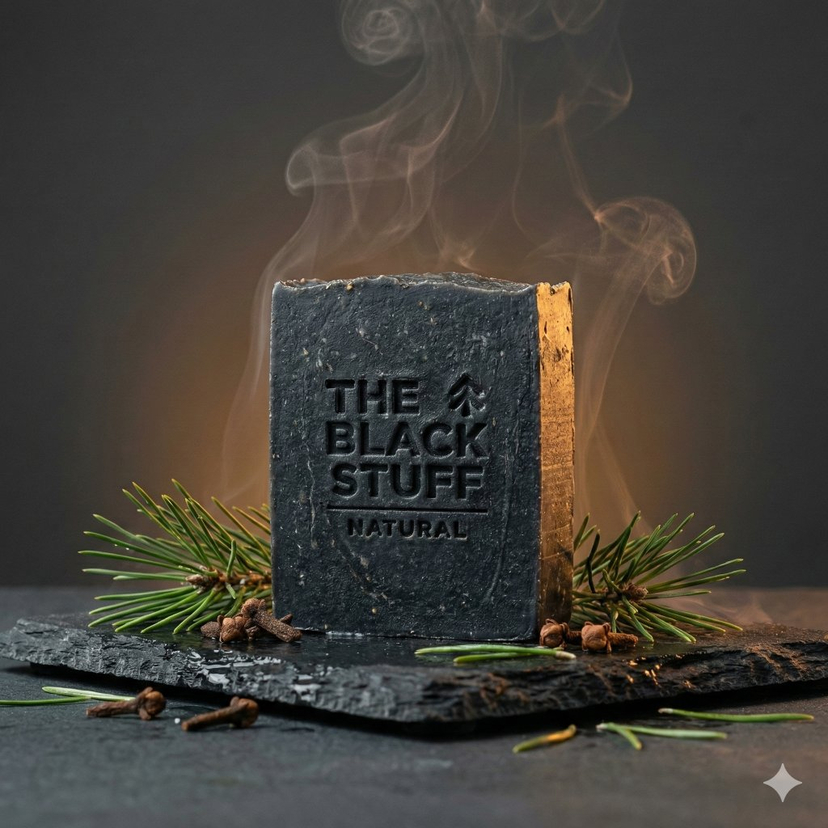
{ "A hyper-realistic, cinematic medium shot of a handsome man standing on the deck of a luxury yacht during golden hour. He has dark, swept-back hair and a well-groomed beard, wearing dark aviator sunglasses. He is dressed in a breezy {argument name="shirt color" default="white"} linen shirt, unbuttoned at the top, and matching white linen trousers. Accessories include a simple {argument name="accessory type" default="pearl necklace"} and a gold wristwatch with a deep blue dial. He is leaning casually against a wooden railing, holding a lit cigar with a wisp of smoke rising. The background features a vibrant sunset over the ocean horizon, soft wicker furniture with beige cushions, and potted tropical palm plants. The lighting is warm and glowing, evoking a wealthy, 'old money' aesthetic. 8k resolution, highly detailed.", "negative_prompt": "cartoon, illustration, low quality, blurry, deformed, bad anatomy, grayscale, overexposed, grainy, text, watermark", "style_tags": [ "photorealistic", "golden hour", "luxury lifestyle", "cinematic lighting", "portrait", "wealth" ], "resolution": "8k", "camera": { "shot_type": "medium", "lens": "cinematic", "focus": "sharp" }, "lighting": { "type": "golden hour", "mood": "warm, glowing" }, "subject": { "gender": "male", "appearance": { "hair": "dark, swept-back", "beard": "well-groomed", "sunglasses": "dark aviator" }, "clothing": { "shirt": "white linen, unbuttoned at top", "trousers": "white linen" }, "accessories": [ "pearl necklace", "gold wristwatch with deep blue dial" ], "pose": "leaning casually against railing, holding lit cigar" }, "background": { "setting": "luxury yacht deck", "elements": [ "sunset over ocean", "soft wicker furniture with beige cushions", "potted tropical palm plants" ] } }
Choose the primary action to open PicX Studio with the available template settings. Review the model and format, personalize the creative direction, and generate when ready.
Yes. You can change the subject, setting, lighting, mood, format, and available model controls before creating your image.
This template is free to open and customize. Generation usage is shown in PicX Studio before you create.
Start with Nano Banana 2, which is the model associated with this template. You can compare another compatible model for a different finish.
Follow a topic to a crawlable collection of related PicX Studio templates.
43,474 public templates available. Verified via the PicX Studio public templates API; refreshed hourly.
















![Naive doodle-style subject illustration — A doodle-style {argument name="subject" default="[subject]"}, naive lines, humorous shape exaggeration](https://pbs.twimg.com/media/G6Wl2YxbsAARB2b.jpg)















![43-elevate-your-cocktail-visuals-with-this- — A high-end studio photograph of a [YOUR COCKTAIL], shot from a high-angle slightly top-down perspect…](/_next/image?url=https%3A%2F%2Fcdn.picxstudio.com%2Fuploads%2Fpost43_img0_d0668574-f957-4115-8a97-99564ad70a8f.jpg&w=828&q=100)


![Deep Focus Fitness Mirror Selfie Prompt — Fitness_Blonde_BeigeSet_Flux_V4.2 · Flux.1 [dev] / Nano Banana Pro · 4.2.0 (Everything in Focus - f/11) · 2025-12-24T0](https://pbs.twimg.com/media/G87wzhdX0AASPfR.jpg)



![Premium CGI Crystal Typography — {argument name="brand name" default="[BRAND NAME]"}
Create a premium CGI crystal typography hero visual for a luxury brand cam](https://cms-assets.youmind.com/media/1780479097788_vr1j3n_HJy0BWJaAAAE89c.jpg)