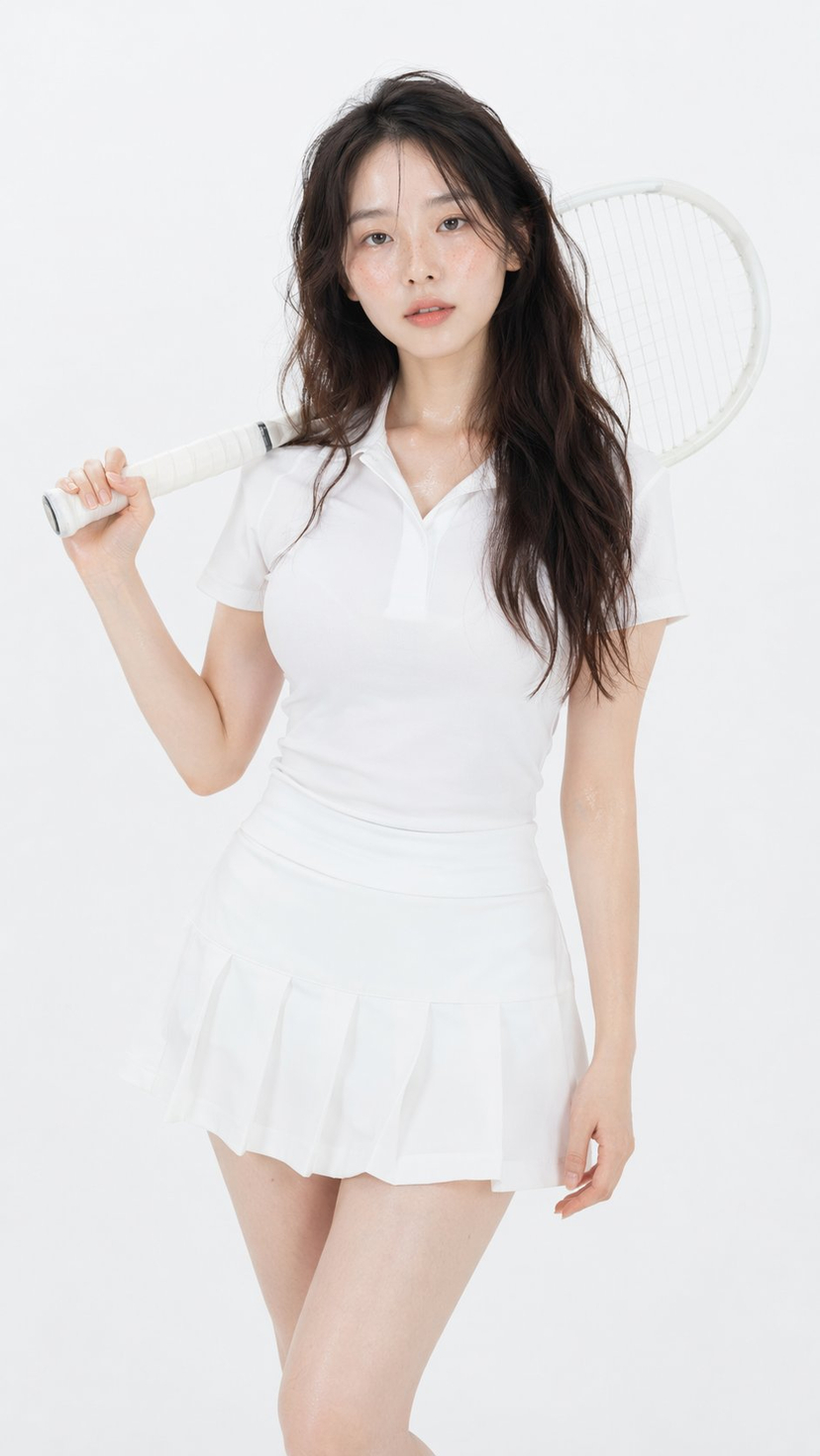
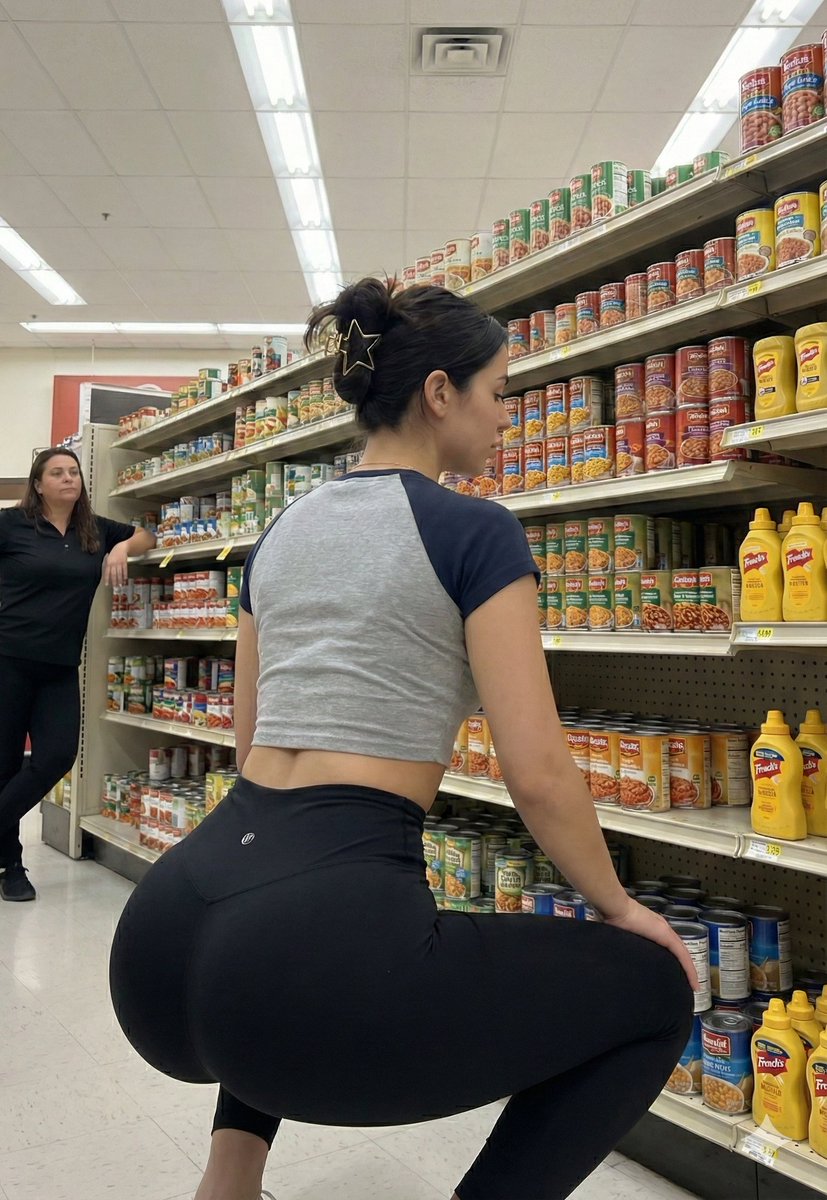
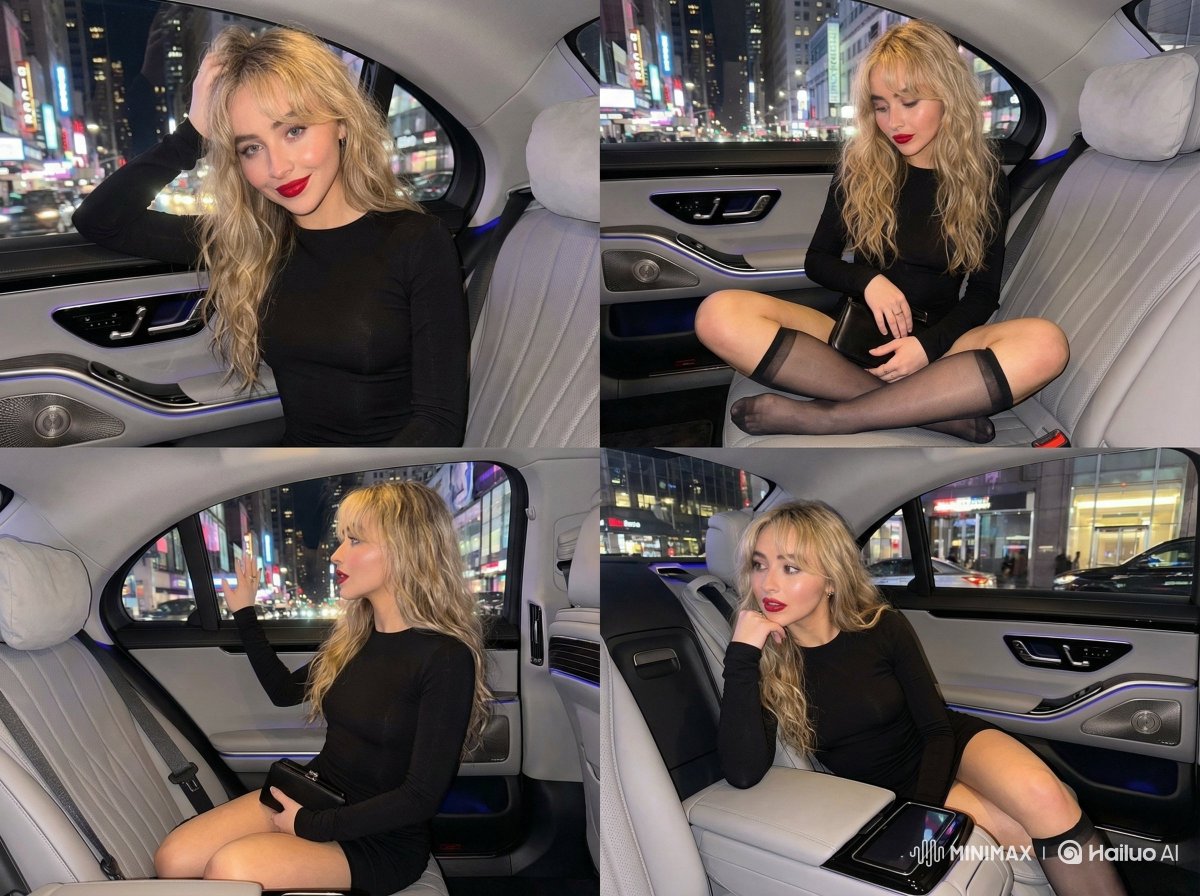
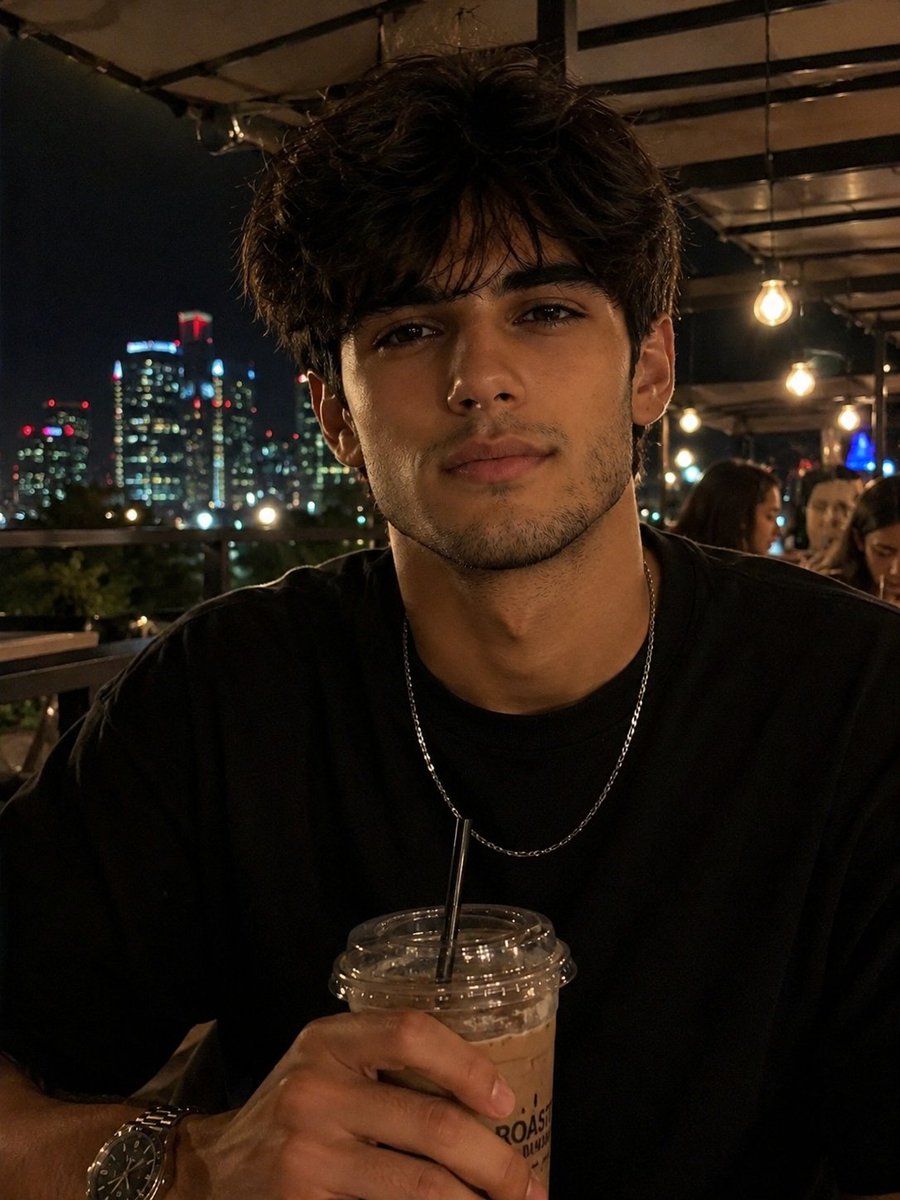
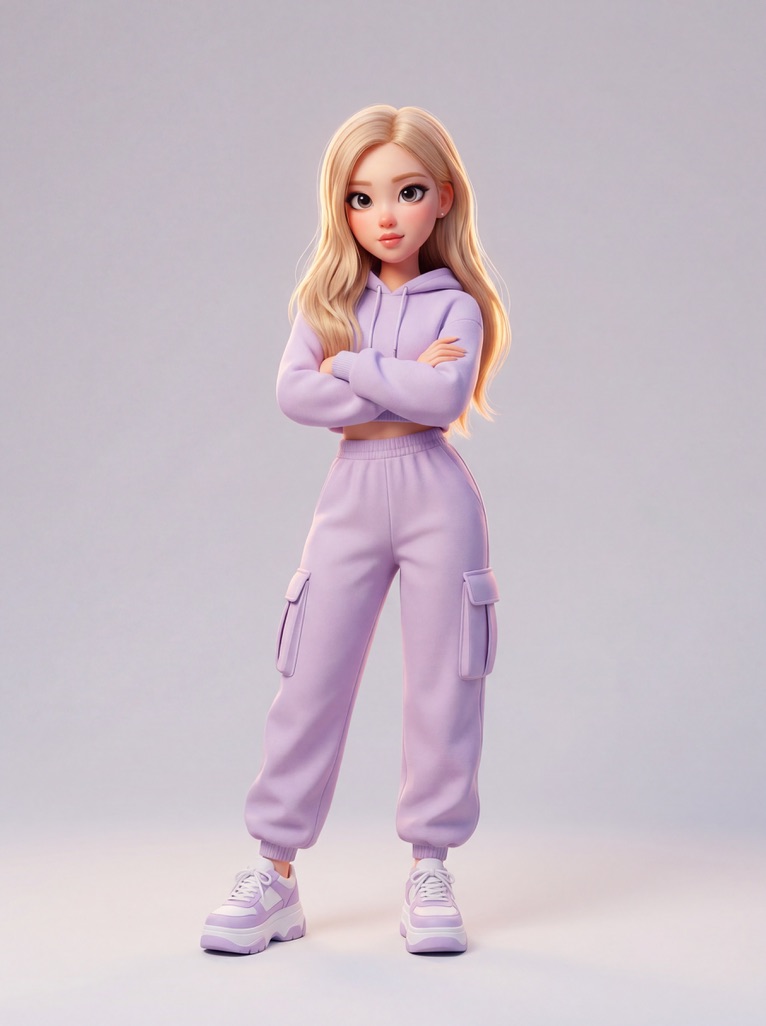
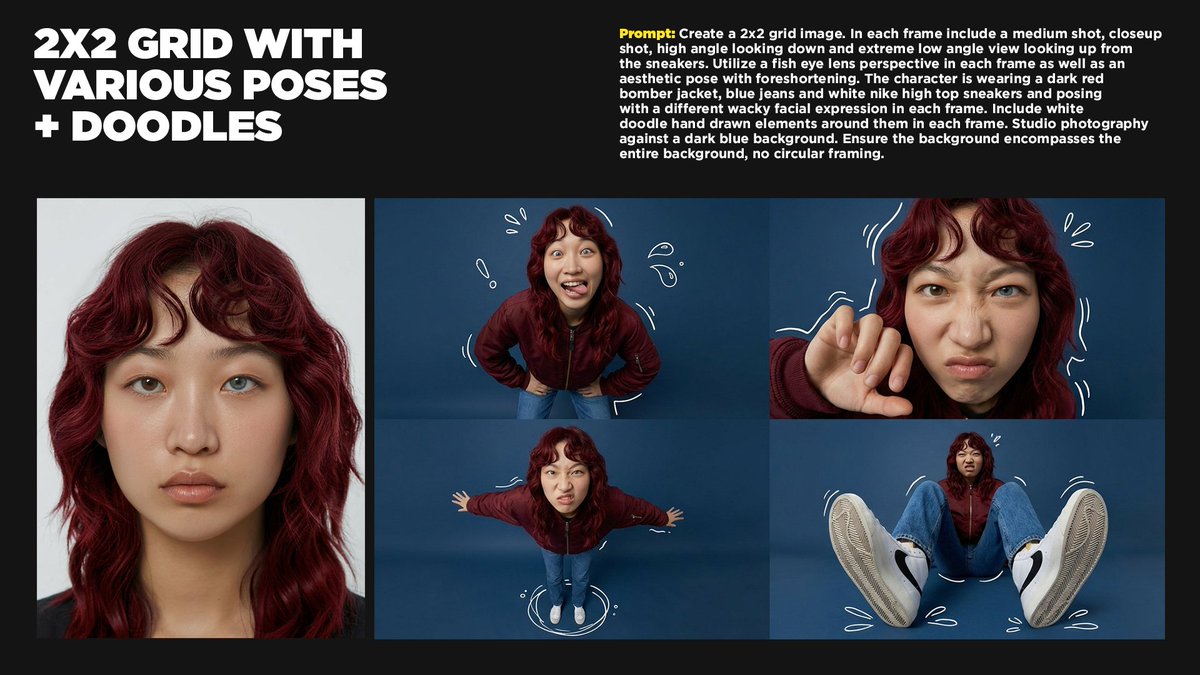
How do I use the Deep Focus Fitness Mirror Selfie Prompt template?
Choose the primary action to open PicX Studio with the available template settings. Review the model and format, personalize the creative direction, and generate when ready.
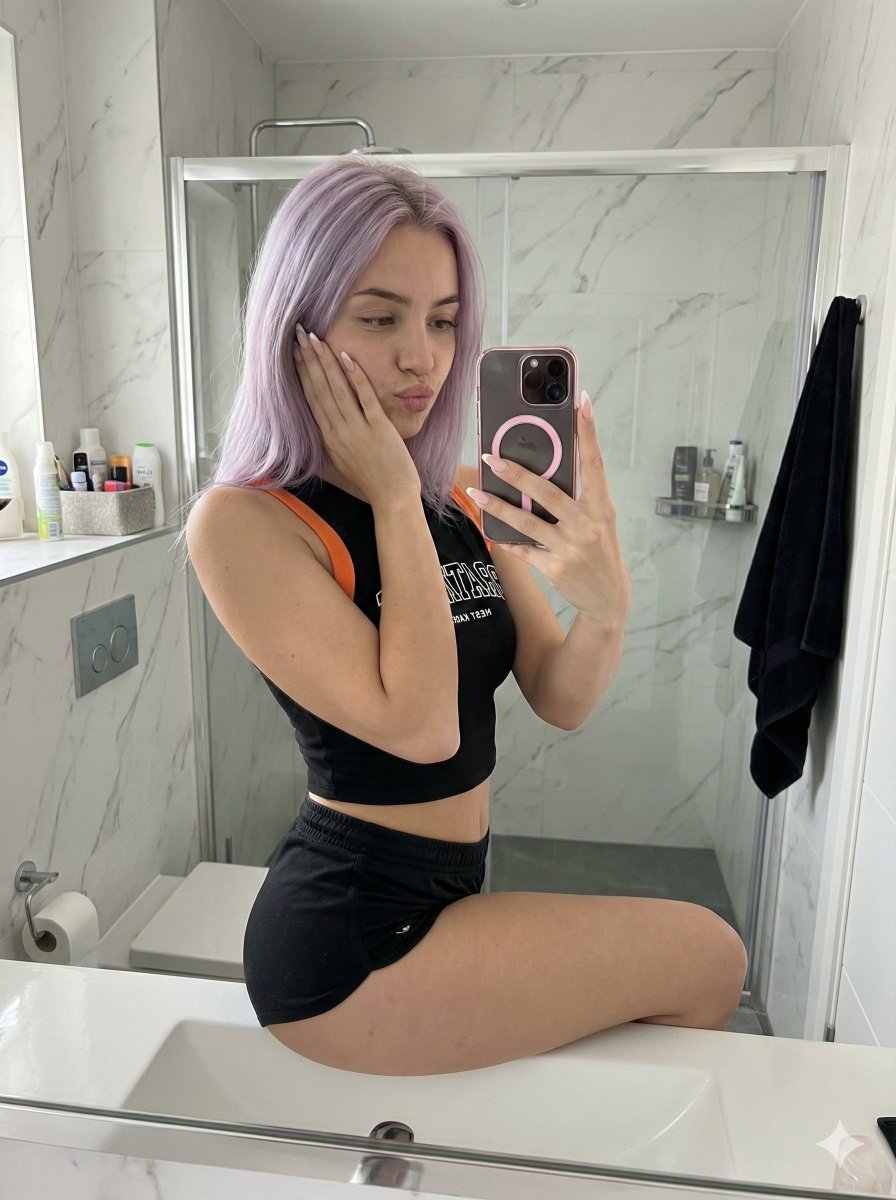
A highly technical image generation prompt for Nano Banana Pro (Flux.1 engine), designed to create a photorealistic fitness influencer mirror selfie. The prompt emphasizes a deep depth of field (f/11) so that the subject (blonde woman in a beige set) and the messy bedroom background clutter are all rendered sharply, simulating a specific smartphone camera aesthetic. (free to use) — Free AI image template on PicX Studio.
{ "meta": { "project": "Fitness_Blonde_BeigeSet_Flux_V4.2", "target_engine": "Flux.1 [dev] / Nano Banana Pro", "version": "4.2.0 (Everything in Focus - f/11)", "created_at": "2025-12-24T09:15:00Z" }, "engine_configuration": { "model": { "base": "flux1-dev.safetensors", "quantization": "fp8 / nf4", "vae": "ae.safetensors" }, "lora_slots": [ { "name": "Realism_LoRA_v2 (Optional)", "strength": 0.5, "note": "Enhances skin glow, elastic fabric texture, and indoor daylight." } ], "sampling": { "sampler_name": "euler", "scheduler": "simple", "steps": 28, "guidance_scale": 2.5, "shift": 1.0 }, "dimensions": { "width": 1024, "height": 1536, "aspect_ratio": "2:3", "megapixel_class": "1.5MP" } }, "prompt_construction": { "narrative_layer": { "style": "Fitness Influencer / Mirror Selfie", "instruction": "Capture a sharp, side-profile mirror selfie of a blonde woman in a beige fitness set, focusing on body curves and the messy bedroom background.", "subject_flow": "A curvy 19-year-old blonde woman standing sideways in a mirror, arching her back to accentuate her glutes and waist. She wears a tight beige long-sleeve crop top and matching high-waisted booty shorts (nude illusion look). She holds a phone high." }, "texture_layer": { "skin_physics": "pale porcelain skin with healthy glow, smooth finish, glossy lips, long nude nails", "fabric_physics": "tight elastic texture of beige long-sleeve top and shorts (nude illusion), crumpled texture of grey bed sheets", "environment_physics": "SHARP DETAILS ON BACKGROUND: wood floor grain, glass mirror reflection, scattered clothes, white extension cord, pink plushie" }, "camera_physics": { "lens_imperfections": "smartphone camera aesthetic, soft natural light diffusion, sharp focus", "focus": "DEEP DEPTH OF FIELD (f/11) - NO BLUR. The woman, the unmade bed, and the floor clutter are all sharp.", "settings": "Smartphone Simulation, 24mm Lens, 1/100s, ISO 300 (Filtered Daylight)" }, "color_grading": { "white_balance": "Neutral Daylight (Soft/Fresh)", "shadows": "Soft shadows on floor and bed", "highlights": "Golden highlights on blonde hair and skin" } }, "final_prompt_string": "A candid raw mirror selfie photograph shot on Smartphone f/11. Deep depth of field, everything in focus. A curvy young woman (19) with long blonde hair with golden highlights tied in a messy half-up bun and pale porcelain skin. She stands sideways in an arched wall mirror, arching her back to accentuate her glutes and waist. She wears a tight beige long-sleeve crop top and matching high-waisted booty shorts (nude illusion look). She holds a phone high. Dramatic makeup, glossy lips. Background is sharp and detailed: Minimalist bedroom with grey walls, unmade bed with grey sheets, a pink plushie, scattered black clothes, and a white extension cord on the floor. Soft natural" }
Use Deep Focus Fitness Mirror Selfie Prompt to plan an AI image around nano-banana-2 generation. Match the preview's composition first, then personalize the subject, setting, and mood for your own project.
Use the primary action to load the template settings in PicX Studio.
Adjust the subject and creative details for your destination.
Create the image, compare the result with the preview, and refine one variable at a time.
A continuous mix — similar concepts first, woven with same-model prompts and fresh picks from the catalog.
Choose the primary action to open PicX Studio with the available template settings. Review the model and format, personalize the creative direction, and generate when ready.
Yes. You can change the subject, setting, lighting, mood, format, and available model controls before creating your image.
This template is free to open and customize. Generation usage is shown in PicX Studio before you create.
Start with nano-banana-2, which is the model associated with this template. You can compare another compatible model for a different finish.
Follow a topic to a crawlable collection of related PicX Studio templates.
39,155 public templates available. Verified via the PicX Studio public templates API; refreshed hourly.
A continuous mix — similar concepts first, woven with same-model prompts and fresh picks from the catalog.