Anime Lion Costume Safari Study
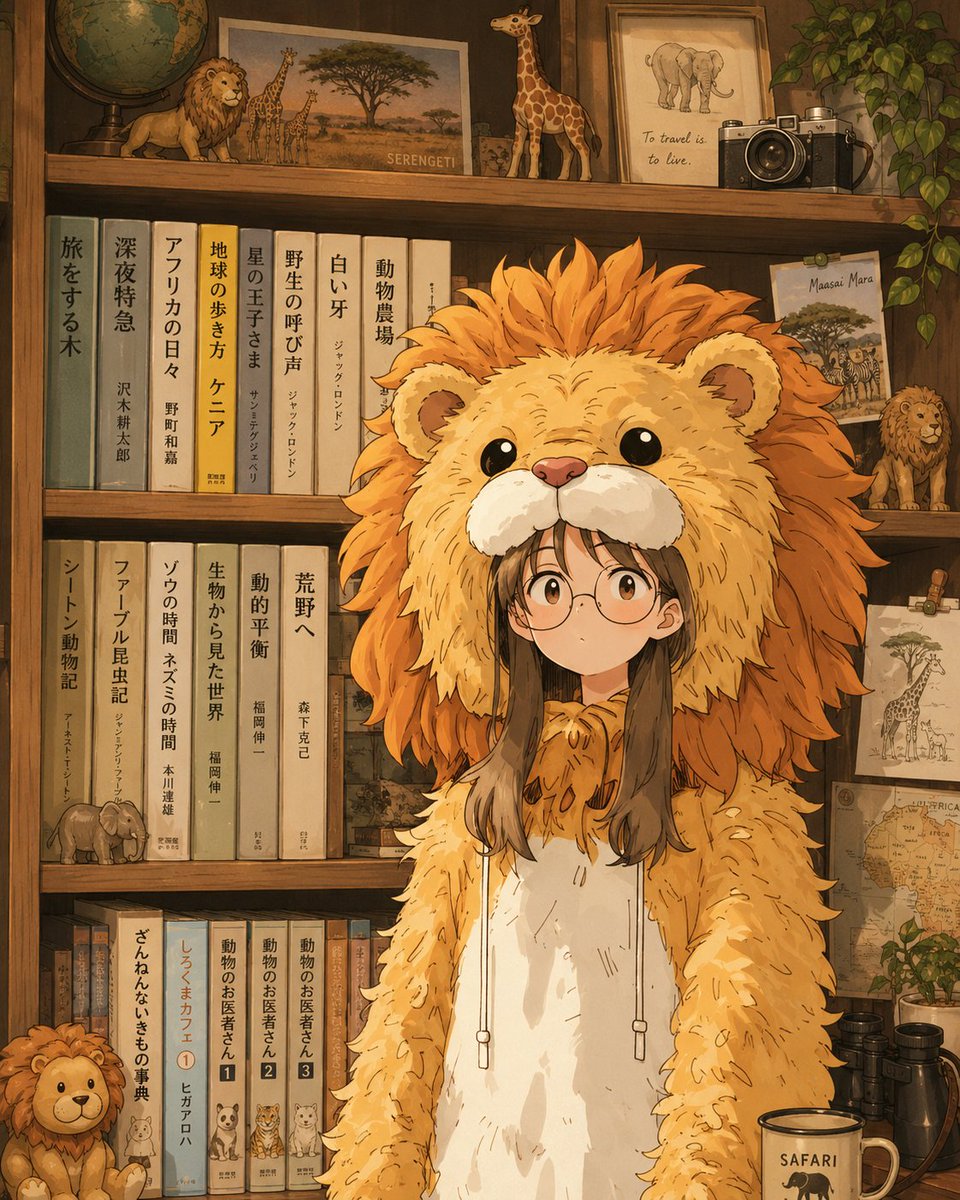
Goal: Create a warm, nostalgic anime-style illustration of {argument name="character name" default="a young girl"} standing in a cozy safari-themed study, wearing an oversized lion costume hoodie, with her face intentionally hidden by a centered opaque square censor block.
Canvas: Vertical 4:5 composition, close portrait framing from about mid-thigh upward, detailed background, soft golden-brown lighting, hand-painted anime storybook look with clean linework and textured watercolor shading.
Main subject: The character stands centered in front of a wooden bookshelf. She has long straight {argument name="hair color" default="dark brown"} hair visible beneath the hood. Her outfit is a full-body lion kigurumi with a huge fluffy lion-head hood: round black eyes, pale muzzle, pink nose, small ears, and a dramatic orange mane radiating outward. The costume body is golden tan with shaggy sleeves, white belly panel, drawstrings with small toggles, and soft paw-like hands hanging down. Place a flat beige square over the face area, covering the eyes and nose of the human wearer while leaving the lion hood visible.
Background layout: A wooden bookcase fills the entire image with three visible shelf levels and a dark warm wood frame. The mood is like a child’s room, travel library, and safari museum combined.
Counted background objects: Include exactly 3 shelf levels. On the top shelf include exactly 7 main objects: 1 antique globe at far left, 1 small lion figurine, 1 Serengeti landscape print with giraffes and an acacia tree, 1 standing giraffe figurine, 1 framed elephant sketch with the English quote “To travel is to live.”, 1 vintage silver-and-black camera, and 1 trailing green houseplant at the far right. On the middle shelves include exactly 17 tall vertical books, arranged in two groups around the character, with muted covers in teal, cream, tan, gray, yellow, and pale green; add decorative vertical Japanese book-spine text using {argument name="book spine text" default="旅をする木, 深夜特急, アフリカの日々, 地球の歩き方 ケニア, 星の王子さま, 野生の呼び声, 白い牙, 動物農場"}. Also include exactly 4 safari decorations on these shelves: 1 postcard labeled “Maasai Mara,” 1 small lion figurine, 1 pinned giraffe sketch, and 1 vintage Africa map. On the lower shelf include exactly 12 smaller books, including 3 animal-doctor volumes with numbered labels 1, 2, and 3, plus 1 plush lion sitting at bottom left. At the bottom right foreground include exactly 3 objects: 1 cream mug labeled {argument name="mug label" default="SAFARI"}, 1 pair of black binoculars, and 1 leafy plant sprig.
Visual style: Warm amber indoor light, earthy safari palette of ochre, caramel, burnt orange, cream, olive green, and dark walnut. Highly detailed but charming, soft shadows, cozy clutter, gentle anime expression implied through pose, rounded cute proportions, crisp outlines, subtle paper grain, no photorealism.
Constraints: Keep the character centered and dominant, make the lion hood very large and fluffy, keep the face-obscuring square perfectly opaque and simple, do not add extra characters, do not add modern digital devices beyond the vintage camera, and avoid logos or watermarks.









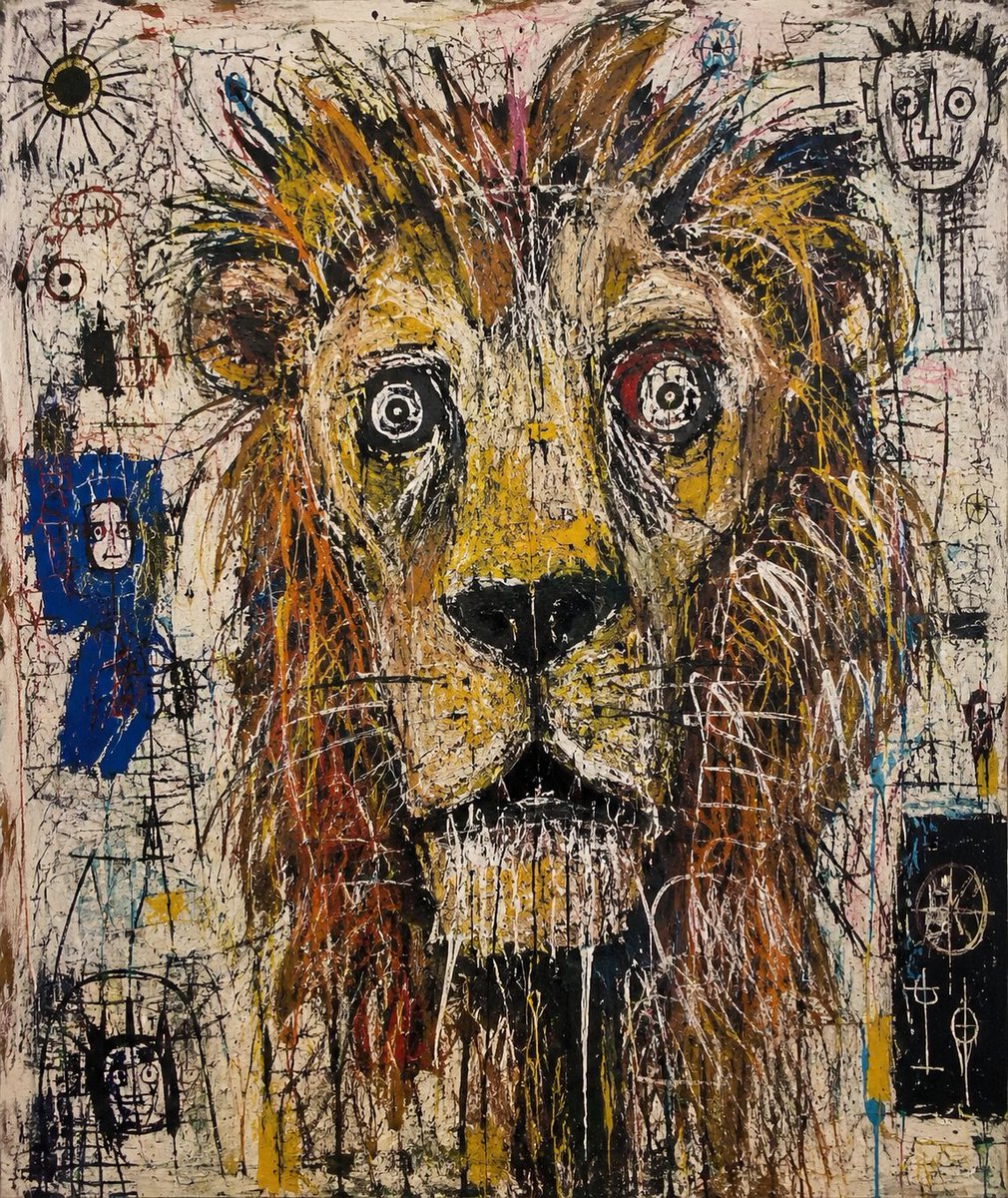







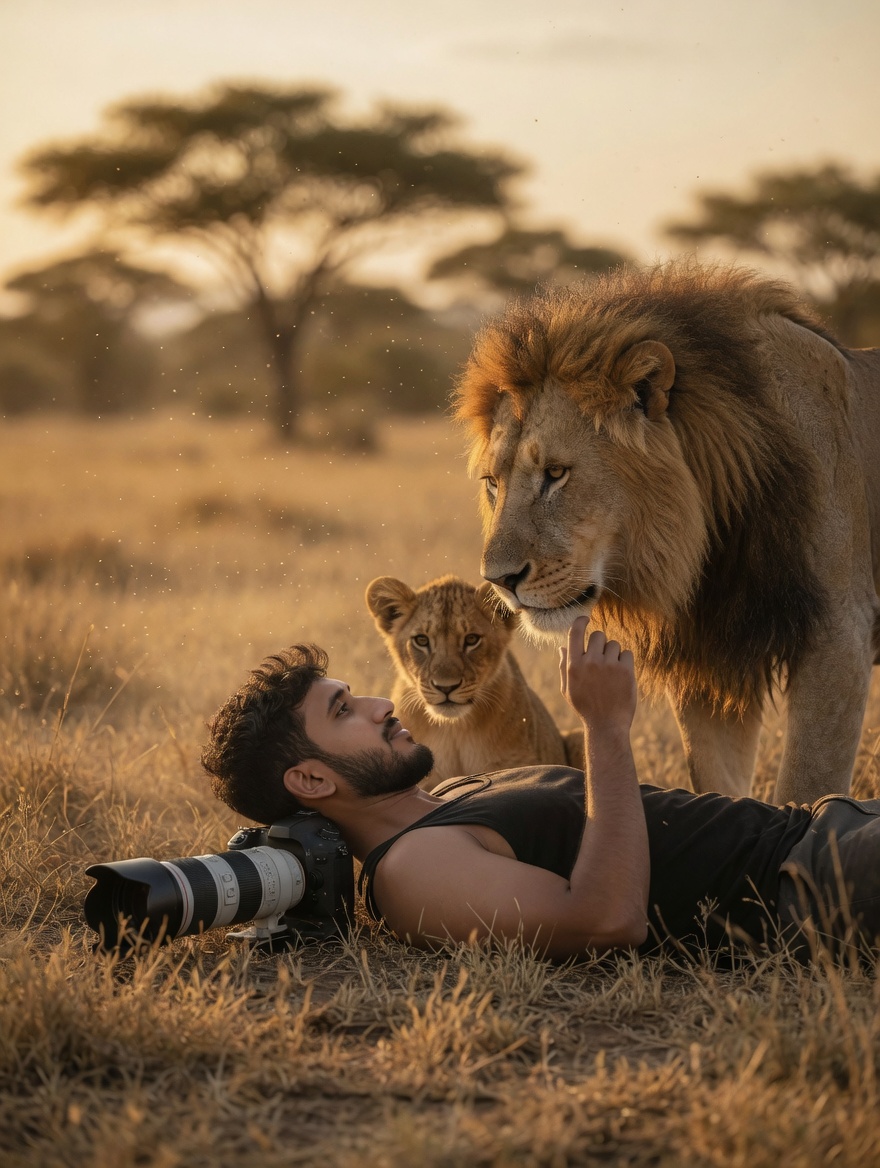


![Naive doodle-style subject illustration — A doodle-style {argument name="subject" default="[subject]"}, naive lines, humorous shape exaggeration](https://pbs.twimg.com/media/G6Wl2YxbsAARB2b.jpg)