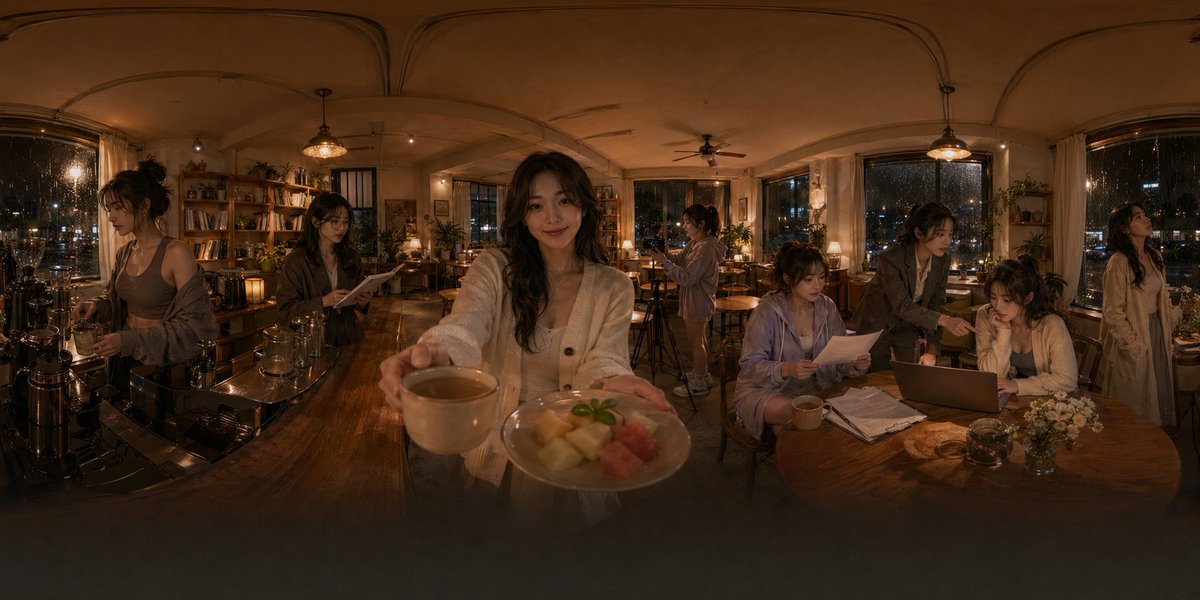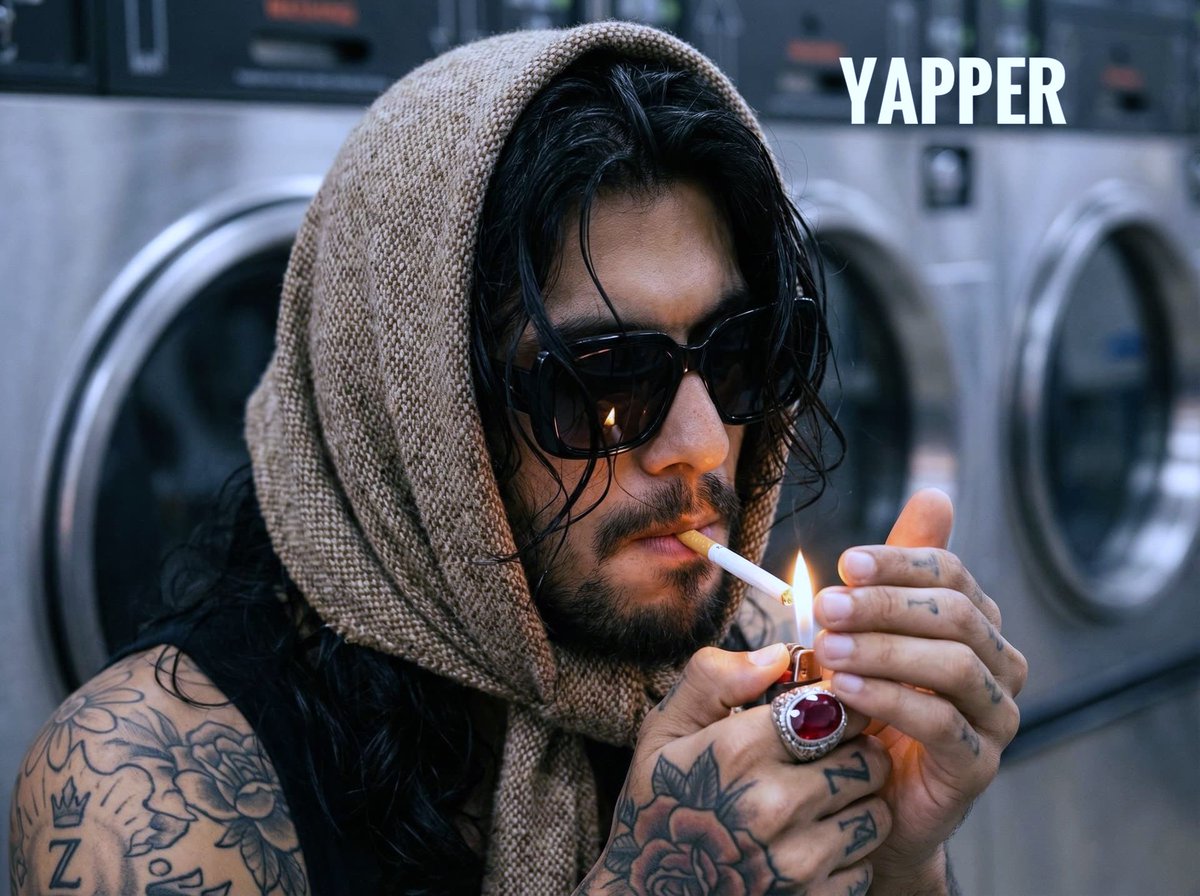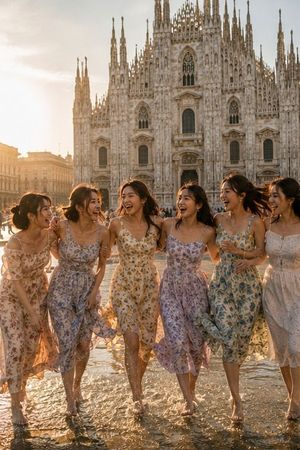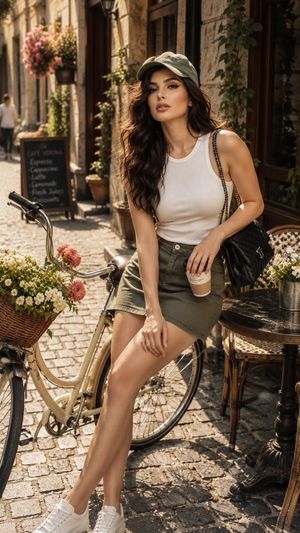
How do I use the Candid Night Street Photo Prompt template?
Choose the primary action to open PicX Studio with the available template settings. Review the model and format, personalize the creative direction, and generate when ready.
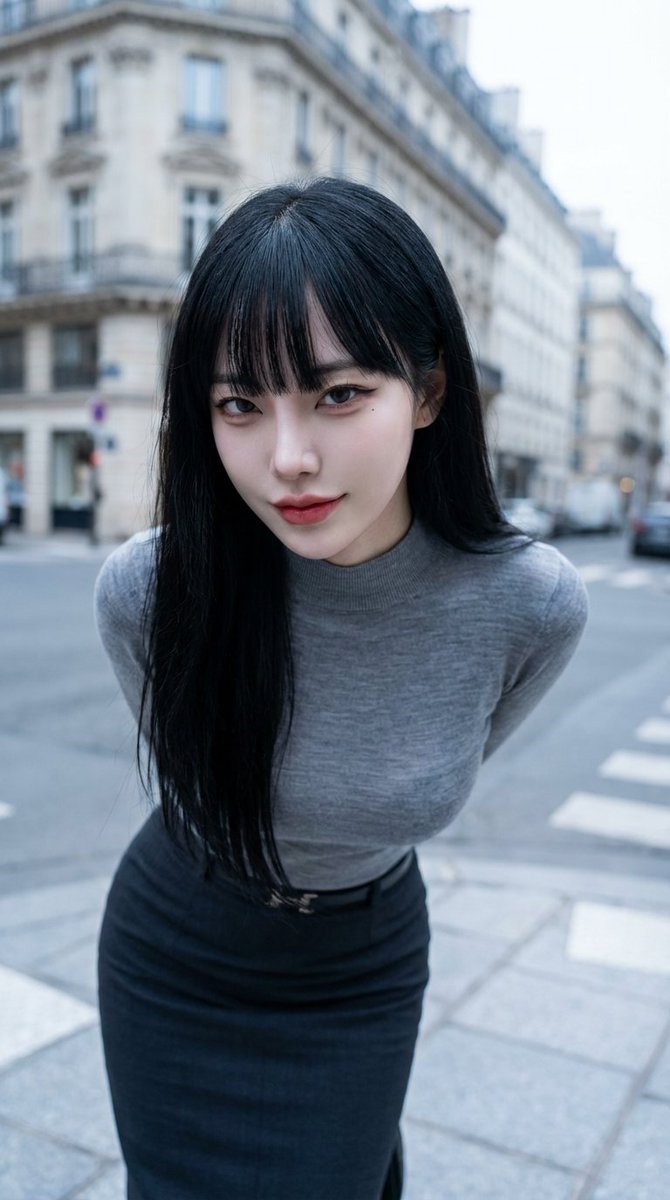
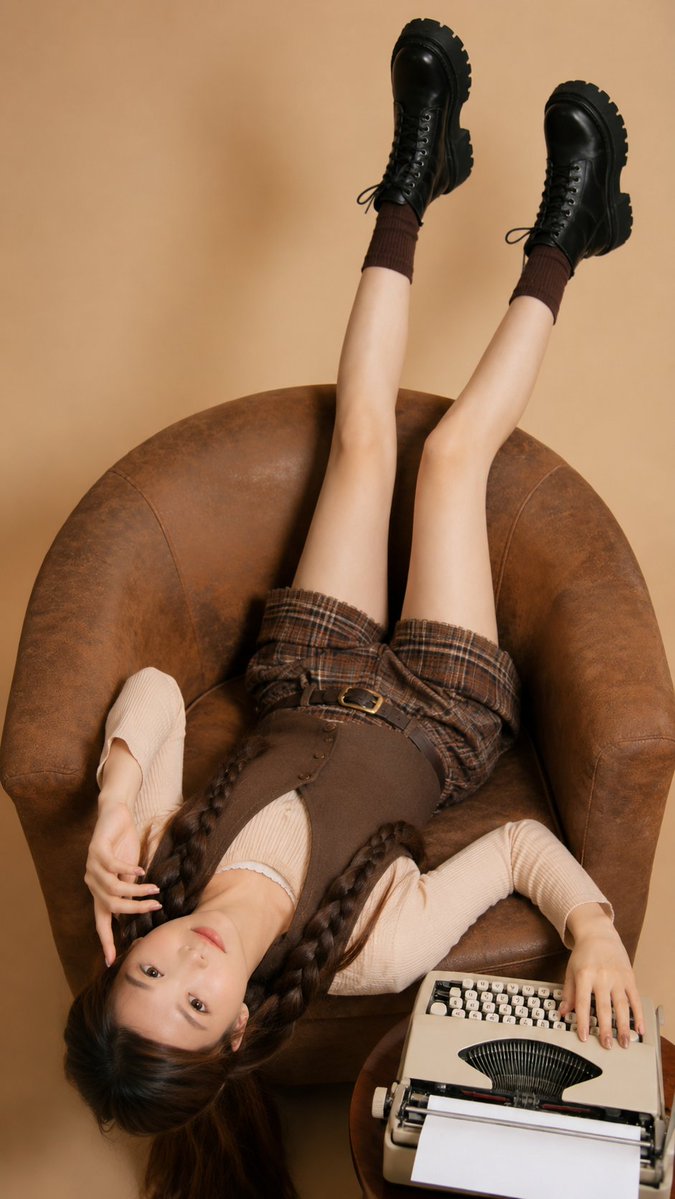
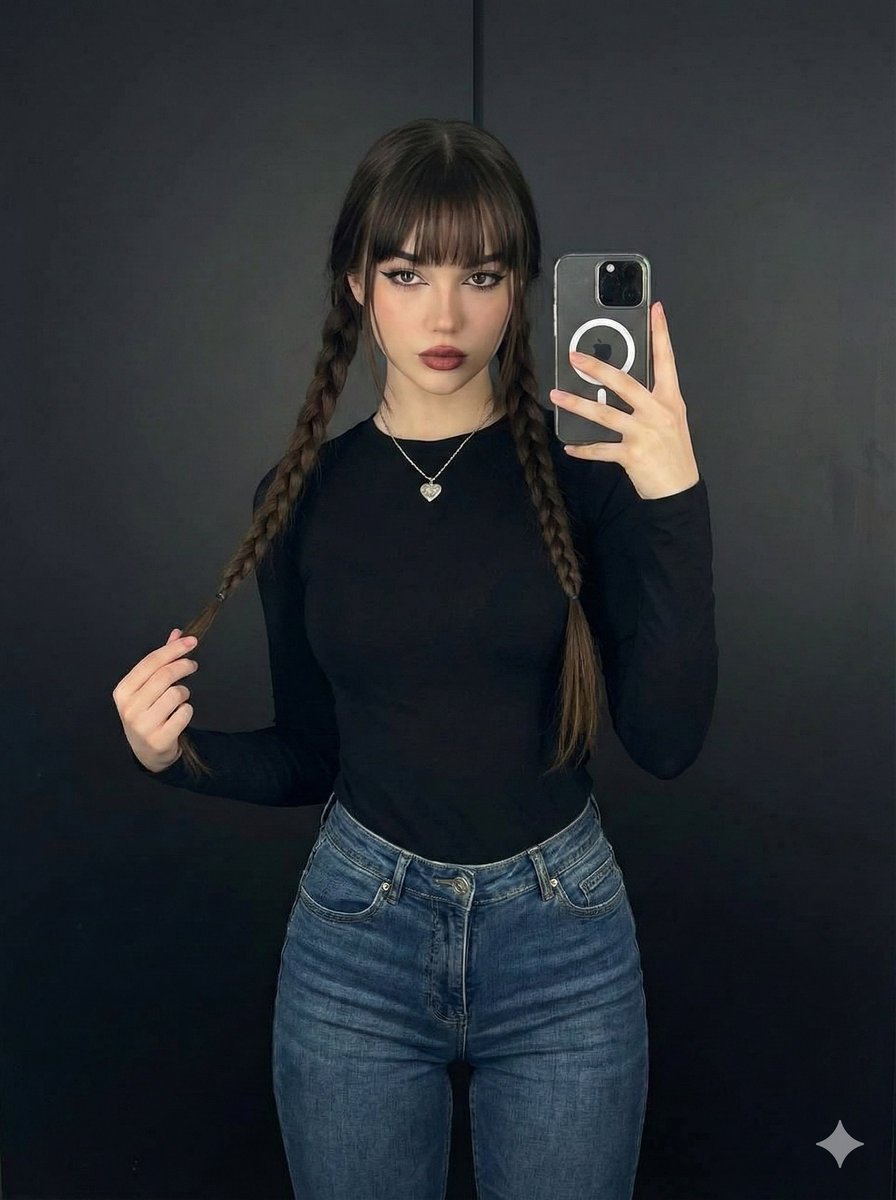
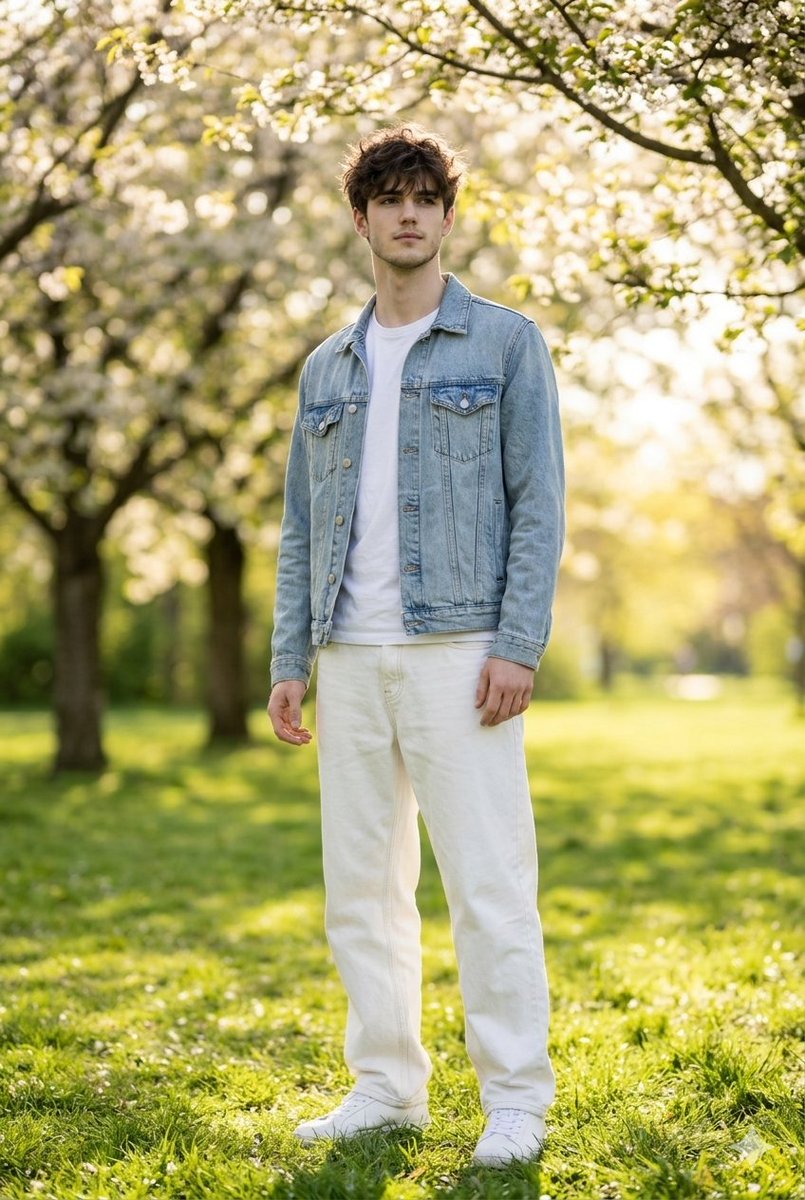
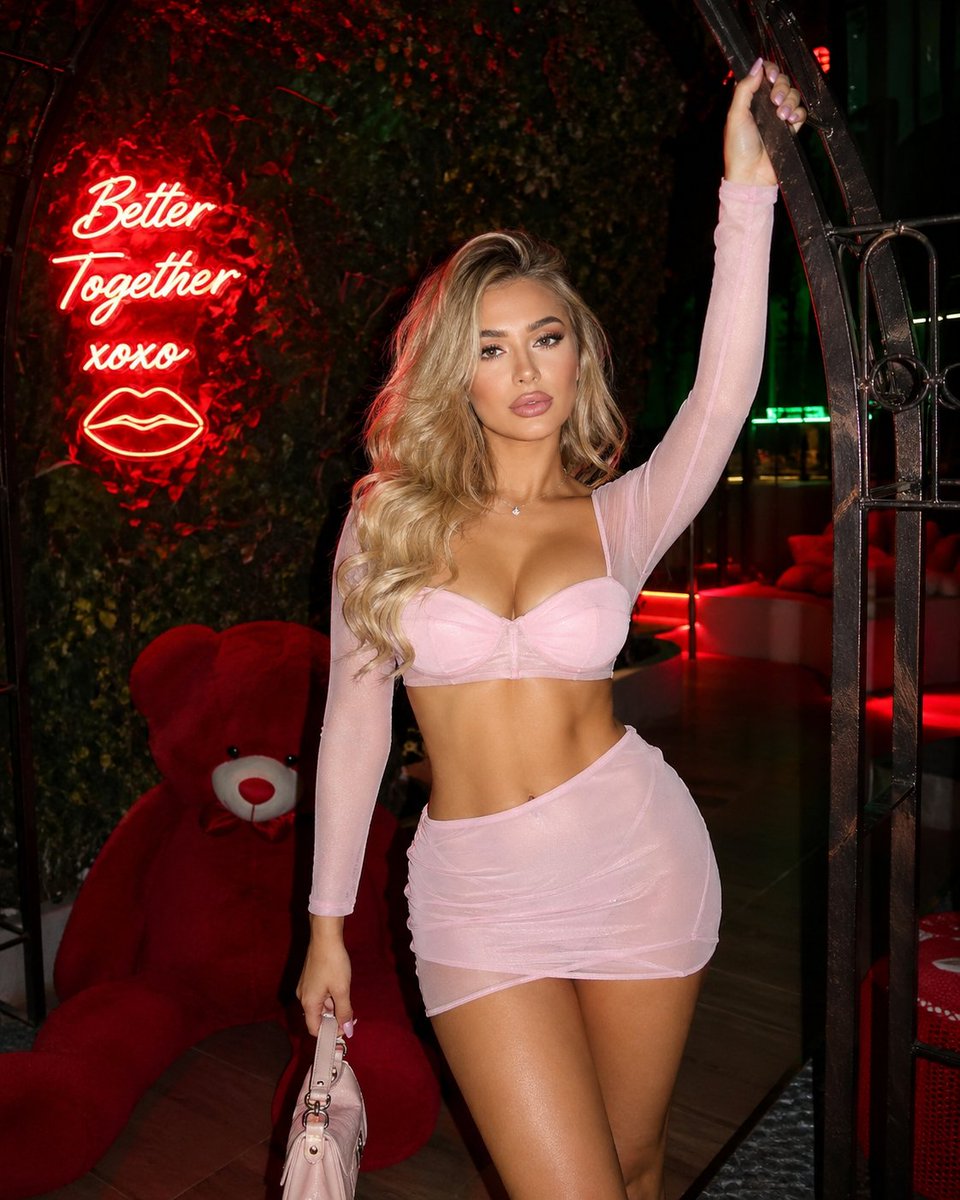
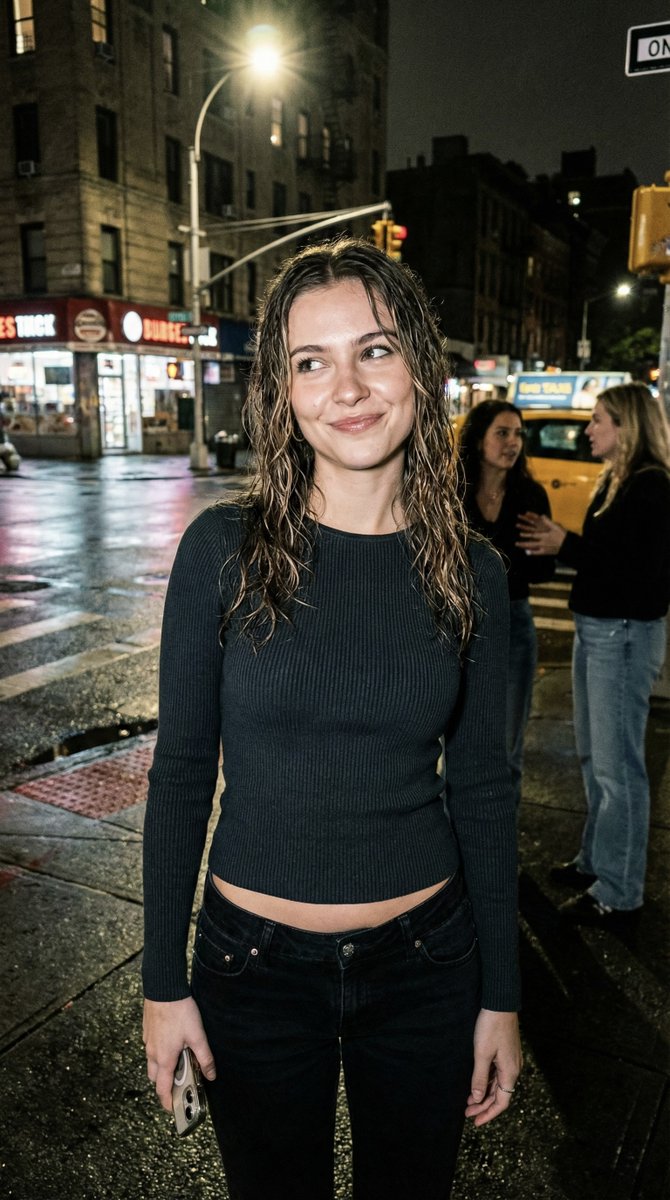
A detailed, structured prompt for Nano Banana Pro aimed at generating a realistic, candid, late-night street photo taken in a taxi stand setting. The prompt focuses on achieving a moody, slightly imperfect, 'real iPhone photo' aesthetic, with specific details on the subject's appearance, pose, lighting, and explicit negative constraints to ensure realism and avoid AI artifacts. (free to use) — Free AI image template on PicX Studio.
{ "meta": { "aspect_ratio": "9:16", "camera": "iPhone 15 Pro Max", "look": "real iPhone photo, candid, slightly imperfect framing" }, "scene": { "location": "late-night taxi stand on a wet street (city center)", "weather": "light rain, wet asphalt reflections", "background": "soft bokeh streetlights, a couple of women blurred far behind, no men", "vibe": "messy confidence, a little toxic, don’t-approach energy" }, "lighting": { "type": "streetlights + storefront spill + subtle phone flash", "feel": "moody but realistic, not cinematic, not studio" }, "camera_perspective": { "shot_by": "a female friend", "distance": "about 1 meter", "angle": "slightly low", "framing": "mid-thigh to head, a bit off-center like a real snap", "imperfections": "tiny motion blur in background, slight noise in shadows, minor exposure mismatch" }, "subject": { "female": true, "age": "24 (clearly adult)", "ethnicity": "random (non-specific)", "beauty_level": "instagram model but real", "hair": "dark blonde, loose waves, a bit damp from rain", "expression": "side-eye + small smirk, chin slightly up", "makeup": "minimal glam, glossy lips, not overdone", "pose": "one hip forward, shoulders relaxed, holding phone down by side (screen not visible)", "outfit": { "top": "thin ribbed long-sleeve top, opaque, braless (no straps, no visible bra lines)", "bottom": "low-rise black jeans, realistic folds", "shoes": "simple ankle boots" } }, "realism": { "skin": "natural texture, tiny pores, faint under-eye texture, one small blemish ok", "details": "a few flyaway hairs, slight lint on jeans, mild rain specks on sleeves" }, "negative_prompt": [ "men", "nudity", "explicit anatomy", "pornographic pose", "overly perfect plastic skin", "super sharp HDR look", "text, watermark, logos", "extra fingers, deformed hands, face warping" ] }
Use Candid Night Street Photo Prompt to plan an AI image around nano-banana-2 generation. Match the preview's composition first, then personalize the subject, setting, and mood for your own project.
Use the primary action to load the template settings in PicX Studio.
Adjust the subject and creative details for your destination.
Create the image, compare the result with the preview, and refine one variable at a time.
A continuous mix — similar concepts first, woven with same-model prompts and fresh picks from the catalog.
Choose the primary action to open PicX Studio with the available template settings. Review the model and format, personalize the creative direction, and generate when ready.
Yes. You can change the subject, setting, lighting, mood, format, and available model controls before creating your image.
This template is free to open and customize. Generation usage is shown in PicX Studio before you create.
Start with nano-banana-2, which is the model associated with this template. You can compare another compatible model for a different finish.
Follow a topic to a crawlable collection of related PicX Studio templates.
39,157 public templates available. Verified via the PicX Studio public templates API; refreshed hourly.
A continuous mix — similar concepts first, woven with same-model prompts and fresh picks from the catalog.