
panoramic image
panoramic image is a ready photo look.
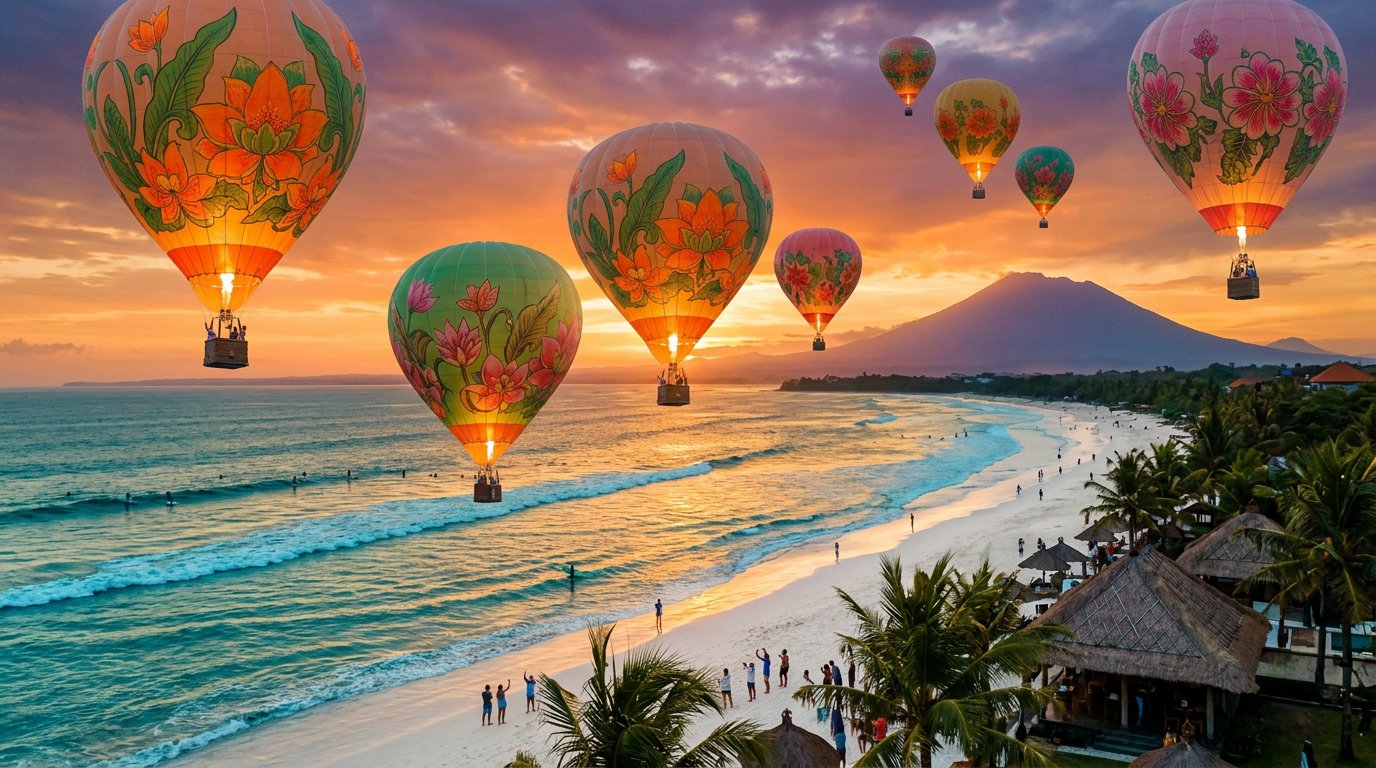
- Prompt included
- Model and format preset
- Free template
The prompt behind this image
Copy the exact prompt behind panoramic image, or open it in the studio and make it yours.
- Subject › Description
- Cluster of 7-10 vibrant colorful hot air balloons (reds, blues, yellows, purples with intricate patterns) gently floating mid-air, some ascending, others drifting sideways, striped fabrics billowing softly in breeze
- Subject › Age
- N/A
- Subject › Expression
- N/A
- Subject › Hair
- N/A
- Subject › Clothing
- N/A
- Subject › Face › Preserve Original
- false
- Accessories › Jewelry
- N/A
- Accessories › Prop › Type
- hot air balloons
- Accessories › Prop › Details
- silk-like nylon envelopes, wicker baskets with 2-3 passengers each peering over edges
- Photography › Camera Style
- panoramic wide-angle drone shot, 12mm fisheye lens, high dynamic range
- Photography › Angle
- elevated aerial overview, slight downward tilt
- Photography › Shot Type
- ultra-wide landscape panorama
- Photography › Texture
- crisp sharp details, subtle atmospheric haze
- Background › Setting
- Tegallalang rice terraces in Bali at coordinates 8.5167°S, 115.0833°E, lush emerald green paddies in stepped valleys, swaying palm trees, misty hills
- Background › Elements
- distant Mount Batur volcano peak, scattered clouds, narrow dirt paths between terraces
- Background › Atmosphere
- golden hour dawn, serene and magical
- Background › Lighting
- soft warm sunlight rising from horizon, long shadows across terraces, glowing balloon undersides
Raw JSON
{
  "subject": {
    "description": "Cluster of 7-10 vibrant colorful hot air balloons (reds, blues, yellows, purples with intricate patterns) gently floating mid-air, some ascending, others drifting sideways, striped fabrics billowing softly in breeze",
    "age": "N/A",
    "expression": "N/A",
    "hair": "N/A",
    "clothing": "N/A",
    "face": {"preserve_original": false}
  },
  "accessories": {
    "jewelry": "N/A",
    "prop": {"type": "hot air balloons", "details": "silk-like nylon envelopes, wicker baskets with 2-3 passengers each peering over edges"}
  },
  "photography": {
    "camera_style": "panoramic wide-angle drone shot, 12mm fisheye lens, high dynamic range",
    "angle": "elevated aerial overview, slight downward tilt",
    "shot_type": "ultra-wide landscape panorama",
    "texture": "crisp sharp details, subtle atmospheric haze"
  },
  "background": {
    "setting": "Tegallalang rice terraces in Bali at coordinates 8.5167°S, 115.0833°E, lush emerald green paddies in stepped valleys, swaying palm trees, misty hills",
    "elements": ["distant Mount Batur volcano peak", "scattered clouds", "narrow dirt paths between terraces"],
    "atmosphere": "golden hour dawn, serene and magical",
    "lighting": "soft warm sunlight rising from horizon, long shadows across terraces, glowing balloon undersides"
  }
}How to use panoramic image in 3 steps
- 1
Open
The prompt is already in the box next to the preview, with the template's model and format selected.
- 2…a portrait of your subject in softgolden-hour light, 85mm…
Personalize
Edit the subject and creative details for your destination.
- 3Generate
Generate
Press Generate — your image is created in PicX Studio, so you can compare it with the original and refine one variable at a time.
More like this
Templates with the same subject, style or setup. Open one to see its prompt.
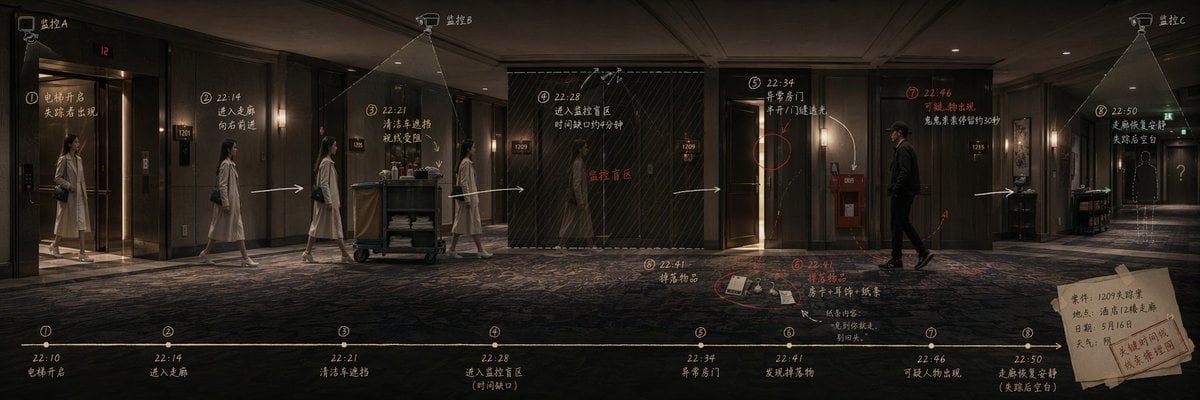
Panoramic Scene Storyboard Template
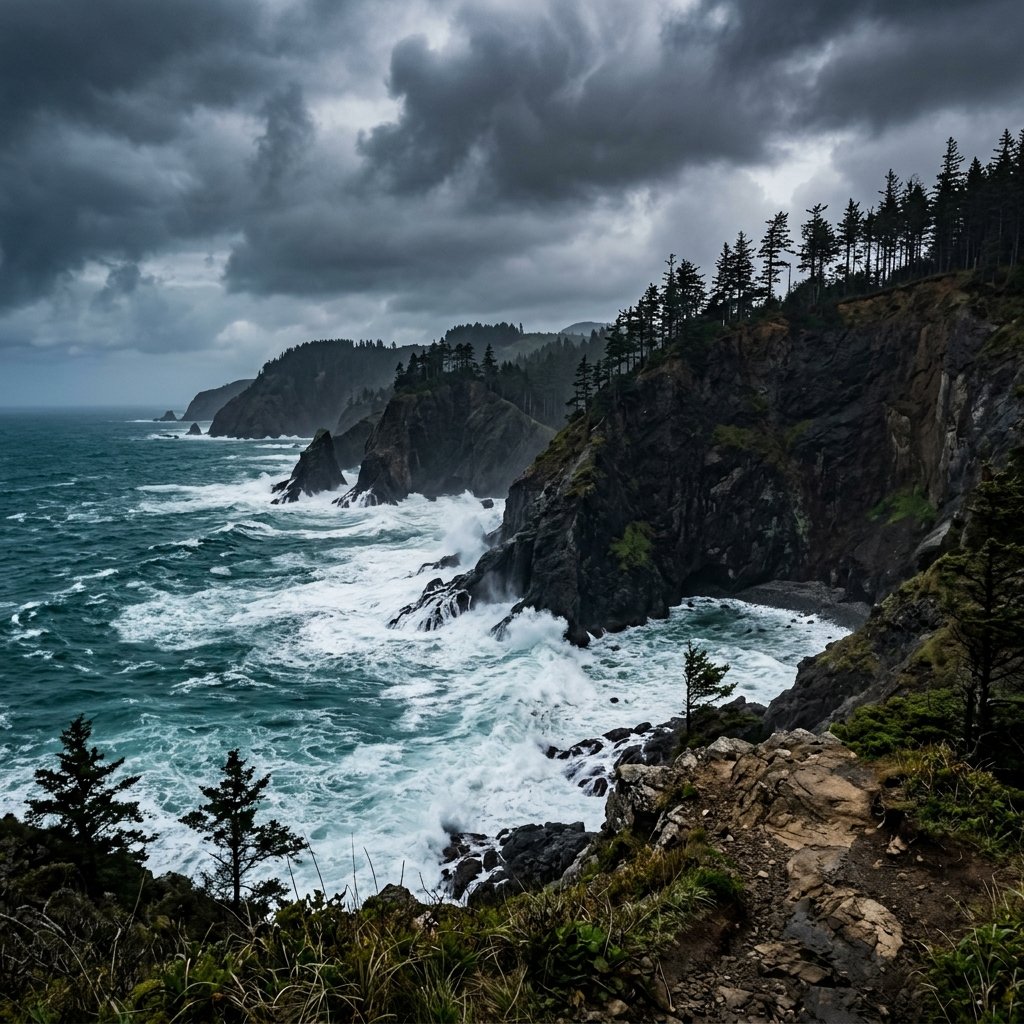
Panoramic Coastal Cliff Landscape
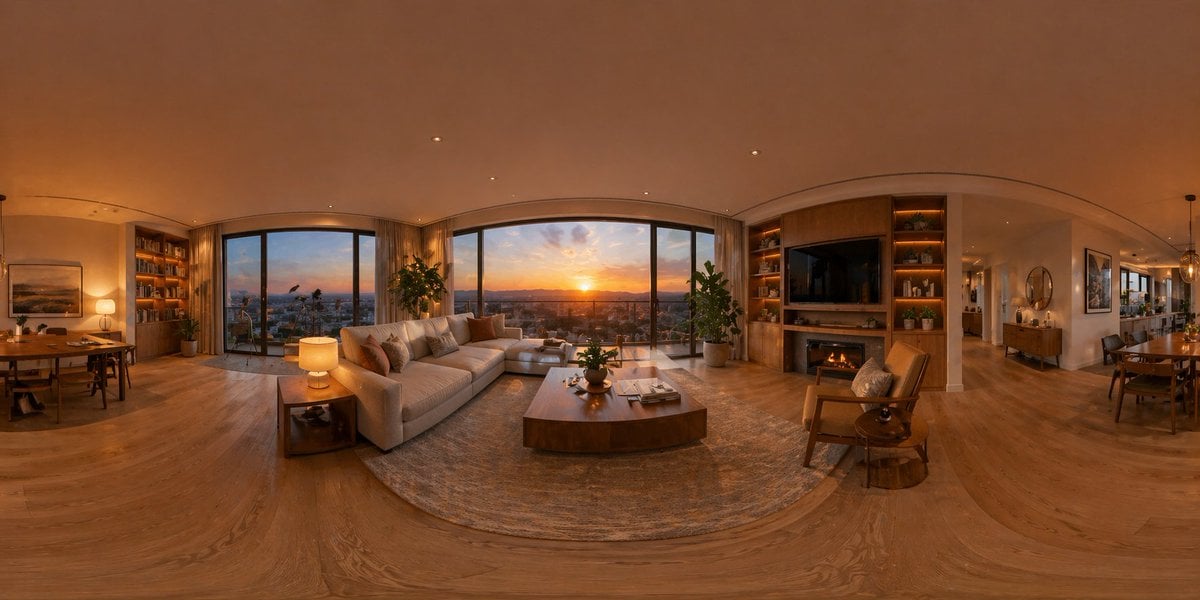
360 Degree Panoramic Image Template
Vintage Panoramic Poolside
Degree Panoramic Photography Prompt
Panoramic Tech Event Atrium Scene
Hyper-realistic Transportation Evolution Panoramic Landscape Prompt
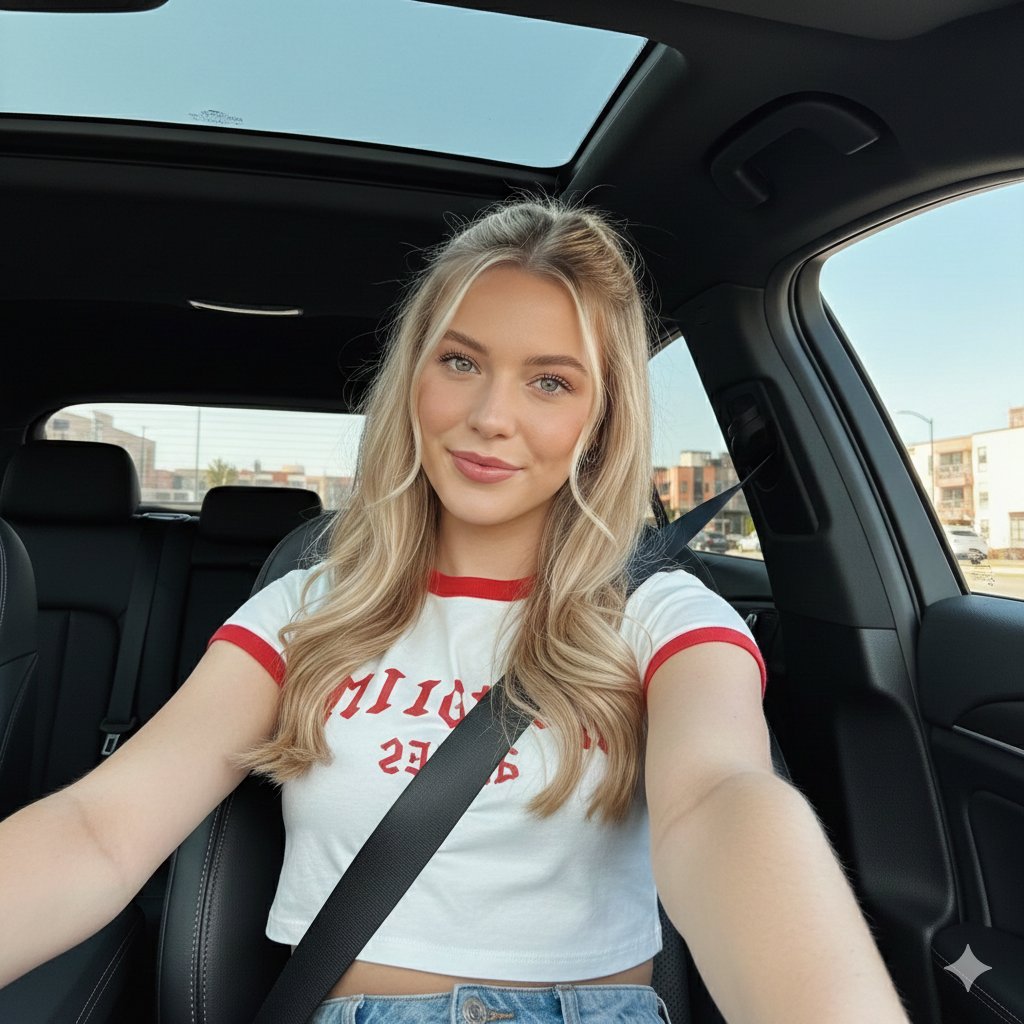
Wide-Angle Car Selfie with Panoramic Sunroof
Ultra-Wide Panoramic Header Visual
panoramic image
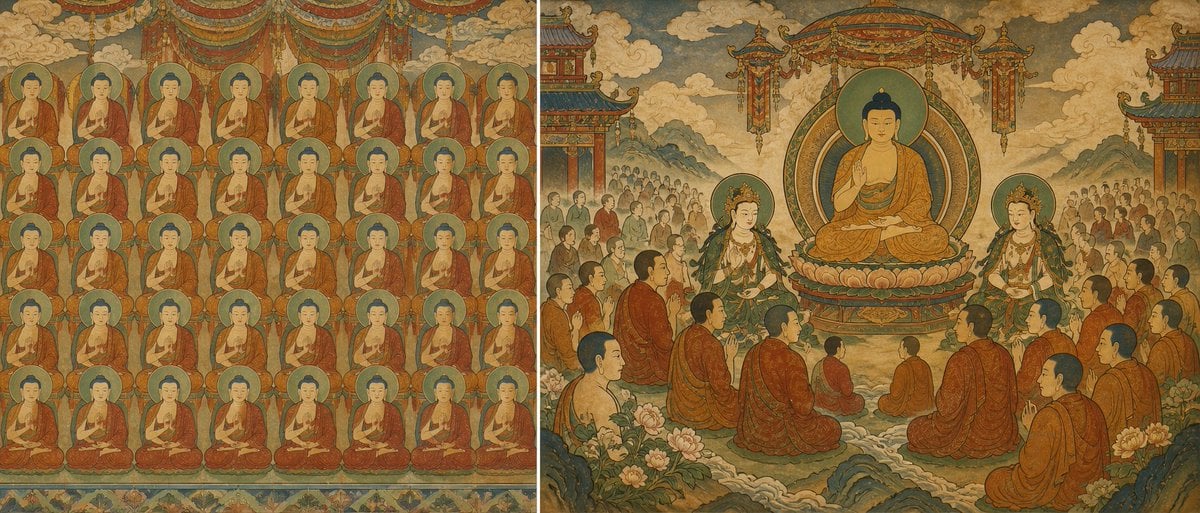
Buddhist Mural Composition Diptych
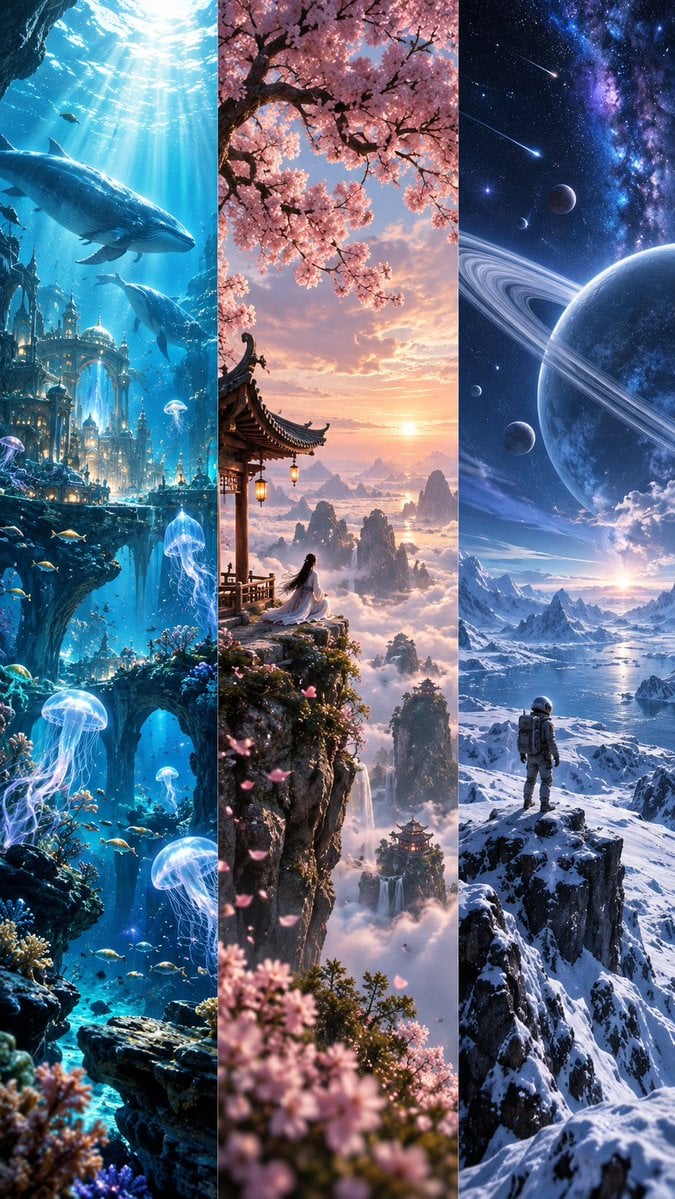
Fantasy Worlds Vertical Triptych
Make it yours
panoramic image works as-is. These are the safest ways to change it without losing the look.
Swap the setting
Keep the rest of the prompt and replace the location block. The current setting is “Tegallalang rice terraces in Bali at coordinates 8.5167°S, 115.0833°E, lush emer”.
Swap the light
One lighting change is enough to compare takes. Current light: “soft warm sunlight rising from horizon, long shadows across terraces, glowing ba”.
Change one field
Copy a single group, rewrite it, and generate again so you can see what that field is doing.
| If the result… | Why | Fix |
|---|---|---|
| The result drifts from the preview | Too many fields changed at once. | Reuse panoramic image as-is first, then change one group — subject, light, or setting. |
| PicX Studio ignores part of the JSON | Some models flatten or skip nested keys. | Keep the same values and paste them as a short paragraph instead. |
More image prompts
Fresh picks from across the catalog.

Gpt2 Youtube Thumbnail Anime Music Bootcamp Promo Poster
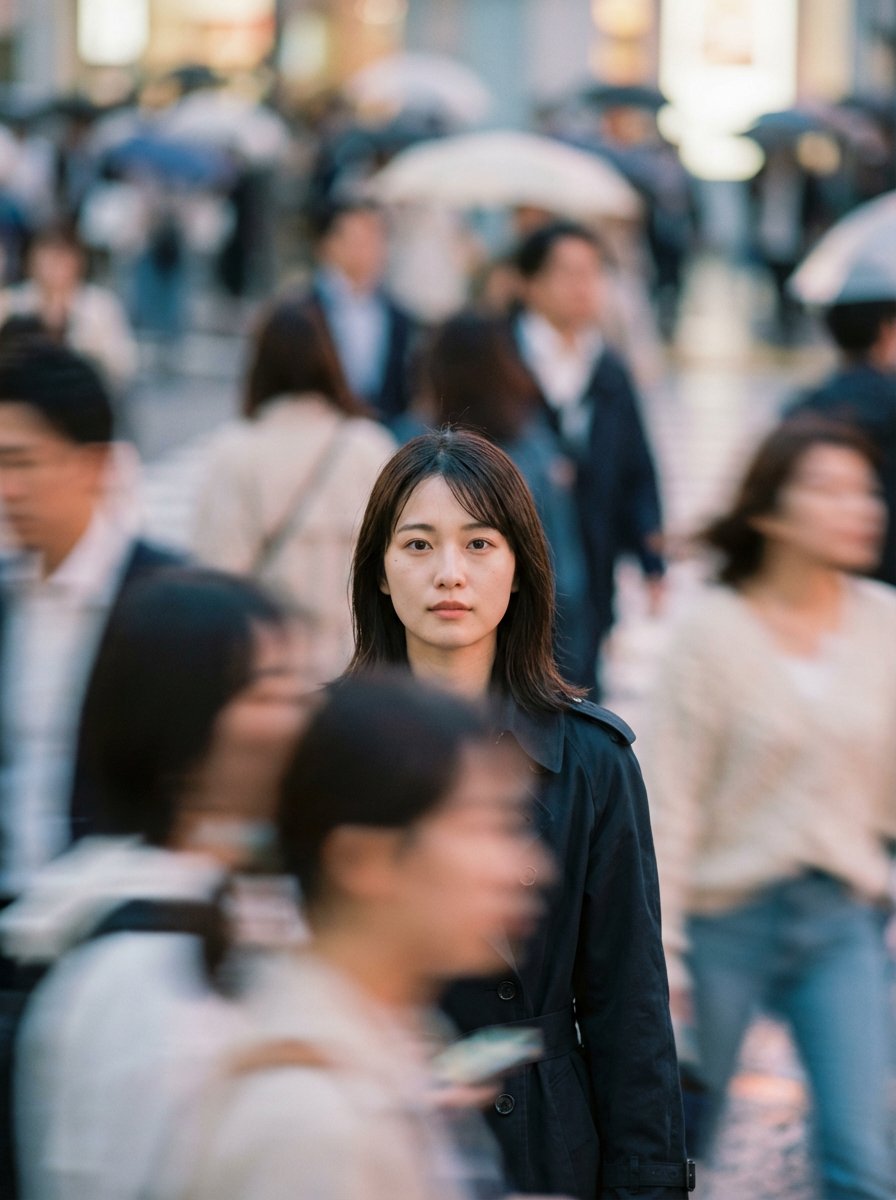
Cinematic Portrait Prompt: Focus in a Crowd
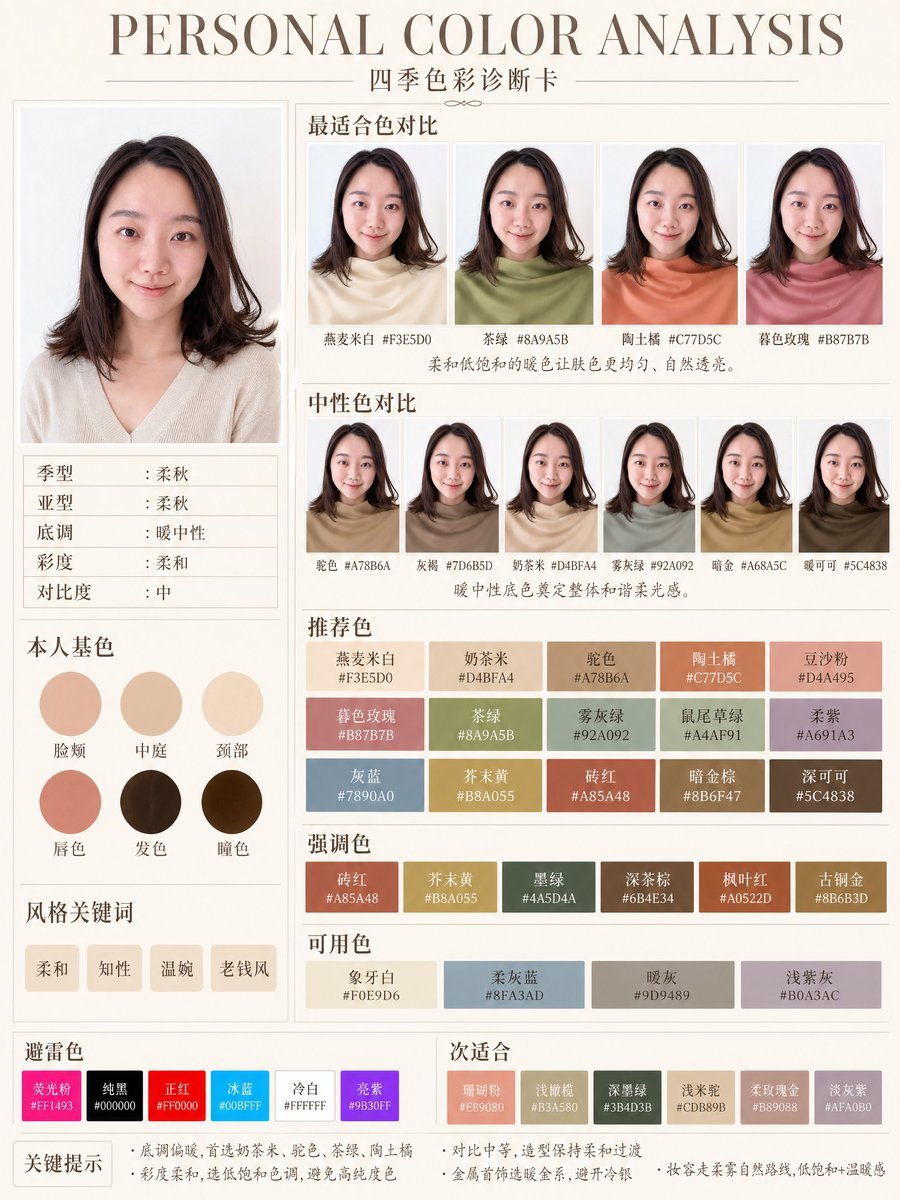
Soft Autumn Personal Color Card
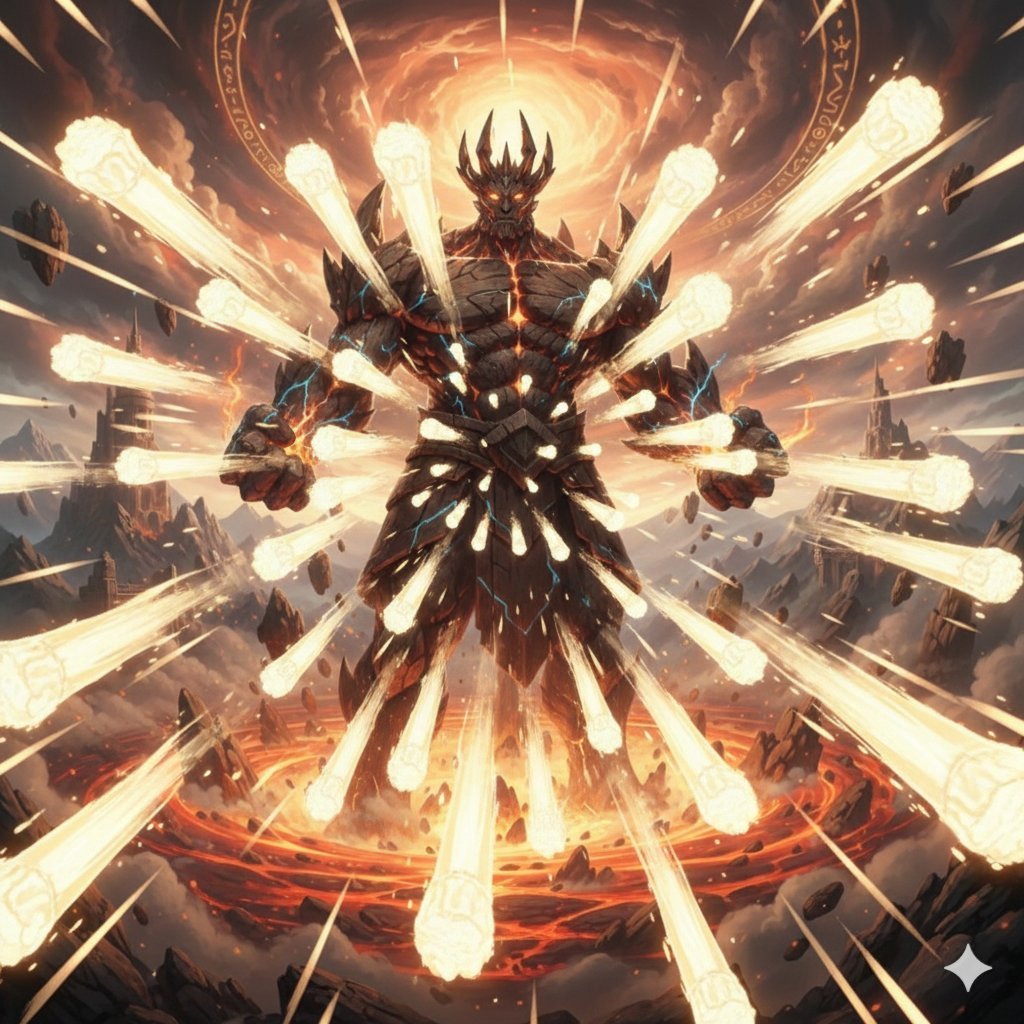
Titan with Hokuto Hyakuretsu Ken Generation
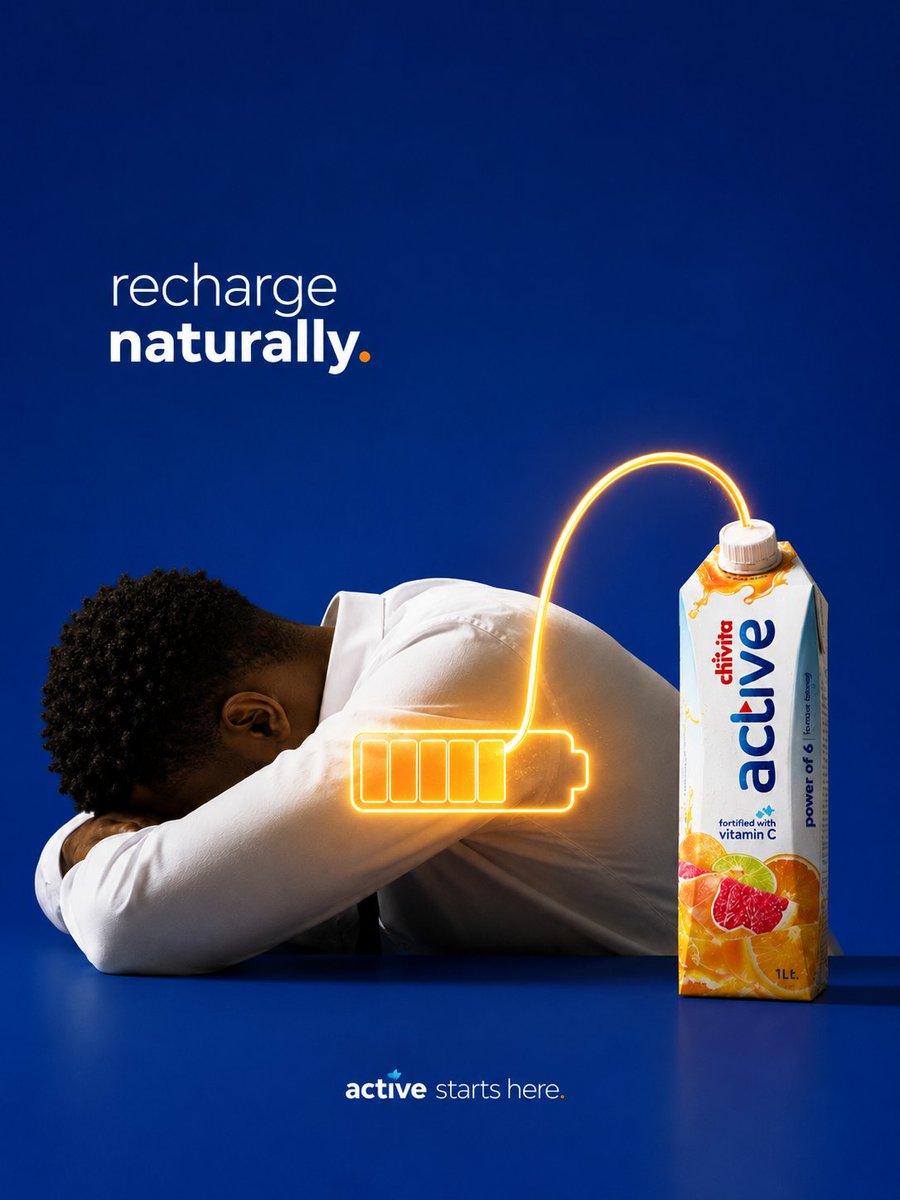
Natural Recharge Drink Ad
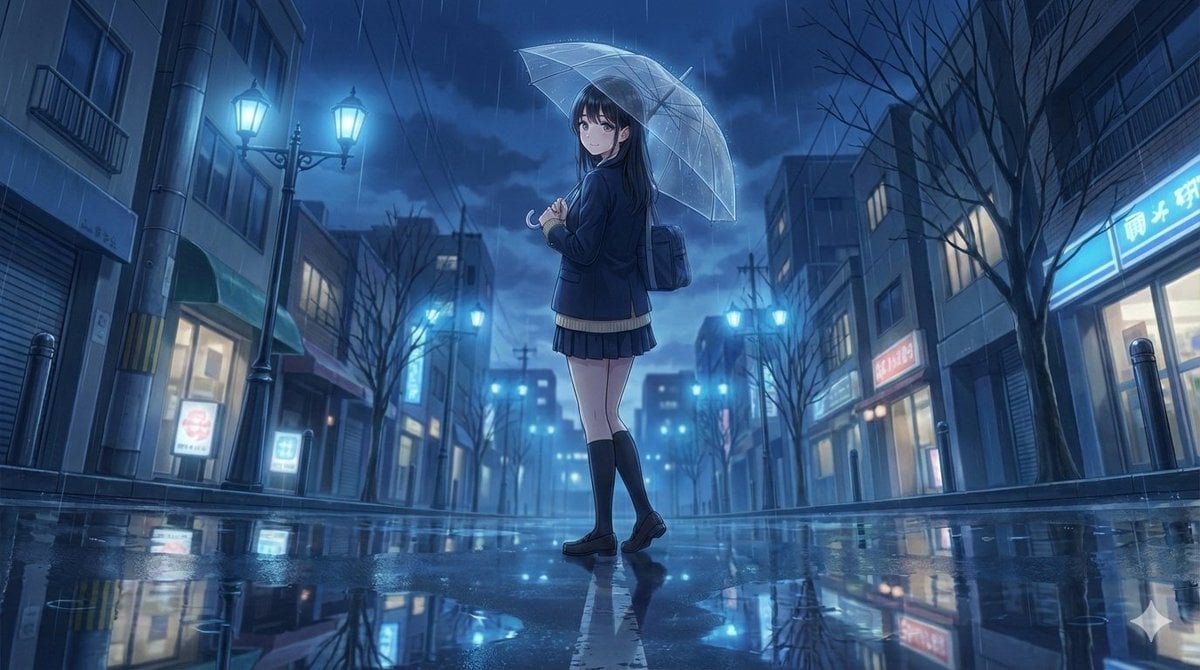
4K Anime Illustration of Girl in Rain
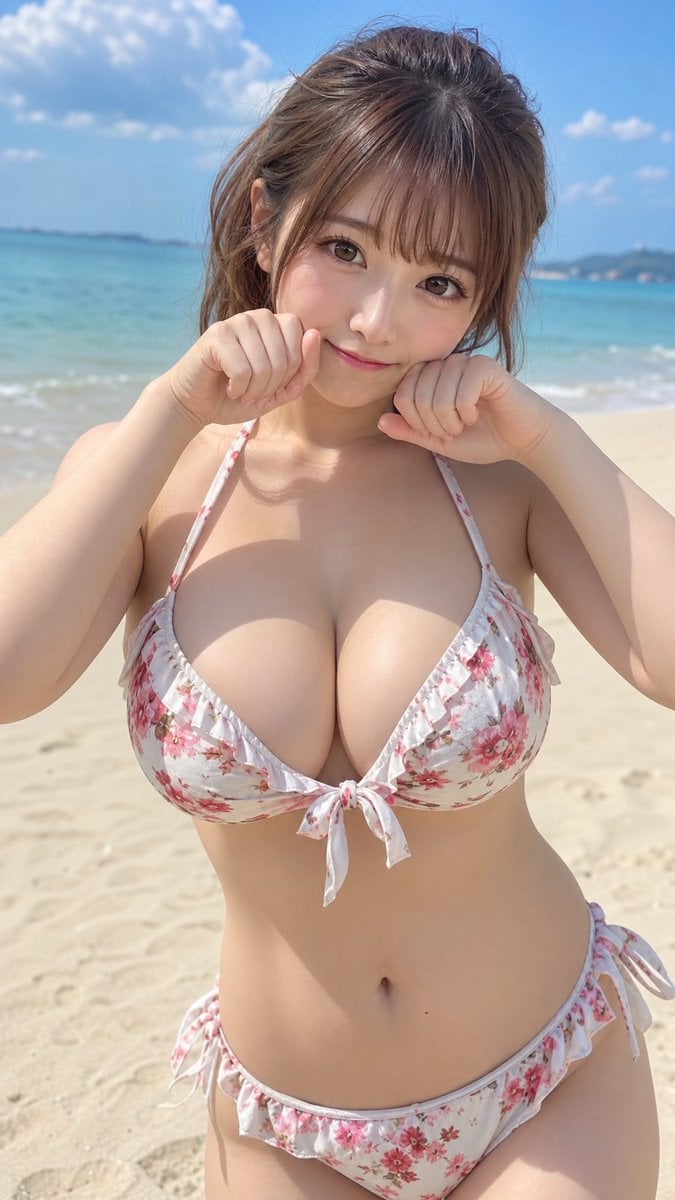
Japanese Fashion Model Beachwear Portrait
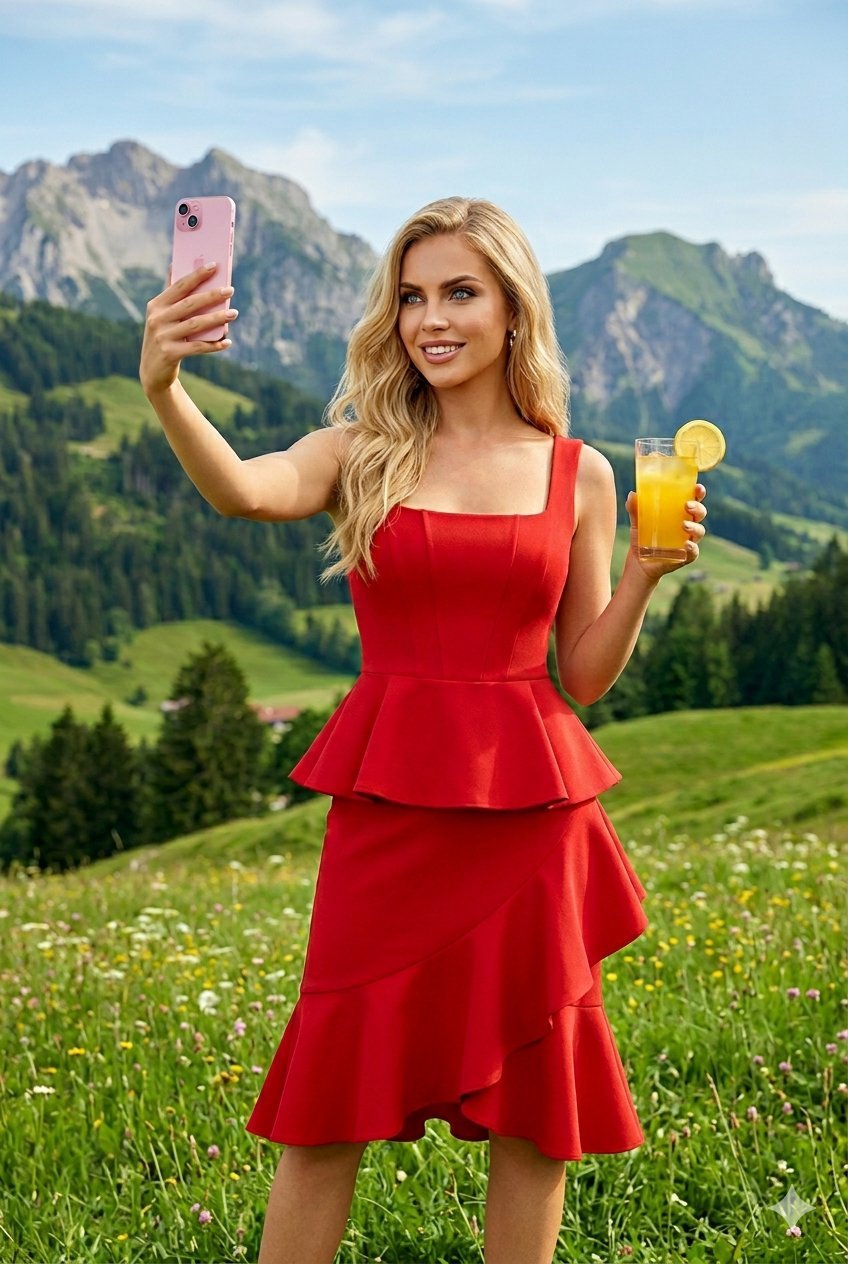
Young Woman in a Red Ensemble in an Alpi
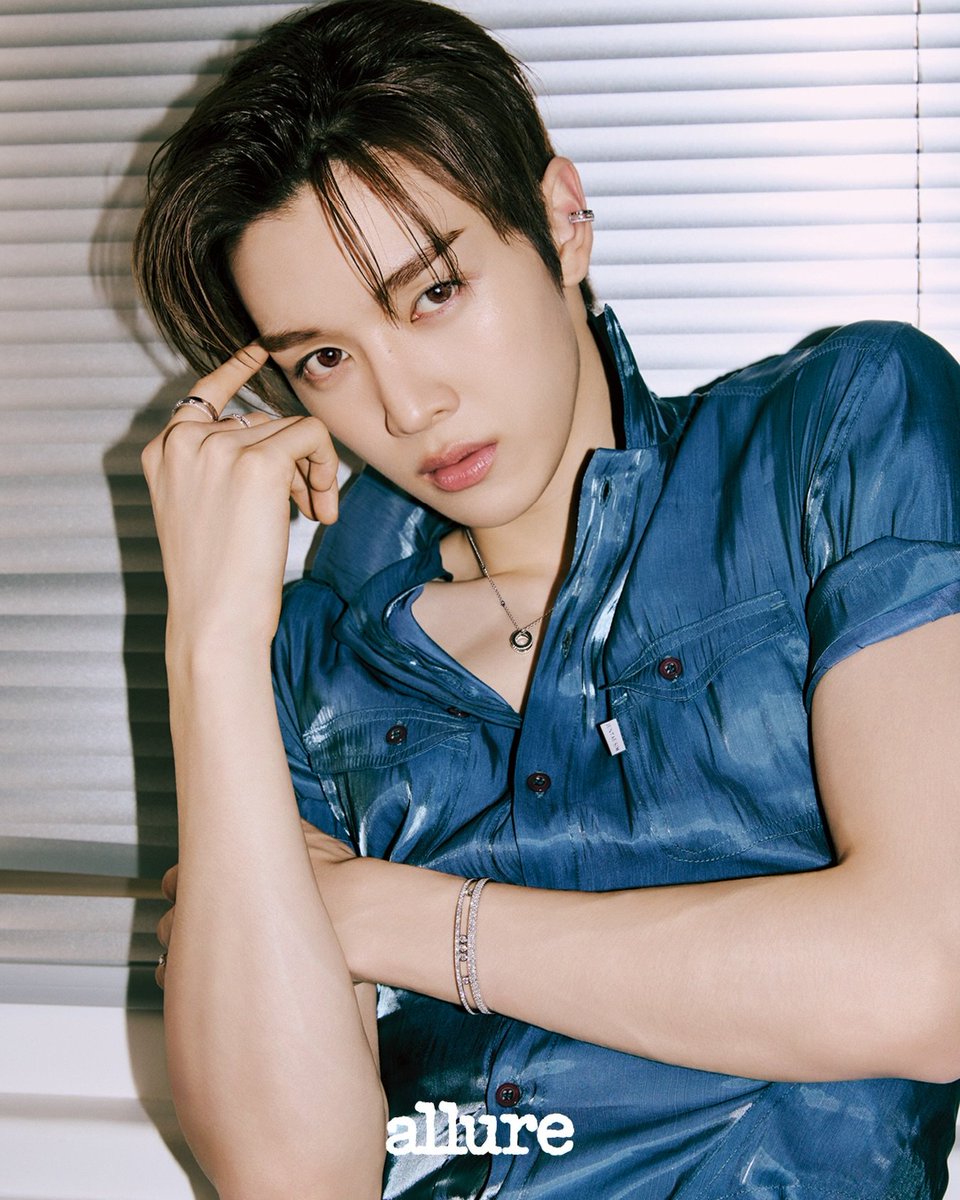
Sungchan Name Repetition
Pixar-Style 3D Animated Child Portrait with Animal
Browse template categories
panoramic image questions
How do I use the panoramic image template?
Add your photo if the template asks for one, edit the prompt if you like — the template's model and format are already selected — and press Generate. Your version opens in PicX Studio.
Can I customize the panoramic image template?
Yes. You can change the subject, setting, lighting, mood, format, and available model controls before creating your image.
Is the panoramic image template free?
Opening and editing this template is free. Generating uses credits, shown on the Generate button when you are signed in.
Which AI model should I use?
Choose a compatible model in PicX Studio based on the style, speed, and output controls your project needs.
Looking for something else? Browse all templates.

Your photo, any look
Thousands of ready templates for every top image and video model, from one credit balance.