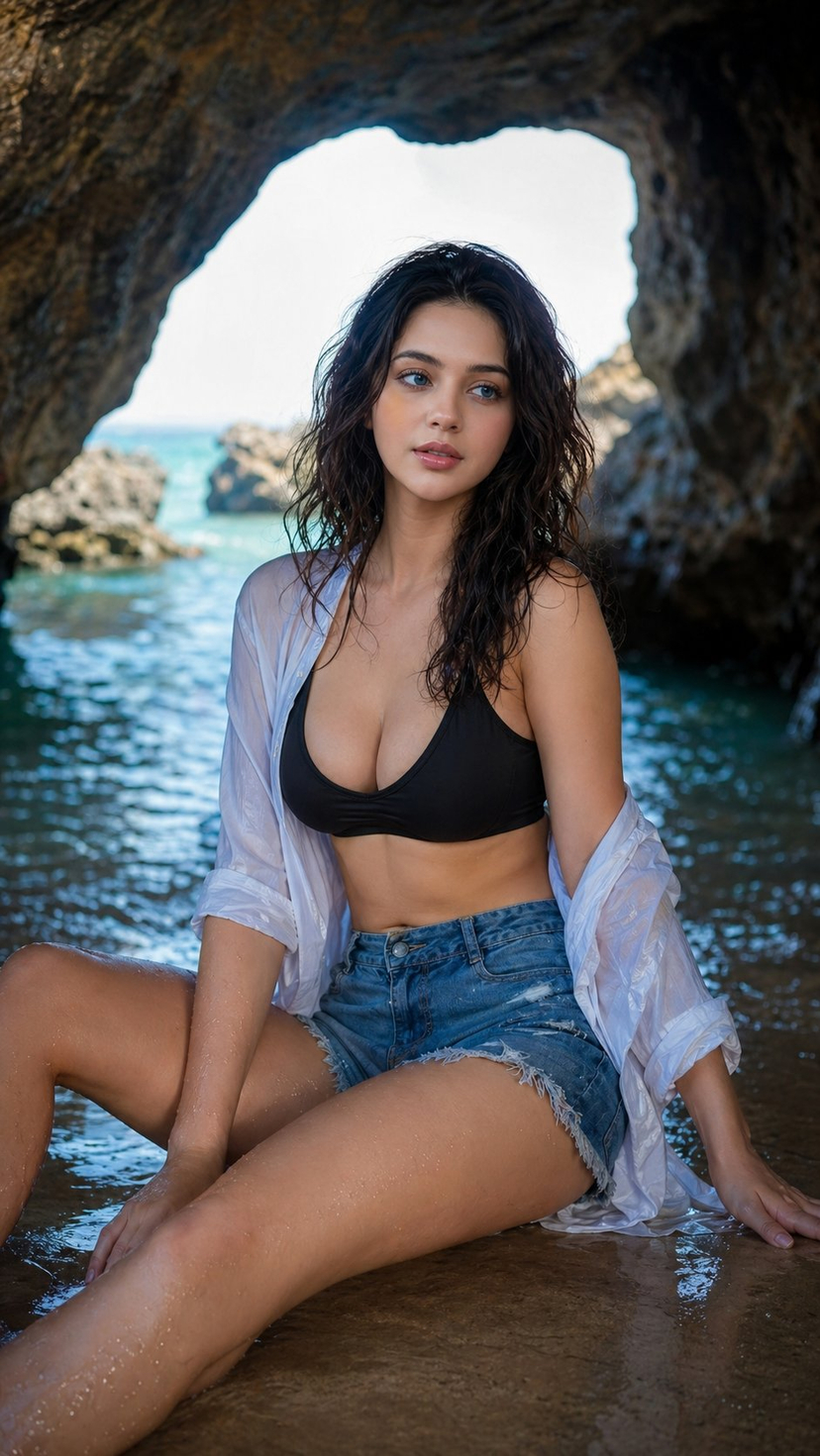
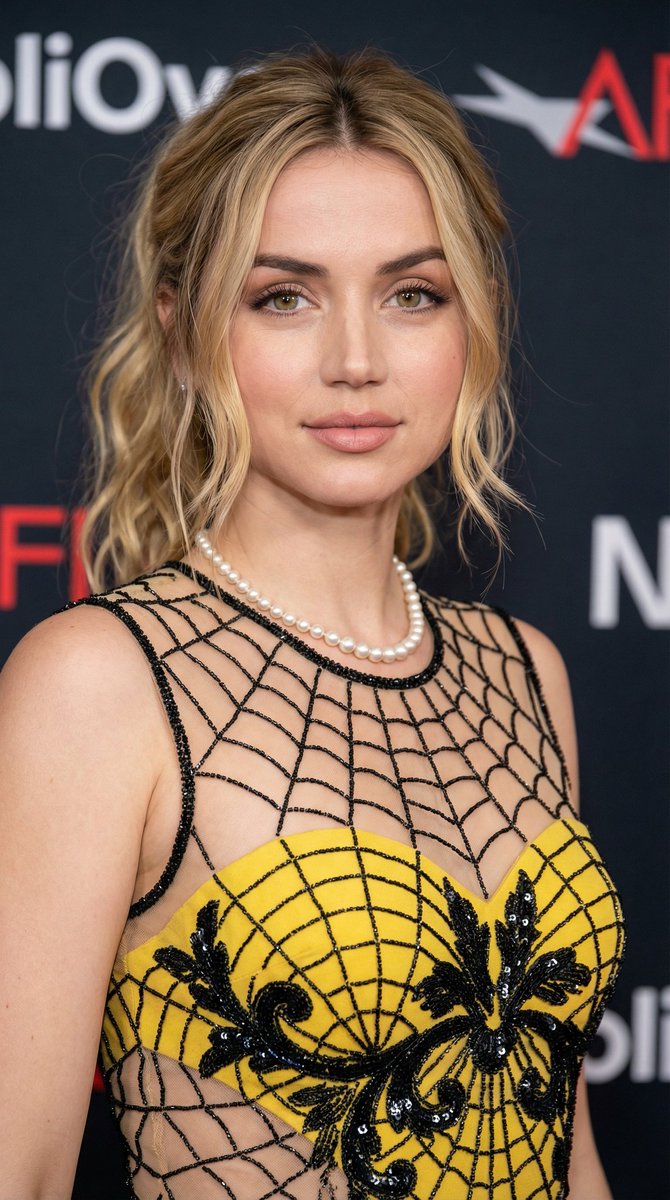
How do I use the Glamorous Red Carpet Portrait of Ana de Armas template?
Choose the primary action to open PicX Studio with the available template settings. Review the model and format, personalize the creative direction, and generate when ready.
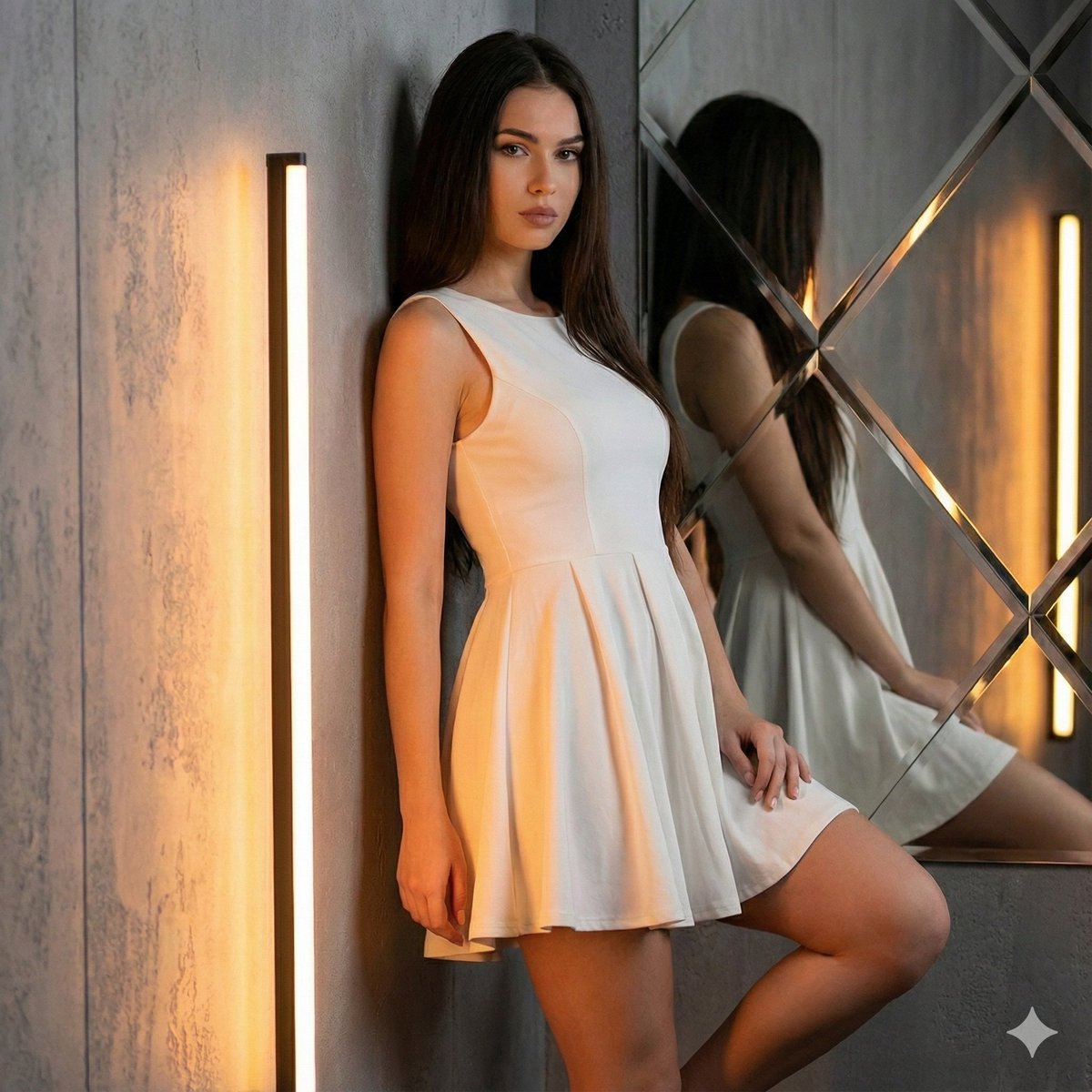
A prompt for generating a high-fashion, glamorous portrait of Ana de Armas in a white sequined gown, capturing a red carpet gala atmosphere. Change the subject, setting, or lighting one variable at a time.

{ "subject": { "identity": "{argument name="celebrity" default="Ana de Armas"}", "facial_features": { "eyes": "hazel, expressive, soft gaze", "makeup": "natural 'clean girl' aesthetic, shimmering champagne eyeshadow, soft winged eyeliner, groomed eyebrows", "complexion": "luminous, dewy skin with soft peach blush on cheekbones", "lips": "glossy muted pink" }, "hair": { "color": "dark brown", "style": "elegant textured ponytail, sleek at the top, wispy strands framing the face" } }, "attire_and_accessories": { "dress": "{argument name="dress color" default="white"} high-neck sleeveless gown, densely embellished with reflective silver and gold sequins and crystals, intricate beadwork pattern", "jewelry": [ "delicate diamond drop earrings", "matching diamond tennis bracelet on left wrist" ] }, "composition_and_pose": { "shot_type": "medium close-up, portrait", "pose": "left arm raised with hand near the temple, head tilted slightly, elegant and poised", "lighting": "soft, warm glamorous event lighting, golden hour glow, backlighting from a glowing logo" }, "environment": { "background": "soft-focus luxury setting, cream-colored vertical pleated curtains, glowing warm-toned golden signage or letters", "atmosphere": "red carpet gala, high-fashion event, sophisticated" }, "technical_style": { "camera_feel": "professional DSLR photography, shallow depth of field (bokeh background), sharp focus on subject, clean highlights, 8k resolution" } }
Choose the primary action to open PicX Studio with the available template settings. Review the model and format, personalize the creative direction, and generate when ready.
Yes. You can change the subject, setting, lighting, mood, format, and available model controls before creating your image.
This template is free to open and customize. Generation usage is shown in PicX Studio before you create.
Start with Nano Banana 2, which is the model associated with this template. You can compare another compatible model for a different finish.
Follow a topic to a crawlable collection of related PicX Studio templates.
43,474 public templates available. Verified via the PicX Studio public templates API; refreshed hourly.








![118-google-nano-banana-pro-skincare-product- — A professional skincare shot of a [product container] with [cap/lid], labeled [brand, product, descriptor, volume](/_next/image?url=https%3A%2F%2Fcdn.picxstudio.com%2Fuploads%2Fpost118_img0_332898b8-29ea-42a9-87ab-9ed746a3f944.jpg&w=828&q=100)









![Naive doodle-style subject illustration — A doodle-style {argument name="subject" default="[subject]"}, naive lines, humorous shape exaggeration](https://pbs.twimg.com/media/G6Wl2YxbsAARB2b.jpg)