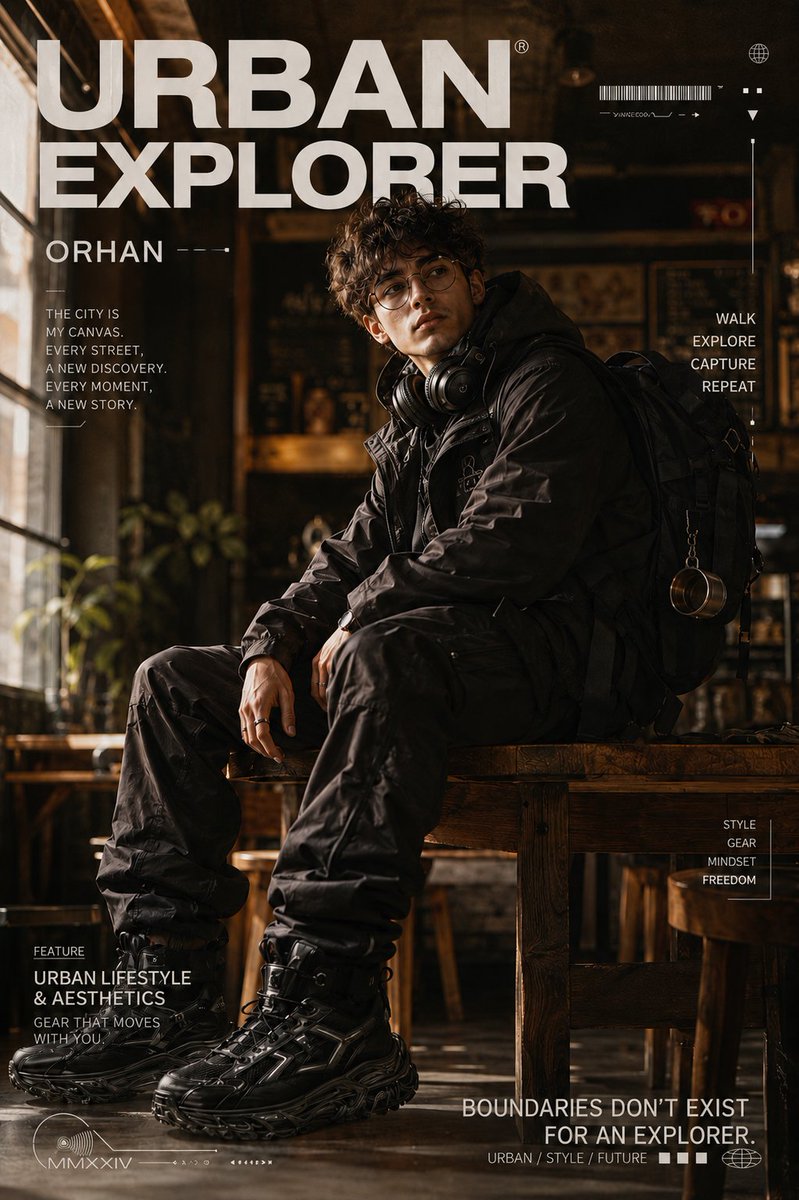
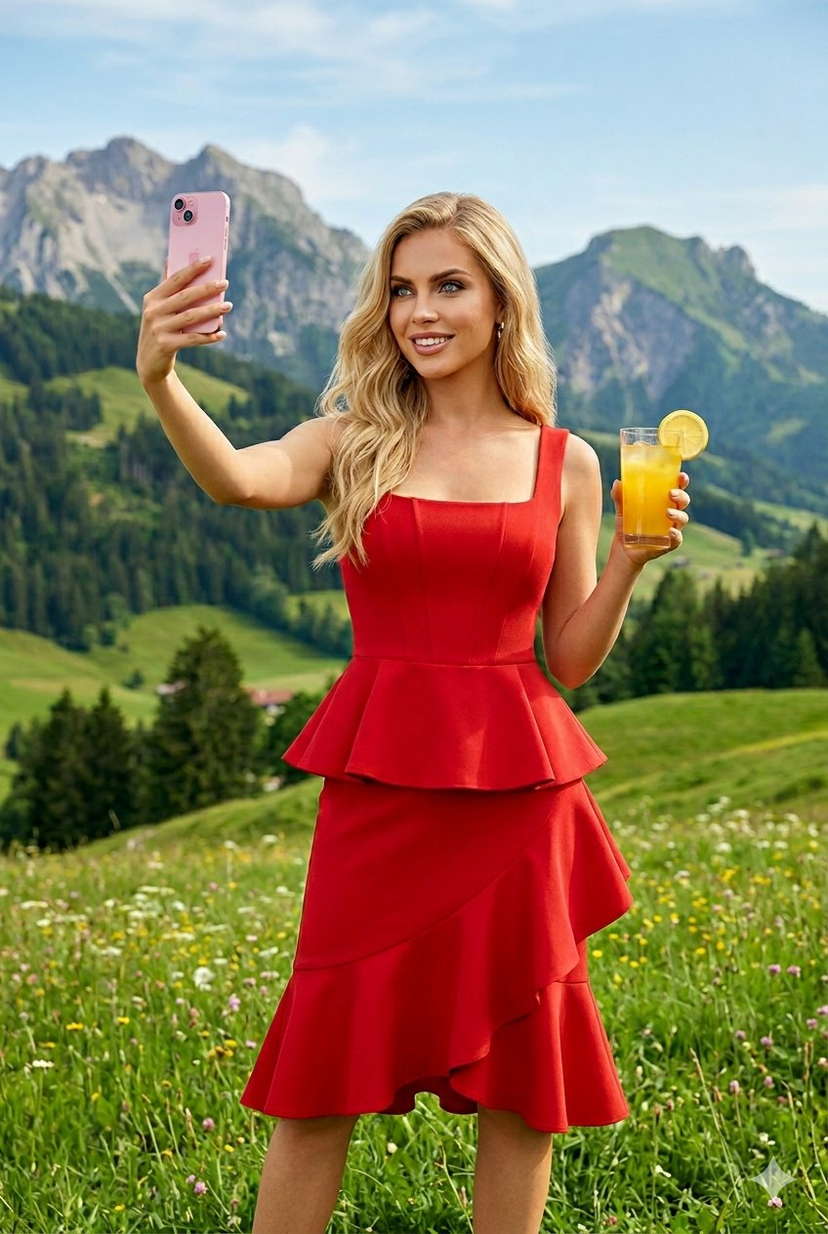
How do I use the Candid Lifestyle Portrait in Deep Red Dress template?
Choose the primary action to open PicX Studio with the available template settings. Review the model and format, personalize the creative direction, and generate when ready.
A highly specific, structured prompt for generating a candid, premium lifestyle editorial portrait of a woman reclining on a modern couch. Change the subject, setting, or lighting one variable at a time.

{ "scene": { "location": "modern apartment living room", "time_of_day": "late afternoon", "lighting": { "type": "natural window light", "quality": "soft imperfect daylight with gentle shadows and subtle falloff", "color_temperature": "warm neutral 4800K", "practical_lights": "soft ambient indoor lamps in background" } }, "subject": { "gender": "female", "body_metrics": { "bust_circumference_cm": 90, "body_proportion": "balanced natural proportions, realistic anatomy" }, "pose": "reclining on a modern couch, semi-lying position with relaxed posture, one leg slightly bent", "expression": "natural candid relaxed expression", "clothing": { "dress": { "type": "short spaghetti strap dress", "length": "above mid-thigh", "fabric": "lightweight satin or silk blend with realistic sheen", "color": "deep red / crimson red", "fit": "body-skimming slim fit with natural gravity folds adapting to bust volume", "neckline": "deep V neckline with subtle chest cleavage, realistic tension and drape", "straps": "thin spaghetti straps with metallic adjusters", "details": [ "natural fabric wrinkles from reclining position", "soft reflective highlights on satin surface", "stitched hemline with fine seam detail", "realistic fabric drape over torso and legs" ] }, "underwear_visibility": "none", "style": "premium at-home lifestyle, elegant and intimate but casual" }, "skin_texture": "natural realistic skin texture, visible pores, minimal smoothing, no heavy grain artifacts", "hair": { "style": "loose natural waves spread slightly over couch cushion", "length": "shoulder length", "lighting_interaction": "soft rim light from window and ambient lamps" } }, "camera": { "device_style": "iPhone candid photography", "lens_equivalent": "26mm wide lens", "aperture": "f/1.8", "depth_of_field": "shallow depth of field with realistic background blur", "framing": "medium-wide shot, couch fully visible, subject slightly diagonal in frame", "camera_angle": "slightly above eye level, casual handheld perspective", "motion_blur": "none" }, "aesthetic": { "style": "premium lifestyle editorial candid", "color_grading": "clean neutral tones with warm highlights and rich red saturation on dress", "sharpness": "natural high detail without overprocessing", "noise": "minimal natural sensor noise", "dynamic_range": "soft highlight roll-off, cinematic contrast" }, "environment_details": { "background": "neutral beige walls, modern sofa, soft curtains, indoor plants", "couch_material": "light fabric or leather couch with visible texture", "props": ["throw pillow", "coffee table", "smartphone nearby"], "floor": "light oak wooden floor" },
Choose the primary action to open PicX Studio with the available template settings. Review the model and format, personalize the creative direction, and generate when ready.
Yes. You can change the subject, setting, lighting, mood, format, and available model controls before creating your image.
This template is free to open and customize. Generation usage is shown in PicX Studio before you create.
Start with Nano Banana 2, which is the model associated with this template. You can compare another compatible model for a different finish.
Follow a topic to a crawlable collection of related PicX Studio templates.
43,474 public templates available. Verified via the PicX Studio public templates API; refreshed hourly.
















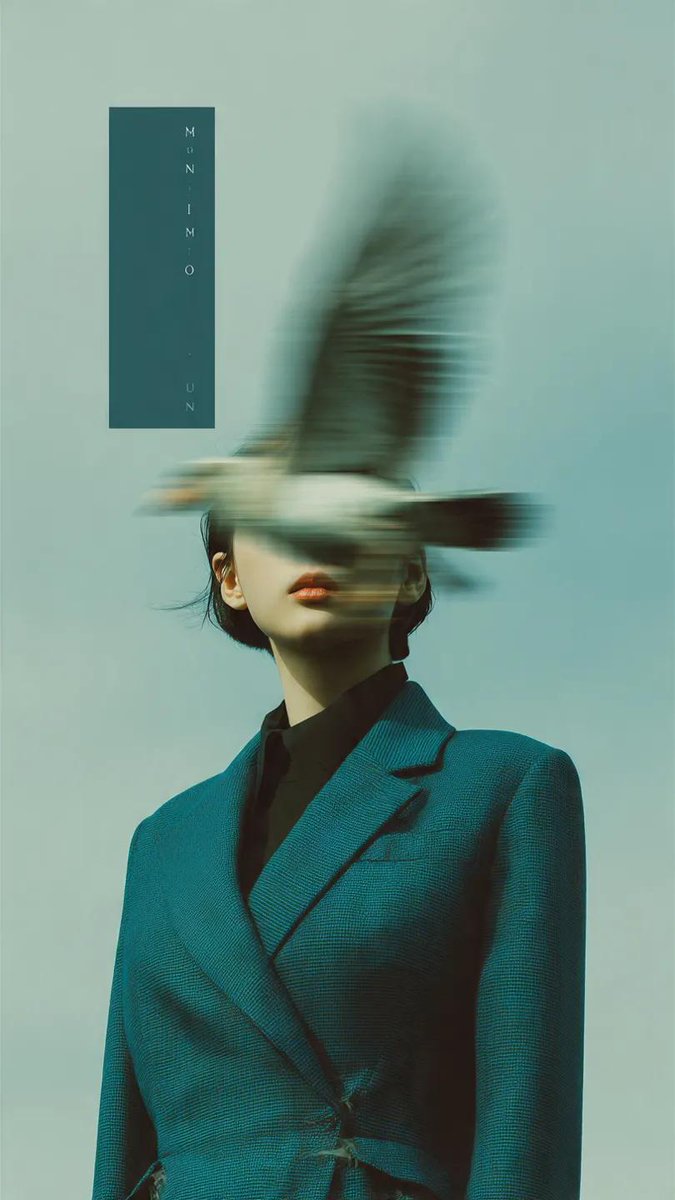
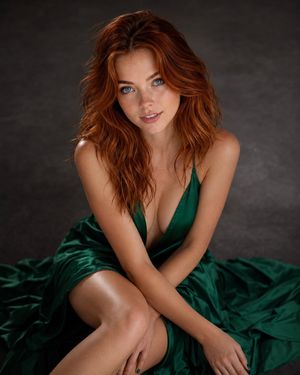
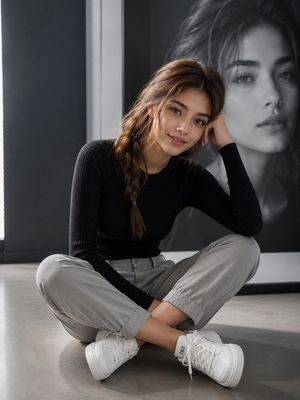

![Naive doodle-style subject illustration — A doodle-style {argument name="subject" default="[subject]"}, naive lines, humorous shape exaggeration](https://pbs.twimg.com/media/G6Wl2YxbsAARB2b.jpg)











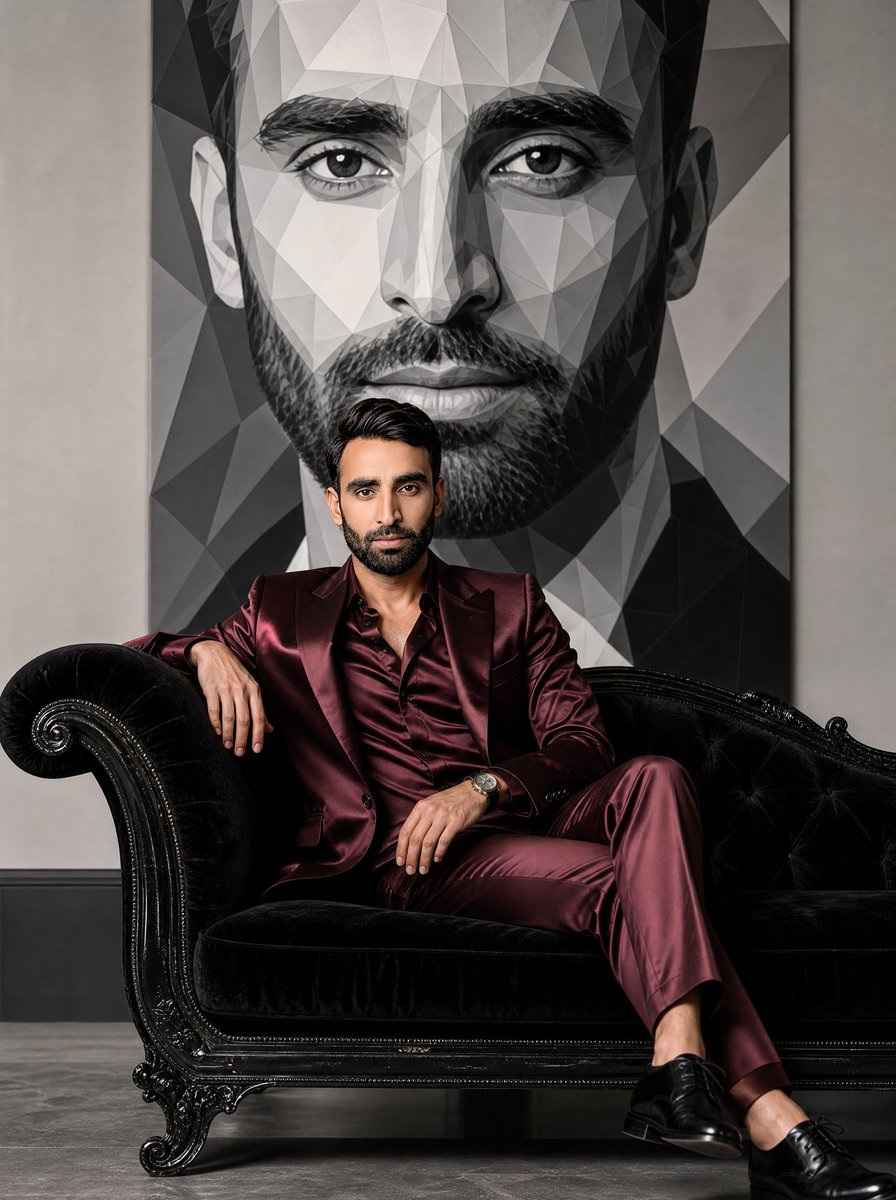















![Minimalist 3D Isometric Exhibition Pod Diorama — A clean, minimal 3D isometric diorama of a {argument name="exhibition type" default="[EXHIBITION TYPE]"}, featu](https://pbs.twimg.com/media/G-2E-79aMAA_5IP.jpg)