
Sweet Lifestyle Magazine Cover Portrait
A sophisticated aesthetic prompt for creating a sweet life magazine cover style, focusing on close-up subjects, vibrant typography, and high-key, clean visuals.
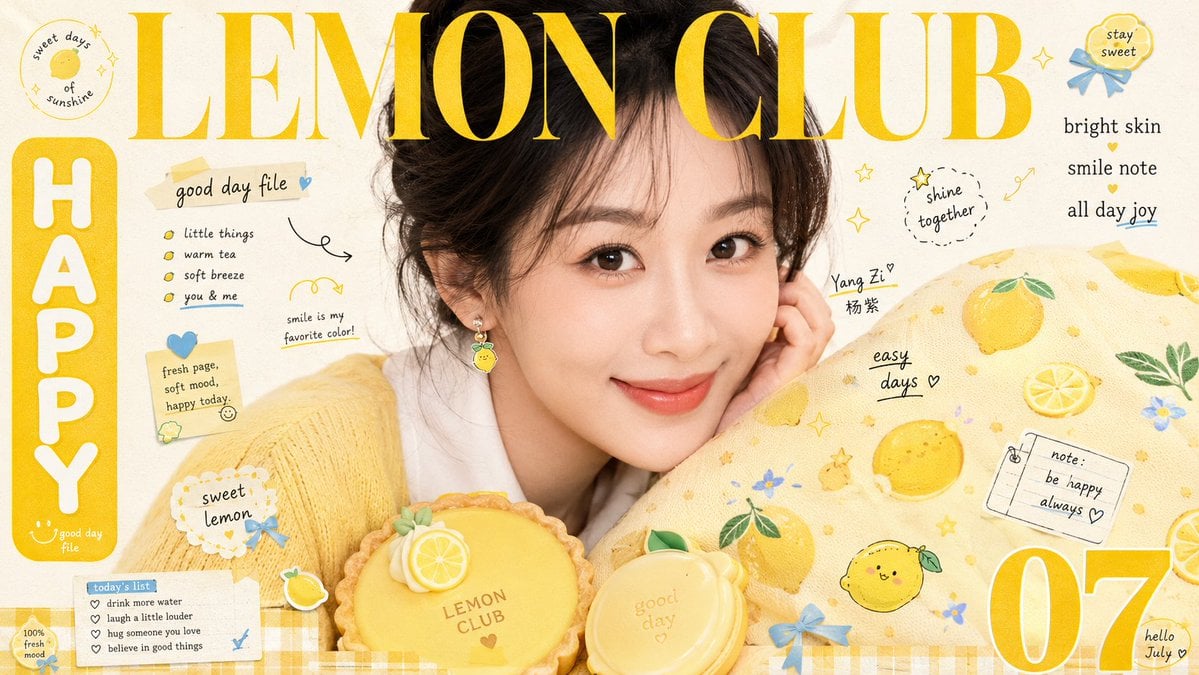
- Prompt included
- Model and format preset
- Free template
The prompt behind this image
Copy the exact prompt behind Sweet Lifestyle Magazine Cover Portrait, or open it in the studio and make it yours.
围绕任意主题对象建立甜美生活杂志封面式视觉:让主题核心对象以近距离、大尺度、略偏心的姿态占据画面中上部,边缘自然越出画面,保留亲密直视或近距离展示带来的陪伴感;在下方前景安排一个圆润、可触摸的主题道具,右侧至下部用面积更大的柔软图案载体包围并部分遮挡它,使主体、道具和印花表面形成连续的斜向拥抱关系。将一行极大的高对比衬线拉丁标题横跨顶部并压过主体上缘,字色从主题中最有活力的暖艳色派生,笔画保持清晰,同时允许被主体轮廓轻微穿插;左侧设置圆角实色竖牌与粗圆白字,右侧布置紧凑竖排短文,底部一角放置超大单个数字或符号,再用少量细小拉丁字、手写线条和短句填补空隙,形成大字、竖牌、数字、微文四级跳跃的阅读节奏。装饰物从主题语义派生为小型彩色夹饰、徽章与扁平符号,贴附在主体轮廓和图案载体表面;使用圆润轮廓、糖果般中高饱和色与轻微不规则排列,并与载体上的密集小点和卡通小图互相呼应。色彩以明亮洁净的乳白浅底作为最大面积,主题派生的主暖艳色承担标题、标牌和大片载体,深色只用于稳住轮廓,少量冷暖跳色集中在小饰件;保持高明度、清透、欢快,主暖艳色的面积明显大于其余彩色,色相随主题含义推导,不固定具体色值。采用正面柔和闪光与均匀填充,主体表面细腻明亮,阴影短而软;圆润前景道具呈细腻奶油般的哑光塑形,包围载体呈柔软织物的细密纹理。底边加入主题派生的双色格纹窄带作为收束,背景维持浅色纸面与稀疏留白。成像呈甜刊摄影与印刷编排混合质感:照片清晰柔润,印刷文字略有墨色扩散和轻微套印松动,浅色纸面只保留细微纤维与扫描柔化,不加重污渍、褐化或电影颗粒。最终效果应信息密集却仍以主体表情或核心展示为中心,大标题必须与图像发生遮压,前景道具和图案载体必须制造可爱、丰盛、近距离的视觉拥挤感。 —————— 主题,{argument name="主题" default="中国当红女星特写"} 一共需要10张 每张都是不同的背景创意、色相配色创意、文案创意 每张都是不同的女星, 不同的服装和pose 还有情绪 比例{argument name="比例" default="16:9"}
How to use Sweet Lifestyle Magazine Cover Portrait in 3 steps
- 1
Open
The prompt is already in the box next to the preview, with the template's model and format selected.
- 2…a portrait of your subject in softgolden-hour light, 85mm…
Personalize
Edit the subject and creative details for your destination.
- 3Generate
Generate
Press Generate — your image is created in PicX Studio, so you can compare it with the original and refine one variable at a time.
More like this
Templates with the same subject, style or setup. Open one to see its prompt.

Japanese Tatami Lifestyle Magazine Cover

High-Fashion Magazine Cover Portrait

Miniature Self Portrait Collage

Found Photograph: Us, 1970

80s Couple Studio Portrait

80s Bollywood Star

80s Golden Hour Cinema

Me in 1985

1985 Studio Portrait
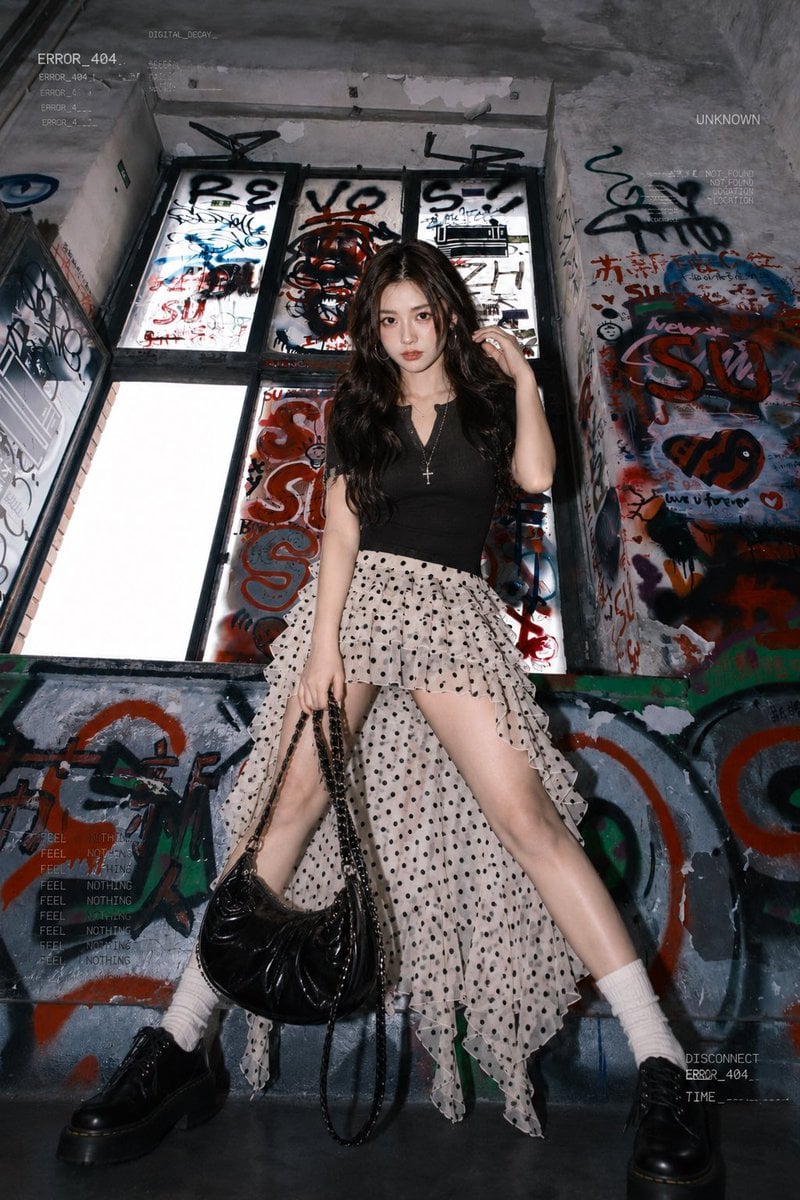
Graffiti Stairwell Sweet-Goth Fashion Portrait

Hyper-Realistic Minecraft POV Portrait
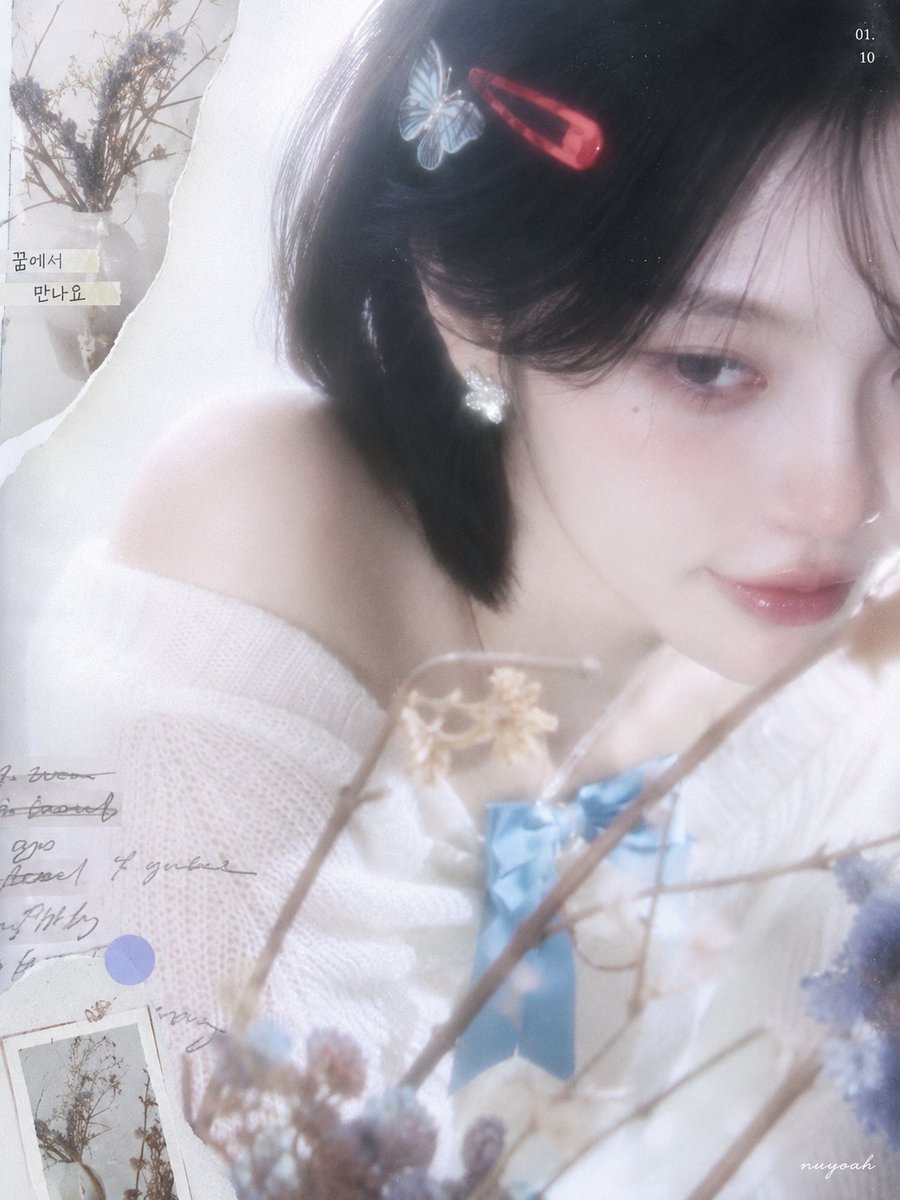
Korean Aesthetic Soft Sweet Portrait
Make it yours
Sweet Lifestyle Magazine Cover Portrait works as-is. These are the safest ways to change it without losing the look.
Change one field
Copy a single group, rewrite it, and generate again so you can see what that field is doing.
Keep the frame, change the subject
Hold the composition and light of Sweet Lifestyle Magazine Cover Portrait, then swap wardrobe, props or the person for a new take.
| If the result… | Why | Fix |
|---|---|---|
| The result drifts from the preview | Too many fields changed at once. | Reuse Sweet Lifestyle Magazine Cover Portrait as-is first, then change one group — subject, light, or setting. |
| The model over-stylizes the scene | The prose prompt leaves finish and camera underspecified. | Add one camera or lighting sentence and stay on GPT Image 2. |
More GPT Image 2 templates
Other prompts made for GPT Image 2.

Six VTuber Japanese Logo Sheet

Realistic Portrait of Woman and Deer

The Vista Modular Condo Poster

AI Model Routing Comparison Infographic

2.5D Anime Art Board

Isometric Productivity Desk Scene

New York Double Exposure Poster

Four-Panel AI Landscape Comparison

NESCAFÉ Coffee Map Poster

Brutalist Cogito Chinese Typography Poster
More image prompts
Fresh picks from across the catalog.
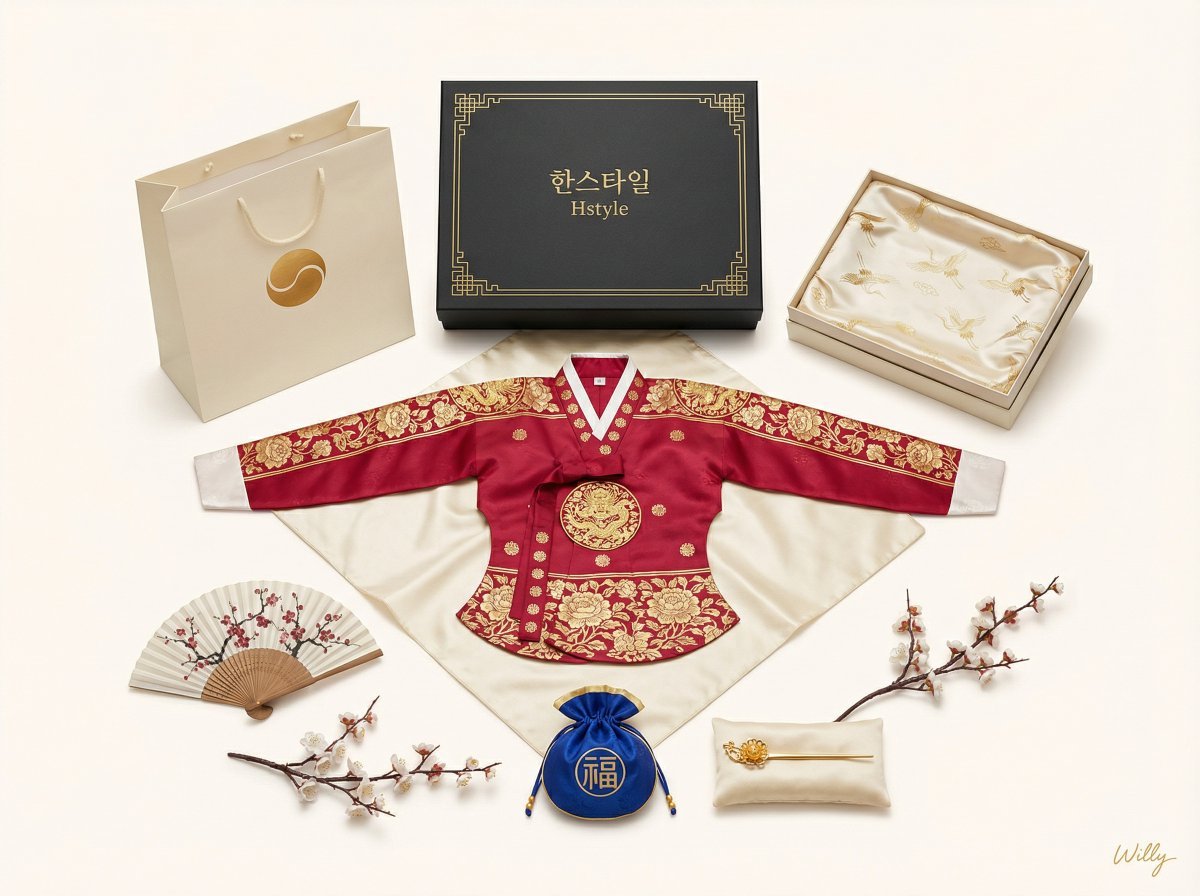
Luxury Korean Hanbok Product Mockup (Symmetrical Flat Lay)
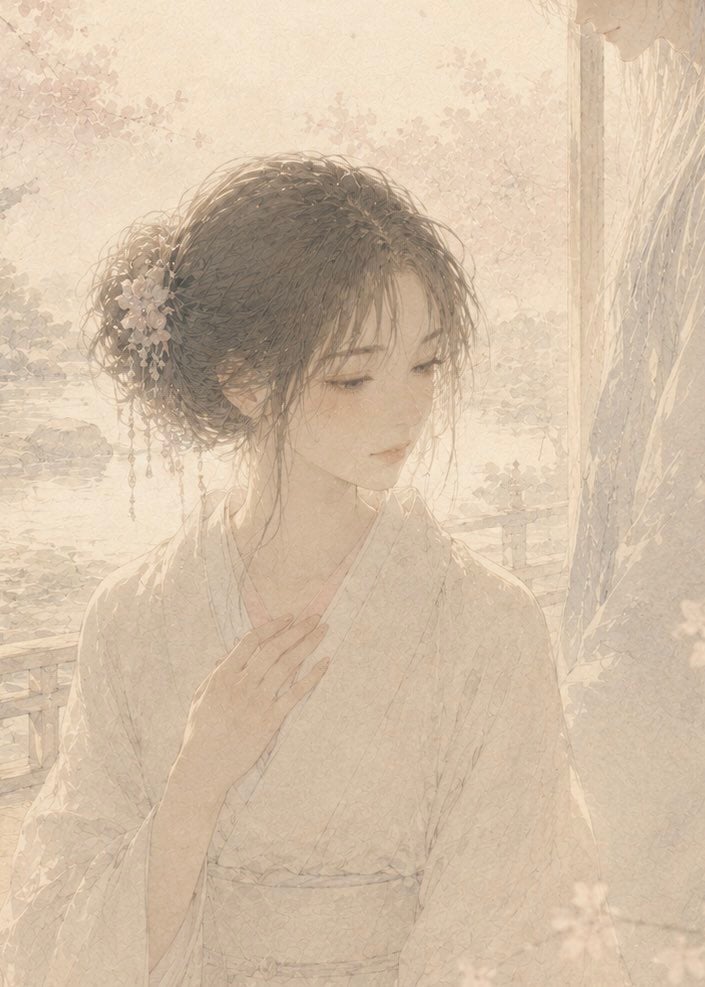
Censored Watercolor Romance Portrait
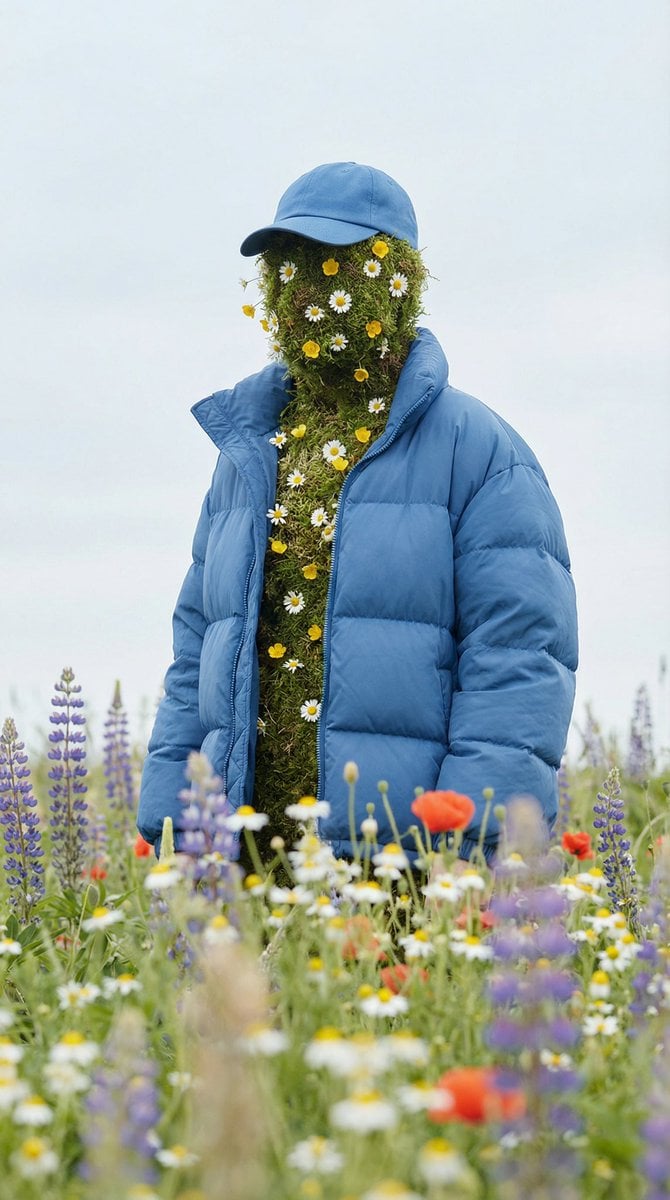
Surreal Nature Fashion Fusion Portrait
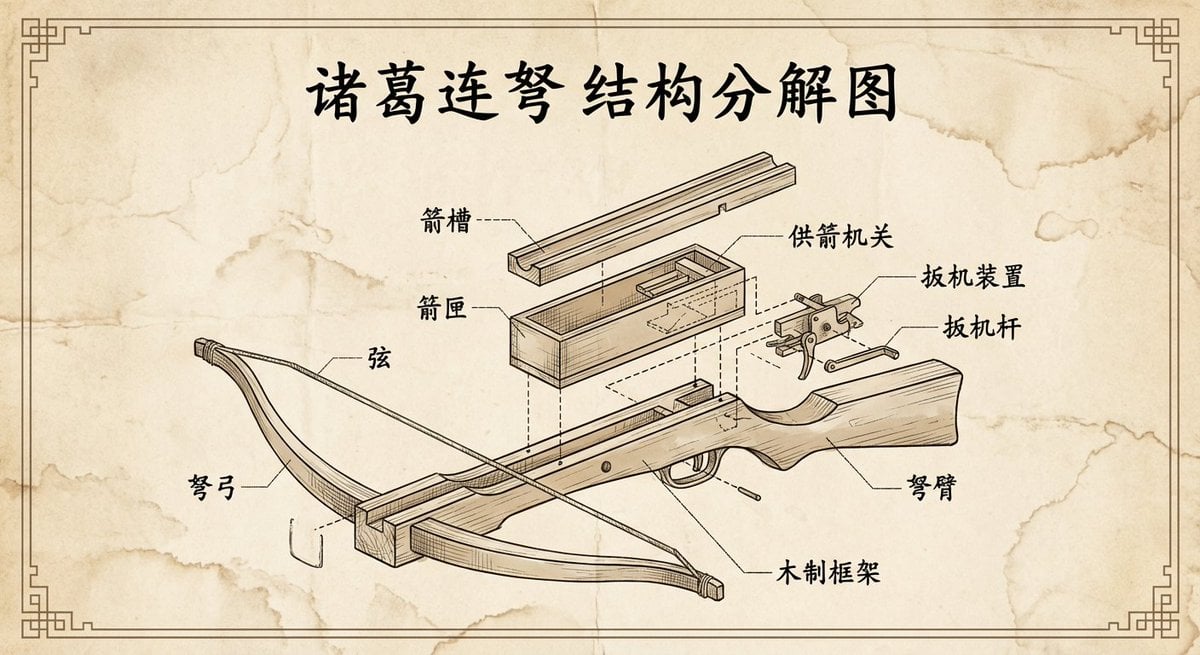
Vintage engineering exploded view of Zhuge repeating crossbow
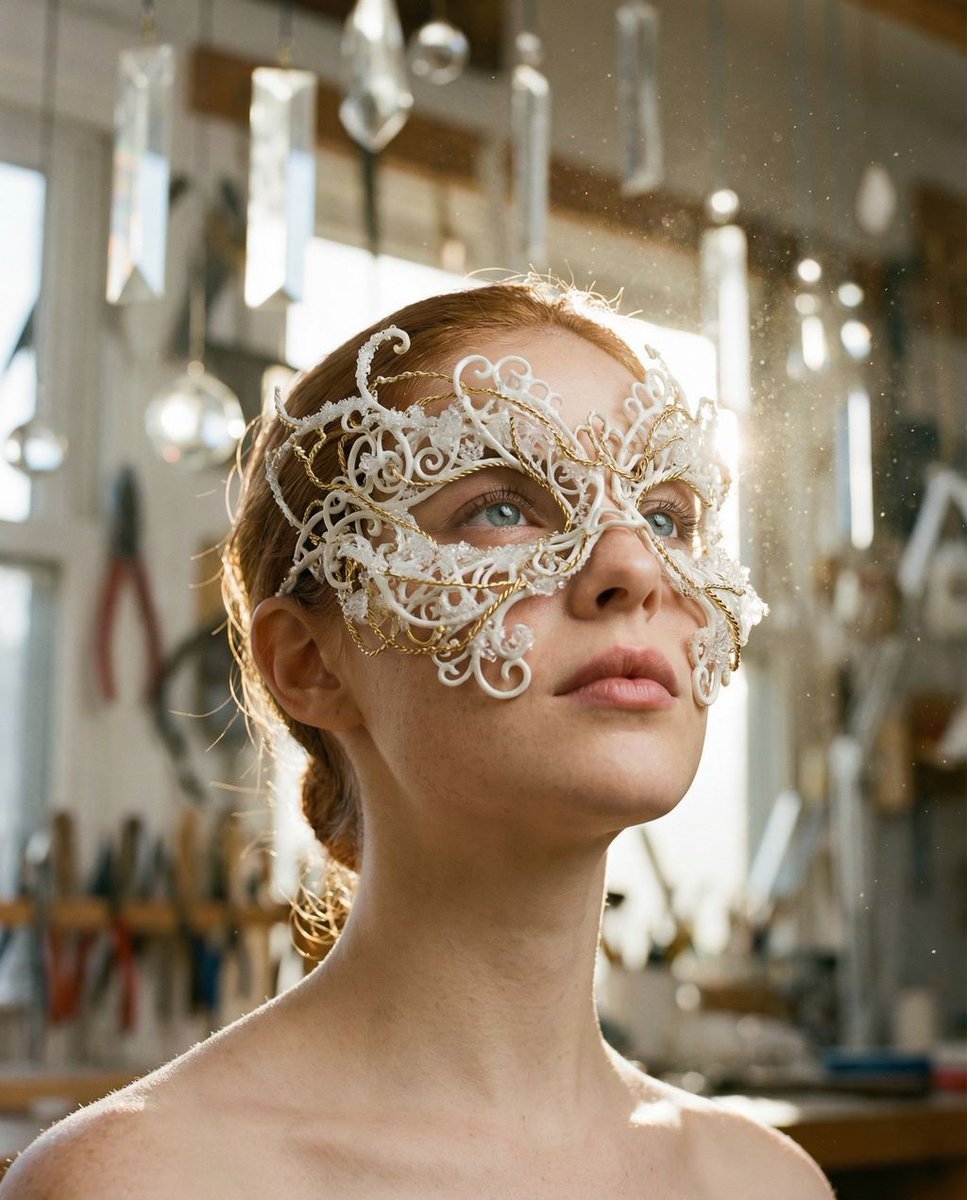
Frozen Divinity Surreal Editorial Portrait Prompt

Forensic Luxury Disassembly Poster
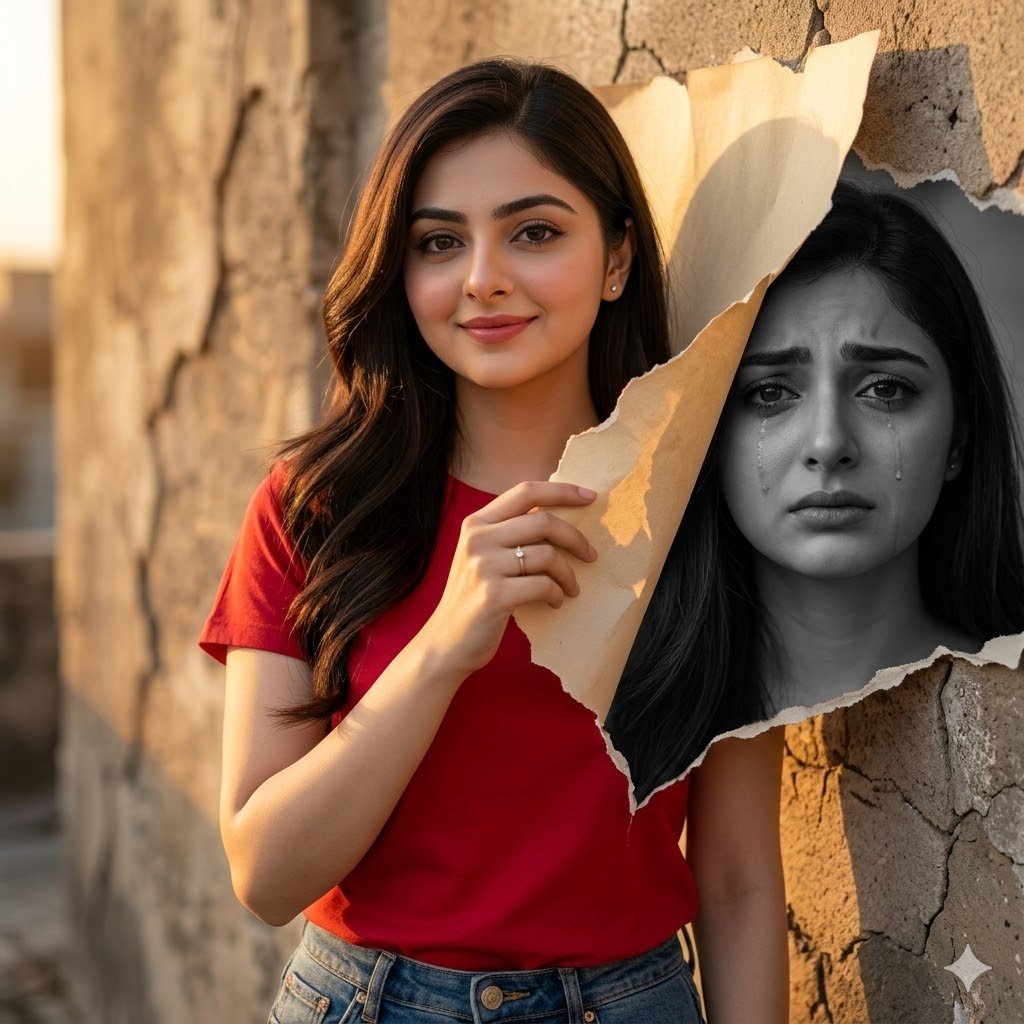
Dual-Mood Sunset Portrait
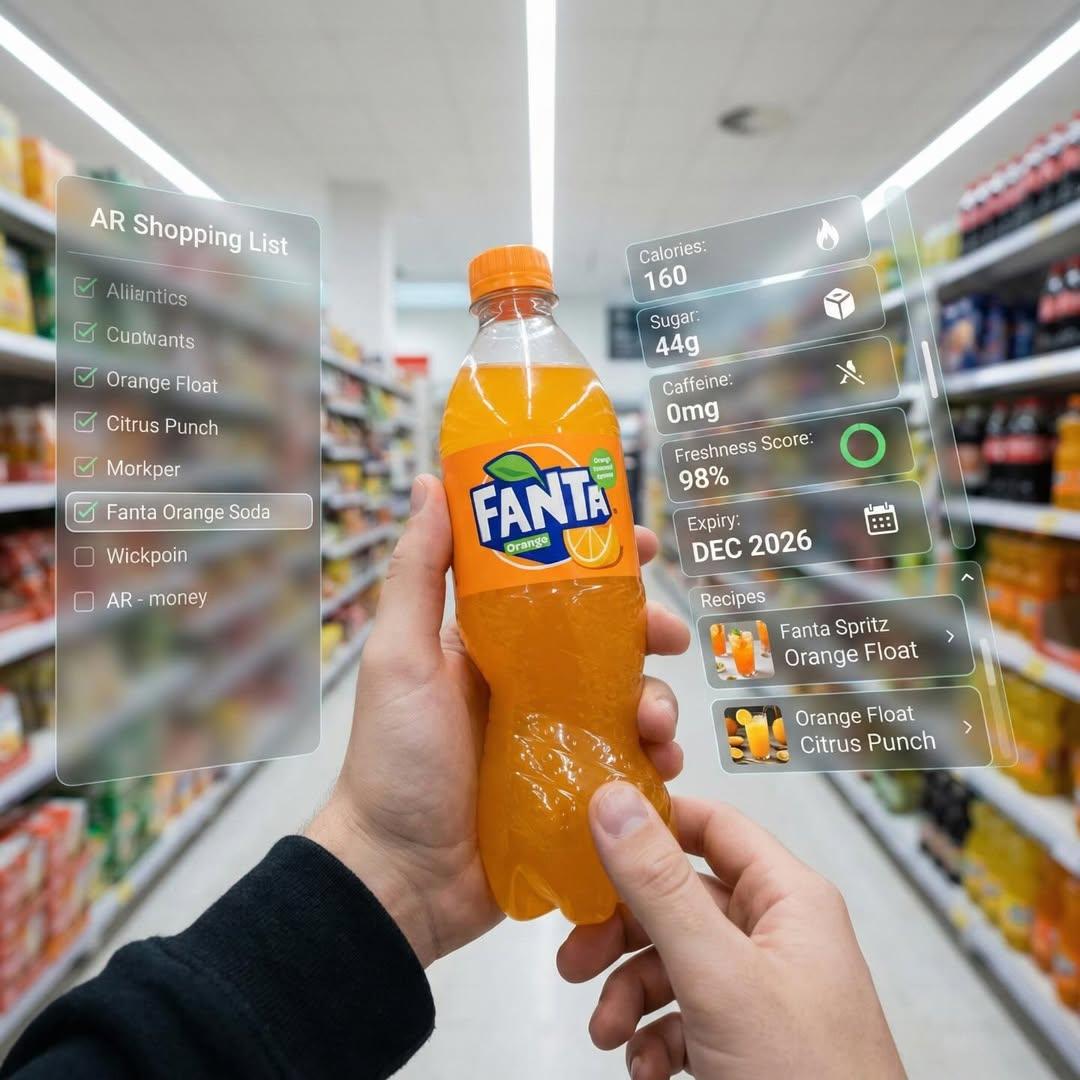
Hyper-Realistic Mixed Reality Fanta Bottle Interface
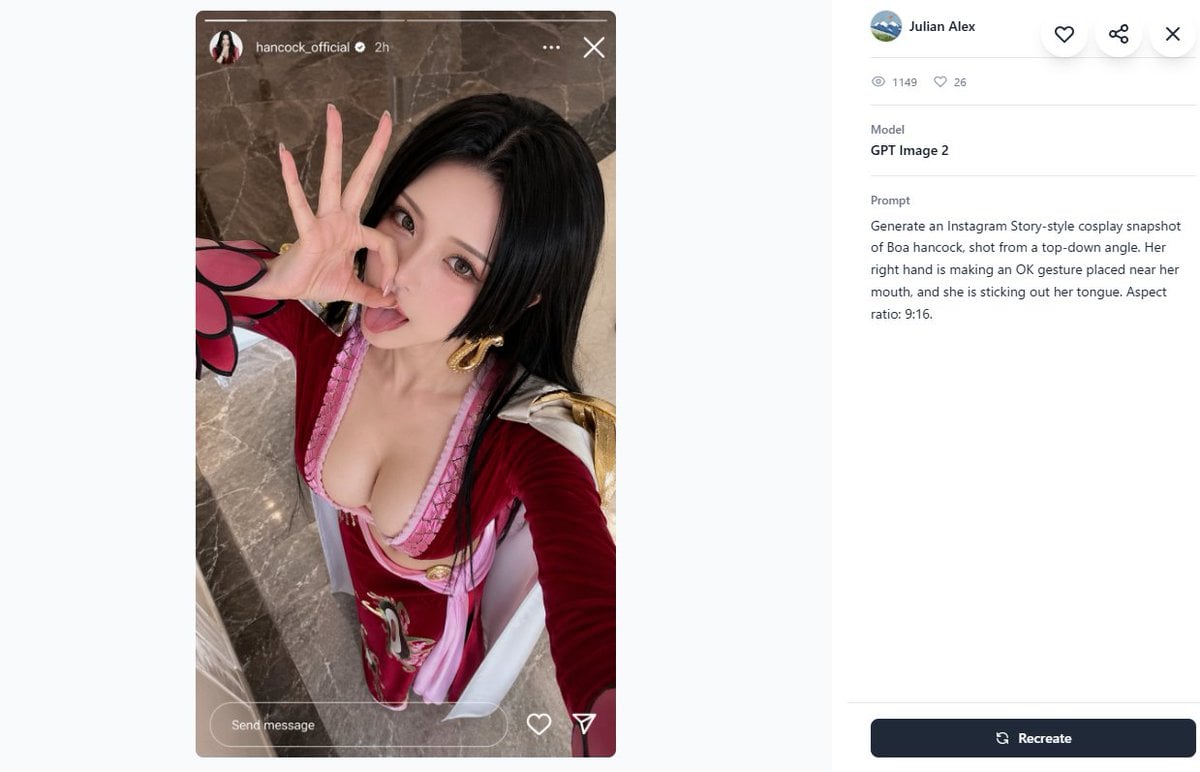
Cosplay Prompt Gallery Screenshot
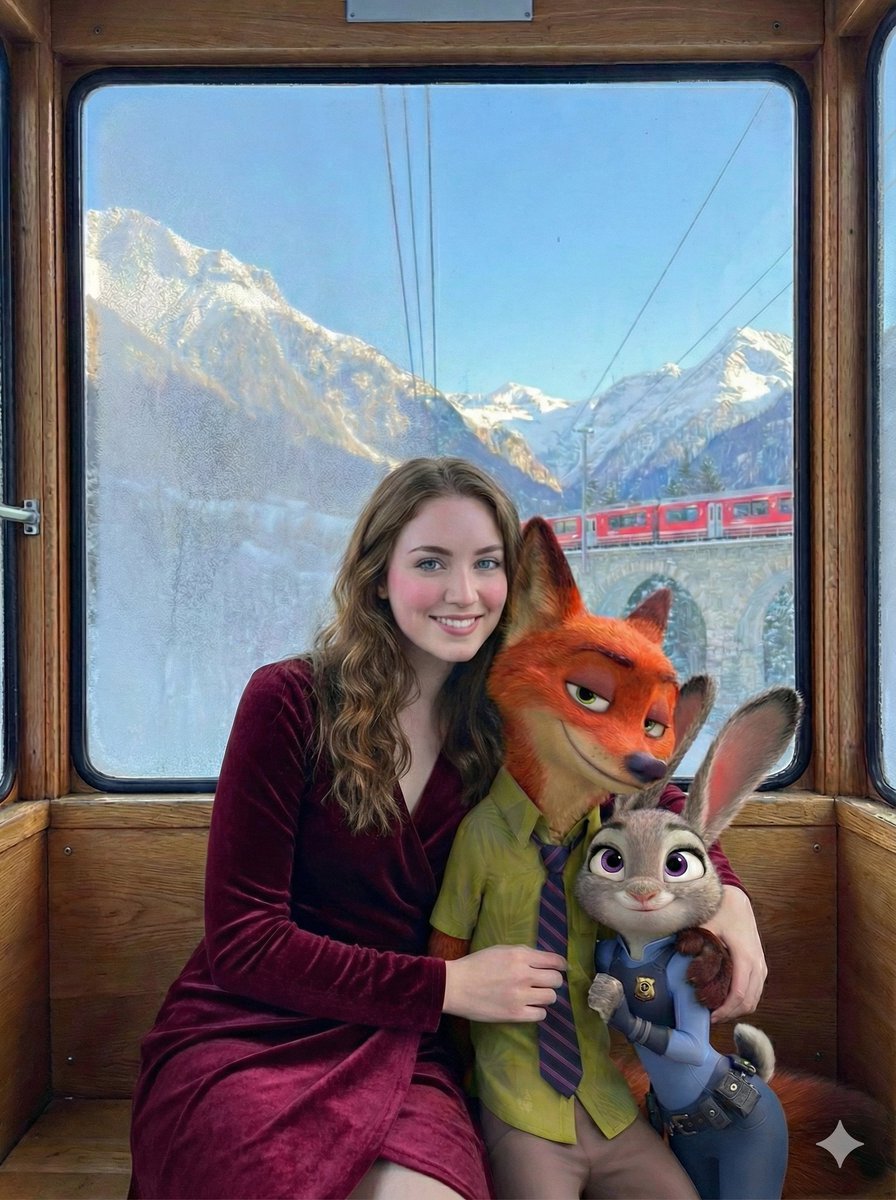
Cinematic Winter Train Scene with Animated Characters
Browse template categories
Sweet Lifestyle Magazine Cover Portrait questions
How do I use the Sweet Lifestyle Magazine Cover Portrait template?
Add your photo if the template asks for one, edit the prompt if you like — the template's model and format are already selected — and press Generate. Your version opens in PicX Studio.
Can I customize the Sweet Lifestyle Magazine Cover Portrait template?
Yes. You can change the subject, setting, lighting, mood, format, and available model controls before creating your image.
Is the Sweet Lifestyle Magazine Cover Portrait template free?
Opening and editing this template is free. Generating uses credits, shown on the Generate button when you are signed in.
Which AI model should I use?
Start with GPT Image 2, which is the model associated with this template. You can compare another compatible model for a different finish.
Looking for something else? Browse all templates.

Your photo, any look
Thousands of ready templates for every top image and video model, from one credit balance.