
Rainy Season Shrine Hydrangea Scene
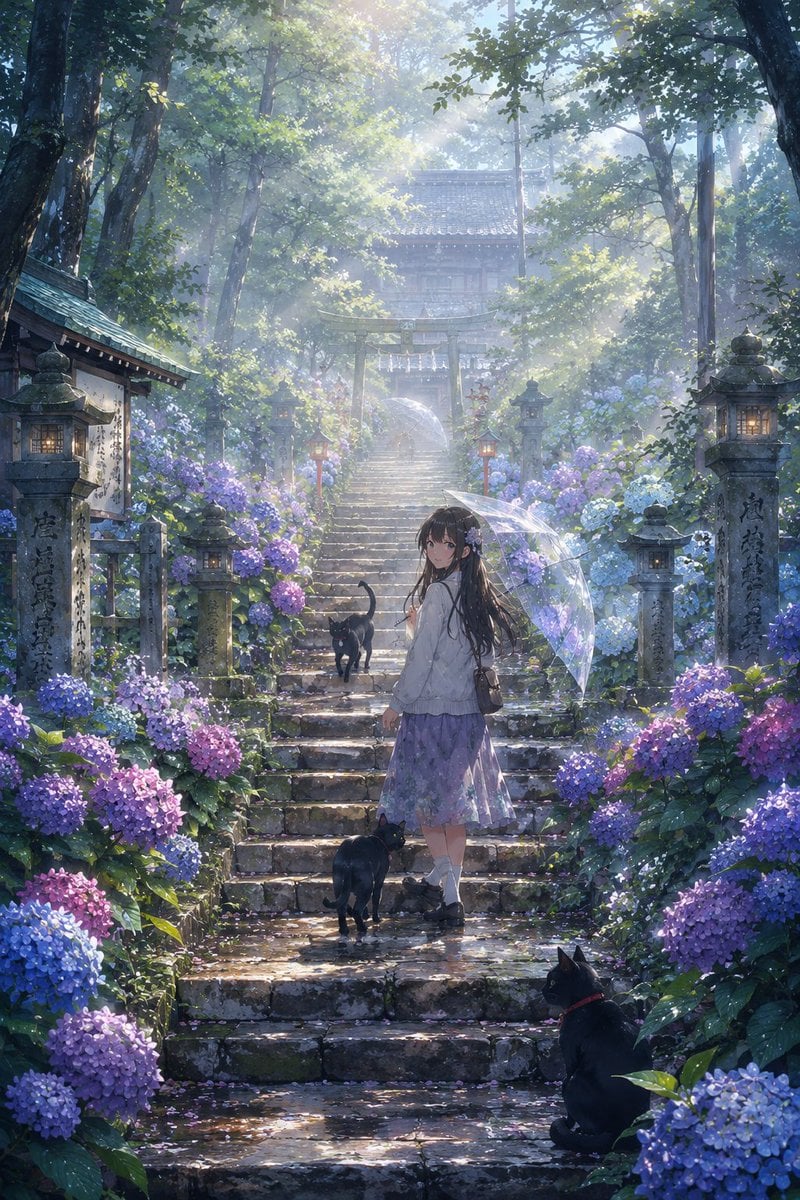
A detailed prompt for creating a serene anime-style Japanese shrine staircase scene with hydrangeas, morning mist, a girl with an umbrella, and three black cats.
- Prompt included
- Model and format preset
- Free template
The prompt behind this image
Copy the exact prompt behind Rainy Season Shrine Hydrangea Scene, or open it in the studio and make it yours.
Create a vertical 2:3 cinematic anime-style illustration of a misty early-summer Japanese shrine approach in the rainy season, centered on ancient mossy stone steps climbing through a lush forest toward a wooden torii gate and a traditional shrine building half-hidden in pale morning haze. The scene is filled with blooming hydrangeas in blue, purple, lavender, and pink on both sides of the stairs, wet leaves, puddled stone, soft reflections, and scattered petals. A young girl, {argument name="character name" default="a nameless shrine visitor"}, stands near the middle of the staircase viewed from behind and slightly turned, wearing a white blouse, a lavender skirt, white socks, dark shoes, and a small shoulder bag; her long {argument name="hair color" default="black"} hair is decorated with small flowers. She holds a transparent umbrella with a faint floral pattern, catching delicate highlights from the sunbeams. Include exactly 3 black cats: one cat walking up the steps ahead of the girl with its tail raised, one cat standing near her feet on the stair below, and one cat sitting in the lower right foreground wearing a subtle red collar and looking toward her. Frame the path with old stone lanterns and engraved stone pillars, warm lantern glows, damp stone textures, and tall trees arching overhead. Use {argument name="time of day" default="soft morning after rain"} lighting with volumetric god rays filtering through the canopy, cool blue-green shadows, sparkling moisture, dreamy atmospheric depth, high detail, painterly realism, serene nostalgic mood, no modern buildings, no readable signage emphasized, no watermark.
How to use Rainy Season Shrine Hydrangea Scene in 3 steps
- 1Upload ImagePNG, JPG or paste
Add your photo
Upload the photo the template builds on. The prompt, model and format are already set.
- 2…a portrait of your subject in softgolden-hour light, 85mm…
Personalize
Edit the subject and creative details for your destination.
- 3Generate
Generate
Press Generate — your image is created in PicX Studio, so you can compare it with the original and refine one variable at a time.
More like this
Templates with the same subject, style or setup. Open one to see its prompt.
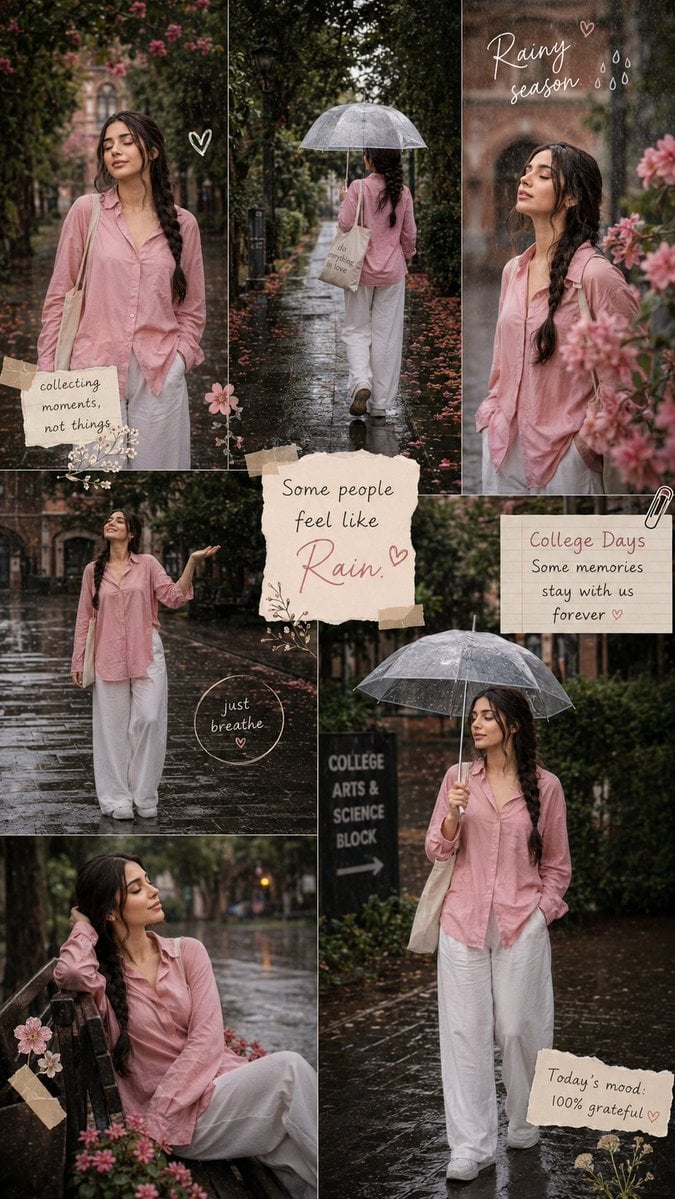
Rainy Season Pinterest Moodboard
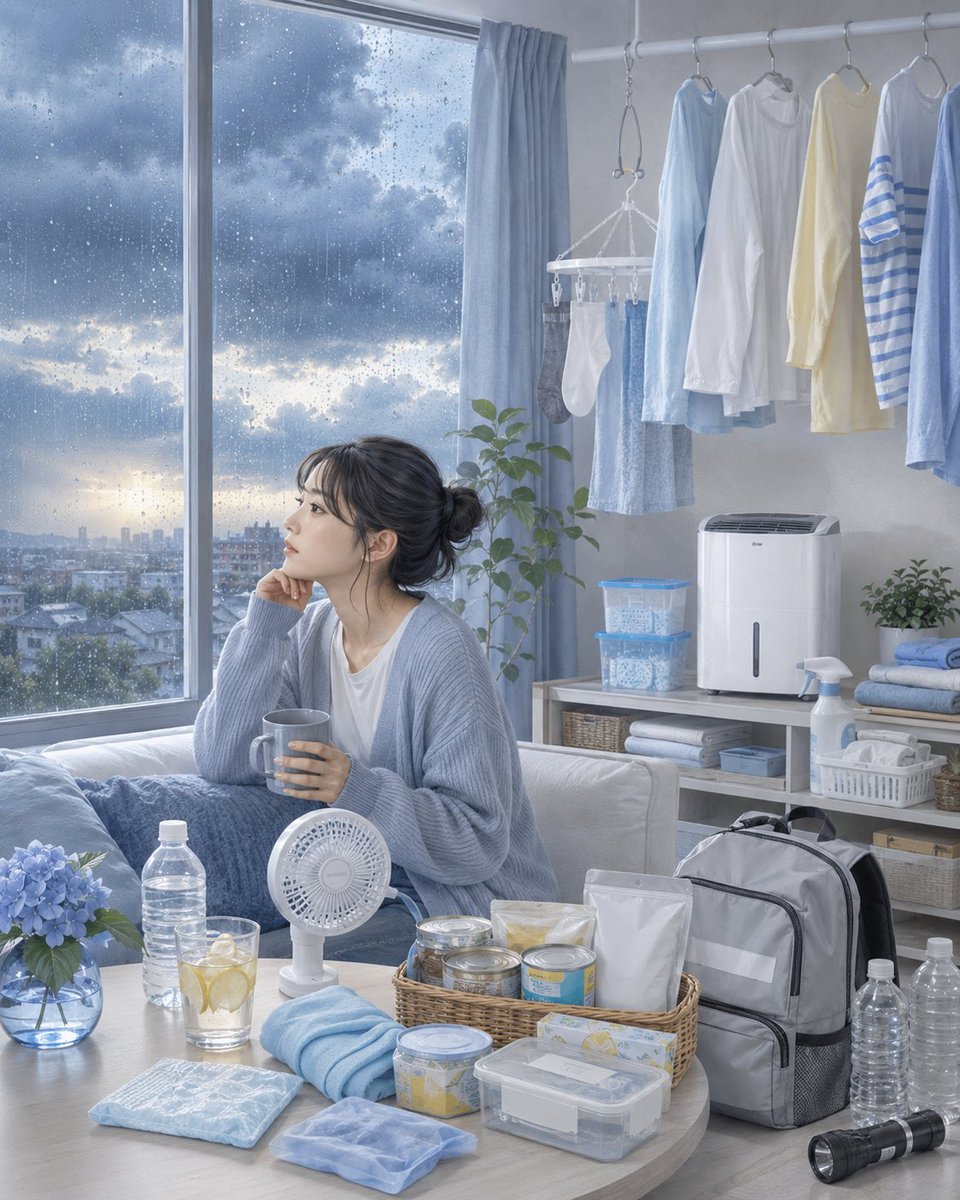
Rainy Season Preparedness Apartment
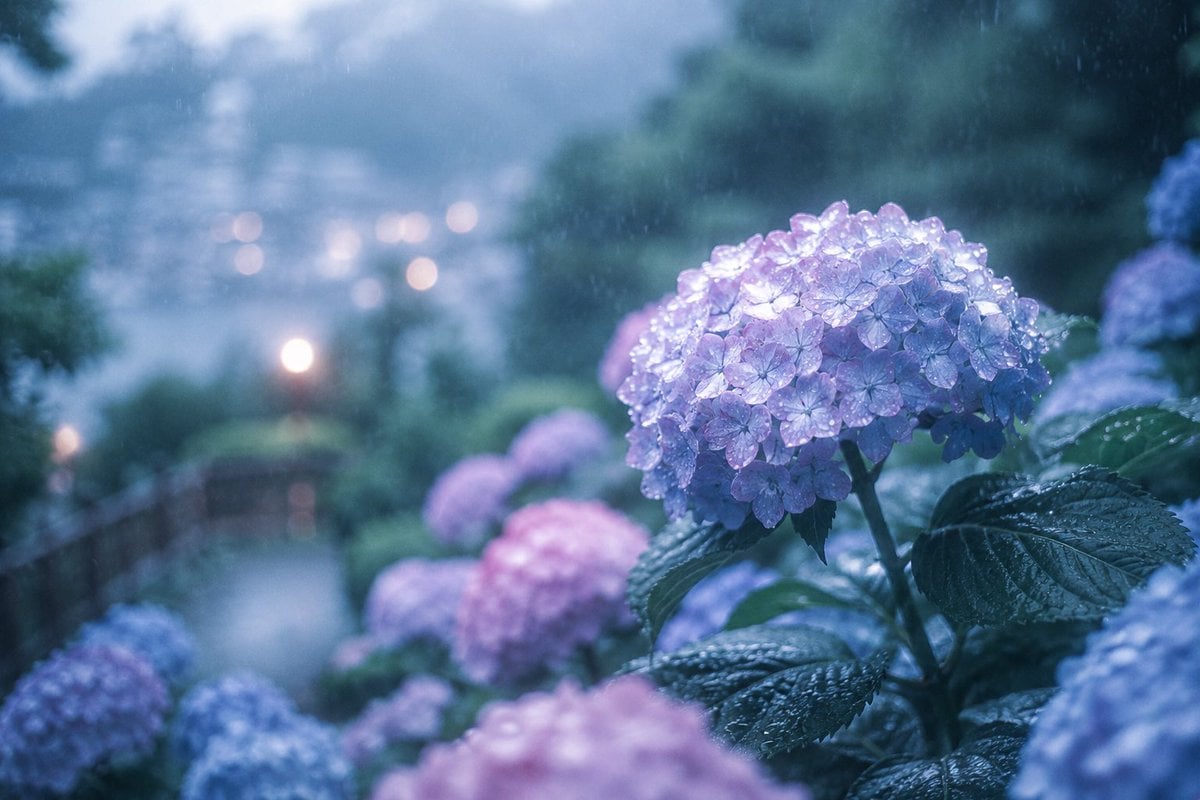
Rainy Kamakura Hydrangea Garden
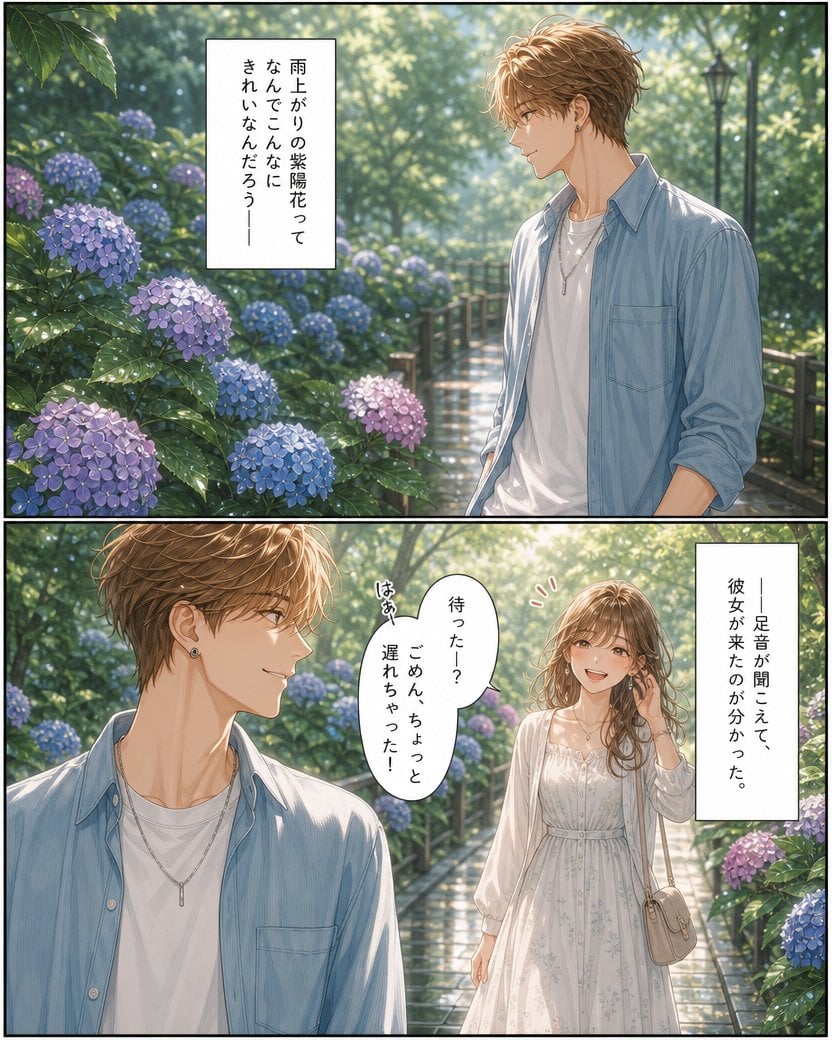
Rainy Hydrangea Romance Manga
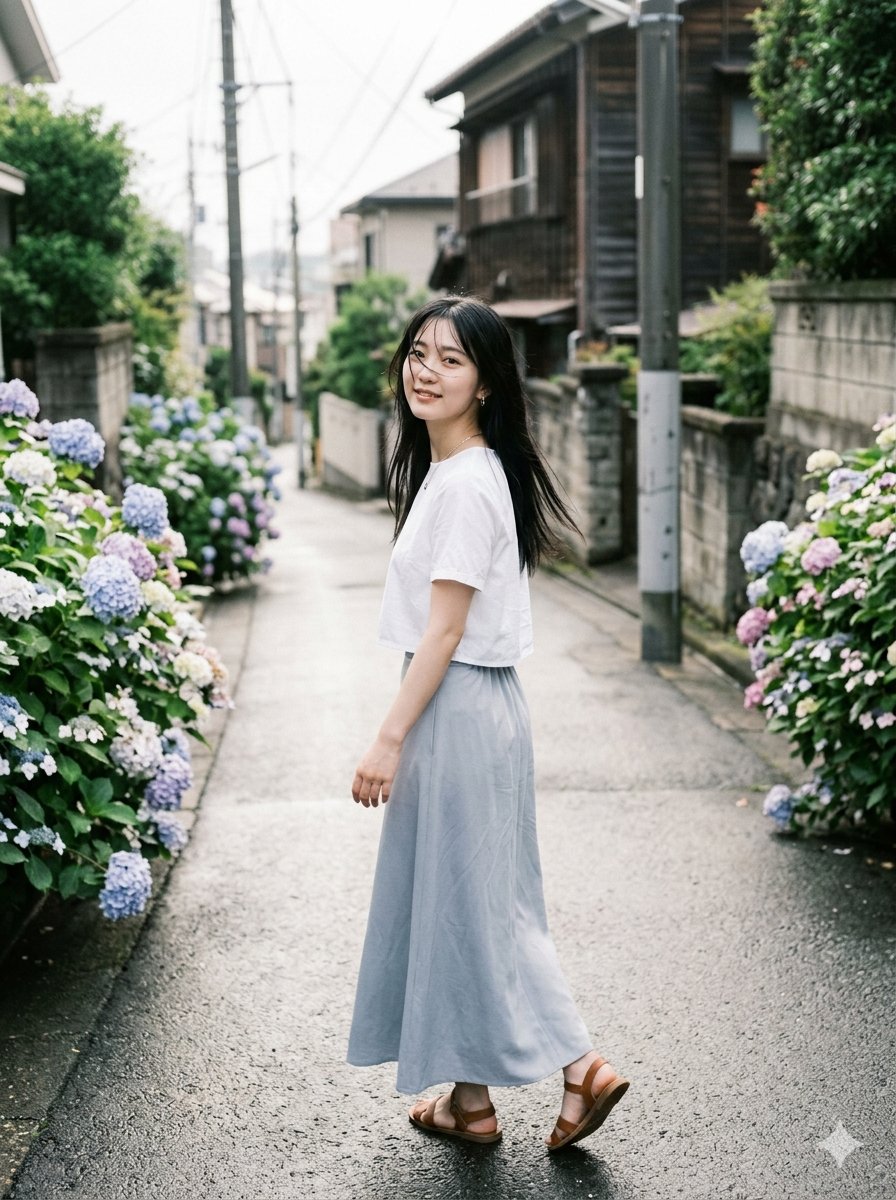
Rainy Hydrangea Street Portrait
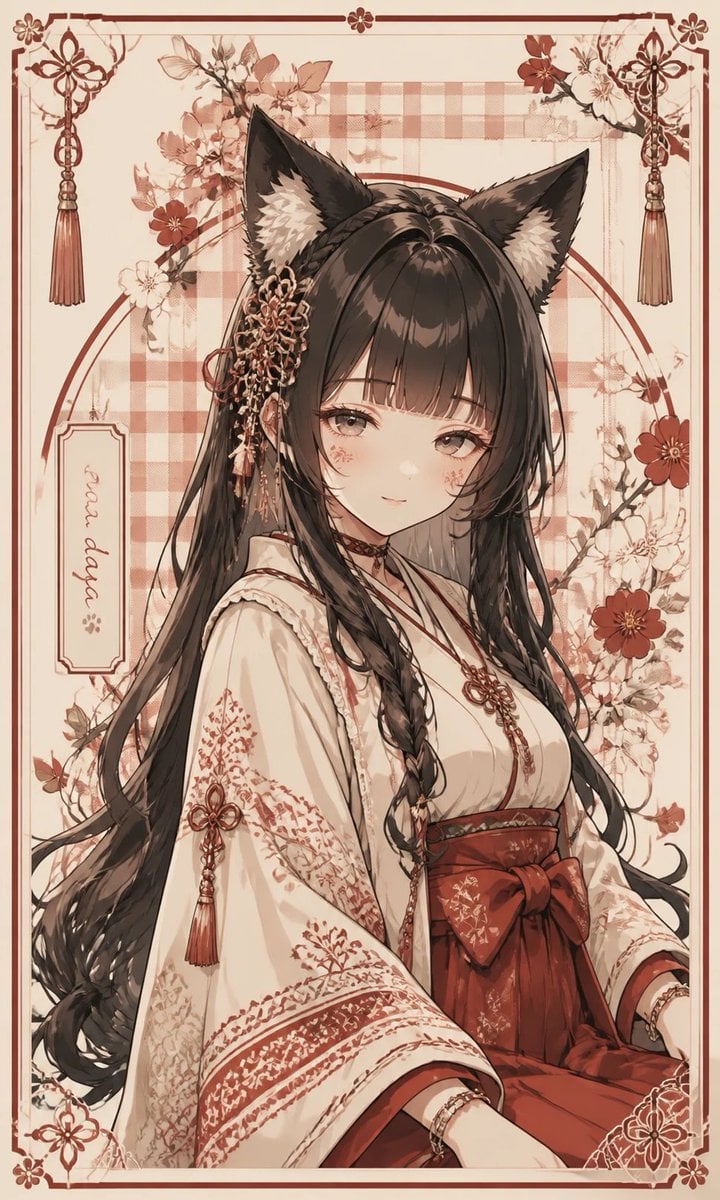
Fox Shrine Maiden Postcard
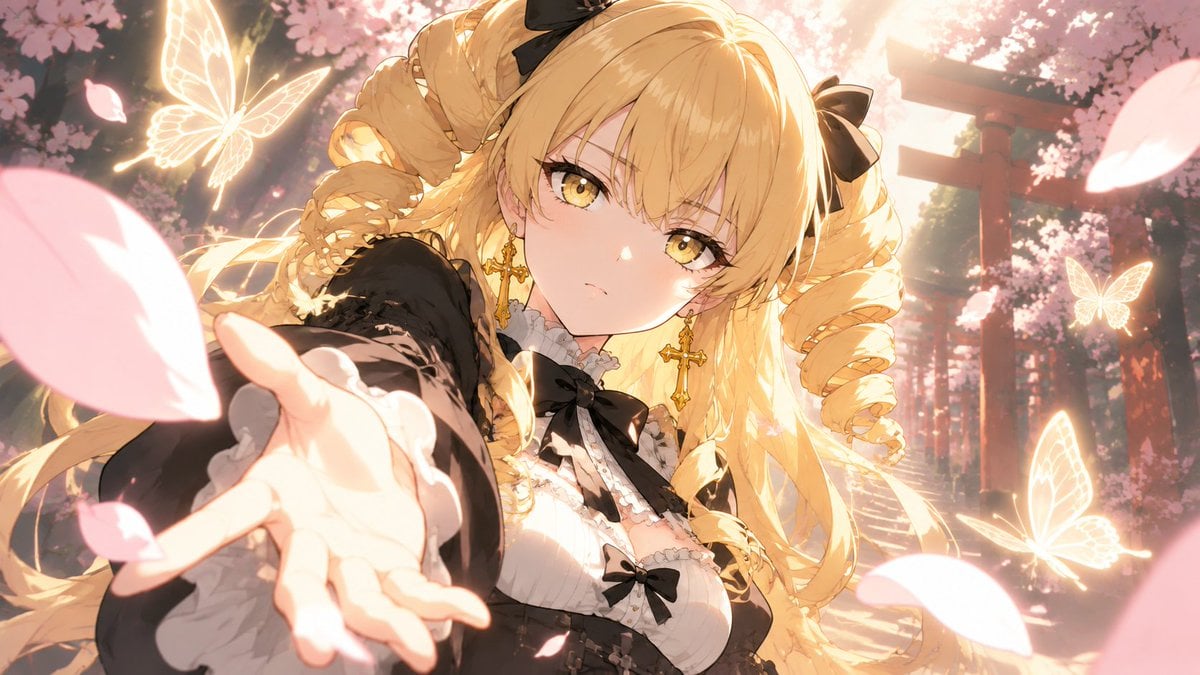
Blonde Gothic Lolita Sakura Shrine
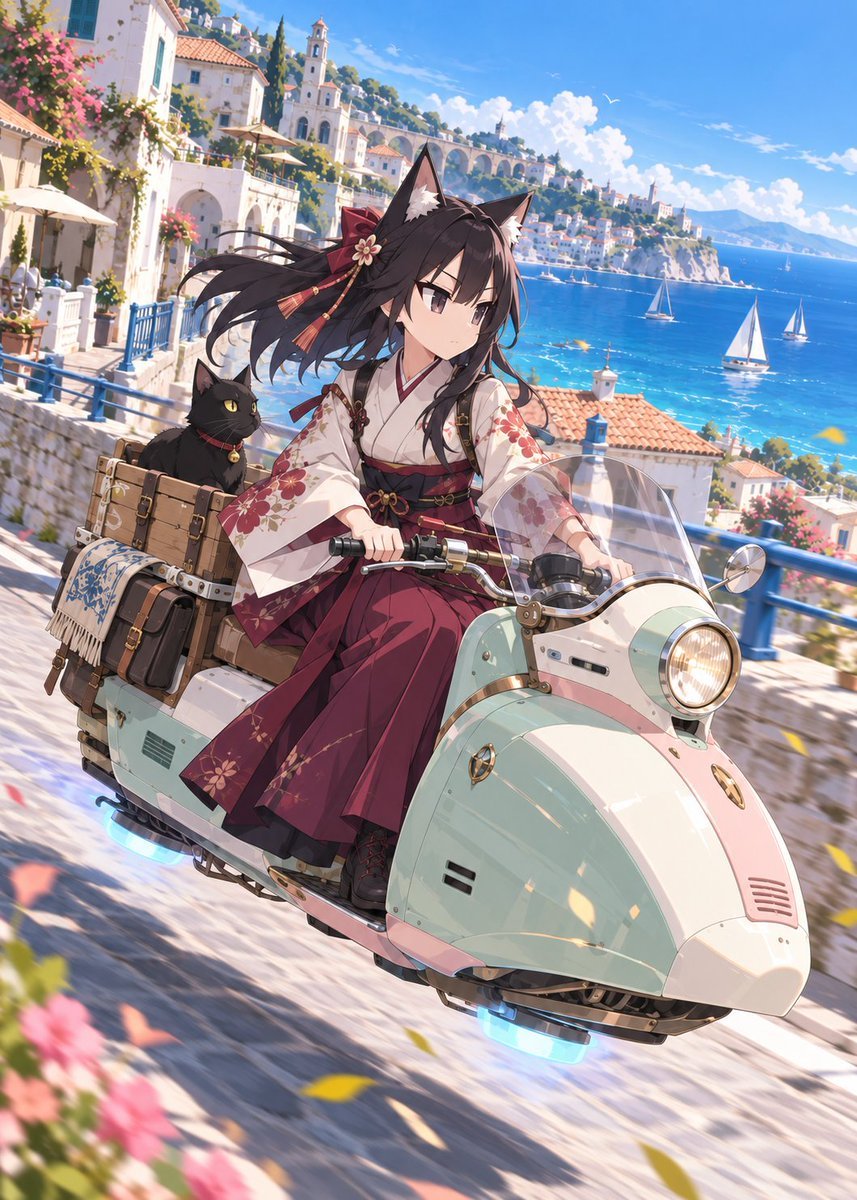
Fox Shrine Maiden on Hover Scooter

Mandarin Spawn at Shinto Shrine
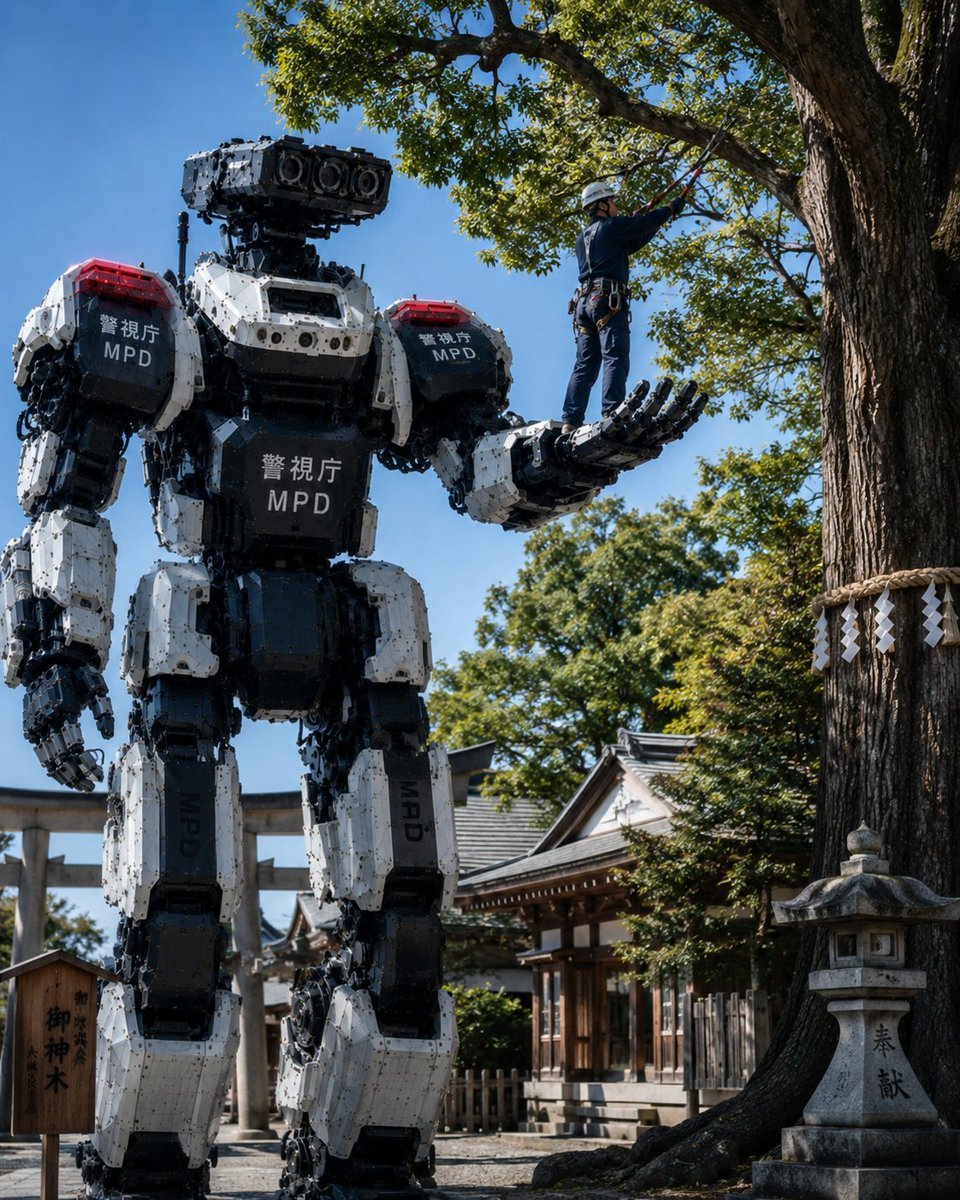
Police Robot Pruning Shrine Trees
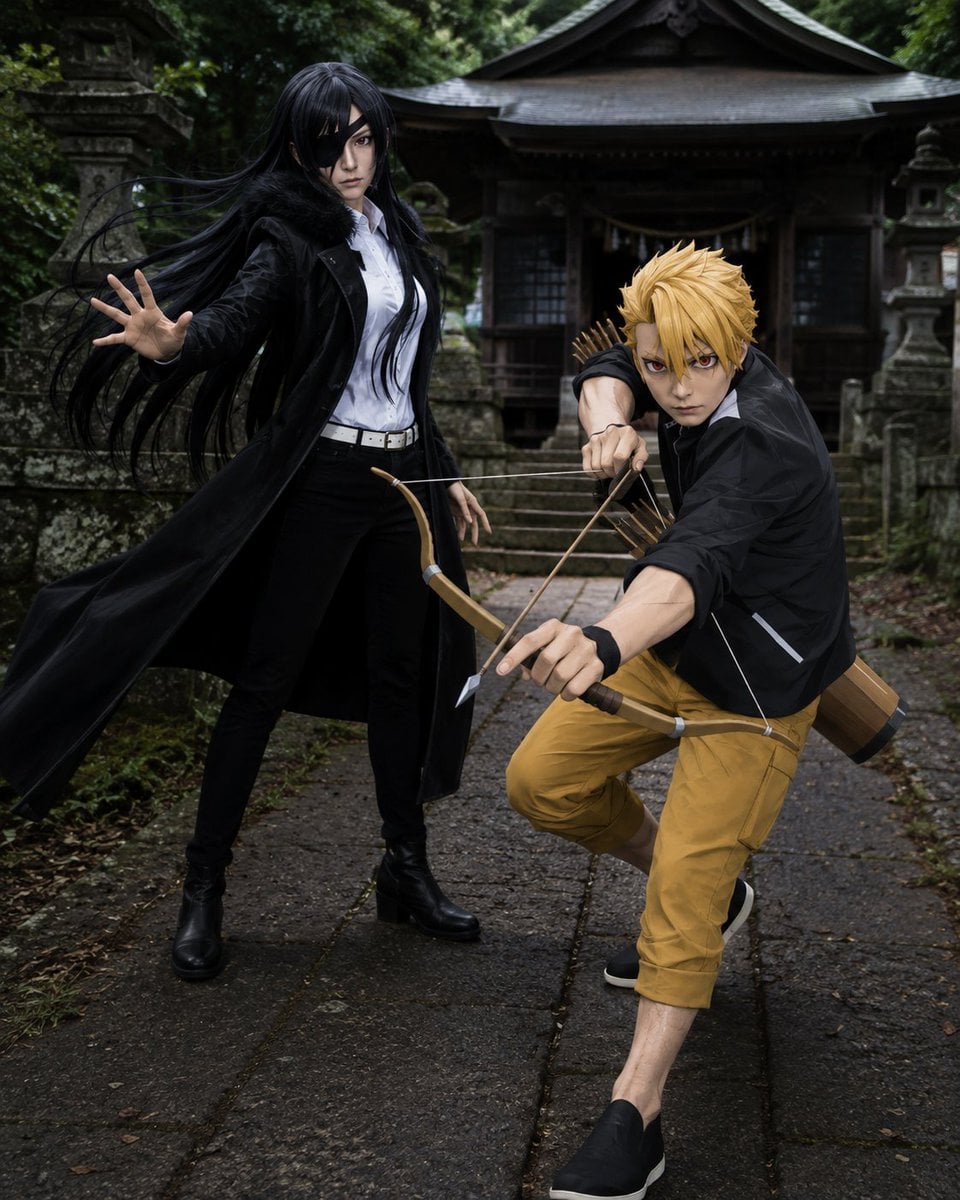
Anime Cosplay Duo at Forest Shrine
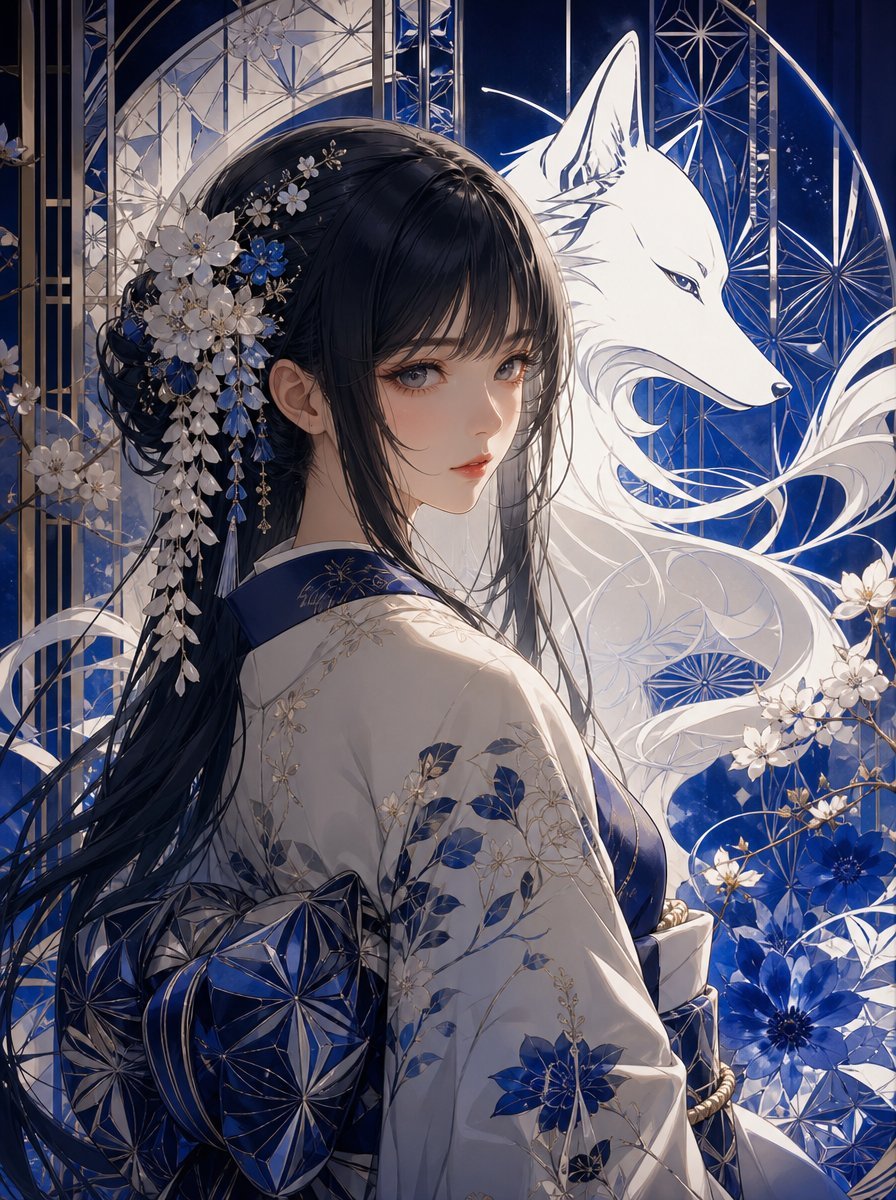
Blue Kiriko Fox Shrine Maiden
Make it yours
Rainy Season Shrine Hydrangea Scene works as-is. These are the safest ways to change it without losing the look.
Change one field
Copy a single group, rewrite it, and generate again so you can see what that field is doing.
Keep the frame, change the subject
Hold the composition and light of Rainy Season Shrine Hydrangea Scene, then swap wardrobe, props or the person for a new take.
| If the result… | Why | Fix |
|---|---|---|
| The result drifts from the preview | Too many fields changed at once. | Reuse Rainy Season Shrine Hydrangea Scene as-is first, then change one group — subject, light, or setting. |
| The model over-stylizes the scene | The prose prompt leaves finish and camera underspecified. | Add one camera or lighting sentence and stay on GPT Image 2. |
More GPT Image 2 templates
Other prompts made for GPT Image 2.

Six VTuber Japanese Logo Sheet

Realistic Portrait of Woman and Deer

The Vista Modular Condo Poster

AI Model Routing Comparison Infographic

2.5D Anime Art Board

Isometric Productivity Desk Scene

New York Double Exposure Poster

Four-Panel AI Landscape Comparison

Japanese Tatami Lifestyle Magazine Cover

NESCAFÉ Coffee Map Poster
More image prompts
Fresh picks from across the catalog.
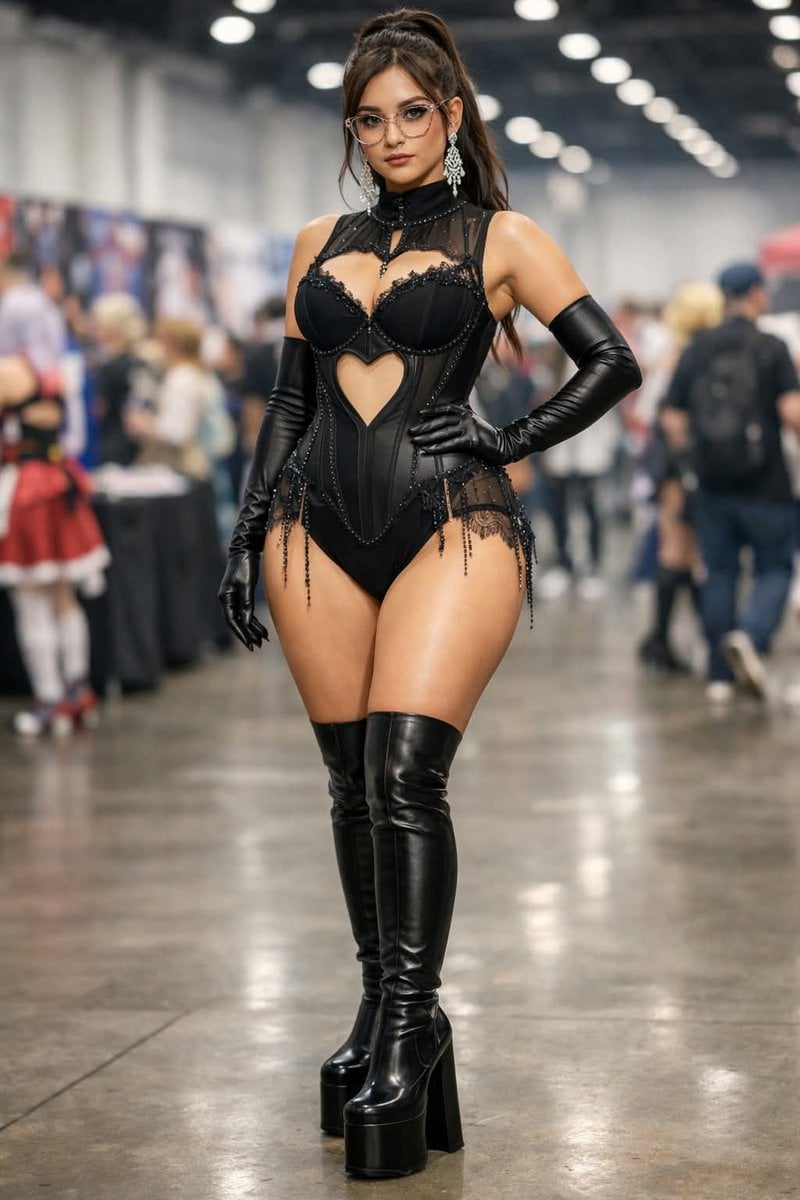
Convention Cosplay Outfit Prompt
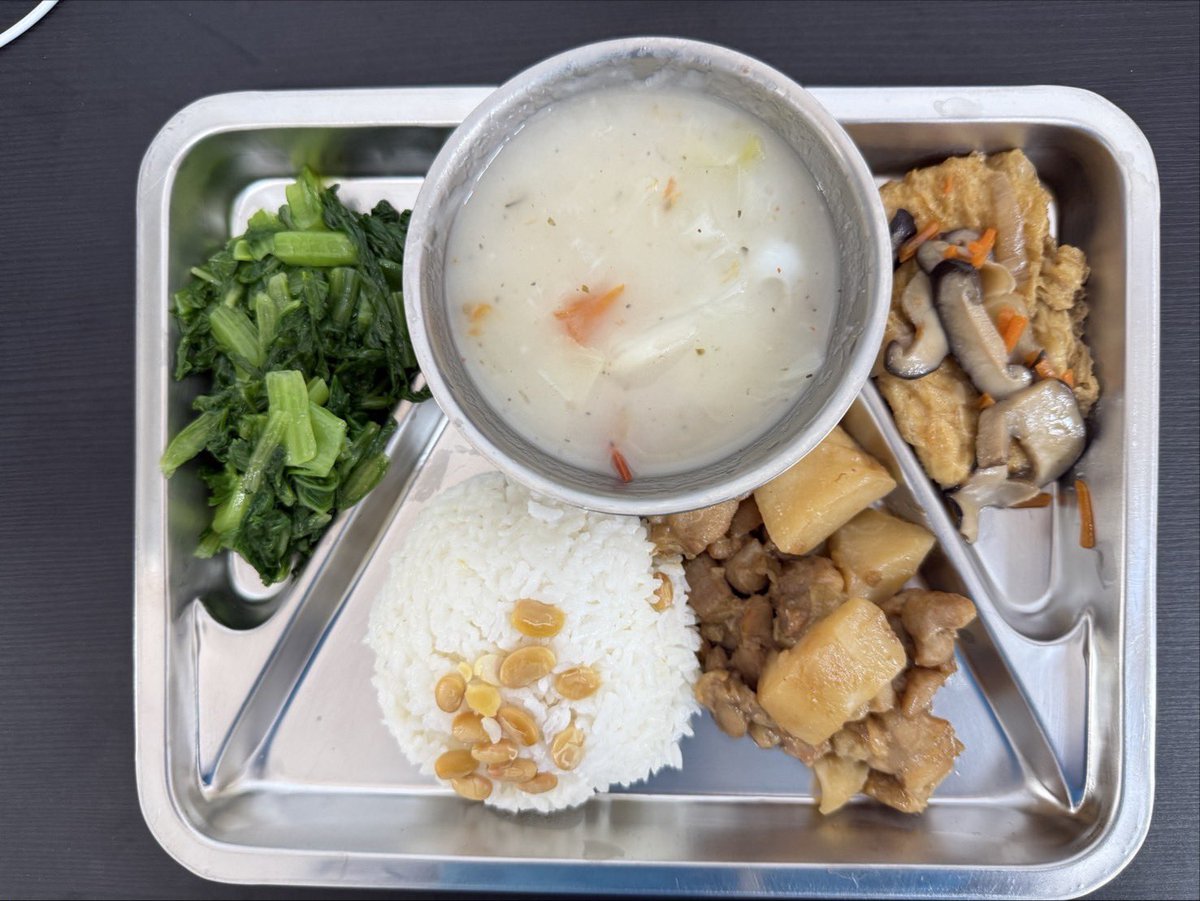
Prompt for Exploding or Static Food Photography
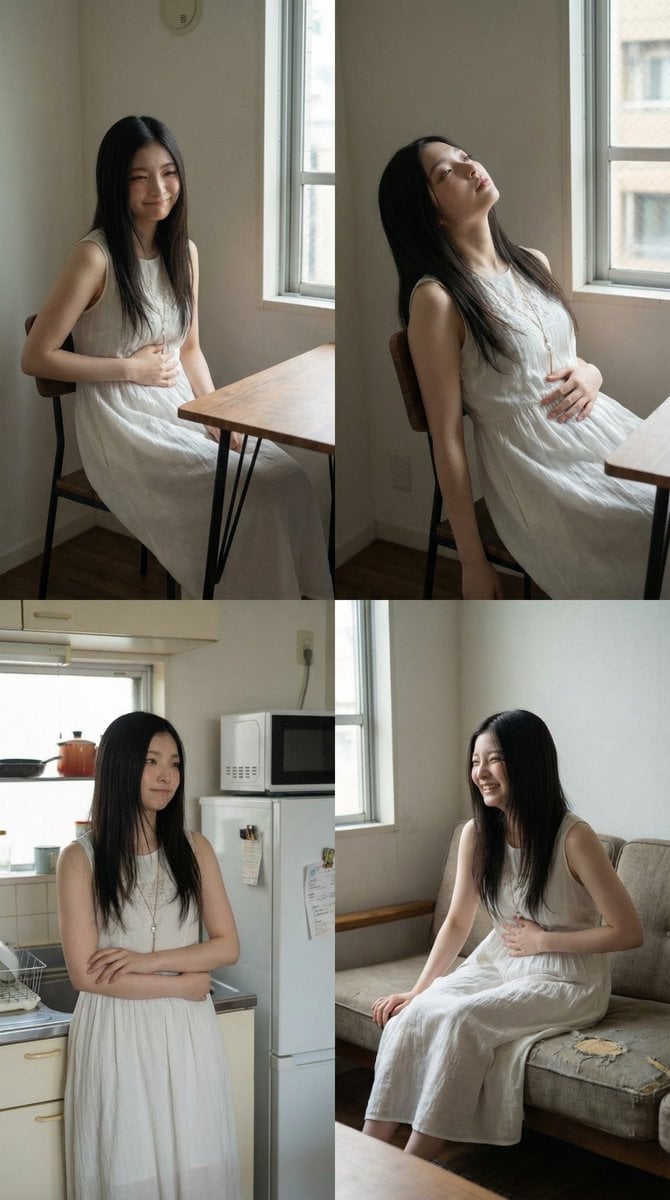
2x2 Grid Character Consistency Prompt (JSON)

Cinematic Realism Cafe Portrait (JSON)

Kawaii Anime Icing Cookie

Luxury Fitness Editorial Campaign

Dreamy Venezia Travel Poster

Natural Sunlight Close-up Portrait Prompt for Nano Banana 2
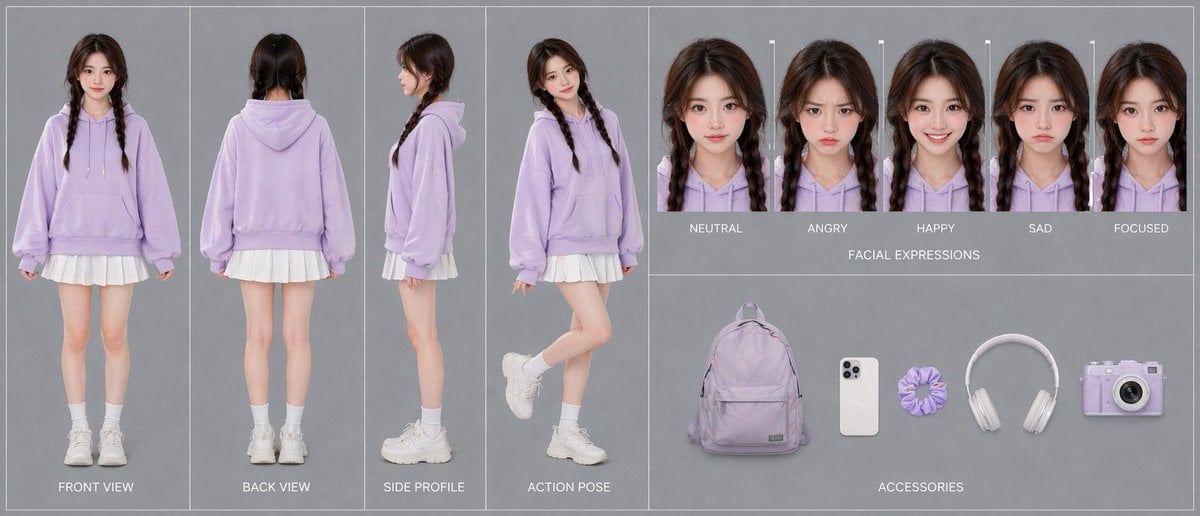
Pastel Teen Character Design Sheet
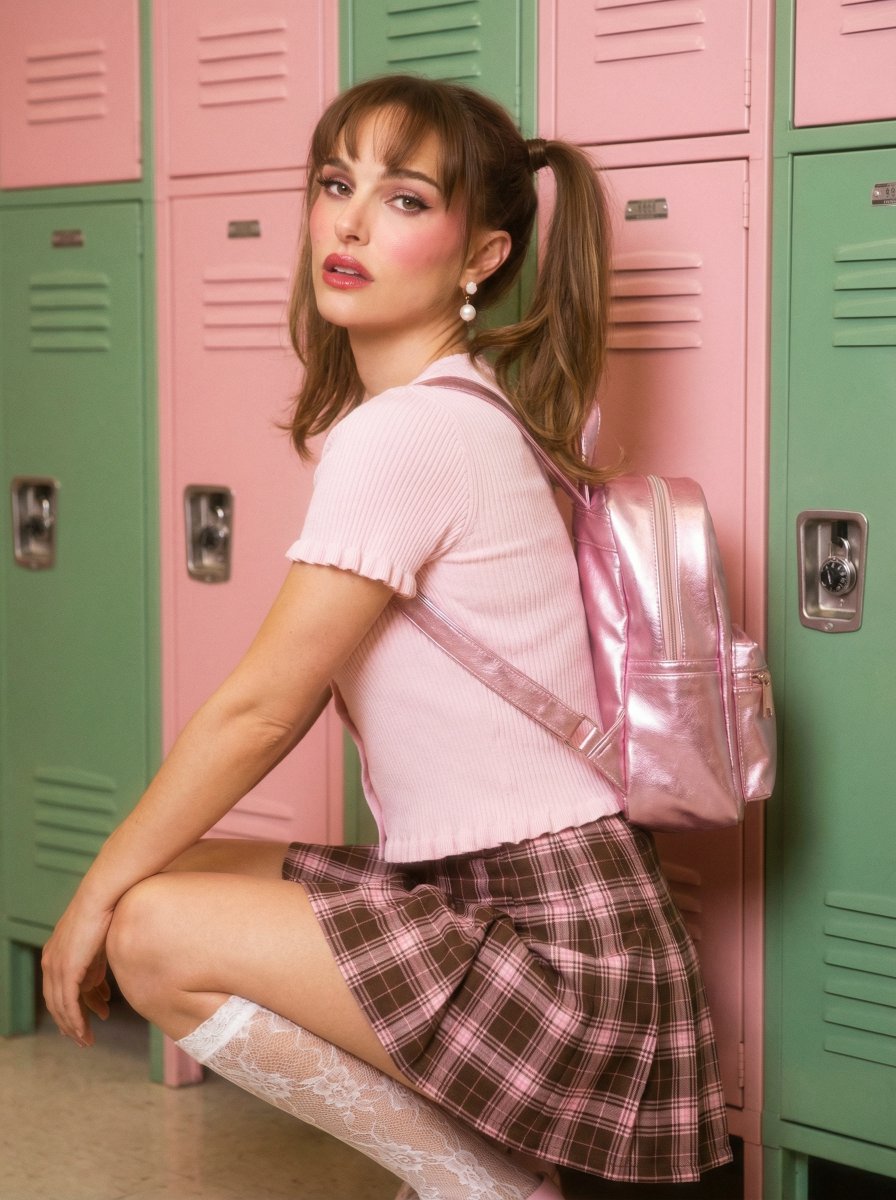
Natalie Portman School Locker Prompt
Browse template categories
Rainy Season Shrine Hydrangea Scene questions
How do I use the Rainy Season Shrine Hydrangea Scene template?
Add your photo if the template asks for one, edit the prompt if you like — the template's model and format are already selected — and press Generate. Your version opens in PicX Studio.
Can I customize the Rainy Season Shrine Hydrangea Scene template?
Yes. You can change the subject, setting, lighting, mood, format, and available model controls before creating your image.
Is the Rainy Season Shrine Hydrangea Scene template free?
Opening and editing this template is free. Generating uses credits, shown on the Generate button when you are signed in.
Which AI model should I use?
Start with GPT Image 2, which is the model associated with this template. You can compare another compatible model for a different finish.
Looking for something else? Browse all templates.

Your photo, any look
Thousands of ready templates for every top image and video model, from one credit balance.