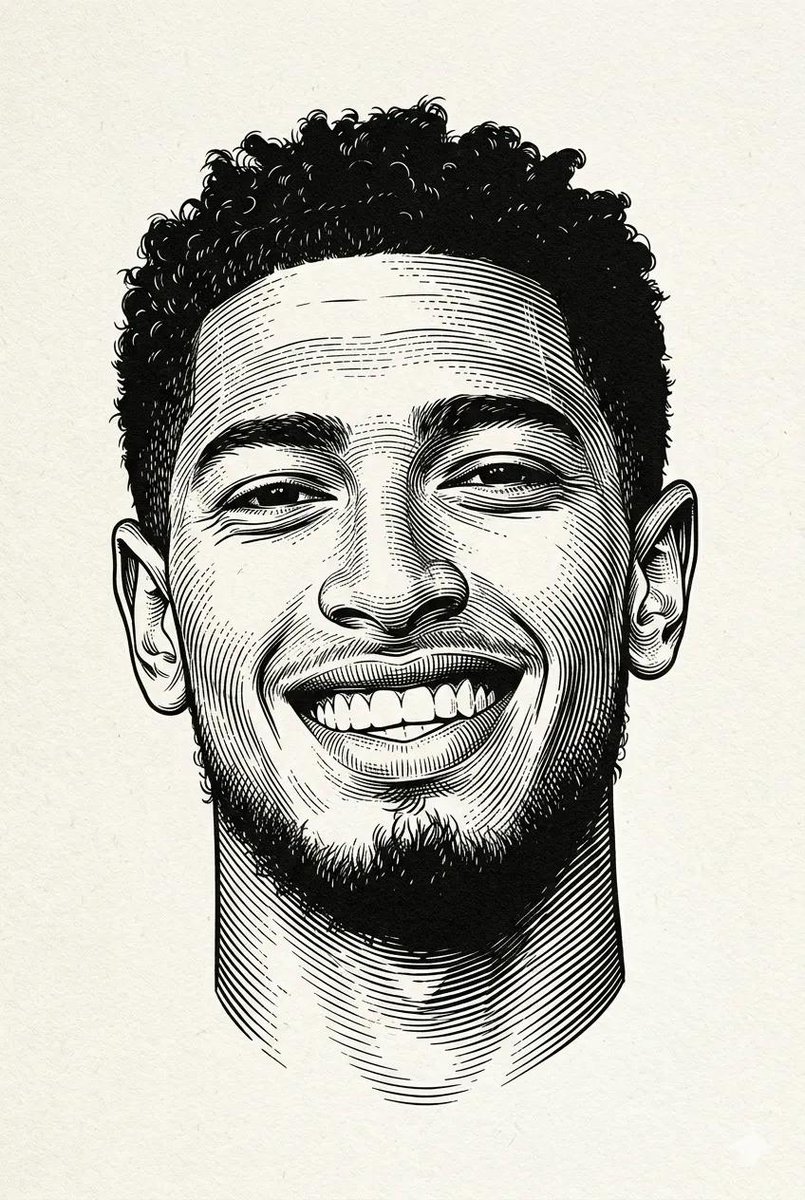
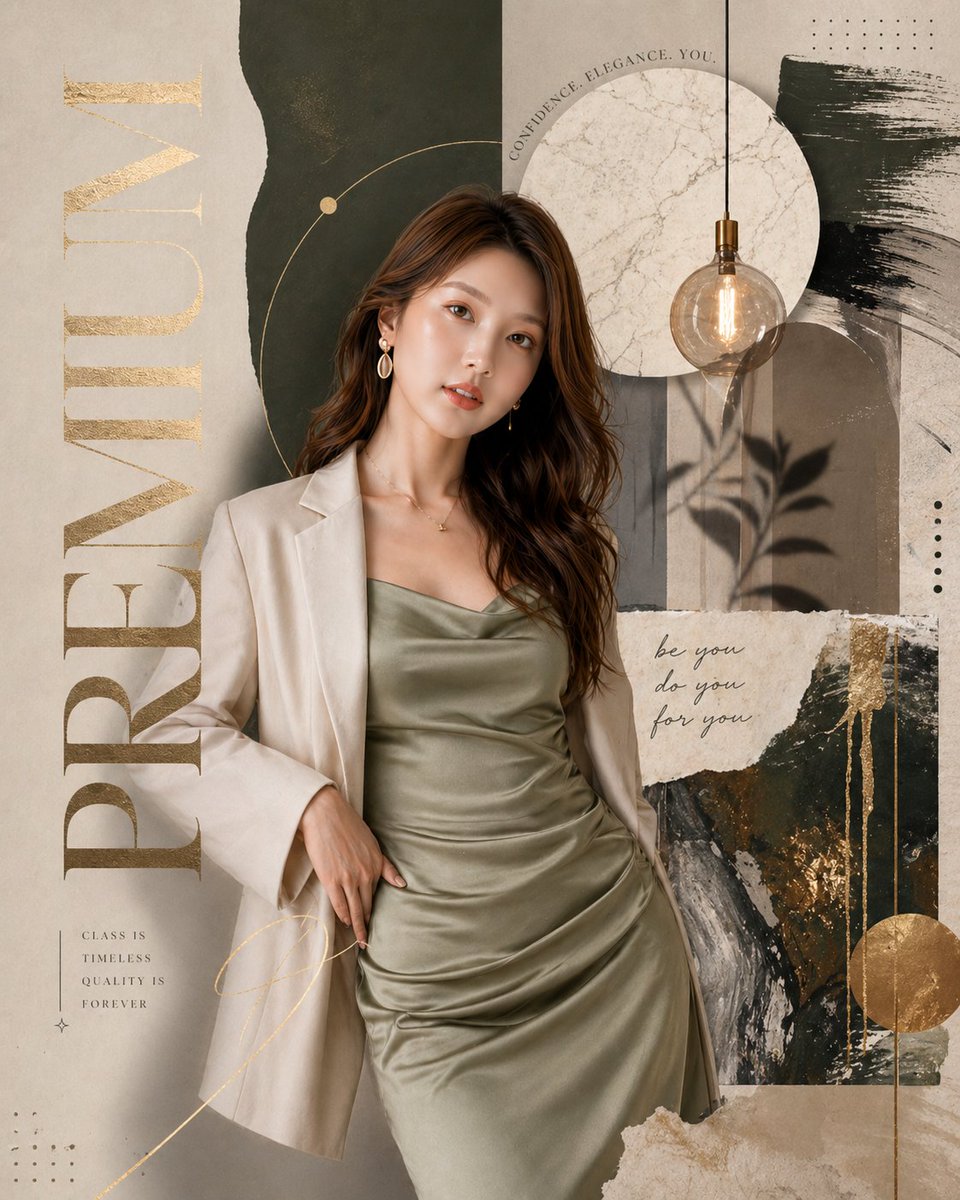
How do I use the Deep Autumn Cinematic Portrait Series template?
Choose the primary action to open PicX Studio with the available template settings. Review the model and format, personalize the creative direction, and generate when ready.
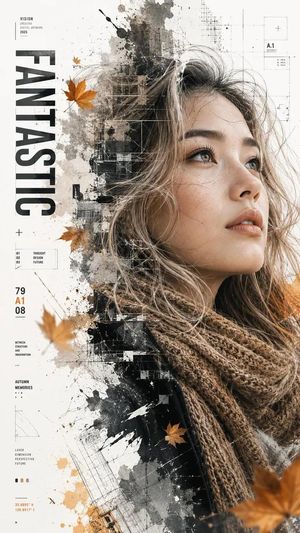
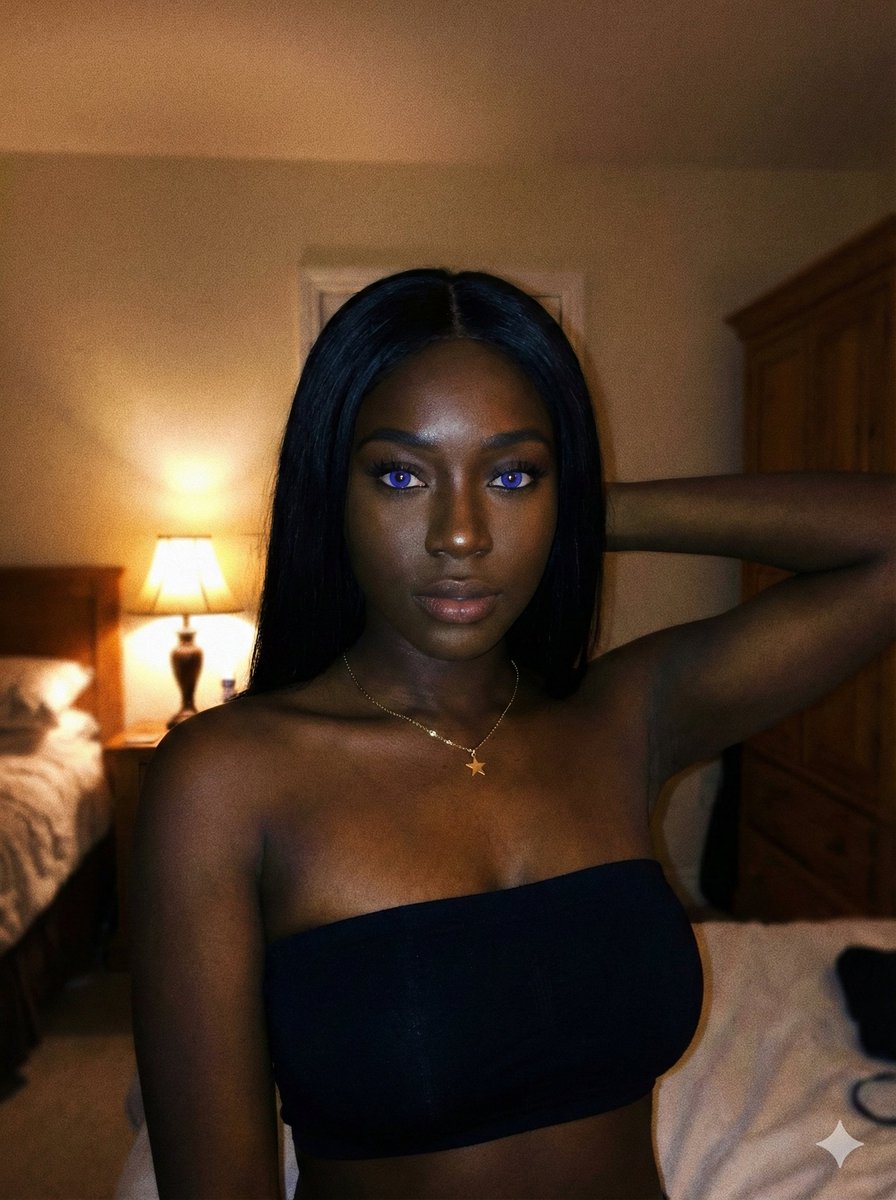
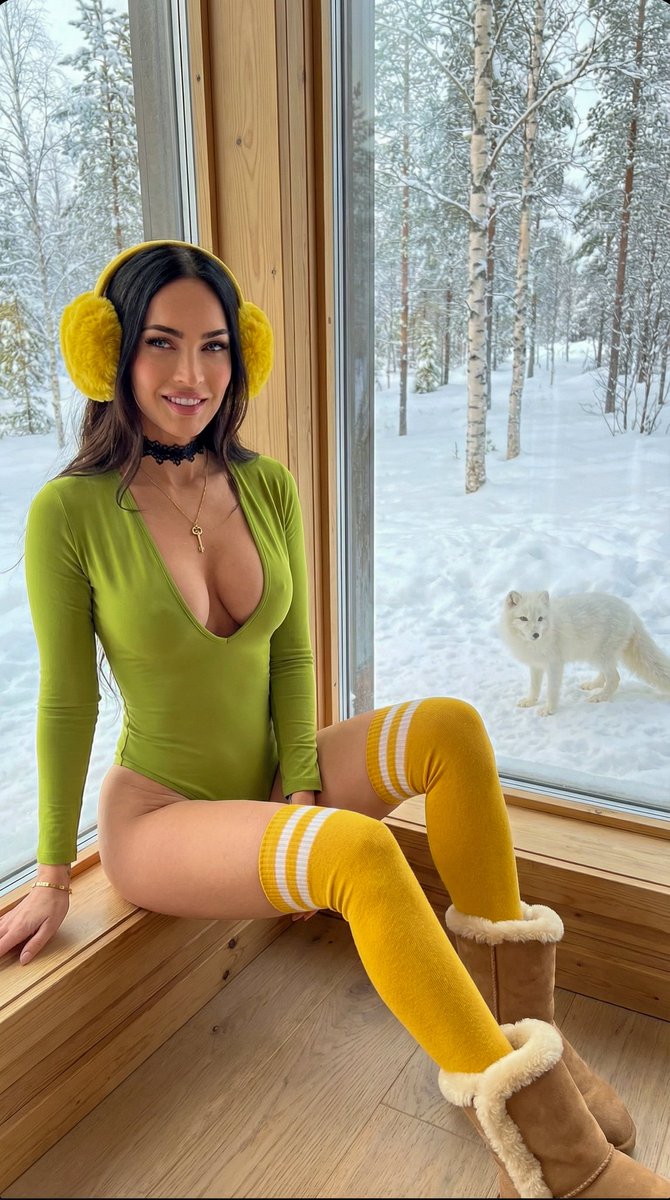
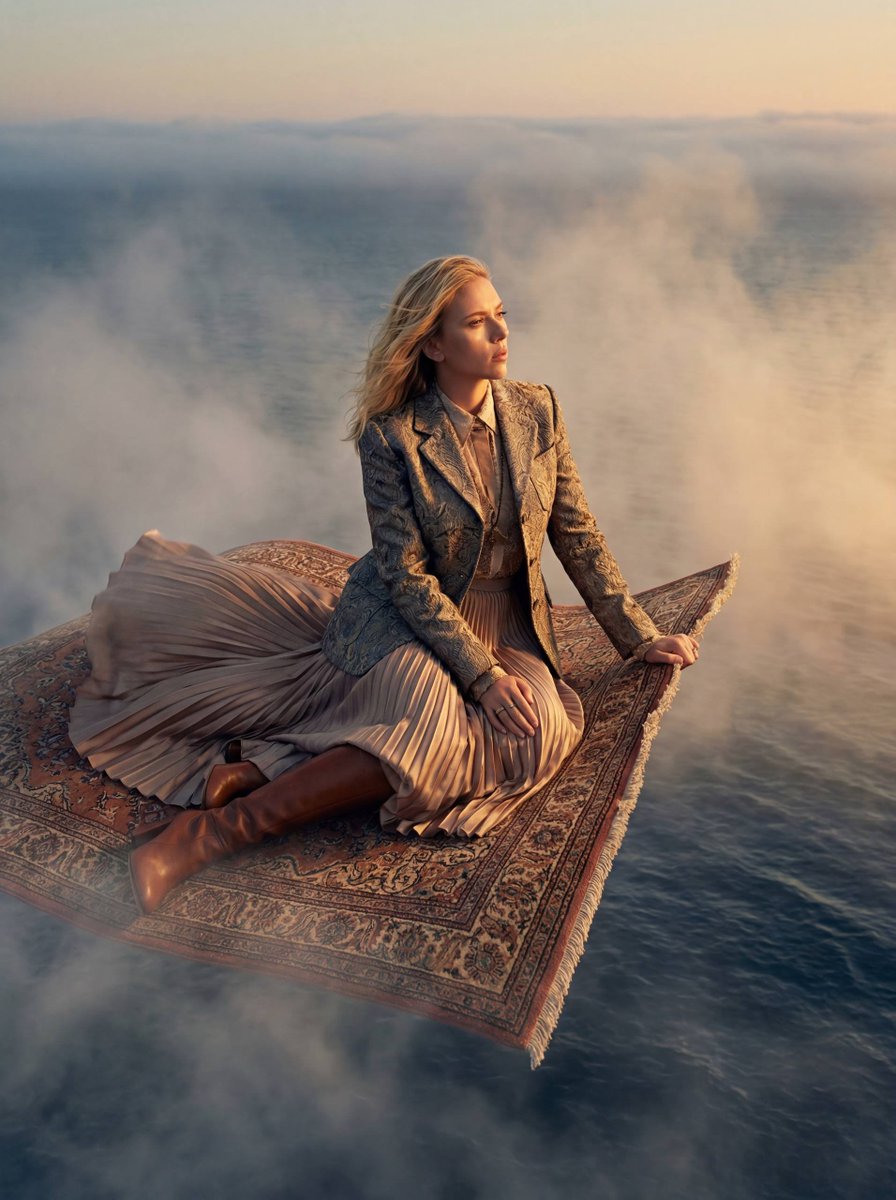
Ultra-realistic cinematic portraits using a reference face, featuring different poses and clothing in a Deep Autumn color palette.

18K ultra-realistic cinematic portrait series, exact face match from reference image, same Stylish hairstyle and same short boxed beard (no changes). Create 10 completely different poses with {argument name="shirt colors" default="Deep Autumn shirt colors: Olive Green, Forest Green, Burgundy, Chocolate Brown, Rust Orange, Mustard Yellow, Dark Teal, Coffee Brown, Camel Beige, and Charcoal Black"}. Golden hour lighting, warm cinematic color grading, realistic skin texture, sharp jawline, soft bokeh, HDR, {argument name="camera" default="Leica SL3"}, {argument name="lens" default="85mm lens"}, f/1.4 --ar 4:5 ratio
Choose the primary action to open PicX Studio with the available template settings. Review the model and format, personalize the creative direction, and generate when ready.
Yes. You can change the subject, setting, lighting, mood, format, and available model controls before creating your image.
This template is free to open and customize. Generation usage is shown in PicX Studio before you create.
Start with GPT Image 2, which is the model associated with this template. You can compare another compatible model for a different finish.
Follow a topic to a crawlable collection of related PicX Studio templates.