How do I use the Vintage Interior Portrait with Copper Hair template?
Choose the primary action to open PicX Studio with the available template settings. Review the model and format, personalize the creative direction, and generate when ready.
A highly detailed prompt for generating an ultra-photorealistic portrait of a woman with vibrant copper-red hair, sitting on a wide white window sill and reading a book. Change the subject, setting, or lighting one variable at a time.

{ "subject": { "demographics": "Young woman with a slender, petite figure and very fair, porcelain skin tone.", "hair": { "color": "{argument name="hair color" default="Vibrant copper red"}.", "style": "Long, voluminous loose waves with wispy bangs framing the face.", "texture": "Soft, silky, high-gloss sheen with individual strands illuminated by natural light." }, "face": { "expression": "Serene and focused; gaze cast downward reading a book.", "features": "Delicate facial structure, soft jawline, natural makeup with a matte rose lip.", "skin_texture": "Hyper-realistic skin texture showing faint capillaries, natural pores on the cheeks and nose, and realistic skin translucency (subsurface scattering)." }, "pose": { "body": "Sitting perched on a wide white window sill, legs bent and crossed at the knees.", "hands": "Holding a vintage hardcover book open in her lap." } }, "clothing": { "dress": { "item": "Vintage-style mini dress.", "fabric": "White cotton or linen with a delicate {argument name="dress pattern" default="blue floral/toile de jouy"} pattern.", "details": "Puff cap sleeves with elastic gathering, sweetheart neckline with ruffle trim, lace edging at the hem." }, "legwear": { "item": "White textured stockings or tights.", "texture": "Intricate knit or crochet pattern, semi-opaque." } }, "environment": { "location": "Elegant vintage interior room.", "architecture": "Large white sash window with multiple panes, deep window sill, white radiator cover with a decorative grid pattern below.", "decor": { "curtains": "Heavy, floor-length beige/cream drapes gathered to the sides.", "walls": "Smooth sage green painted walls.", "furniture": " ornate wooden side chair with cream upholstery and carved details (right foreground).", "fixtures": "Ornate gold brass wall sconce with candle-style lights (right wall)." }, "background_view": { "exterior": "Lush green trees and foliage visible through the clear window glass." } }, "lighting": { "source": "Natural daylight streaming through the large window.", "direction": "Side/Back lighting relative to the camera, illuminating the subject from the left.", "quality": "Soft, diffused, ambient light.", "shadows": "Gentle, natural shadows falling to the right side of the room." }, "camera_gear": { "camera_model": "Sony A7R IV", "lens": "35mm f/1.4 GM", "settings": { "aperture": "f/8 (for deep depth of field and overall sharpness)", "shutter_speed": "1/125s", "iso": "200" } }, "technical_specs": [ "8K Ultra HD", "RAW photograph", "Uncompressed", "Ultra-Photorealistic", "Hyper-detailed textures", "Sharp focus", "Zero blur", "High fidelity", "Global Illumination", "Ray Tracing" ], "negative_prompt": [ "blur", "bokeh", "depth of field", "out of focus", "
Choose the primary action to open PicX Studio with the available template settings. Review the model and format, personalize the creative direction, and generate when ready.
Yes. You can change the subject, setting, lighting, mood, format, and available model controls before creating your image.
This template is free to open and customize. Generation usage is shown in PicX Studio before you create.
Start with Nano Banana 2, which is the model associated with this template. You can compare another compatible model for a different finish.
Follow a topic to a crawlable collection of related PicX Studio templates.
43,474 public templates available. Verified via the PicX Studio public templates API; refreshed hourly.














![69-untitled — FORMAT: 15s / 145 BPM / 14 SHOTS
SUBJECT: @[image1]
WARDROBE: Clean modern outfit
ENVIRONMENT: Street / indoor transitions
MOOD: Discovery → contr](/_next/image?url=https%3A%2F%2Fcdn.picxstudio.com%2Fuploads%2Fpost69_img0_d45faecf-38c3-4bcb-81a4-f6eb1cf42bb2.jpg&w=828&q=100)

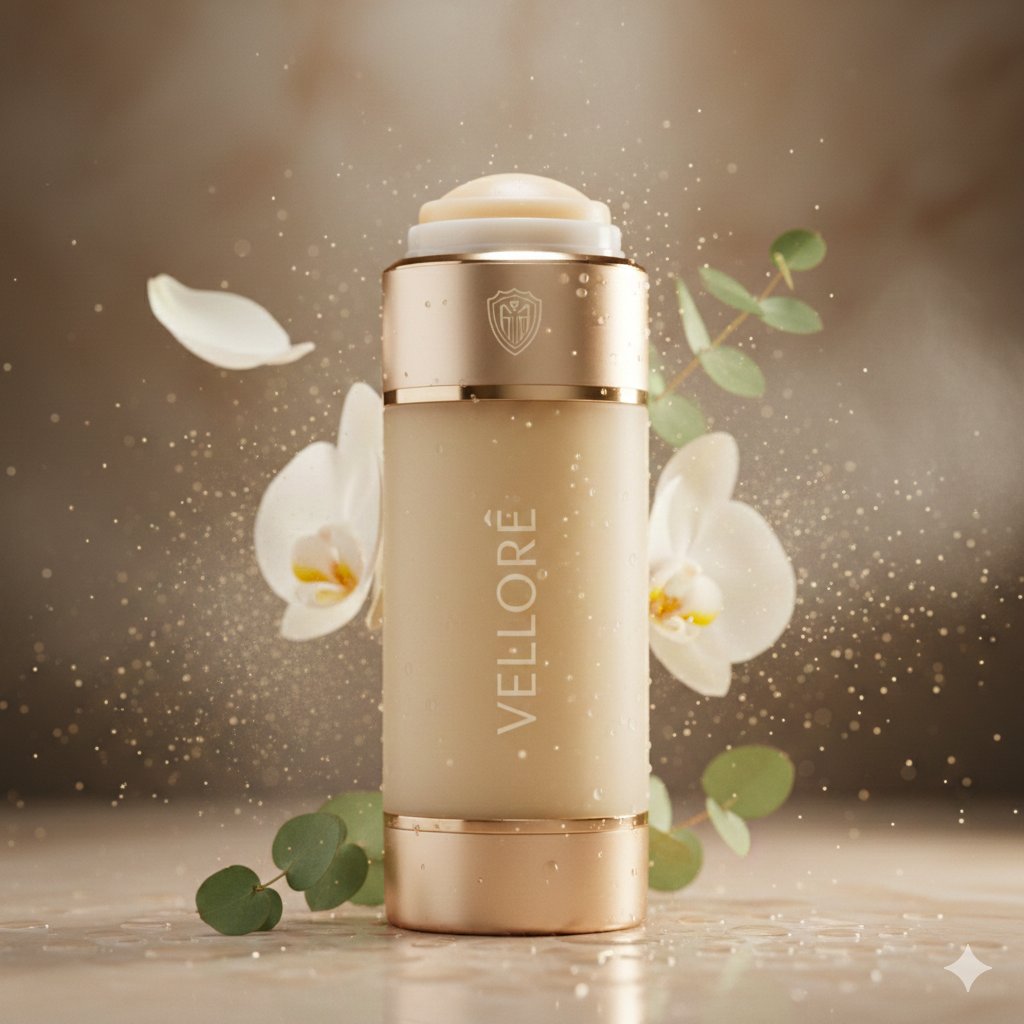
![118-google-nano-banana-pro-skincare-product- — A professional skincare shot of a [product container] with [cap/lid], labeled [brand, product, descriptor, volume](/_next/image?url=https%3A%2F%2Fcdn.picxstudio.com%2Fuploads%2Fpost118_img0_332898b8-29ea-42a9-87ab-9ed746a3f944.jpg&w=828&q=100)

![Naive doodle-style subject illustration — A doodle-style {argument name="subject" default="[subject]"}, naive lines, humorous shape exaggeration](https://pbs.twimg.com/media/G6Wl2YxbsAARB2b.jpg)













![Cinematic Pure Joy Splashing Prompt — Cinematic Frames, Pure Joy
{argument name="subject" default="[SUBJECT]"} splashing in {argument name="water type" d](https://pbs.twimg.com/media/G-6zluMW8AA67AK.jpg)