How do I use the Sydney Sweeney Ski Vacation Selfie Portrait template?
Choose the primary action to open PicX Studio with the available template settings. Review the model and format, personalize the creative direction, and generate when ready.
A highly detailed prompt for generating an ultra-realistic smartphone selfie of actress Sydney Sweeney during a sunny winter ski vacation. Change the subject, setting, or lighting one variable at a time.

{ "prompt": "An extremely detailed, high-resolution smartphone selfie photograph of actress Sydney Sweeney during a sunny winter ski vacation. She is smiling warmly while looking directly into the camera. Her face shows realistic natural skin texture with visible pores, soft freckles, and rosy cheeks flushed from the cold mountain air. Her distinctive blue-green eyes appear bright, sharp, and reflective in the sunlight. She is wearing a thick, textured oatmeal-colored ribbed knit beanie pulled low over her forehead, with large glossy black ski goggles resting on top of her head. She has on a pristine white quilted puffer jacket featuring a contrasting black fleece-lined high collar and a row of black snap buttons down the front. Her long blonde hair falls naturally in soft waves, framing her face and resting on her shoulders. The background shows a breathtaking alpine landscape beneath a clear blue sky, with sun-lit snow-covered mountain peaks. To the right behind her, a ski lift structure with visible chairs and cables can be seen, along with a pair of white alpine skis planted upright in the snow, displaying a black HEAD logo. Bright high-altitude sunlight creates crisp shadows and highlights the textures of the snow, clothing, and facial features." }
Choose the primary action to open PicX Studio with the available template settings. Review the model and format, personalize the creative direction, and generate when ready.
Yes. You can change the subject, setting, lighting, mood, format, and available model controls before creating your image.
This template is free to open and customize. Generation usage is shown in PicX Studio before you create.
Start with Nano Banana 2, which is the model associated with this template. You can compare another compatible model for a different finish.
Follow a topic to a crawlable collection of related PicX Studio templates.
43,474 public templates available. Verified via the PicX Studio public templates API; refreshed hourly.
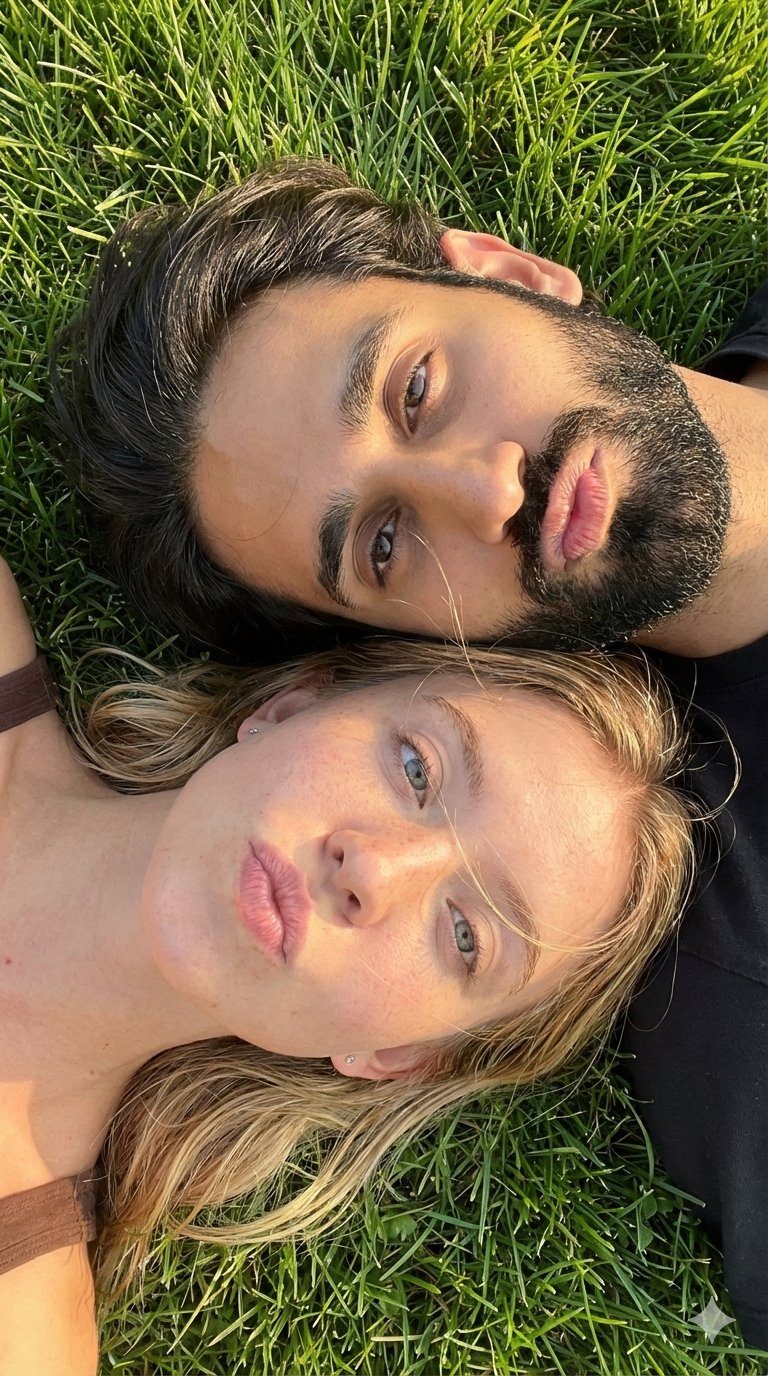


![118-google-nano-banana-pro-skincare-product- — A professional skincare shot of a [product container] with [cap/lid], labeled [brand, product, descriptor, volume](/_next/image?url=https%3A%2F%2Fcdn.picxstudio.com%2Fuploads%2Fpost118_img0_332898b8-29ea-42a9-87ab-9ed746a3f944.jpg&w=828&q=100)




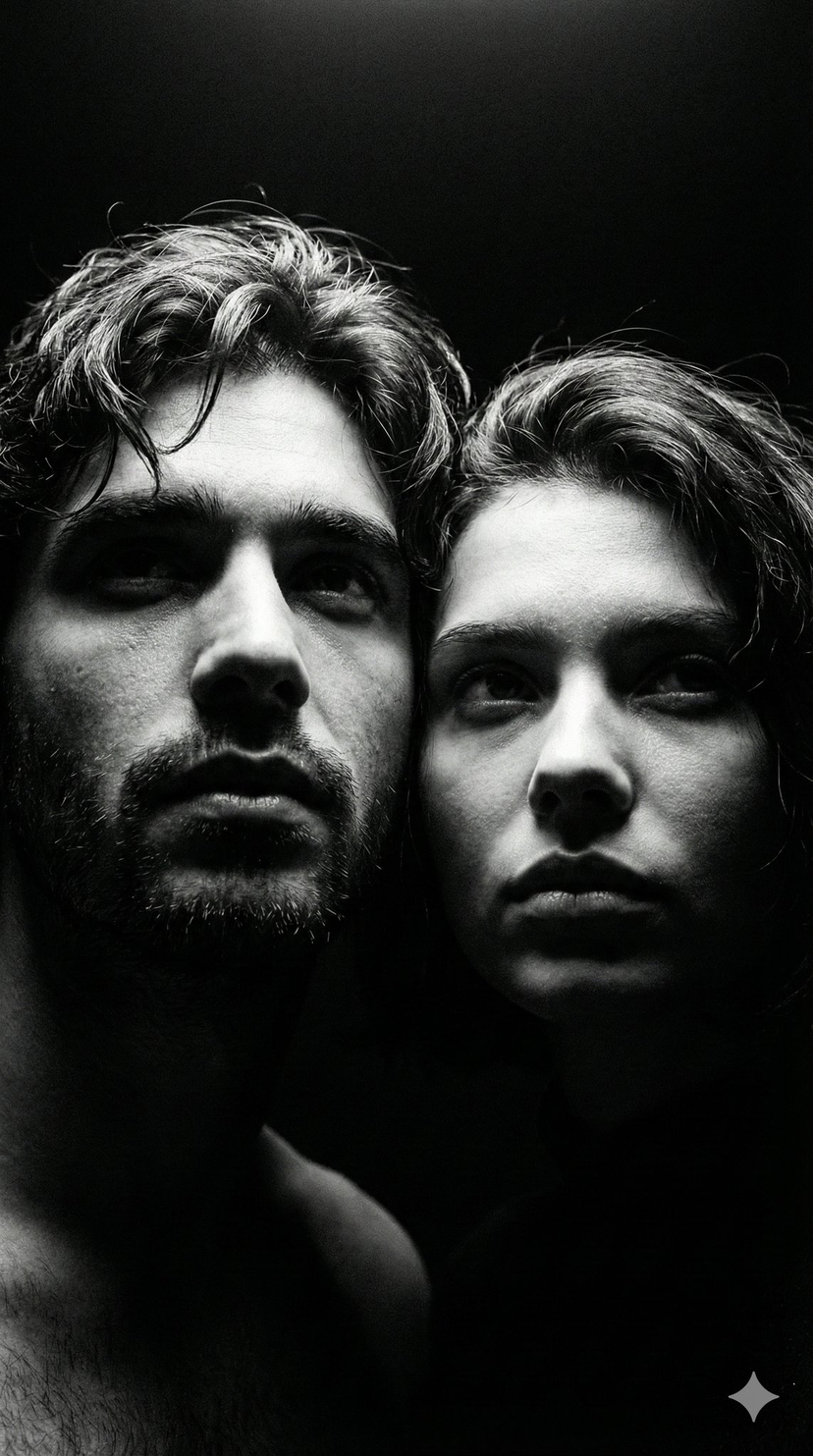




![86-hyper-realistic-ai-selfie-prompt-generat — Raw iPhone [model] photo, [shot type] of [character details: age, ethnicity, specific features], [hair with imperf](/_next/image?url=https%3A%2F%2Fcdn.picxstudio.com%2Fuploads%2Fpost86_img0_c444d40d-a07d-4013-8b75-e692799481c0.jpg&w=828&q=100)


![Naive doodle-style subject illustration — A doodle-style {argument name="subject" default="[subject]"}, naive lines, humorous shape exaggeration](https://pbs.twimg.com/media/G6Wl2YxbsAARB2b.jpg)













![1970s Architecture Magazine Cover — Vintage {argument name="magazine name" default="[MAGAZINE NAME]"} cover, 1970s {argument name="country" default="[COUNTRY]"}](https://cms-assets.youmind.com/media/1778575492311_qd1xn2_HIAA5nqbwAA6xzn.jpg)