How do I use the Studio Portrait From Vacation Selfie template?
Choose the primary action to open PicX Studio with the available template settings. Review the model and format, personalize the creative direction, and generate when ready.
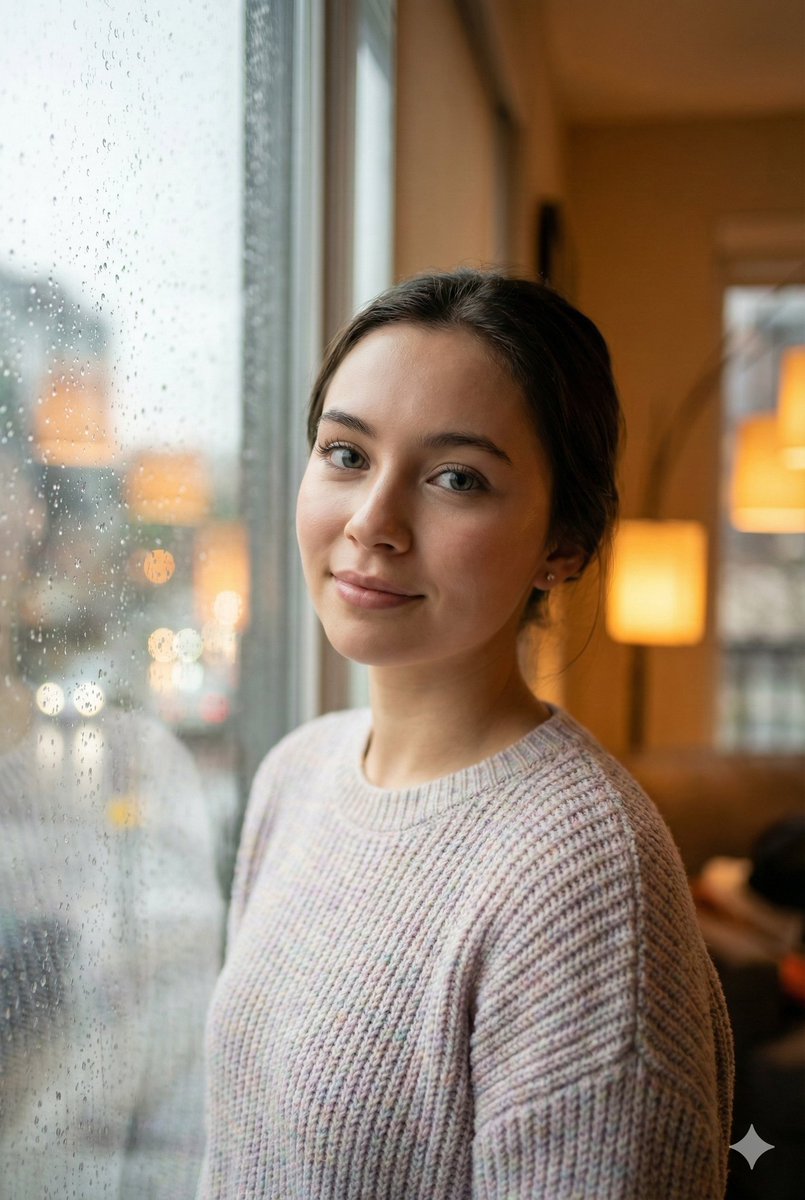
This prompt turns a casual reference selfie into a centered professional studio-style portrait for profile photos or polished personal branding. Change the subject, setting, or lighting one variable at a time.

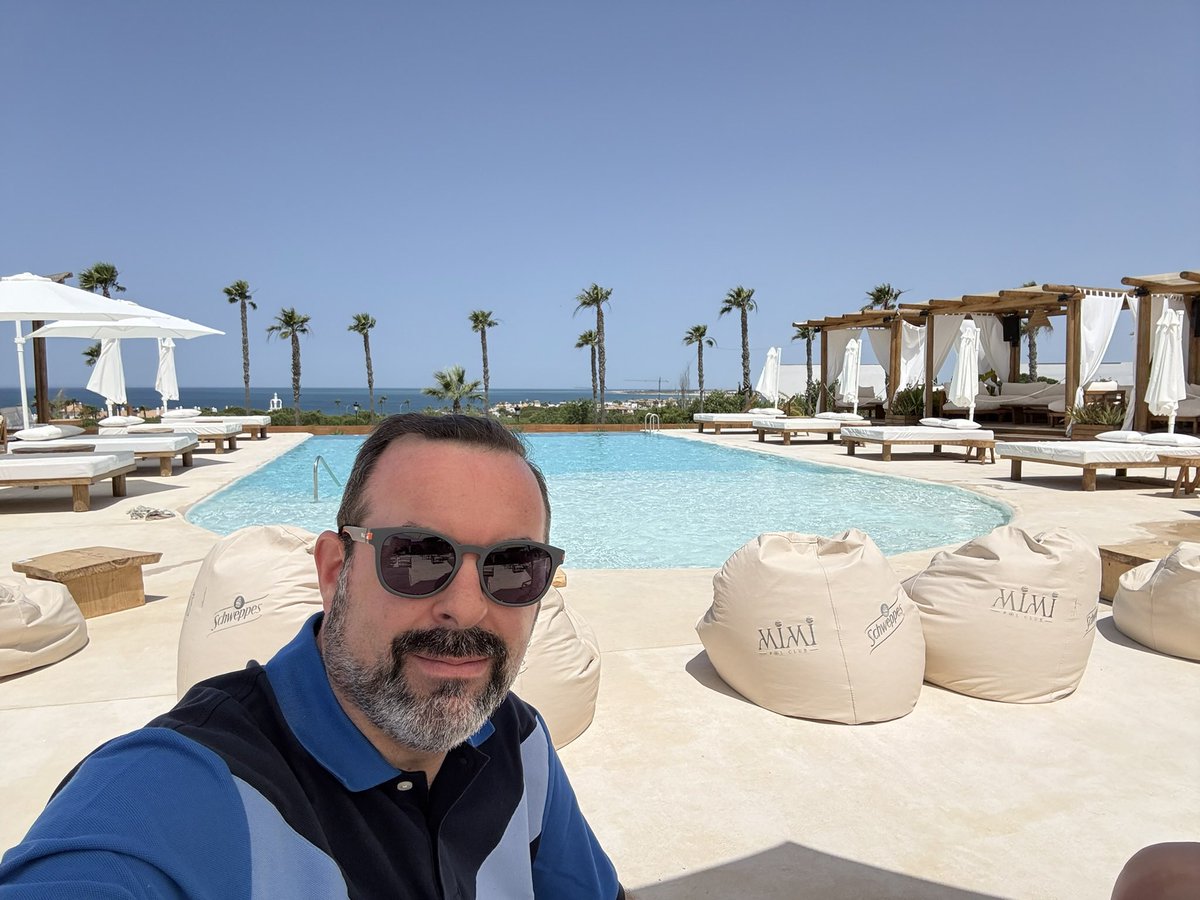
Using the provided reference image, keep the same person and the same blue polo shirt, but transform the casual poolside selfie into a clean professional studio head-and-shoulders portrait. Remove the entire outdoor resort background and replace it with a solid warm orange backdrop. Reframe the shot so the subject is centered, facing the camera straight-on, cropped from mid-chest upward, with even soft studio lighting and a sharp, polished photo quality. Eliminate the selfie feel, background distractions, and other people, and add a small white four-point sparkle icon in the bottom-right corner.
Studio Portrait From Vacation Selfie needs input media to work. Open it in the studio and these load alongside the prompt — pick whichever ones your chosen model can take.
Choose the primary action to open PicX Studio with the available template settings. Review the model and format, personalize the creative direction, and generate when ready.
Yes. You can change the subject, setting, lighting, mood, format, and available model controls before creating your image.
This template is free to open and customize. Generation usage is shown in PicX Studio before you create.
Start with GPT Image 2, which is the model associated with this template. You can compare another compatible model for a different finish.
Follow a topic to a crawlable collection of related PicX Studio templates.
43,474 public templates available. Verified via the PicX Studio public templates API; refreshed hourly.


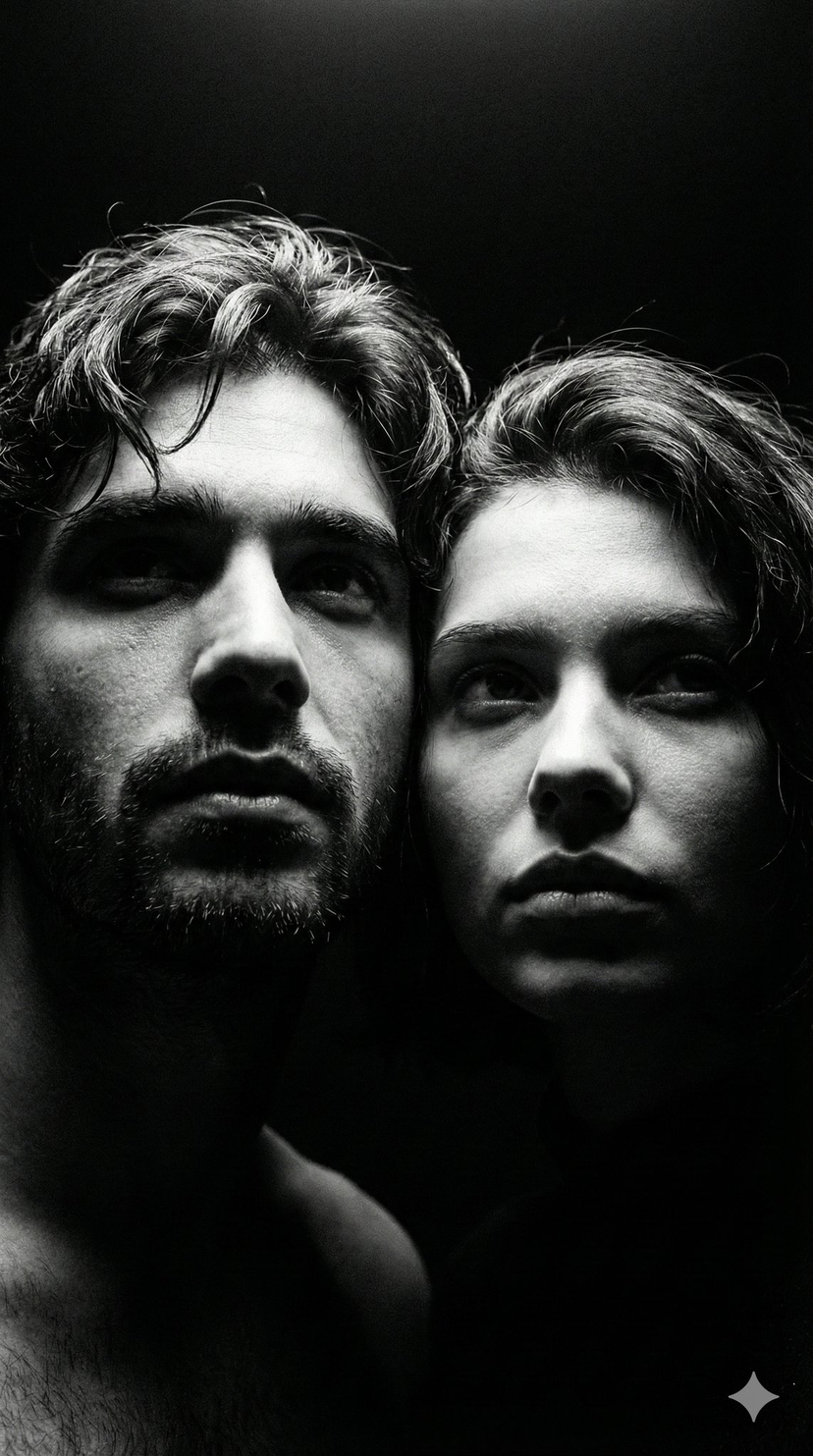



![69-untitled — FORMAT: 15s / 145 BPM / 14 SHOTS
SUBJECT: @[image1]
WARDROBE: Clean modern outfit
ENVIRONMENT: Street / indoor transitions
MOOD: Discovery → contr](/_next/image?url=https%3A%2F%2Fcdn.picxstudio.com%2Fuploads%2Fpost69_img0_d45faecf-38c3-4bcb-81a4-f6eb1cf42bb2.jpg&w=828&q=100)

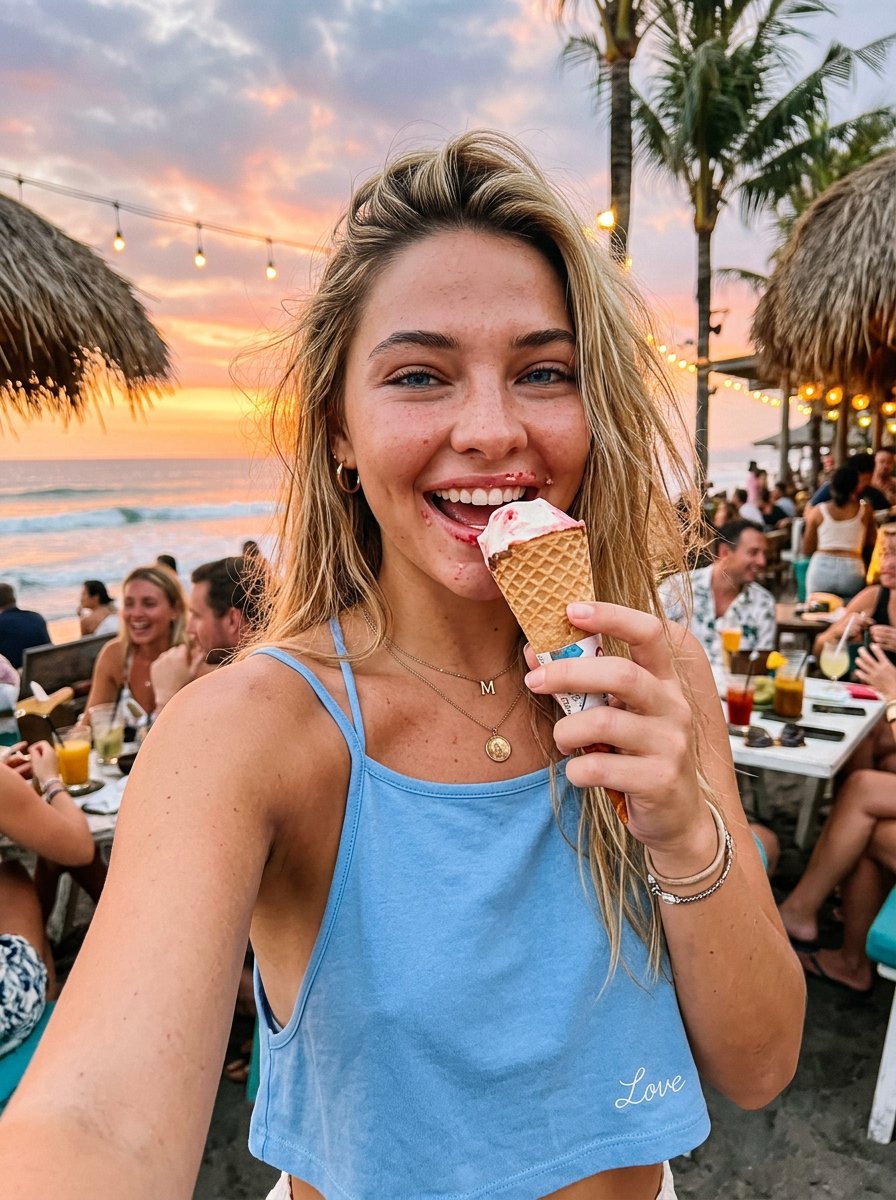
![86-hyper-realistic-ai-selfie-prompt-generat — Raw iPhone [model] photo, [shot type] of [character details: age, ethnicity, specific features], [hair with imperf](/_next/image?url=https%3A%2F%2Fcdn.picxstudio.com%2Fuploads%2Fpost86_img0_c444d40d-a07d-4013-8b75-e692799481c0.jpg&w=828&q=100)





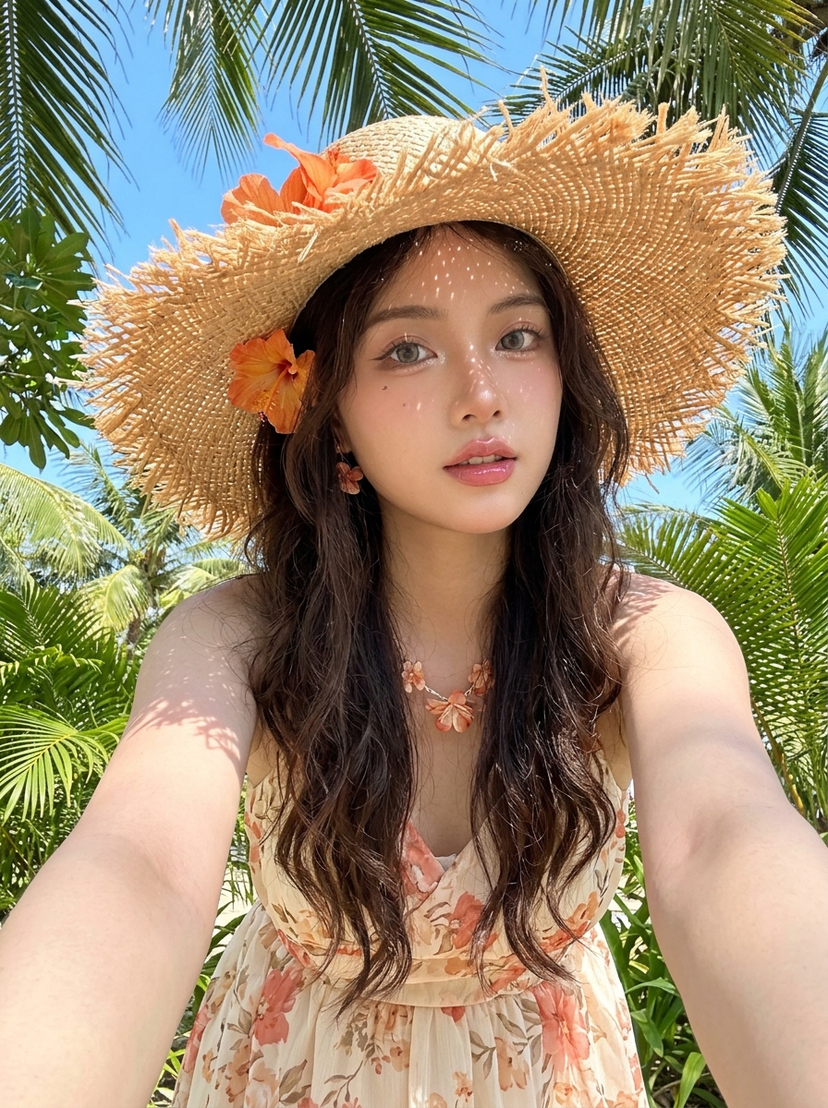

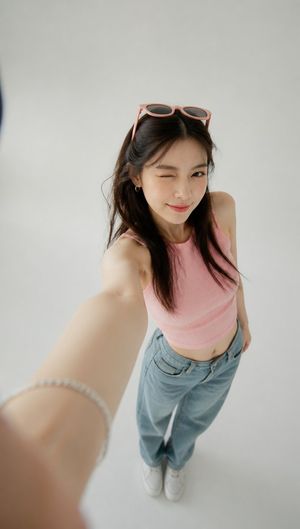

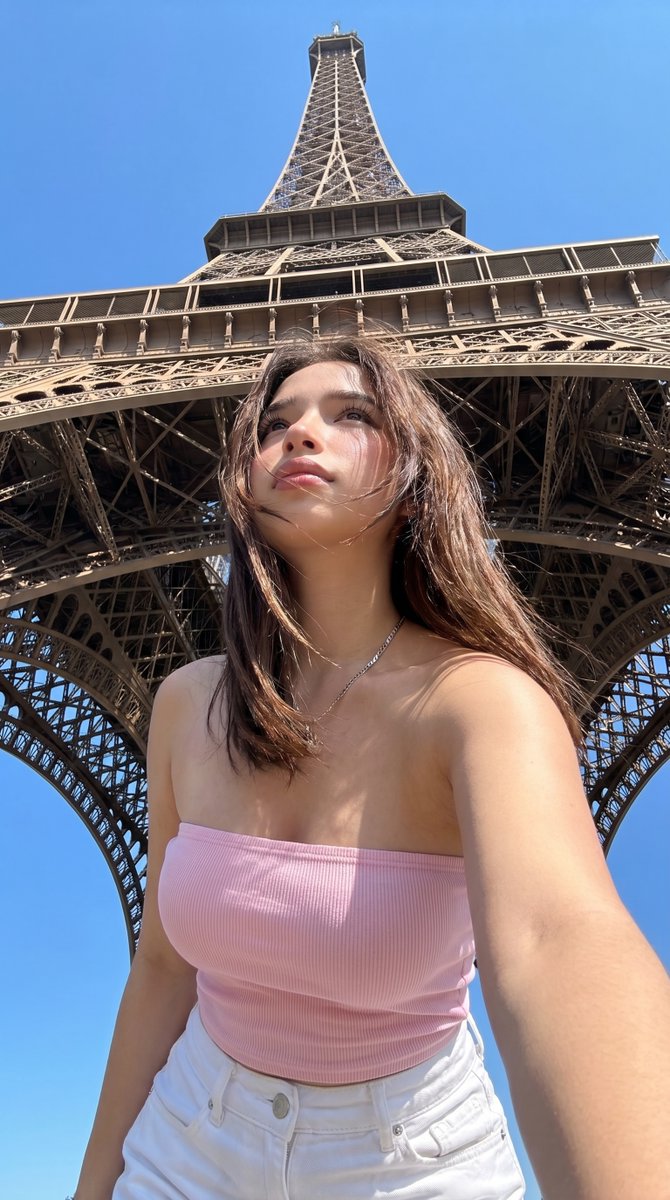




![Minimalist Flat Vector Travel Poster — Premium minimalist flat-vector travel poster for {argument name="city name" default="[CITY_NAME]"}, 3:4 vertical format.](https://cms-assets.youmind.com/media/1787917359711_3ug846_HQX205cbMAA6F6S-300x400.jpg)
























![Animal Texture Product Marketing Shot Generator — A high-quality studio photograph of a {argument name="brand name" default="[BRAND]"} fully covered in ultra-re](https://pbs.twimg.com/media/G95aiIuXoAAgqwg.jpg)