How do I use the High-Fashion Portrait on a Grand Staircase template?
Choose the primary action to open PicX Studio with the available template settings. Review the model and format, personalize the creative direction, and generate when ready.
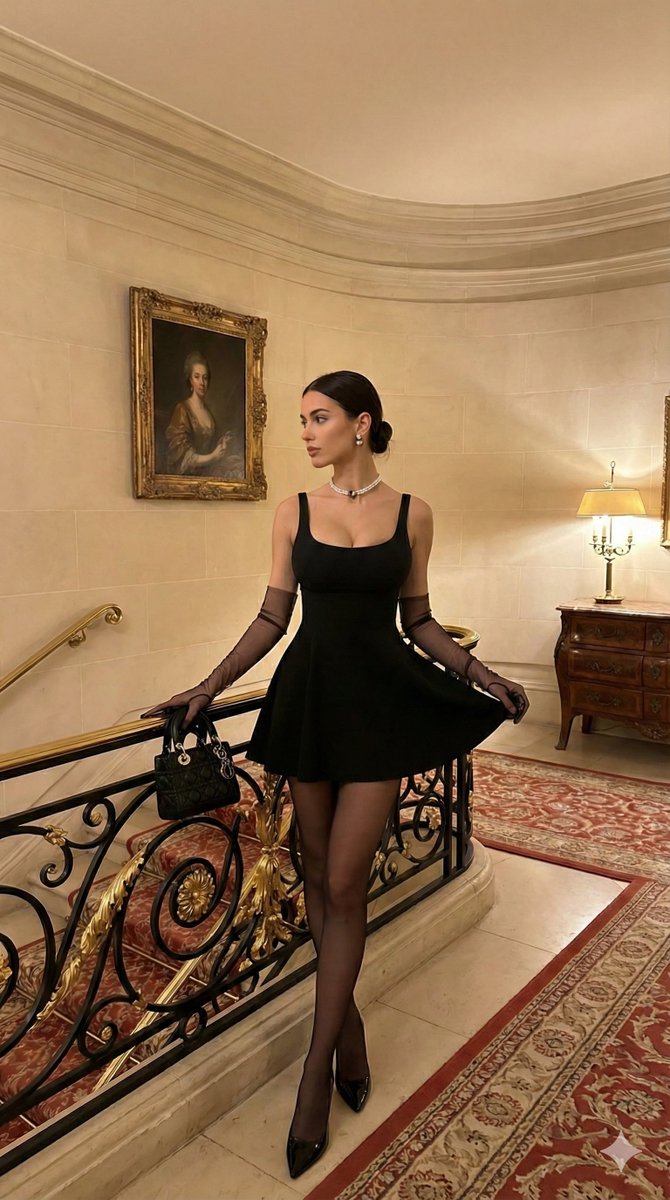
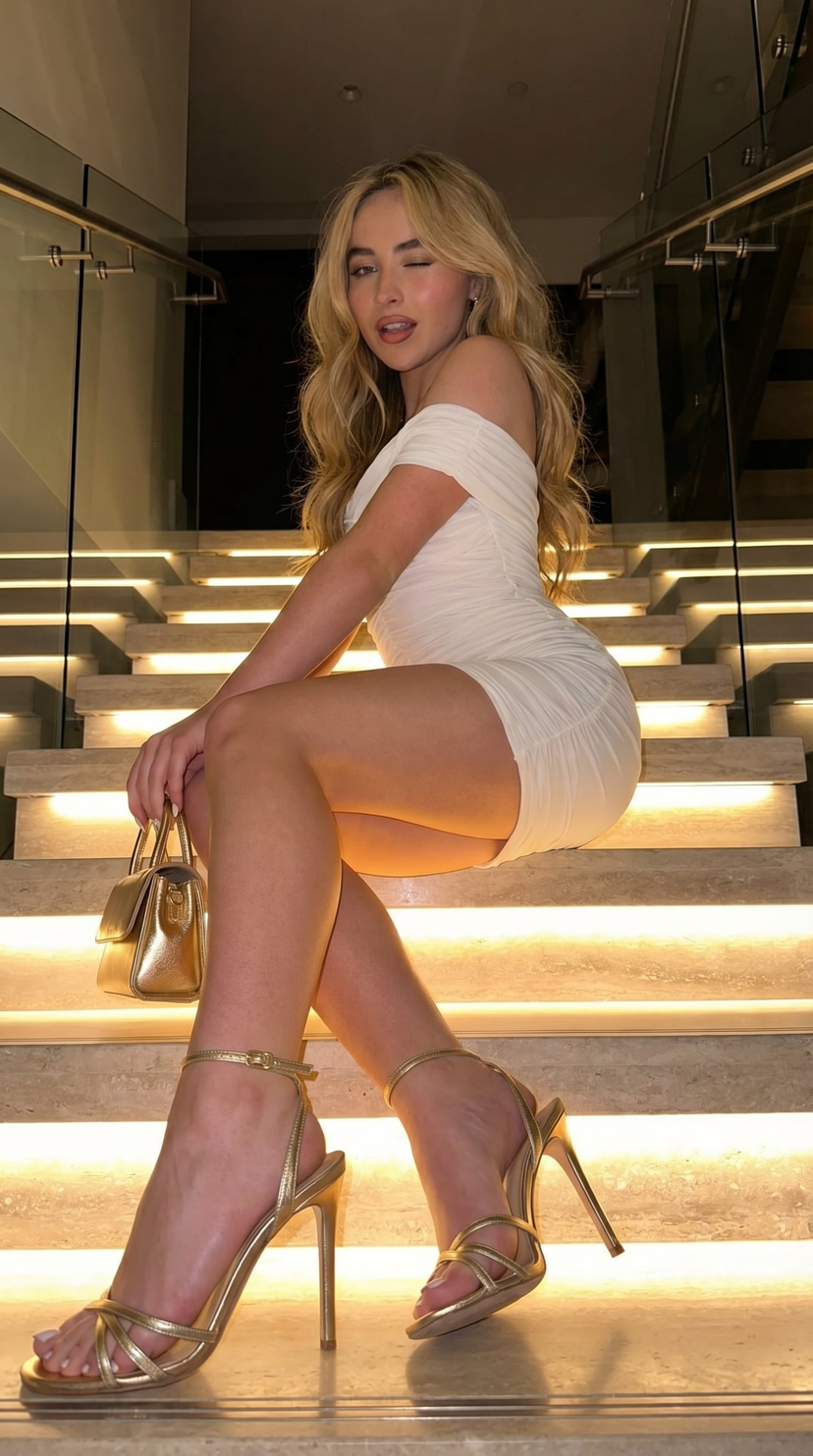
A highly detailed, structured prompt for generating a photorealistic, high-fashion portrait of a young woman in a white satin mini dress. The scene is set on a grand, opulent interior staircase with marble and wrought iron, emphasizing luxury aesthetics, specific lighting conditions, and technical camera specifications. (free to use) — Free AI image template on PicX Studio.
{ "image_analysis": { "type": "Photorealistic Portrait", "style": "High-fashion, Elegant, Luxury aesthetic" }, "subject": { "demographics": "Young woman, estimated early 20s", "physique": "Slim, fit figure with fair skinned tone", "hair": "Long, dark brown, sleek and straight with a center part, draping behind shoulders", "face": "Soft glam makeup, defined eyebrows, neutral to soft expression, looking slightly off-camera to the left" }, "attire": { "garment": "White off-the-shoulder mini dress", "material": "Satin or silk finish with a sheen", "design_details": [ "Sweetheart neckline with a prominent bow tied at the center bust", "Ruched/corset-style fitted bodice", "Puffed, bubble-hem skirt (voluminous and short)", "Draped short sleeves resting on upper arms" ], "footwear": "Clear (transparent) strap high-heeled sandals showing white pedicure", "accessories": "Minimalist silver stud earrings, simple rings" }, "pose": { "stance": "Standing on a staircase, weight shifted to the back leg, front leg stepped down and slightly forward", "arms": "Relaxed at sides, fingers gently grazing the hem of the bubble skirt", "angle": "Full-body shot, slightly low angle to accentuate leg length" }, "environment": { "location": "Grand interior staircase within a luxury building or mansion", "architecture": [ "Beige/Cream marble steps", "Ornate black wrought-iron railing with a polished wooden handrail on the left", "Classic white wall paneling and molding", "Black and white checkered marble flooring at the base" ], "decor": [ "Framed oil painting hanging on the upper wall", "White plaster relief sculpture (draped fabric style) mounted on the wall directly behind the subject", "Red upholstered chair visible in the upper background" ] }, "lighting_and_atmosphere": { "lighting": "Warm, soft indoor ambient lighting", "shadows": "Subtle shadows cast against the wall and stairs, highlighting the texture of the dress", "mood": "Sophisticated, chic, opulent" }, "technical_specifications": { "quality": "4K Ultra HD, Photorealistic, Masterpiece", "resolution": "High definition, sharp focus", "texture_detail": "High fidelity fabric textures, skin texture, and marble reflections", "camera_settings": "DSLR, portrait focal length (e.g., 85mm), shallow depth of field background" } }
Use High-Fashion Portrait on a Grand Staircase to plan an AI image around nano-banana-2 generation. Match the preview's composition first, then personalize the subject, setting, and mood for your own project.
Use the primary action to load the template settings in PicX Studio.
Adjust the subject and creative details for your destination.
Create the image, compare the result with the preview, and refine one variable at a time.
A continuous mix — similar concepts first, woven with same-model prompts and fresh picks from the catalog.
Choose the primary action to open PicX Studio with the available template settings. Review the model and format, personalize the creative direction, and generate when ready.
Yes. You can change the subject, setting, lighting, mood, format, and available model controls before creating your image.
This template is free to open and customize. Generation usage is shown in PicX Studio before you create.
Start with nano-banana-2, which is the model associated with this template. You can compare another compatible model for a different finish.
A continuous mix — similar concepts first, woven with same-model prompts and fresh picks from the catalog.
Follow a topic to a crawlable collection of related PicX Studio templates.
32,032 public templates available. Verified via the PicX Studio public templates API; refreshed hourly.