How do I use the Anime Character Social Media Snapshot template?
Choose the primary action to open PicX Studio with the available template settings. Review the model and format, personalize the creative direction, and generate when ready.
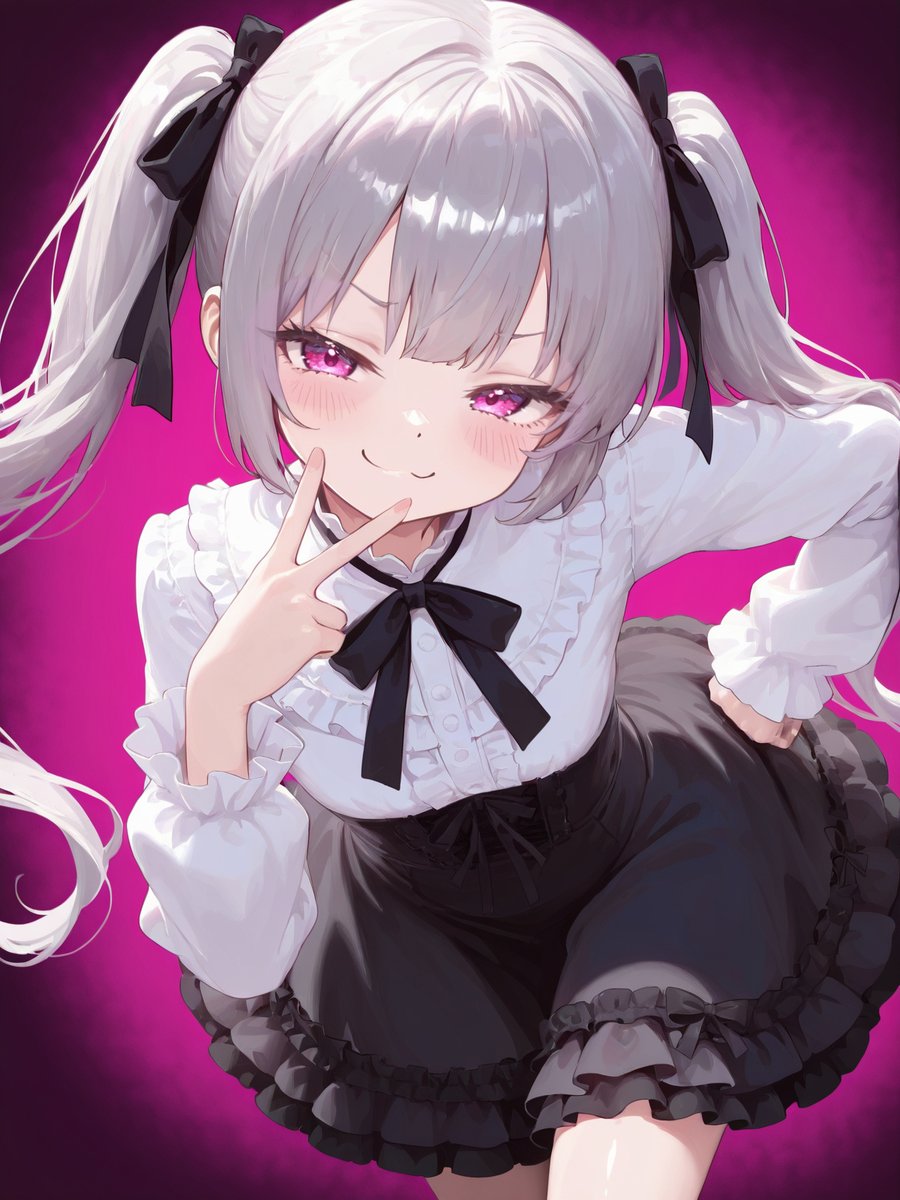
A detailed image-to-image prompt for GPT Image 2 designed to generate a realistic social media snapshot of an anime character on a Japanese commuter train, emphasizing character consistency and authentic environment. (free to use) — Free AI image template on PicX Studio.
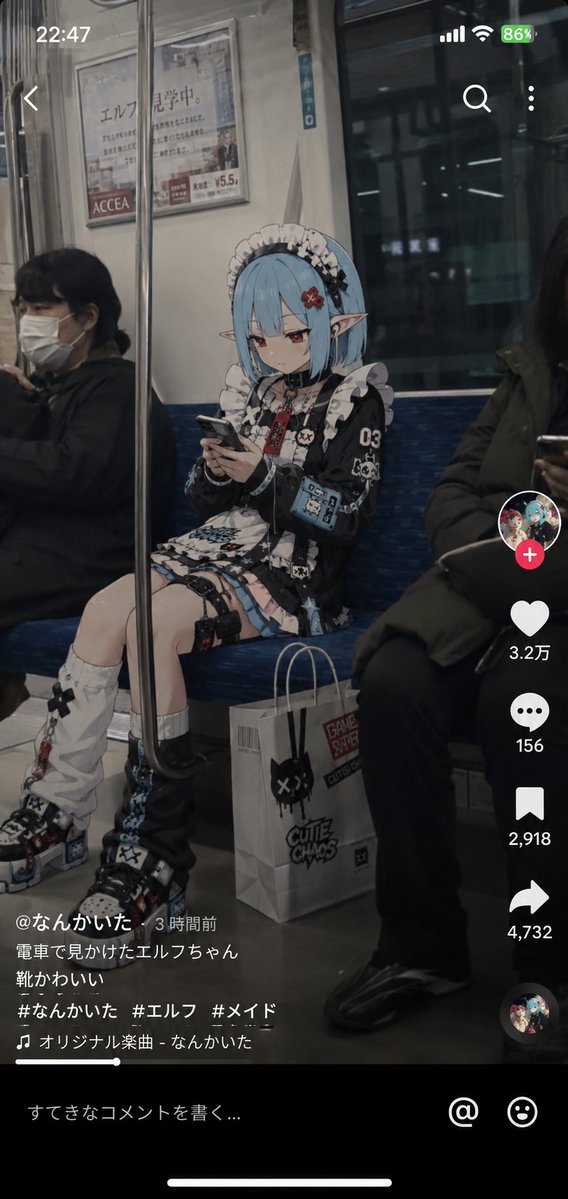
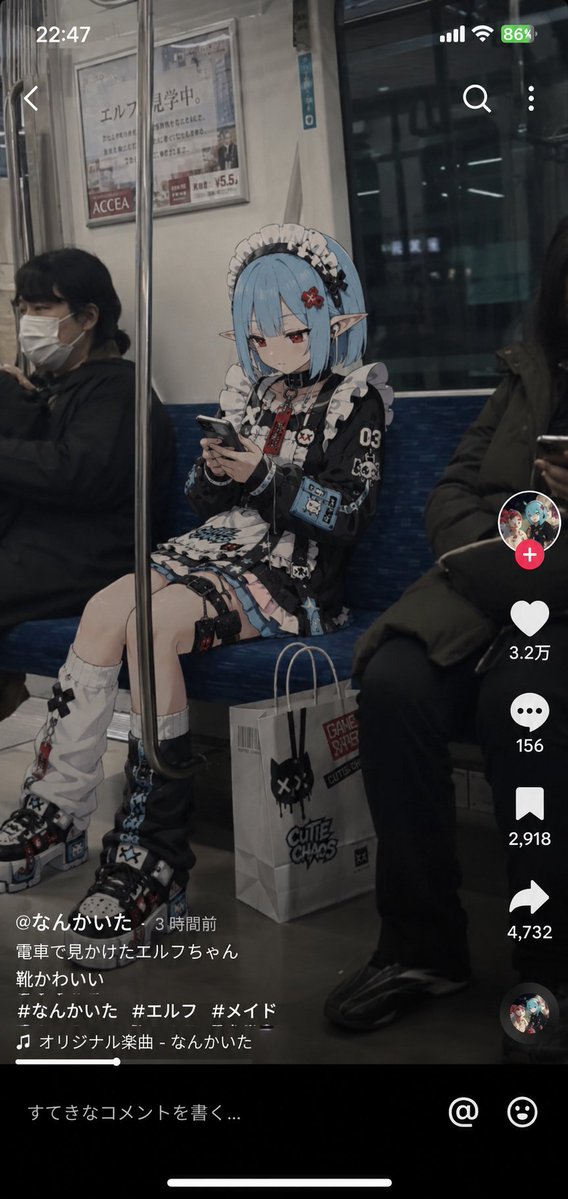
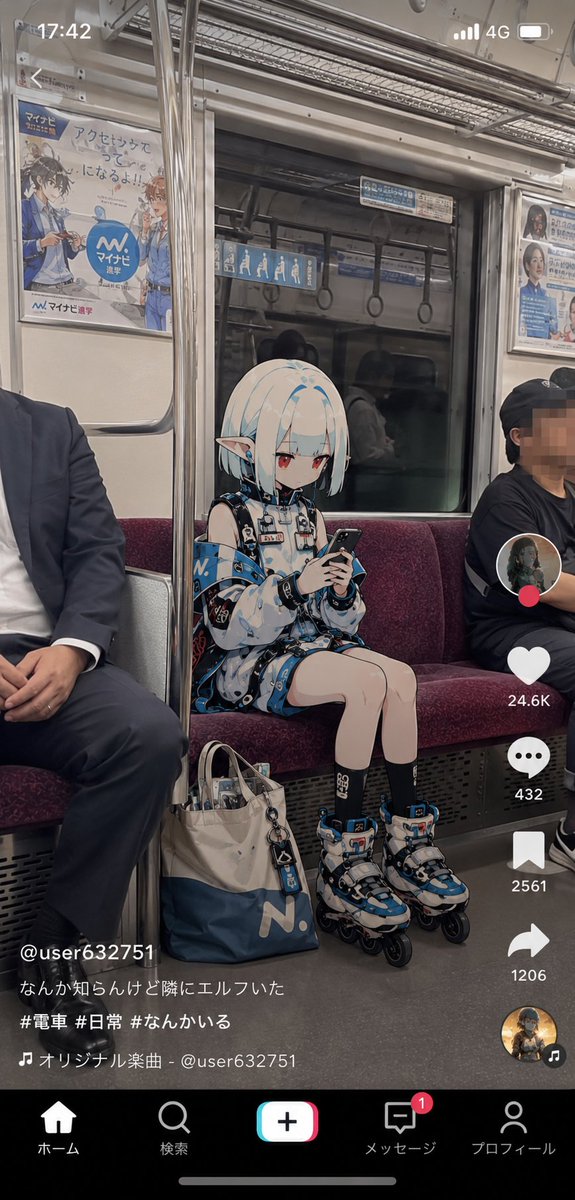
{argument name="キャラクター" default="参照画像のキャラクター"}をベースデザインとして使用し、「現実世界で普通に生活しているアニメキャラクターを、一般人が電車内で偶然撮影したショート動画の1フレーム」を描く。キャラクターのアニメイラストとしての空気感を正確に維持すること。顔、髪型、髪色、瞳、耳、頭身、シルエット、表情の印象を維持する。キャラクターのアイデンティティを絶対に崩さない。実写人間化しない。キャラクター部分は高品質なアニメイラスト表現を維持する。舞台は{argument name="舞台" default="日本の一般的な通勤電車の車内"}。実写級の背景描写。広告、窓、手すり、吊革、座席、ドア、案内表示などを自然に描写する。綺麗すぎる広告写真のような空間にしない。現実の公共交通機関らしい生活感と使用感を持たせる。構図は縦型ショート動画。スマートフォンで撮影されたSNS動画のスクリーンショット。撮影者は向かい側の座席付近に座っている。キャラクターは向かい側のロングシートに座っている。真正面ではなく、少し斜めから見える自然な角度。キャラクターはスマートフォンを見ている。カメラ目線ではない。ポーズを取らない。撮影者を意識していない。キャラクターの足元にはキャラクターが持っていそうなバッグ、または紙袋やショッピングバッグが置かれている。仕事帰り、買い物帰りのような雰囲気。イヤホンを着けていてもよい。疲れていたり、眠そうな表情でもよい。ただ普通に移動中である。周囲の乗客は自然に存在している。誰もキャラクターに特別な反応をしていない。周囲の世界は、「アニメキャラクターが存在することに慣れている」ような不思議な日常として描写する。画面には現代的な{argument name="SNS UI" default="TikTok、Instagram Reels、YouTube Shortsに近い雰囲気"}を追加する。LIVE配信画面ではない。いいね数、コメント欄、共有ボタンなどを自然に表示する。コメント内容は固定しない。AI側が自然に生成すること。コメントは日本語中心。重要: コメント欄はキャラクターを芸能人扱いしない。炎上やニュース扱いもしない。都市伝説や珍しい野生動物を見かけた時のような、自然な温度感を持つ。スマートフォン撮影らしい質感を重視する。軽いHDR処理。微細なセンサーノイズ。わずかなJPEG圧縮感。自然な露出。軽微な色収差。オートフォーカス感。高ISOノイズ。手持ち撮影らしい微細な揺れ。ショート動画から切り出したフレームのようなリアリティ。映画ポスター風禁止。シネマティック演出禁止。ドラマチックなライティング禁止。過剰な被写界深度効果禁止。情報量を盛りすぎない。広告写真風禁止。AI特有の glossy rendering を避ける。「SNSで偶然流れてきた謎の動画」「なぜか誰も驚いていない」「本人だけ普通に生活している」という奇妙なリアリティを最優先する。
Use Anime Character Social Media Snapshot to plan an AI image around gpt-image-2 generation, themes such as ja and gpt-image-2. Match the preview's composition first, then personalize the subject, setting, and mood for your own project.
Use the primary action to load the template settings in PicX Studio.
Adjust the subject and creative details for your destination.
Create the image, compare the result with the preview, and refine one variable at a time.
A continuous mix — similar concepts first, woven with same-model prompts and fresh picks from the catalog.
Choose the primary action to open PicX Studio with the available template settings. Review the model and format, personalize the creative direction, and generate when ready.
Yes. You can change the subject, setting, lighting, mood, format, and available model controls before creating your image.
This template is free to open and customize. Generation usage is shown in PicX Studio before you create.
Start with gpt-image-2, which is the model associated with this template. You can compare another compatible model for a different finish.
Follow a topic to a crawlable collection of related PicX Studio templates.
39,157 public templates available. Verified via the PicX Studio public templates API; refreshed hourly.
A continuous mix — similar concepts first, woven with same-model prompts and fresh picks from the catalog.