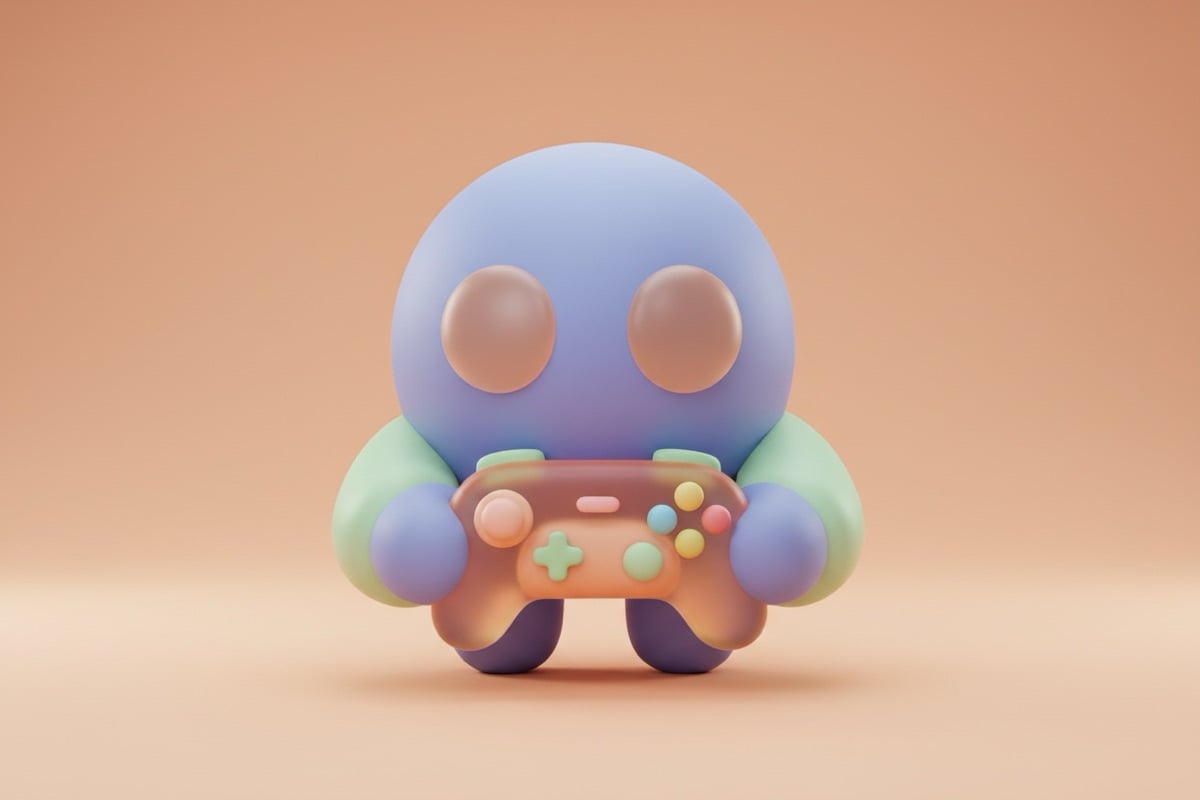
Discord avatar vs server icon vs Nitro banner
Discord uses a few different images, and they don't share a size. Your avatar and a server icon are both square images Discord shows as circles (server icons show as rounded squares in some places). Profile banners and animated avatars are Nitro features.
| Image | Recommended size | Notes |
|---|---|---|
| Profile picture (avatar) | 512 × 512 px, at least 128 × 128 | Shown as a circle; PNG, JPG, WebP or GIF |
| Animated avatar | Square GIF | Needs Nitro |
| Server icon | 512 × 512 px | Shown round or as a rounded square |
| Profile banner | About 680 × 240 px | Needs Nitro |
Discord PFP preview: what this tool shows
If you searched for a Discord PFP preview or a Discord profile picture tester, here's exactly what you get. The crop window over your image is round, so you see precisely what Discord's circle keeps, and the result preview shows the finished 512 × 512 avatar. It isn't a full profile-card simulator: it doesn't mock up your banner, name, status or avatar decoration.
The circle is what most people get wrong, though. Decorations and the online-status dot also sit on the edge of the circle, so keeping faces and key detail centered is the safest choice.
The PNG you download is masked to a circle with transparent corners, which Discord handles fine. If you'd rather upload a full square (for example, to reuse the same image on a server icon that shows as a rounded square), crop it with the Image Cropper's square preset instead.
Tips for a Discord PFP that reads in chat
In chat your avatar is shown small, next to every message. A PFP that's busy at 512 pixels can be an unreadable blob at chat size. Simple shapes, a single face and bold colors hold up best next to dozens of other avatars.
- Fill the circle with one subject: a face, a character or a symbol.
- Keep the bottom right clear; the online-status dot sits there.
- High contrast against both Discord's dark and light themes.
- Animated GIF avatars need Nitro; this tool exports a still PNG.