
VIDEOBlack Forest Labs · from 157 credits / sec
Keep the shot going
FLUX.3 Extend — Continue Any Clip
Video in. 5 to 20 more seconds. 720p or 1080p. Audio.
FLUX.3 Extend picks up a clip at its last frame and continues it by 5 to 20 seconds, guided by your prompt. Same shot, same light, no cut.
- 5–20s
- 720p–1080p
- Sound on or off
- Extend
Pick up where it stops
Continues from the final frame
Give FLUX.3 Extend a finished video and describe what happens next. It starts from the clip's last frame, so the subject, the setting and the light carry on without a visible join.

5 to 20 seconds at a time
Choose how much to add, one second at a time. Short extensions let a scene breathe or land an ending; longer ones turn a moment into a full scene.

720p or 1080p, with sound
Extend at 720p or 1080p. Audio can be on or off at the same price, so the continuation can carry the ambience of the original clip.

FLUX.3 Extend
Video in. 5 to 20 more seconds. 720p or 1080p. Audio.
When to extend
Endings. A clip that stops too soon gets the last beat it was missing: a final pose, a look to camera, a fade into the logo.
Longer scenes. Join extensions to grow a short moment into a scene longer than a single generation allows.

Product moments. Let a product shot keep rolling after the reveal, so there is room for a voice-over or a caption.
Why use Extend
- +20sPer extensionAdd any length from 5 to 20 seconds.
- No cutContinuityThe new part starts from the last frame of your clip.
- 1080pOr 720p157 credits a second at 720p, 179 at 1080p.
- AudioSame price on or offSound costs nothing extra.
- 785Credits for 5 secondsA 5 second extension at 720p. At 1080p it is 895.
- PromptYou steer itDescribe what happens next and Extend follows it.
What FLUX.3 Extend costs
Billed per second of video, at the resolution you pick. The same prices the generator shows before you run it.
- 720p157credits / sec5s clip 785 creditsOn Starter≈ 4 clips / mo
- 1080p179credits / sec5s clip 895 creditsOn Starter≈ 4 clips / mo
Every model on every planCredits never expireSee plans
Extend or a new clip?
FLUX.3 Extend continues a clip; FLUX.3 makes a new one.
Credits per second at 720p and 1080p. Audio on or off costs the same on both.
How to use FLUX.3 Extend in 3 steps
- 1
Choose FLUX.3 Extend
Open the studio, select FLUX.3 Extend and add the video you want to continue.
- 2
Describe what happens next
Write the next beat: the action, any camera move and the sound. Keep it consistent with the clip.
- 3
Set length and resolution
Choose 5 to 20 seconds and 720p or 1080p, then generate. The cost shows on the button first.
FLUX.3 Extend prompts to copy
Real prompts and what they made. Copy one, or open it in the generator with the model already picked.
Final pose
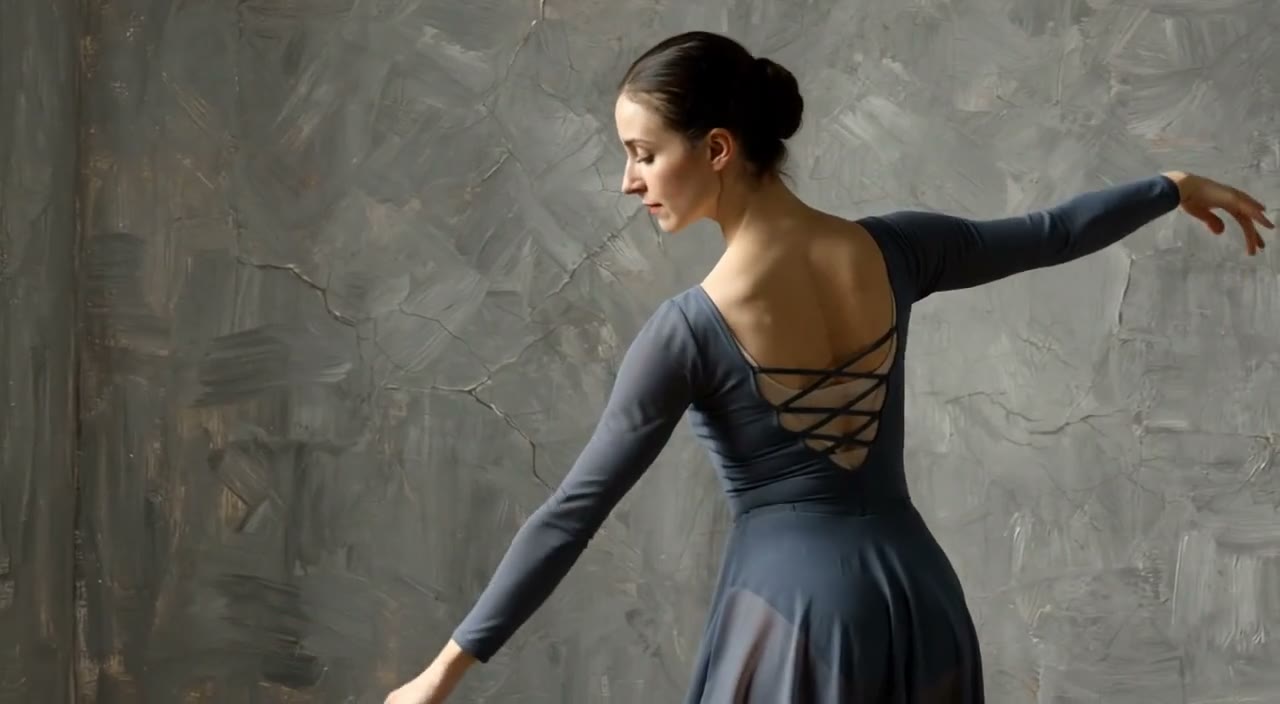
Continue the shot: the dancer finishes the turn, slows down and holds a final pose as the camera eases back. Soft room tone.
Ramen, next beat
Continue the shot: the chef sets the bowl on the counter and steam rises as the camera drifts past. Quiet kitchen sounds and rain outside.

Panda keeps rolling
Continue the shot: the panda rolls down the boardwalk past palm trees and does a small jump. Skateboard wheels on wood.
Templates to start from
Browse all templates Rooftop Parkour Motion Control
 Hospital Car Park Dialogue Lip Sync
 Product Ad Drink Can 110° Orbit
 Selfie Travel Vlog Mykonos
 Miniature City Flood Soundstage
- Miniature City Flood Soundstage
 Forgotten 1980s High School Documentary Seedance
 RX-7 to Mech Transformation Cyberpunk
 MiniMax H3 Character Introduction
 Luxury Streetwear Fashion Runway Film
 Cinematic Times Square Confidence Walk
 Cinematic Cave Exploration Multi-Shot Sequence
FLUX.3 Extend questions
What is FLUX.3 Extend?
FLUX.3 Extend is the extend mode of Black Forest Labs' FLUX.3 video model. It continues an existing clip beyond its final frame by 5 to 20 seconds, at 720p or 1080p.
How much does FLUX.3 Extend cost?
157 credits per second at 720p and 179 at 1080p, with or without sound. A 5 second 720p extension is 785 credits; a 20 second 1080p extension is 3,580 credits.
How much can I add to a clip?
Between 5 and 20 seconds per extension, in whole seconds.
When should I use Extend instead of a new FLUX.3 generation?
Use Extend when the new part has to continue the same shot with no cut: the same subject, framing and light. It costs more per second than a fresh FLUX.3 clip (65 or 98 credits), so for a new angle or a new scene, generate a new clip instead.
Does FLUX.3 Extend generate audio?
Yes, audio can be on or off, and the price is the same either way.
How do I get a smooth continuation?
Describe the next beat in the same terms as the original clip: the same subject, the same setting, one action and one camera move. Avoid asking for a sudden change of location or style in the extension.
Can I try FLUX.3 Extend for free?
Your first image is free after you sign up, no card needed. Video models, including FLUX.3 Extend, need a plan or a one-time credit pack. Credits never expire.

Don't cut. Continue.
Extend any clip by 5 to 20 seconds in 720p or 1080p with FLUX.3 Extend on PicX Studio.