How do I use the 2x2 Grid Collage of Sequined Glamour Selfies template?
Choose the primary action to open PicX Studio with the available template settings. Review the model and format, personalize the creative direction, and generate when ready.
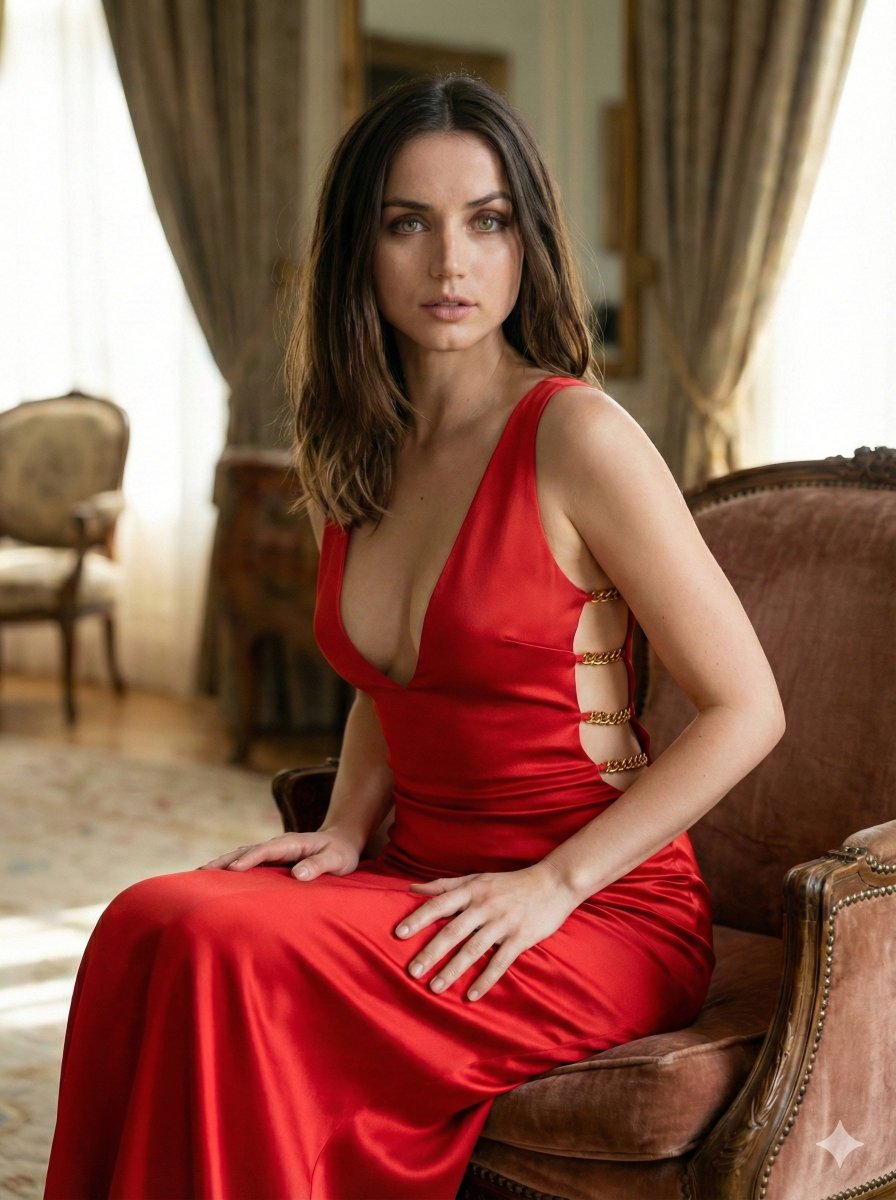
A highly structured prompt for generating a 2x2 grid collage of glamour selfies featuring a female subject with full glam makeup and sequined attire. Each panel specifies a different expression and pose (winking, blowing a kiss, pouting, subtle smirk), set in a narrow indoor hallway with warm, flattering lighting. (free to use) — Free AI image template on PicX Studio.
{ "image_description": { "format": "2x2 grid collage", "subject": { "gender": "Female", "hair": { "color": "Dark brown", "style": "Long, loose waves, voluminous, side-parted", "texture": "Silky, shiny" }, "skin_tone": "Tan/Bronzed", "makeup": { "style": "Full glam", "eyes": "Dark eyeliner, voluminous lashes, defined eyebrows", "cheeks": "Rosy blush, contoured cheekbones, highlighter on nose and cheeks", "lips": "Nude/mauve shade, glossy finish, lined" } }, "attire": { "garment": "Strapless top or dress", "color": "{argument name="attire color" default="Bright red"}", "texture": "Sequined, glittering, sparkly", "accessories": "Large gold hoop earrings" }, "setting": { "location": "Narrow indoor hallway", "background_elements": [ "Beige/gold floral patterned wallpaper", "White door frames and crown molding", " blurred Christmas garland/decorations visible in background" ], "lighting": "Warm, soft, flattering front lighting (likely flash or ring light) casting a glow on the skin" }, "panel_details": { "top_left": { "expression": "Winking left eye, broad smile showing white teeth", "pose": "Head slightly tilted, facing forward" }, "top_right": { "expression": "Blowing a kiss, lips puckered, eyes open", "pose": "Right hand raised near mouth, palm facing camera" }, "bottom_left": { "expression": "Pouting ('duck face'), lips pushed forward", "pose": "Facing directly forward, neutral gaze" }, "bottom_right": { "expression": "Subtle smirk/soft smile, confident look", "pose": "Facing directly forward, direct eye contact" } } } }
Use 2x2 Grid Collage of Sequined Glamour Selfies to plan an AI image around nano-banana-2 generation. Match the preview's composition first, then personalize the subject, setting, and mood for your own project.
Use the primary action to load the template settings in PicX Studio.
Adjust the subject and creative details for your destination.
Create the image, compare the result with the preview, and refine one variable at a time.
A continuous mix — similar concepts first, woven with same-model prompts and fresh picks from the catalog.
Choose the primary action to open PicX Studio with the available template settings. Review the model and format, personalize the creative direction, and generate when ready.
Yes. You can change the subject, setting, lighting, mood, format, and available model controls before creating your image.
This template is free to open and customize. Generation usage is shown in PicX Studio before you create.
Start with nano-banana-2, which is the model associated with this template. You can compare another compatible model for a different finish.
Follow a topic to a crawlable collection of related PicX Studio templates.
39,155 public templates available. Verified via the PicX Studio public templates API; refreshed hourly.
A continuous mix — similar concepts first, woven with same-model prompts and fresh picks from the catalog.