
Nano Banana Pro Image Generation Prompt for MBTI Character Visualization
An extensive image generation prompt for Nano Banana Pro, designed to visualize an MBTI personality type as an anime-style character.
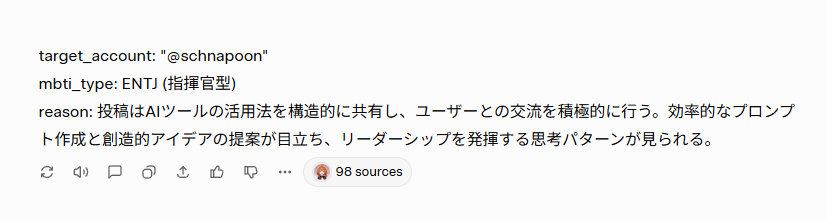
- Prompt included
- Model and format preset
- Premium template
The prompt behind this image
Copy the exact prompt behind Nano Banana Pro Image Generation Prompt for MBTI Character Visualization, or open it in the studio and make it yours.
## 1. 入力変数 (ここを書き換えてください) 以下の情報を元にイラストを生成してください。 ユーザー情報: target_account: "{argument name="アカウント名" default="@schnapoon"}" mbti_type: {argument name="MBTIタイプ" default="ENTJ (指揮官型)"} reason: "{argument name="診断理由" default="投稿はAIツールの活用法を構造的に共有し、ユーザーとの交流を積極的に行う。効率的なプロンプト作成と創造的アイデアの提案が目立ち、リーダーシップを発揮する思考パターンが見られる。"}" キャラクター設定 (base_character_profile): 外見: アニメスタイルの少女。茶色のミディアムヘア、赤い瞳、少し尖った歯(ギザ歯)。 ## 2. 生成指示書 A. 画像の全体構成 (UI Layout) 縦長 9:16の画像を生成してください。背景色は清潔感のあるオフホワイト(#F5F5F7)です。 画面は上から順に以下の要素で構成されます。 1. ヘッダーテキスト: 画面上部に `target_account` + " の診断結果は" というテキストを配置。 色: ダークグレー (#333333)、フォントサイズ: 中、配置: 中央揃え。 2. メインキャラクターイラスト: 重要 (Consistency): `base_character_profile` の「身体的特徴(顔、髪、体型)」および「基本の服装(インナーやボトムスなど)」は変更せずに維持すること。 変更点 (Layering): 基本服装の上から、下記の「B. MBTI別スタイル定義」で指定されたアウター、マント、装飾品などを「重ね着」させることでタイプごとの個性を表現すること。 演出: キャラクターの周囲には指定されたエフェクトやフローティングアイテムを描画。 スタイル: 高品質なアニメ塗り。 3. MBTIタイプラベル: イラストの直下に `mbti_type` のテキストを大きく配置。 色: 各タイプ定義のテーマカラー。 フォント: 太字で視認性を高く。 4. 診断理由テキストボックス: 画面下部に白い角丸のボックス(カード状のデザイン)を配置。 その中に `reason` のテキストを日本語で記述。 文字色: グレー (#555555)、左揃え、読みやすいサイズ。 B. MBTI別スタイル定義 (16 Types Layering Rules) 入力された `mbti_type` に合致するスタイルを適用し、基本服装の上に以下のアイテムを追加してください。 【分析家 (Analysts) - 紫/濃紺/深紅】 INTJ (建築家): 重ね着: 黒のロングコートまたは立ち襟のシックなジャケット。 アイテム: チェス盤の駒、設計図のホログラム。 INTP (論理学者): 重ね着: 白衣(少し着崩している)、またはルーズなパーカー。 アイテム: フラスコ、浮かぶ数式、ガジェット部品。 ENTJ (指揮官): 重ね着: 軍服風のナポレオンジャケット、または赤裏地の重厚なマント。 アイテム: 指揮棒、王冠のような装飾。 ENTP (討論者): 重ね着: 奇抜なデザインのブレザー、またはマジシャンのようなケープ。 アイテム: マイク、ニヤリとした表情、びっくり箱のようなエフェクト。 【外交官 (Diplomats) - 緑/金/パステル】 INFJ (提唱者): 重ね着: フード付きのローブ、または神秘的なショール。 アイテム: ランタン、杖、神秘的な光の粒子。 INFP (仲介者): 重ね着: 大きめのニットカーディガン、または森ガール風のポンチョ。 アイテム: 花冠、蝶々、本。 ENFJ (主人公): 重ね着: 英雄のようなマント、胸に輝くブローチやサッシュ(たすき)。 アイテム: 聖剣(の形をした光)、後光のようなエフェクト。 ENFP (広報運動家): 重ね着: カラフルなパッチワークベスト、または派手なスカーフ。 アイテム: 風船、紙吹雪、パーティーグッズ。 【番人 (Sentinels) - 青/白/ティール】 ISTJ (管理者): 重ね着: きっちりした紺のブレザー、腕章。 アイテム: クリップボード、眼鏡、整列した書類。 ISFJ (擁護者): 重ね着: 清潔なエプロン、または医療用コート/ナース服風のアウター。 アイテム: 救急箱、温かい飲み物(お茶など)。 ESTJ (幹部): 重ね着: フォーマルなスーツジャケット、
How to use Nano Banana Pro Image Generation Prompt for MBTI Character Visualization in 3 steps
- 1
Open
The prompt is already in the box next to the preview, with the template's model and format selected.
- 2…a portrait of your subject in softgolden-hour light, 85mm…
Personalize
Edit the subject and creative details for your destination.
- 3Generate
Generate
Press Generate — your image is created in PicX Studio, so you can compare it with the original and refine one variable at a time.
More like this
Templates with the same subject, style or setup. Open one to see its prompt.
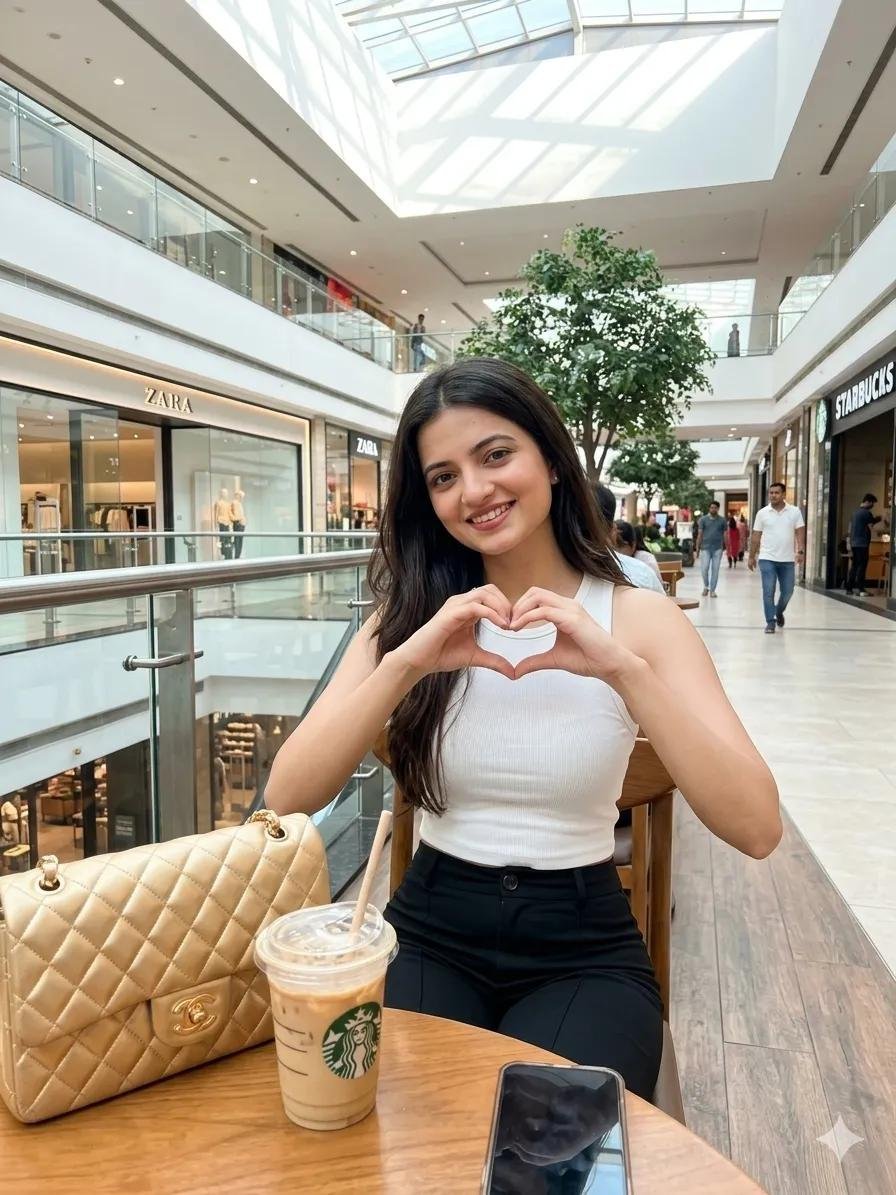
Woman in Mall with Chanel Bag - Heart Gesture
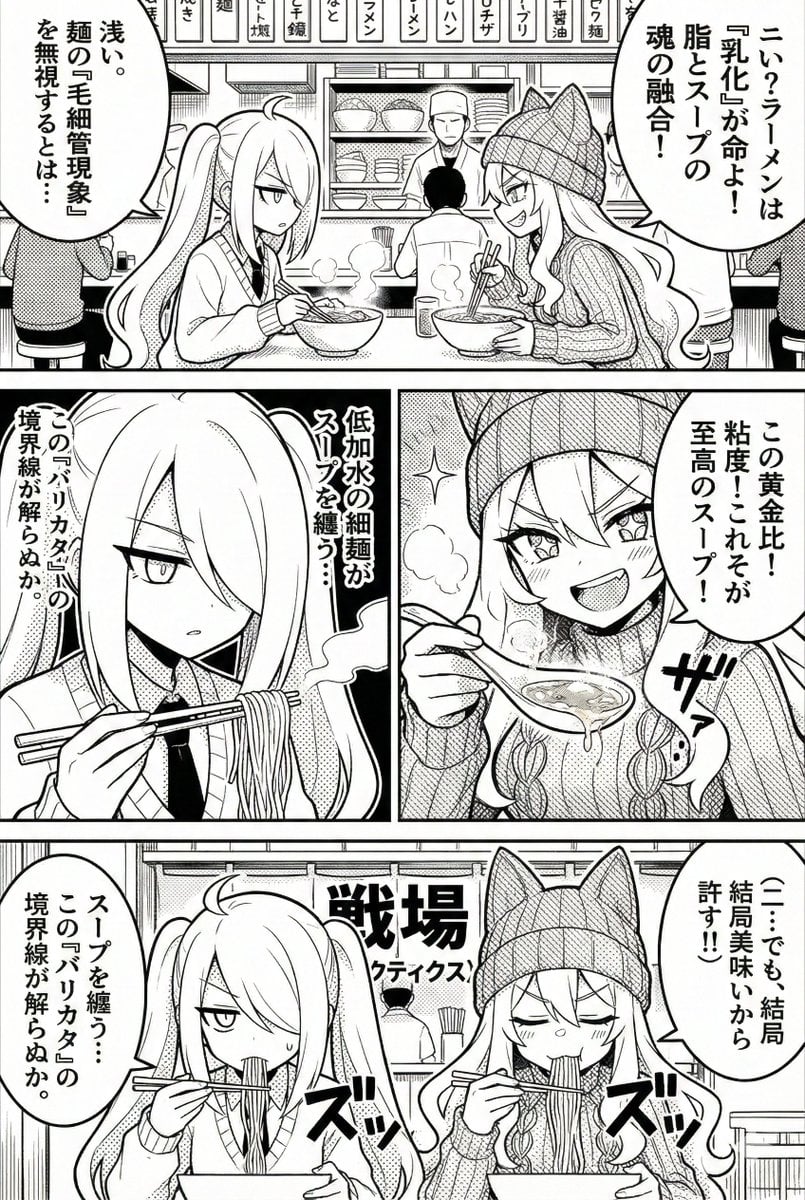
Manga Generation Prompt Template for Nano Banana Pro
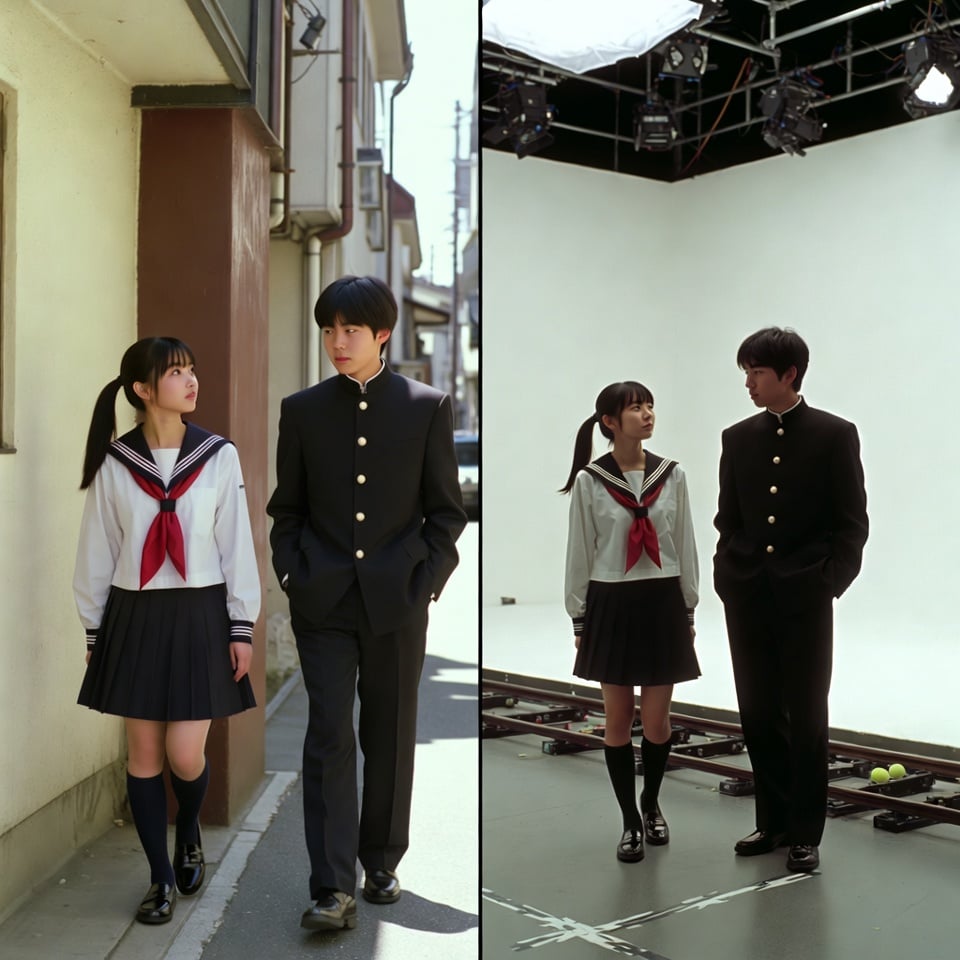
VFX Comparison Image Prompt (Before/After) for Nano Banana Pro
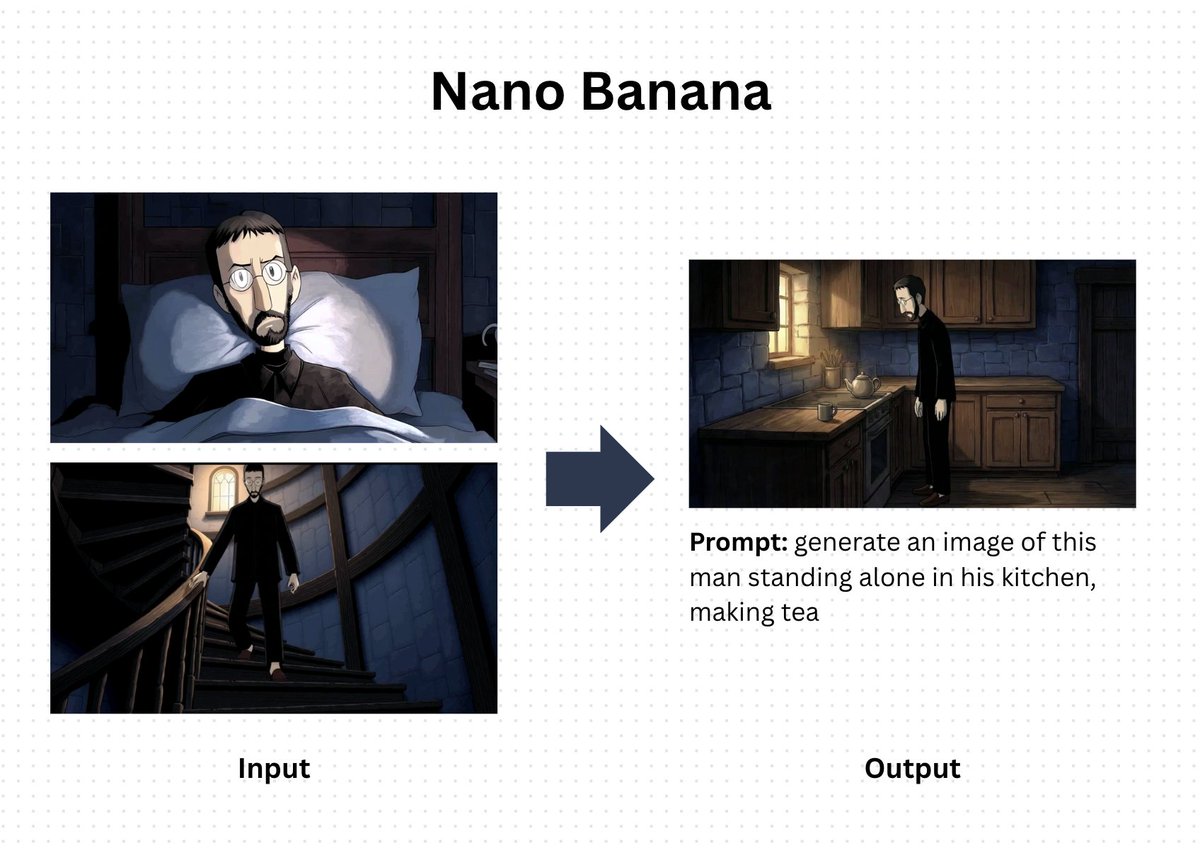
Nano Banana Prompt for Consistent Character Jumpshots
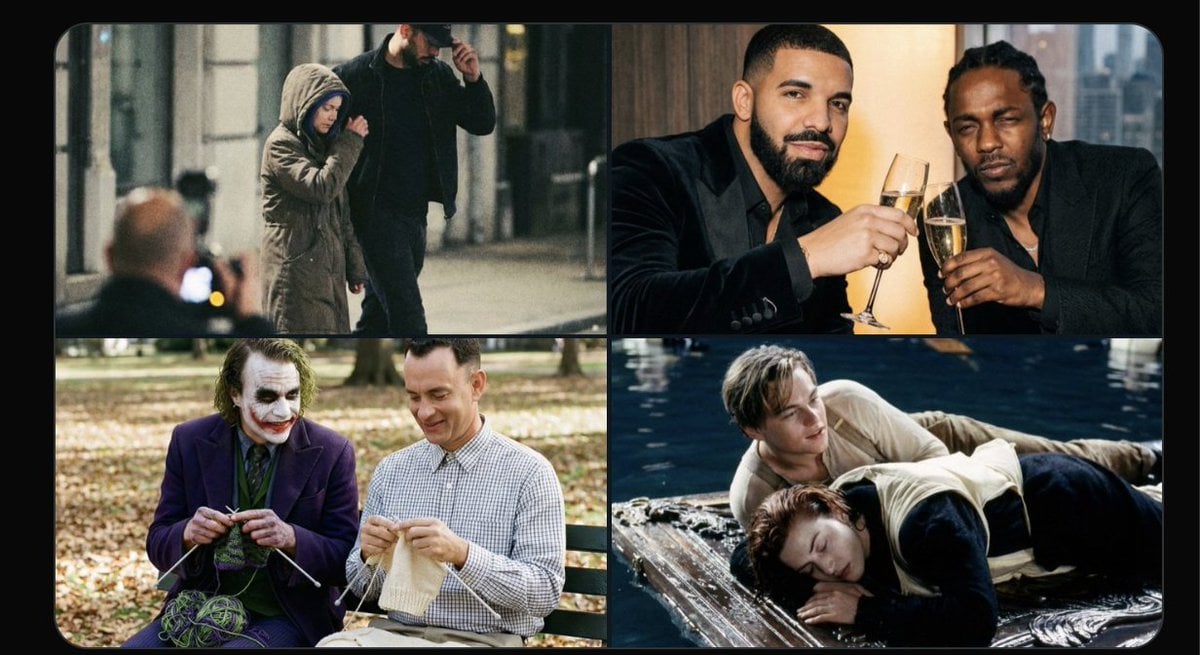
Cinematic Camera Instructions for Nano Banana Pro
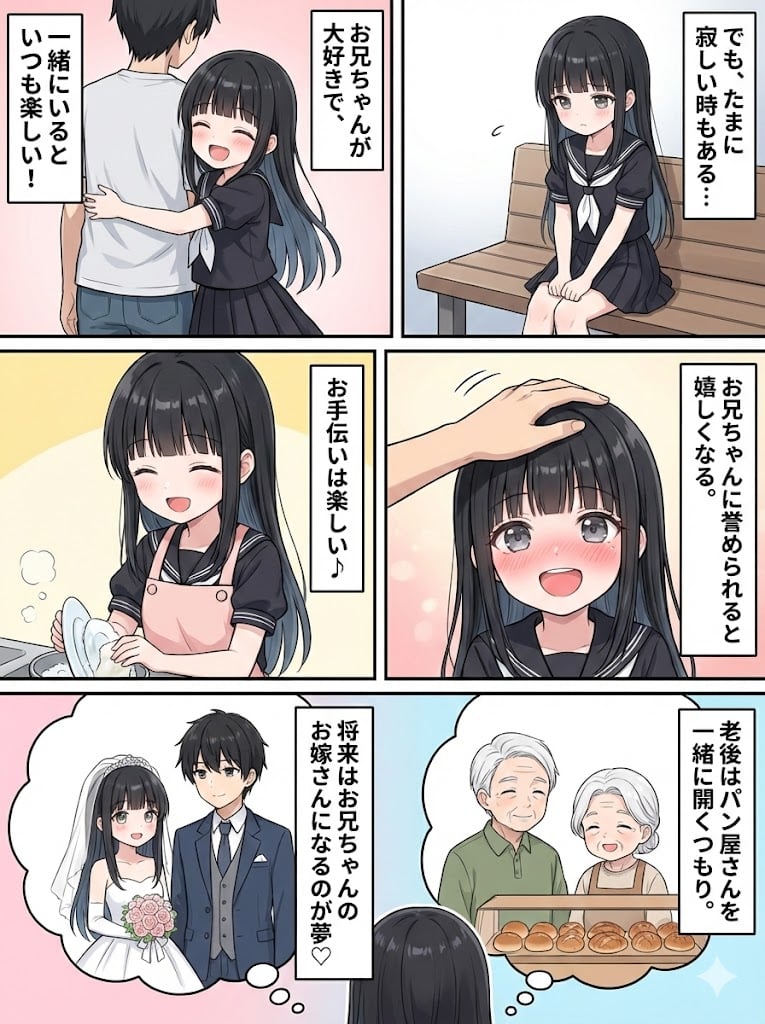
Character Generation and Document Summary Visualization
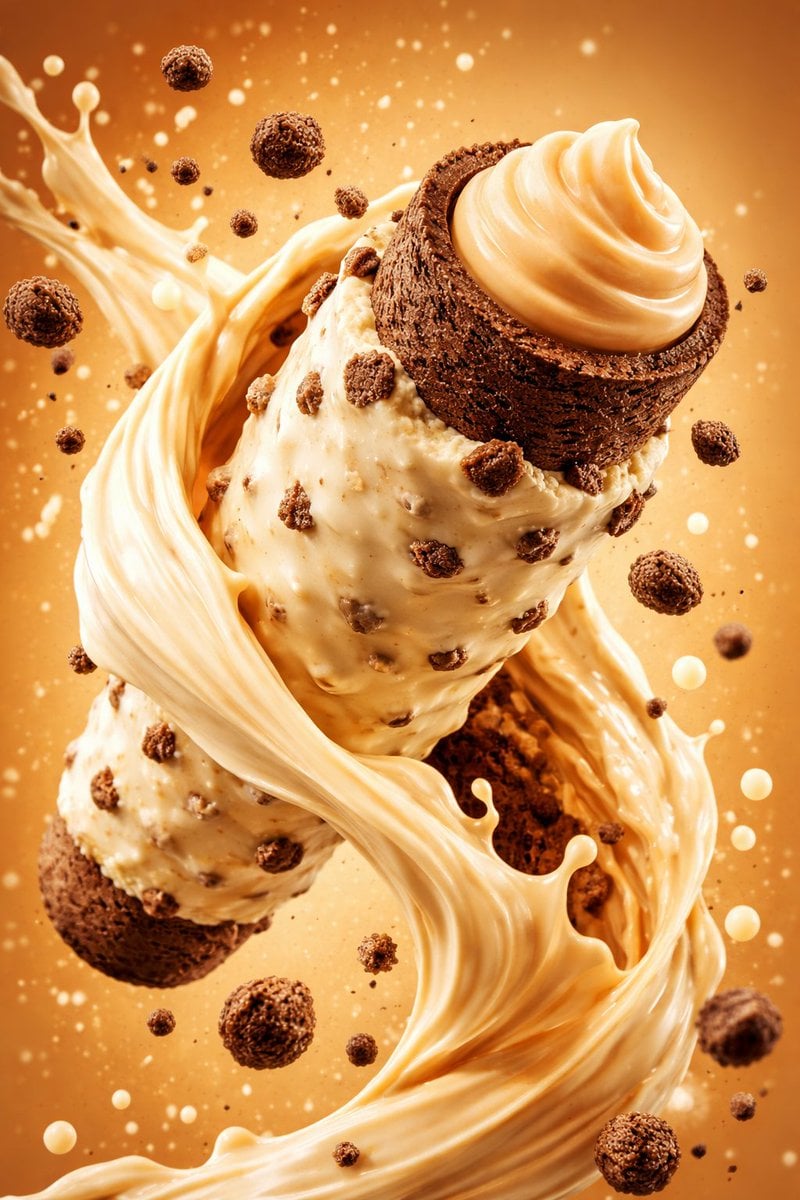
Hyper-Realistic Commercial Food Photography Prompt for Gemini Nano Banana Pro
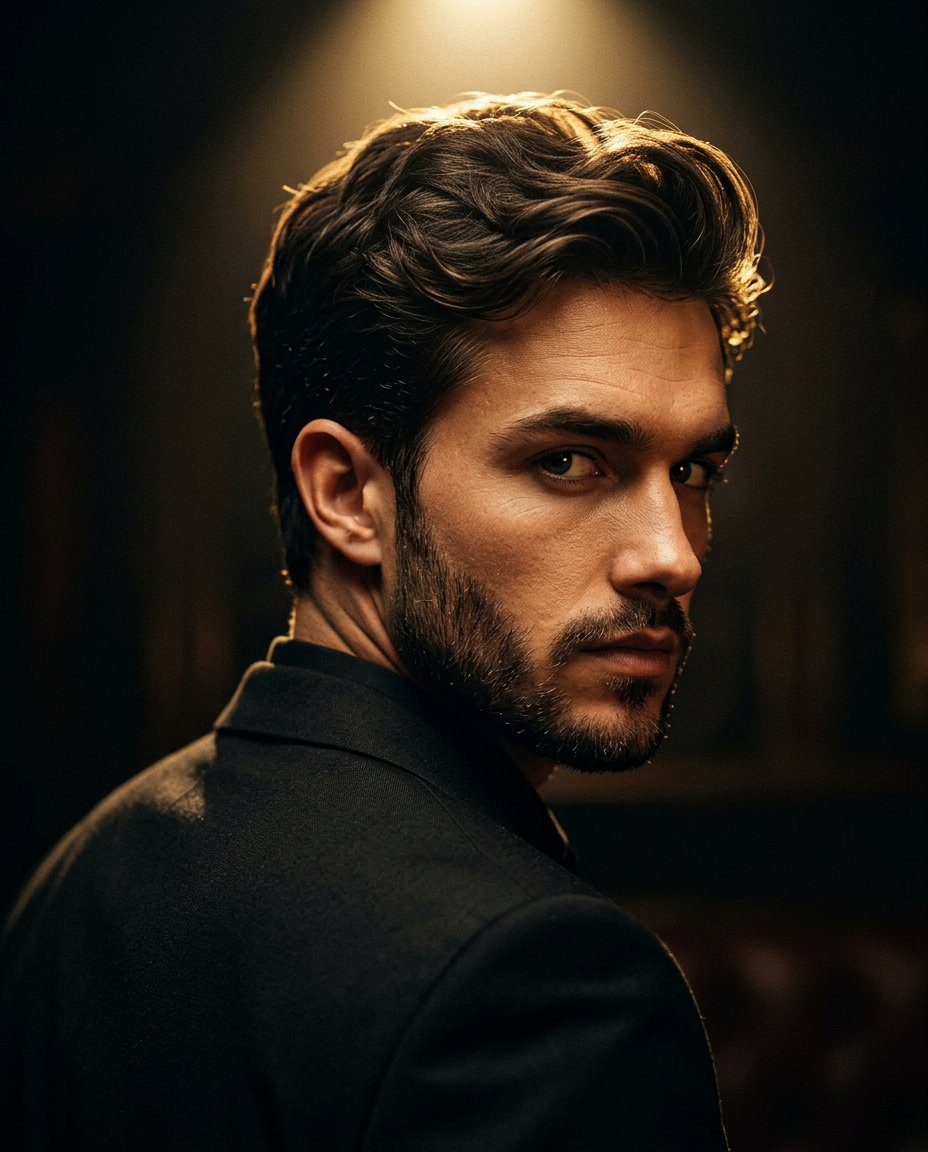
Cinematic Portrait Prompt for Google Nano Banana Pro
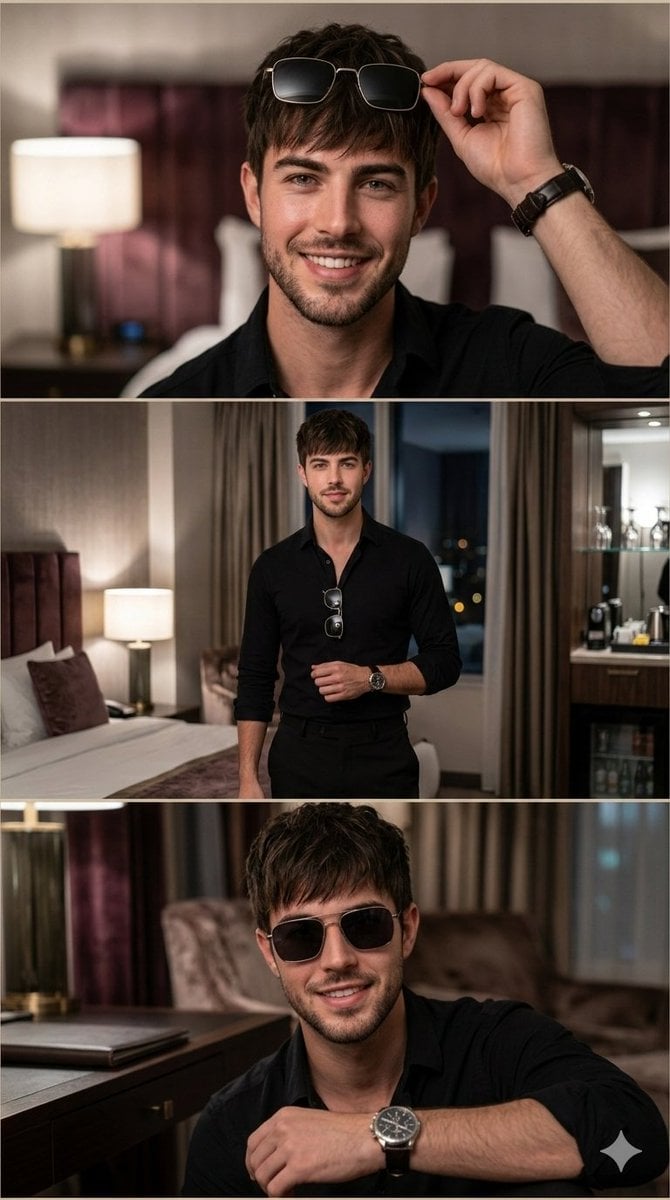
Multi-Frame Lifestyle Portrait Prompt for Nano Banana Pro
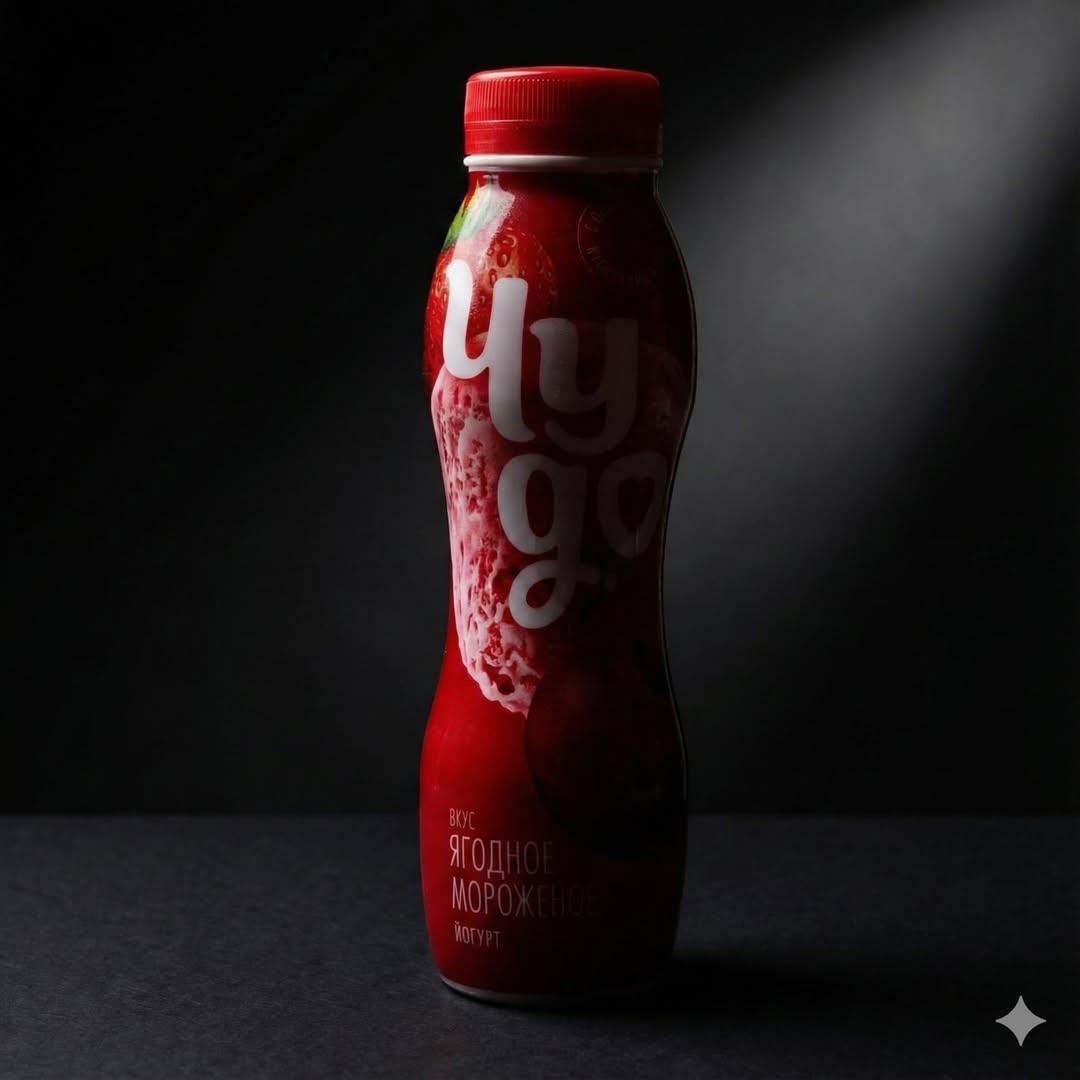
Low-Key Product Photography Prompt for Gemini Nano Banana Pro
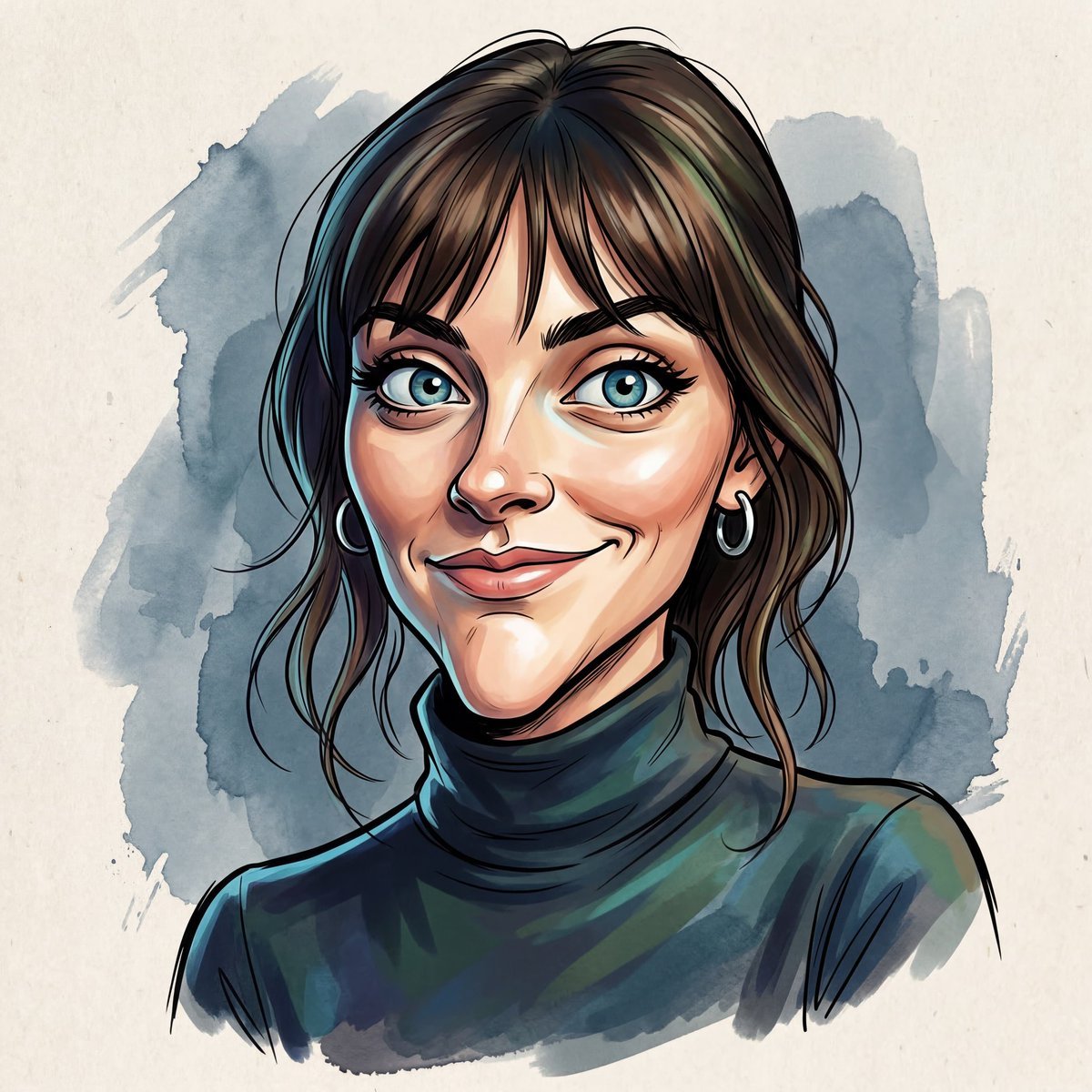
Masterpiece Political Caricature Prompt for Nano Banana 2
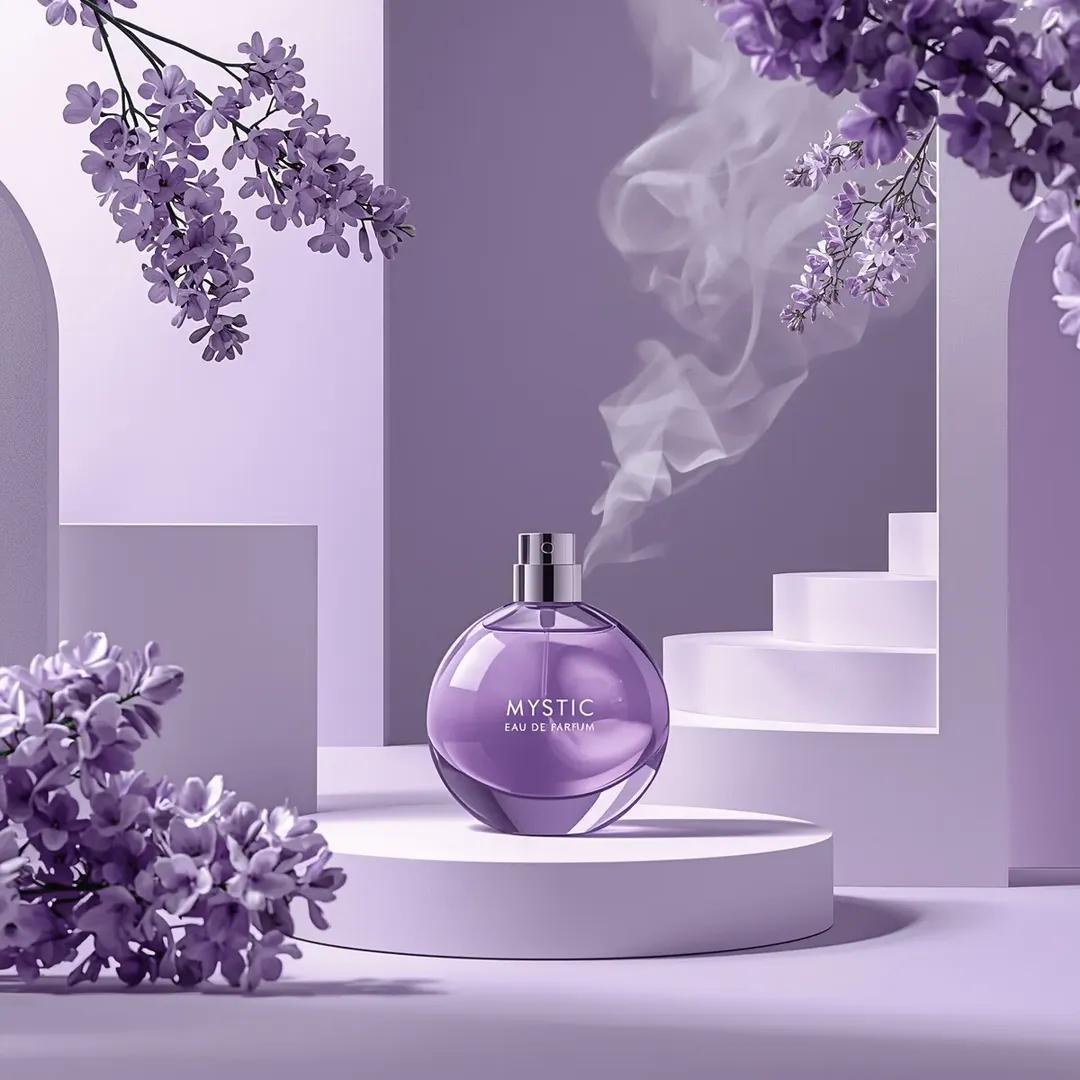
Commercial Perfume Photography Prompt for Nano Banana Pro
Make it yours
Nano Banana Pro Image Generation Prompt for MBTI Character Visualization works as-is. These are the safest ways to change it without losing the look.
Change one field
Copy a single group, rewrite it, and generate again so you can see what that field is doing.
Keep the frame, change the subject
Hold the composition and light of Nano Banana Pro Image Generation Prompt for MBTI Character Visualization, then swap wardrobe, props or the person for a new take.
| If the result… | Why | Fix |
|---|---|---|
| The result drifts from the preview | Too many fields changed at once. | Reuse Nano Banana Pro Image Generation Prompt for MBTI Character Visualization as-is first, then change one group — subject, light, or setting. |
| The model over-stylizes the scene | The prose prompt leaves finish and camera underspecified. | Add one camera or lighting sentence and stay on Nano Banana 2. |
More Nano Banana 2 templates
Other prompts made for Nano Banana 2.

Photorealistic Leaf Shaped Like a Dragon

K-Pop Idol Portrait Grid for Rapid Selection

Poetic Rain Forest Portrait During Golden Hour

Urban Street Portrait with Cartoon Inner Self Duo

Candid Nighttime Photo with Cat Prompt

High-Concept 3D Diorama Generation Prompt

Cinematic Futuristic Studio Portrait Template

Skincare Editorial Photography Collage Prompt

Hyper-Realistic Commercial Product Photography (Splash Effect)

Hyper-Realistic Nightclub Portrait Prompt
More image prompts
Fresh picks from across the catalog.
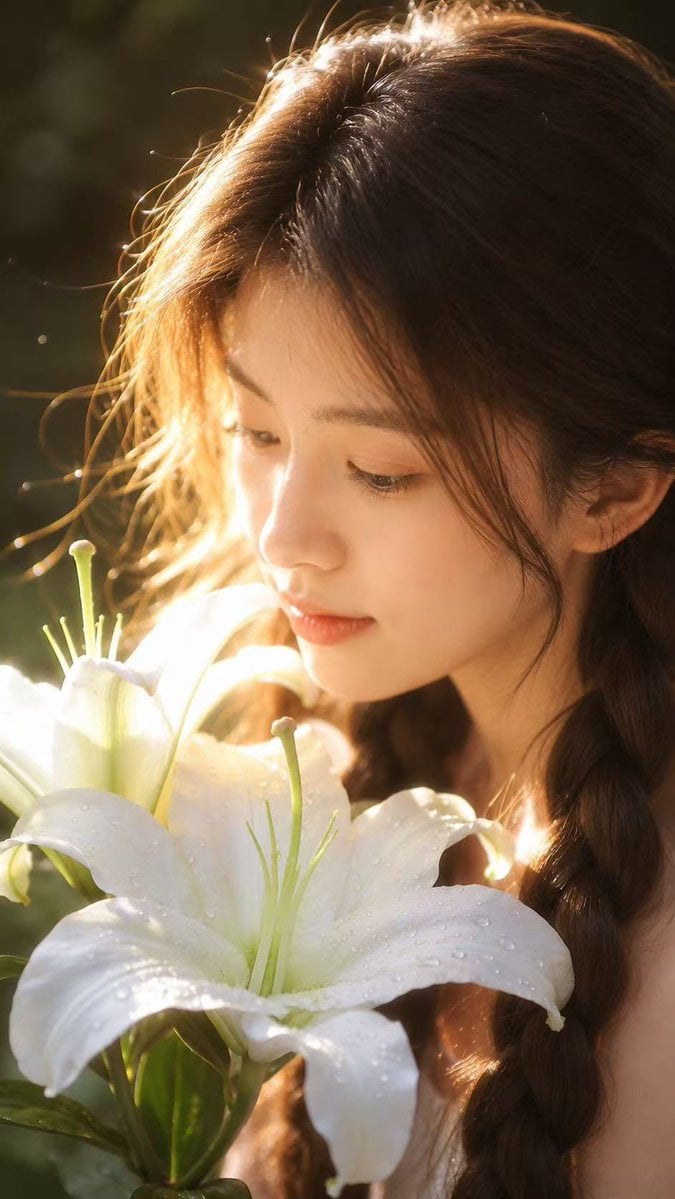
Golden Backlight Lily Portrait
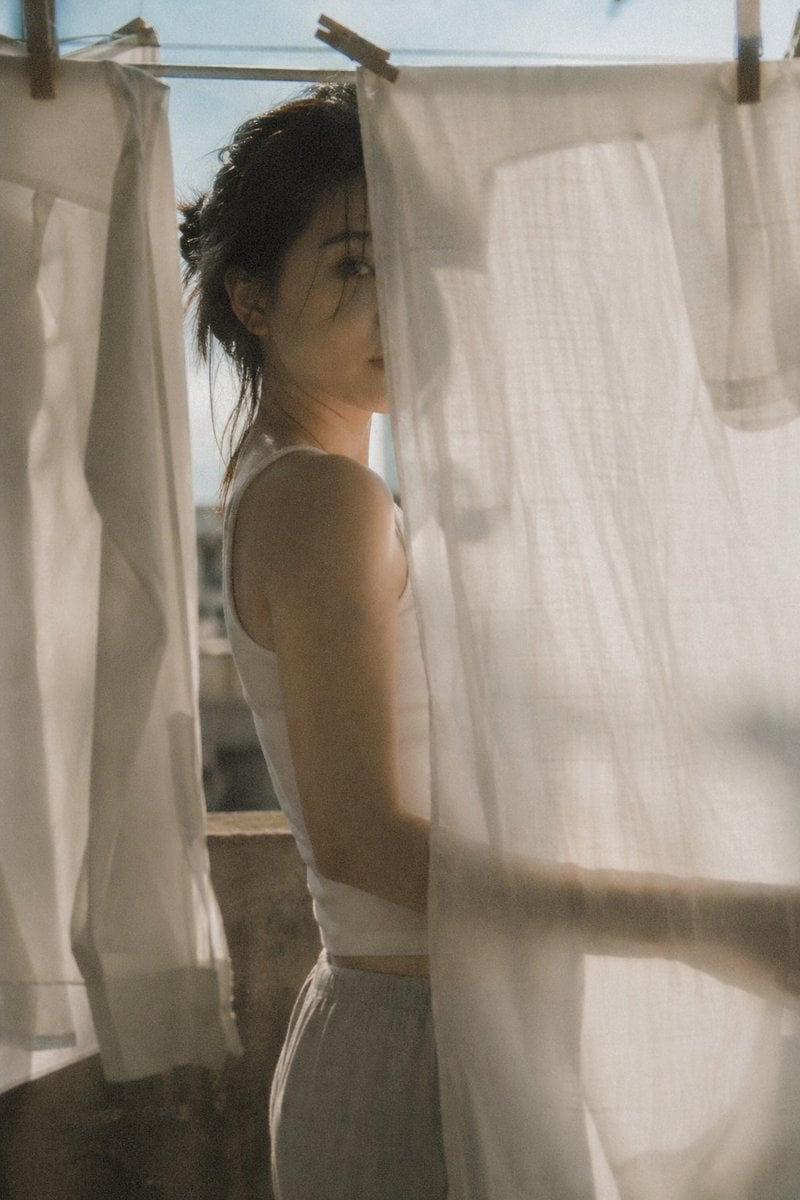
Japanese negative film aesthetic prompt
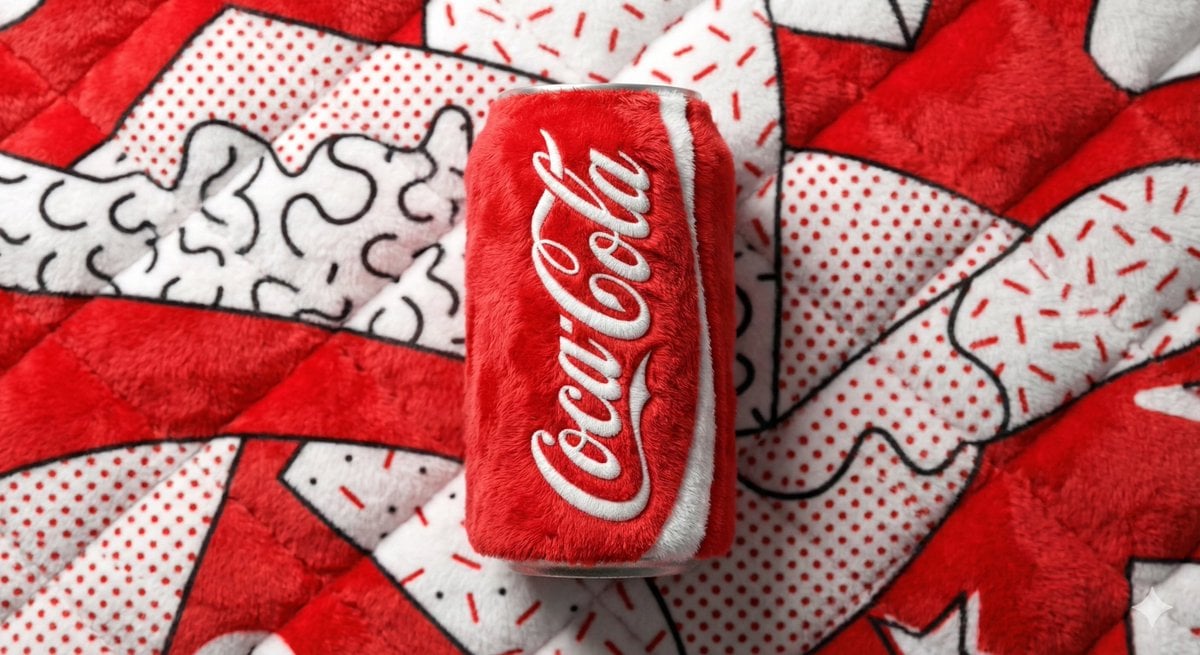
Pop Art Plush Product Shot of a Beverage Can
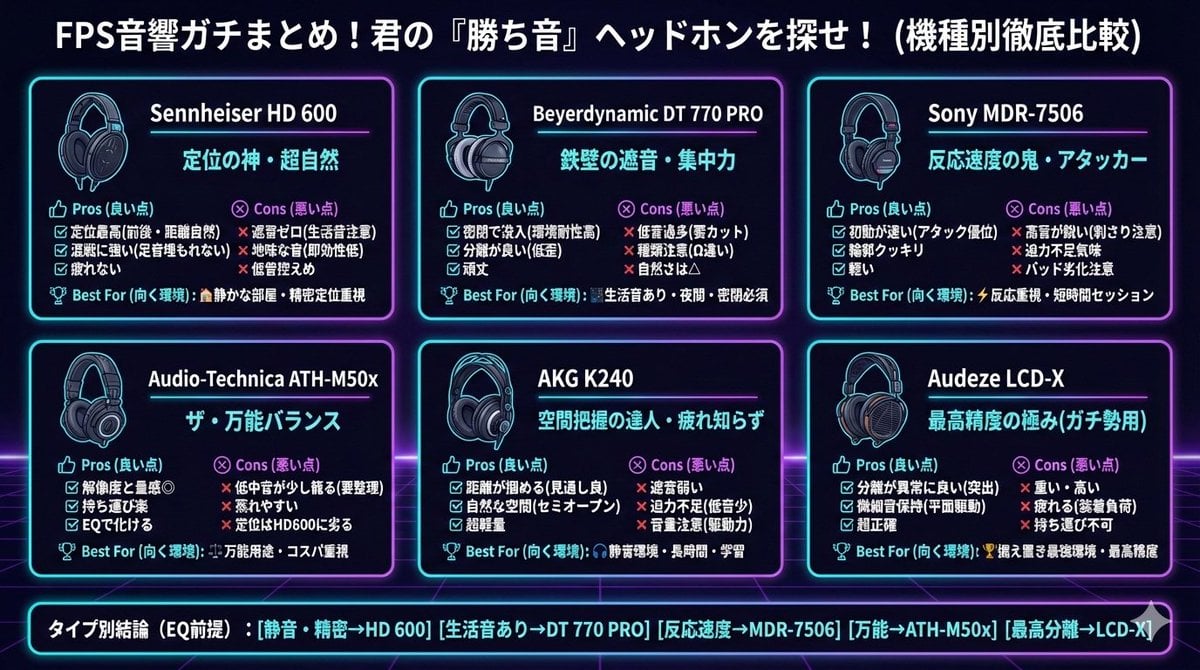
Summarizing Long Text into Visuals
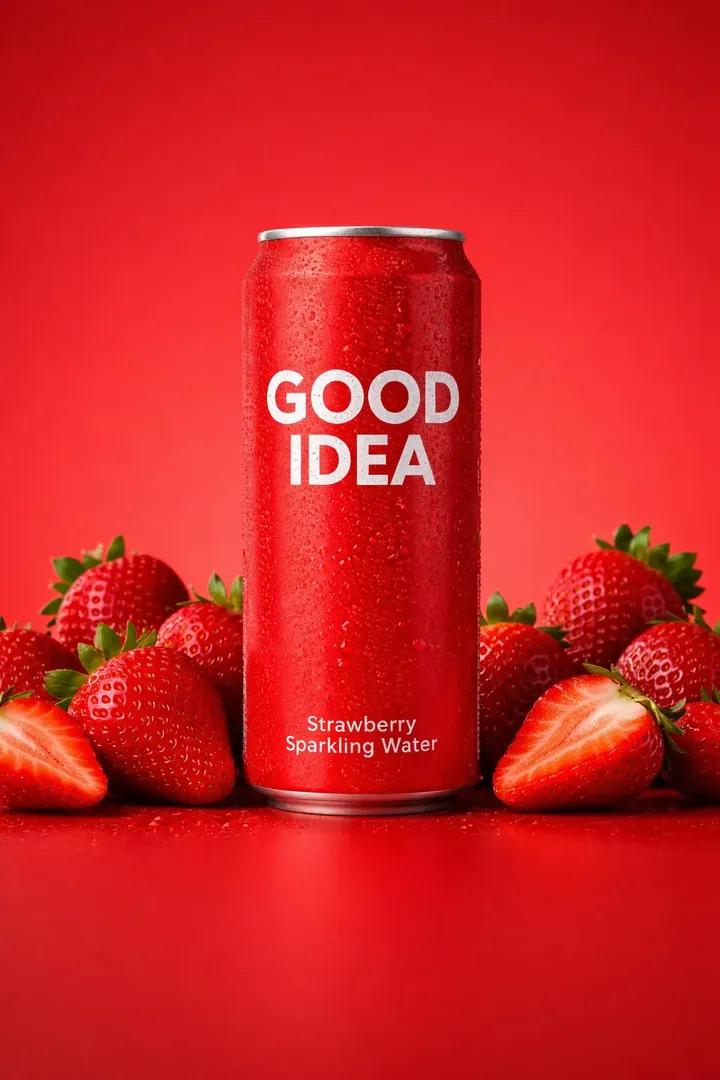
Premium Studio Product Photo of Sparkling Water Can
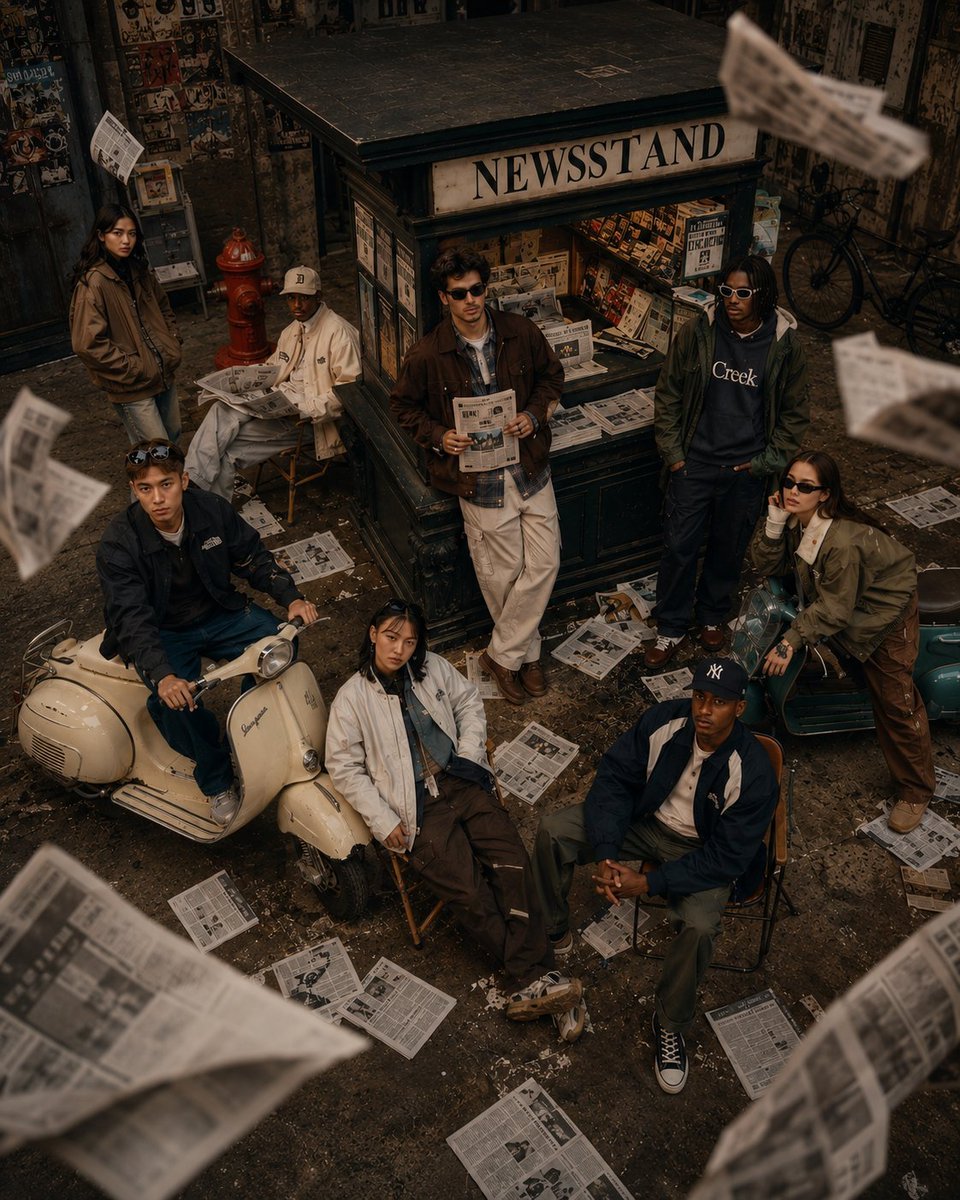
90s Retro Streetwear Fashion Editorial
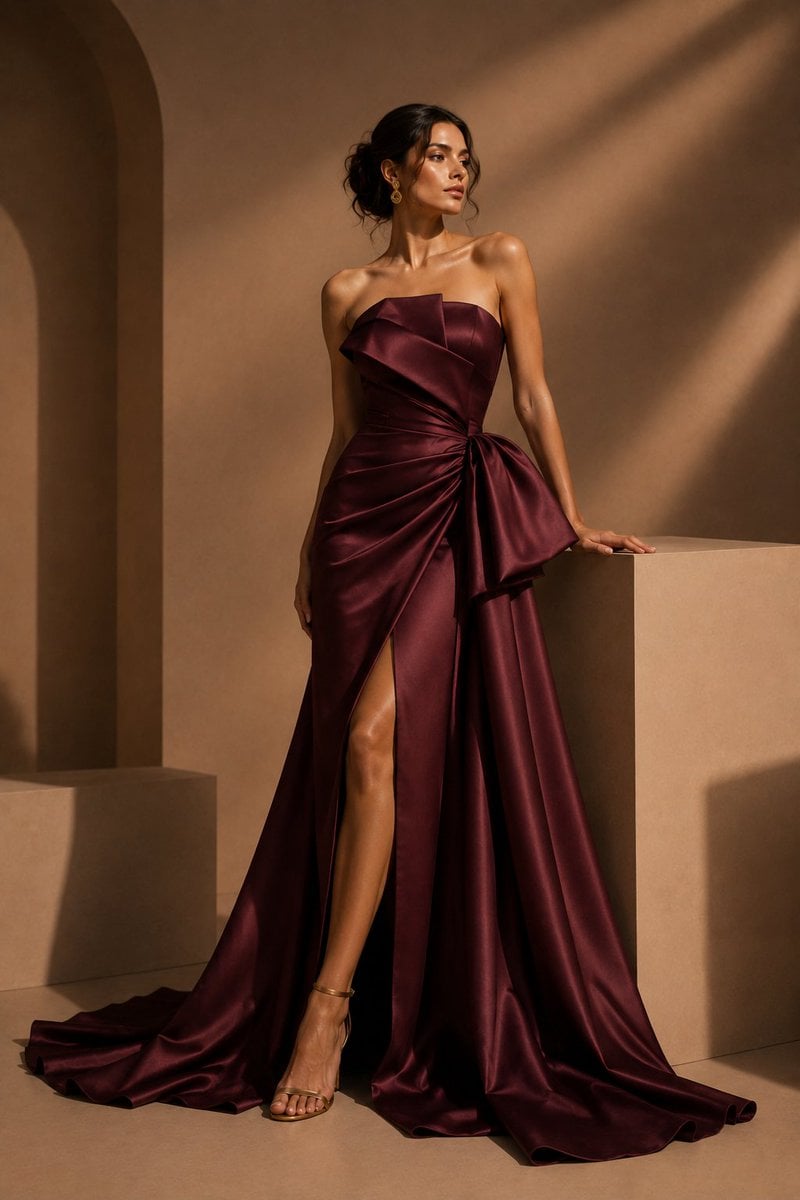
Burgundy Satin Couture Editorial
Water Mirror Fantasy Maiden
Vlog-Style Fashion Video Prompt
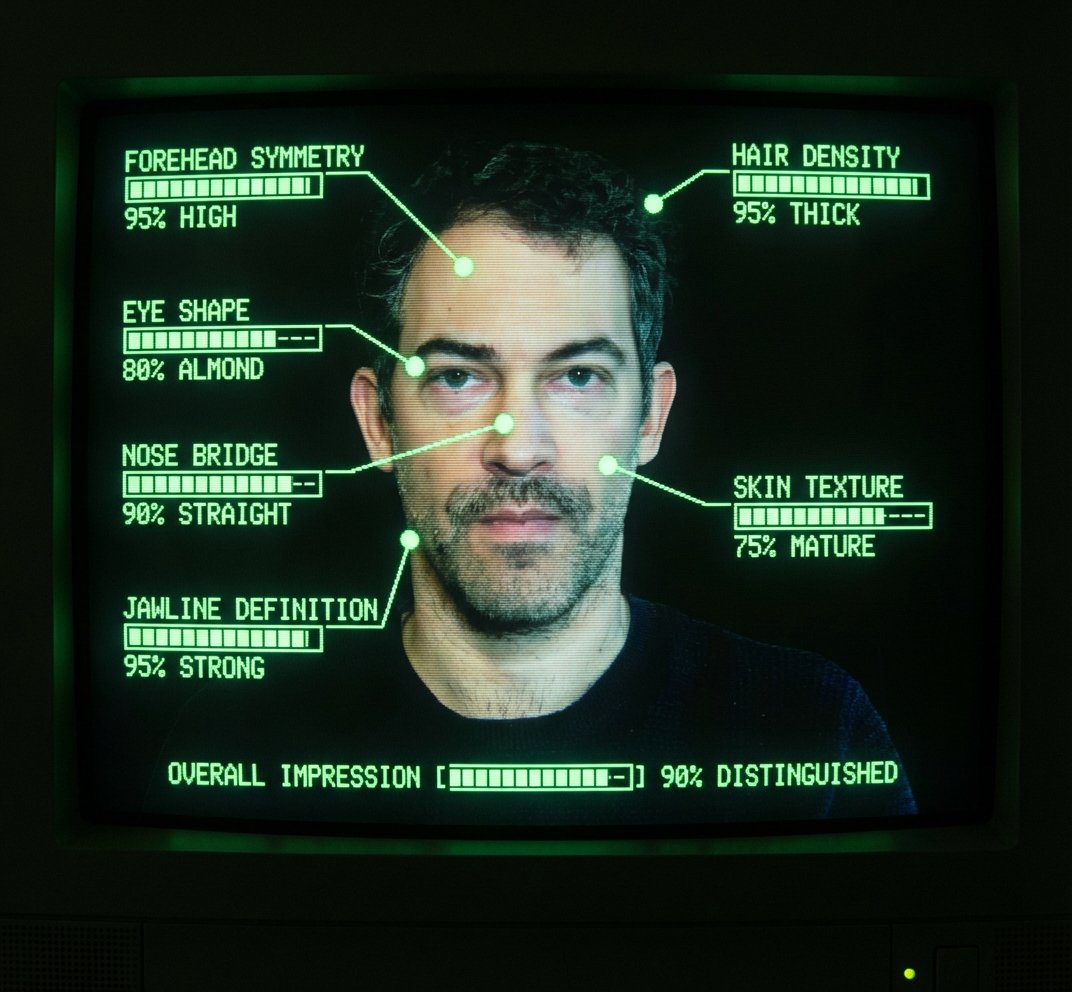
Annotate photo with hot-or-not console ratings
Browse template categories
Nano Banana Pro Image Generation Prompt for MBTI Character Visualization questions
How do I use the Nano Banana Pro Image Generation Prompt for MBTI Character Visualization template?
Add your photo if the template asks for one, edit the prompt if you like — the template's model and format are already selected — and press Generate. Your version opens in PicX Studio.
Can I customize the Nano Banana Pro Image Generation Prompt for MBTI Character Visualization template?
Yes. You can change the subject, setting, lighting, mood, format, and available model controls before creating your image.
Is the Nano Banana Pro Image Generation Prompt for MBTI Character Visualization template free?
Opening and editing this template is free. Generating uses credits, shown on the Generate button when you are signed in.
Which AI model should I use?
Start with Nano Banana 2, which is the model associated with this template. You can compare another compatible model for a different finish.
Looking for something else? Browse all templates.

Your photo, any look
Thousands of ready templates for every top image and video model, from one credit balance.