How do I use the Coquette Aesthetic Vanity Mirror Selfie template?
Choose the primary action to open PicX Studio with the available template settings. Review the model and format, personalize the creative direction, and generate when ready.
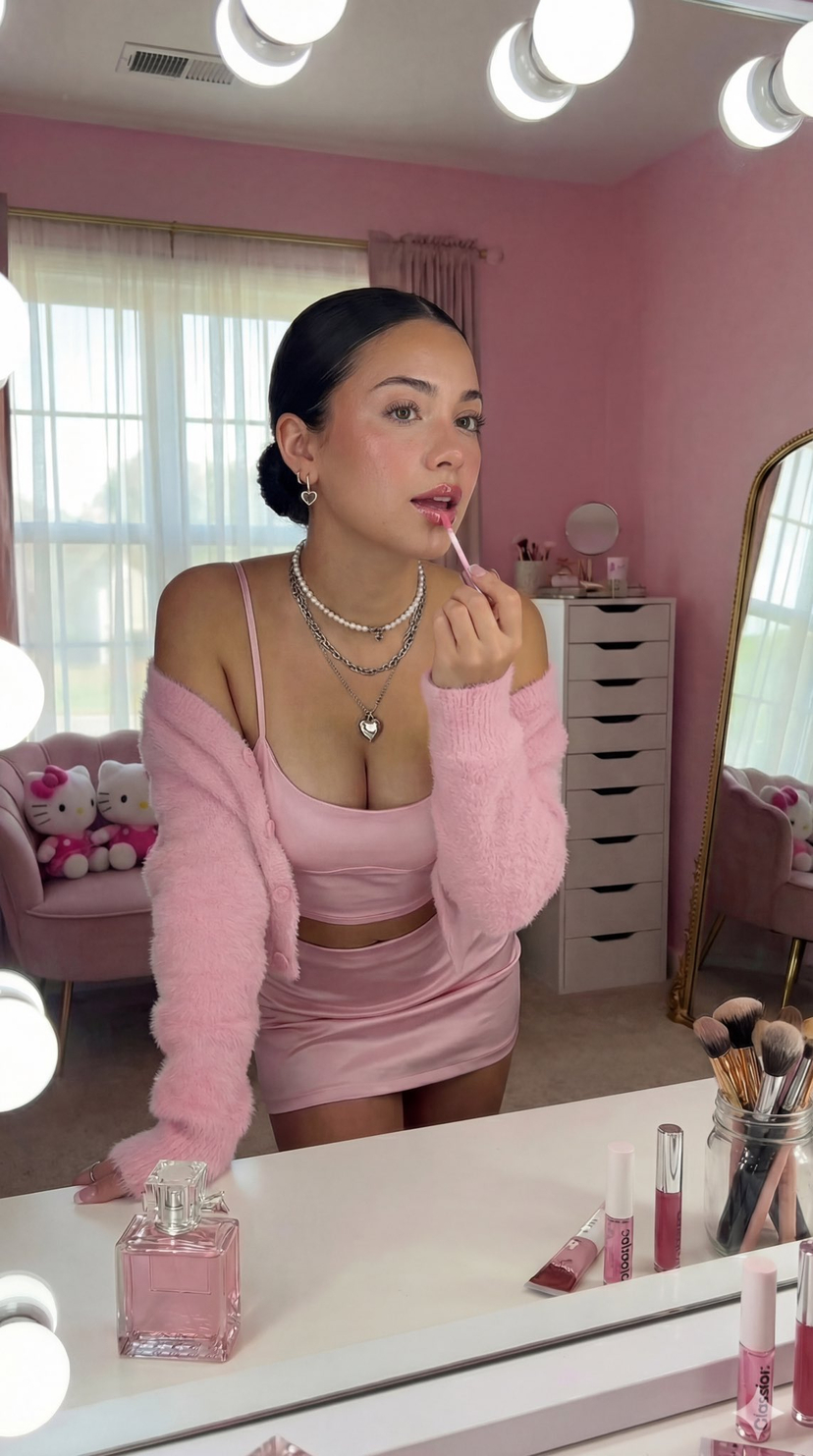
A detailed JSON prompt for generating an image in the 'coquette aesthetic' style, simulating a 'Get Ready With Me' moment. Change the subject, setting, or lighting one variable at a time.

{ "image_details": { "subject": { "person": "Young woman", "pose": "Leaning forward slightly towards a vanity mirror, applying lip gloss with right hand, left hand resting on the table surface", "expression": "Soft gaze, lips slightly parted", "hair": "Dark, slicked back into a low bun with a middle part", "makeup": "Dewy skin, rosy blush, glossy pink lips, groomed eyebrows, light mascara", "clothing": { "top": "Light pink satin crop top with spaghetti straps", "bottom": "Matching light pink satin mini skirt", "outerwear": "Fuzzy, textured pink cardigan worn off the shoulders", "jewelry": "Layered silver necklaces (one pearl-like choker, one chain, one with a heart pendant), small heart hoop earrings" } }, "setting": { "room": "Bedroom or dressing room with pink walls", "lighting": "Bright vanity mirror lights (Hollywood style bulbs) visible on the left frame and top, natural light from a window in the background", "furniture": { "vanity": "White vanity table with a large mirror", "drawers": "White 9-drawer unit (tall chest) in the background reflection", "seating": "Pink plush chair or sofa visible in the background" }, "background_elements": { "window": "Large window with sheer white curtains", "decor": "Hello Kitty plush toys (one large pink one on the seating, smaller ones on shelves), a gold-framed floor mirror in the background" } }, "foreground_objects": { "vanity_surface": { "perfume": "Square glass perfume bottle with pink liquid and crystal-like cap", "makeup_tools": "Jar of makeup brushes (brown and rose gold handles)", "cosmetics": "Various makeup palettes, tubes, and a Glossier lip gloss tube standing upright", "action_item": "Lip gloss wand being held near lips" } }, "composition": { "perspective": "Selfie-style or shot through a mirror reflection", "color_palette": "Monochromatic {argument name="color palette" default="pink"} theme (various shades of pink), white accents, warm lighting", "style": "{argument name="aesthetic style" default="Coquette aesthetic"}, 'Get Ready With Me' vibe, soft and feminine" } } }
Choose the primary action to open PicX Studio with the available template settings. Review the model and format, personalize the creative direction, and generate when ready.
Yes. You can change the subject, setting, lighting, mood, format, and available model controls before creating your image.
This template is free to open and customize. Generation usage is shown in PicX Studio before you create.
Start with Nano Banana 2, which is the model associated with this template. You can compare another compatible model for a different finish.
Follow a topic to a crawlable collection of related PicX Studio templates.
43,474 public templates available. Verified via the PicX Studio public templates API; refreshed hourly.




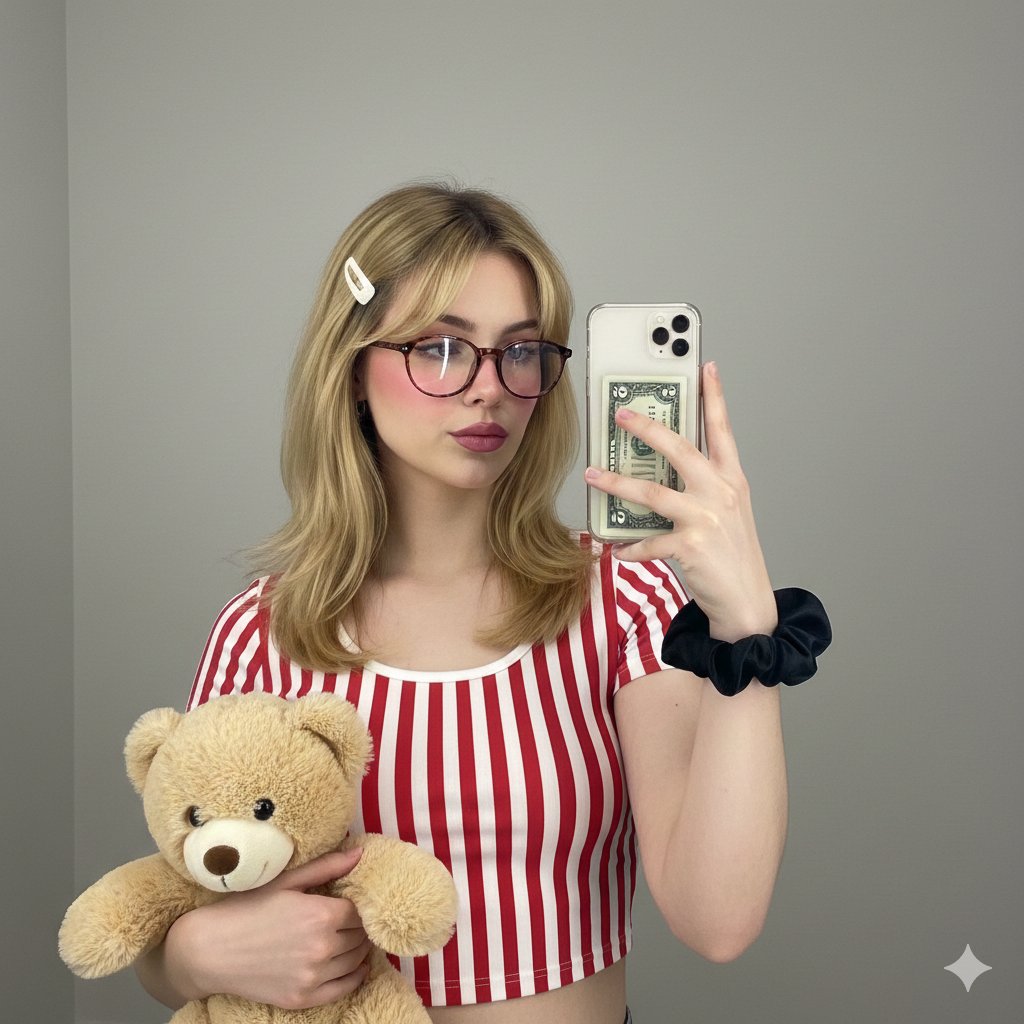
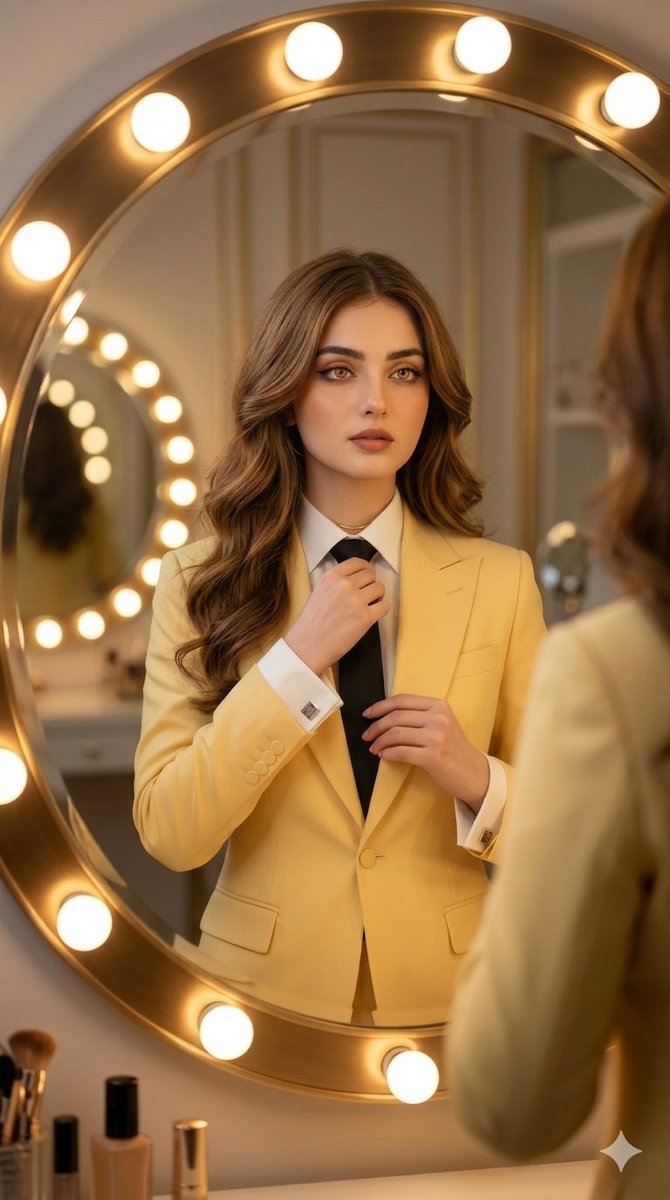


![nano-banana-grwm-mirror-selfie-pink — Nano Banana 2
Prompt (JSON):
{
"type": "image_prompt",
"description": {
"subject": {
"main": "[NAME] com o](/_next/image?url=https%3A%2F%2Fcdn.picxstudio.com%2Fuploads%2Ftweet_img_10a_612da6f9-cf6d-417e-bdd5-cc1300d1d830.jpg&w=828&q=100)

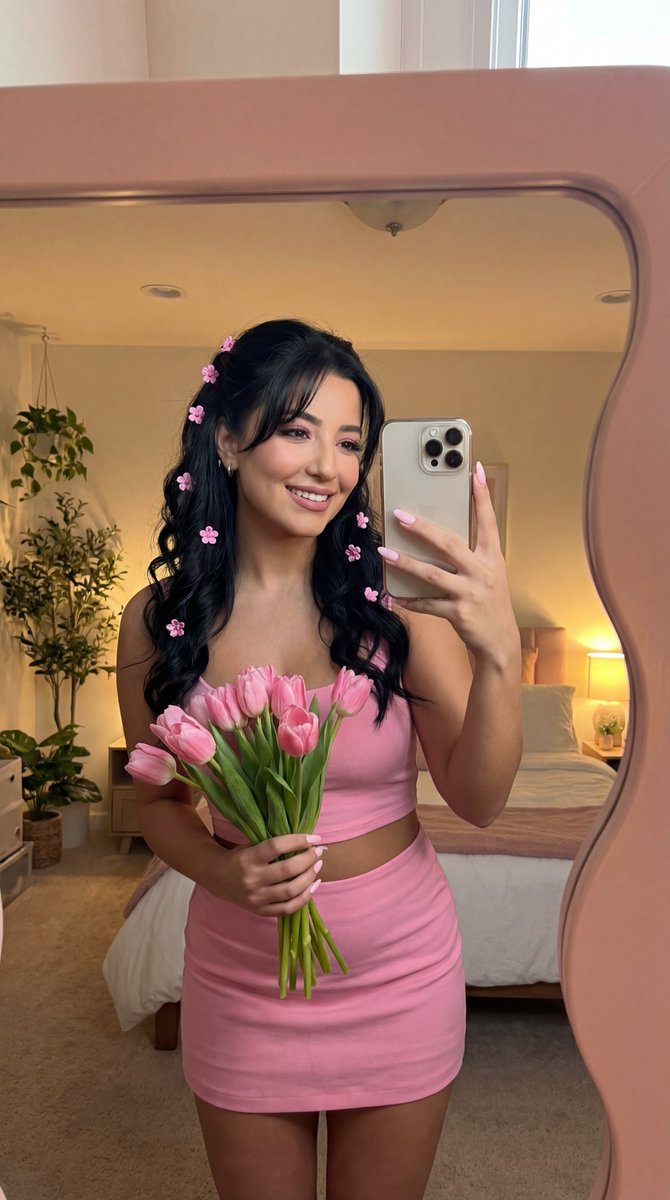





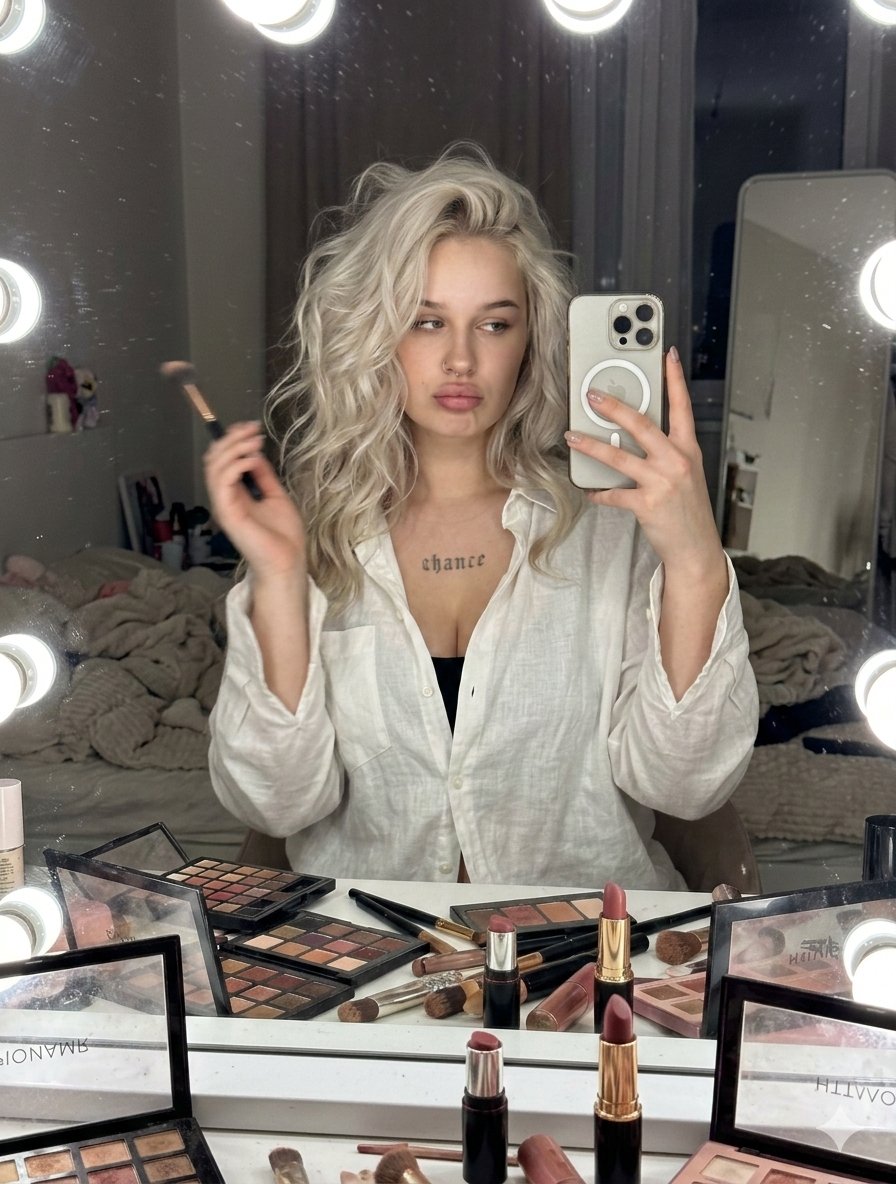

![Naive doodle-style subject illustration — A doodle-style {argument name="subject" default="[subject]"}, naive lines, humorous shape exaggeration](https://pbs.twimg.com/media/G6Wl2YxbsAARB2b.jpg)













![Tilt-Shift City Map Travel Scene — Create a highly detailed cinematic miniature tilt-shift travel scene of {argument name="city" default="[CITY NAME]"} featurin](https://cms-assets.youmind.com/media/1780735246888_ea2wzm_HKBO8ReaoAA_hkz.jpg)