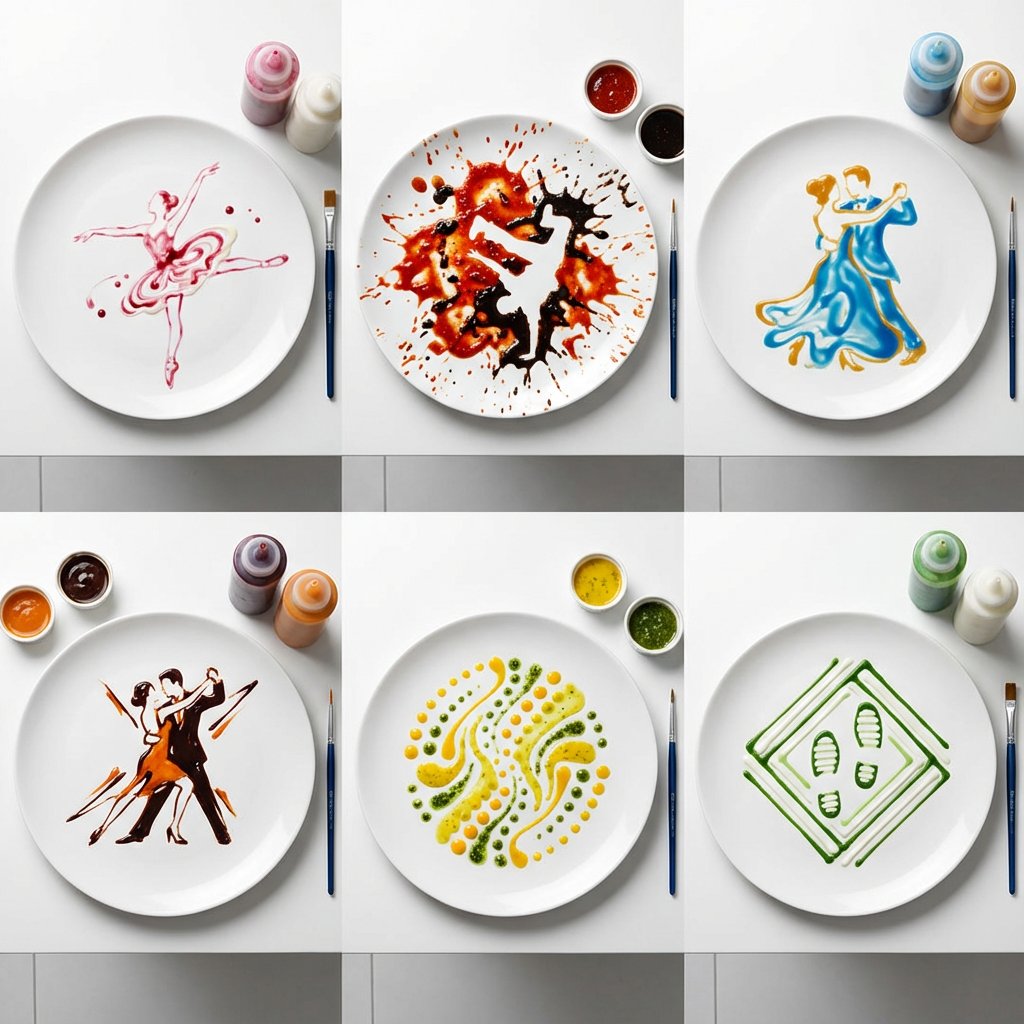
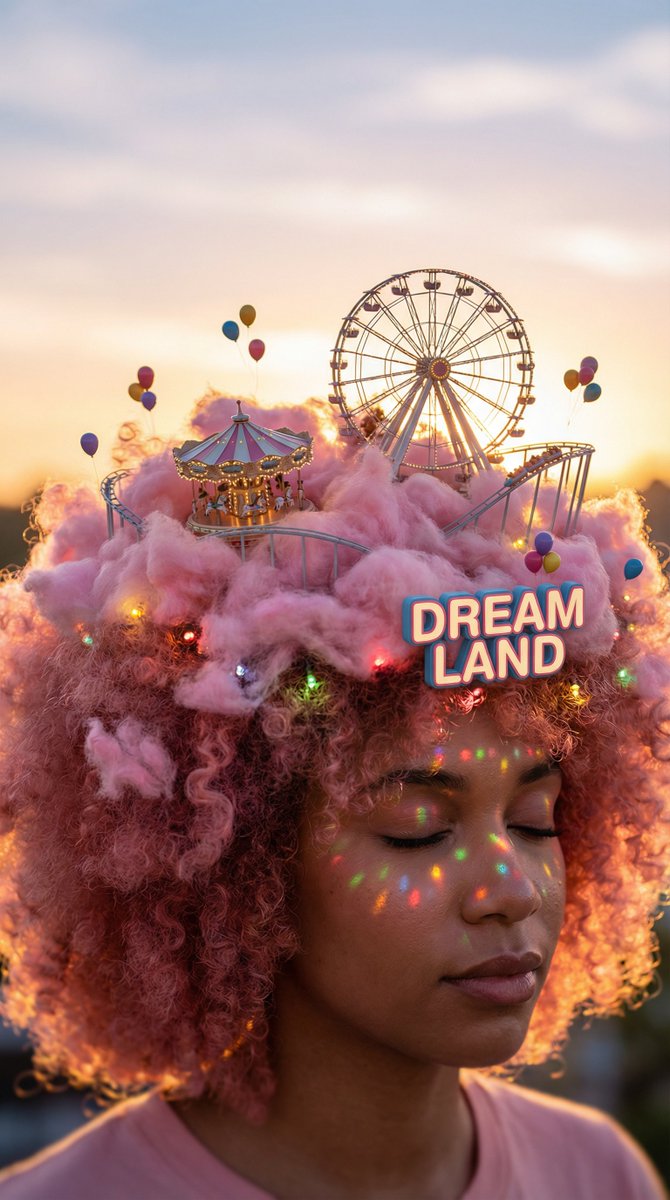
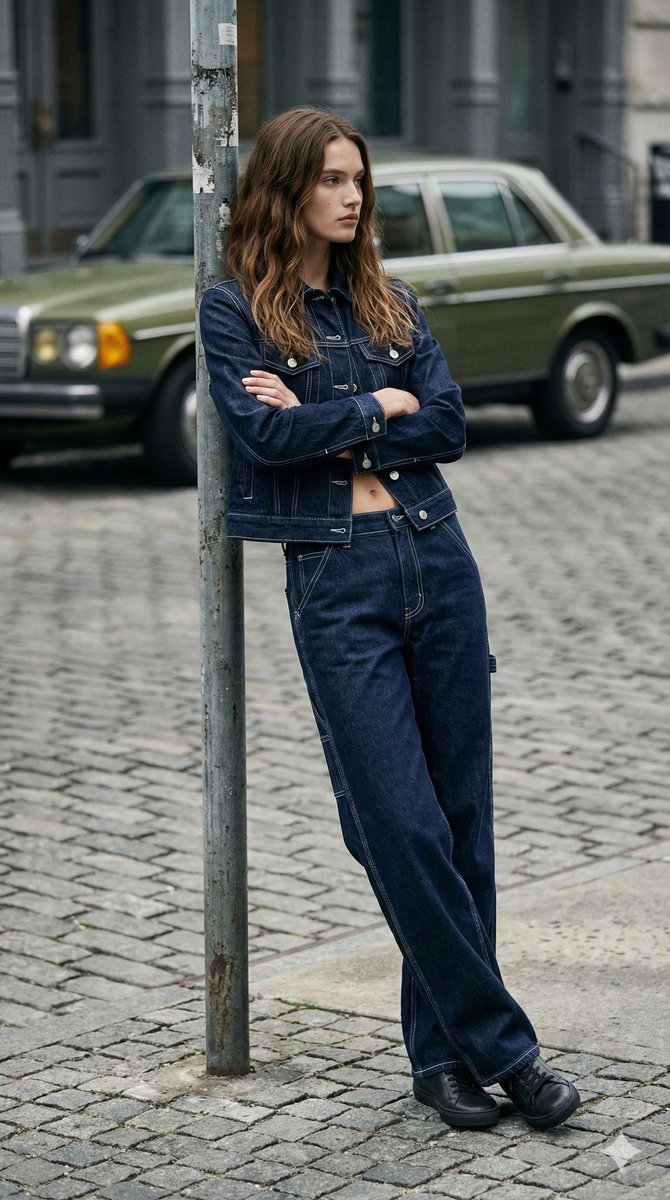
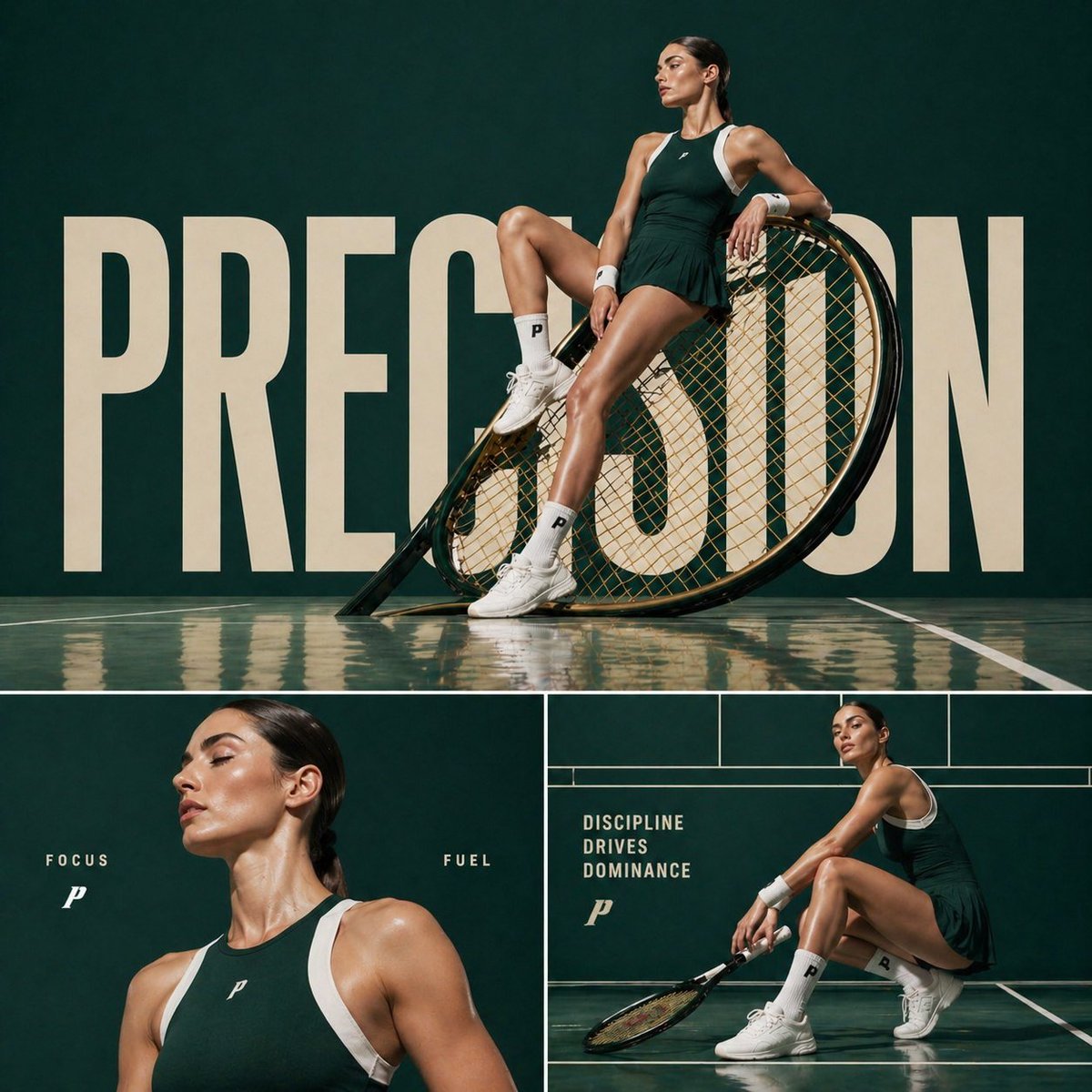
How do I use the High-Detail Selfie Simulation Portrait Prompt template?
Choose the primary action to open PicX Studio with the available template settings. Review the model and format, personalize the creative direction, and generate when ready.
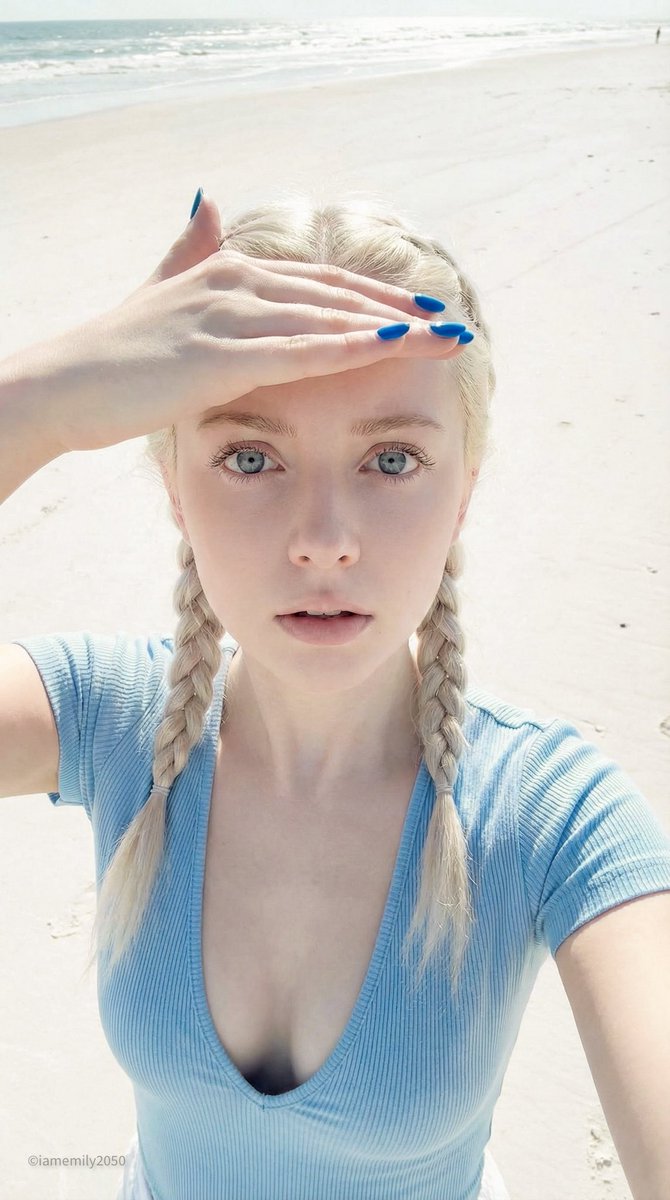
A highly technical JSON prompt for Nano Banana Pro on Gemini, simulating a high-angle selfie taken with professional camera gear (Sony A7R V, 35mm lens). It specifies the subject's appearance (tan skin, voluminous hair, 'duck face' expression), pose (lying down, finger on lips), setting (white textured fabric), and detailed camera/lighting specifications for an 8K, photorealistic output with warm golden hour tones. (free to use) — Free AI image template on PicX Studio.
{ "subject": { "gender": "Female", "age_range": "Young adult", "complexion": "Tan, sun-kissed skin", "eyes": { "color": "Light blue or grey", "gaze": "Direct eye contact with camera", "makeup": "Natural glam, defined lashes, nude glossy lips" }, "hair": { "texture": "Voluminous curls", "color": "Brunette with heavy blonde highlights (balayage)", "style": "Loose, spread out around head on the surface" } }, "clothing": { "top": { "color": "Dark chocolate brown", "style": "Short-sleeved t-shirt or bodysuit", "neckline": "Deep scoop neck", "fit": "Tight/form-fitting" } }, "accessories": { "jewelry": [ "Silver link-bracelet watch on left wrist", "Multiple stacked rings on left hand (gold and silver bands)", "Thin delicate necklace", "Small stud earrings" ] }, "pose_and_action": { "body_position": "Lying down on back", "hand_gesture": "Left hand brought up to face, index finger resting gently on lips (shush or thoughtful gesture)", "facial_expression": "Slight pout ('duck face'), sultry and playful" }, "setting": { "background": "White textured fabric", "texture_detail": "Waffle-weave pattern (likely a bedspread or blanket)" }, "camera_and_technical": { "camera_model": "Sony A7R V", "lens": "35mm G Master f/1.4 lens", "aperture": "f/2.8", "shutter_speed": "1/250s", "iso": "100", "lighting_setup": "Soft diffused natural window light from above, ring light fill", "color_grading": "Warm golden hour tones, slight VSCO C1 preset aesthetic, high contrast", "focus": "Sharp tack focus on eyes/iris, slight bokeh on hair edges", "perspective": "High-angle selfie simulation", "resolution": "8k, photorealistic, ultra-detailed texture" } } 1:1
Use High-Detail Selfie Simulation Portrait Prompt to plan an AI image around nano-banana-2 generation. Match the preview's composition first, then personalize the subject, setting, and mood for your own project.
Use the primary action to load the template settings in PicX Studio.
Adjust the subject and creative details for your destination.
Create the image, compare the result with the preview, and refine one variable at a time.
A continuous mix — similar concepts first, woven with same-model prompts and fresh picks from the catalog.
Choose the primary action to open PicX Studio with the available template settings. Review the model and format, personalize the creative direction, and generate when ready.
Yes. You can change the subject, setting, lighting, mood, format, and available model controls before creating your image.
This template is free to open and customize. Generation usage is shown in PicX Studio before you create.
Start with nano-banana-2, which is the model associated with this template. You can compare another compatible model for a different finish.
Follow a topic to a crawlable collection of related PicX Studio templates.
39,155 public templates available. Verified via the PicX Studio public templates API; refreshed hourly.
A continuous mix — similar concepts first, woven with same-model prompts and fresh picks from the catalog.